For coolers (but also cases) with the Digital attribute, DeepCool creates a built-in display. Its implementation is minimalist in spirit, doesn’t increase the price significantly, and can be considered useful. With regard to monitoring CPU temperatures and load intensity, it’s a thematic value added, which we’ll now look at in the context of the powerful AK620 (Digital) dual-tower cooler.
You know the DeepCool AK620 from our tests, or rather… its „basic“ model. However, DeepCool also offers various other variants that stand out with something special. With the AK620 Zero Dark Zoria it was the graphic customization with gaming themes (Zoria: Age of Shattering), now it’s the display. It can be considered as a feature for a wider audience. For those who want to be able to check the current state of their processor by looking at the cooler. Whether it is its temperature or load level. All this from the simple segment display that is part of the AK620 Digital cooler’s cover.

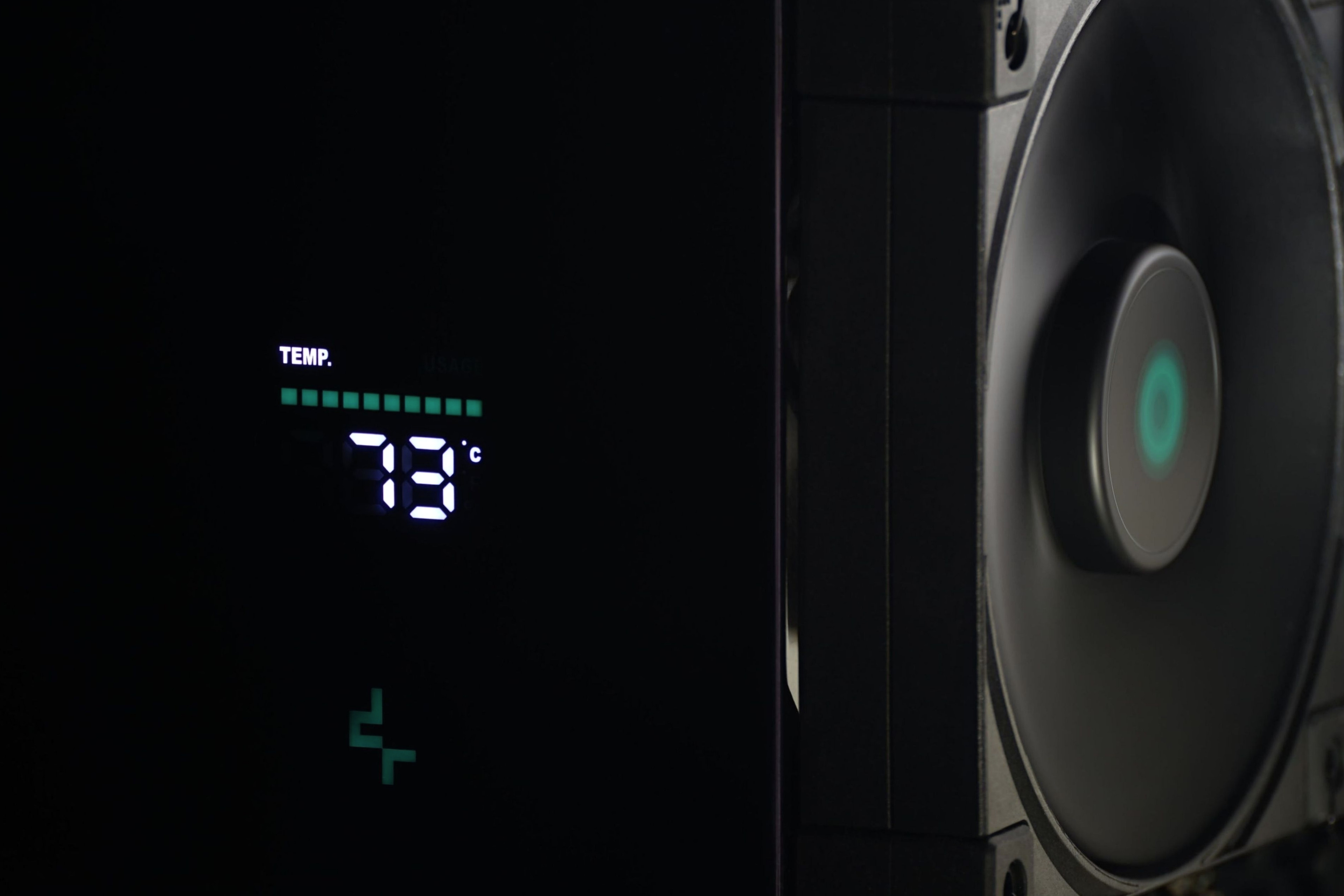
The display’s implementation is done with a view not to increase the production costs significantly. But at the same time, it should functionally display the data that users are most interested in during CPU operation – temperature information (CPU package) and current usage. That’s all this display does. If you are only interested in one of the metrics, you can select to only display it in the drivers. Or set the switch to “Automatic”, which will alternate between temperature and CPU usage every 7 seconds.
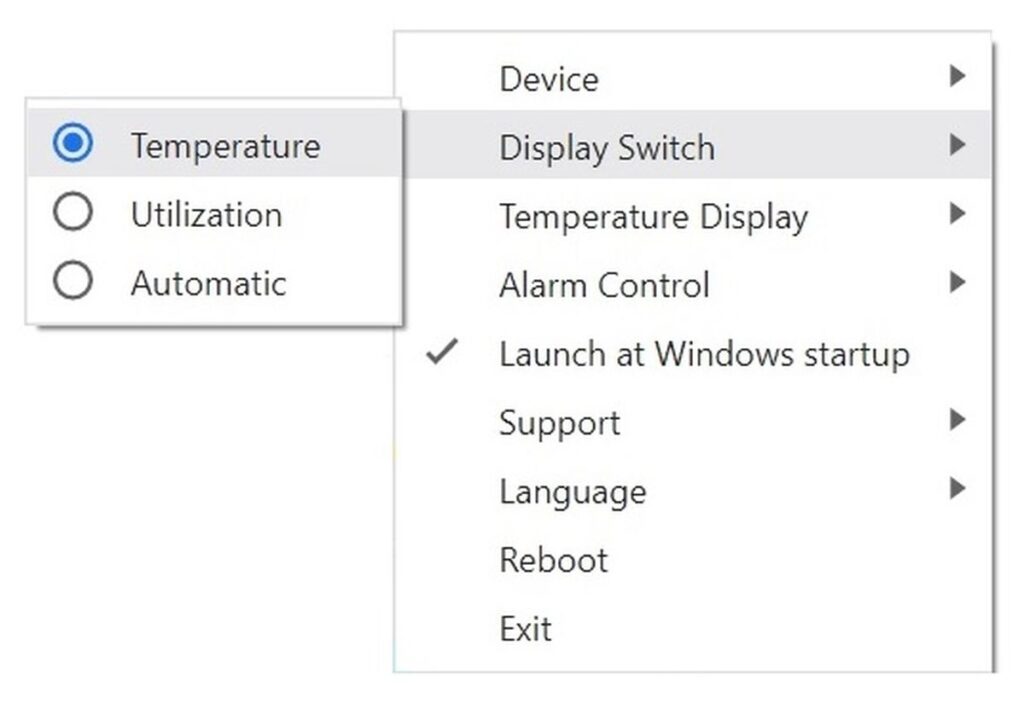
Just like the display, its controls are simple and there are only a few settings. You can replace Celsius with Fahrenheit or turn on an over-temperature warning.
Above the numerical values, there are also ten squares that light up according to how high or low the processor’s temperature (or usage) is. These are turquoise, in good contrast to the white numerals. The contrast is also enhanced by the use of a glossy display cover surface and black shielding.
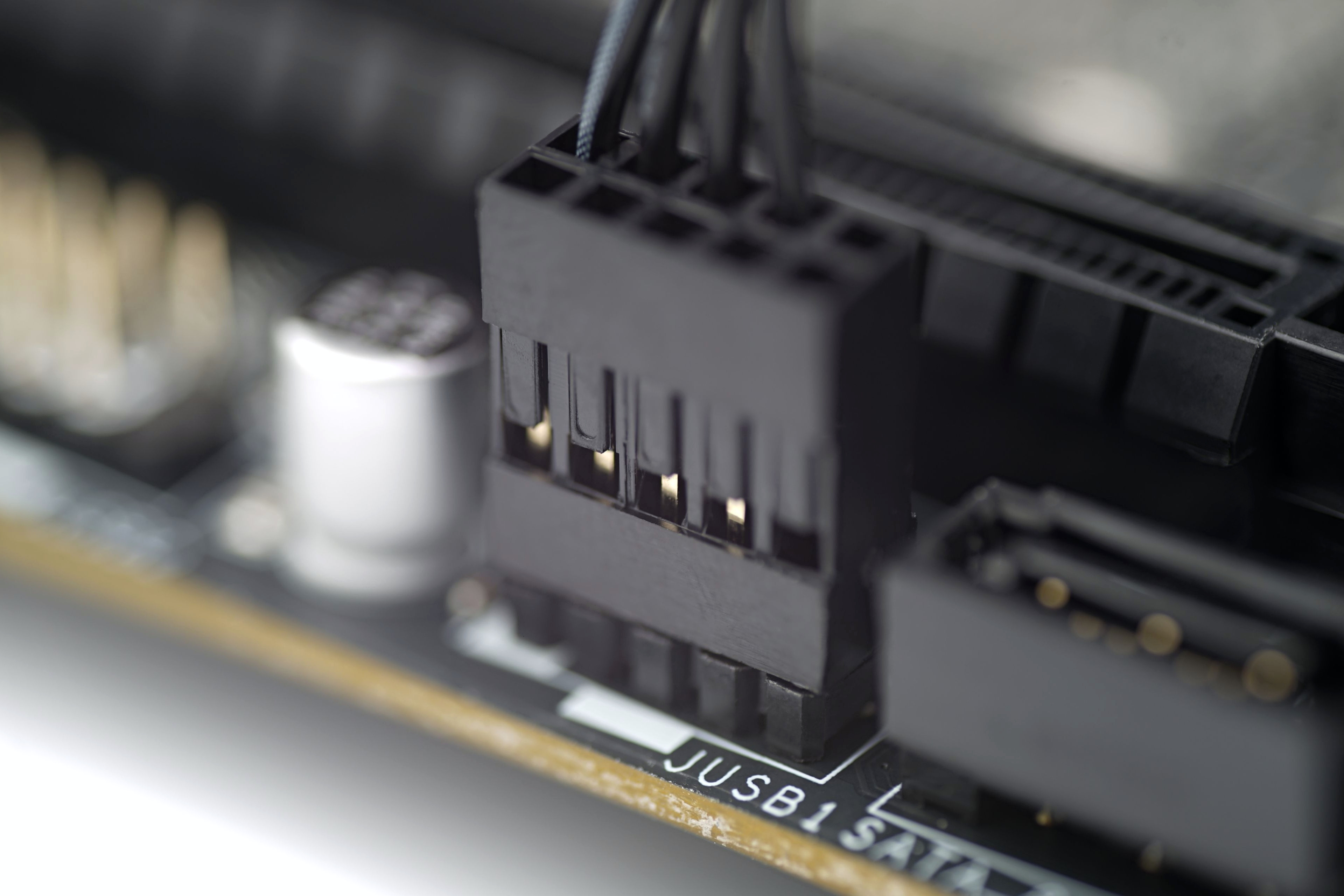
The cooler, or its monitoring panel, receives data about the processor via the USB 2.0 interface. Even on current motherboards there are two 9-pin headers for it, but they are often left unused. At least one remains free even in cheaper cases with USB 2.0 connectors.
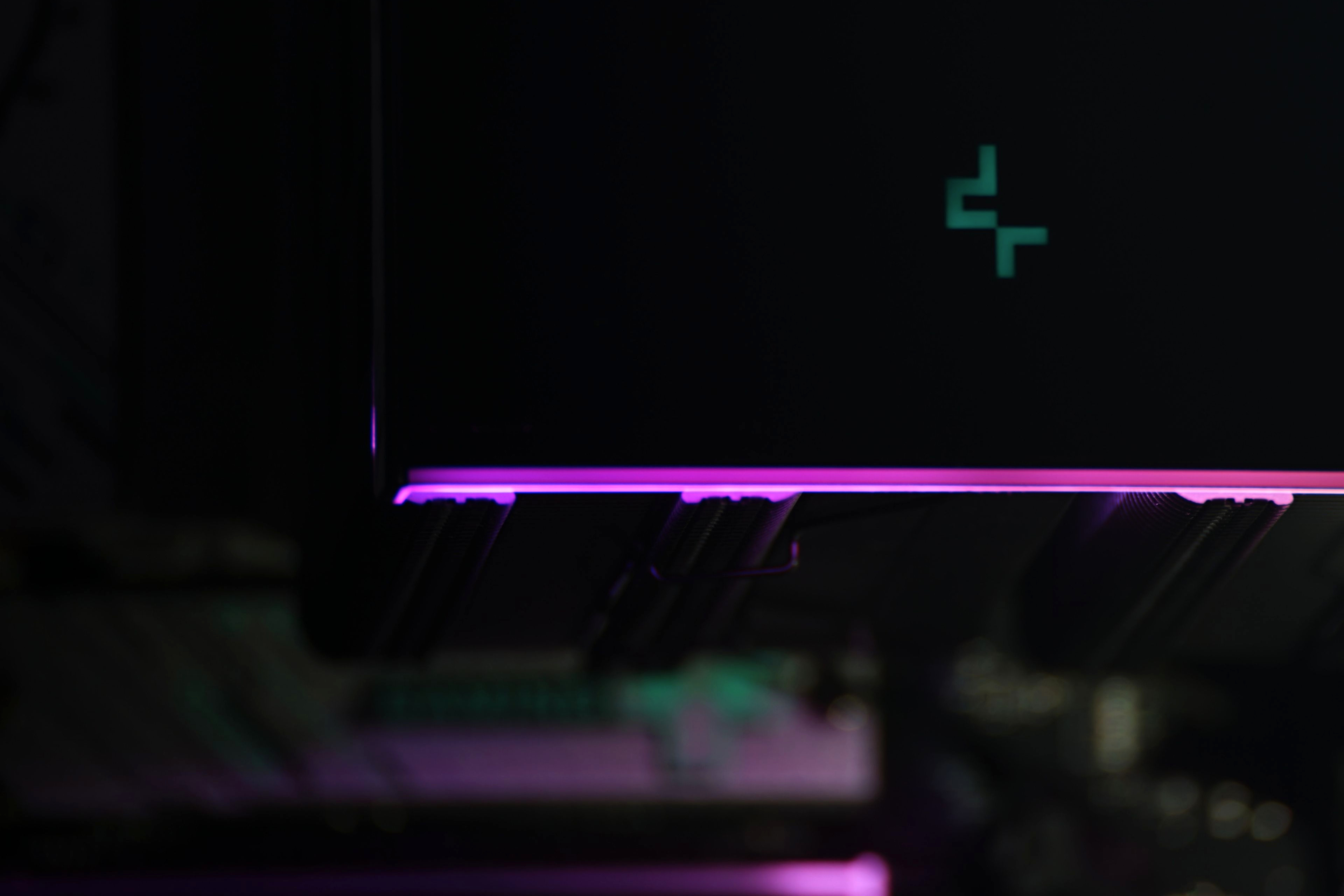
The final effect is also assisted by two ARGB LED strips that frame two sides of the cooler cover. The light is well diffused, without any interference where individual LEDs are typically seen. In this case you are only looking at their soft reflection. The lighting is connected to the motherboard via a standard 3-pin ARGB header (5 V), so it can be controlled via RGB applications from motherboard manufacturers. This also makes synchronization with other (A)RGB peripherals you have possible.
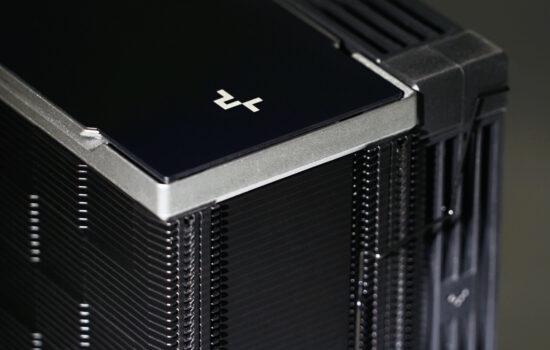
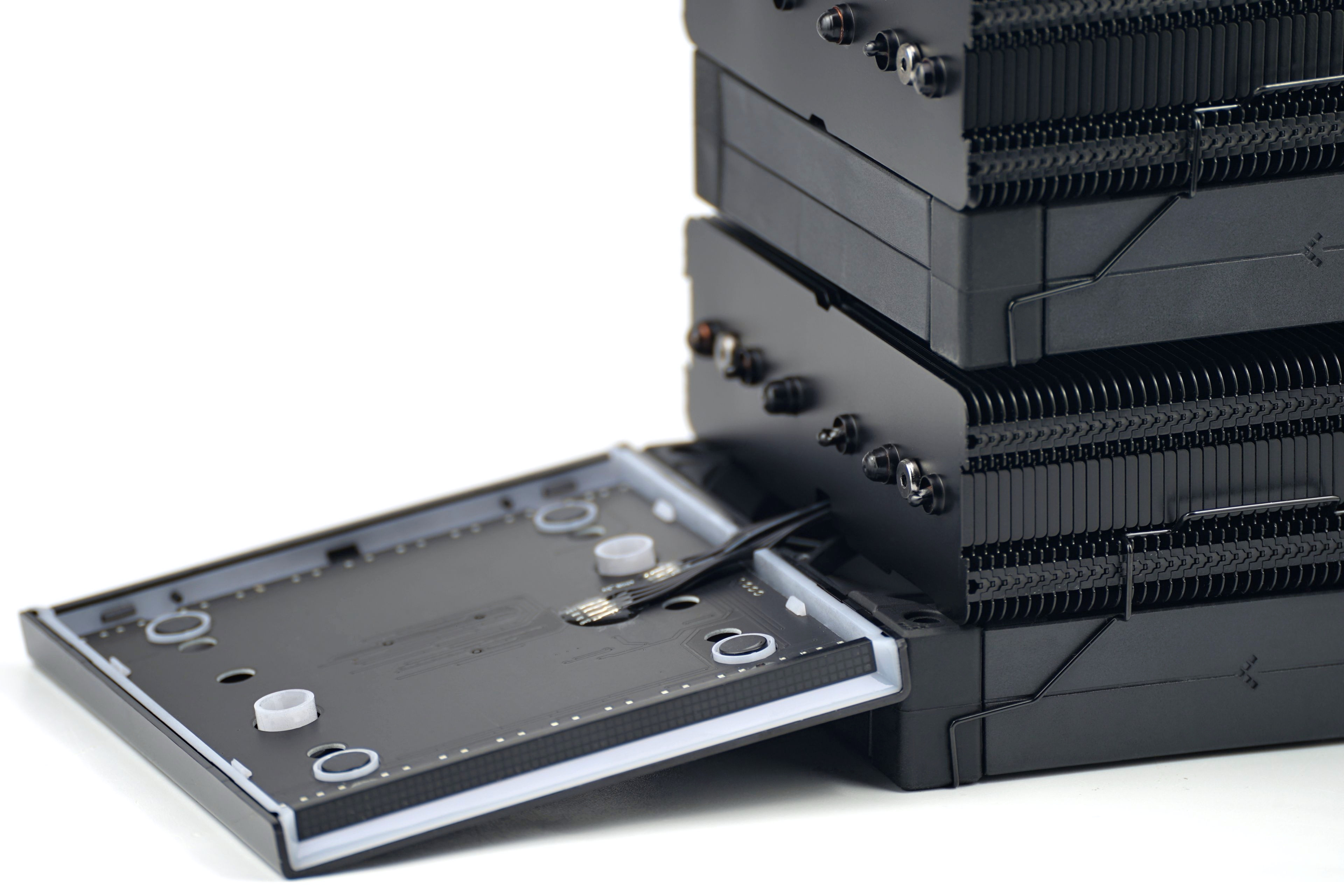
The roof with the ARGB LEDs and the segment display holds to the heatsink magnetically. Four strong magnets are used, which will not let go even with an eventual more aggressive manipulation with the computer.
Let’s recall that the DeepCool AK620 Digital is a CPU cooler with above-average cooling performance. Heat from the processor is transferred to the two aluminium finned towers by six 6 mm diameter heatpipes. The heatsink shell is black coated for the most impressive appearance possible. This is also where the AK620 Digital differs from the basic variant, but perhaps the cooling performance could still be comparable. However, it may also depend on many other details that we may not even notice at first glance. To verify whether there is scaling of cooling performance with the AK620 Digital with the original cooler, my colleague Pavel will look into it later. If we conclude that there is something “different”, we will let you know.
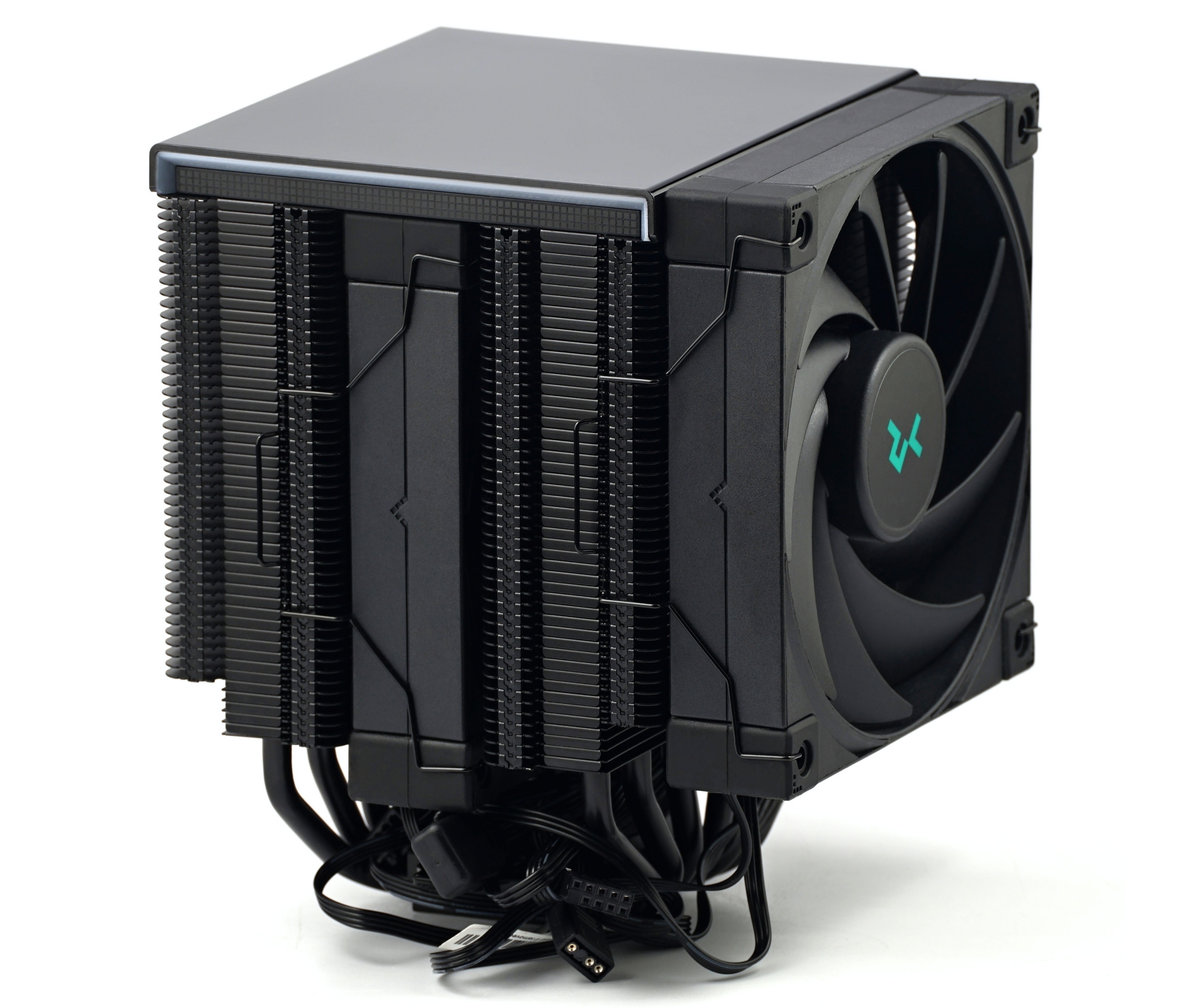
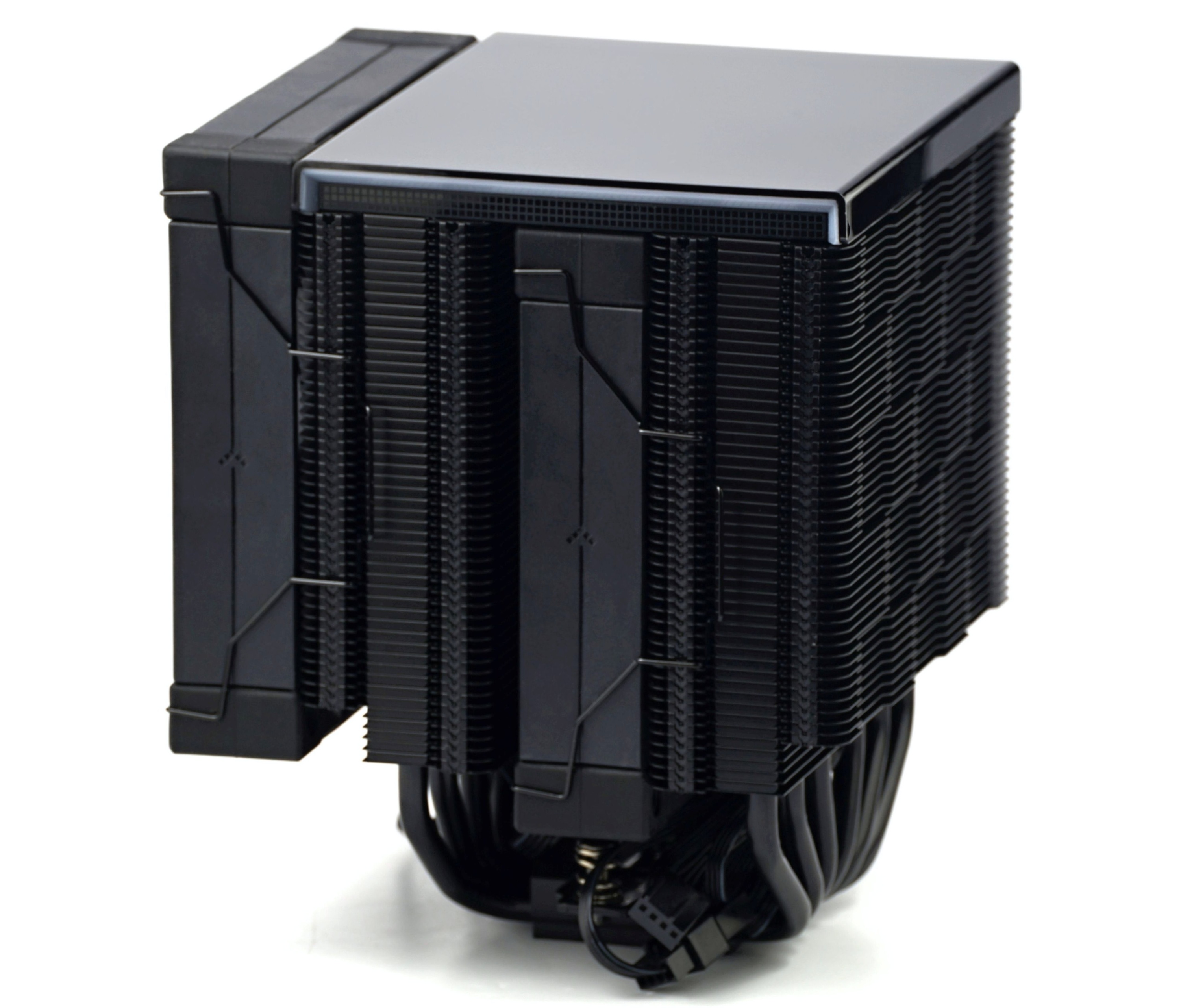
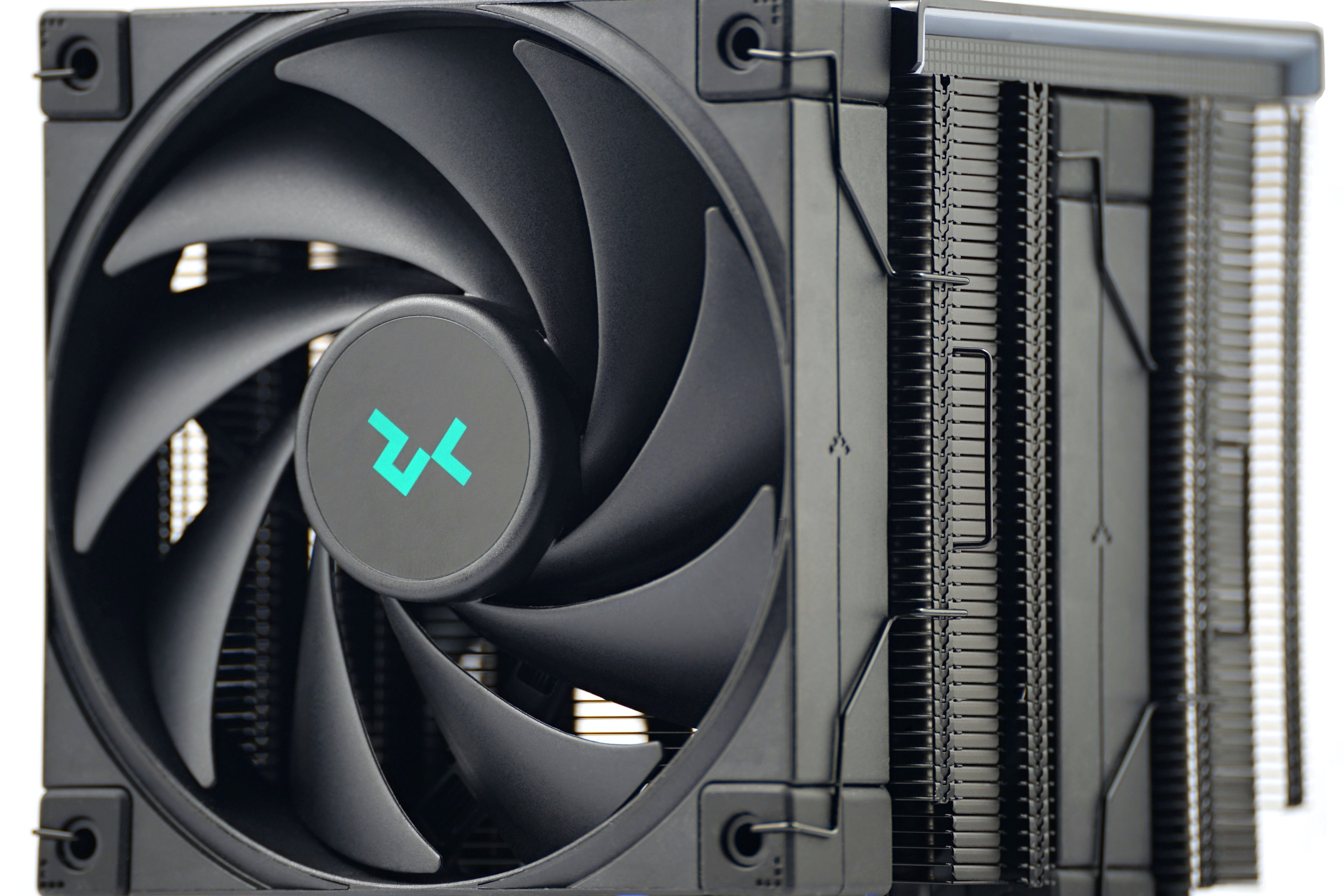
By the way, FK120 fans, which can also be found in our tests, are used to cool the heatsink once again.
The DeepCool AK620 Digital cooler sells for about 70 EUR.
English translation and edit by Jozef Dudáš