


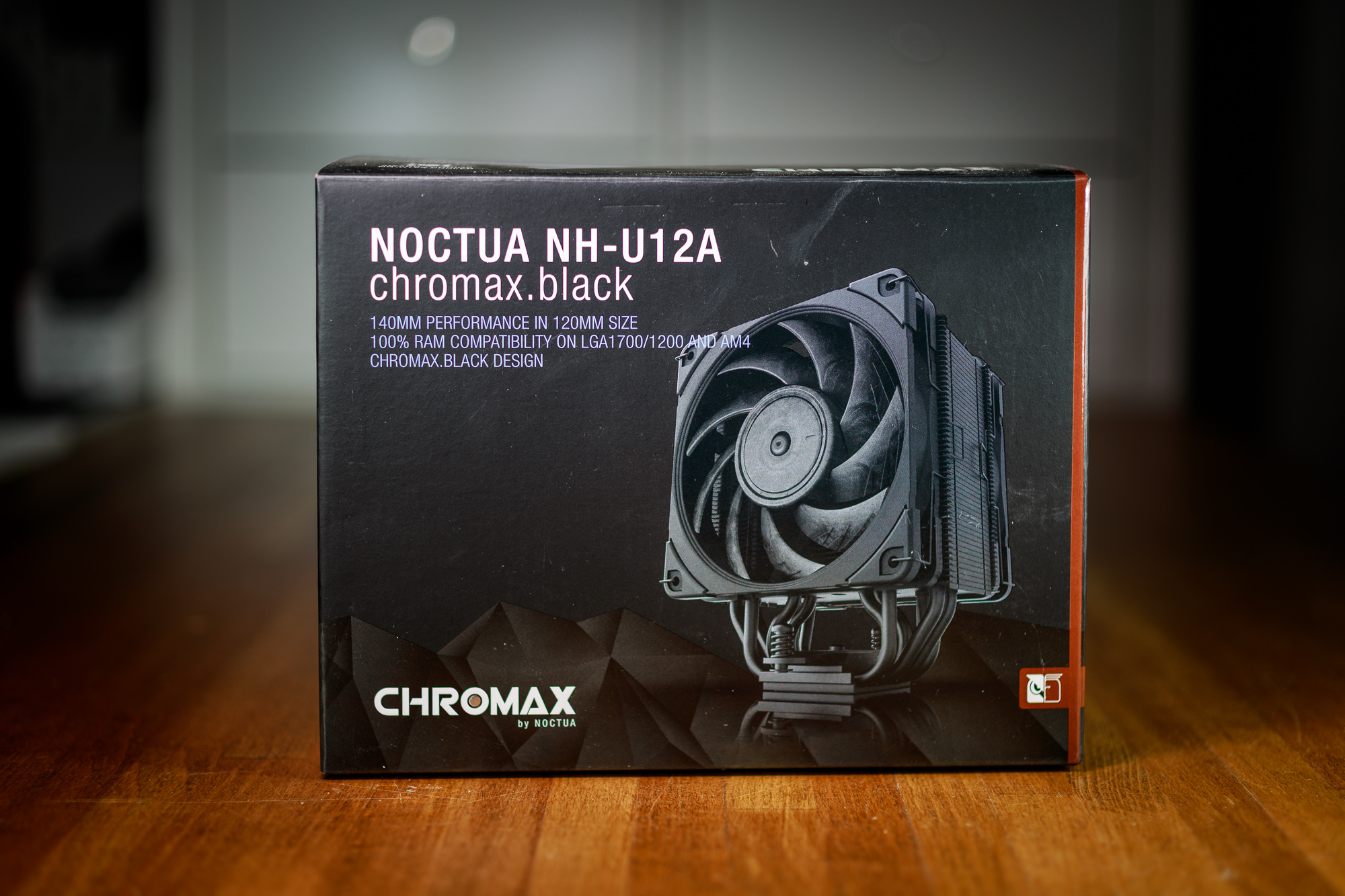
The Noctua NH-U12A is a cooler that has previously proven that with a little effort, it is possible to offer the performance of high-end dual-tower coolers in a more compact design. However, the last time I tested it, I was still using the older methodology, so with the release of the chromax.black version, there’s an ideal opportunity to conduct new tests. The question also remains whether the NF-U12A chromax.black can justify its high price tag.
Key features of the cooler
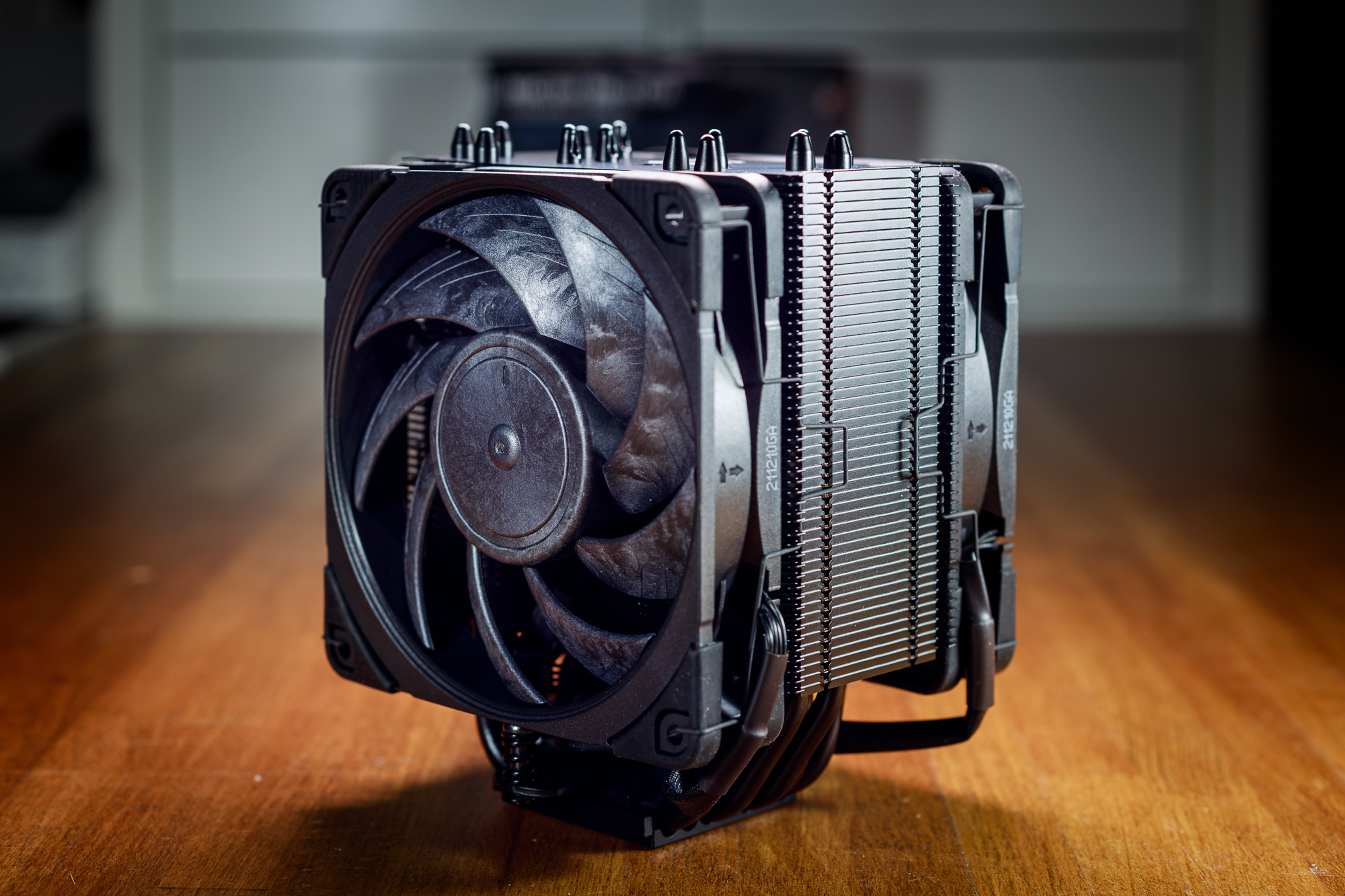
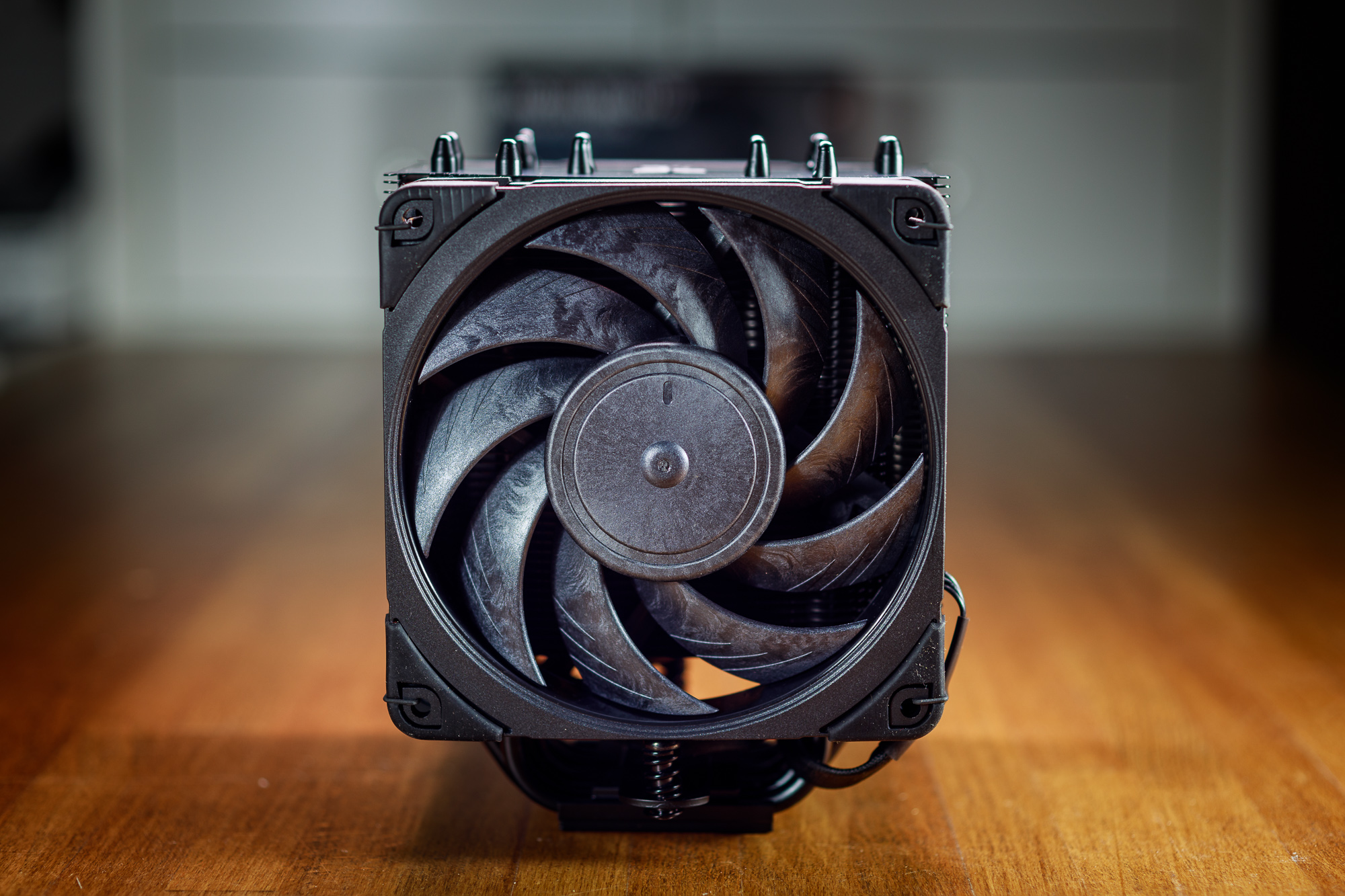
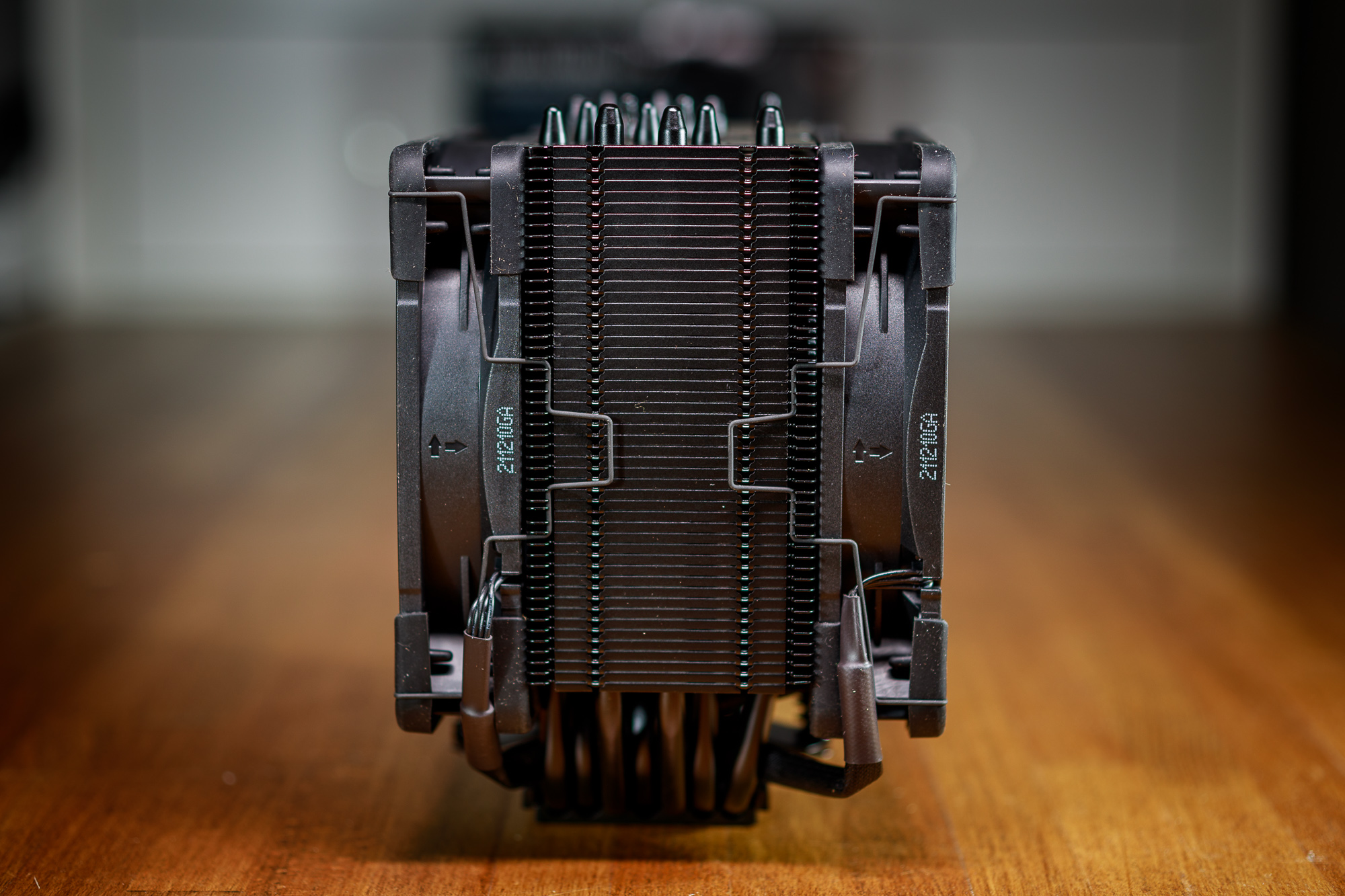
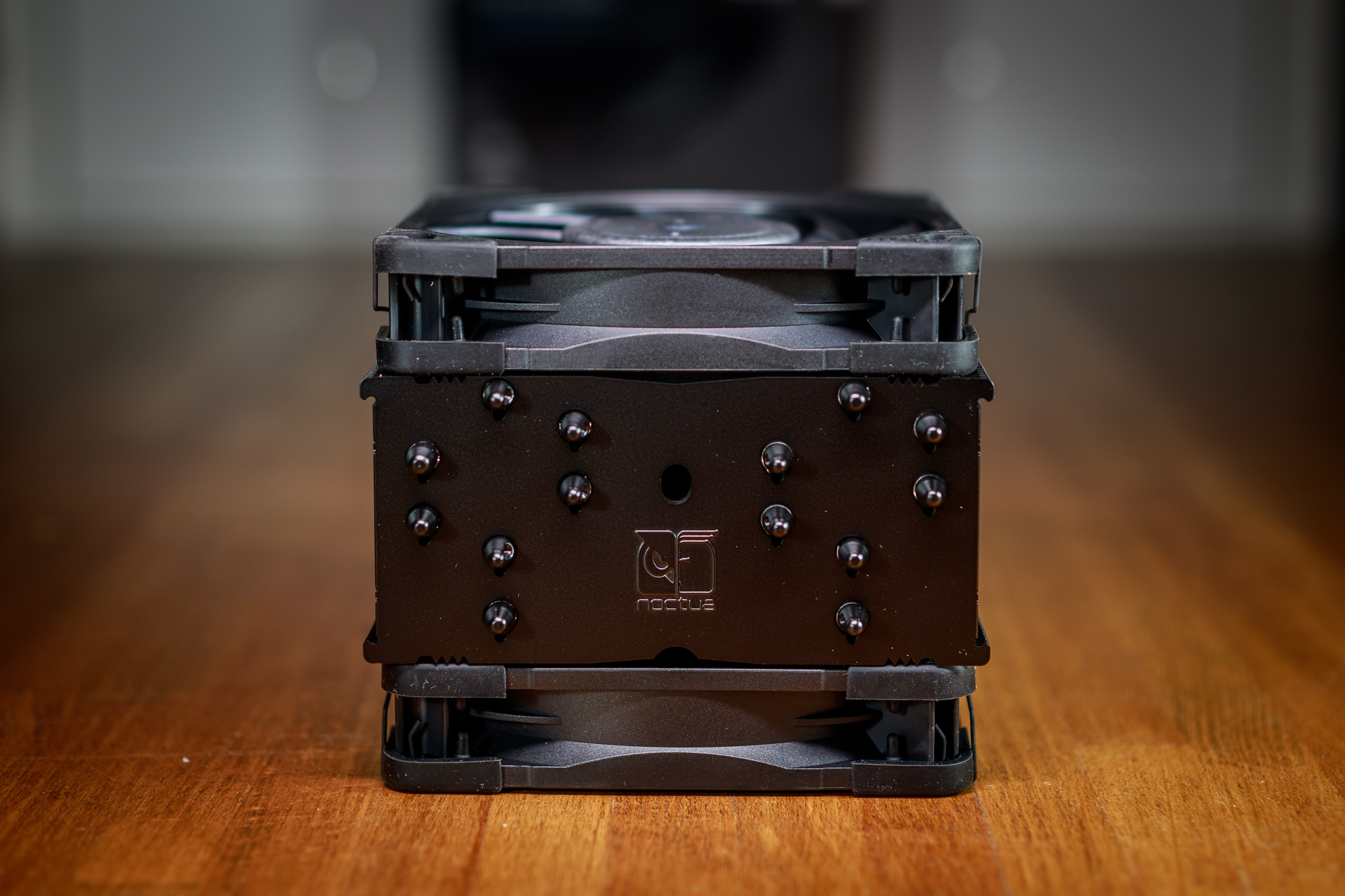
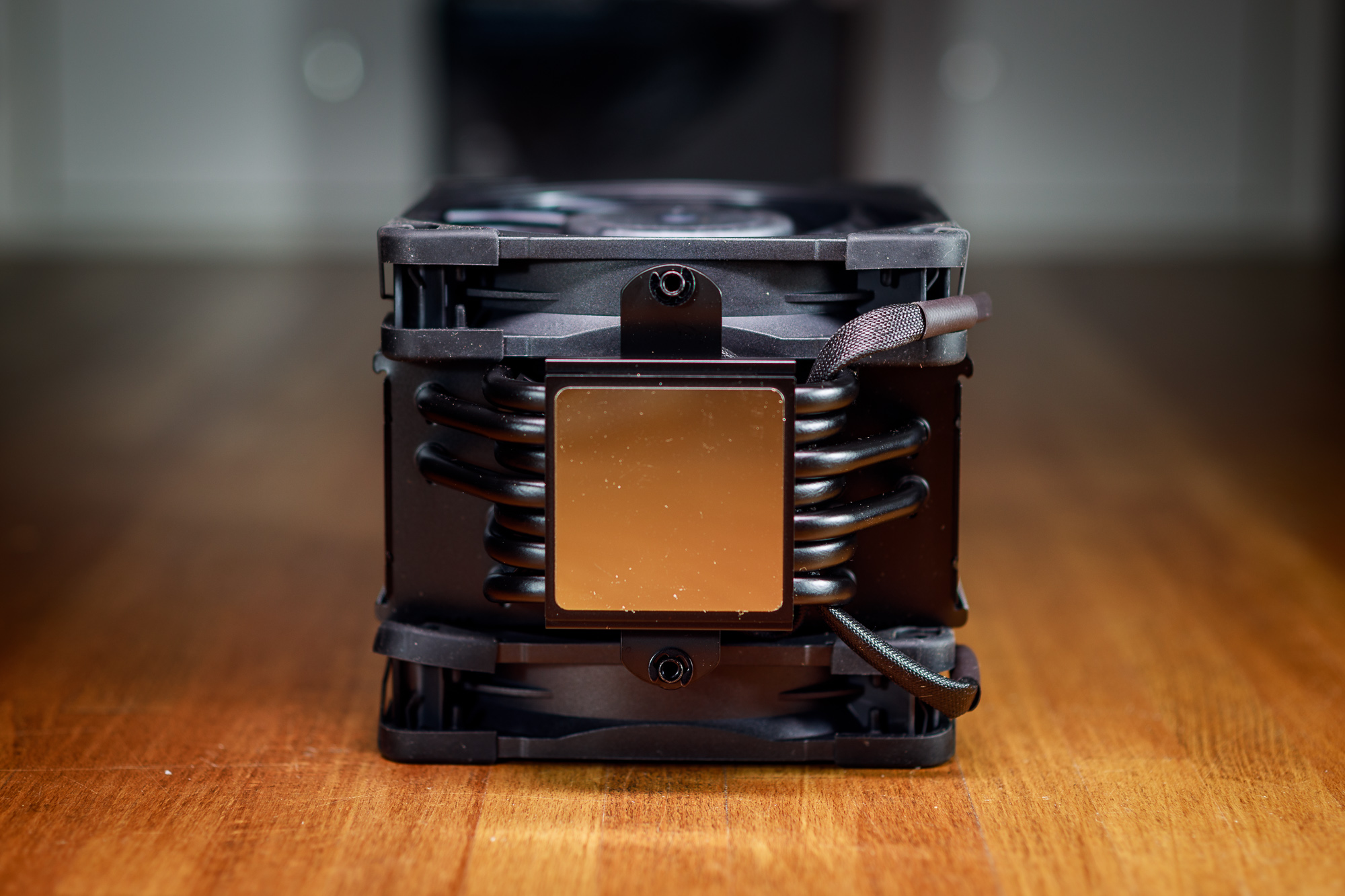
Except for the matte black finish, the U12A chromax.black does not differ in any way from its original version. The basis of the cooler is still a large copper base with a nickel-plated surface, which is the only area of the cooler that is not black. Seven thick copper heatpipes emerge from the base and intersect a dense bundle of aluminum fins. The connection of the heatpipes and fins is soldered, which should ensure better heat transfer as well as long-term reliability of the connection.
The design of the cooler is asymmetrical, so there is no physical conflict with the DIMM slots for operating memory on motherboards with Intel LGA 115x/1200/1700 or AMD AM4/AM5 sockets. Due to the thickness of the heatsink, the cooler is also equipped with a pair of high-end NF-A12x25 fans in chromax style. However, if you’ve been following my reviews for a while, then you can probably guess that I plan to test the necessity of a second fan. So in the results you will find two sets of tests, the first with the factory version of the cooler and the second without the rear fan.
The main advantage of the U12A chromax.black is its relatively compact dimensions with a total height of 158 mm, which should ensure compatibility with most common cases on the market. The cooler is sized as a replacement for large coolers with 140mm fans for builds where these large coolers usually do not fit. I even managed to personally install this cooler in my favorite SFF case Cooler Master NR200P, although according to the specifications this case only supports coolers up to 155 mm in height (admittedly, I had to remove the side frame for fans/HDD, but that doesn’t matter too much).
In the cooler’s accessories, we find everything we have been used to from Noctua for years. Mounting kits for all current CPU sockets except TR4/sTRX4 are complemented by a fan splitter and two adapters to reduce their maximum speed. In addition, you will find a tube of NT-H2 thermal paste in the package, which will last you for several applications and of course detailed instructions for installing the cooler. There is also a typical steel screwdriver and a metal sticker with the manufacturer’s logo.
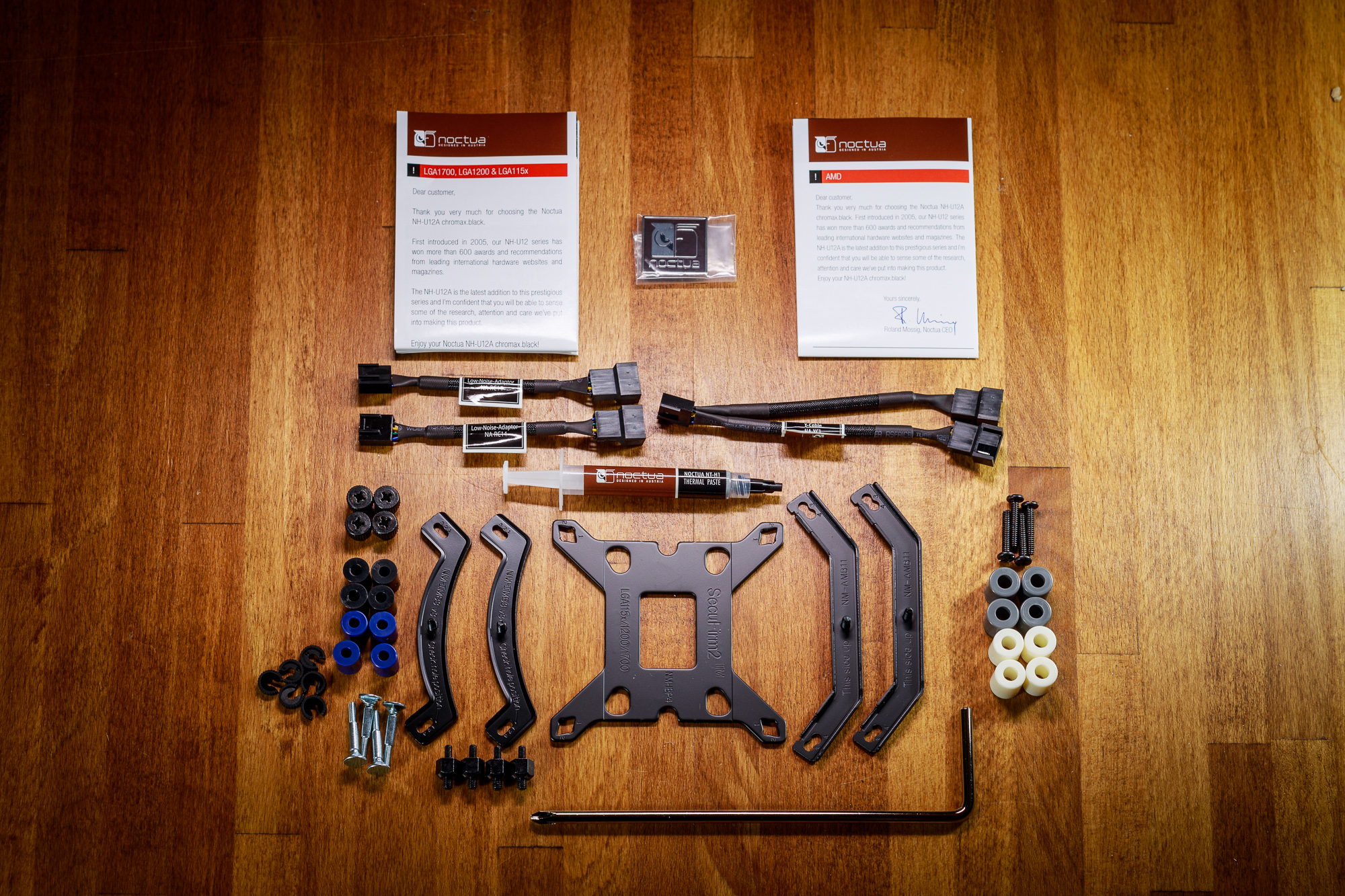
The time-tested and user-friendly SecuFirm2 mounting system is now slightly modified to allow installation of the cooler on the LGA 1700 socket, which differs slightly from the LGA 115x/1200 in the spacing of the mounting holes (75 × 75 mm versus 78 × 78 mm). Therefore, the supplied metal backplate no longer has the spikes fixed, but you choose their spacing when installing according to the socket. However, it is still a very simple and reliable mounting system. Installing the cooler is a matter of a few moments and you should not encounter any difficulties.
Cooler and fan parameters
In the table below you can easily compare all current Noctua tower coolers using 120mm fans. You can see that the main differences are in the depth of the coolers and, unsurprisingly, the reduced height of the D12L.
| Cooler | NH-A12A chromax.black | NH-D12L | NH-D12L | NH-U12S redux | |
| Supported sockets | Supported sockets | Intel LGA 115x, 1200, 1700, 20xx; AMD AM4/AM5 | |||
| Height | 158 mm | 145 mm | 158 mm | ||
| Width | 125 mm | 125 mm | |||
| Depth with fan | 112 mm | 113 mm | 71 mm | ||
| Weight | 1220 g | 890 g | 755 g | 710 g | |
| Heatpipe | Heatpipes | 7× (6 mm) | 5× (6 mm) | 4× (6 mm) | |
| Maximum RAM height | no restrictions | no restrictions | no restrictions | no restrictions | |
| MSRP | MSRP | € 120 | € 90 | € 70 | € 50 |
The NF-A12x25 PWM fans are among the absolute top of the market, which is unfortunately also reflected in their price and thus also in the overall price of the coolers that use them. It is already a bit noisier at maximum speed, but at 50–60 % of maximum speed it is a very quiet fan that you will be virtually unaware of, while still offering high airflow and sufficient static pressure.
| Fan | NF-A12x25 PWM | NF-A12x25r PWM | NF-F12 PWM | P12 redux PWM | |
| Bearing | SSO2 | SSO2 | SSO2 | SSO | |
| Speed range | 450–2000 rpm | 450–2000 ot./min | 300–1500 rpm | 450–1700 rpm | |
| Max. airflow | 102.1 m3/hod | 93.4 m3/hod | 120.2 m3/hod | ||
| Max. static pressure | 2,34 mm H2O | 2.61 mm H2O | 2.83 mm H2O |



“but at 50–60 % of maximum speed it is a very quiet fan that you will be virtually unaware of”
absolutely not, it becomes clearly audible at around 600-650RPM, which admittedly is impressive and provides the best performance at this noise level across all 120mm fans on the market, but is far from your claims