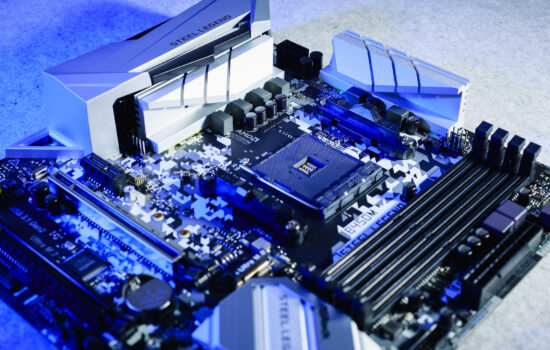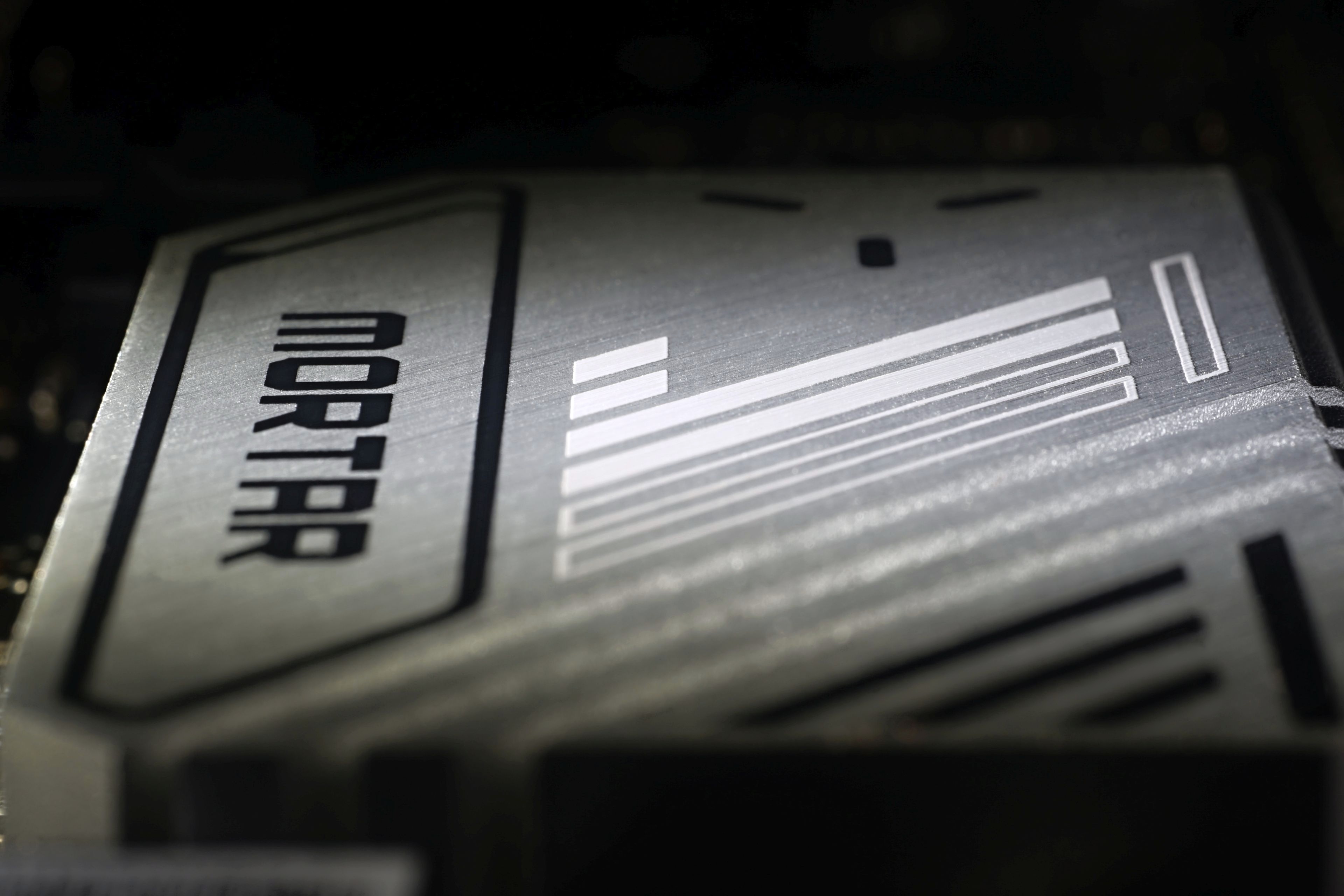
When building a relatively cheaper Intel-based desktop, you’ll probably choose a “B” chipset motherboard. One of those is the B760M Mortar WiFi. Because of the use of the Micro ATX format, this motherboard is also attractive for smaller computer cases. The cross-generational comparison with the B660M Mortar WiFi is also striking. What direction is MSI taking this?
Conclusion
A cross-section of all the tests quite nicely shows that the MSI MAG B760M Mortar WiFi is a motherboard better optimized for a gaming PC environment than a computing one. The differences compared to other motherboards are always cosmetic. If a build on this board achieves the highest fps in a game, such as Metro Exodus or Shadow of the Tomb Raider, the fps gain is below 1%.
The bigger difference compared to other boards is in power draw, which is as much as 29% above the Strix Z790-E Gaming WiFi in gaming load. But that’s a significantly more expensive motherboard with a significantly more efficient power delivery, and it’s fair to note that compared to the Strix B760-A Gaming WiFi D4, the power draw is already 6% lower. We can conclude that the power draw in games is adequate for the price range and the gaming performance can be above standard. But again, we’re really talking about cosmetics here.
The bigger difference (than in gaming performance) is in computational tasks, where the B760M Mortar WiFi, on the other hand, often ends up performing below average when it comes to “hard” workloads like rendering (3D, but also in video editing) or x265 encoding. Given the record power draw, it would seem that this is due to the cooling capacity limit, but that’s wrong. There is a similar performance deficit even after lowering the CPU power limits, where cooling performance is available with a large margin. So what is the main reason for this?
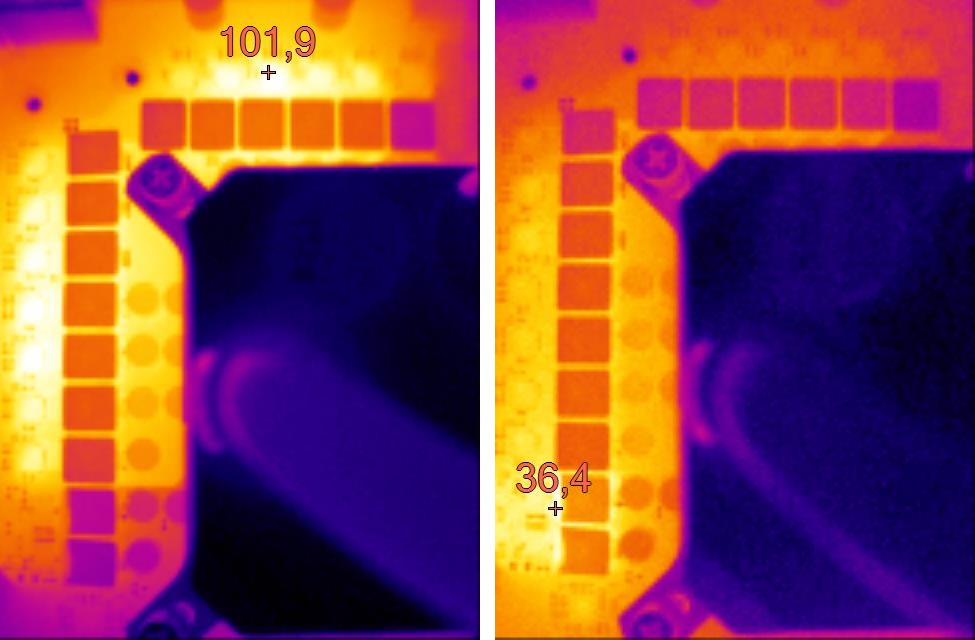
Under high load, CPU core clock speeds are on average 50–100 MHz lower than, for example, on the Strix B760-A Gaming WiFi D4. In no-power-limit mode, this is also a kind of prevention against very high VRM temperatures. We measured the surface temperature of the voltage regulators at the most critical points at over a hundred degrees Celsius (but that’s also the case with the Strix B760-A Gaming WiFi D4). It should be noted here, however, that we arrive at these values without the use of heatsinks (in order to use IR to create temperature maps), with them the temperatures will be significantly lower. And in fact, MSI has quite effective VRM coolers.
The M.2 slot speeds are not out of line and the results are as expected. It’s similar for USB ports and in Ethernet tests – they don’t exhibit any top-notch or even below-average behavior to point out.
A grimmer view is, as is traditionally the case with MSI boards, of SSD cooling results. Not only does the second slot no longer have its cooler, but the first one is somehow even “weaker” than it was on the MSI Pro Z690-A DDR4. Whether this is due to the design of the heatsink, the composition of the thermal pad or insufficient pressure we do not know, but it is definitely a weak point. How important it is to remove it is a question, however, as even under these circumstances it is nothing that would in any way degrade the performance of the SSD, and certainly not in the environment this board is heading into. In games, the power draw of any SSD is low enough that no cooler is needed, it is more of a decoration than something “really important”.
The MSI MAG B760M Mortar WiFi is a motherboard where you can see a few compromises, but also that they are chosen quite sensibly with an eye to pushing the retail price as low as possible. Saving on SSD coolers and audio adapter is balanced out by the investment in the power delivery, which is important considering the increase in PL2 limits on processors. And for an unchanged price (compared to the B660M Mortar WiFi), it also adds PCIe 5.0 support for the graphics card, which may come in handy when upgrading later on.
English translation and edit by Jozef Dudáš
| MSI MAG B760M Mortar WiFi |
| + Decent 14-phase power delivery (VRM)... |
| + ... it won't be caught off guard even by the Core i9-13900K without power limits |
| + Rich features even in a smaller footprint |
| + Two fast M.2 SSD slots |
| + Decent value among DDR5 capable motherboards |
| + Up to eight USB connectors on the rear I/O panel |
| + Very detailed fan management options |
| + Fast Ethernet connectivity in both directions |
| - Lower VRM efficiency... especially under high load |
| - Higher temperature of voltage regulators (Vcore) |
| - Only four SATA connectors |
| Suggested retail price: 209 EUR |
Some of the tested motherboards are also available in the Datacomp e-shop

Special thanks to Blackmagic Design (for licenses for DeNoise AI, Gigapixel AI and Sharpen AI) and Topaz Labs (for licenses for DeNoise AI, Gigapixel AI and Sharpen AI)