


Prečo dávať konektory z prednej strany základnej dosky, keď môžu byť zozadu? Nad týmto sa Asus a aj ďalší výrobcovia zamýšľajú pri základných doskách s povedzme inverzným rozložením konektorov. Model TUF B760M-BTF WiFi (D4) má spredu dozadu presunuté všetky konektory do posledného. To pri súčasnom trende presklených bočníc prispieva hlavne ku krajšiemu vzhľadu. V rámci rozboru nás budú ale zaujímať aj iné, merateľné veci.

Adobe Photoshop (PugetBench)
Testovacie prostredie: súbor testov PugetBench. Verziu aplikácie (Adobe Photoshop) držíme na 22.4.2.
Affinity Photo (benchmark)
Testovacie prostredie: vstavaný benchmark.
AI aplikácie Topaz Labs
Topaz DeNoise AI, Gigapixel AI a Sharpen AI. Tieto jednoúčelové aplikácie slúžia na reštauráciu nekvalitných fotiek. Či už z pohľadu vysokého šumu (keď sú fotené pri vyššom ISO), hrubého rasteru (typicky po výrezoch) alebo keď treba niečo doostriť. Využíva sa pritom vždy sila AI.
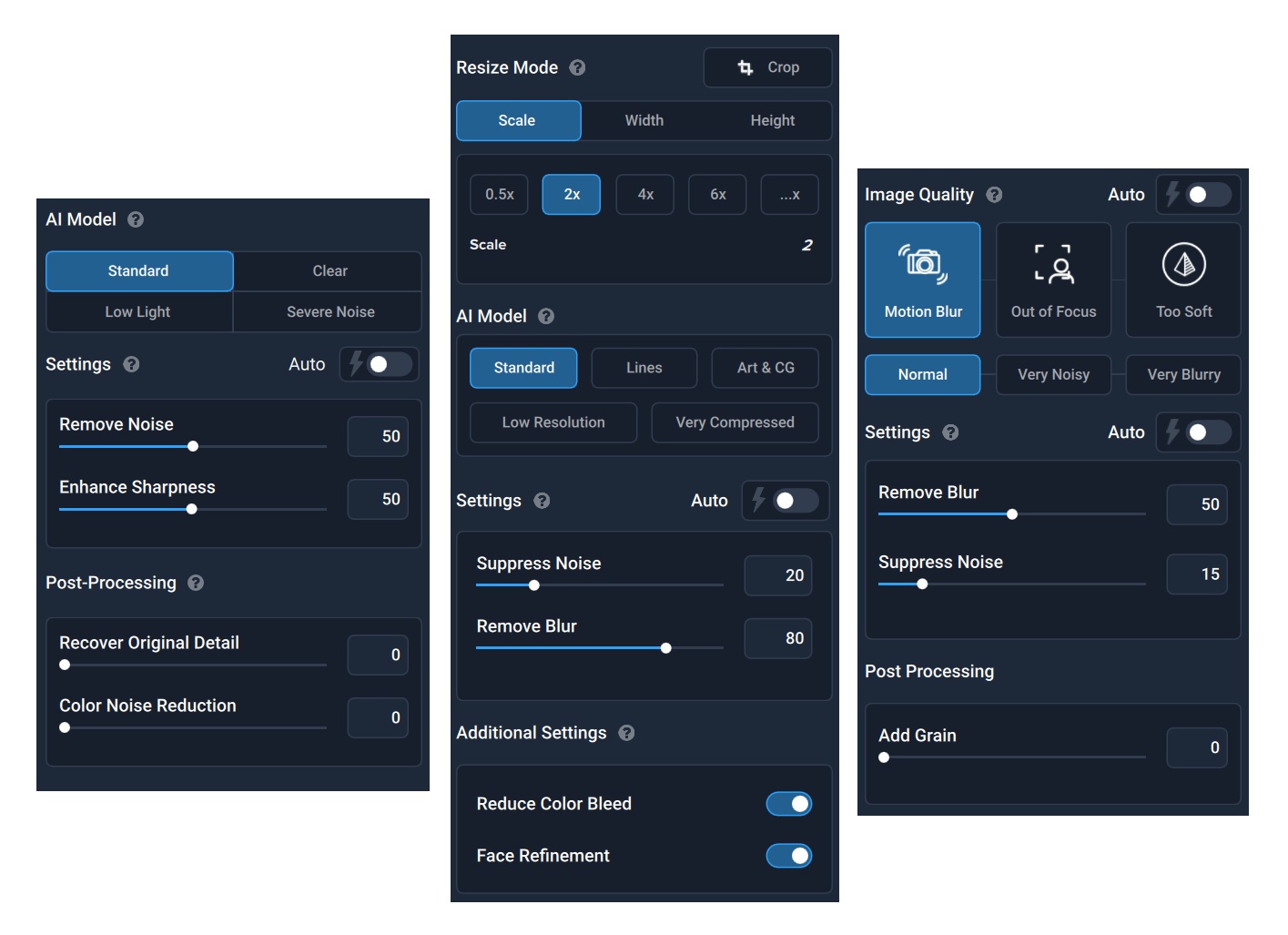
Testovacie prostredie: V rámci dávkových úprav sa spracováva 42 fotiek v nižšom rozlíšení 1920 × 1280 px. To pri nastaveniach zo snímok vyššie. DeNoise AI pre zachovanie čo najvyššej presnosti držíme vo verzii 3.1.2, Gigapixel v 5.5.2 a Sharpen AI v 3.1.2.

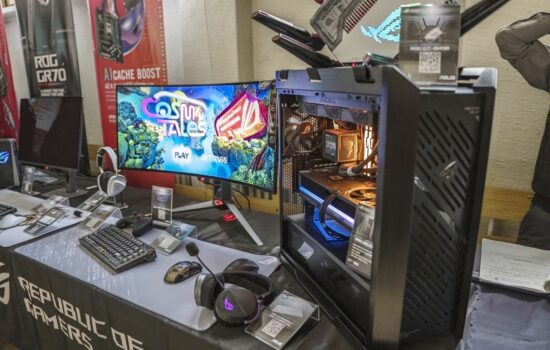


Jedno malé upozornenie k podporovaným skrinkám. Dosky Asus BTF podporujú aj predávajúce sa skrinky Corsair zo sérií 6500 a 2500. Modely 2500D Airflow, 2500X a 2500X RGB sa k TUF B760M-BTF WiFi D4 pekne hodí aj formátovo, keď sa uváži kombinácia dosky mATX so skrinkou midi-tower.
The move toward rear-facing connectors is one of the most interesting shifts in PC building lately. I really like how this board proves that „budget“ doesn’t have to mean „incapable“—the review mentions it can handle a 14900K pulling over 300W without the VRMs melting down, which is impressive for a B760 DDR4 board.
Seeing such a clean interior really highlights how messy the rest of a setup can look. It makes me want to apply that same level of cable management to my external gear. I’ve been trying to tidy up my home network lately, making sure my router power is stable and the cables aren’t a bird’s nest, and it’s a similar challenge. Even with a modest 300-Watt power supply https://serverorbit.com/power-supplies/router-power/300-watt in a build like this, the lack of visible cables draped across the motherboard would make the whole system feel so much more professional. It’s a shame case compatibility is still so limited, though.
Do you think we’ll see this „hidden cable“ standard become the norm across all brands, or will it stay a niche for specific ecosystems?
I wouldn’t dare to estimate to what extent the concept of motherboards with rear connectors will spread. I’m personally leaning more toward it remaining a niche solution, but that’s just a feeling—without any solid data to back it up. 🙂
Sadly, the new ASUS top models for the AM5 platform aren’t BTF (as discussed here). The current situation suggests that the BTF design may have been abandoned 🤷