


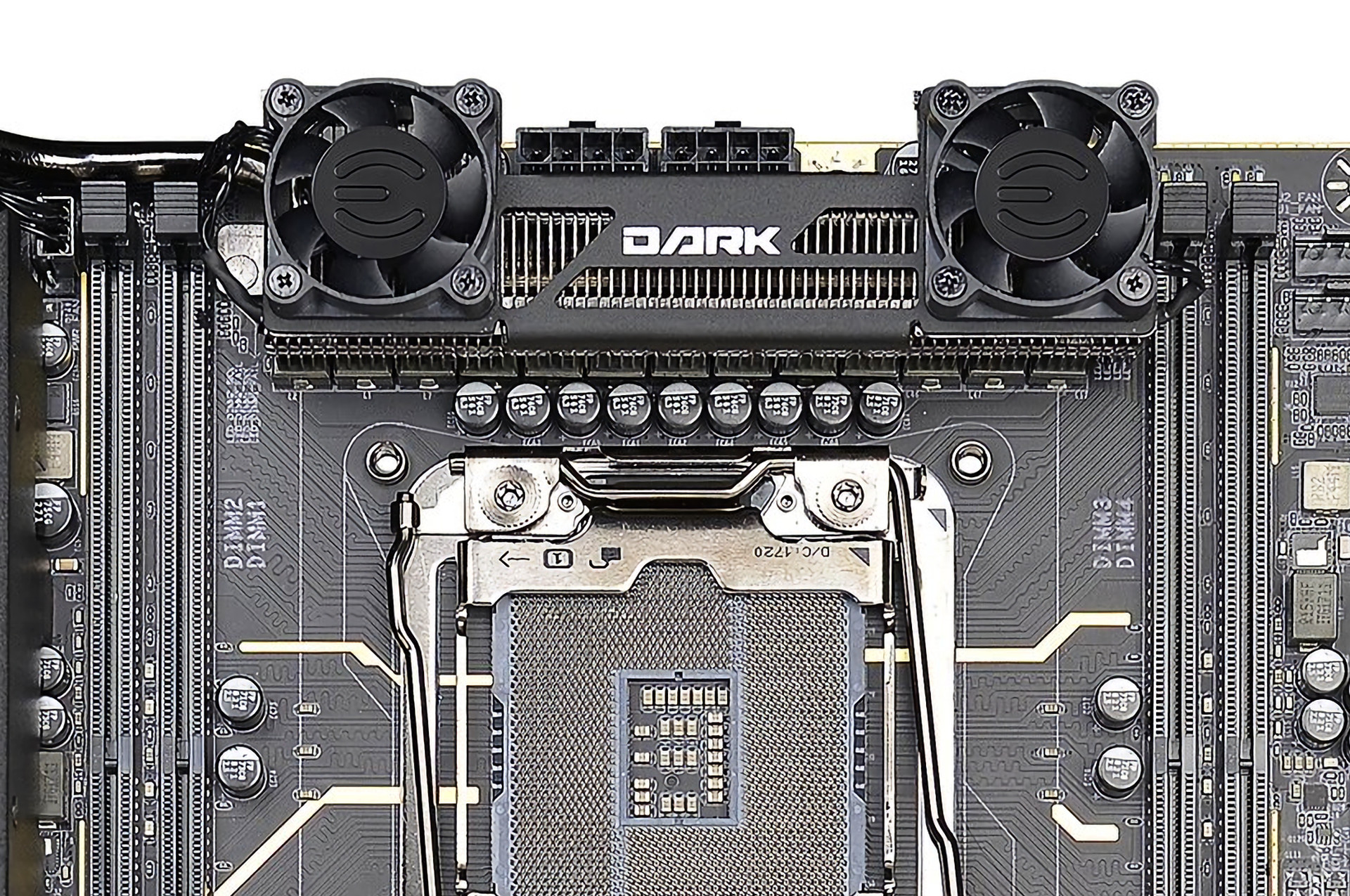
Several years ago, small coolers with 40mm fans were quite common for chipsets instead of heatsinks. Often so noisy that modding was practically necessary. After a couple of years, this trend was fortunately defeated, but recently, rotors with blades are back on high-end boards. Evga presented X299 Dark which even stands out: it has three fans.
X299 Dark is not on the market yet, but it is not a completely new phenomenon. Evga first boasted about it at the end of May, when Skylake-X processors were revealed. But back then it was a bit different. Evga now posted a new picture of this board on Twitter that shows those three fans mentioned earlier. It has one radial fan in the chipset area, but its function is probably to push the air under the cover of the M.2 slot for SSD (a similar principle as with graphics cards).
But more extreme are the remaining two fans that Evga has seated on the cooler of the power supply circuit. According to their less sophisticated look, it seems like an unplanned improvement that has been added at a later stage of development. The earlier version of X299 Dark had a different, and probably a slightly less efficient, VRM cooler which, according to its appearance, was more like conventional solutions on mainstream boards. Evga, perhaps thanks to the publicity around power supply circuits of X299 platforms on Youtube, has probably decided to give it a boost. On the other hand, the active cooler for chipset and the M.2 slot is unchanged and has been part of the design from the beginning.
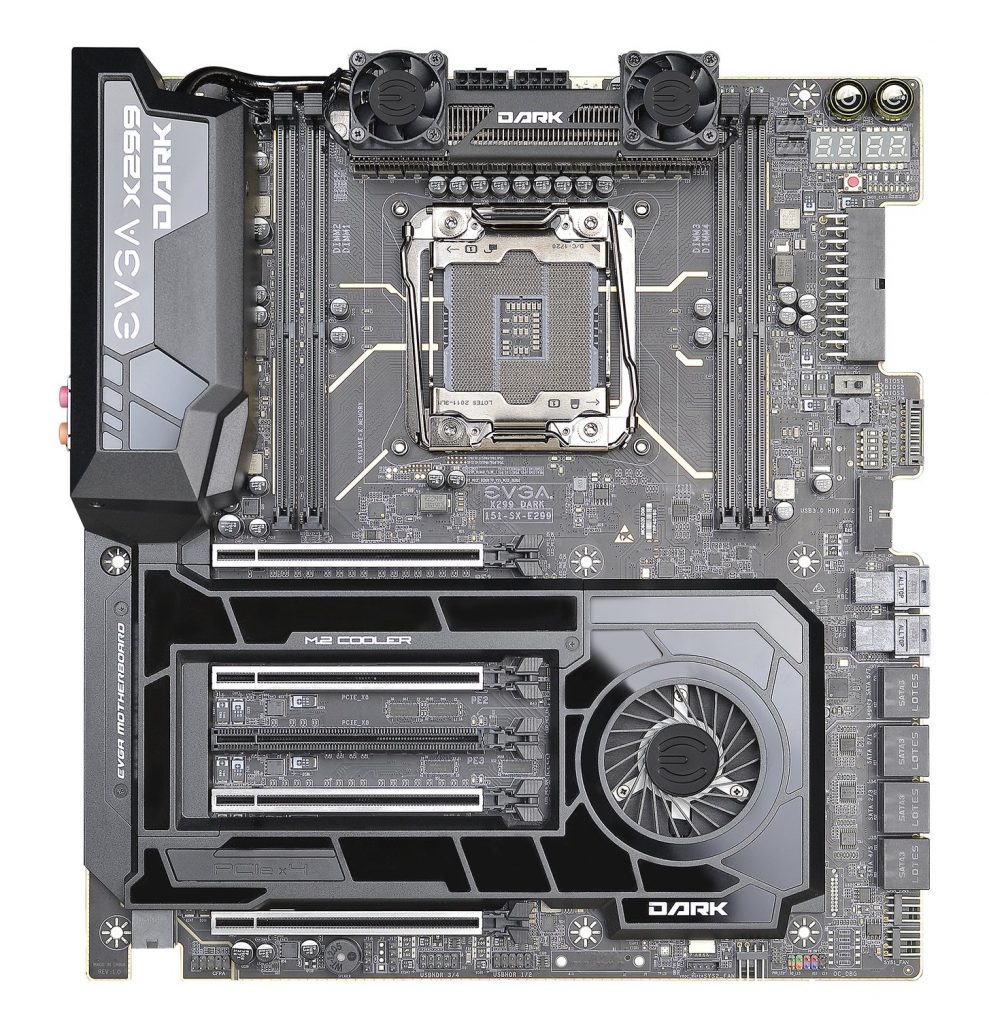
From our point of view, it is nice that VRM will be cooler, but these two fans present a concern about the noise that the cooler will cause. It seems that it could be a 30 x 30 mm fan, a smaller size than those 40mm fans on old boards. Small fans are generally a major source of noise. In order to achieve greater flow, they run at high speed and if it is about 5000 rpm, the sound is usually quite unpleasant.
But it seems that the plastic holder could be removable, so fans may be needed only with the most powerful CPU platforms like Core i9-7980XE, or when overclocking. Note that they “blow“ only around the edges of the heatsink. Evga probably did not add a third central fan, because it would collide with cables plugged into two 8-pin connectors which are just behind the heatsink.
If you get over those 30mm fans, it is good to mention that the heatsink has ribs and it is not just another block of aluminum, as it is popular today. But the question is whether this is the ideal type of ribbing. These thin and dense ribs work well with a fan. However, if the fan is removed, the efficiency of this solution may decrease because without a direct flow this type of heatsink is not as good as those with wider spacing of ribs (and thin ribs have a small volume). How satisfactorily will such heatsink work only with system airflow is difficult to say.



