


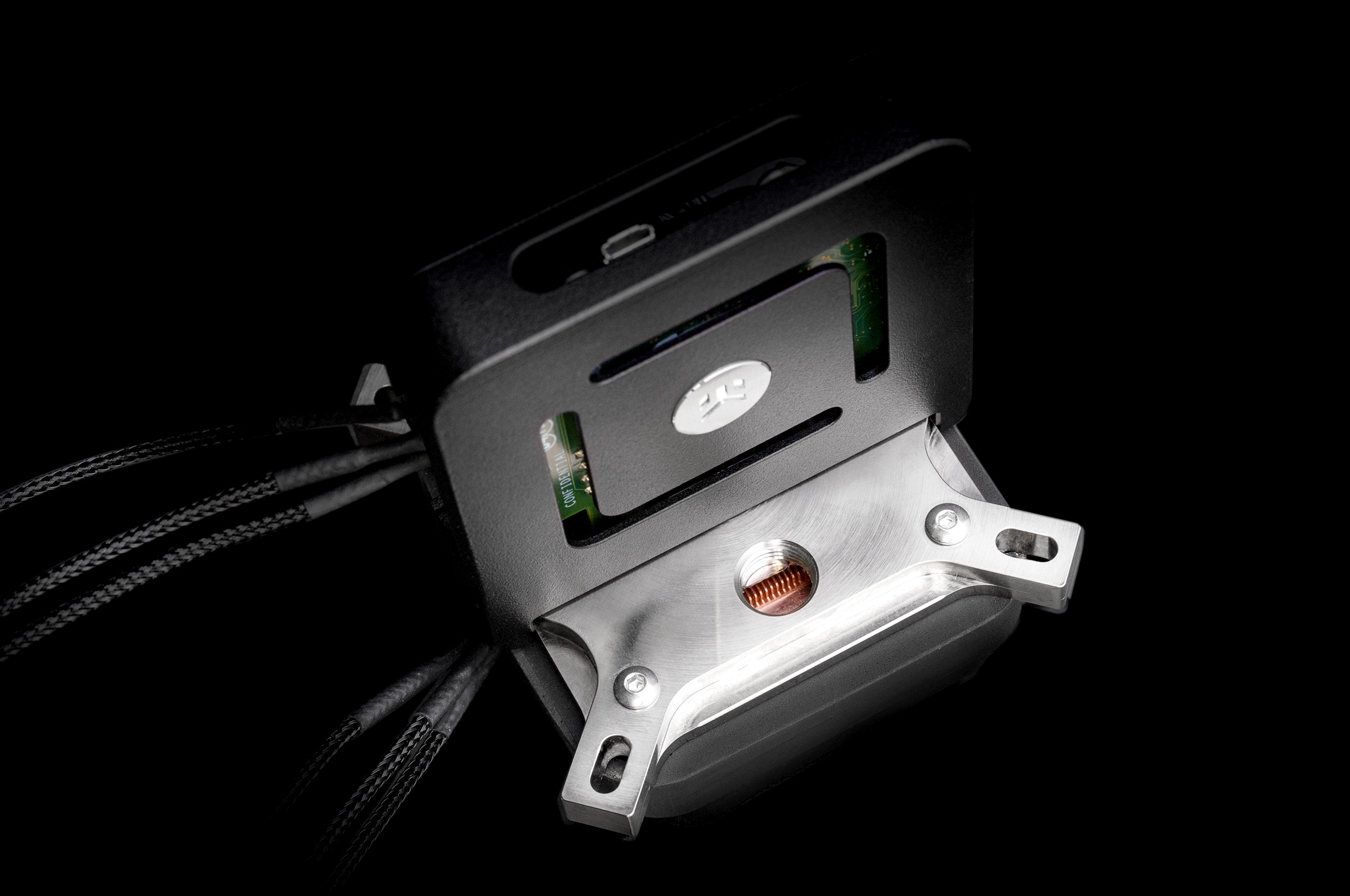
Three years ago, when Comet Lake processors came out – the very last of several Skylake architecture refreshes produced in the troubled 14nm era – Intel tried to boost it with cryogenic cooling technology, or rather cooling with an auxiliary thermoelectric element that lowered the temperature of the “coldplate”, cooling the processor below the ambient temperature. This technology is now yet another activity that Intel has cut back on.
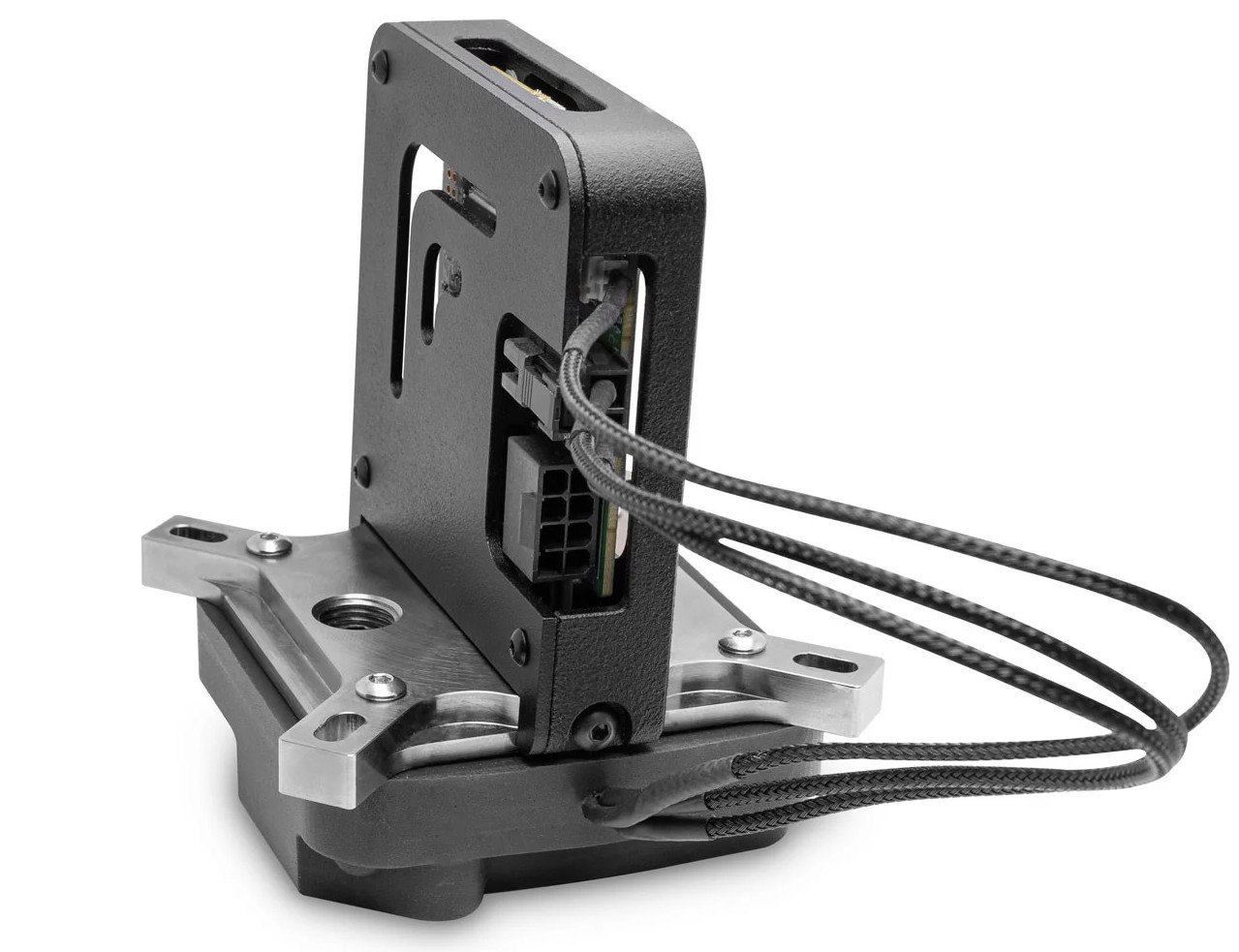
Intel Cryo Cooling Technology was a “subambient” cooling technology where the cooler was cooled to a lower temperature than the ambient environment to achieve lower CPU temperatures and thus enabling higher clock speeds when overclocking. This involved special coolers that, in addition to a liquid loop, had a thermoelectric (Peltier device or TEC) element that “pumped heat” from the base of the cooler to the block, where it was removed by the liquid coolant. Since this heat transfer did not depend on the natural flow of heat from a warmer to a cooler object, this cooled the “cold side” of the cell to below-ambient temperatures, which created a favorable higher gradient that improves the heat extraction from the CPU.
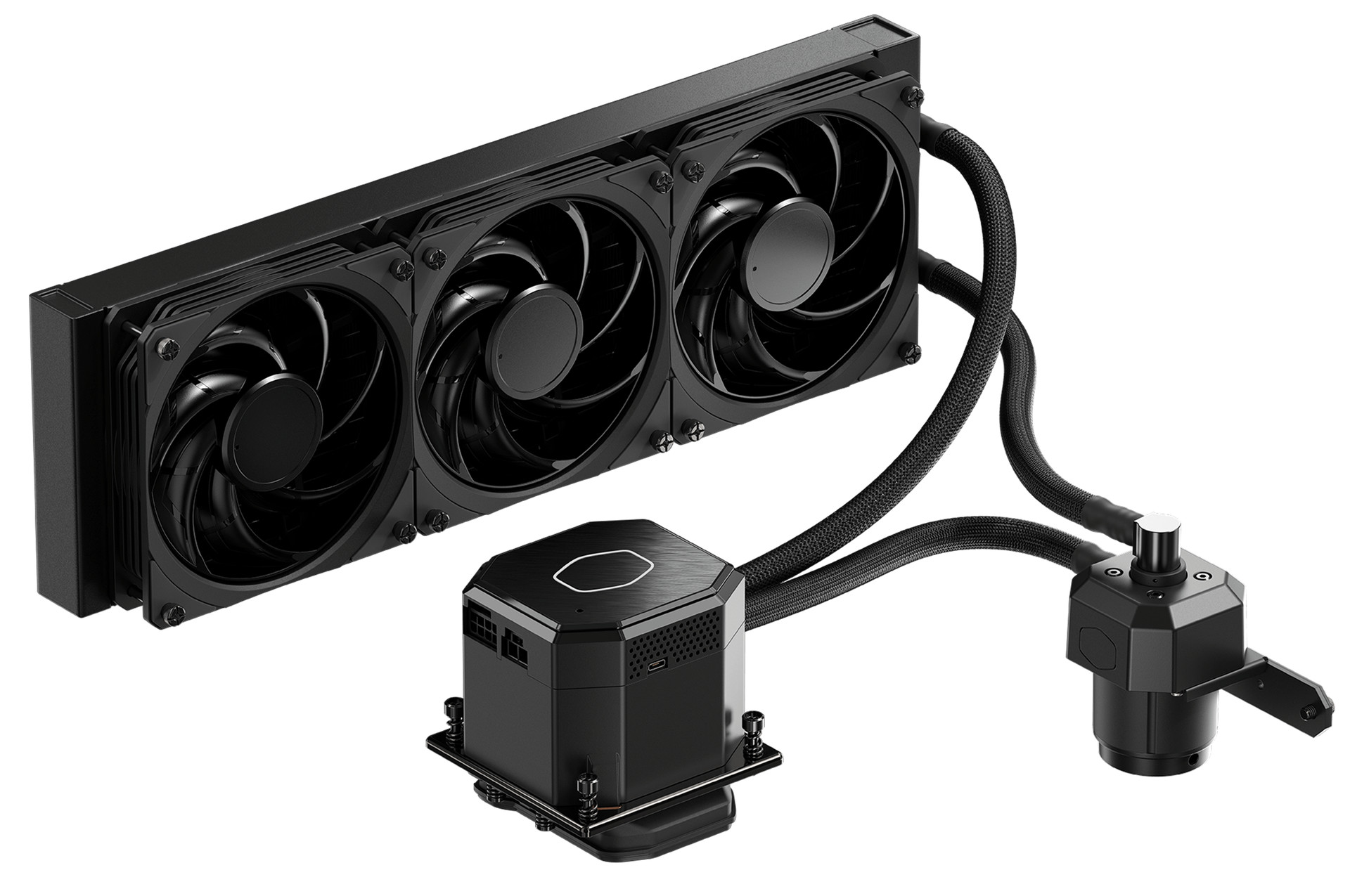
This technology is used by EKWB EK-Quantum TEC and CoolerMaster Liquid ML360 Sub-Zero coolers, but requires cooperation from the software running on the computer at the same time. This is because it is not advisable to cool the CPU too much, which is why Intel’s control application would monitor the load and temperature and only activate the thermoelectric element when the CPU was generating more heat. At the same time, this software also monitored the temperature of the cooler using sensors and regulated the TEC’s function according to them as well.
- Tip: EK-QuantumX Delta TEC: thermolectric subambient liquid cooler
- Tip: Cooler Master MasterLiquid ML630 Sub-Zero: thermoelectric subambient cooling now also available in AIO form
In short this worked somewhat like a thermostat, preventing the TEC from “overdoing it” and overcooling the CPU and cooler base so much that moisture from the air condensed on them, which is dangerous to the computer.
So, unlike conventional coolers, the assistance of the CPU manufacturer was required and the Cryo Cooling Technology application used also needs updates for new generations of CPUs. But Intel does not want to invest in this technology anymore. This means that new coolers based on Intel Cryo Cooling Technology will not be made, but also that existing ones will probably not be usable on future platforms.
Intel now has an announcement on their website that this product has been discontinued as of July 1, 2023 and no more Cryo Cooling Software updates will be released after the end of 2023. It is likely that any new updates that are provided before that date will probably only contain minor adjustments or critical bug patches.
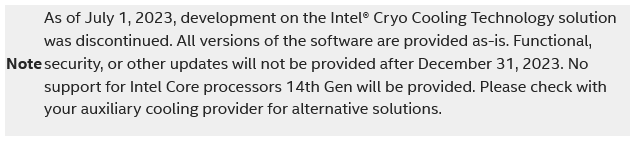
No support for Core 14th generation
Intel also states that the technology will not be updated to support the recently released Core 14th generation processors. While these are still based on the same silicon as the previous 13th generation, the company probably doesn’t want to invest in testing them with this technology anymore.
This cooling was expensive and not entirely practical, and besides its complicated operation, it also draws a lot of power – cooling by the Peltier effect itself consumes a lot of electricity, which turns into heat, which is added to the heat produced by the processor. Therefore, not that many users are likely to be interested in these systems.
It’s possible that Intel also cancelled the technology because it sort of drew unwanted attention to how CPU power draw has skyrocketed in recent years. It’s something that’s often criticized and logically led to comments that it was a desperate move prompted by Intel no longer being able to compete without resorting to extreme overclocking and exotic cooling. There was a grain of truth to that at the time (in that long 14nm era with Comet Lake processors, the fourth refresh of Skylake, the 2015 architecture).
Emphasising how power hungry their current CPUs are (at least under some conditions) and the negative connotations is likely not something Intel appreciates and that may have contributed to the technology being sent into retirement. However, it’s possibly Intel’s current cost-cutting efforts that may have played the most important role, with the company abandoning many of its more activities, even more important ones than Cryo Cooling Technology – for example the production of NUC SFF computers. Now it has even announced that it will ditch its development of silicon photonics, i.e. chips for optical communication, in which Intel probably once saw an important future growth opportunity. Intel’s optical transceiver production is now to be taken over by Jabil, similar to how Asus took over NUC production from Intel.
English translation and edit by Jozef Dudáš
⠀
⠀


