


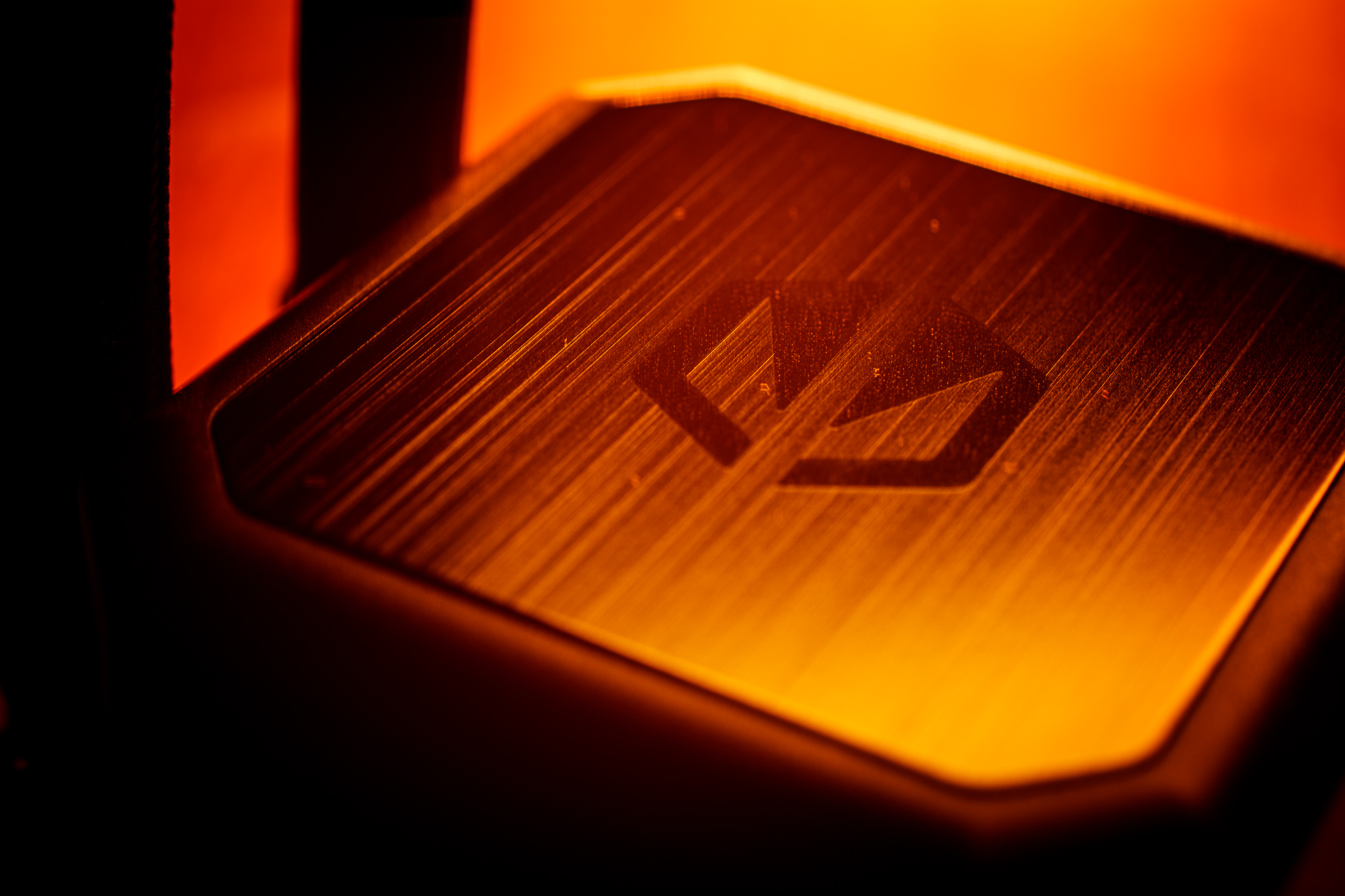
Today I would like to introduce another liquid all-in-one cooler from Endorfy. After testing the Navis F240 ARGB and Navis F280, it’s now the turn of the biggest brother of these coolers, the Navis F360. As with the other coolers in the updated Navis series, here you’ll also find the good old Endorfy Fluctus fans. And with a price tag of around 110 EUR, there is again a decent potential for an attractive price/performance/quality ratio.
Key features of the cooler
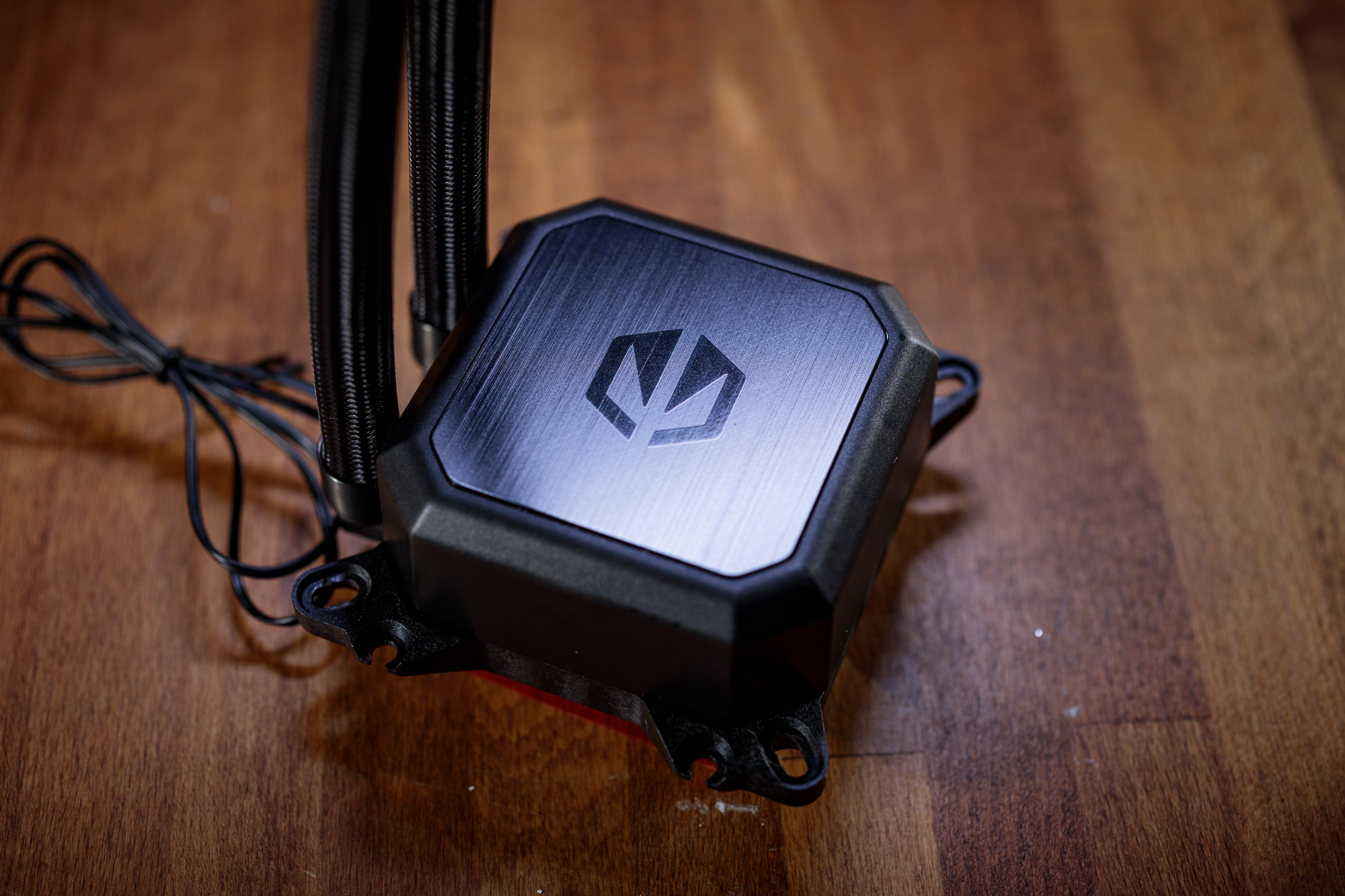
Visually, the Endorfy Navis F360 is pleasantly minimalistic, much like the other coolers in the lineup. All parts of the cooler are matte black except for the top of the cooling block, where you’ll find a brushed aluminum surface with the manufacturer’s logo. You’ll be looking in vain for RGB backlighting or other colorful elements, and if you unconditionally require this feature, you’ll have to pay a little extra for the Navis F360 ARGB variant.
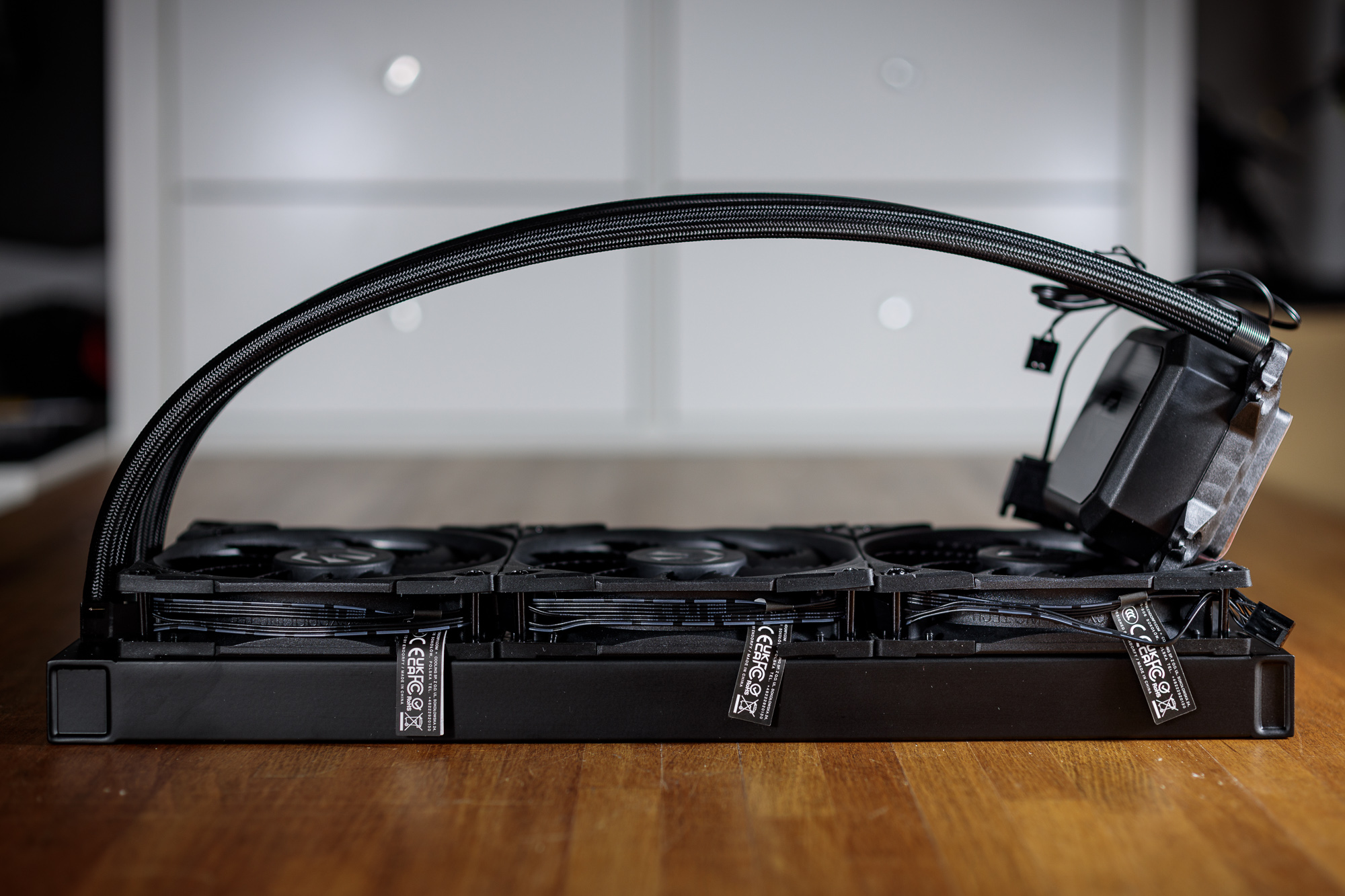
The Navis F360 is also identical in design to the Navis F240 and Navis F280, tests of which can be found on our website. The used cooling block with the pump is identical for all these coolers. The base of the block is a pump with a ceramic bearing, which is hidden inside the cooling block with a copper cold plate. The block has an integrated mounting system for all current non-HEDT processor sockets. Fluid circulates between the block and the radiator through twin 390 millimeter long tubes with protective nylon braid. For ease of handling and routing in the computer case, these hoses are attached to the cooling block with swivel fittings.

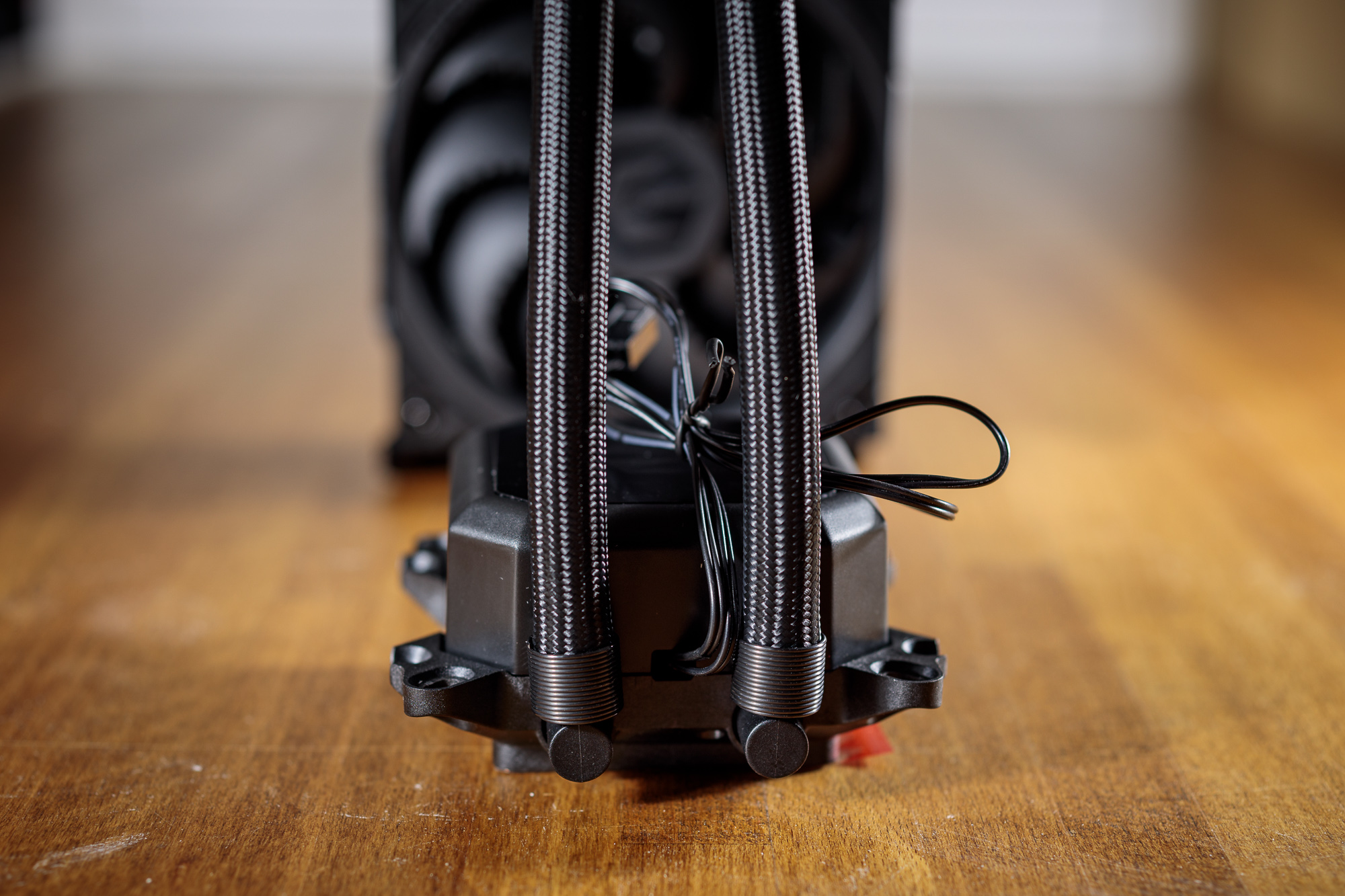
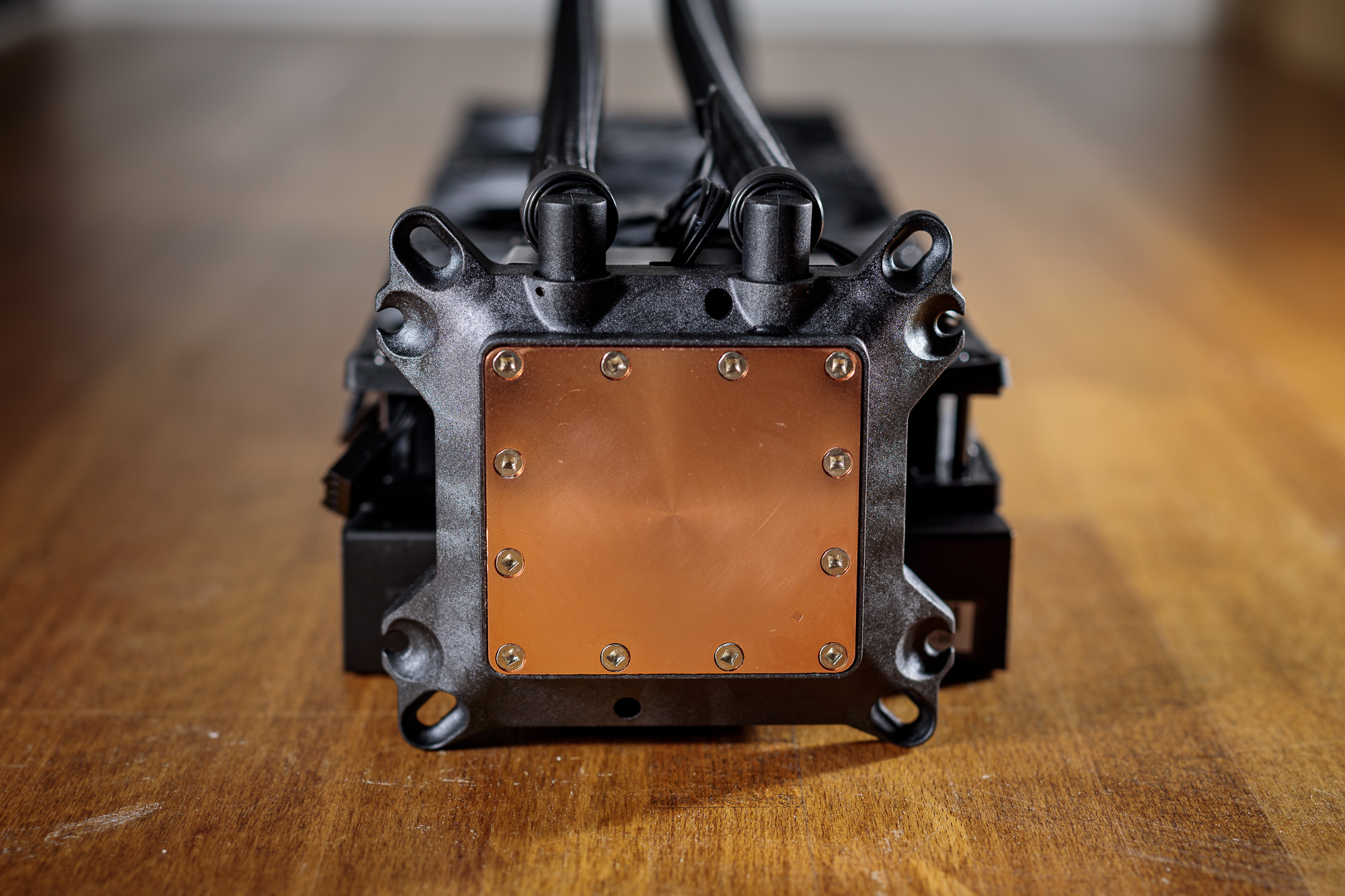
The manufacturer, by the way, recommends installing the cooling block on the CPU so that their logo is upright (with the tubes coming out of the block towards the motherboard I/O panel), which should ensure maximum efficiency of the cooler. However, I personally had a problem with this recommended orientation, as there was conflict between the swivel fittings and the VRM heatsink on the motherboard. And it certainly won’t be an isolated problem with my ASUS TUF Gaming Z590-Plus WIFI, as more and more motherboards are being equipped with oversized VRM cooling heatsinks. Fortunately, the cooling block can be rotated 180° so that the fittings are oriented towards the DIMM slots where there is more space. Moreover, the contact area of the cooling block is pleasantly large, so you don’t have to worry about suboptimal heat transfer from the CPU to the cooler in any orientation.
Compared to the Navis F240, this cooler differs only in the size of the radiator used. And just like other AIO coolers from Endorfy, this one is completely maintenance-free. What I have to appreciate anyway is the fact that the fans are already pre-installed from the factory, including neatly routed cables, which is also helped a lot by the possibility of serial connection of the fans. Just use the supplied extension cable to connect the fans and the motherboard. The pump is powered by a SATA cable for PWM speed control in the range of 1600–2600 rpm and is also equipped with a 4-pin cable.
In the cooler package you will find all the necessary components to install the cooler on the processor. Just choose the appropriate set of screws according to the processor socket. For AMD processors you will use the native motherboard backplate, for Intel processors you will use the backplate supplied with the cooler. The installation of the cooler itself is pretty straightforward, but I would have appreciated a system where the screws are first fixed in the backplate and then the whole thing is pushed through the holes in the motherboard.

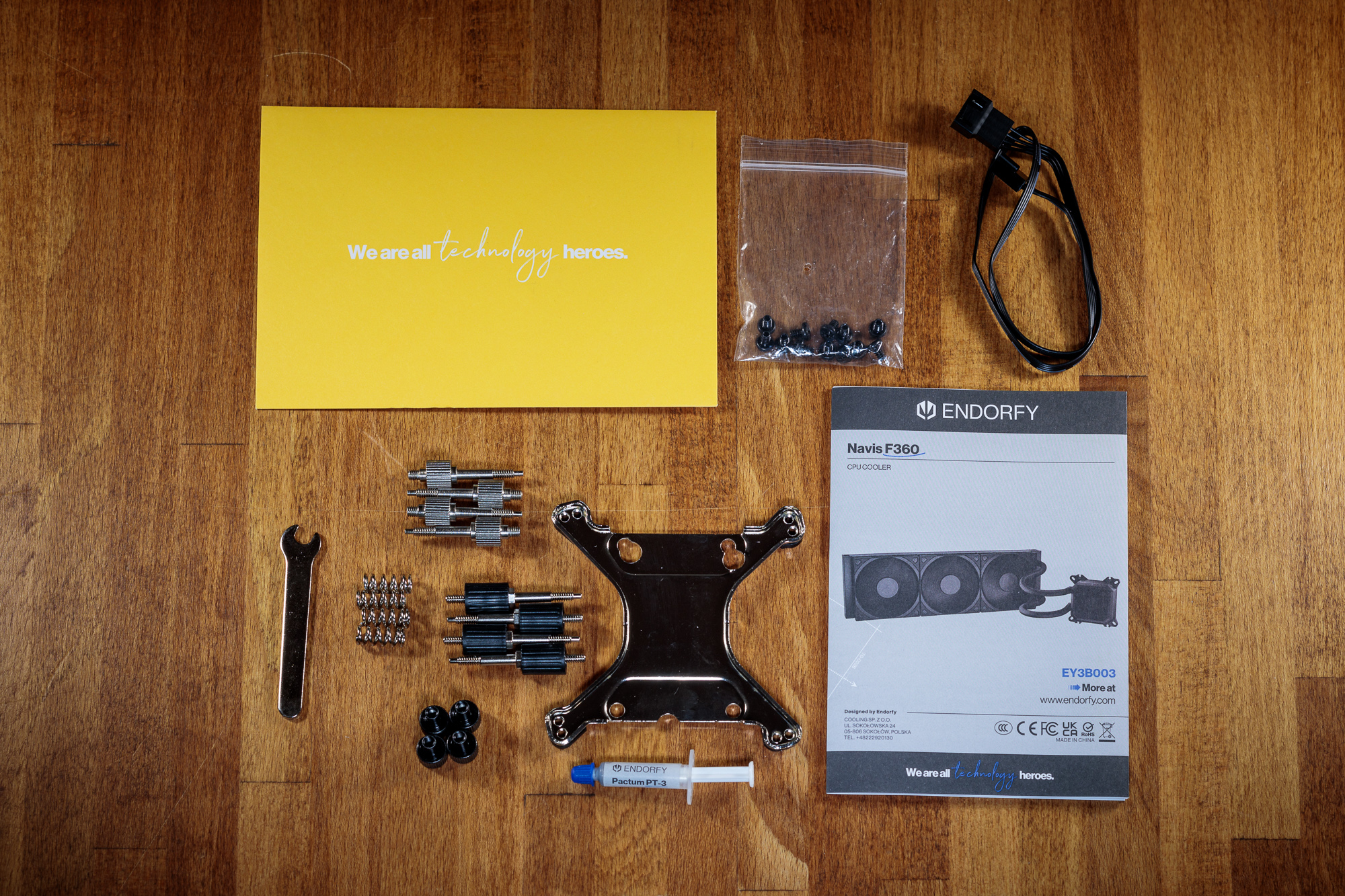
Especially with Intel LGA 115x/1200 socket, it is necessary to have the backplate rotated by 3° to the vertical axis of the motherboard, which can lead to minor difficulties in aligning the holes in the board and in the backplate relative to each other for fixing screws. It’s only a small thing, but surely the mounting could have been easier.
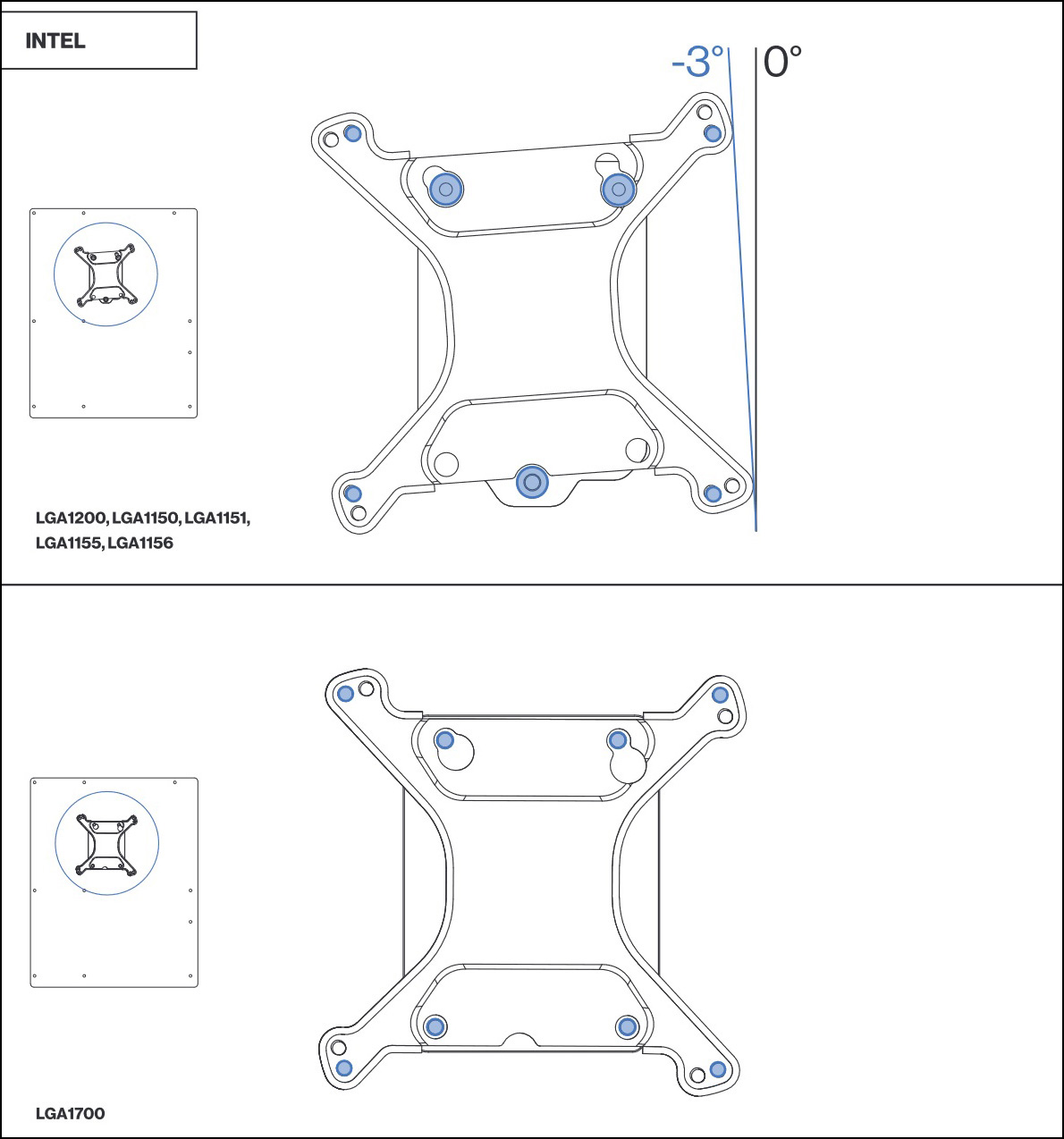
In the accessories you will also find a set of 5mm screws for mounting the radiator to the computer case, the aforementioned cable for connecting the fans to the motherboard, a wrench for tightening the mounting screws and finally a neat user manual.
Pump, radiator and fan parameters
The Endorfy Navis F360 has the standard parameters and dimensions of a cooler in its class. The radiator is aluminum and its overall thickness including the fans does not exceed 55 millimeters to ensure the highest compatibility with common computer cases on the market. Navis F360 is compatible with all modern CPU sockets except HEDT platforms. What makes this cooler clearly stand out is its pleasantly low price compared to premium AIO coolers. Its price is at the level of high-end air coolers and thus has a very solid potential for an interesting price-performance ratio.
| Cooler | Endorfy Navis F360 | MSI MEG Coreliquid S360 | Asus ROG Ryujin II 360 | |
| Supported sockets | Intel 115x, 1200, 1700, 20xx; AMD AM4, AM5 | Intel 115x, 1200, 1700, 20xx; AMD AM4, AM5, TR4/sTRX4 | ||
| Radiator dimensions (H × W × T) | 395 × 120 × 28 mm | 394 × 120 × 27 mm | 394 × 121 × 27 mm | |
| Block dimensions (H × W × T) | 90 × 95 × 48,5 mm | 84 × 95 × 95 mm | 88 × 81 × 78 mm | |
| Hose length | 390 mm | 380 mm | 380 mm | |
| Pump speed | 2600 rpm | 2800 rpm | ||
| Radiator material | aluminium | aluminium | ||
| Max RAM height | no restrictions | no restrictions | ||
| Warranty | 3 years | 6 years | ||
| Approx. retail price | € 110 | € 250 | € 285 |
Unfortunately, Endorfy still does not provide any airflow or static pressure parameters for Fluctus fans. In any case, this is the same type of fan you find on the Fera 5 or Navis F240 coolers. And from the tests of these coolers and the fan itself, we know that this is a high quality product with a good acoustic profile.
| Fan | Endorfy Fluctus 120 PWM | MSI MEG Silent Gale P12 | Endorfy Fluctus 140 PWM | |
| Bearing | FDB | HDB | SSO2 | |
| Max. speed | 1800 rpm | 2000 rpm | ||
| Max static pressure | N/A | 2.21 mm H2O | 3.94 mm H2O | |
| Max. airflow | N/A | 95.5 m3/h | 121.8 m3/h |


