


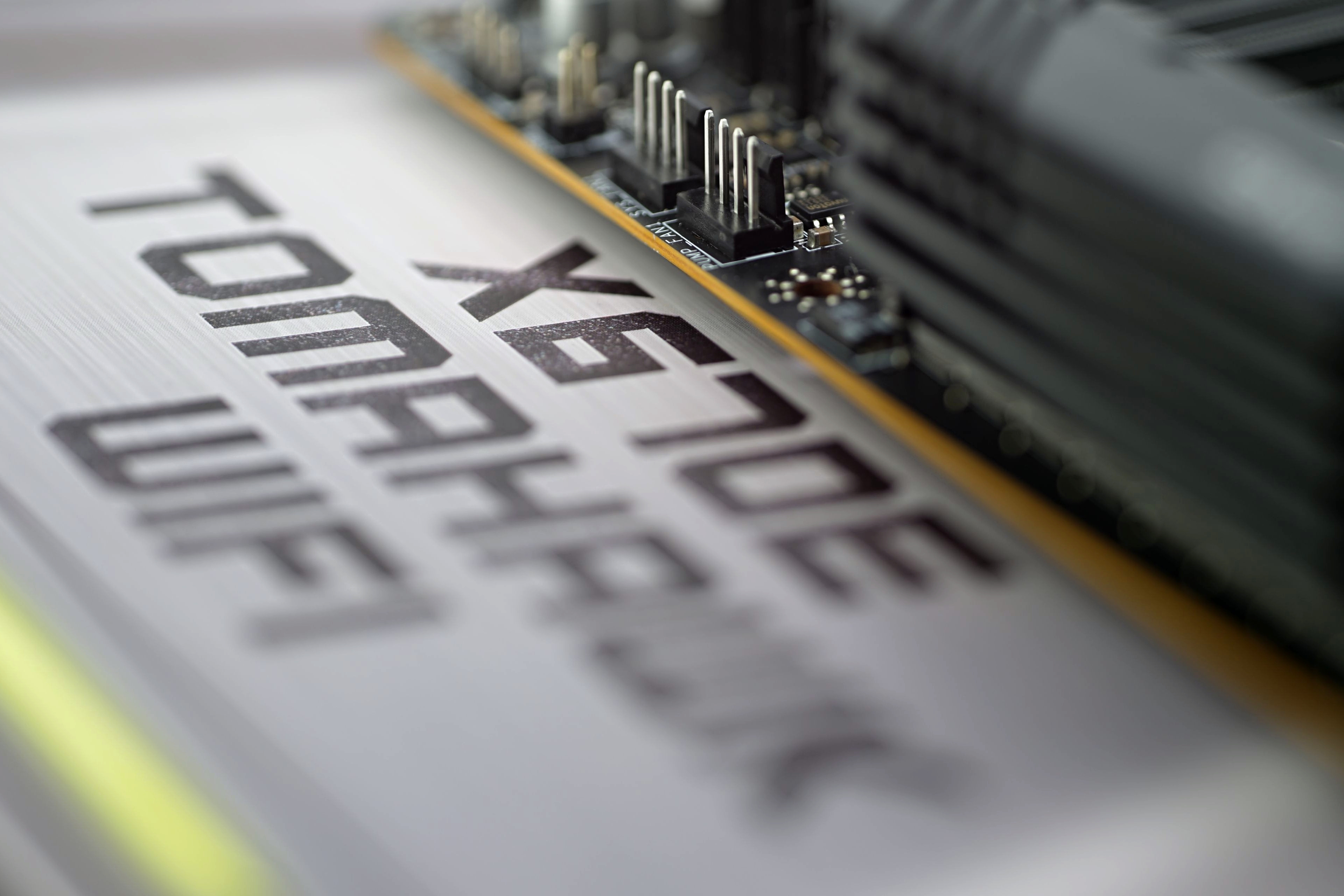
The X670E Tomahawk WiFi motherboard is a combination of the highest-end AMD chipset and a relatively lower price. At least by X670E motherboard standards. In addition to broader connectivity (that’s first and foremost), there’s also PCI Express 5.0 support. The decent VRM is also well prepared to run efficiently with even the most powerful processors that can be used on the AM5 platform.
Speedometer (2.0) and Octane (2.0)
Test environment: To ensure that results are not affected by web browser updates over time, we use a portable version of Google Chrome (91.0.472.101), a 64-bit build. Hardware GPU acceleration is enabled as well, as it is by default for every user.
Note: The values in the graphs represent the average of the scores obtained in the subtasks, which are grouped according to their nature into seven categories (Core language features, Memory and GC, Strings and arrays, Virtual machine and GC, Loading and Parsing, Bit and Math operations, and Compiler and GC latency).


Could you highlight specific examples of the extra features on the MSI MAG X670E Tomahawk WiFi that contribute to its affordability compared to other motherboards in the market? Greeting : Telkom University
It is definitely the weaker feature set that makes this board more affordable compared to the more expensive X670E models. Those (more expensive X670E boards) tend to be built on E-ATX formats, so with a bigger PCB, and precisely to fit more stuff on it. Even among MSI boards, you can compare the features across different price ranges. For example with the X670E Ace tested last year, which costs twice as much (as the X670E Tomahawk WiFi), but is significantly better equipped. Not only in terms of interfaces and connectivity, but the VRM is also more robust. This all adds up to a higher price, but I can’t guess which and to what extent. That’s more a question for those in charge of pricing than for us reviewers. 🙂
PS: In this price class, of course, other manufacturers also have their models and the differences will be in the details according to who gave higher priority to what elements. We always try to discuss this in the technical details analysis in the first chapters of motherboard tests.
Including socket-to-slot distances alongside the connector list is a useful detail for readers planning cooler and expansion-card clearance.
Yes, that is exactly why this detail is included in the specifications table. 🙂
The separate sections for storage, USB, and Ethernet performance make it easier to assess connectivity alongside CPU workloads, with the measurement-method sections providing useful context.
Thanks for sharing. 🙂