


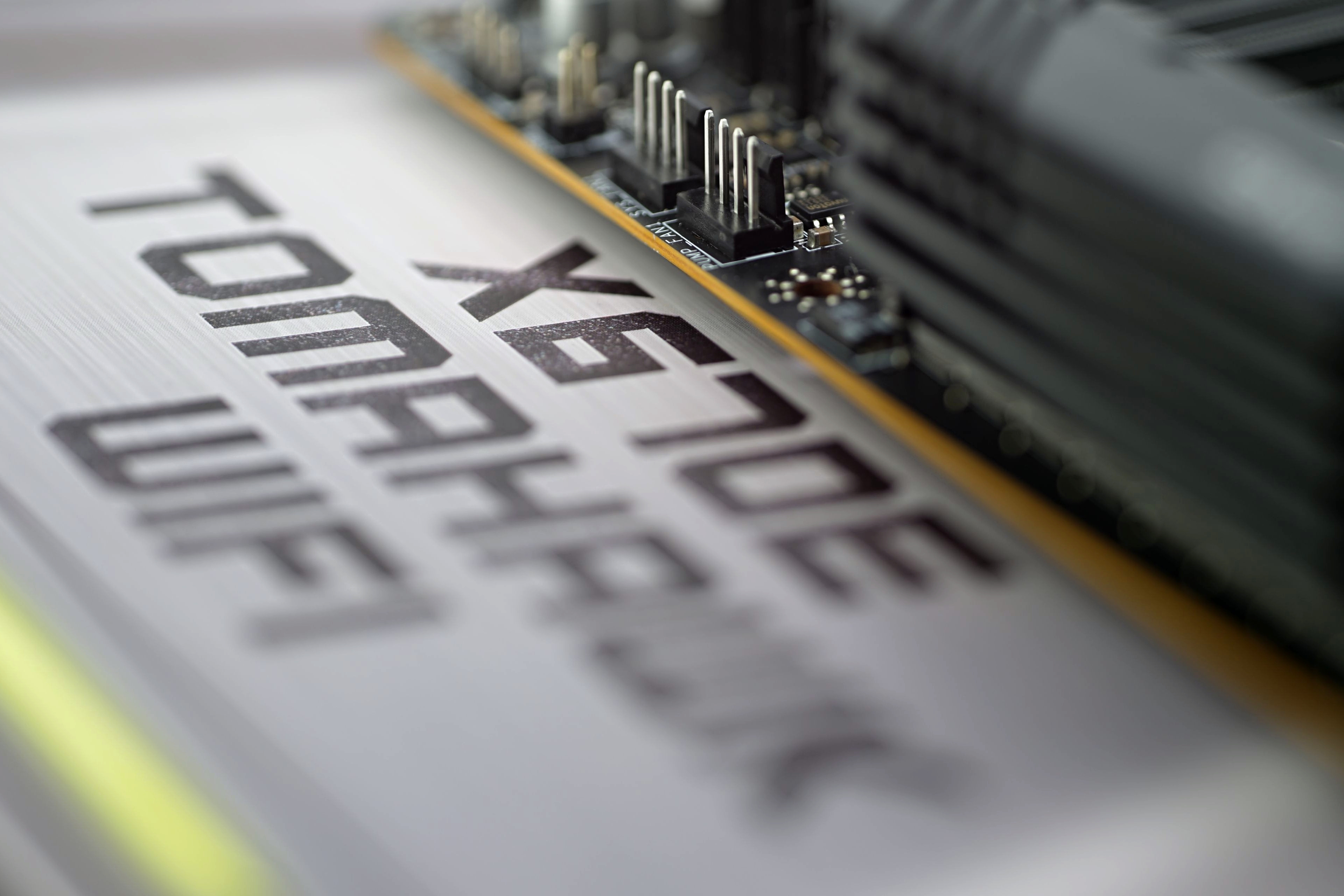
Naposledy sme sa zaoberali základnou doskou, ktorá, ktorá je aj vďaka nižšej cene vhodná najmä na použitie s lacnejšími procesormi. Teraz tu máme o zhruba 50 eur drahšiu Gigabyte B660 Aorus Master DDR4. Príplatok tu má jasné opodstatnenie a odzkadľuje sa na lepších vlastnostiach. Napájacia kaskáda je výrazne efektívnejšia, chladiče sú účinnejšie a výbava je celkovo bohatšia, vrátane svetielok.
Audio encoding
Test environment: Audio encoding is done using command line encoders, we measure the time it takes for the conversion to finish. The same 42-minute long 16-bit WAV file (stereo) with 44.1 kHz is always used (Love Over Gold by Dire Straits album rip in a single audio file).
Encoder settings are selected to achieve maximum or near maximum compression. The bitrate is relatively high, with the exception of lossless FLAC of about 200 kb/s.
Note: These tests measure single-thread performance.
FLAC: reference encoder 1.3.2, 64-bit build. Launch options: flac.exe -s -8 -m -e -p -f
MP3: encoder lame3.100.1, 64-bit build (Intel 19 Compiler) from RareWares. Launch options: lame.exe -S -V 0 -q 0
AAC: uses Apple QuickTime libraries, invoked through the application from the command line, QAAC 2.72, 64-bit build, Intel 19 Compiler (does not require installation of the whole Apple package). Launch options: qaac64.exe -V 100 -s -q 2
Opus: reference encoder 1.3.1, Launch options: opusenc.exe –comp 10 –quiet –vbr –bitrate 192


Could you highlight specific examples of the extra features on the MSI MAG X670E Tomahawk WiFi that contribute to its affordability compared to other motherboards in the market? Greeting : Telkom University
It is definitely the weaker feature set that makes this board more affordable compared to the more expensive X670E models. Those (more expensive X670E boards) tend to be built on E-ATX formats, so with a bigger PCB, and precisely to fit more stuff on it. Even among MSI boards, you can compare the features across different price ranges. For example with the X670E Ace tested last year, which costs twice as much (as the X670E Tomahawk WiFi), but is significantly better equipped. Not only in terms of interfaces and connectivity, but the VRM is also more robust. This all adds up to a higher price, but I can’t guess which and to what extent. That’s more a question for those in charge of pricing than for us reviewers. 🙂
PS: In this price class, of course, other manufacturers also have their models and the differences will be in the details according to who gave higher priority to what elements. We always try to discuss this in the technical details analysis in the first chapters of motherboard tests.
Including socket-to-slot distances alongside the connector list is a useful detail for readers planning cooler and expansion-card clearance.
Yes, that is exactly why this detail is included in the specifications table. 🙂
The separate sections for storage, USB, and Ethernet performance make it easier to assess connectivity alongside CPU workloads, with the measurement-method sections providing useful context.
Thanks for sharing. 🙂