


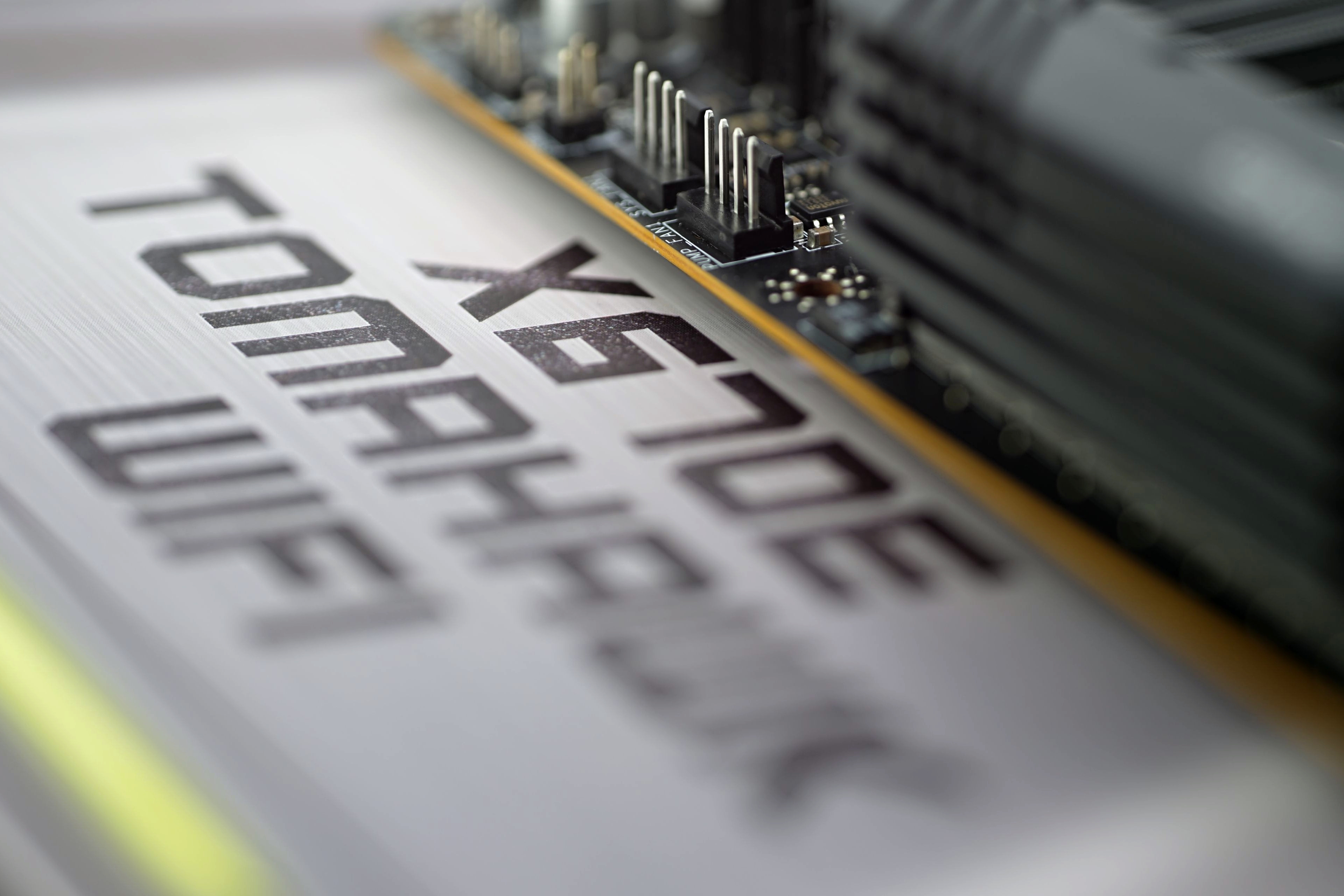
The X670E Tomahawk WiFi motherboard is a combination of the highest-end AMD chipset and a relatively lower price. At least by X670E motherboard standards. In addition to broader connectivity (that’s first and foremost), there’s also PCI Express 5.0 support. The decent VRM is also well prepared to run efficiently with even the most powerful processors that can be used on the AM5 platform.

Adobe Photoshop (PugetBench)
Test environment: set of PugetBench tests. App version of Adobe Photoshop is 22.4.2.
Affinity Photo (benchmark)
Test environment: built-in benchmark.
Topaz Labs AI apps
Topaz DeNoise AI, Gigapixel AI and Sharpen AI. These single-purpose applications are used for restoration of low-quality photos. Whether it is high noise (caused by higher ISO), raster level (typically after cropping) or when something needs extra focus. The AI performance is always used.
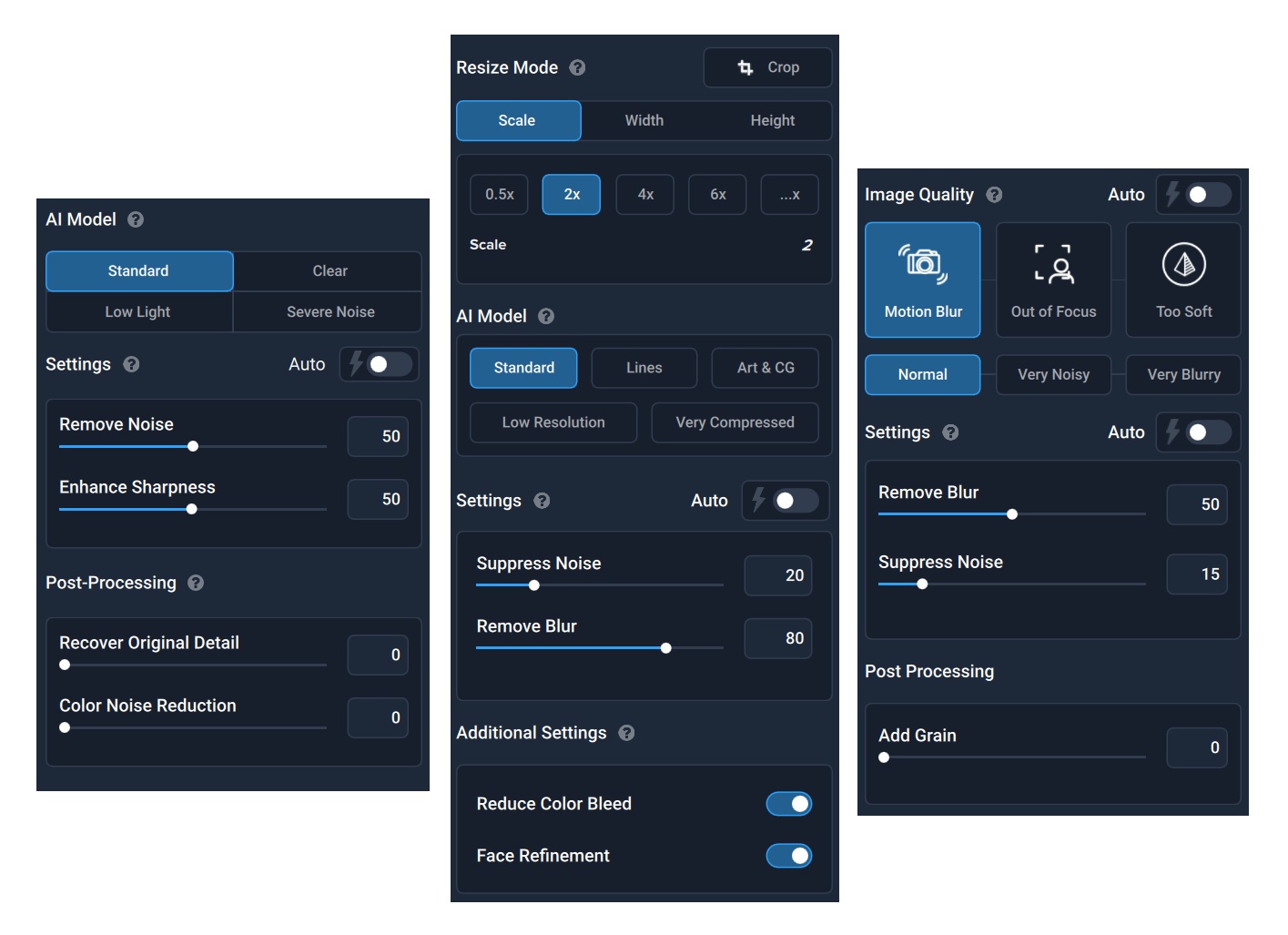
Test environment: As part of batch editing, 42 photos with a lower resolution of 1920 × 1280 px are processed, with the settings from the images above. DeNoise AI is in version 3.1.2, Gigapixel in 5.5.2 and Sharpen AI in 3.1.2.



Could you highlight specific examples of the extra features on the MSI MAG X670E Tomahawk WiFi that contribute to its affordability compared to other motherboards in the market? Greeting : Telkom University
It is definitely the weaker feature set that makes this board more affordable compared to the more expensive X670E models. Those (more expensive X670E boards) tend to be built on E-ATX formats, so with a bigger PCB, and precisely to fit more stuff on it. Even among MSI boards, you can compare the features across different price ranges. For example with the X670E Ace tested last year, which costs twice as much (as the X670E Tomahawk WiFi), but is significantly better equipped. Not only in terms of interfaces and connectivity, but the VRM is also more robust. This all adds up to a higher price, but I can’t guess which and to what extent. That’s more a question for those in charge of pricing than for us reviewers. 🙂
PS: In this price class, of course, other manufacturers also have their models and the differences will be in the details according to who gave higher priority to what elements. We always try to discuss this in the technical details analysis in the first chapters of motherboard tests.
Including socket-to-slot distances alongside the connector list is a useful detail for readers planning cooler and expansion-card clearance.
Yes, that is exactly why this detail is included in the specifications table. 🙂
The separate sections for storage, USB, and Ethernet performance make it easier to assess connectivity alongside CPU workloads, with the measurement-method sections providing useful context.
Thanks for sharing. 🙂