




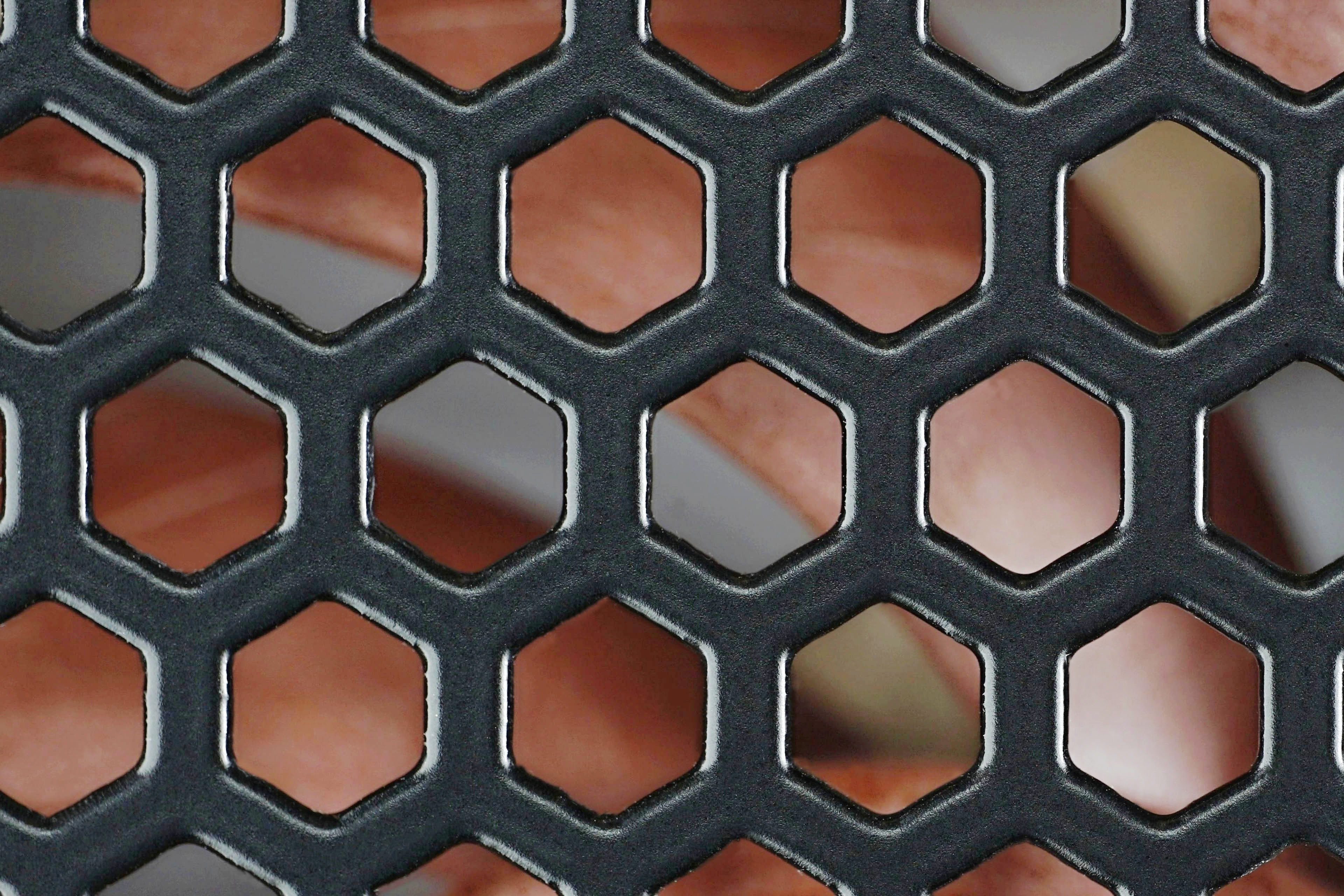
Why do cases and PSUs almost always have impractical cut-outs in the grille in front of fans for air passage? Whether this is due to indifference to an all-round honest product or ignorance of how inefficient a solution it is, remains a mystery. But we have devised a comparative test which refers to drawbacks of the hexagonal grille. Compared to the non-restrictive circular ones made of wires, the differences are significant.
Be fastidious, demand effective shapes
The idea of comparing the aerodynamic properties of grilles came to us a long time ago. The realization of complete tests was only possible now, with the completion of the editorial wind tunnel for fan tests.
However, apart from the increase in noise (which could still be measured quite easily without a tunnel), it is at least as important to have an idea of how much inadequate grilles reduce airflow or pressure. But especially the airflow, because grilles are mainly part of cases.
As to the results: the difference in airflow between the situation where the fan has no obstacle in its path and when a wire circular grille is in the way is 0 to 2%, depending on the airflow rate of the fan. At higher flow rates there is some loss because the circular grille also has some surface area. But with excellent aerodynamic properties, so even if it sometimes reduces the airflow, it is always to a negligible degree, which does not translate negatively into cooling in any way.
The rounded circular type of the “obstacle” is almost indistinguishable even acoustically. The biggest increase in noise we recorded was 1.1 dBA. And even that was at higher speeds (and airflow) than make sense for system cooling. With the NH-A12x25 PWM at 5V, the circular grille increases the noise level by only 0.5 dBA. With a hexagonal grille, it’s 3.1 dBA with the same fan setup.

In other words, the hexagonal grille almost doubles the noise level produced and the airflow throttling is incomparably higher. Compared to free space, this is up to minus 20% (from 50.8 m3/h to 40.5 m3/h) at the slowest of the tested settings. With a circular grille, the airflow is kept steady at 50.8 m3/h. There is some drop in airflow with the use of a circular grille, as we have already mentioned, only at higher speeds.
With a 9 V fan, the circular grille goes from 80.6 m3/h to 79.3 m3/h (a difference of 2%). A hexagonal grille takes this initial airflow rate down to 65.4 m3/h, a 31% decrease. Sure, but these are already high (~1330) speed comparisons that don’t make sense in normal operation. However, rejecting hexagonal and similar grilles definitely makes sense in normal practice, as they reduce cooling performance on the one hand and increase the noise level of the whole system on the other. The more grille, the more intense.
TL;DR: In-depth tests clearly show that hexagonal cut-out grilles reduce fan cooling performance while increasing noise. And quite unnecessarily so – a well-chosen circular shape is harmless in this respect. So from time to time, publicly express your displeasure at having an inadequate grille in your computer case or power supply. Maybe it will get to higher places and the luster of circular grilles will return, at least for the more expensive stuff.
English translation and edit by Jozef Dudáš




Was this tested with the grills on the intake, or on the exhaust?
And do you know how much of a difference it makes? Noctua with their NA-FG1 seems to mostly talk about intake noise.
Thanks for the question. Testing was done with a grille in front of the impeller. In a situation like this, the effect on the noise level is significantly greater. The increase is more significant than if it was the other way around (and the grille was placed behind the fan). This is why Noctua focuses on this kind of a situation. As part of HWCooling analyses, we are planning a detailed comparison in the future, where grilles with different structures will be in front of and behind different fans. However, this is not feasible in terms of time at the moment. But in the future, hopefully it will. 🙂