


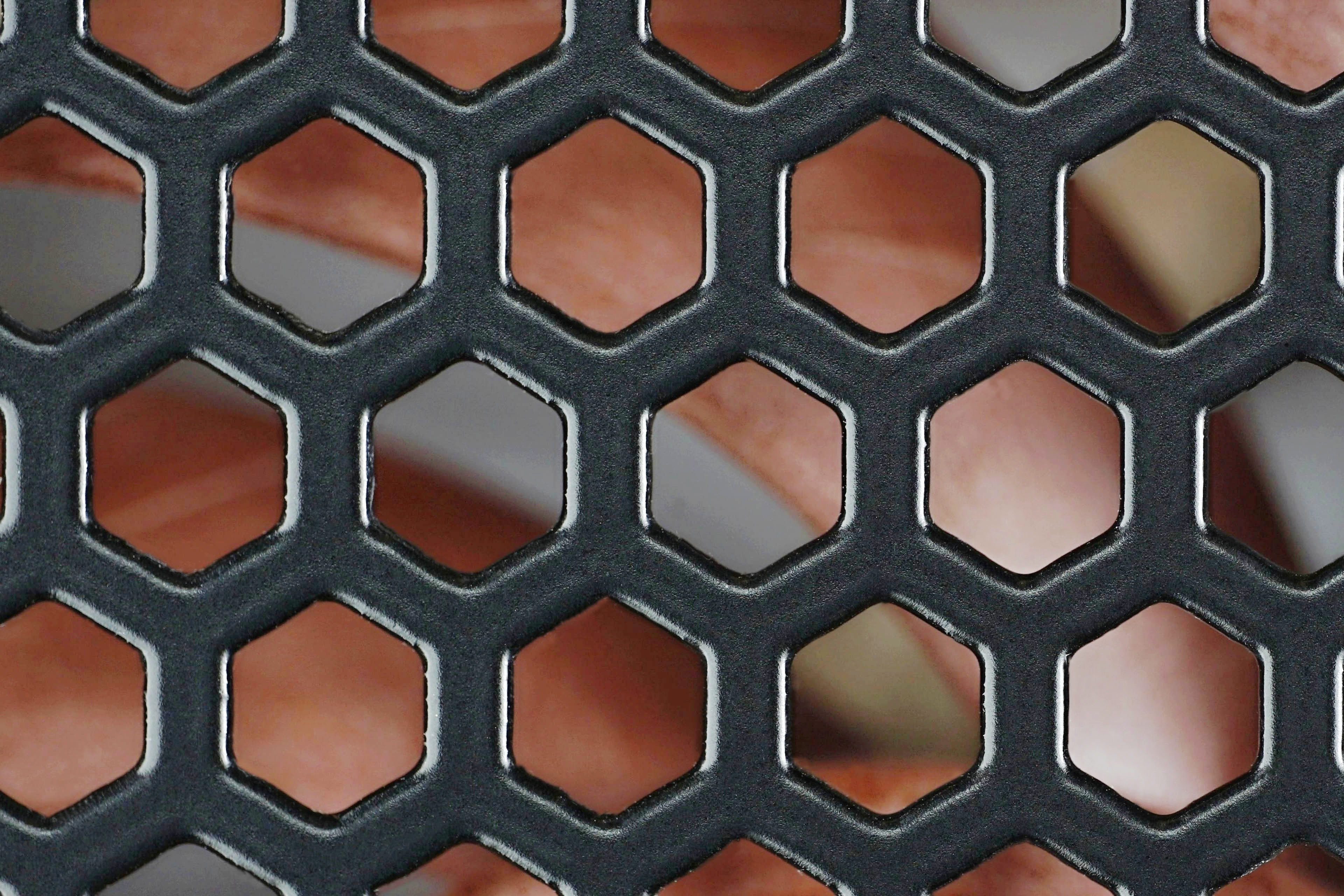
Why do cases and PSUs almost always have impractical cut-outs in the grille in front of fans for air passage? Whether this is due to indifference to an all-round honest product or ignorance of how inefficient a solution it is, remains a mystery. But we have devised a comparative test which refers to drawbacks of the hexagonal grille. Compared to the non-restrictive circular ones made of wires, the differences are significant.
Admit it, how many grilles have you cut? It’s a wonder that such finishing touches still make sense today. After all, there are still grilles used in computers that increase fan noise and at the same time reduce airflow. Cooling performance per unit of noise thus deteriorates significantly. And yet it’d be enough to adjust the shape of the cut-out.
For some unfathomable reason, the hexagonal mosaic has become the most popular among manufacturers. Some use squares, circles or some other regularly alternating pattern. In the better cases, you see fairly narrow walls between the cut-outs, making the space in front of the fan more open and less restrictive. While this does increase cooling efficiency, it reduces the strength of the structure and, more importantly, the efficiency is not what it could be with a wire circular grille. However, we more or less (and therefore less rather than more) encounter this only in ATX power supplies.
It doesn’t appear in modern cases and even companies that once used it in their designs have abandoned this type of grille. The main reason seems to be economy. It is considerably cheaper to stamp a patterned screen into the back panel sheet than to stamp a circle and produce a wire grille to go with it. But for a proper grille to be “expensive” even for a 500-euro case? We don’t expect a separate circular grille in cheap cases, but even within those, factory-inexpensive cut-outs into the sheet metal could replicate the circular shape.
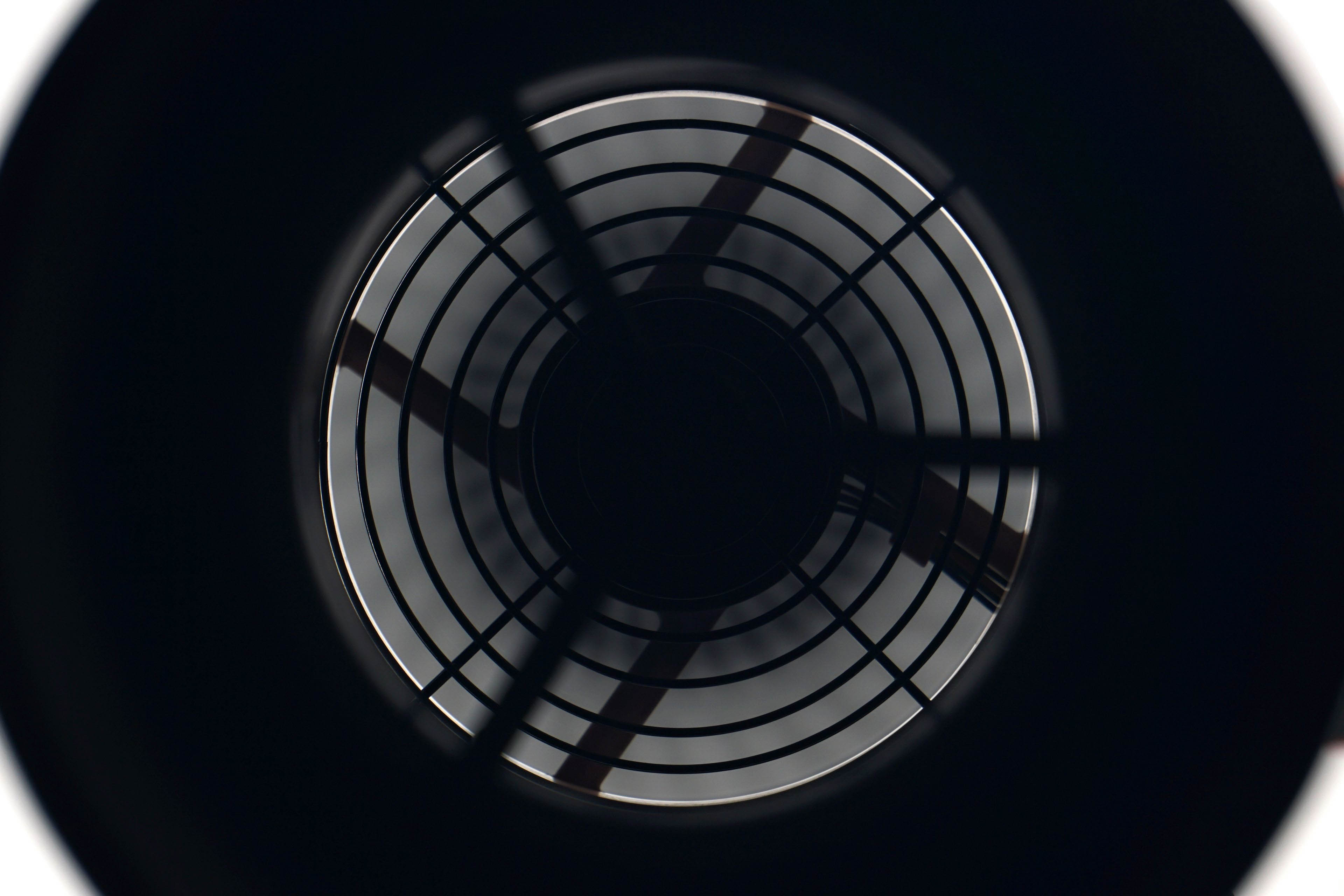
But over the last 7–10 years, the grilles in cases have changed a bit, for the better. Intake fans are often only installed through the side rails and don’t fight the grille in any way anymore. Who knows to what extent manufacturers do this for the fans themselves. Apparently this is mainly due to the boom of AIO coolers and their frequent support behind the front panel (since the ceiling is often too low for them). There’s always a grille at the back, on the exhaust, though. There it protects not only the computer itself, but also the user or other living creatures that could be harmed by a collision with the fan. But in these places, again, there is always an ineffectively patterned grille. We made one of these for our fan tests. It has a hexagonal perforation that makes up 50% of the total area (half of it is thus “closed”). For the duel, we then have a traditional circular grille made of 1.5 mm thick wires.


For the measurements we used Noctua Fan NF-A12x25 PWM. Firstly, because it is a fairly popular and widely used fan. Moreover, it is from a higher price category and one can assume that its owners will be interested in how it handles dust filters. Although we will be using not only filters but also other obstacles in our standard fan tests, a separate article with a slightly modified methodology is also appropriate.
We measure both airflow and pressure in the wind tunnel as described in the fan test methodology, but we measure noise a little differently. We don’t equate the latter to the same level in these filter tests, but we have fixed levels of operating voltages of the test fan. This is so that the filter (and later grille) tests can show the increase in noise that is caused by the greater mechanical resistance if an obstacle is placed in front of or behind the rotor. Thus, we use the NF-A12x25 PWM with 9 V (~1650 rpm), 7 V (~1330 rpm) and 5 V (~980 rpm). We didn’t test at maximum power because few will be blasting through dust filters at around 2100 rpm, where the Noctua is as well, naturally, noisy.
Don’t be alarmed by higher noise levels in the results. They are so because we increase the sensitivity of the sensing to a high enough resolution even for very low speeds by a parabolic collar around the noise meter. We also use the same fixture for in-depth sound analysis, where we measure noise levels in the 20–20,000 Hz range at 240 frequencies. For more on this topic, see Get familiar with measuring the frequency response of sound. If you are interested in fan tests and don’t know how to read spectrograms yet, we recommend you to complete the overview, it will come in handy.
The article continues in the following chapters.




Was this tested with the grills on the intake, or on the exhaust?
And do you know how much of a difference it makes? Noctua with their NA-FG1 seems to mostly talk about intake noise.
Thanks for the question. Testing was done with a grille in front of the impeller. In a situation like this, the effect on the noise level is significantly greater. The increase is more significant than if it was the other way around (and the grille was placed behind the fan). This is why Noctua focuses on this kind of a situation. As part of HWCooling analyses, we are planning a detailed comparison in the future, where grilles with different structures will be in front of and behind different fans. However, this is not feasible in terms of time at the moment. But in the future, hopefully it will. 🙂