




Prime GeForce RTX 5070 from Asus is a solid base for further tuning. We’ll test the options GPU Boost offers. We’ll measure how core and memory frequencies affect performance. We’ll also look at how the power limit influences the card’s behavior and how fan speed affects temperatures and clocks. Finally, we’ll add tips on lowering power draw while keeping performance, or boosting performance at similar power draw.
Memory offset
In the next set of tests, we’ll be adjusting the memory clock offset. Memory clocks are tricky—the actual operating clock differs from the “effective” one, and various applications handle this differently. There are also different interpretations of effective clocks meant to represent memory performance compared to previous generations. With GDDR7, this gets even more complicated due to 3-bit encoding.
Specifications usually state the number of transfers or gigabits per second, which is sometimes also referred to as the memory clock speed. In GPU-Z, you should see the real memory clock. For our graphs, we’ll use values reported by monitoring utilities. For GDDR7, you can calculate the effective clock by multiplying it by sixteen.
Afterburner makes things even more confusing. Memory speed is adjusted through offsets. By default, for GeForce RTX 50 cards, this ranges from -500 to +2000 MHz. If you replace the configuration file shared by Afterburner’s author on the Guru3D forum, you can push it up to +3000 MHz. In reality, though, the value in Afterburner represents one-eighth of the “physical” clock or half of the effective clock.
For example, increasing the offset in Afterburner by 2000 MHz raises the physical memory clock by 250 MHz, from 1750 to 2000 MHz. The effective speed then jumps from 28,000 MHz to 32,000 MHz.
| GDDR7 overclocking | ||||
| Memory Offset (MSI Afterburner) [MHz] | -500 | 0 | 2000 | 3000 |
| GPU Memory Clock (GPU-Z, HWiNFO) [MHz] | 1687 | 1750 | 2000 | 2125 |
| GPU Memory Clock Difference [MHz] | -63 | 0 | 250 | 375 |
| Effective Clock (specifications) [MHz] | 26992 | 28000 | 32000 | 34000 |
| Effective Clock Difference [MHz] | -1008 | 0 | 4000 | 6000 |
We’ll go through basic offset adjustments ranging from -500 to 2000 MHz in 100 MHz increments.
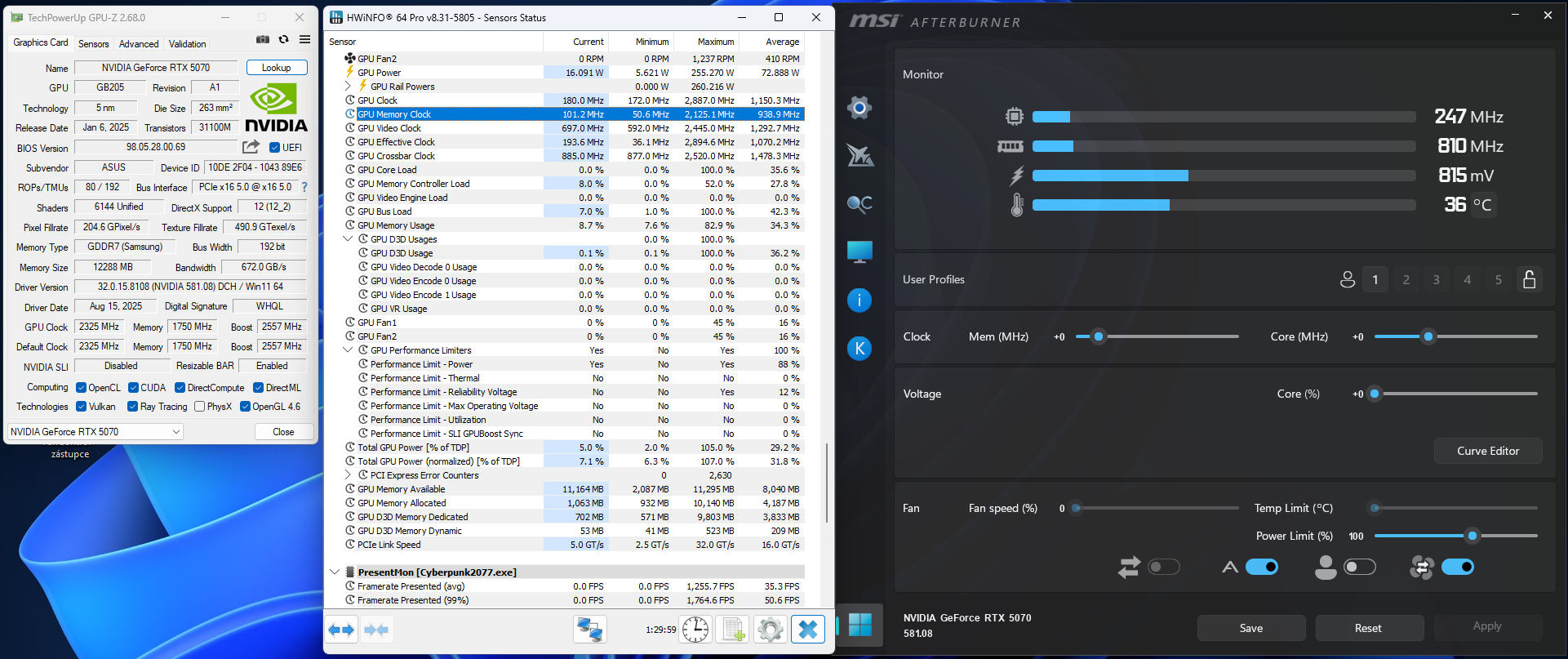

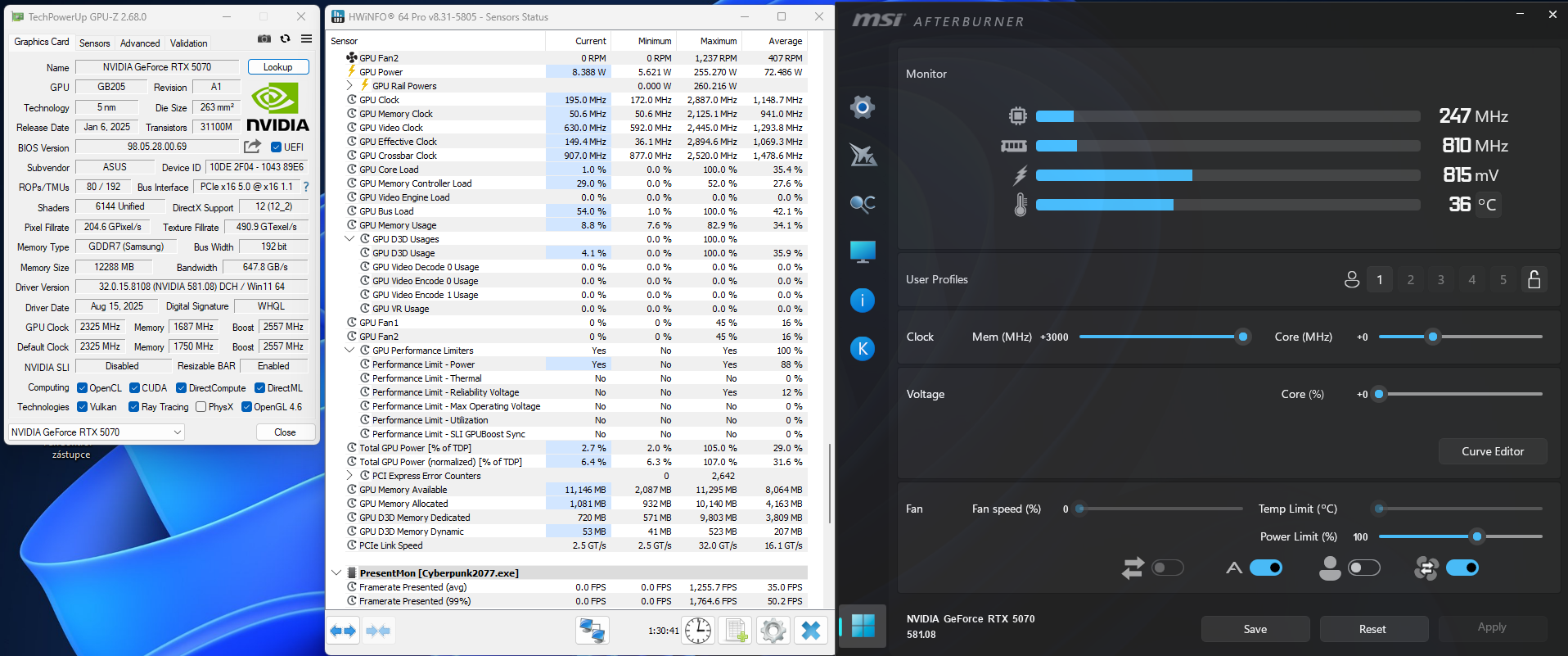
Memory Clock offset -500 MHz to +2000 MHz, step 100 MHz
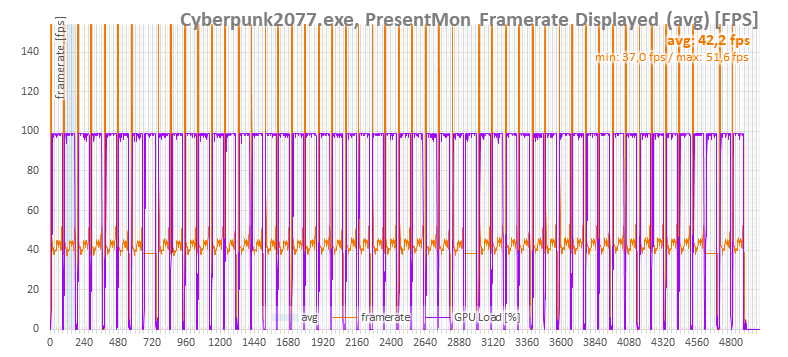
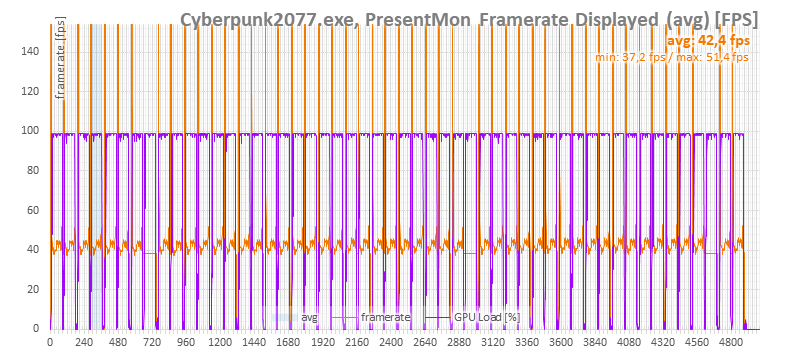
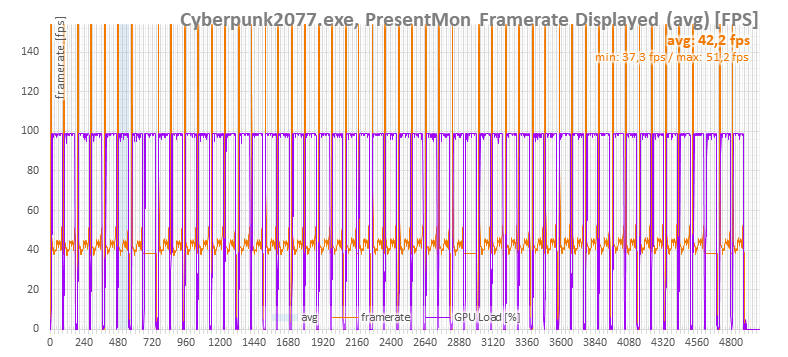
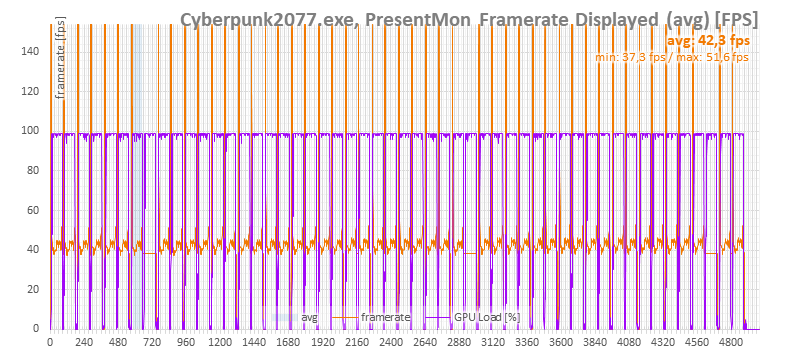
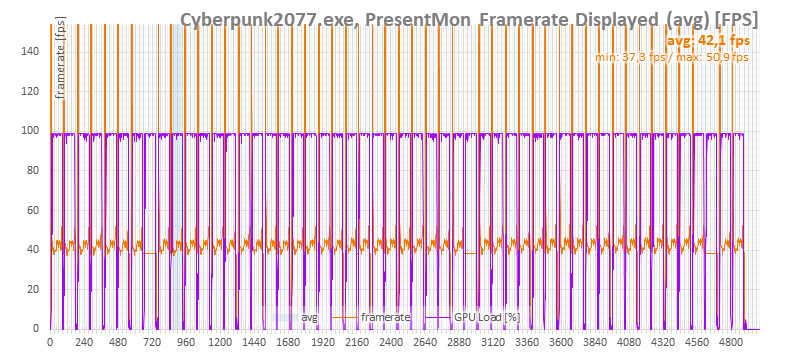
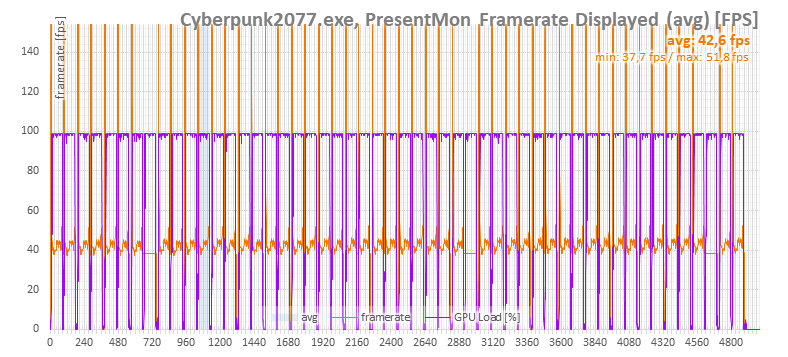
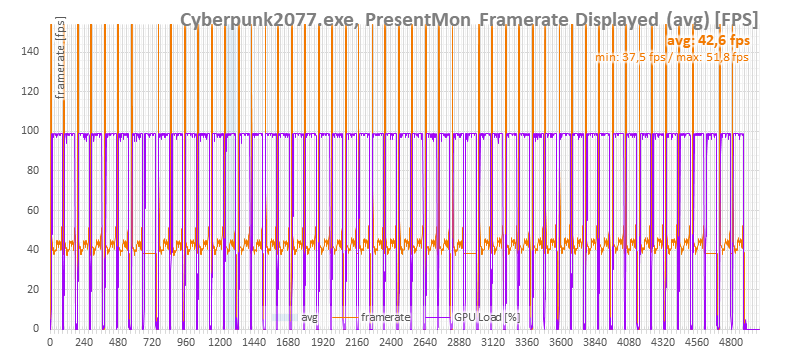
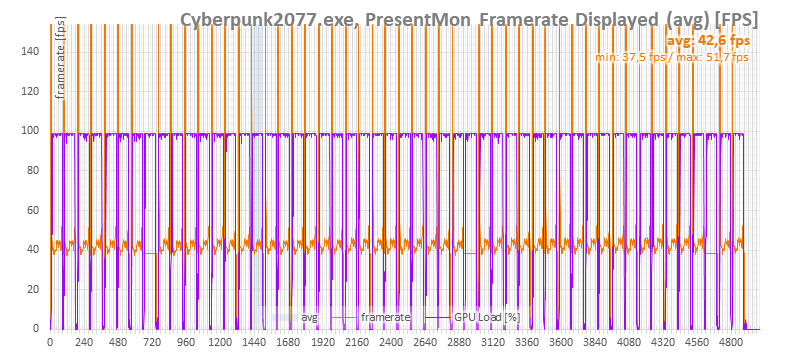
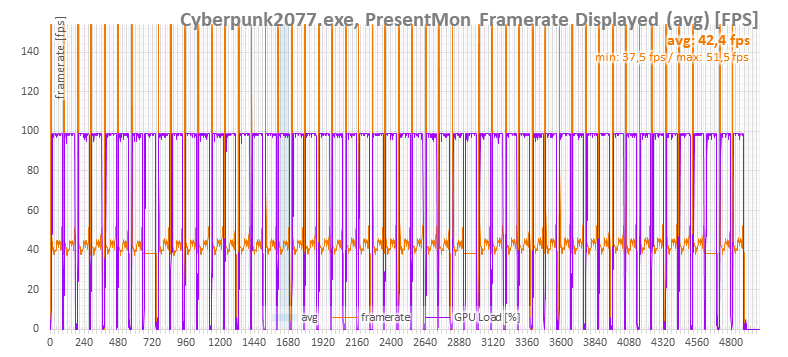

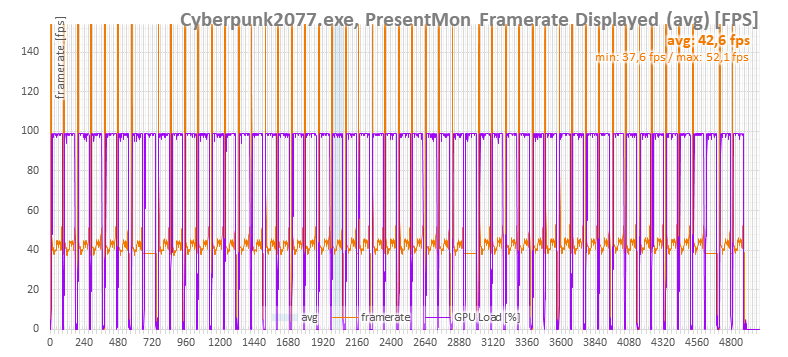
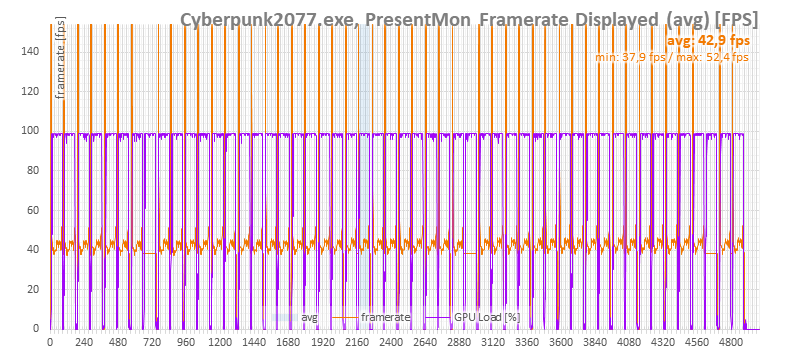
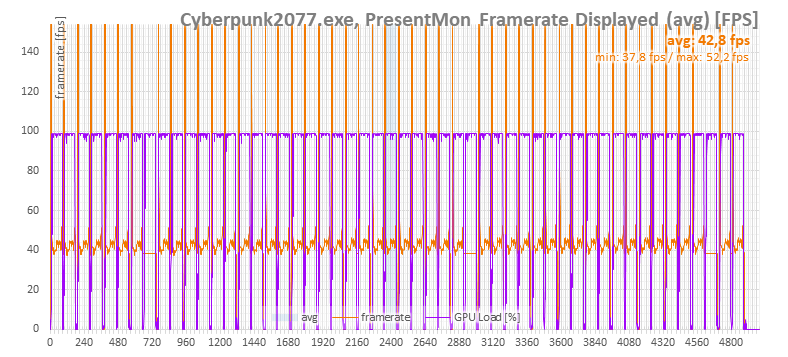
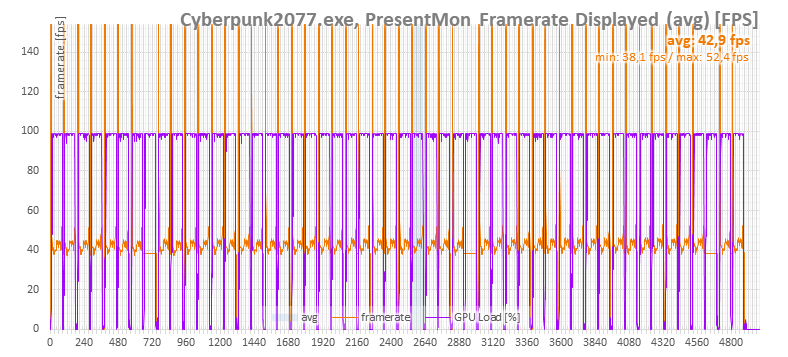
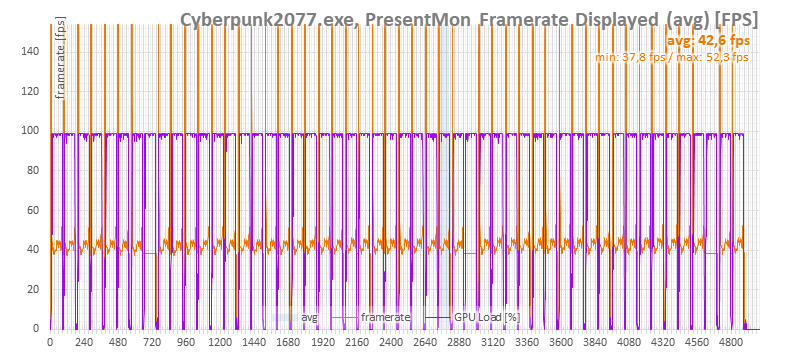
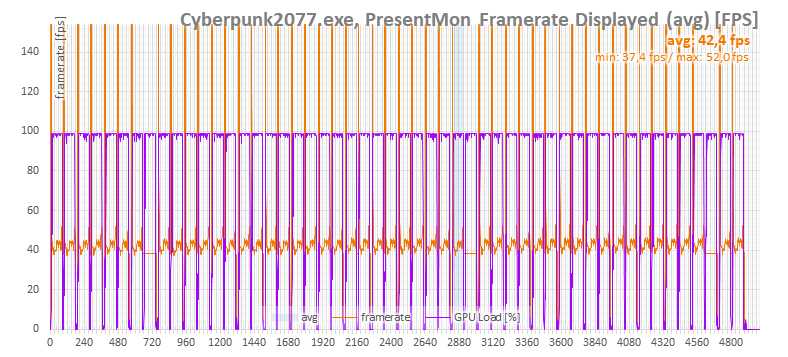
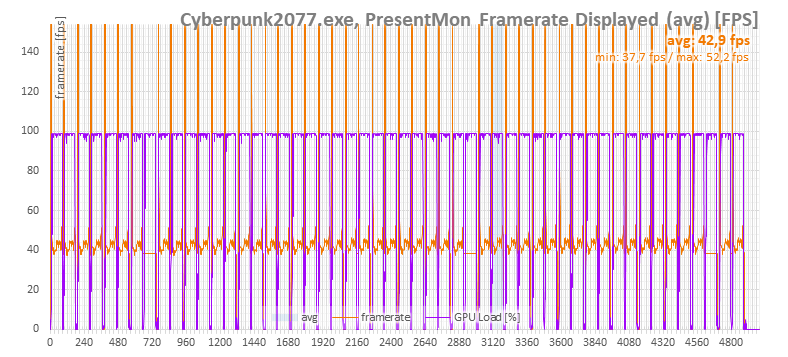
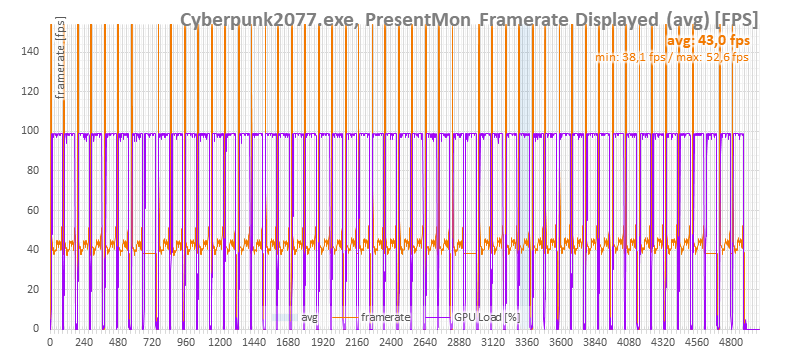
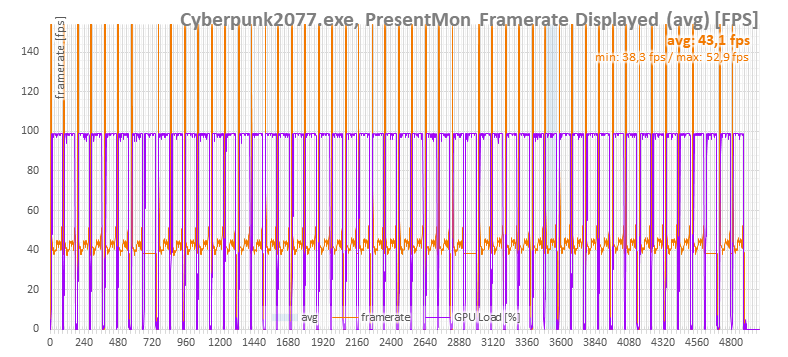

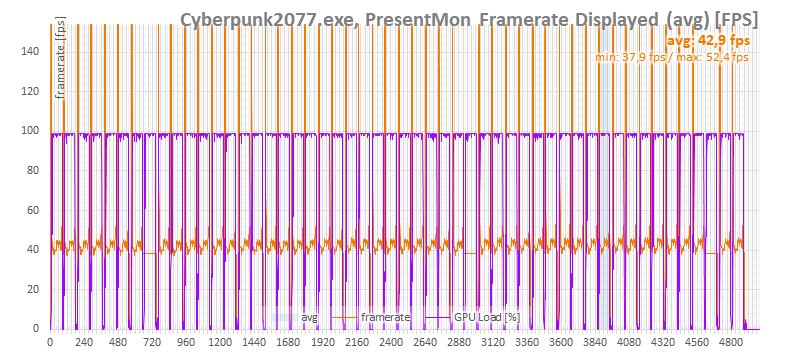
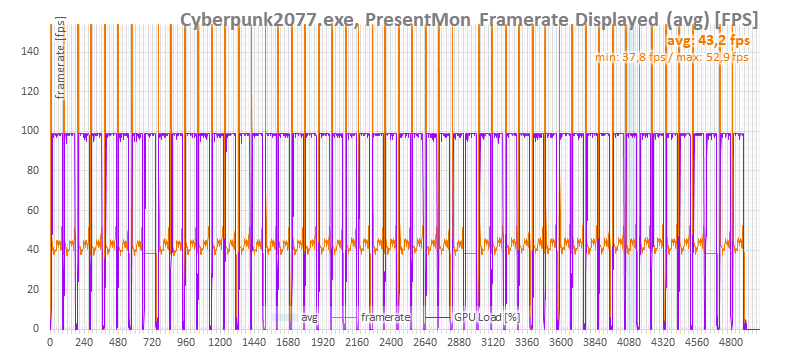
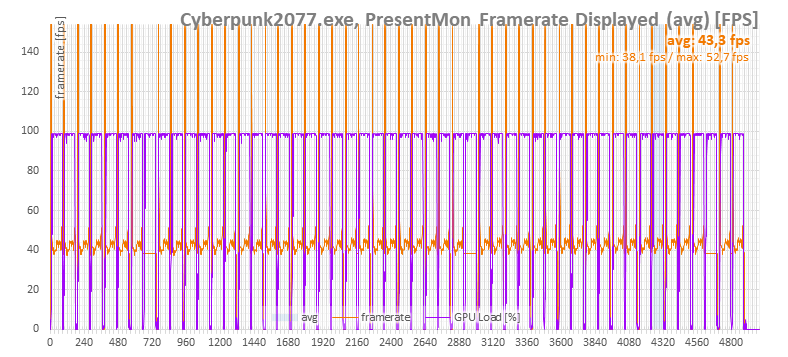
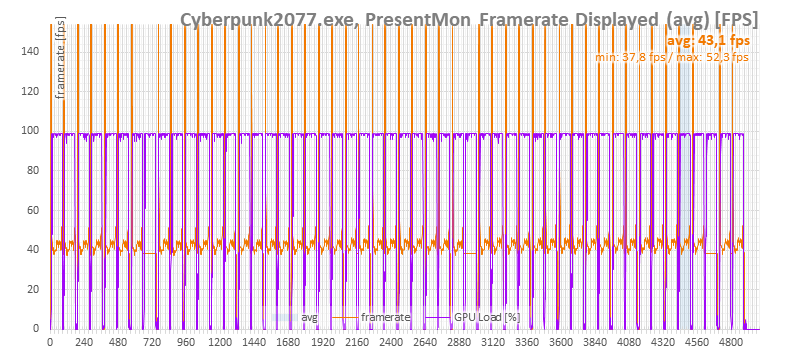
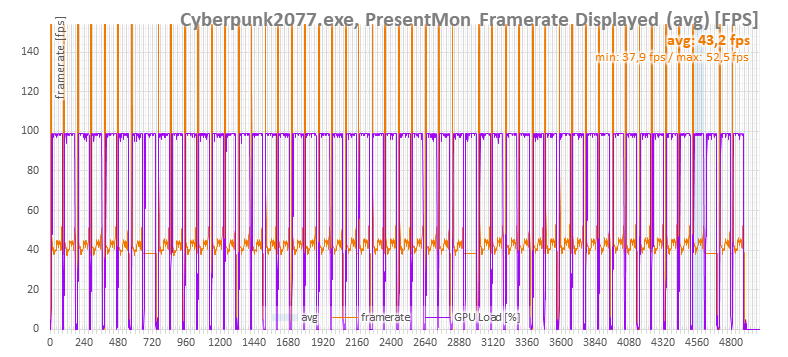
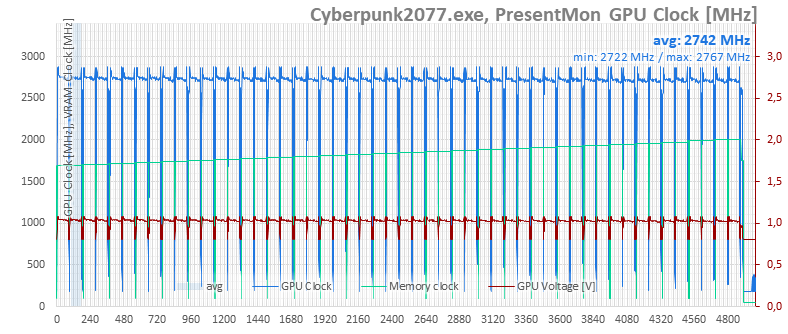
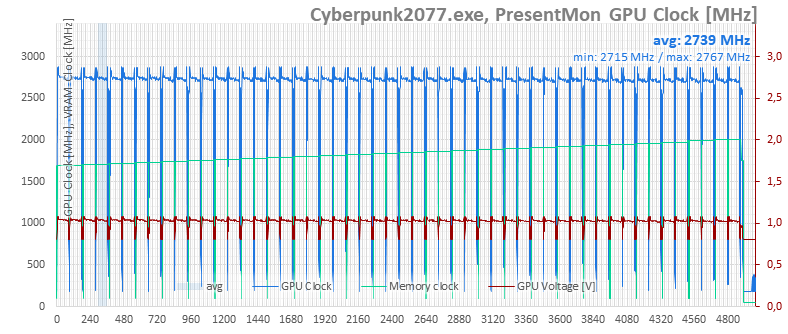

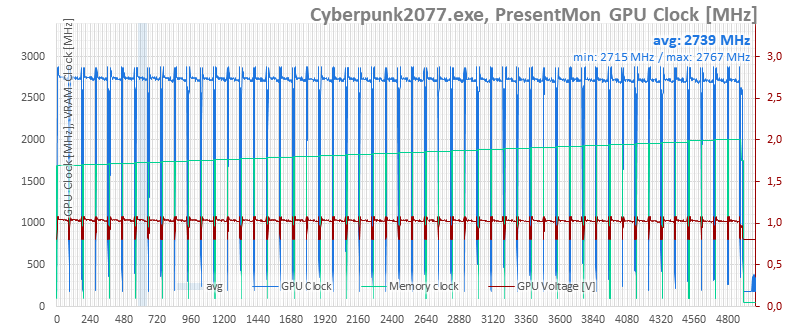
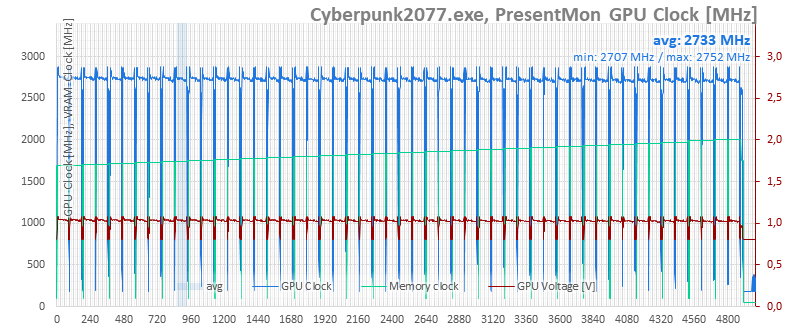


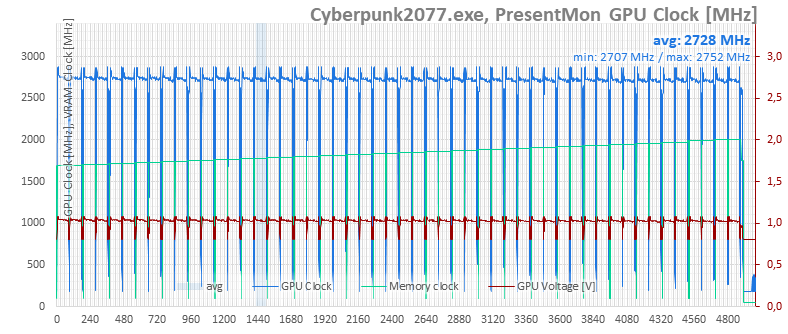
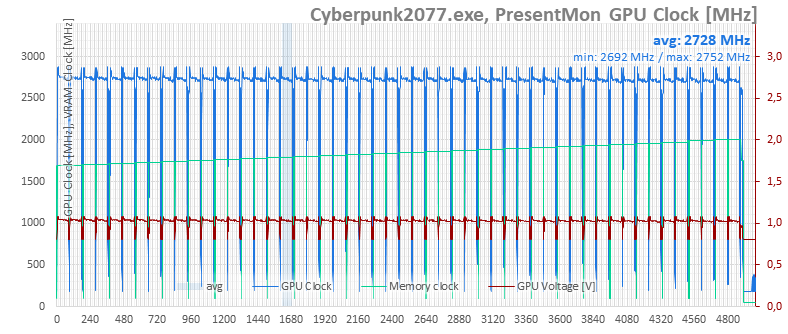
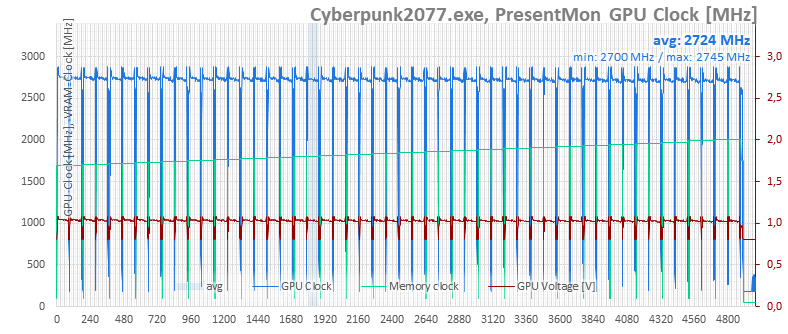

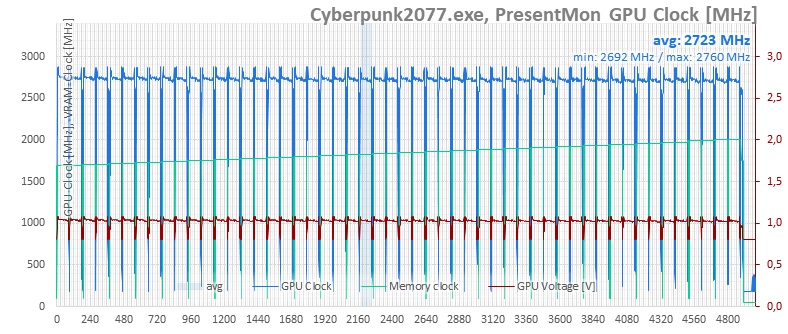
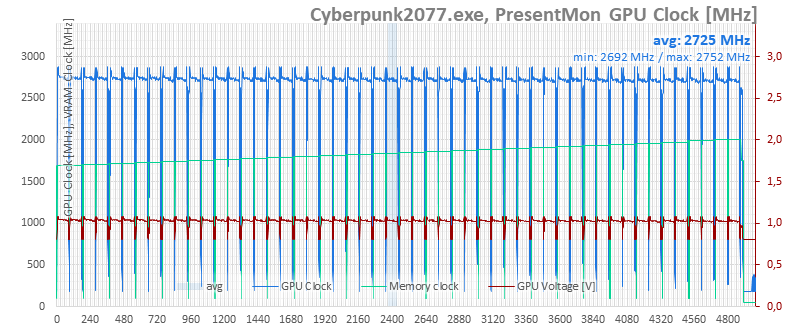
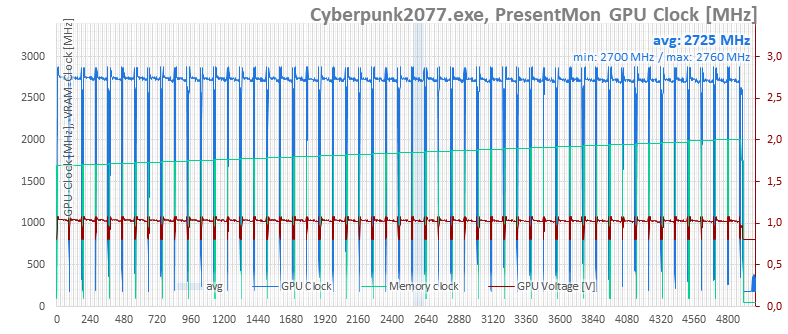
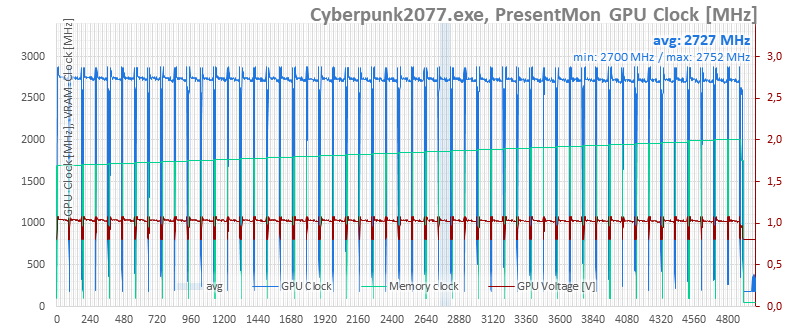
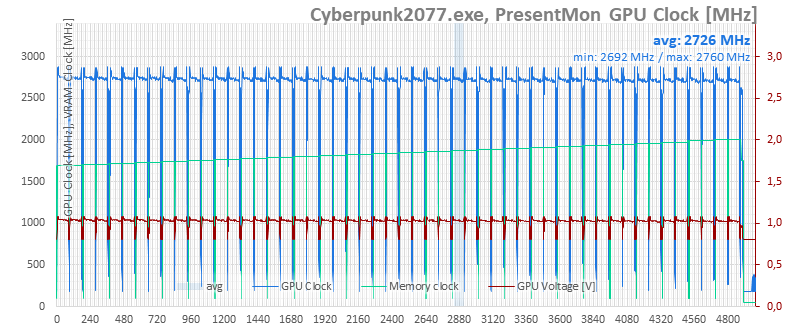
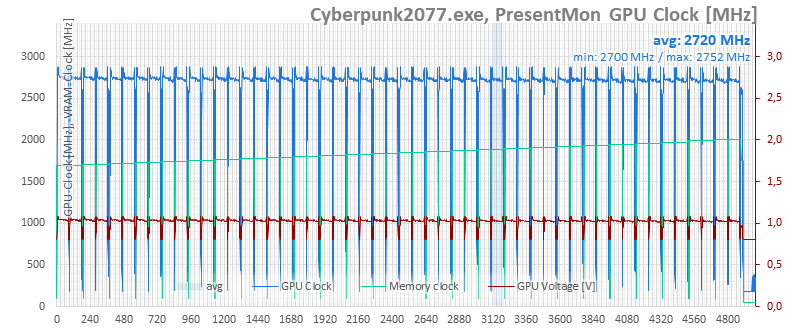
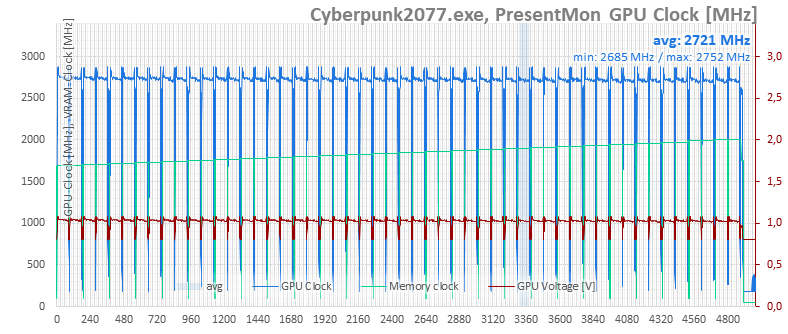
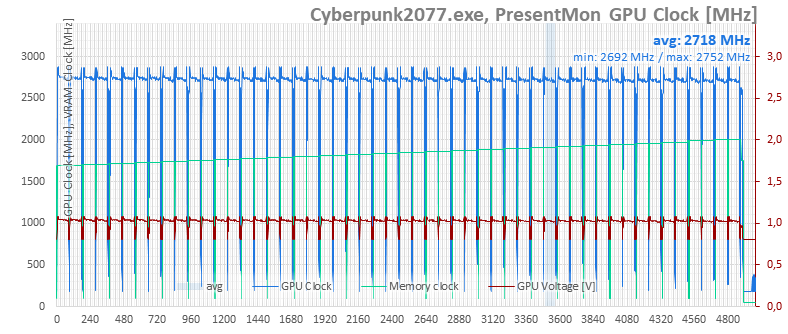
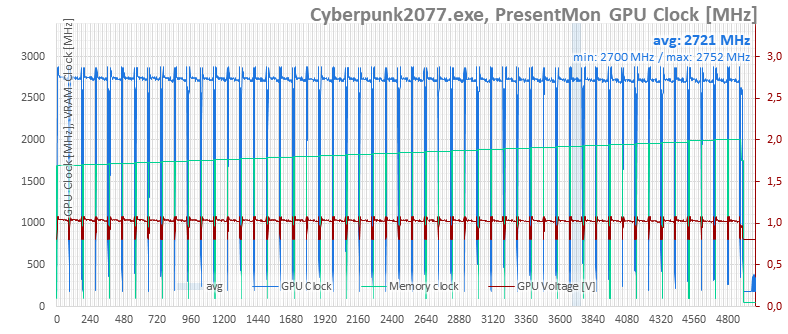

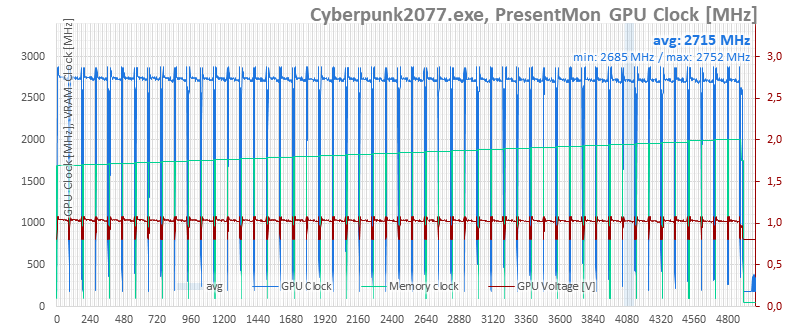
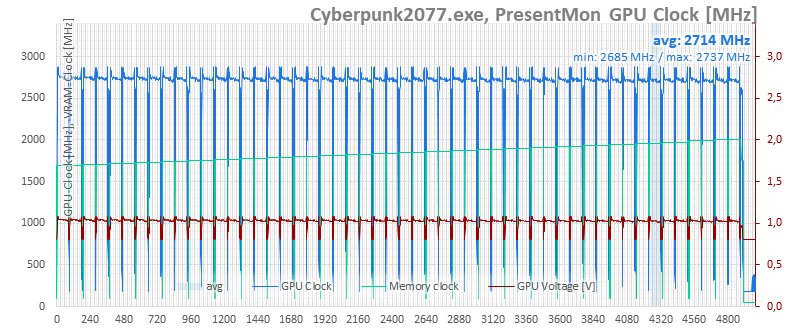
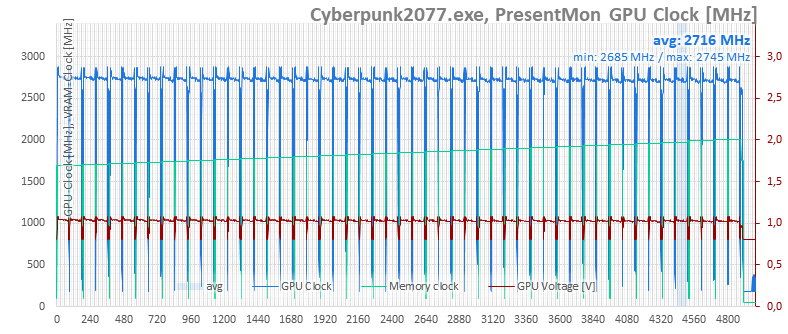
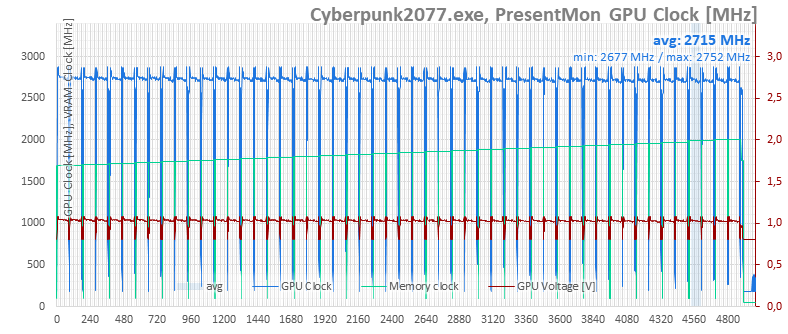
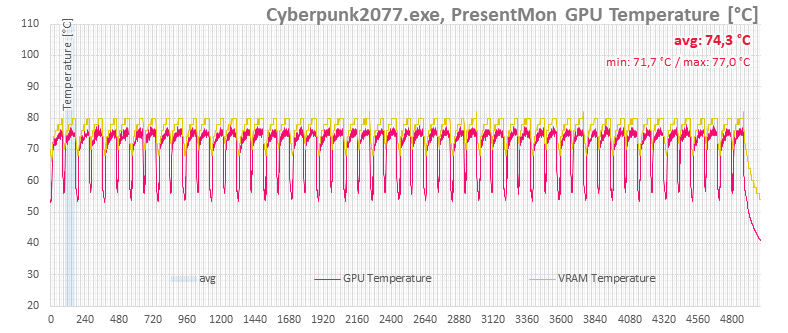
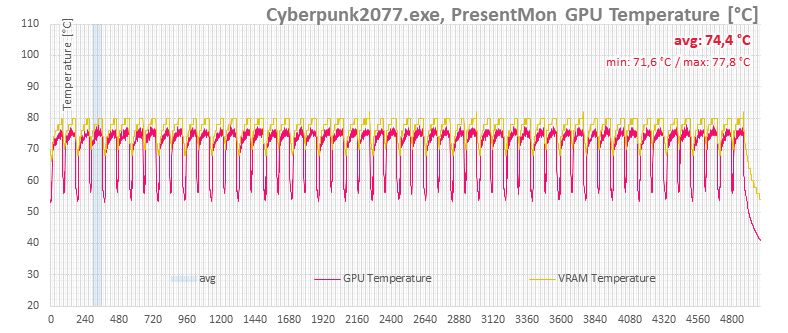
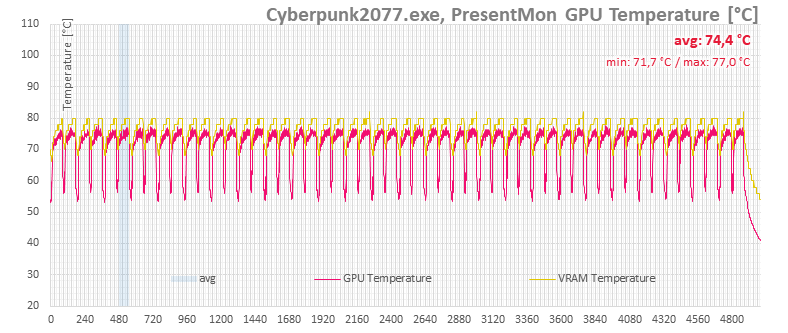
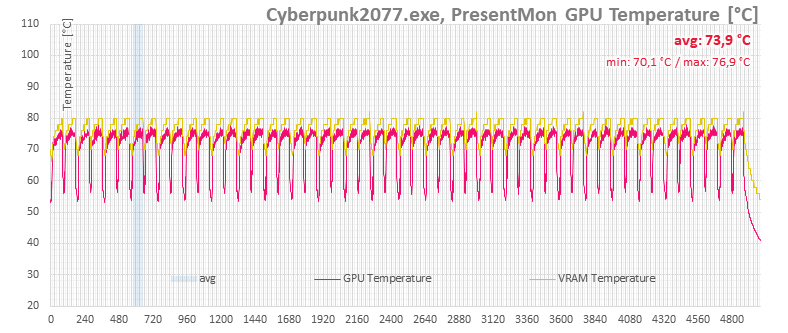

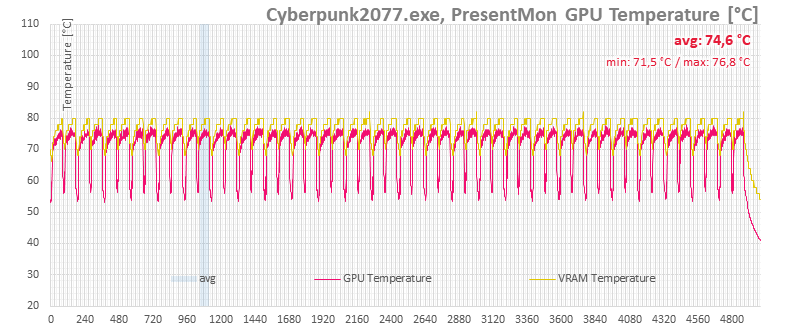
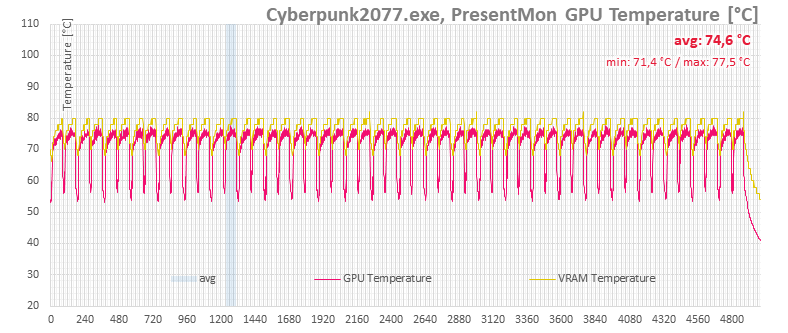
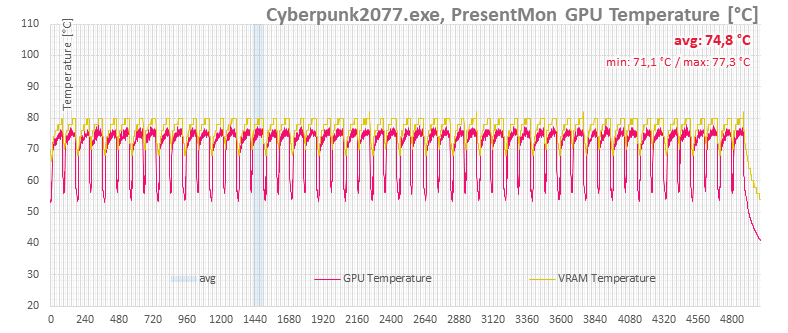
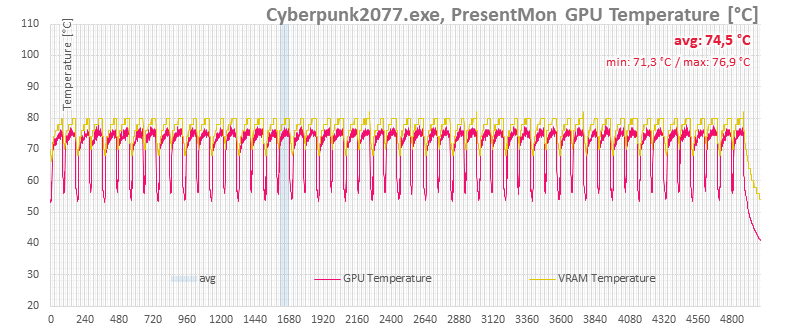
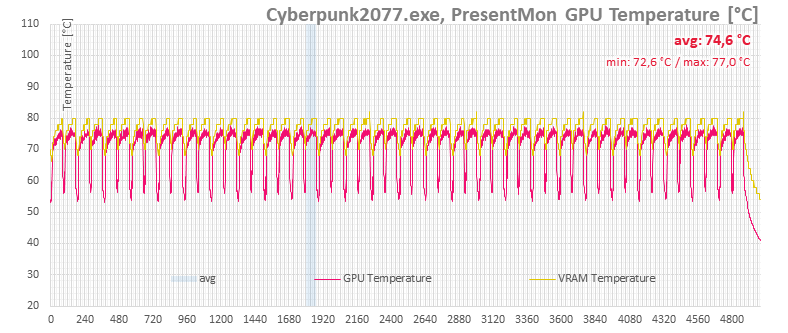
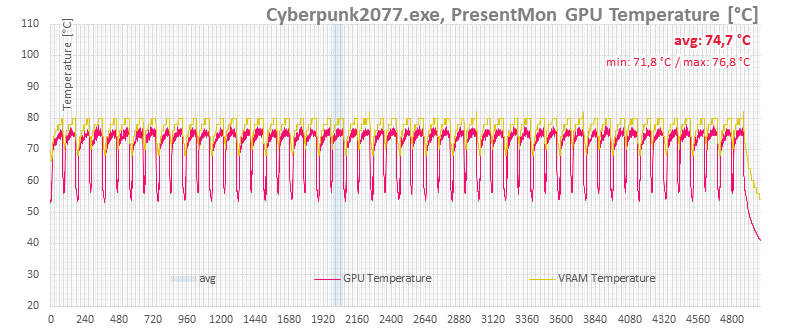
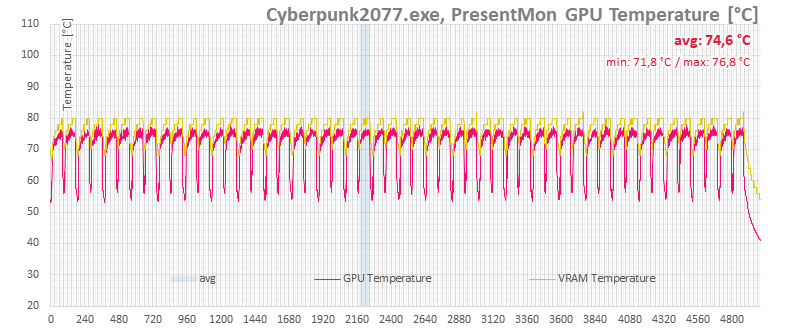
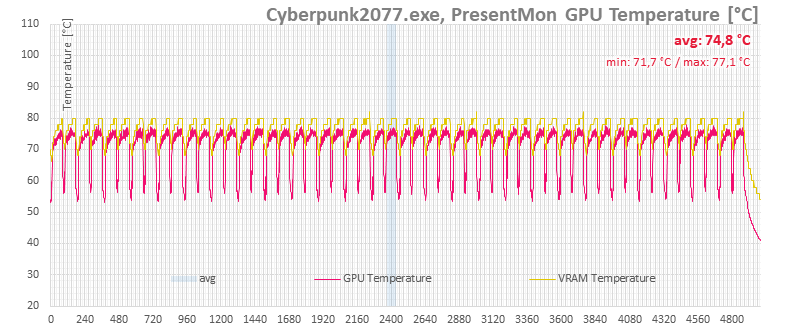
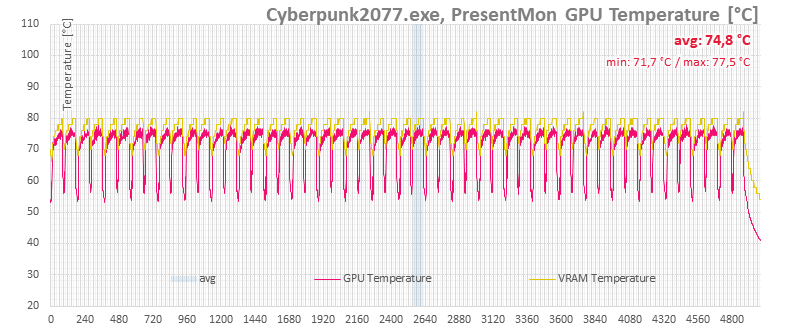
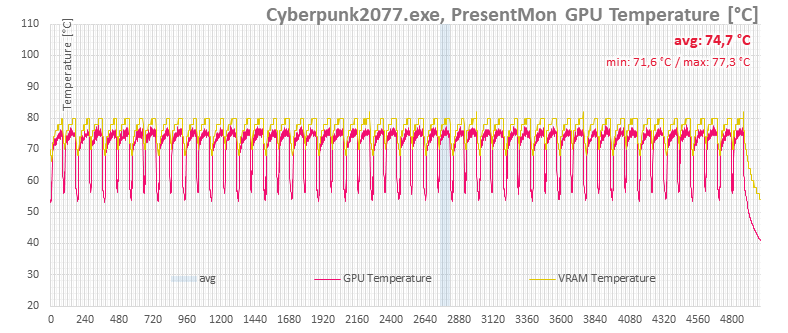
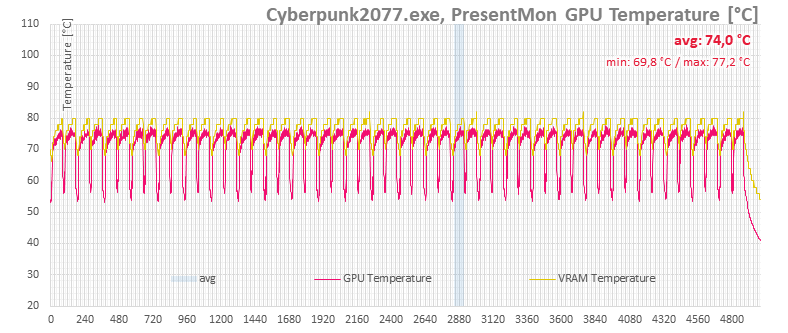
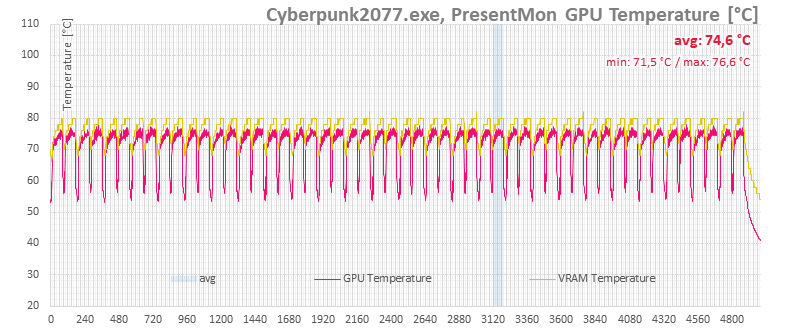
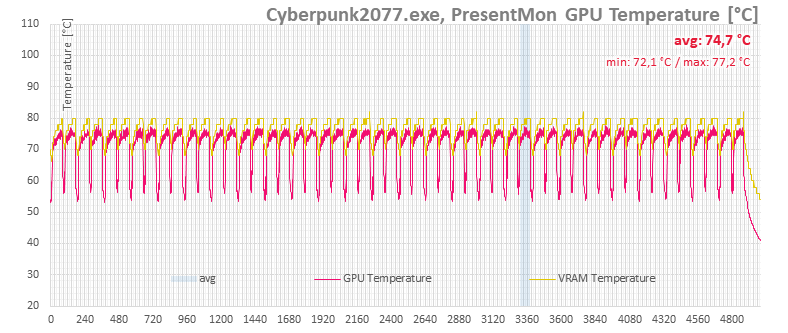
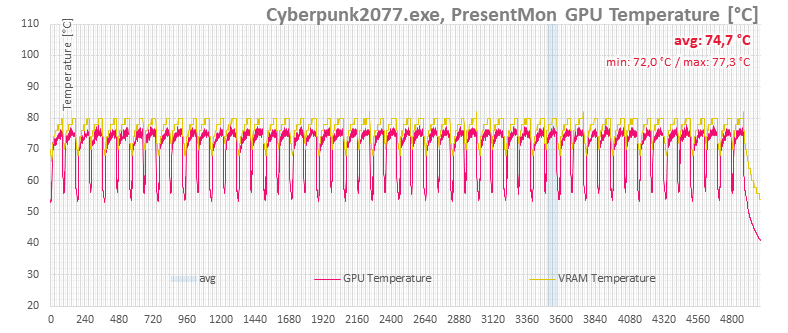
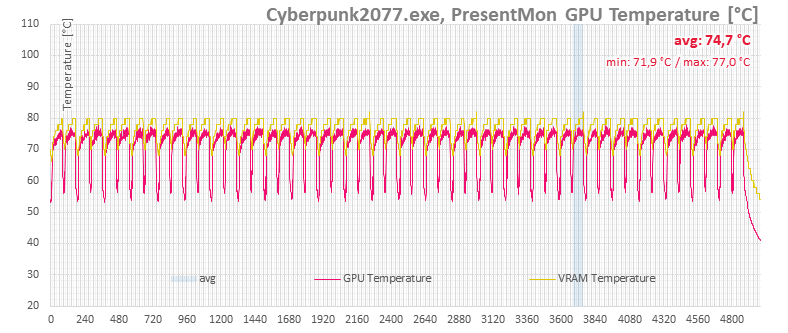
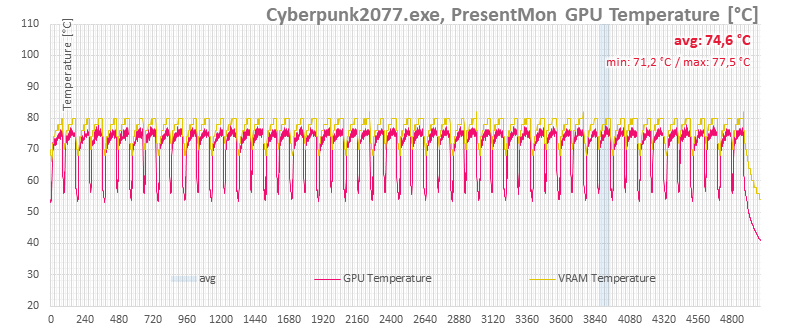
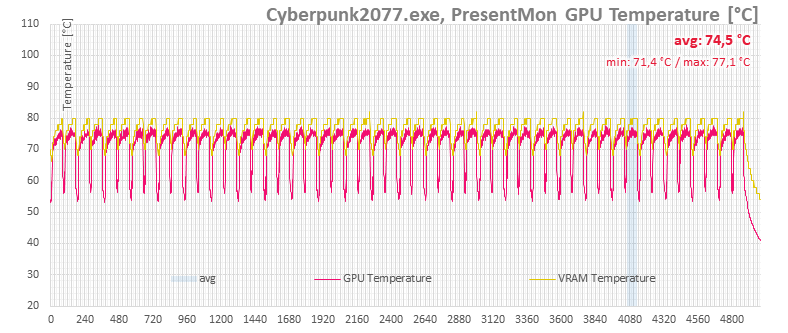
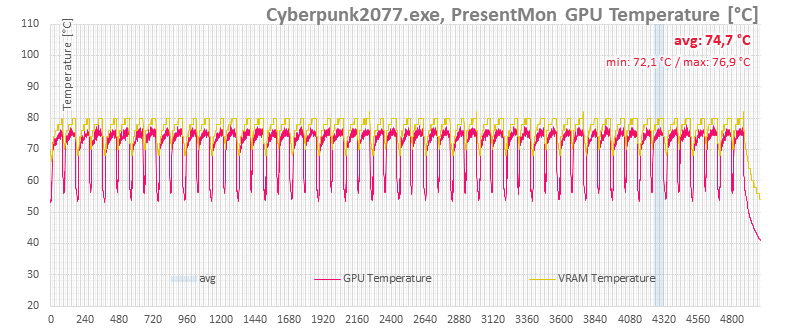
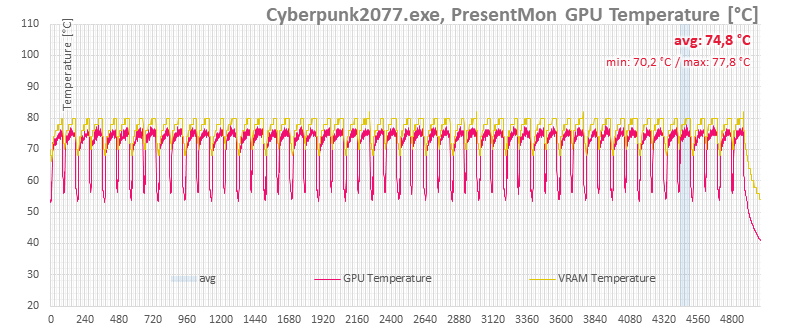
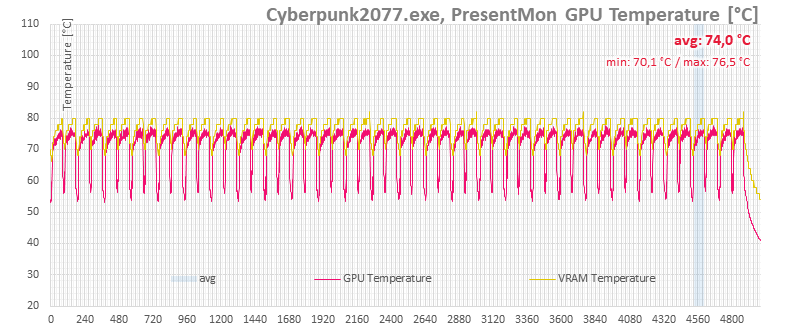
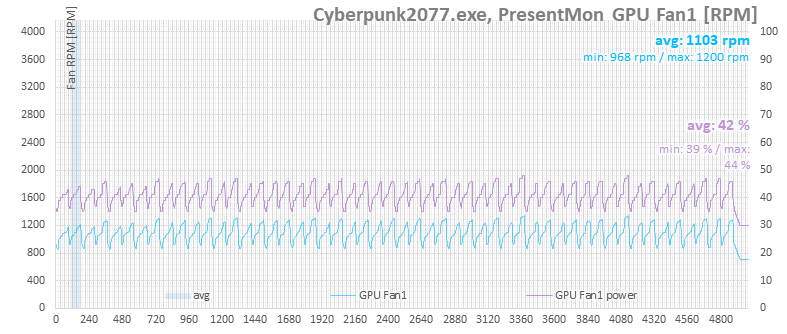
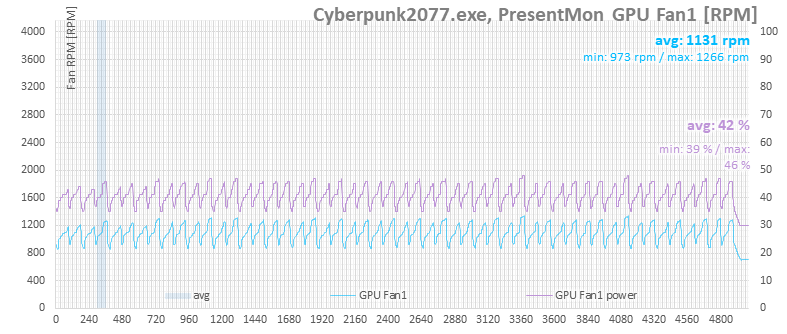
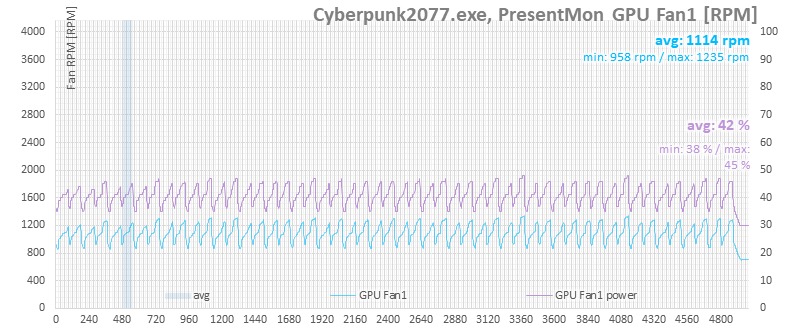


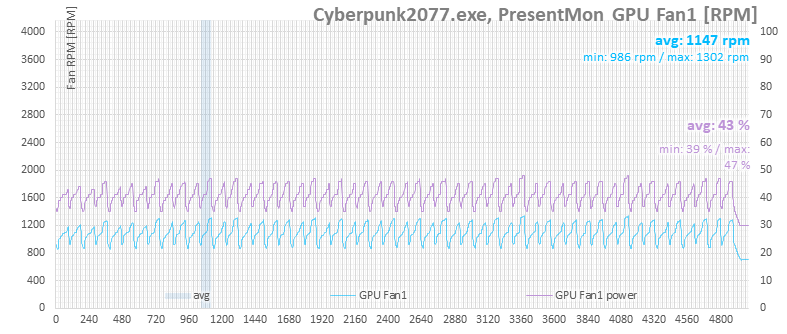
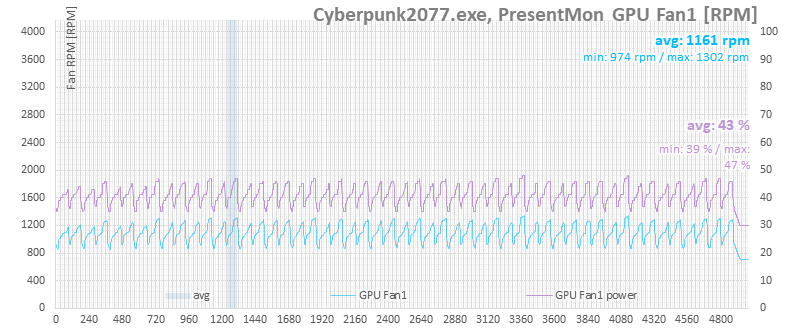
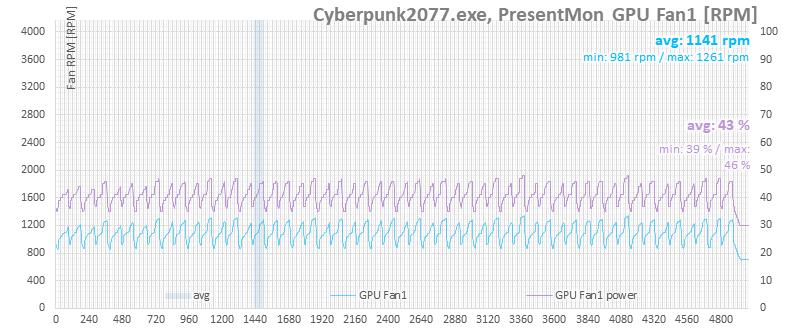
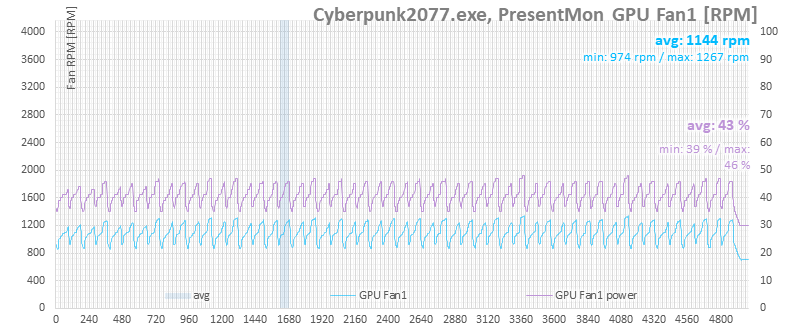
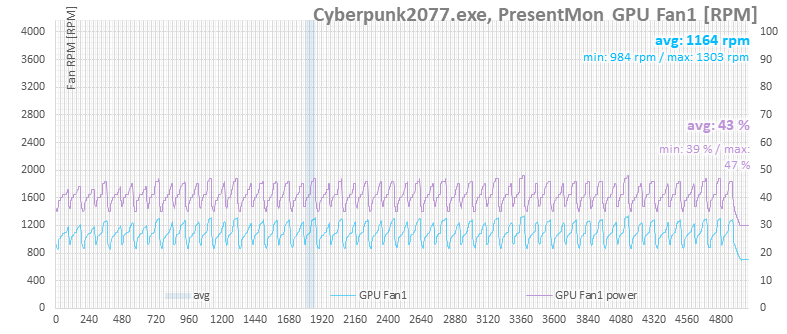
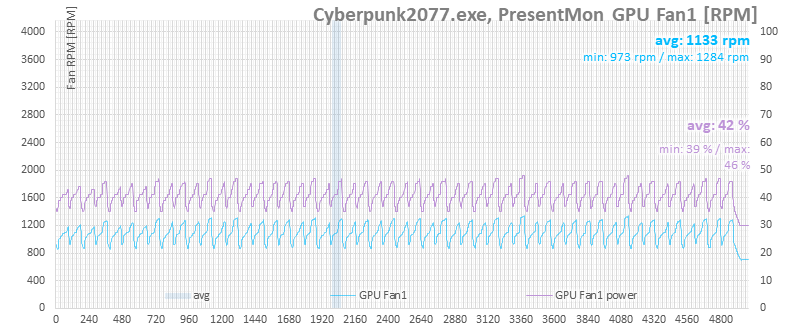
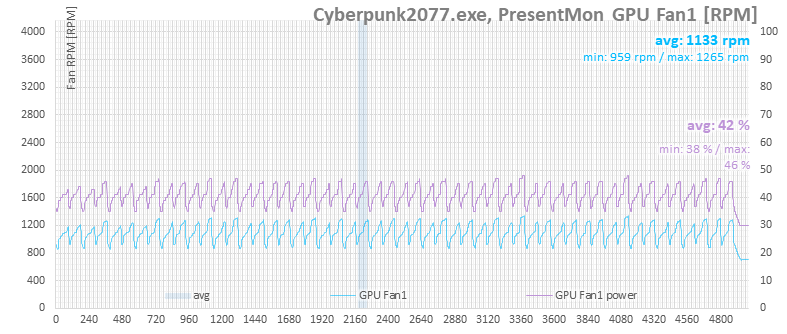
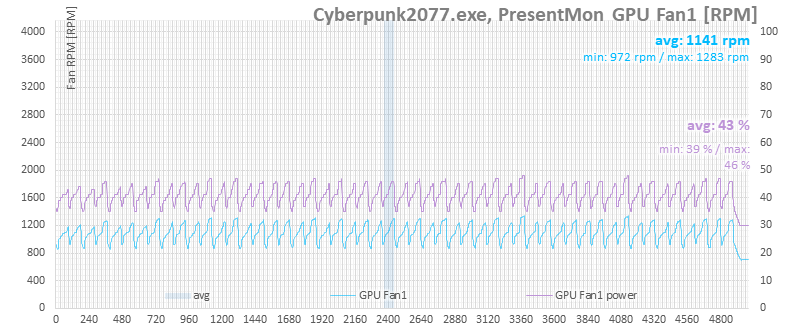
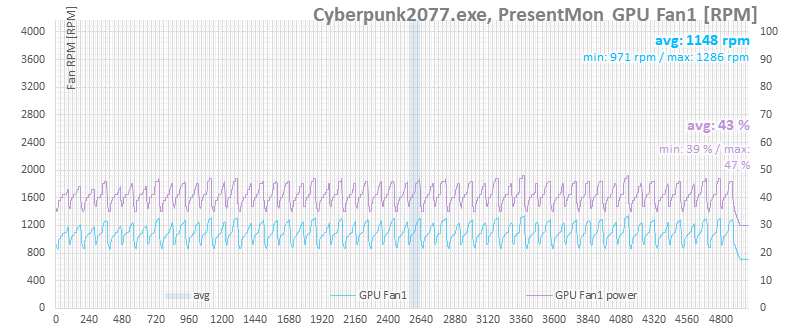


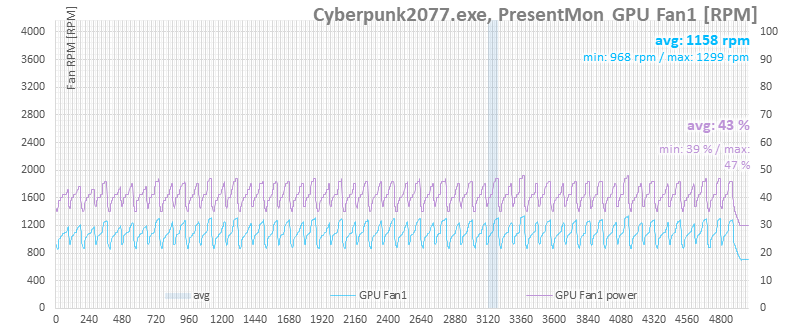
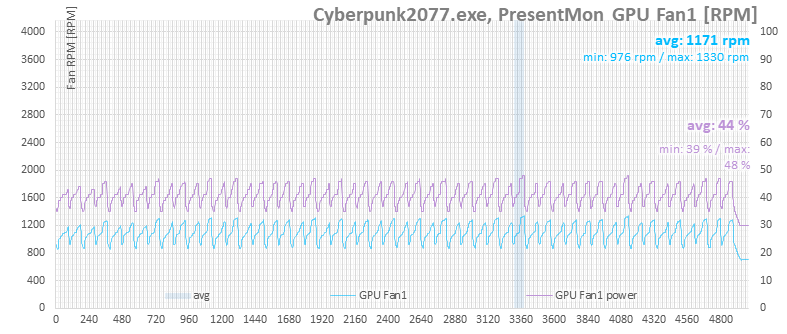
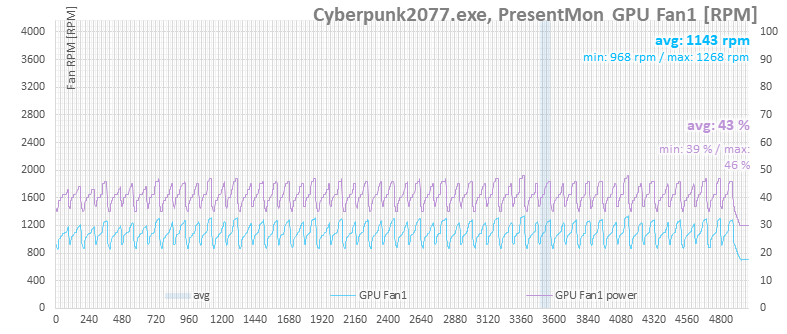
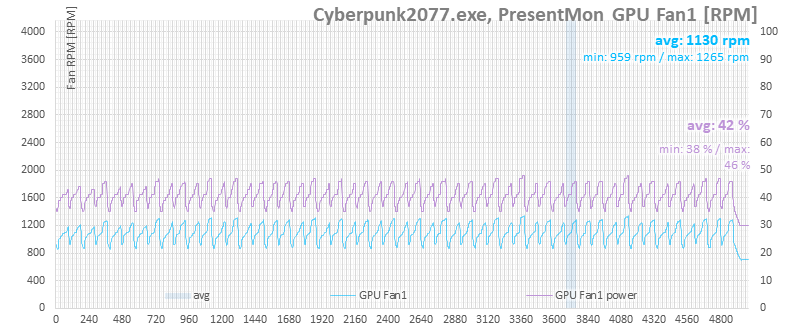
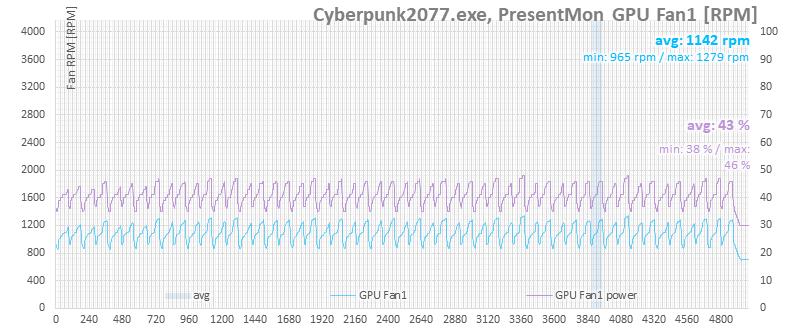
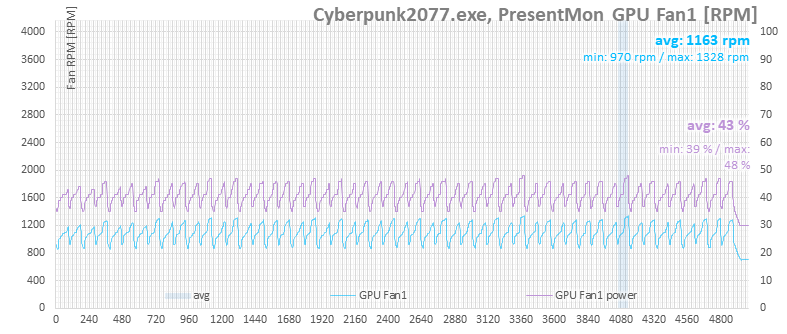
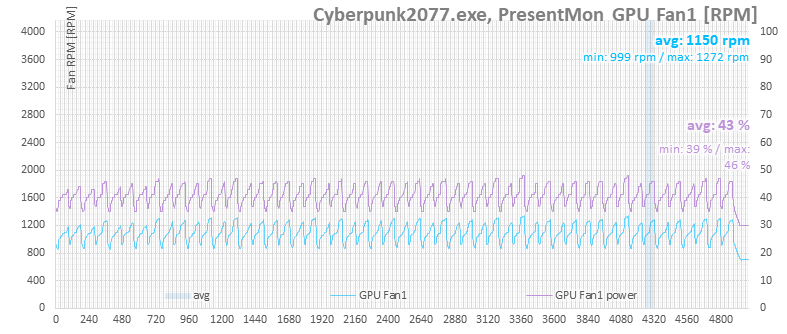
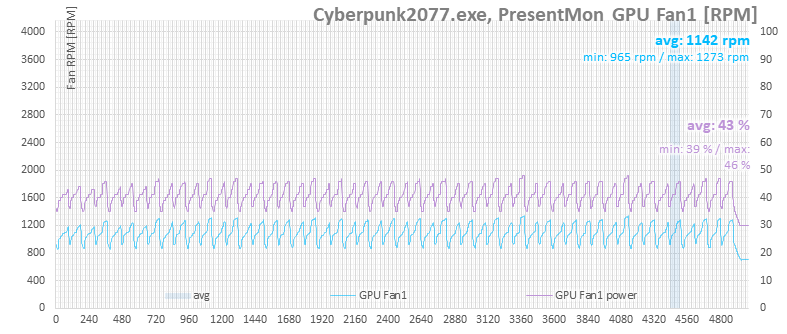
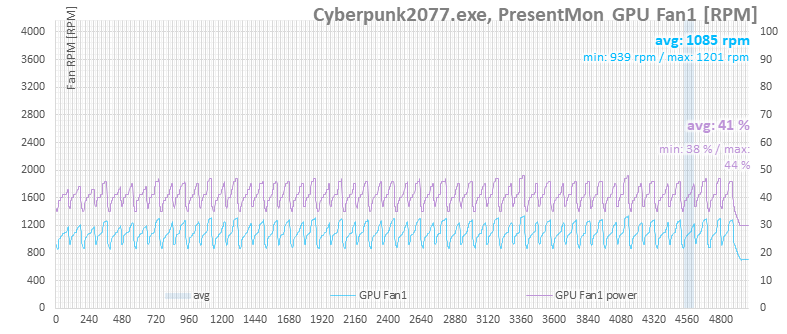
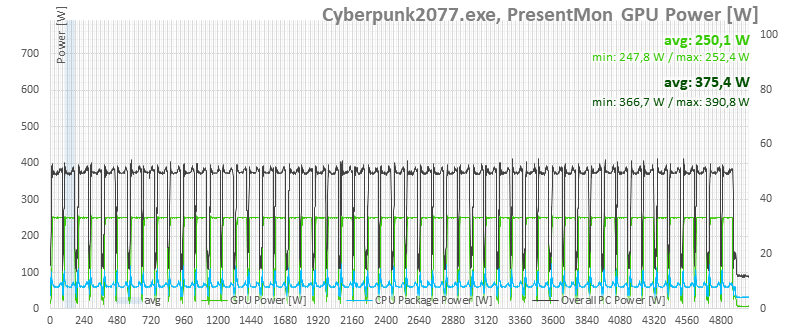
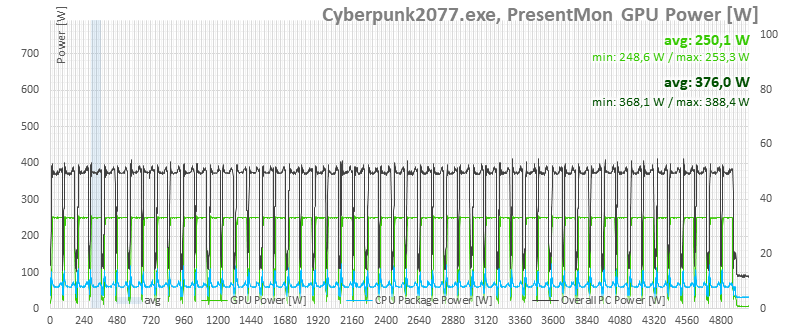
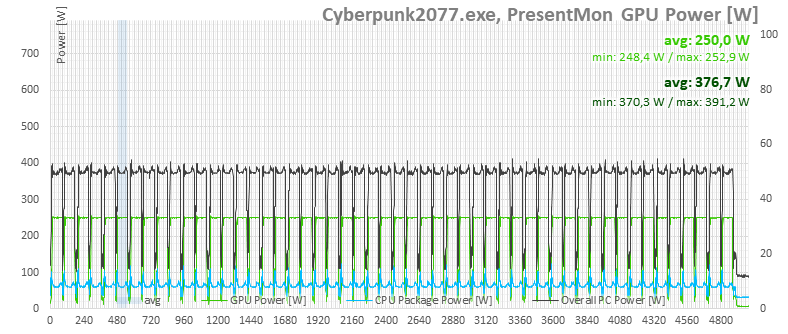
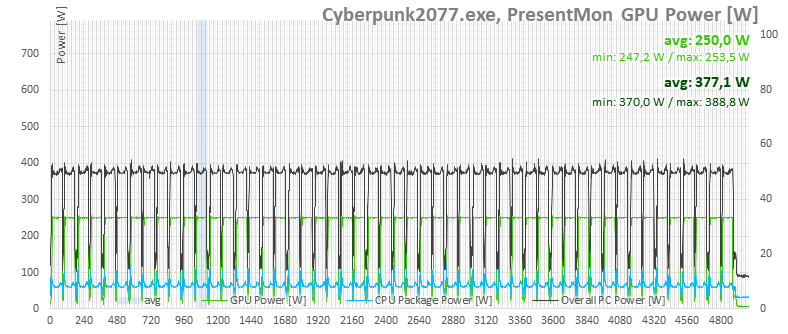

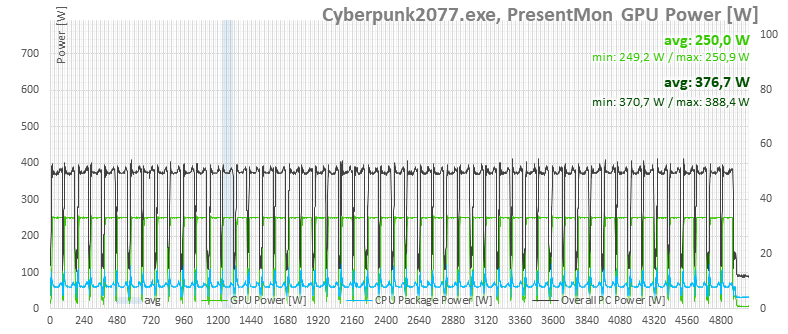
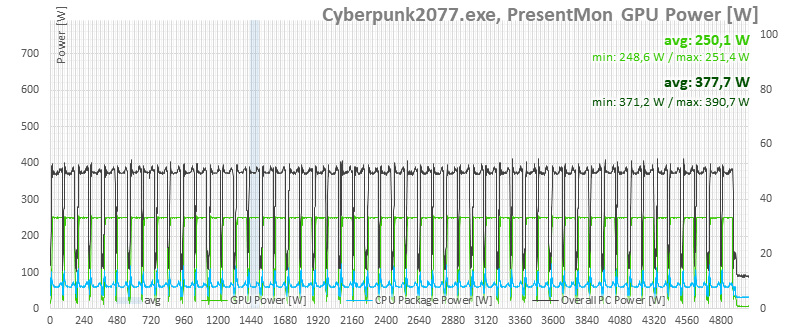
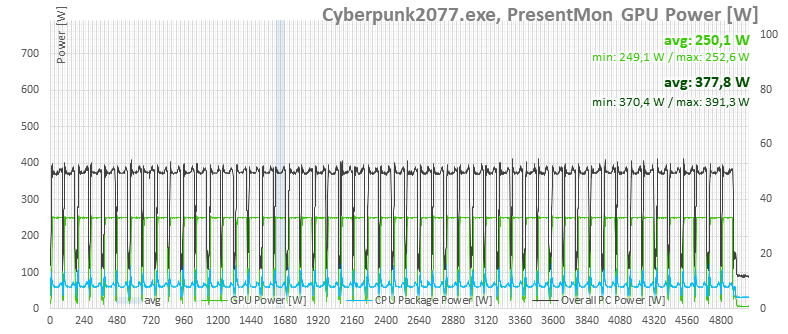
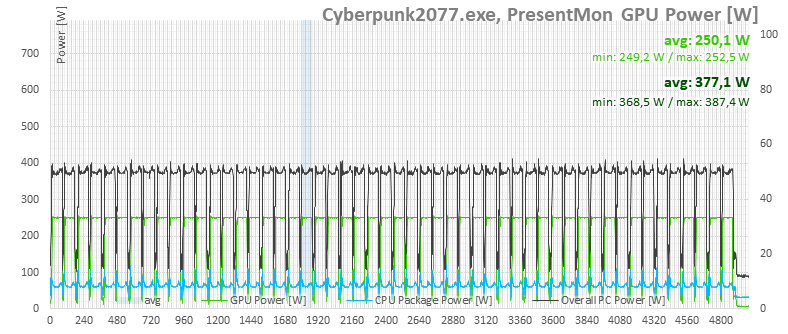
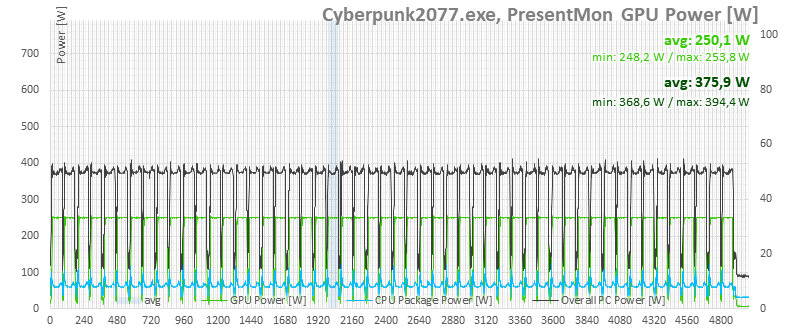
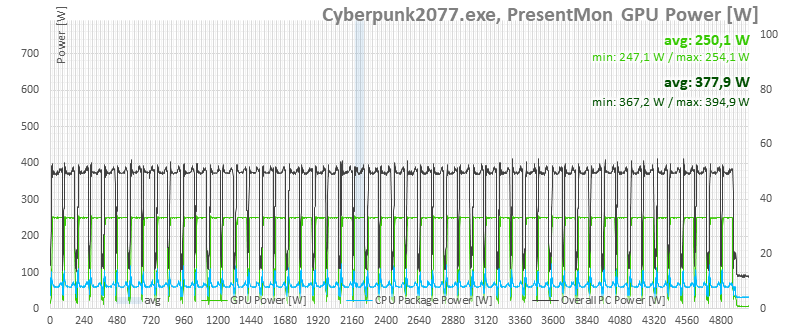
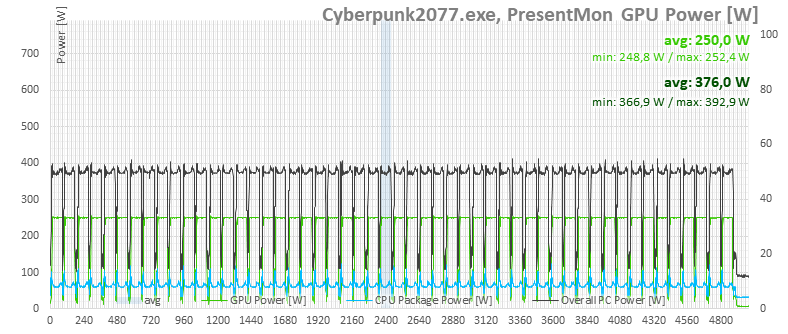

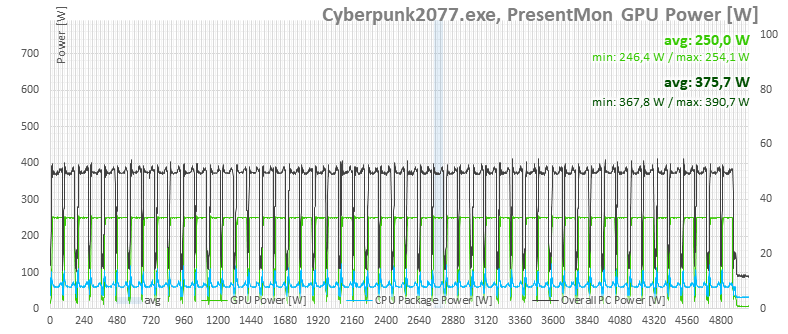
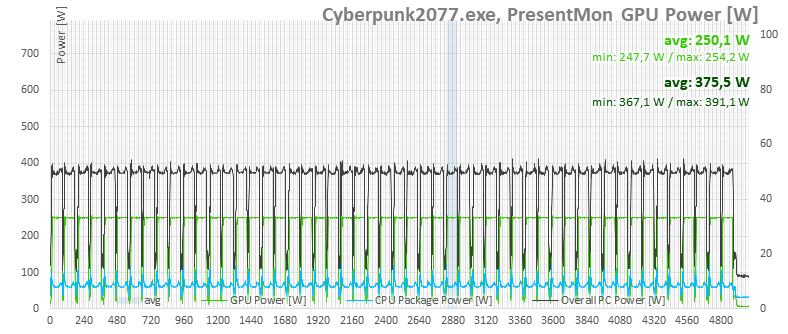
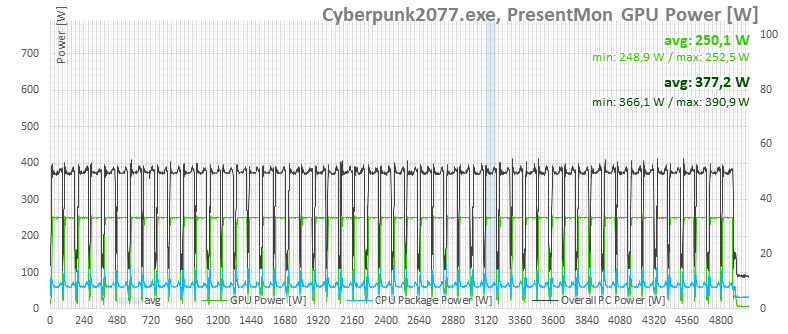
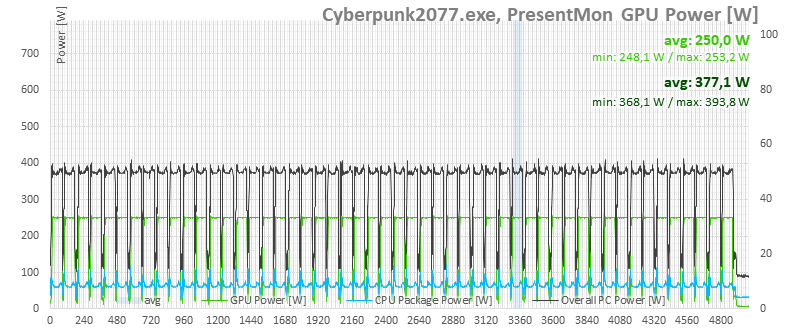
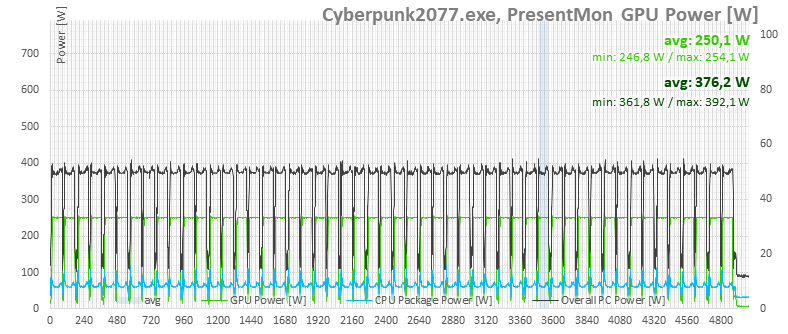
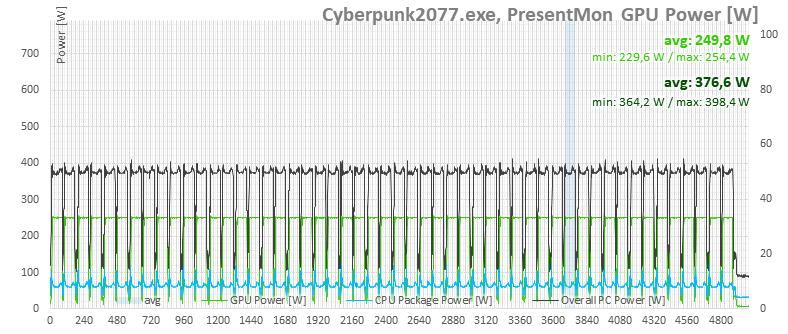
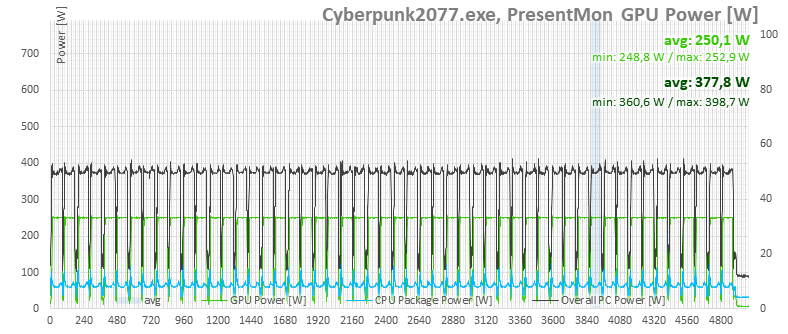
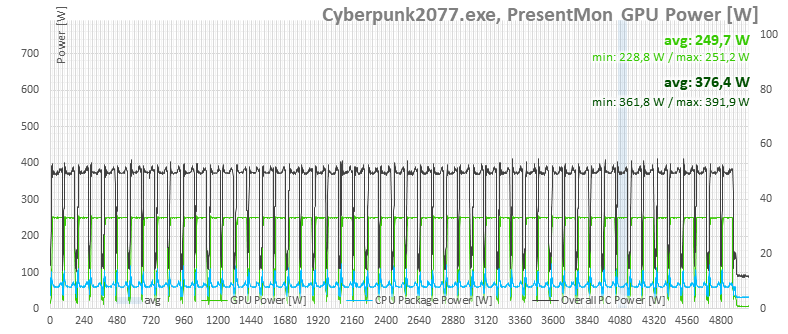
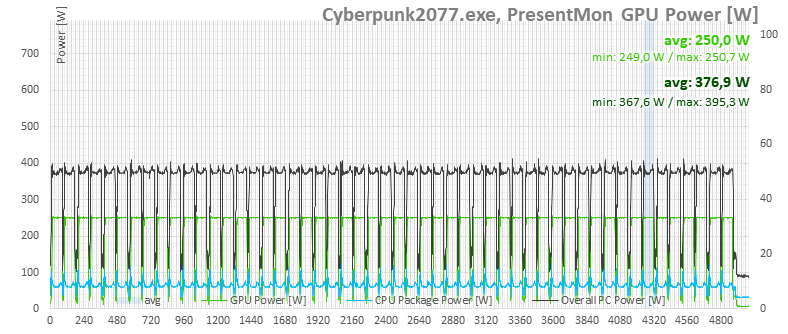
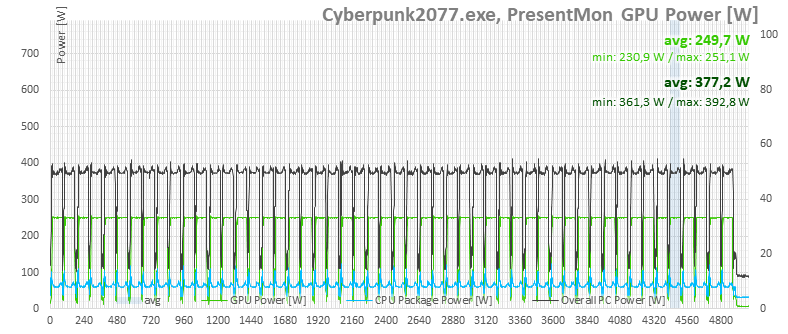
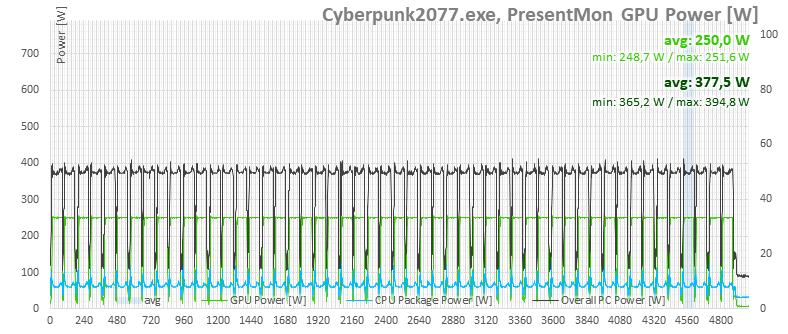
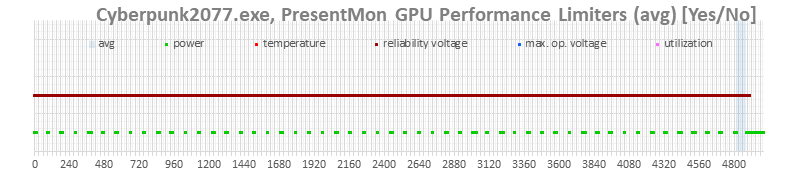
We’ll show the boost behavior with a single graph. The card runs at 250 W in all settings, but the reported limit is voltage.
⠀


