


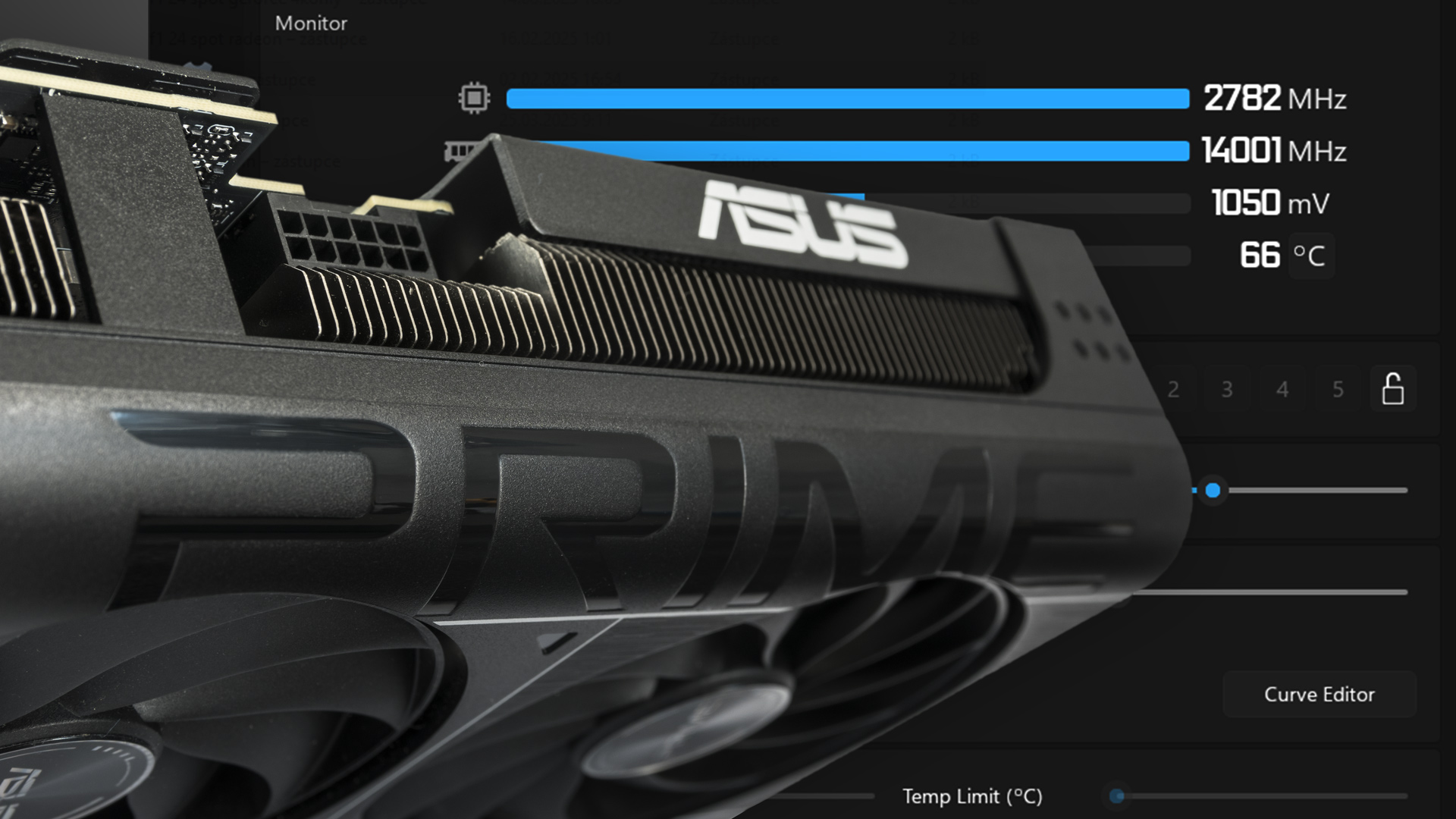
Prime GeForce RTX 5070 from Asus is a solid base for further tuning. We’ll test the options GPU Boost offers. We’ll measure how core and memory frequencies affect performance. We’ll also look at how the power limit influences the card’s behavior and how fan speed affects temperatures and clocks. Finally, we’ll add tips on lowering power draw while keeping performance, or boosting performance at similar power draw.
Core Clock Offset
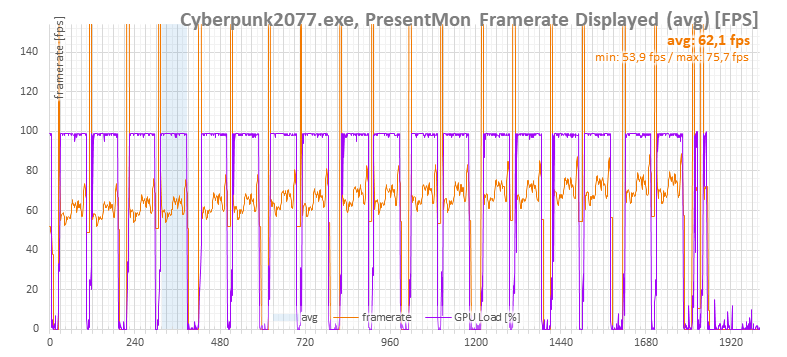
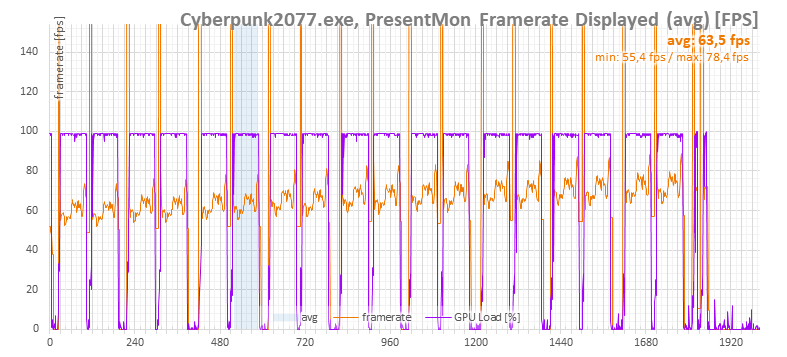
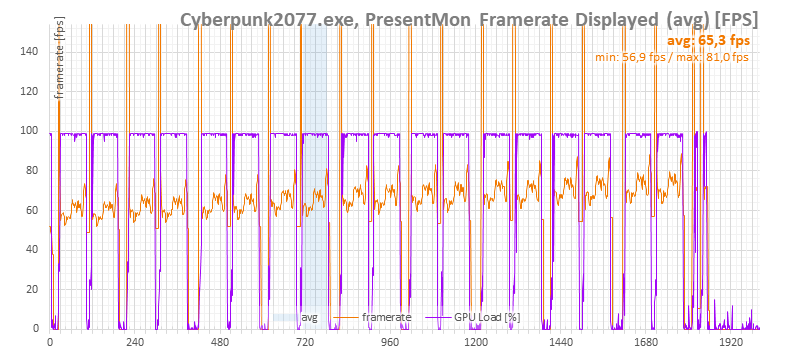
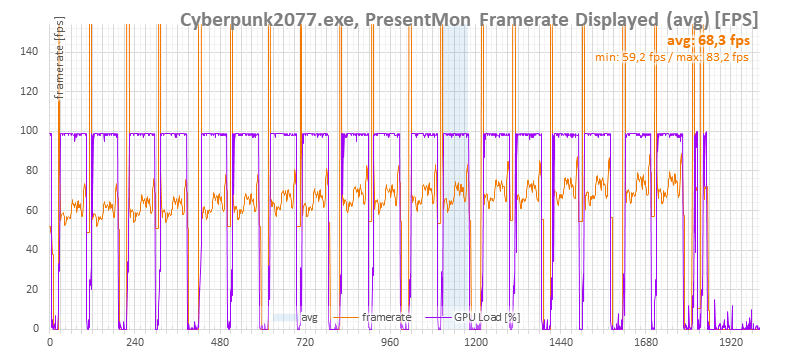
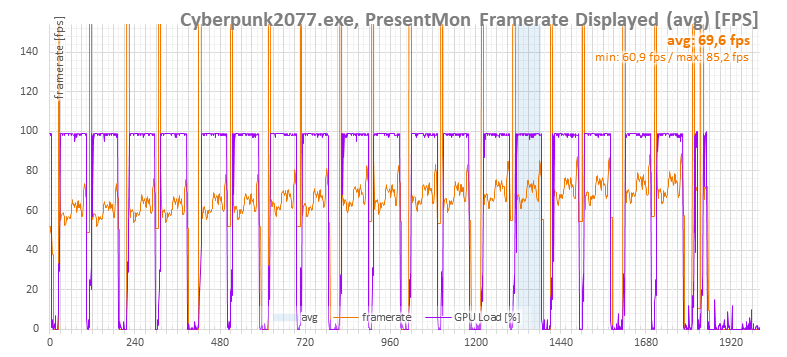
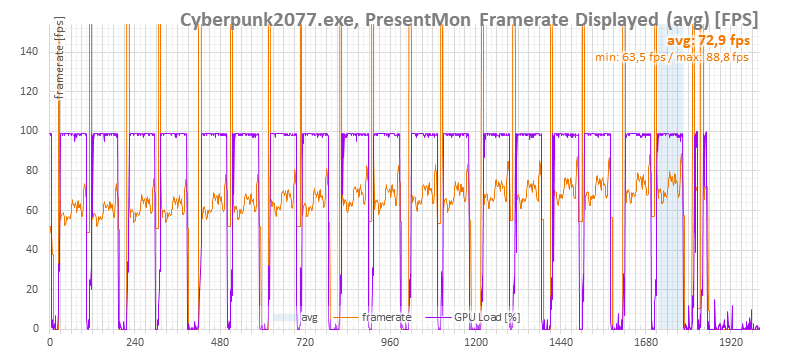
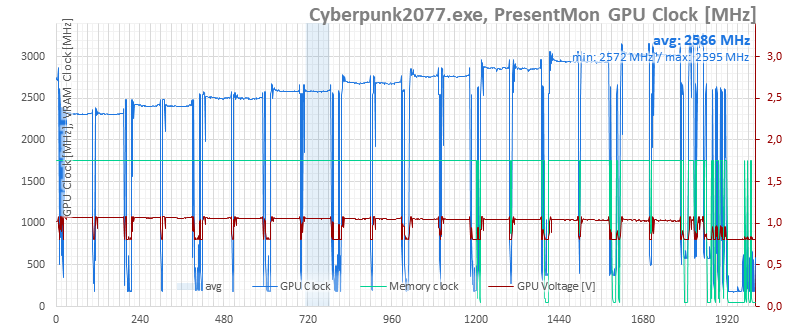
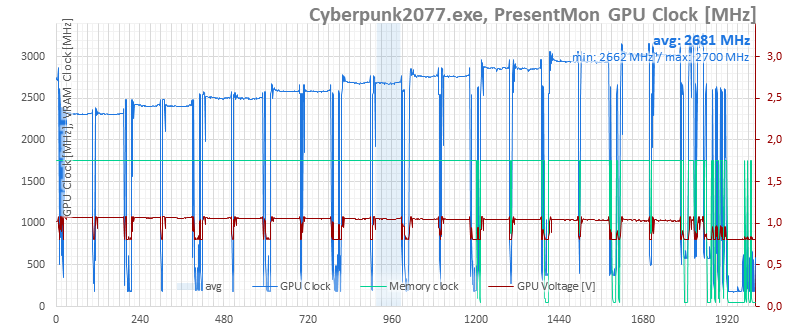
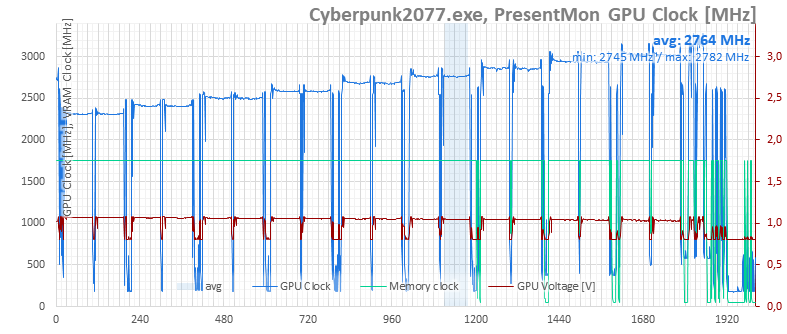
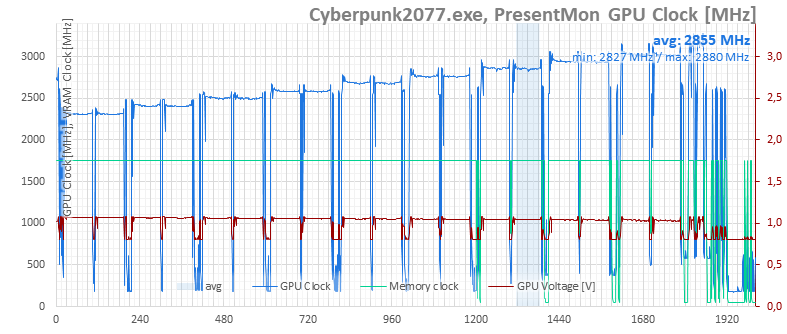
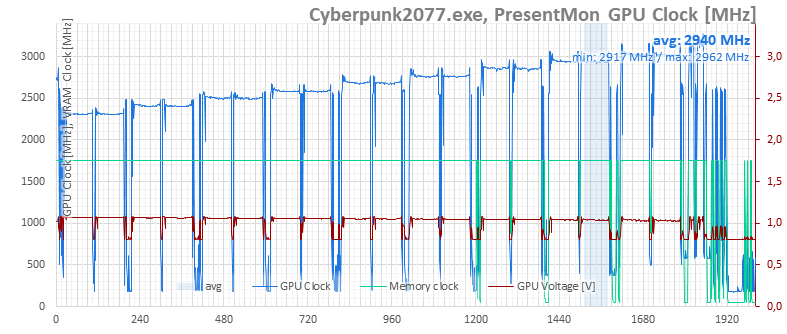
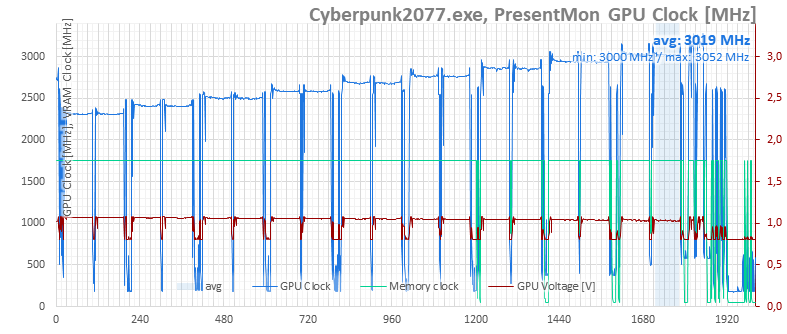
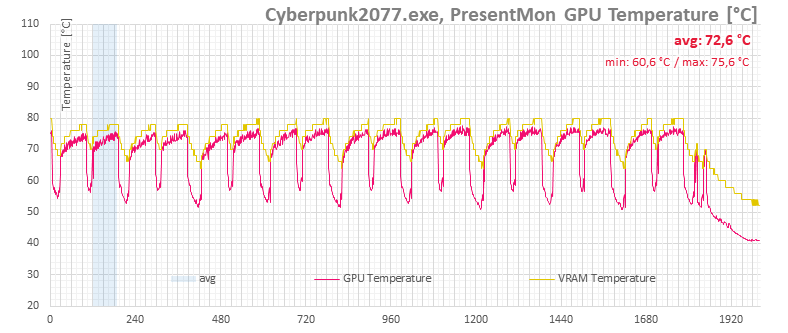
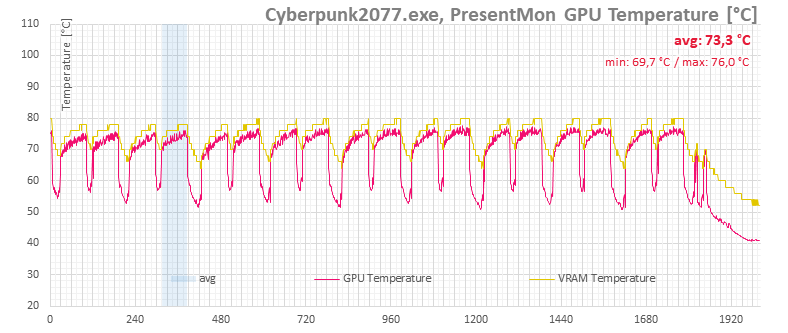
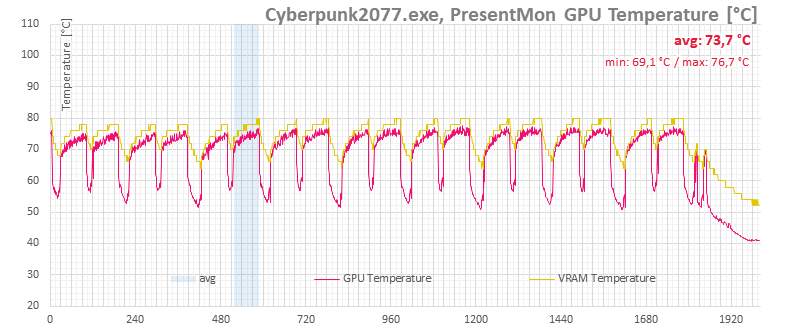
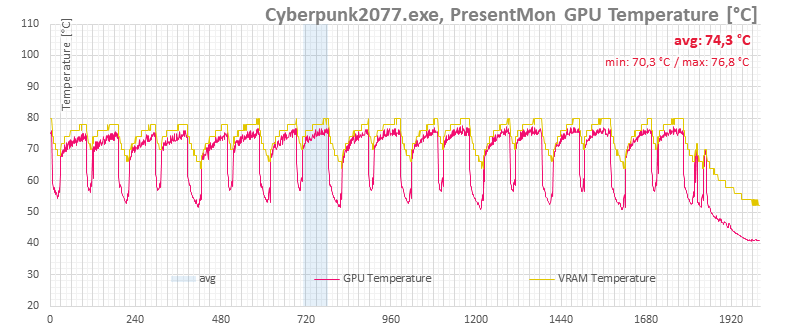
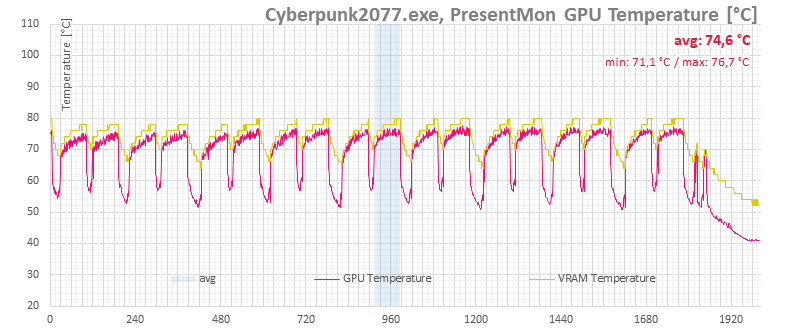
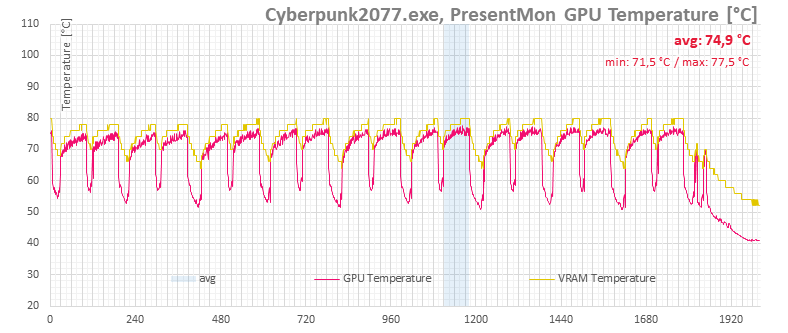
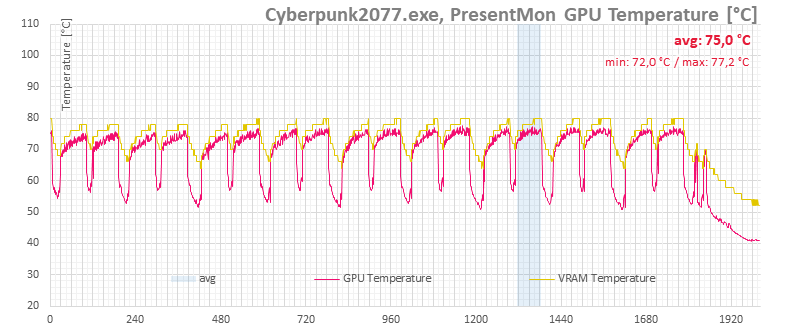
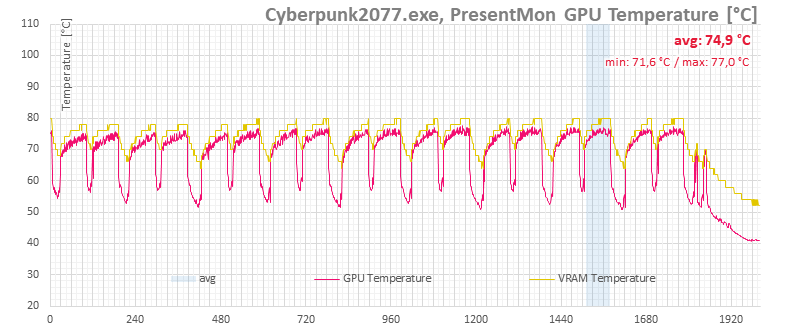
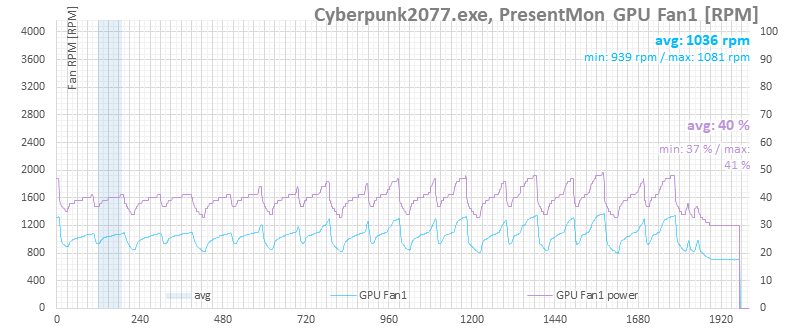
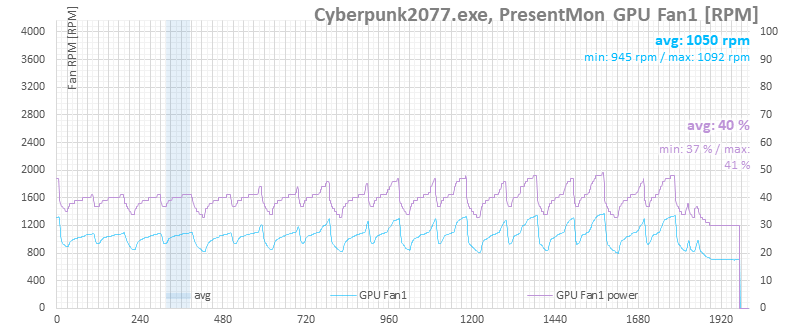
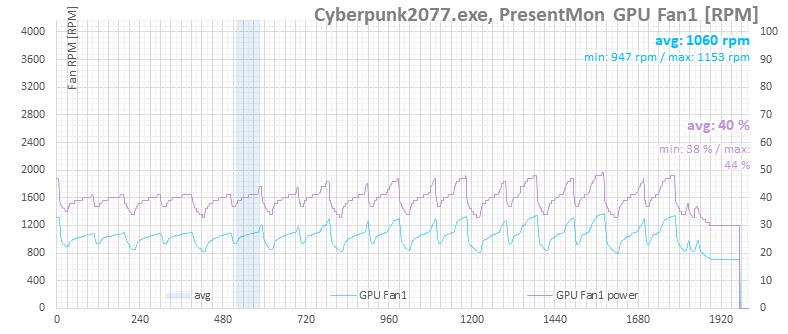
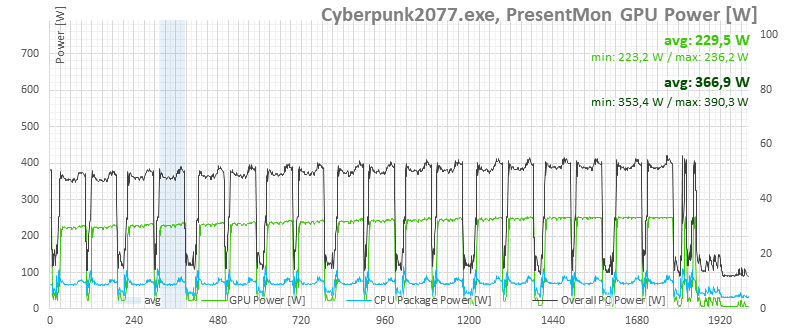
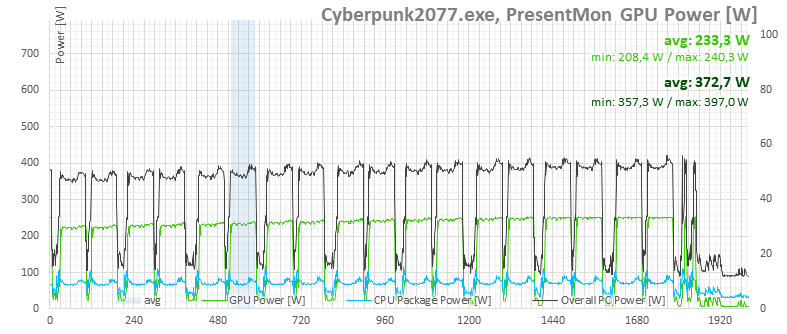
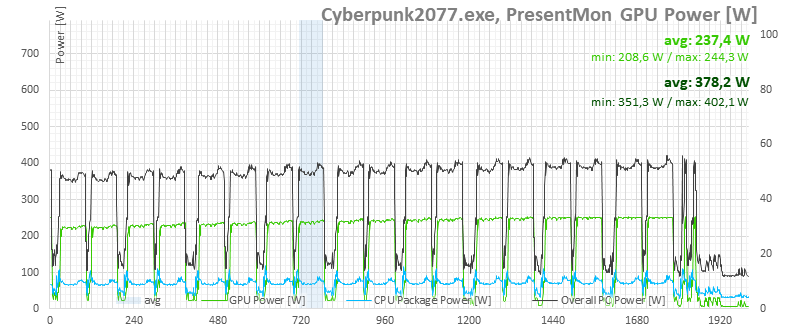
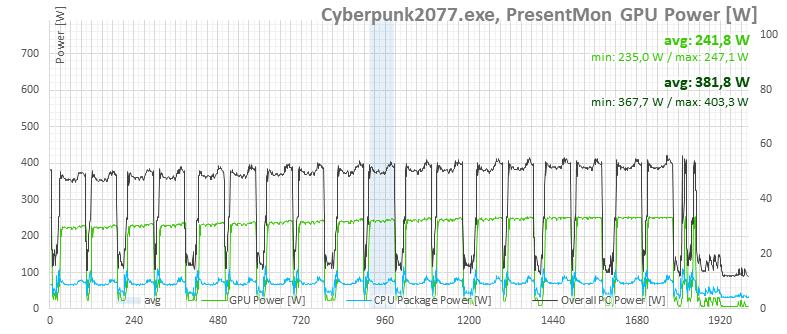
In the next step, we’ll adjust the Core Clock offset. It can be set in the range of -500 to +1000 MHz, but the card was stable only up to +300 MHz. At +400 MHz, the Cyberpunk benchmark crashed.
A 300 MHz offset is equivalent to shifting the entire V/F (voltage/frequency) curve upward by 300 MHz. You’ll likely get better results using the OC Scanner, which finds a suitable offset for each point individually.

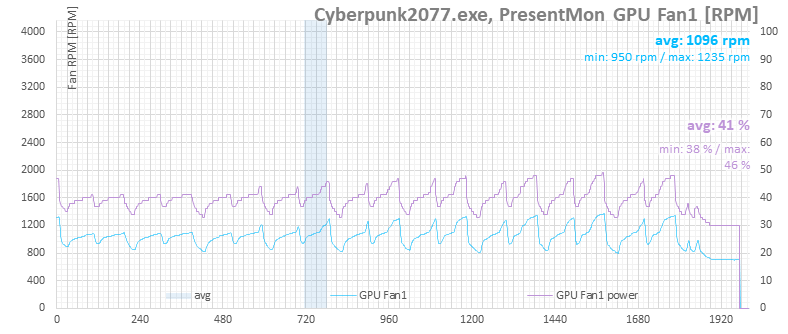
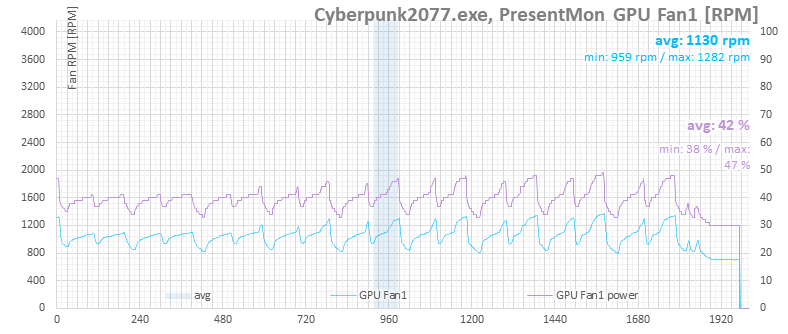
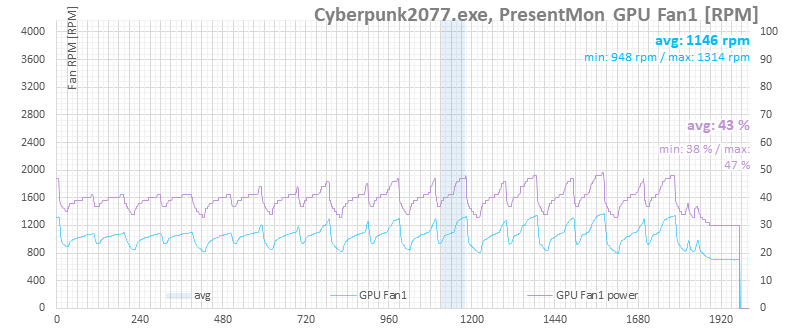
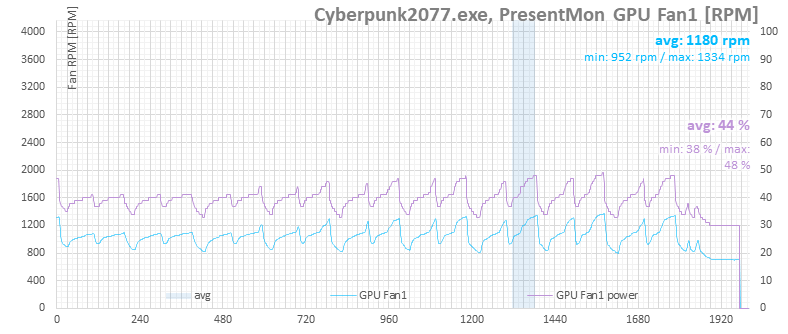
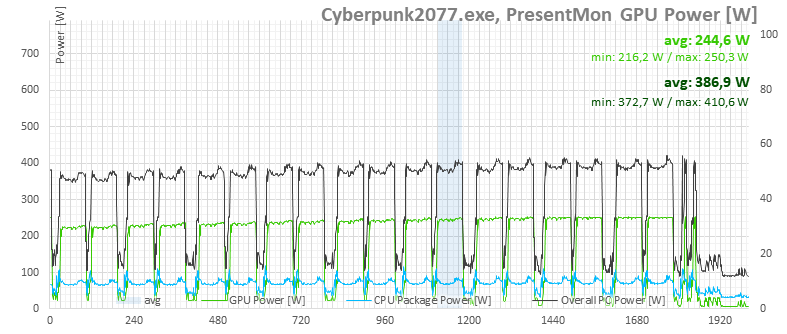
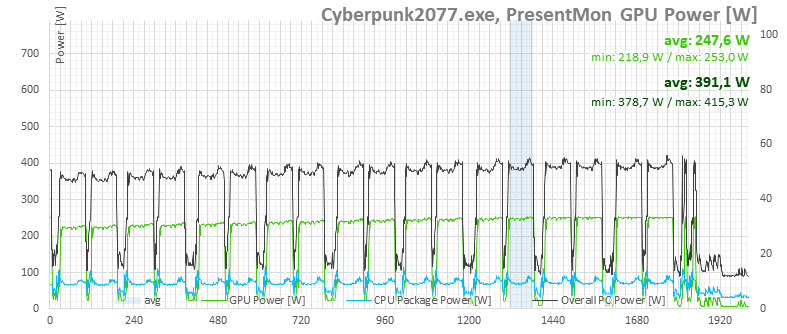
Core Clock offset -500 to +400 MHz, step 100 MHz










⠀
