




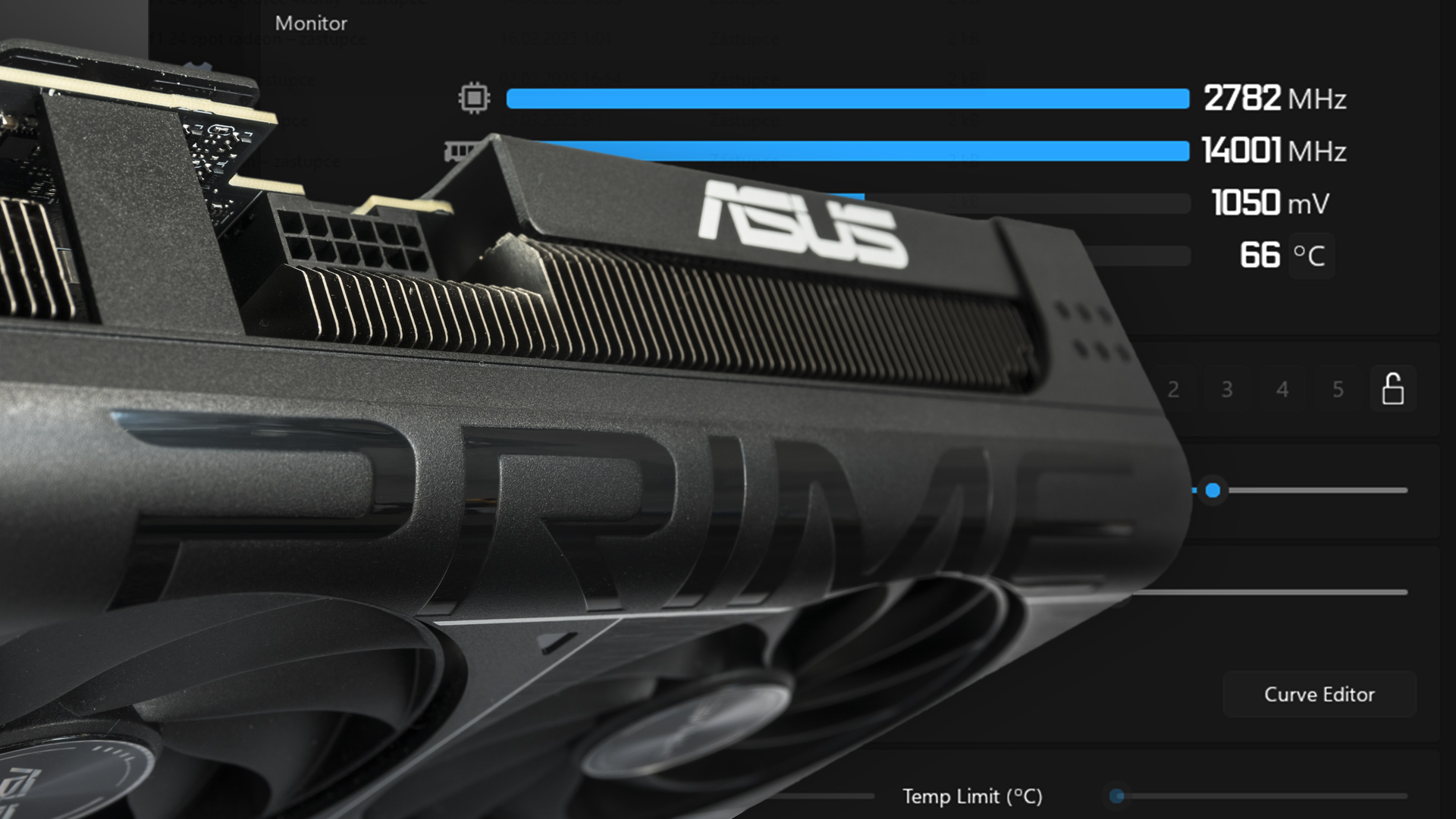
Prime GeForce RTX 5070 from Asus is a solid base for further tuning. We’ll test the options GPU Boost offers. We’ll measure how core and memory frequencies affect performance. We’ll also look at how the power limit influences the card’s behavior and how fan speed affects temperatures and clocks. Finally, we’ll add tips on lowering power draw while keeping performance, or boosting performance at similar power draw.
A while ago, we tested the Prime GeForce RTX 5070 from Asus. Within Asus’s lineup, it’s one of the more attractive options because it offers an oversized cooler, better features, and improved operating characteristics compared to the cheapest models—while the premium over basic cards on the market isn’t drastically high.
Currently, the price of a 12GB RTX 5070 ranges between 550 EUR and 800 EUR. The Prime RTX 5070 can be purchased for 608 EUR. Thanks to the cooler and the ability to adjust the power limit for GPU boost in the range of -30% to +20%, it’s a solid foundation for overclocking experiments. It’s factory overclocked, but not dramatically—the specified typical boost clock in the specs is increased by 45 MHz compared to reference parameters.

The card has two BIOS modes labeled P mode and Q mode. The default is P mode, and you can switch to Q mode using a toggle near the power connector. The main difference lies in fan speed regulation settings; clock speeds and power limits remain unchanged, so we’ll be testing with the quieter Quiet BIOS. The data and limits stored in the BIOS are shown in the GPU-Z screenshots below.
The typical boost clock in both BIOS modes is raised from the reference 2512 MHz to 2557 MHz, and the GDDR7 memory runs at the standard 28 Gb/s. The power limit is set at the reference 250 W, and you can adjust it between 175 W and 300 W, which corresponds to a range of -30% to +20%.


We’ll be using data from the latest version of HWiNFO for the graphs.

We’ll look at how basic overclocking settings affect performance and card behavior—what impact each setting has on performance, power consumption, and noise, and what’s worth tweaking versus what isn’t.
Afterburner allows both basic and advanced overclocking. It didn’t work perfectly with the RTX 50, partly due to the drivers and the fact that the developer hasn’t updated it since the last beta version released at the start of the year. However, according to the forums, a major update is expected in September.
Today, we’ll focus on sliders for memory and core clock speeds, fixed fan speeds across the range, and the power limit.

We’ll test each setting step by step within the range available in Afterburner or as far as the card can handle.
⠀

