
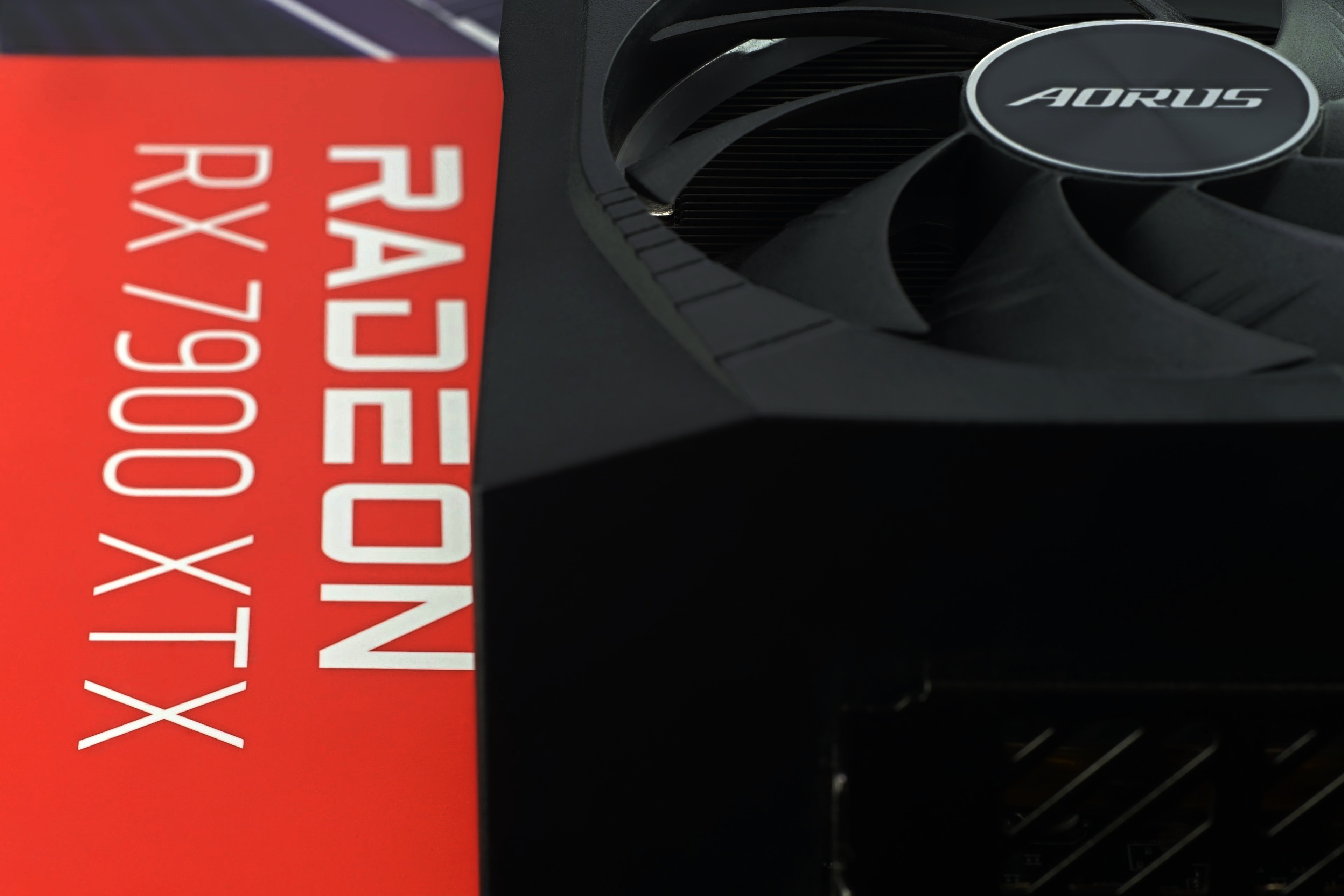
The most powerful Radeon (RX 7900 XTX) is both slower and less efficient compared to the GeForce RTX 4090, but it’s also roughly 700 EUR cheaper. And that’s what gives it an unprecedented price/performance ratio for a high-end graphics card. The latter is more attractive even than the lower-end RX 7900 XT, and that’s also the case with Gigabyte’s top-of-the-range Aorus Elite, which, oddly enough, only comes at a minimal premium.
Methodology: how we measure power draw
We have been tuning the method of measuring power draw for quite a long time and we will also be tuning it for some time. But we already have gimmicks that we can work with happily.
To get the exact value of the total power draw of the graphics card, it is necessary to map the internal power draw on the PCI Express slot and the external one on the additional power supply. For the analysis of the PCIe slot, it was necessary to construct an in-between card on which the power draw measurement takes place. Its basis is resistors calibrated to the exact value (0.1 Ω) and according to the amount of their voltage drop we can calculate the current. We then substitute it into the formula for the corresponding value of the output voltage ~ 12 V and ~ 3.3 V. The voltage drop is so low that it doesn’t make the VRM of the graphics card unstable and the output is still more than 12/3.3 V.

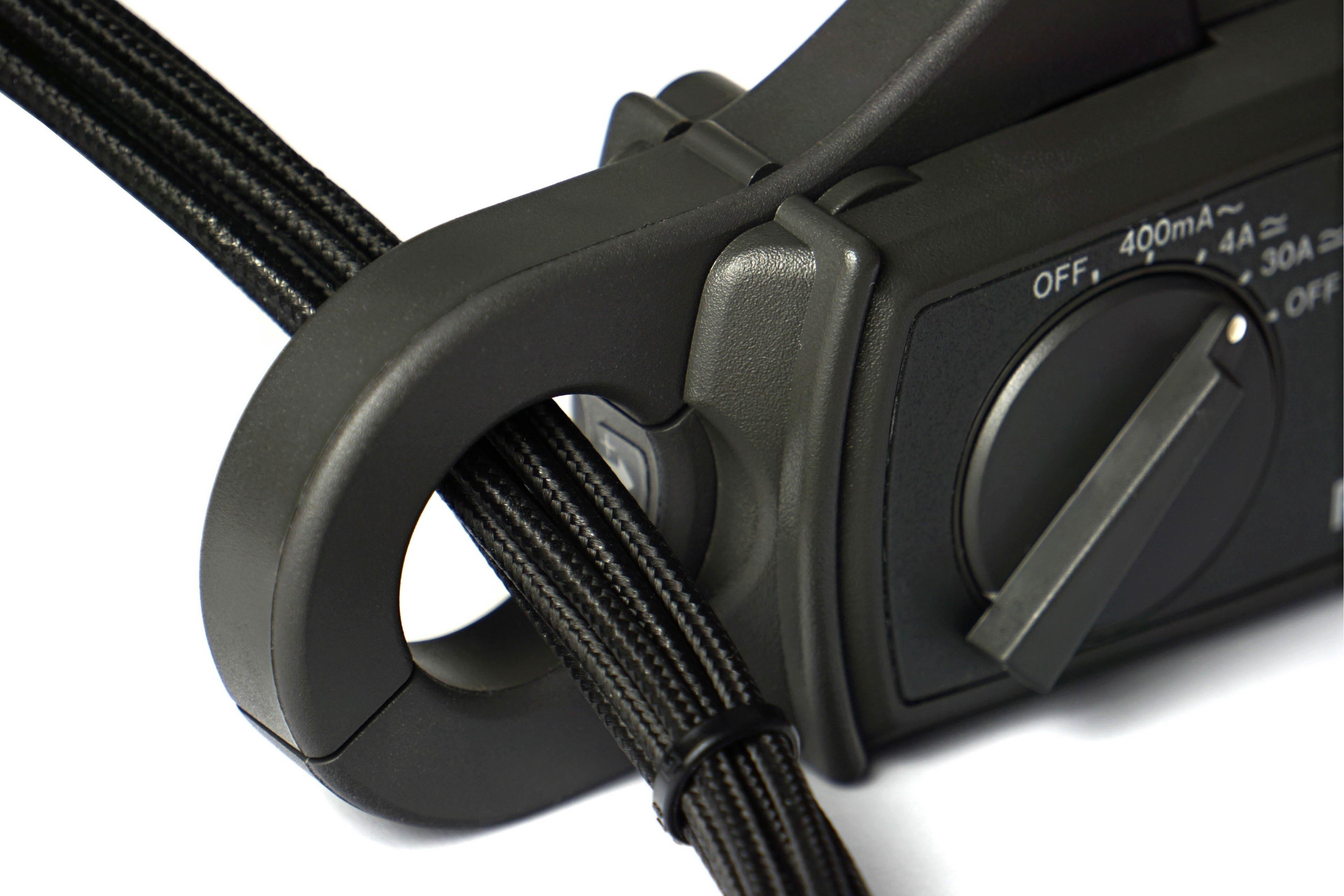
We are also working on a similar device for external power supply. However, significantly higher currents are achieved there, longer cabling and more passages between connectors are necessary, which means that the voltage drop will have to be read on an even smaller resistance of 0.01 Ω, the current state (with 0.1 Ω) is unstable for now. Until we fine-tune it, we will use Prova 15 current clamp for cable measurements, which also measures with good accuracy, they just have a range of up to 30 A. But that is also enough for the OC version of the RTX 3090 Gaming X Trio. If a card is over the range, it is always possible to split the consumption measurement (first into one half and then into the other half of the 12 V conductors).
And why bother with such devices at all when Nvidia has a PCAT power draw analyzer? For complete control over the measurements. While our devices are transparent, the Nvidia’s tool uses the processor that can (but of course does not have to) affect the measurements. After testing the AMD graphics card on the Nvidia’s tool, we probably wouldn’t sleep well.
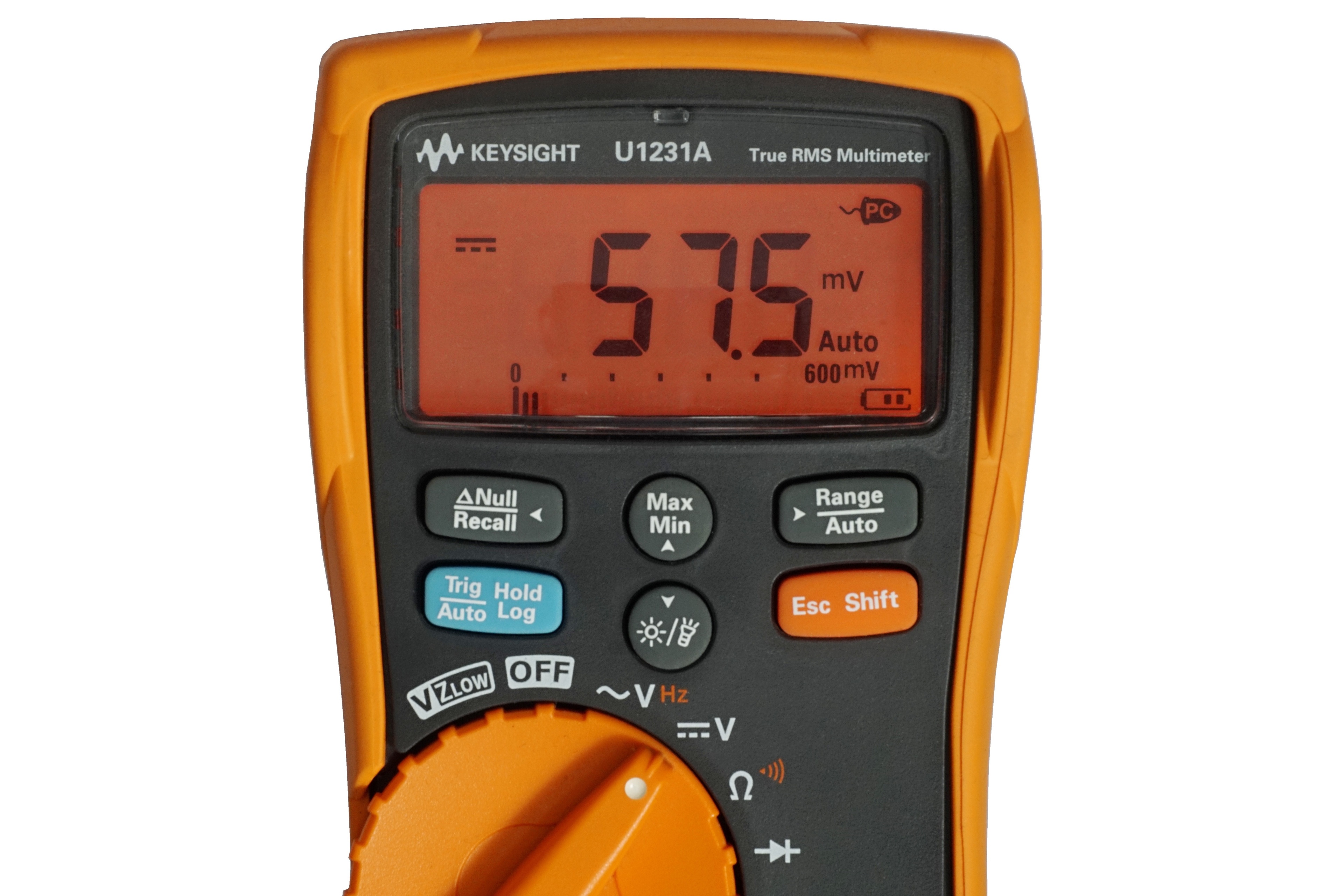
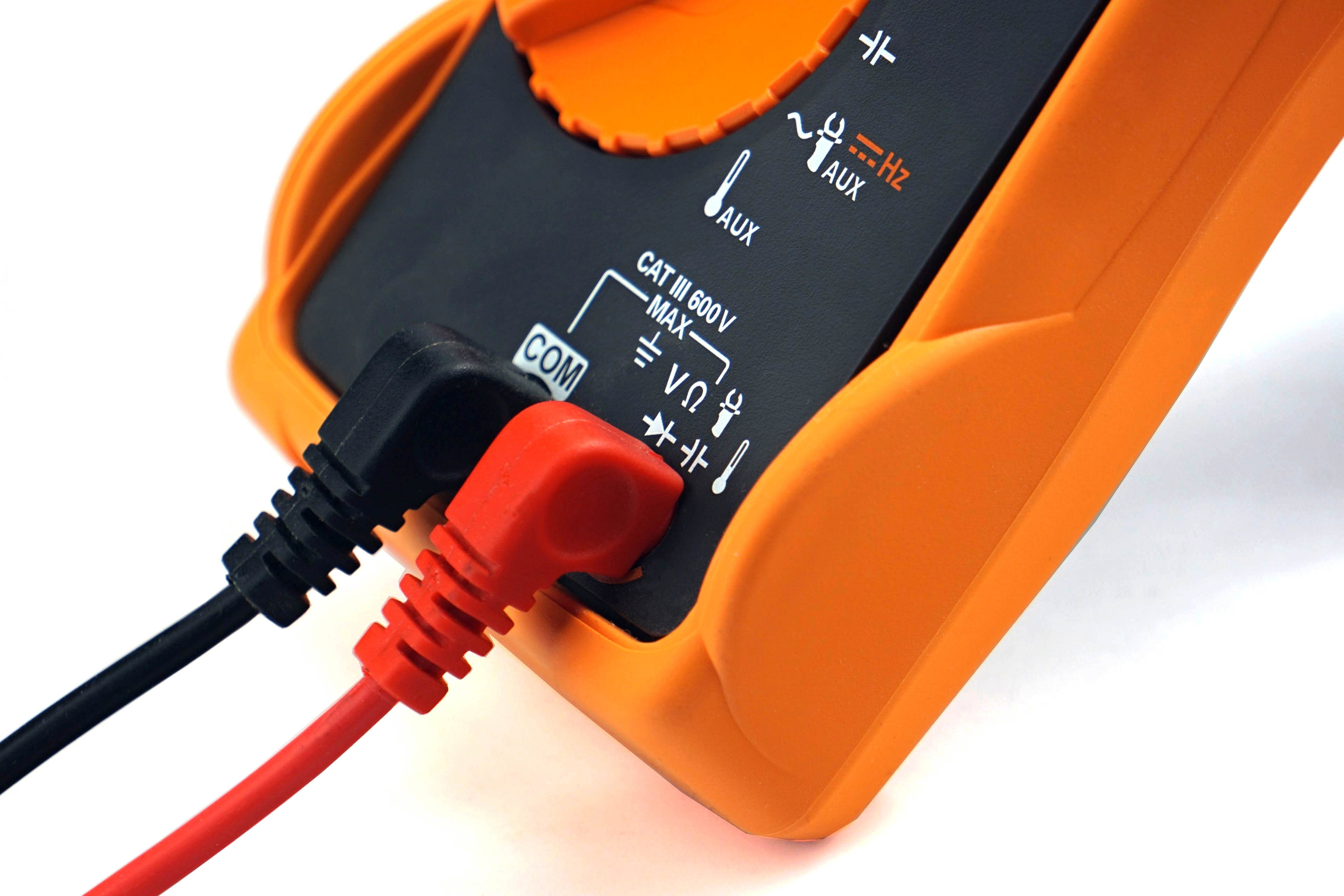
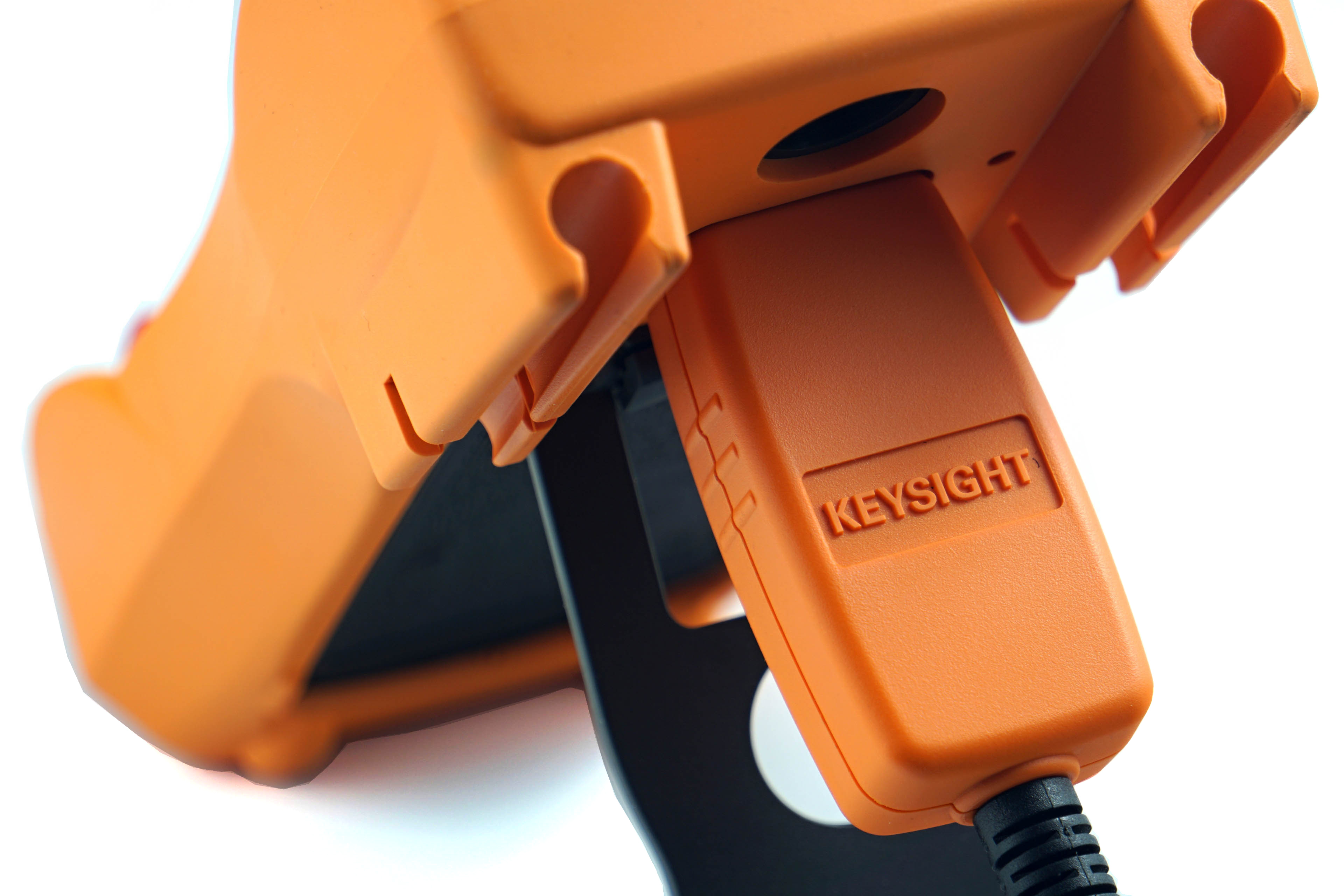
To read and record measurements, we use a properly calibrated multimeter Keysight U1231A, which exports samples to XLS. From it we obtain the average value and by substituting into the formula with the exact value of the subcircuit output voltages we obtain the data for the graphs.
We will analyze the line graphs with the waveforms for each part of the power supply separately. Although the 3.3 V value is usually negligible, it needs to be monitored. It is difficult to say what exactly this subcircuit powers, but usually the consumption on it is constant and when it changes only with regard to whether a static or dynamic image is rendered. We measure consumption in two sort of demanding games (F1 2020 and Shadow of the Tomb Raider) and one less demanding one (CS:GO) with the highest graphic details preset and UHD resolution (3840 × 2560 px). Then in 3D rendering in Blender using the Cycles renderer on the famous Classroom scene. However, in addition to high-load tests, it’s important to know your web browser consumption (which, in our case, is accelerated Google Chrome), where we also spend a lot of time watching videos or browsing the web. The usual average load of this type is represented by the FishIE Tank (HTML5) website with 20 fish and the web video in our power draw tests is represented by a sample with the VP9 codec, data rate of 17.4 mb/s and 60 fps. In contrast, we also test offline video consumption, in VLC player on a 45 HEVC sample (45.7 mb/s, 50 fps). Finally, we also record the power consumption of the graphics card on the desktop of idle Windows 10 with one or two active UHD@60 Hz monitors.