


Do you know what is most often replaced on graphics cards and motherboards during the repair process? Really, try to guess before you begin reading this article. Visiting an Asus repair shop revealed a lot of attractive information you can’t be deprived of. In addition to responding to annoying questions, you’ll learn ways in which hardware failures are routinely detected and fixed.
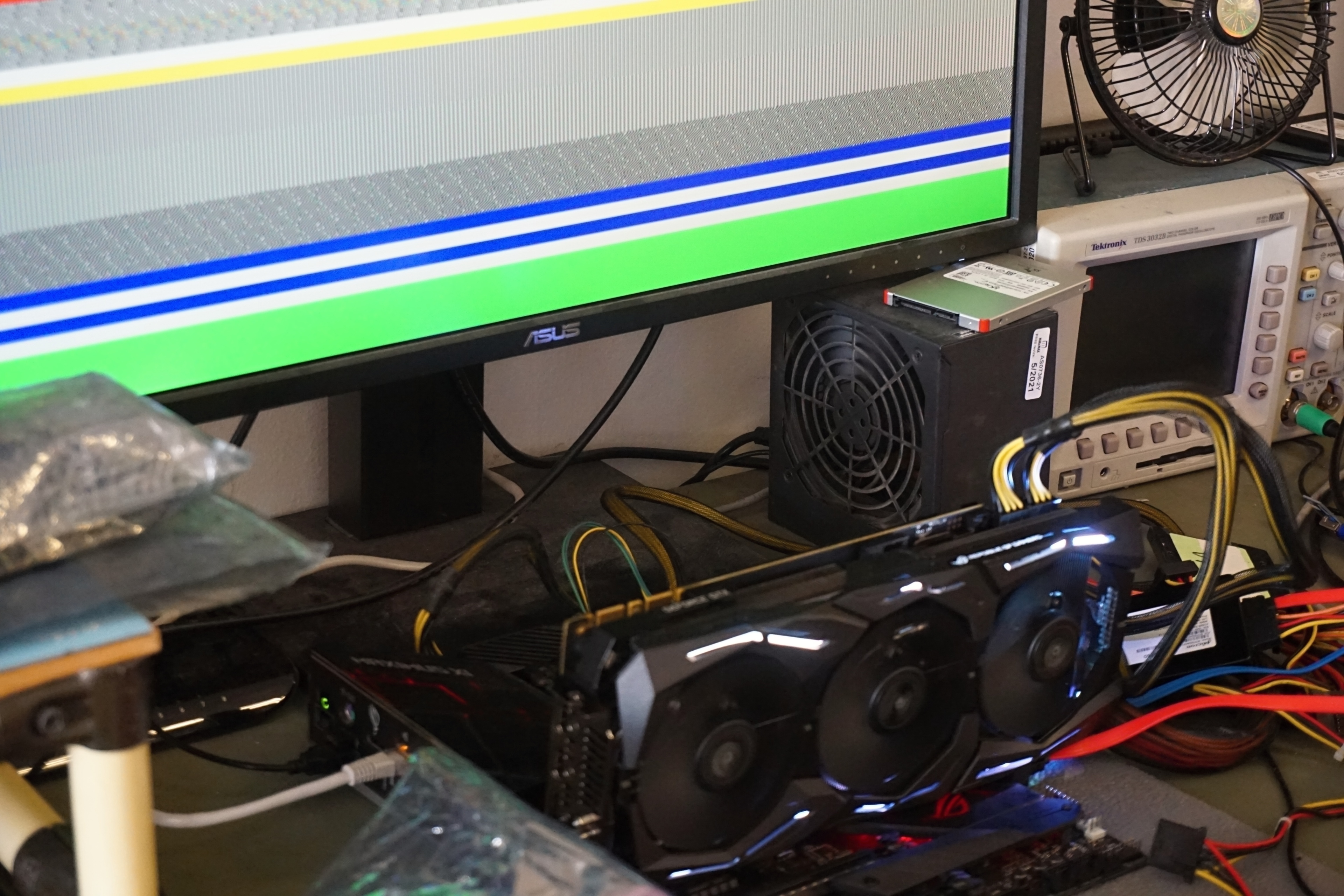
We will deal with graphics cards first. Every piece that gets to the technician is first subjected to basic testing (unless it is completely dead). This typically takes 7–8 minutes. FurMark is usually used to warm up the card (approx. 3 minutes) and then it undergoes the Unigine Superposition benchmark. In addition to image defects, it is also monitored whether the achieved performance is really as it should be. The measured results are compared with the average reference values of other pieces of the same card.
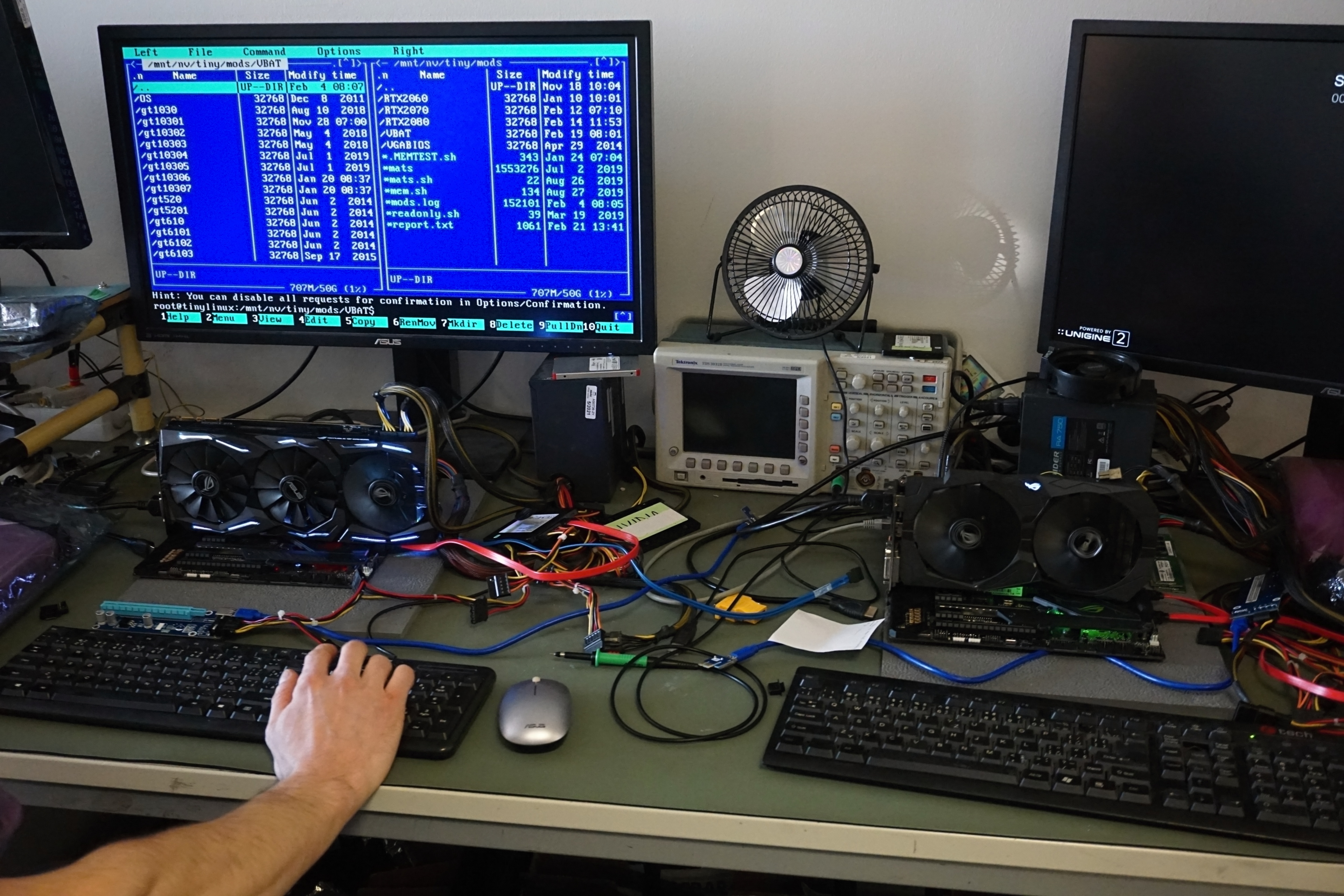
The most common cause of instability or failure of graphics cards lies in memory. But their diagnosis is more sophisticated. Software directly from chip manufacturers is used here, to which end users do not have access and such service centers do. The memory chips are all tested at once and in case of errors, addresses (for example E33 – E47) that refer to a conflicting module are also reported. This module is then located via “PCB navigator”. Schematics of all Asus hardware printed circuit boards are available in this company database.
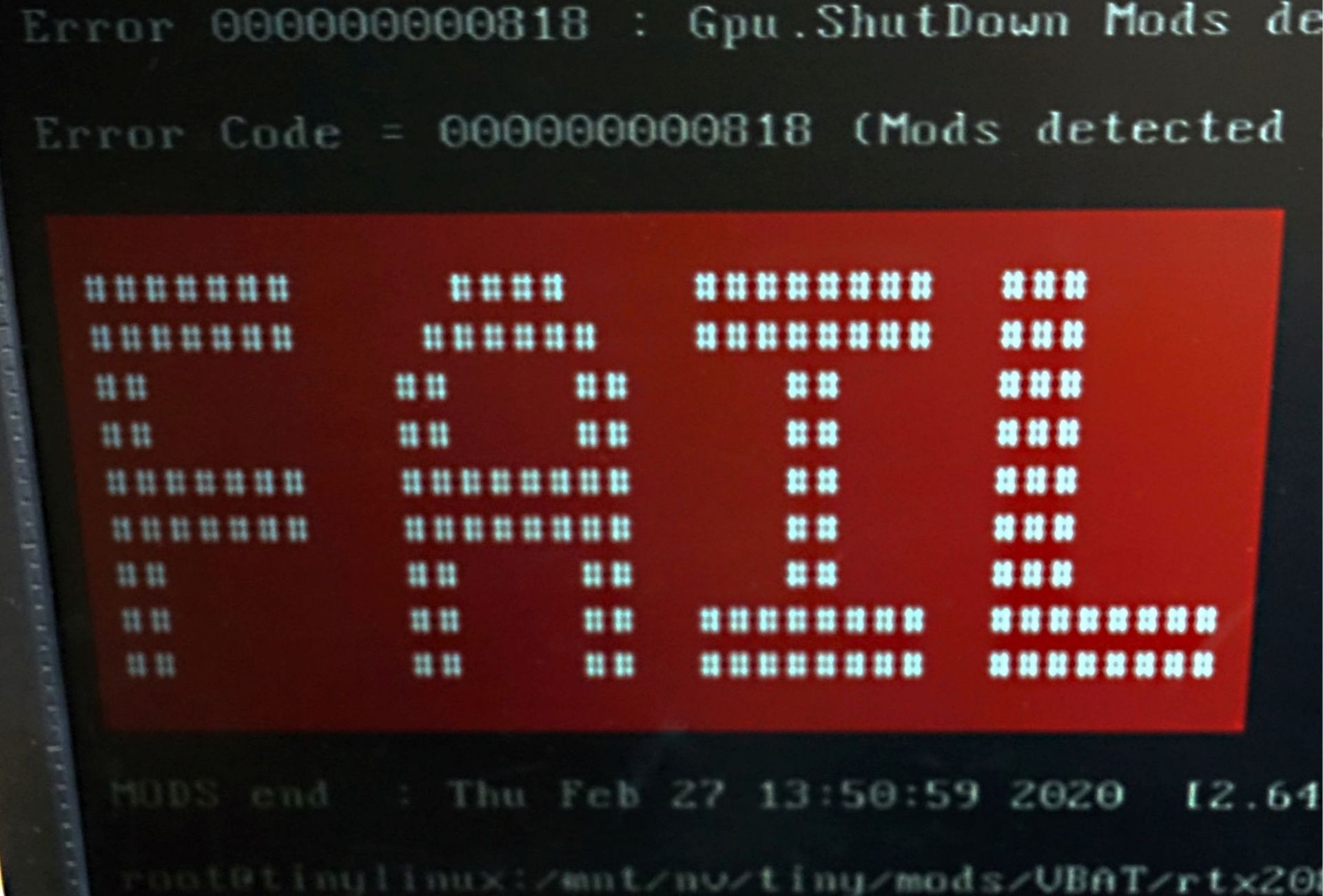
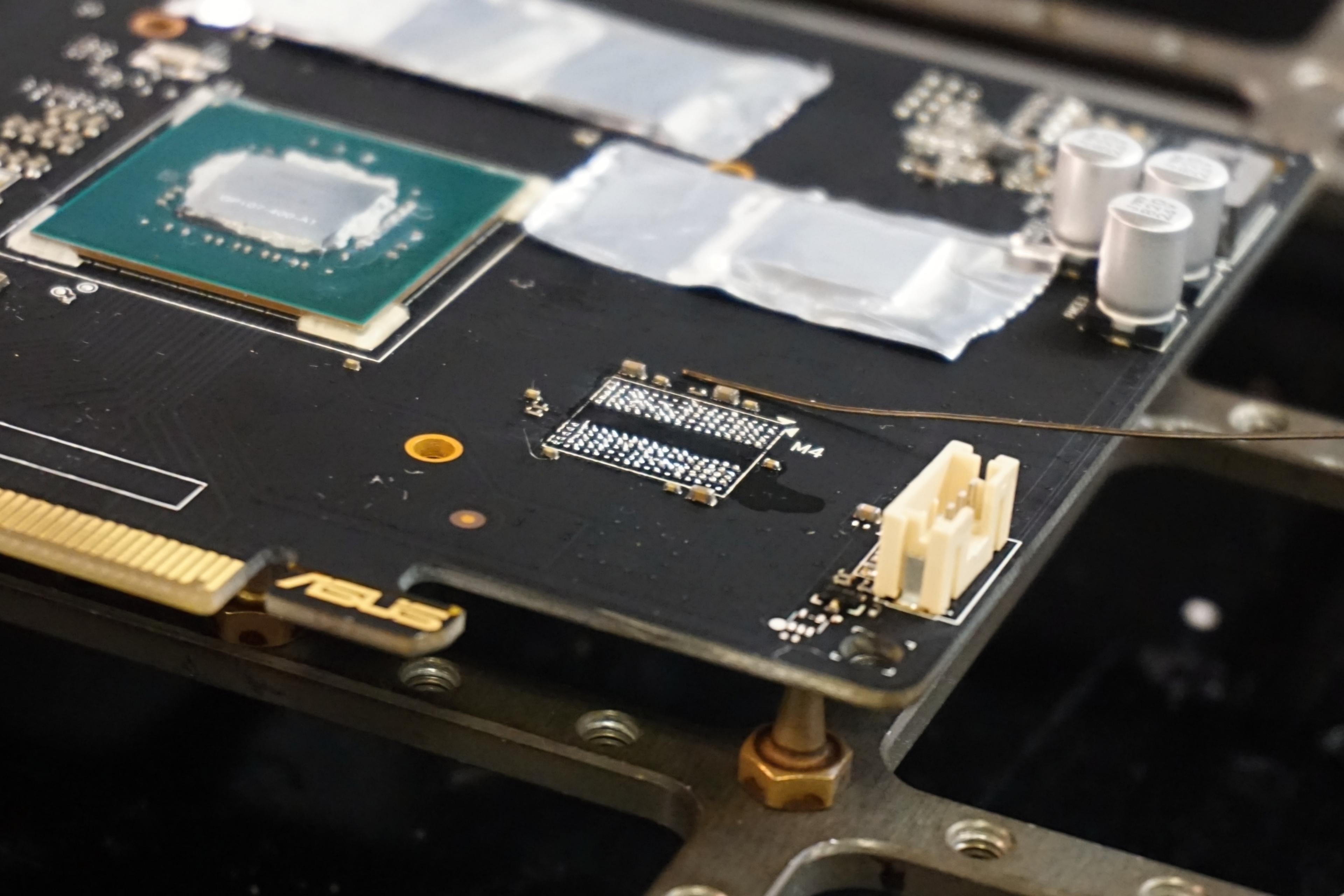
Mostly, red numbers were formed by Micron’s GDDR6 used in the first wave of GeForce RTX graphics cards. The reliability of memory of other two memory manufacturers, Hynix and Samsung, had to be debated among technicians. In any case, they are already doing fine and, compared to Micron, they have a fractional failure rate. Reflow or a complete memory replacement is on a daily basis. The old chips are dissected after the PCB heats up, reballed, and a new memory chip (or chips) is/are installed. Infra Quick and Infra Ersa hot air soldering stations are used for such operations.
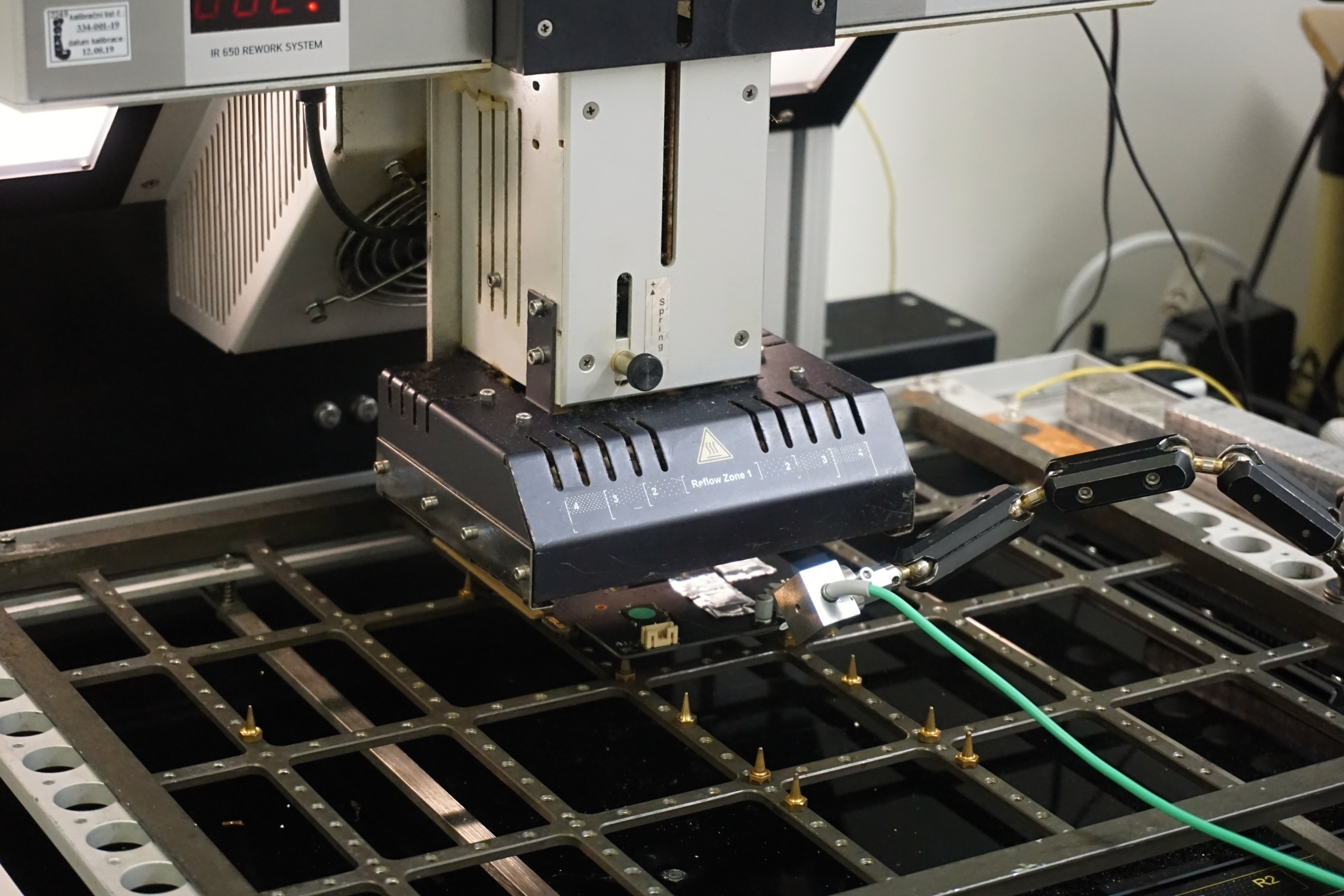
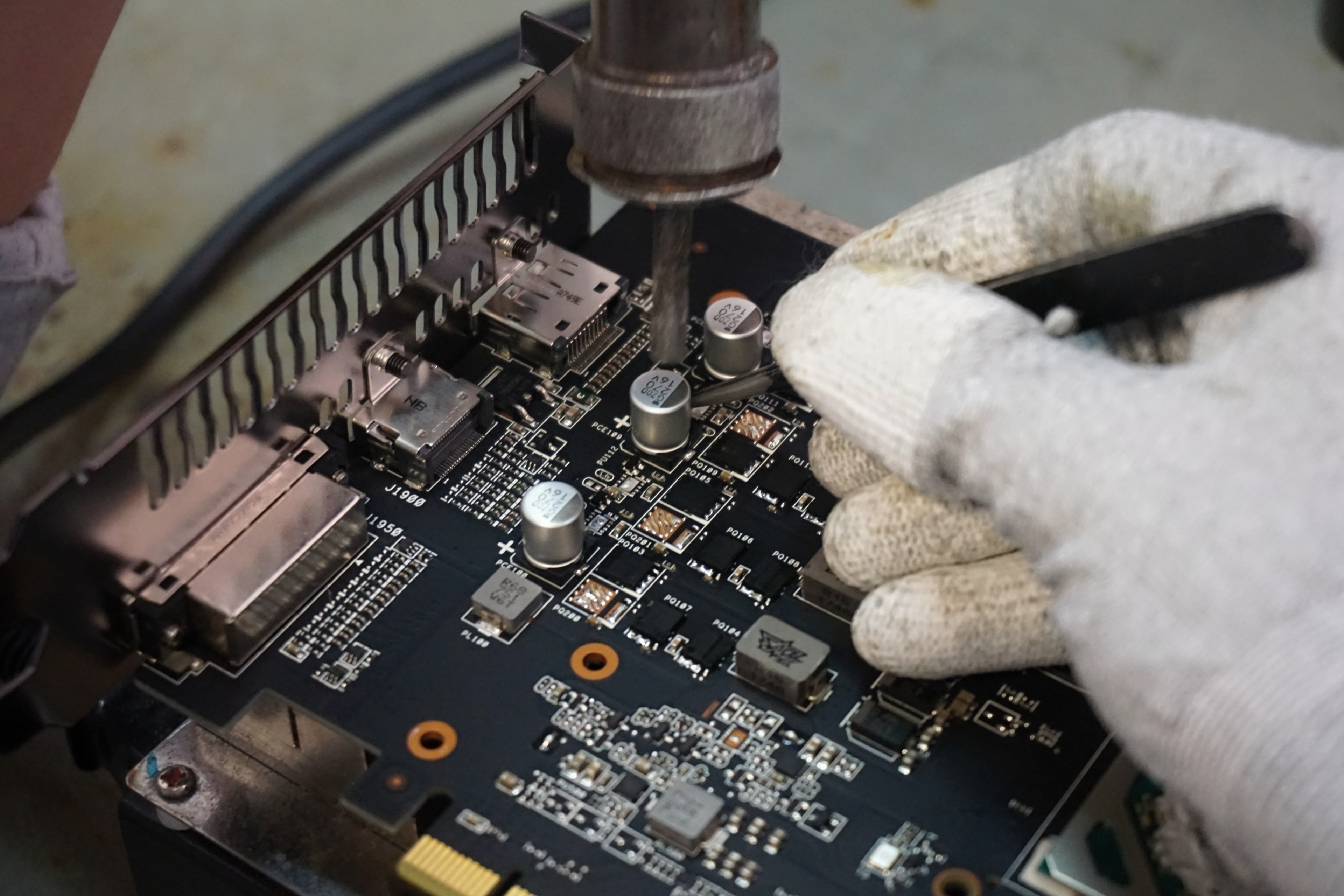
VRM is not that critical. Replacements of fans, from which users typically broke a blade after a collision with a vacuum cleaner, are also reportedly more frequent. When something changes within the power cascade, they are mainly Vcore MOSFETs. And even if one is damaged, all of them tend to be replaced to reduce the percentage of other repairs. With a sigh, the technician stated that someone from the RD (research and development) would be really welcome, who would have an overview at a lower level of how individual circuits work and why some failures occur.
Soldering is of course performed lead-free, but it is said SN100 alloys (tin, copper, nickel and phosphorus) or tin alloys containing silver and bismuth are used. These should already be qualitatively very close to lead soldering.
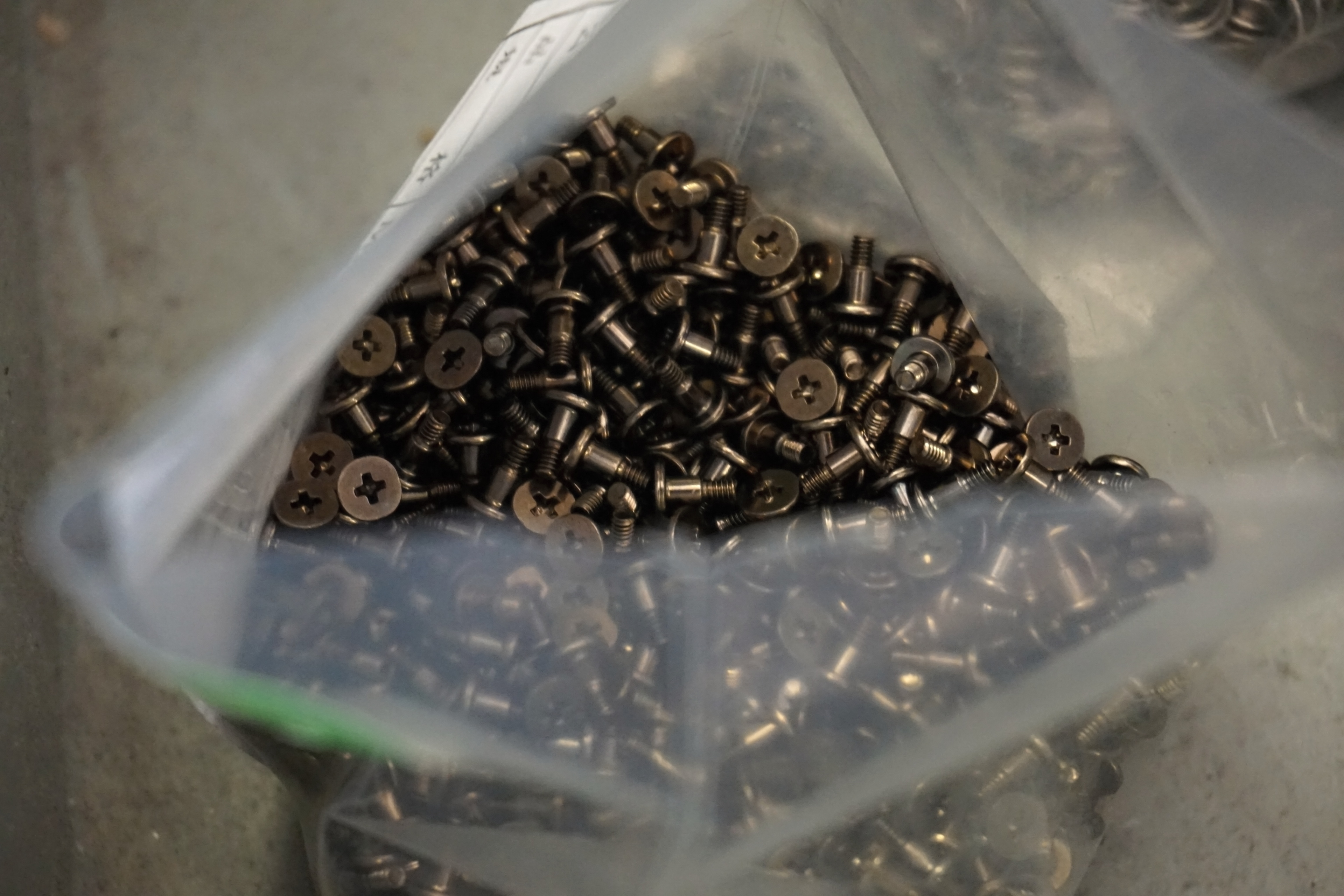
We did not forget to discuss the case of too long screws on the RX 5700 (XT) which kept overheating due to insufficient weight on them. We got an explanation for why this happened – they allegedly used exactly the lengths mentioned in AMD documentation. But the question of how it was possible, since the previously released graphics cards from Gigabyte and MSI did not suffer from this problem, remained unanswered. But we do not blame them because the responsibility lies with the developers. This situation probably occurred due to the failure of the human factor, which is natural. It happens.
Important is that a fix is being worked on. If you have the first revision of cards or do not own it yet, but it is somewhere on sale for a favorable price, do not despair. When you send the graphics card to the service, they will replace the screws for you free of charge. And ladies and gentlemen have enough screws and vigor to improve things. 🙂
We also got to warranty claims for graphics cards that were used 24/7 for cryptocurrencies mining. However, there was no interest in elaborating on this topic. But, it appears that if the card does not have a modified BIOS, there is not enough evidence to reject a free claim for improper use. Let me just remind you that gaming graphics cards with a standardly long warranty are not designed for continuous operation at full performance and mining cards have a shortened warranty.





