


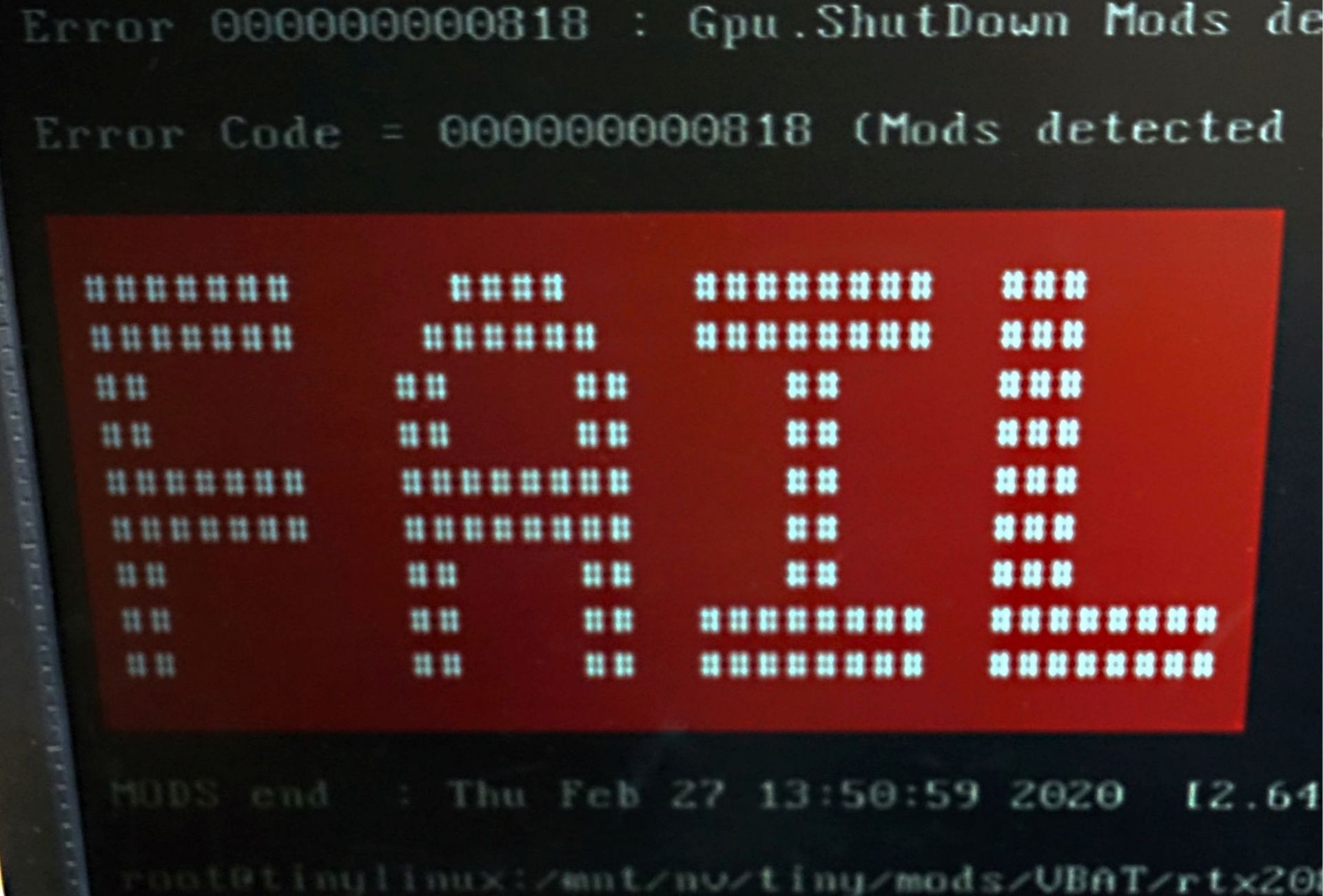
Do you know what is most often replaced on graphics cards and motherboards during the repair process? Really, try to guess before you begin reading this article. Visiting an Asus repair shop revealed a lot of attractive information you can’t be deprived of. In addition to responding to annoying questions, you’ll learn ways in which hardware failures are routinely detected and fixed.
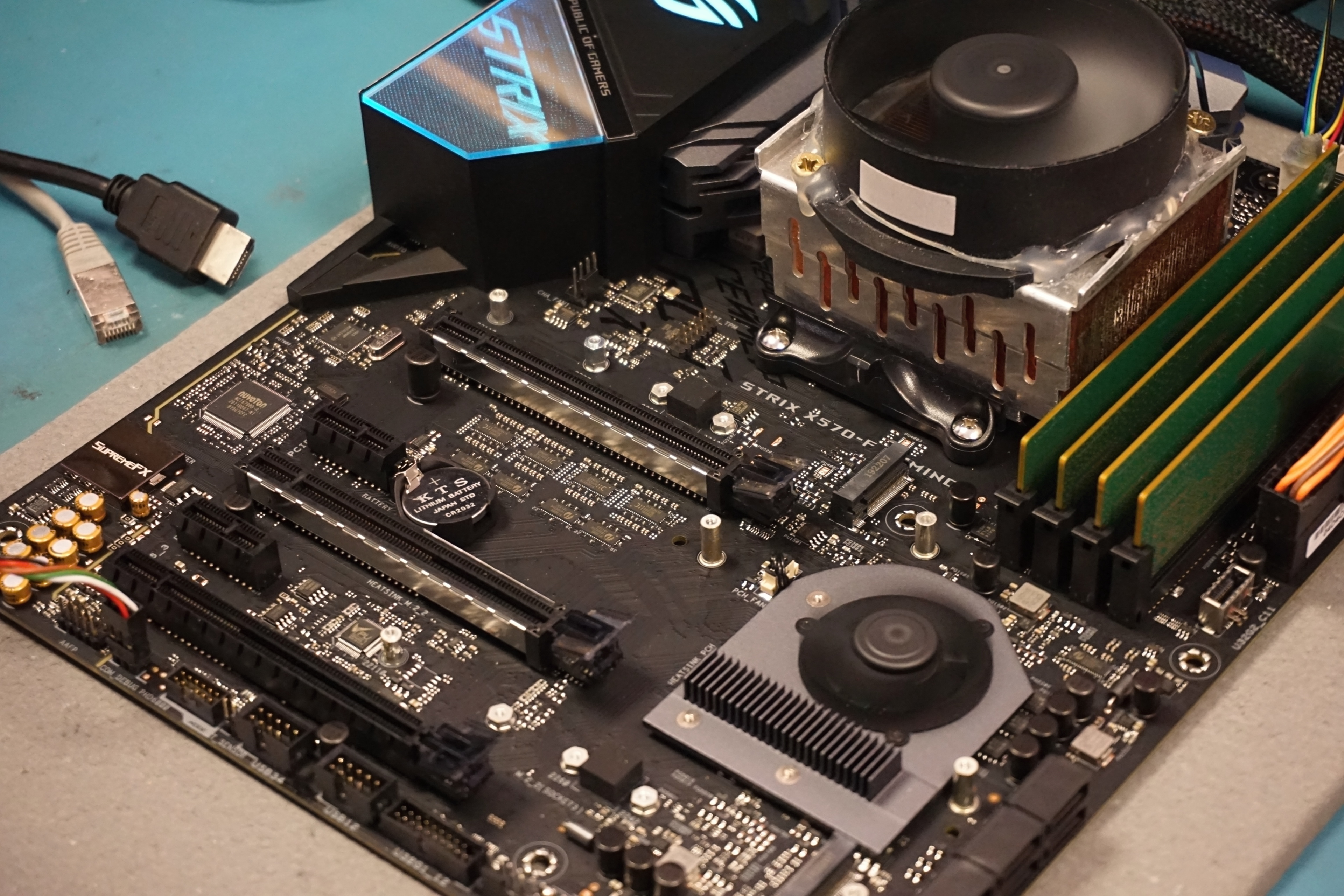
We also picked up the details about motherboards, as we systematically pay attention to them. They are allegedly claimed in about the same ratio (50/50) to graphics cards, although there are more opportunities to mess something up on the motherboards. And some stories are really worth it. But I will already reveal that the fans on the X570 chipsets hold tight. Not a single malfunctioned one has a record in the service statistics and, the daily rates of repaired motherboards are approximately 100 pieces.
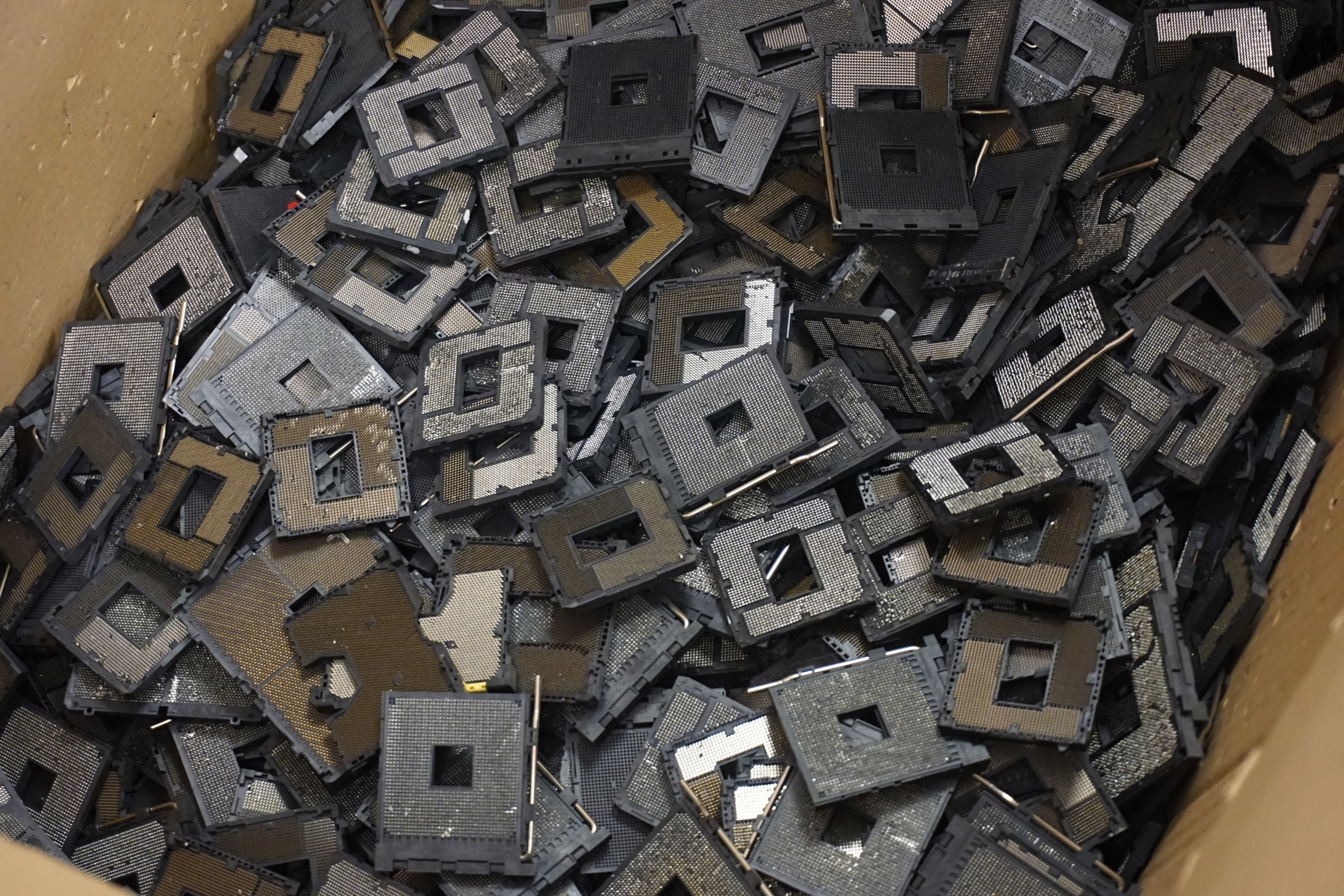
The most common errors of motherboards are a damaged socket or broken pins. This applies to all Intel platforms and, in case of HEDT, AMD, too. This is confirmed by the cemetery of sockets in the photo below. However, individual pins are not repaired and sockets are completely replaced with new ones. In some centers, they are said to be repaired at the pin level, but that’s some tough job. Especially when a motherboard is returned several times in a row from the same customer who is obviously wrong when installing a processor.
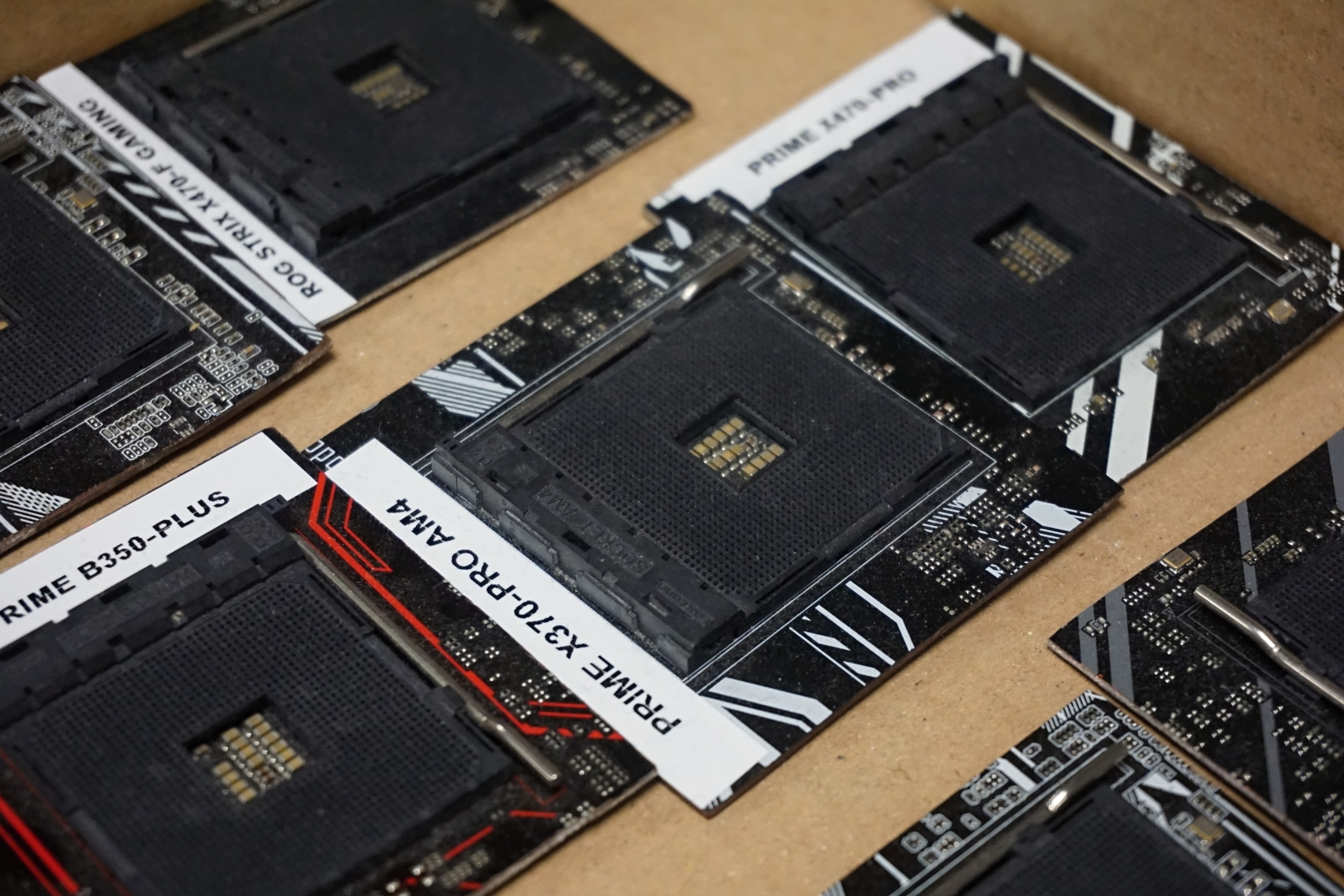
AMD sockets are more durable and, compared to Intel LGA/AMD TR (X) 4, failures in them are sporadic. Surprisingly, no damage occurs even when the processor is forcibly removed through a closed lock (when the user omits a circular motion while removing the cooler). Opposite cases are much more common, when brute force in the form of attempting the installation without opening the lock again wins over common sense.
Some AMD AM4 sockets have one small anomaly. The sockets are not centered on the pre-drawn frame on the PCB and are slightly offset to one side. For better orientation, therefore, a proper tool is used on which the exact position of the socket with a cut piece for the PCB is.
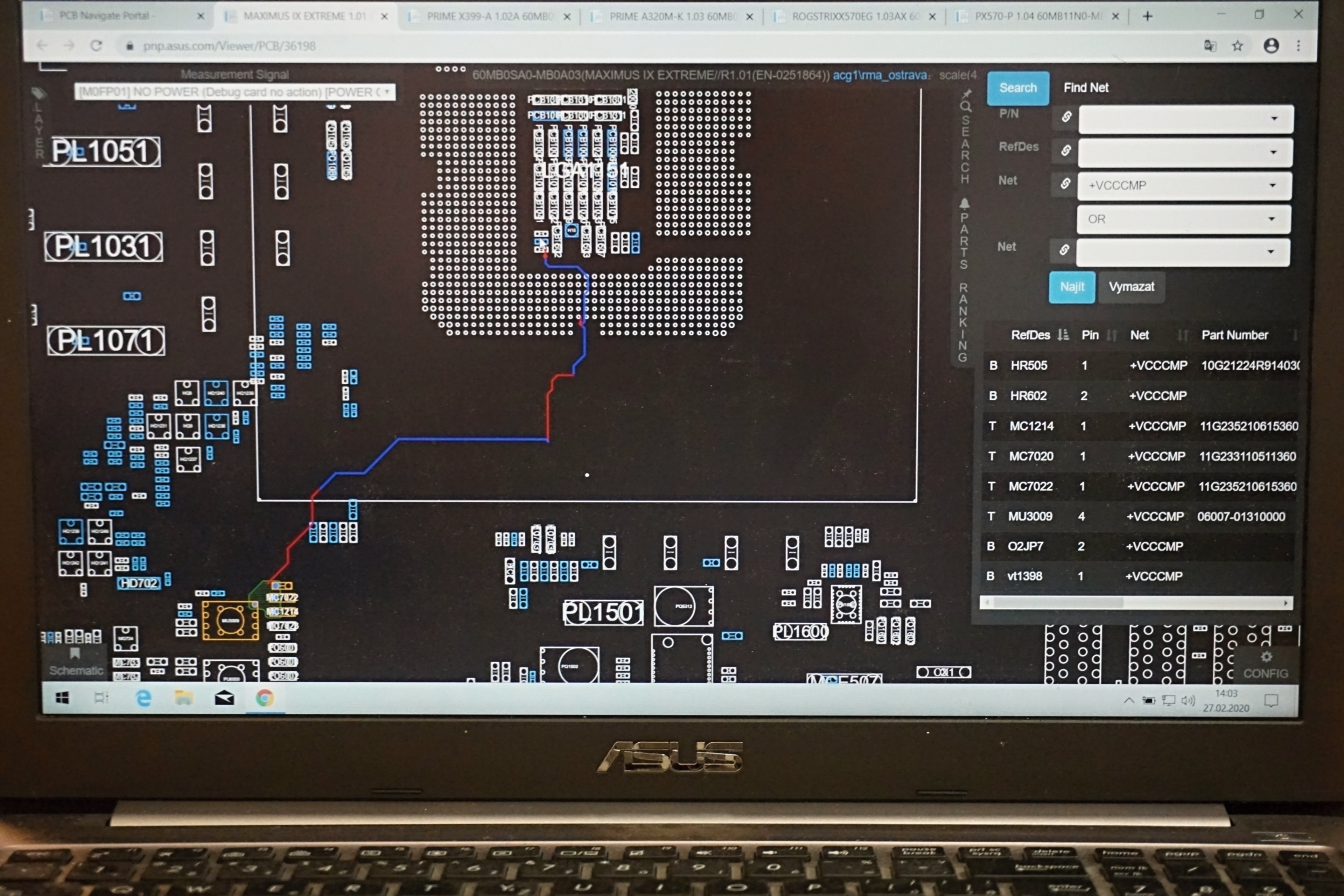
Before the technician starts the action, the motherboards (and graphics cards) are dehumidified in the “dryer”. The main tool of an electrician – an ordinary multimeter – is used for basic diagnostics. When there is a short circuit, the coils are disassembled and the sections are disconnected so that the technician can find out which part has failed. All paths are drawn in the PCB navigator which has already been discussed. Alternatively, a laboratory power supply and the setting of the corresponding operating voltage for the given branch are used. If there is a short in the circuit, more current will flow through it and the faulty component will start burning.
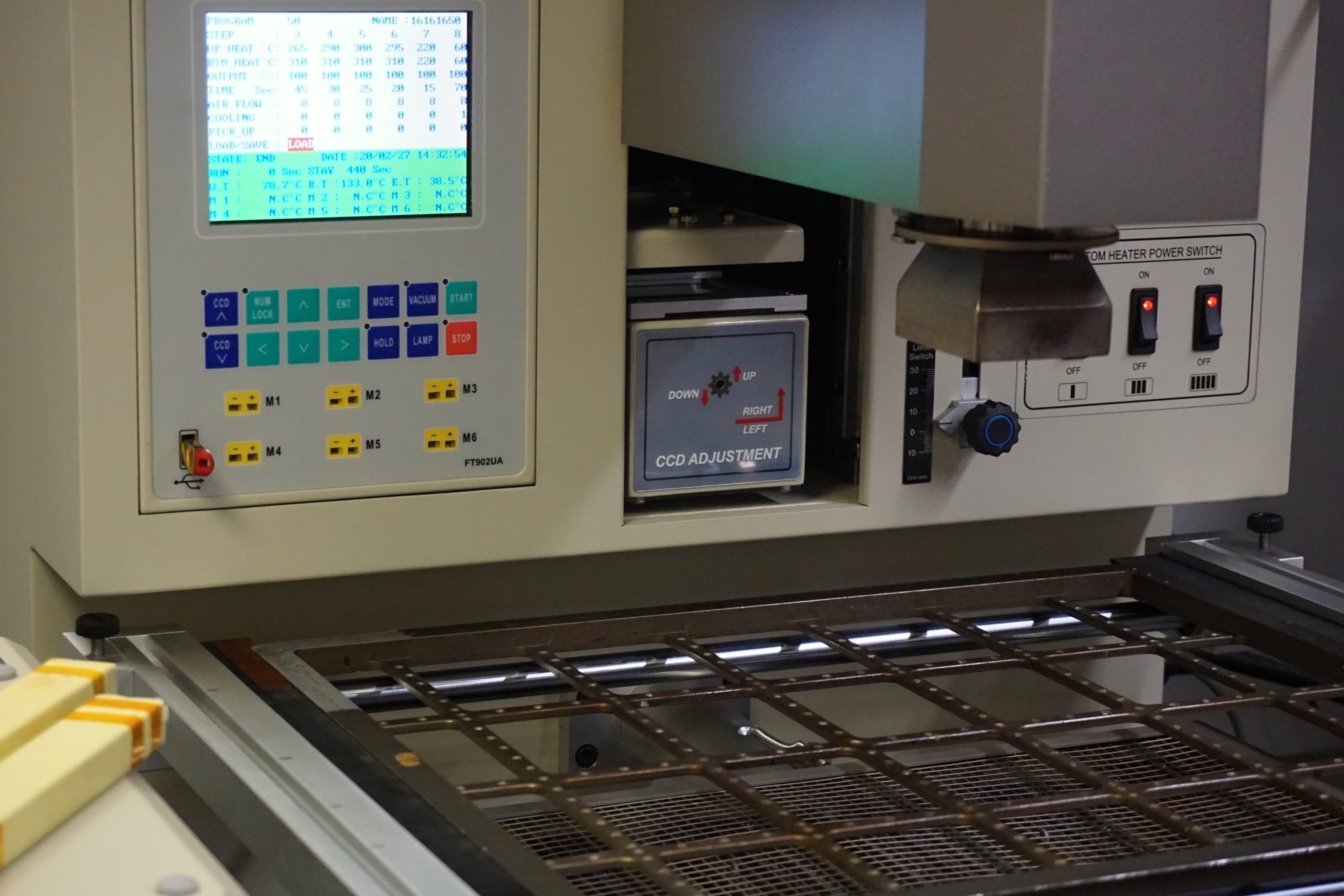
If you consider damaging or breaking a pin on the PCI Express ×16 slot to be the pinnacle of clumsiness, we will have to set the record straight. Some people don’t even bother pins at all. How much force do you need to use to pull out an expansion card with the slot during disassembly? You can hardly imagine the process, but it happens. Motherboards without PCIe slots are being sent to service centers. However, such repairs are relatively fast. The feet on the slots are tinned en masse in an oven with a spout formatted to measure.
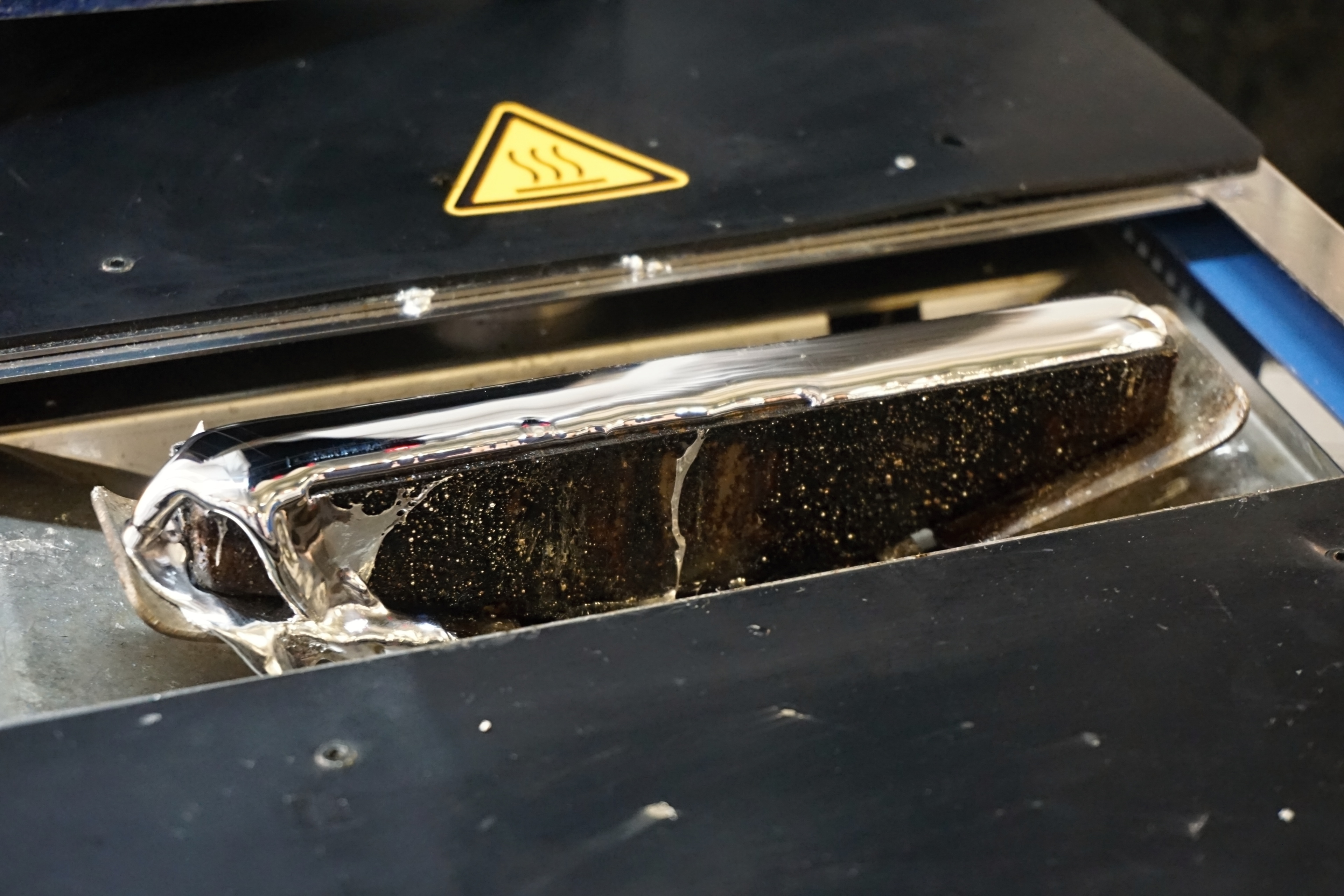
In order to prevent undesired melting of the tin in the surrounding areas during heating, they are insulated with masking tape, which fulfills the role of insulator well, and coagulates the temperature below the melting point. It is noteworthy that when replacing any part, all other seemingly unrelated items are also tested. Namely, whether all SATA, USB ports and fan connectors work simultaneously after the intervention.

What surprised me was that relatively weak processors (Ryzen 5 3200G) are used for testing, even after replacing memory DIMM slots with significantly lower bandwidth than the motherboard owner may use. In short, the testing load definitely does not hit the roof. This is because AMD, Intel or RAM manufacturers do not supply the service center with samples and everything is purchased from their own resources. Nevertheless, the percentage of second repairs is only 5%, so that does not play such a role.
The time of repairs is up to two, max. three days from the date of delivery. In rare cases, when the length of the repair process is longer, the customer receives a temporary offer to provide a replacement product. The service technicians admitted that although they have a 92% success rate for complaints, it is not 100%. The unresolved percentage are rare cases where repair is unprofitable, or a fault rarely occurs that requires detailed X-ray expertise in Taipei or there’s a missing component. The most problematic for accessibility repairs are those around DIMM and PCIe slots.
The price of all post-warranty repairs of components is for now fixed – 30 euros. Cheaper repairs cover more expensive ones and vice versa. In the future, however, a price adjustment is planned, taking into account the financial complexity of repairs. In the meantime, you will fit here even in cases where it is necessary to pre-wire engraved paths between the socket and the power supply (typically when sliding a screwdriver tip over the PCB when mounting a CPU cooler) in combination with replacing burnt voltage regulators (when it’s tested whether it will work again after this predicament).
Post-warranty service is also possible for older motherboards. However, after about seven years, the schematics in the PCB navigator start to disappear and the possibilities of repair are already relatively limited. But, replacing the BIOS should not be a problem on boards that remember C2D either.





