


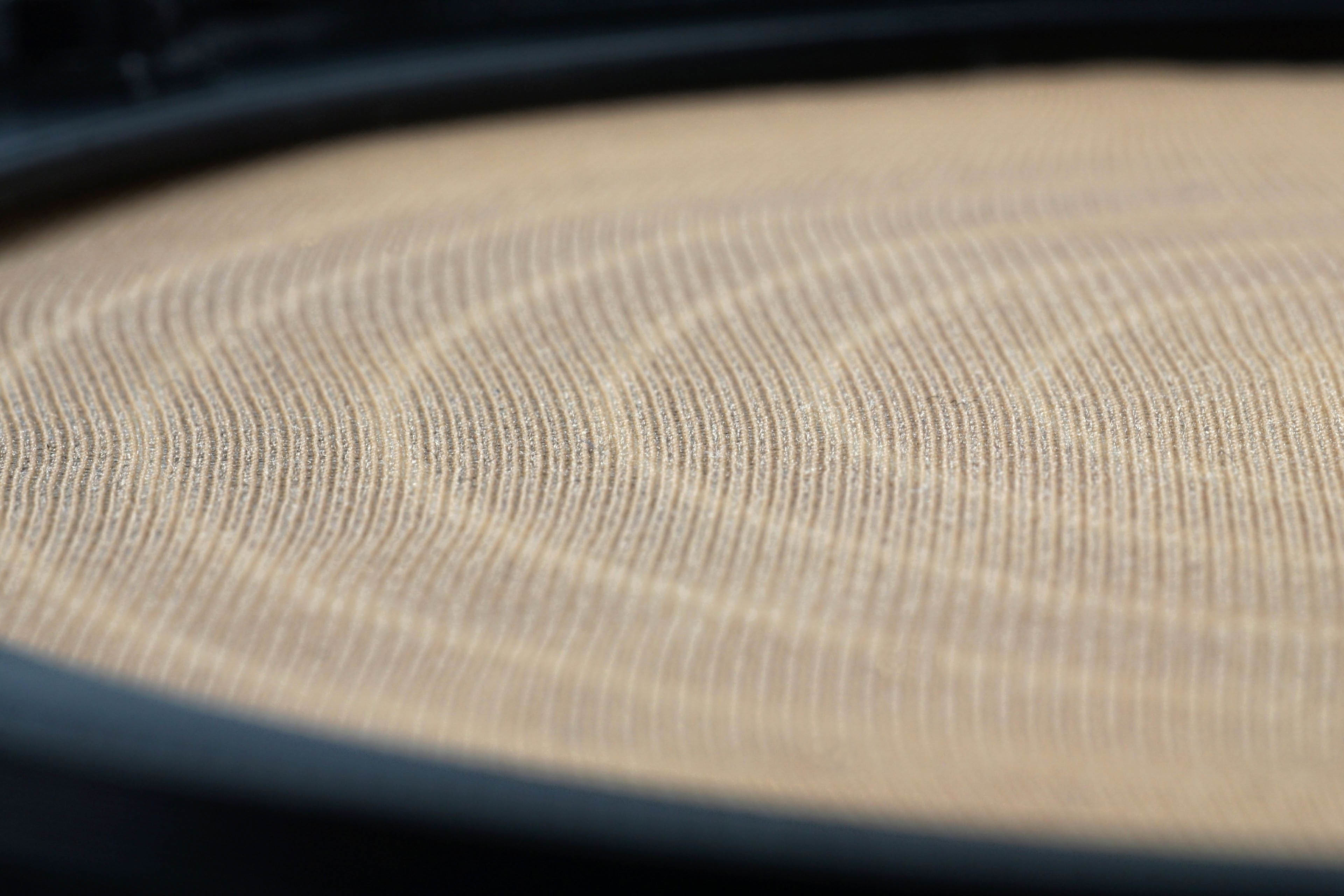
Socks, stockings or tights made of silon also attract uses other than on our legs. Enthusiasts can use the material to make, for example, a dust filter for a PC fan. It’s effectiveness then depends on the thickness of the silon fibre. However, tests show that whatever type you use, it is a rather unsuitable solution. And it’s also difficult for robbers who don’t worry too much about the mask and just need a visit to the drugstore before the job.
Tedious and yet unnecessary
Some things around the hardware are good to adjust or make on your own, but bypassing the nylon filter to use silon from stockings instead is not worth it. Even a very fine 20 denier fibre throttles the fan more than a nylon filter – at low speed by some 15%. Meanwhile, the fineness of the texture is very similar, and even if the silon filter captures more dust, maintenance plays against it. In fact, the 20 denier silon tears almost “by itself”. It was quite a struggle to fix it in front of the fan in any reasonable way, so that we didn’t get a hole anywhere.
Manipulation with 40 denier fibre is noticeably more comfortable, but that one should definitely be avoided. In a negative sense, it clearly outperforms even plastic filters. The airflow at lower speeds is reduced by up to 82%, down to roughly one-fifth – from 50.8m3/h to 9.2m3/h. Under those conditions, that fan almost doesn’t even need to be there. In addition, because of the high density of the material, the 40 denier silon is also already a strong mechanical barrier, which is also reflected in the high noise level, higher than with a plastic filter.

In addition to the significant loss of airflow, the noise level increases significantly. The most pronounced and equally loud sound frequencies are around 130 Hz regardless of the thickness of the fibre. However, the increase in noise level with the 40-denier filter is noticeable because both lower and higher frequencies are louder.
Summary: Make your own silon filter or buy a nylon one? The second option. You will save time and the higher temperature that systems with silon filters will achieve. For finer structures (with 15-20 denier fibers) the differences will be negligible, but you still won’t help yourself all that much. On the contrary, you will be anxious not to damage your work when cleaning. Nylon filters can withstand rough handling or washing under water.
English translation and edit by Jozef Dudáš



I live in a very dusty home and decided to do exactly this after noticing my per fan nylon filters (SilverStone FF123) plus the front case filter (Corsair 4000D) were not enough to stop dust ingress so it’s really cool to see this tested, thanks!
For me the best way to make use of it was to cut a “leg” off, remove the “foot” and slide my cases intergrated front filter into the resulting tube of material. The material is thin enough the filter still fits no problem and I get two laters of material. I still see some dust on the nylon filters in front of the fans but very little dust passes into the system.
As shown in the tests it does reduce airflow but my 3x Arctic P12s at ~850 rpm still get enough air into the case. It is funny though I got an airflow focused case and I blocked off all holes except where there are fans giving it poor airflow! Seeing the dust build up I do consider my PC an air purifier now though
Thank you for sharing such valuable information. I’m sure it will be useful—and perhaps even inspiring—to some of our readers. 🙂