





High gaming performance is something that is kind of expected from the AMD Ryzen 7 9800X3D. Compared to its predecessor (Ryzen 7 7800X3D), however, the cooling options have been greatly improved, paving the way for higher clock speeds. The Ryzen 7 9800X3D has thus advanced especially in terms of multithreaded, but also single-threaded performance. This makes this CPU with 3D V-Cache more versatile – better able to handle multiple usage scenarios.
Test setup
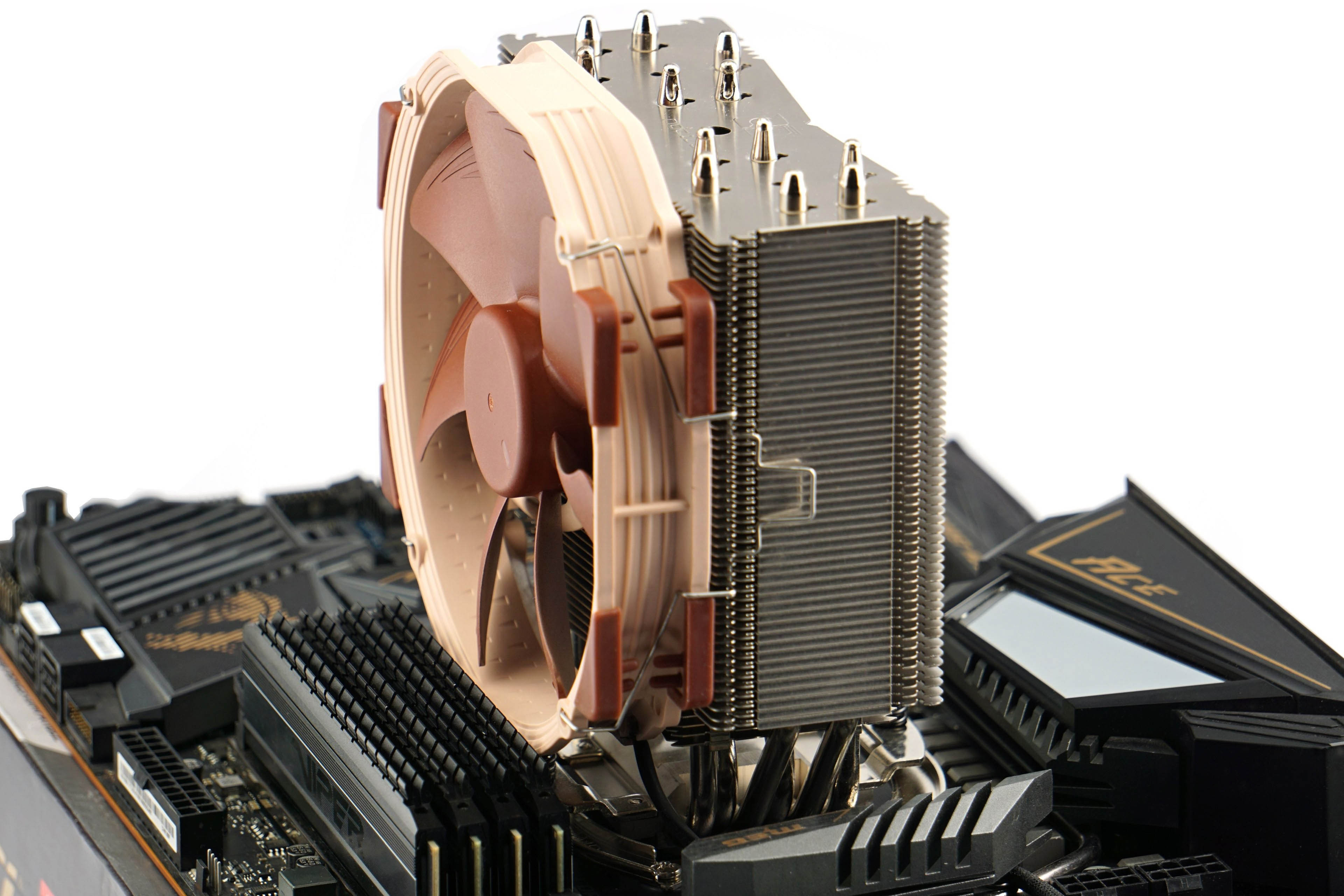

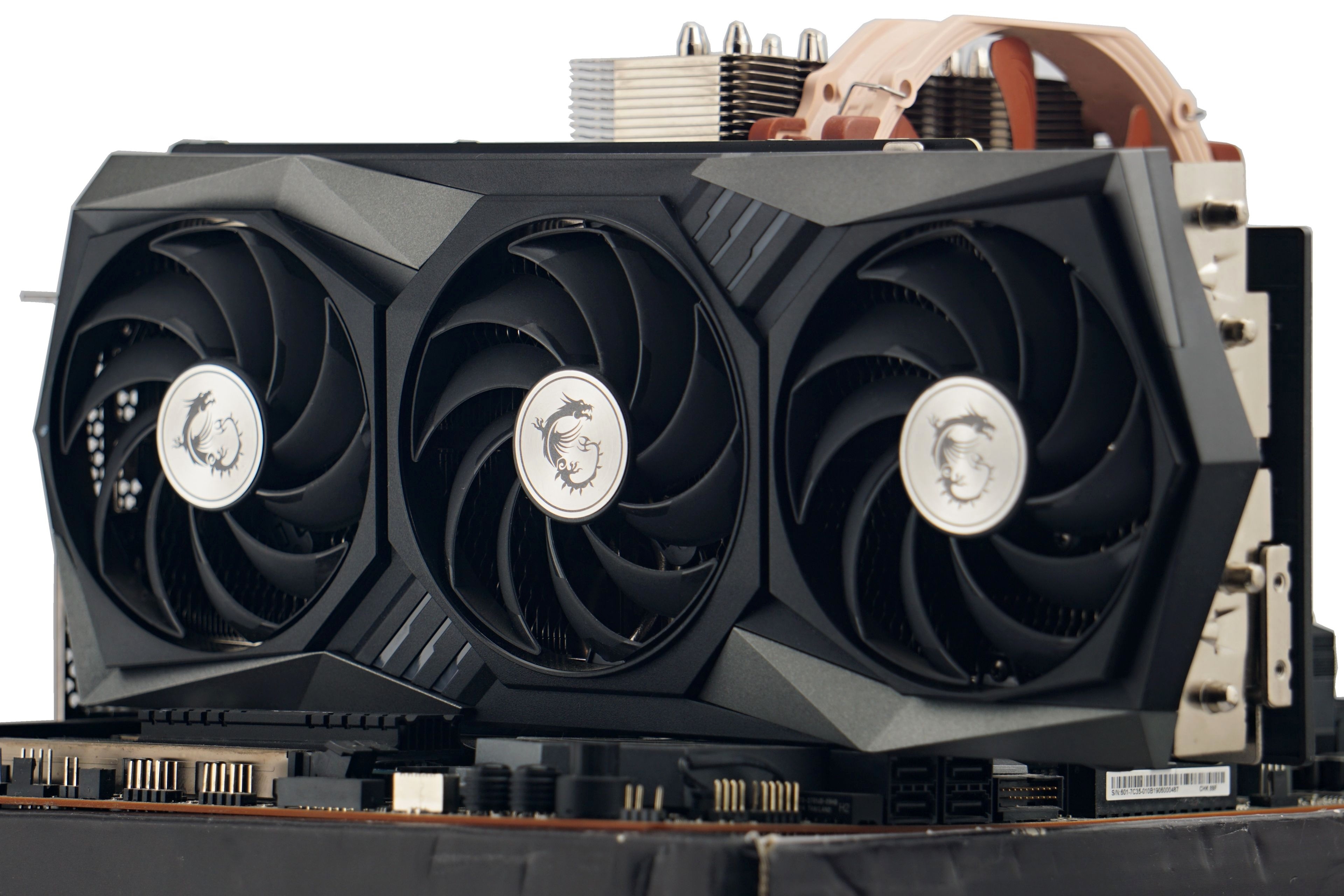
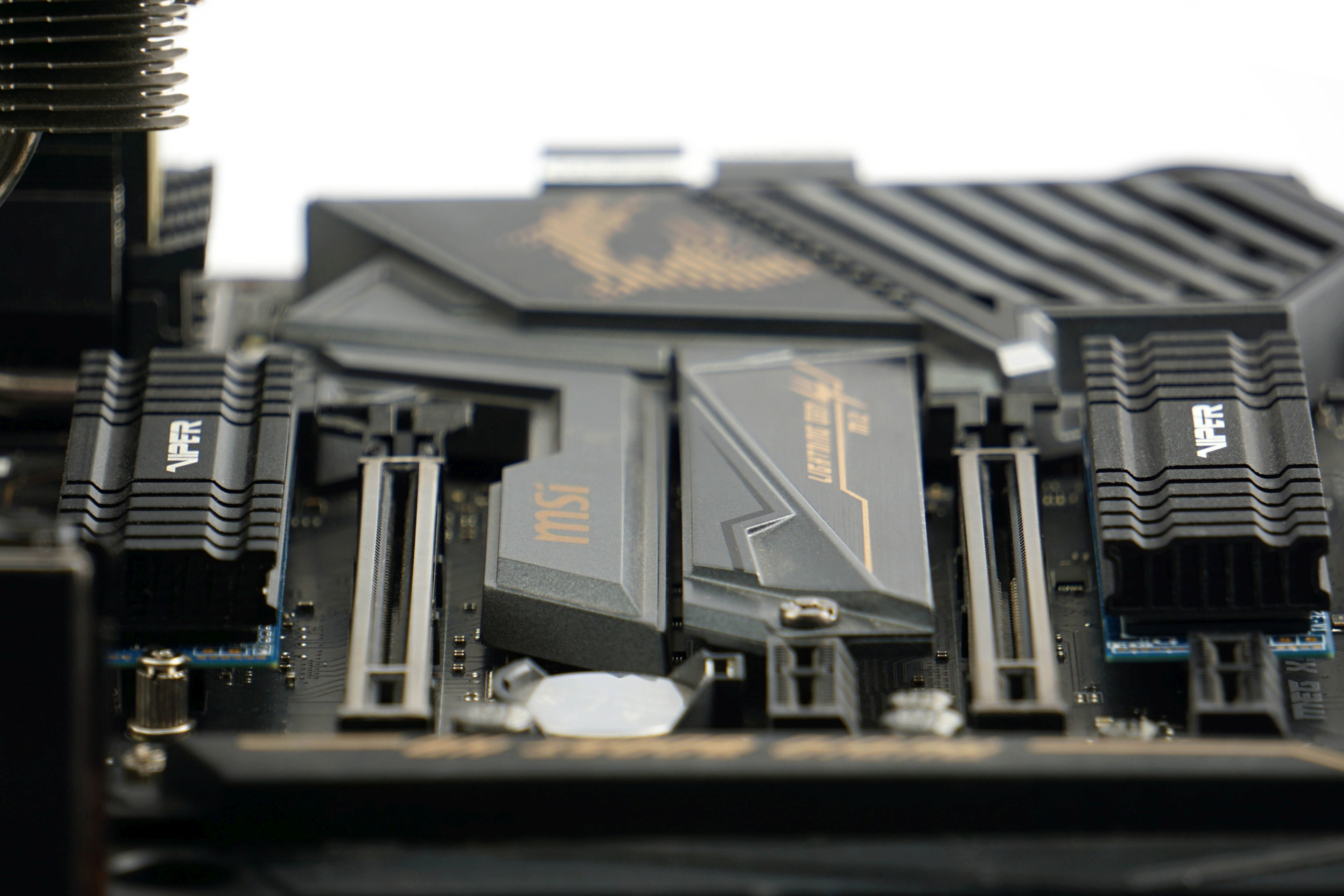
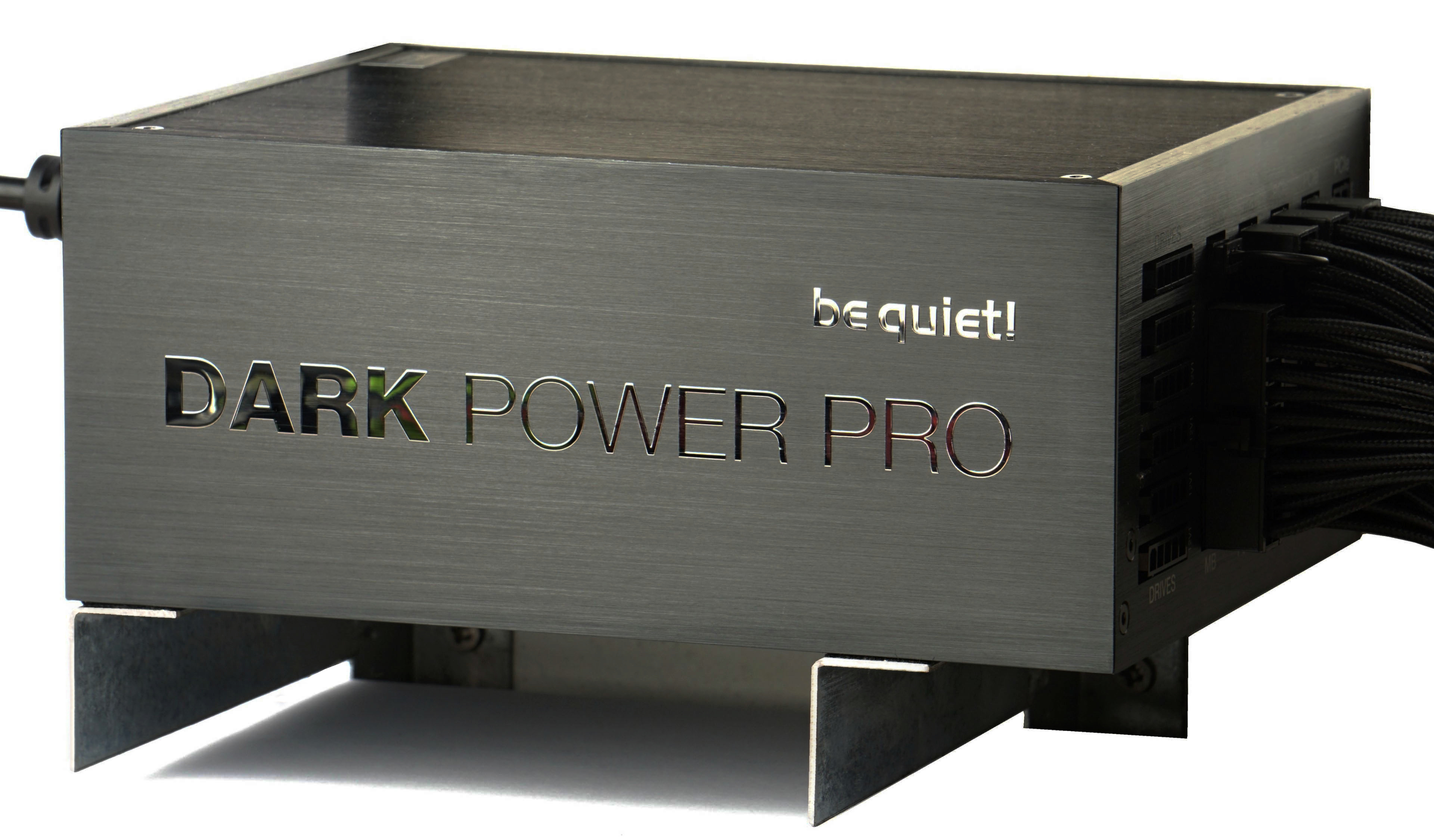
| Test configuration | |
| CPU cooler | Noctua NH-U14S@12 V |
| Thermal compound | Noctua NT-H2 |
| Motherboard * | Acc. to processor: ASRock X870E Taichi, Gigabyte B650E Aorus Pro X USB4, ASRock B650E Taichi, MSI MEG X670E Ace, Asus ROG Strix Z790-E Gaming WiFi, MEG X570 Ace, MEG Z690 Unify, MAG Z690 Tomahawk WiFi DDR4, Z590 Ace, MSI MEG X570 Ace or MSI MEG Z490 Ace |
| Memory (RAM) | Acc. to platform: z DDR5 G.Skill Trident Z5 Neo (2× 16 GB, 6000 MHz/CL30) a Kingston Fury Beast (2× 16 GB, 5200 MHz/CL40) a DDR4 Patriot Blackout, (4× 8 GB, 3600 MHz/CL18) |
| Graphics card | MSI RTX 3080 Gaming X Trio w/o Resizable BAR |
| SSD | 2× Patriot Viper VPN100 (512 GB + 2 TB) |
| PSU | BeQuiet! Dark Power Pro 12 (1200 W) |
* We use the following BIOSes on motherboards. For ASrock X870E Taichi v3.10, for the B650E Aorus Pro X USB4 we use F4c, for the Asus ROG Strix Z790-E Gaming WiFi we use v0502, for the MSI MEG X670E Ace we use v1.10NPRP, for the MEG X570 Ace we use v1E, for the MEG Z690 Unify we use v10, for the MAG Z690 Tomahawk WiFi DDR4 we use v11, for the MEG Z590 Ace we use v1.14 and for the MEG Z490 Ace we use v17.
Note: The graphics drivers we use are Nvidia GeForce 466.77 and the Windows 10 OS build is 19045 (22H2) at the time of testing.

Processors from other platforms are tested on the motherboards MSI MEG Z690 Unify, MAG Z490 Tomahawk WiFi DDR4, Z590 Ace a Z490 Ace, MEG Z690 Unify (all Intel) and MEG X570 Ace, MEG X670E Ace, ASRock X870E Taichi (AMD). (AMD).

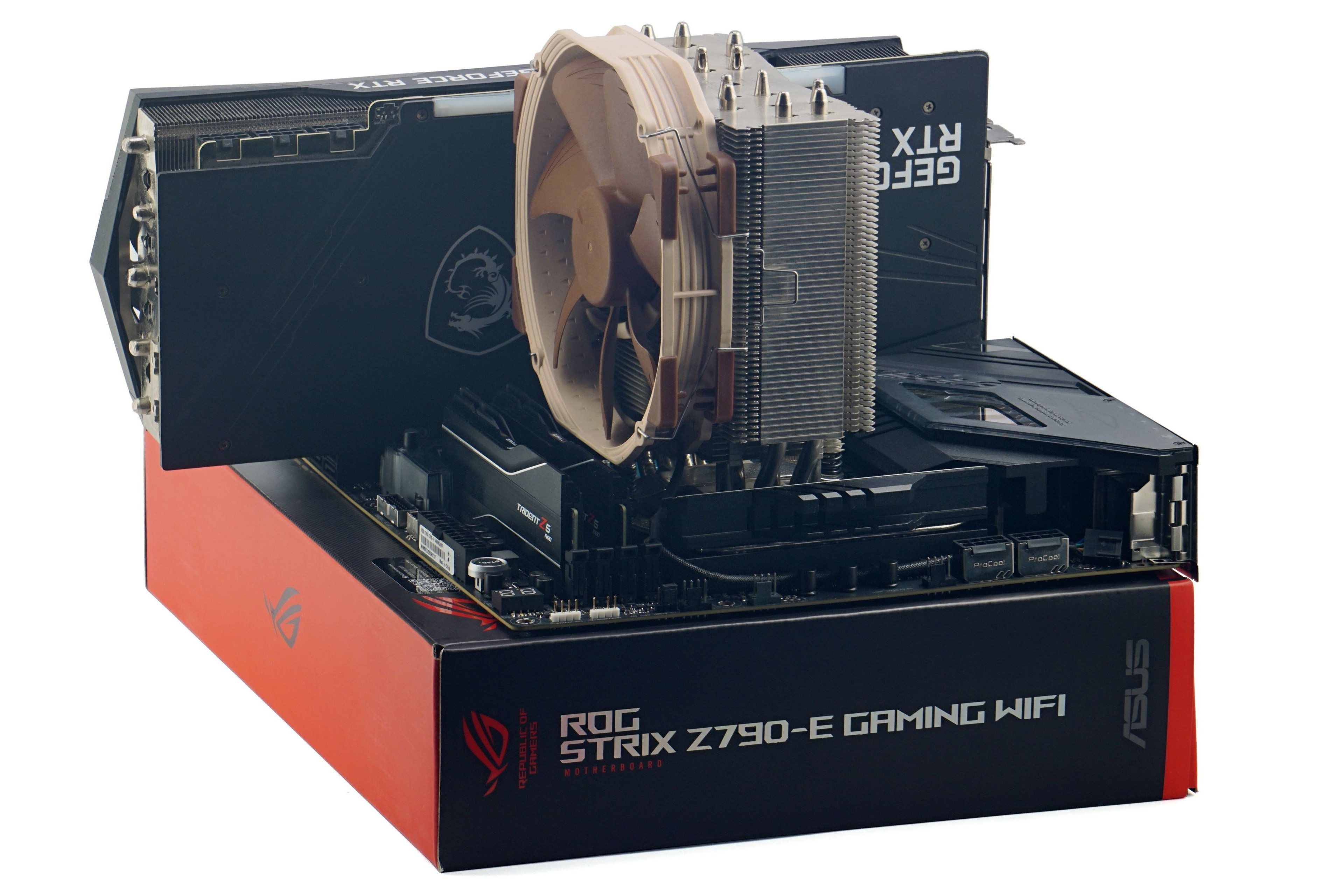

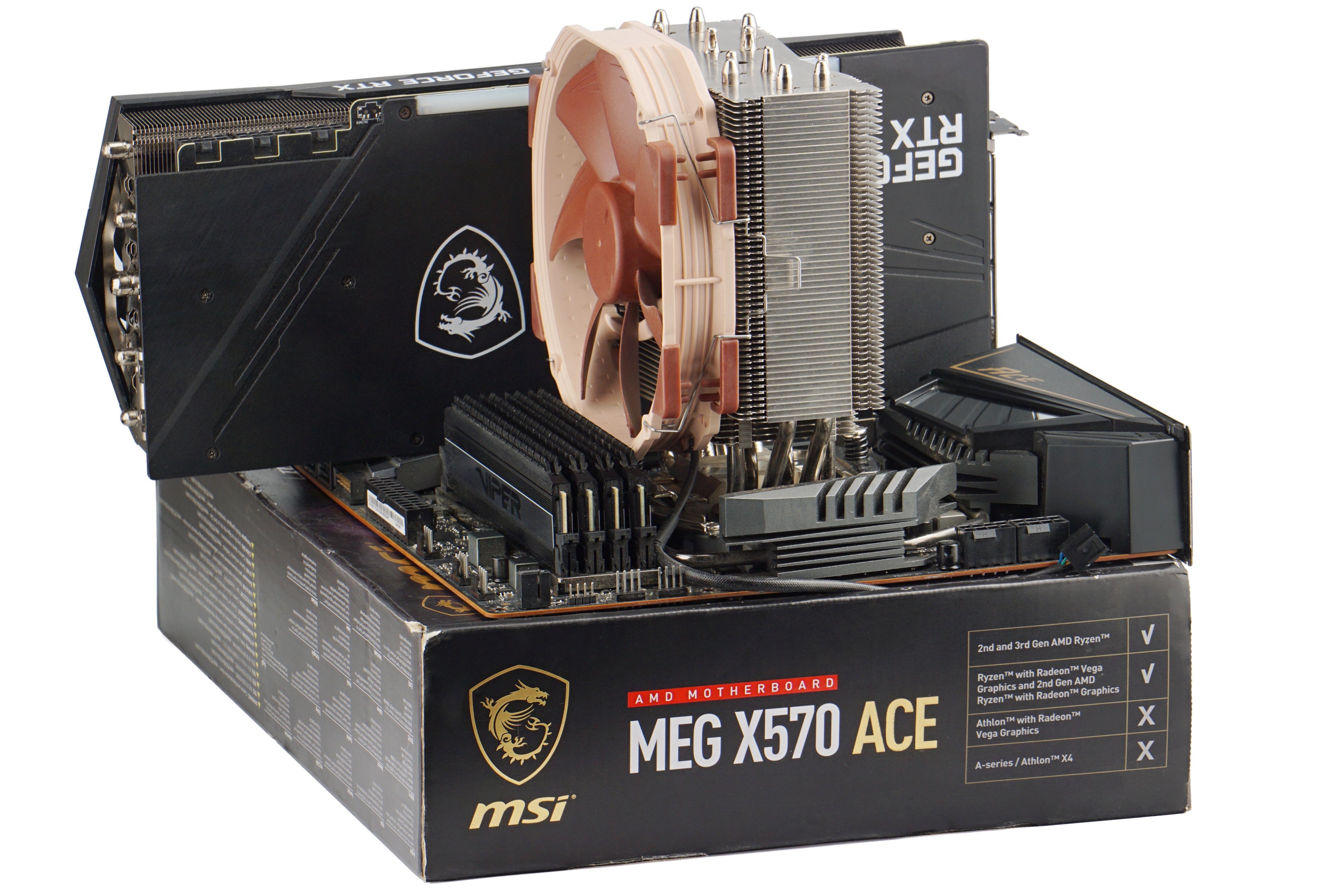
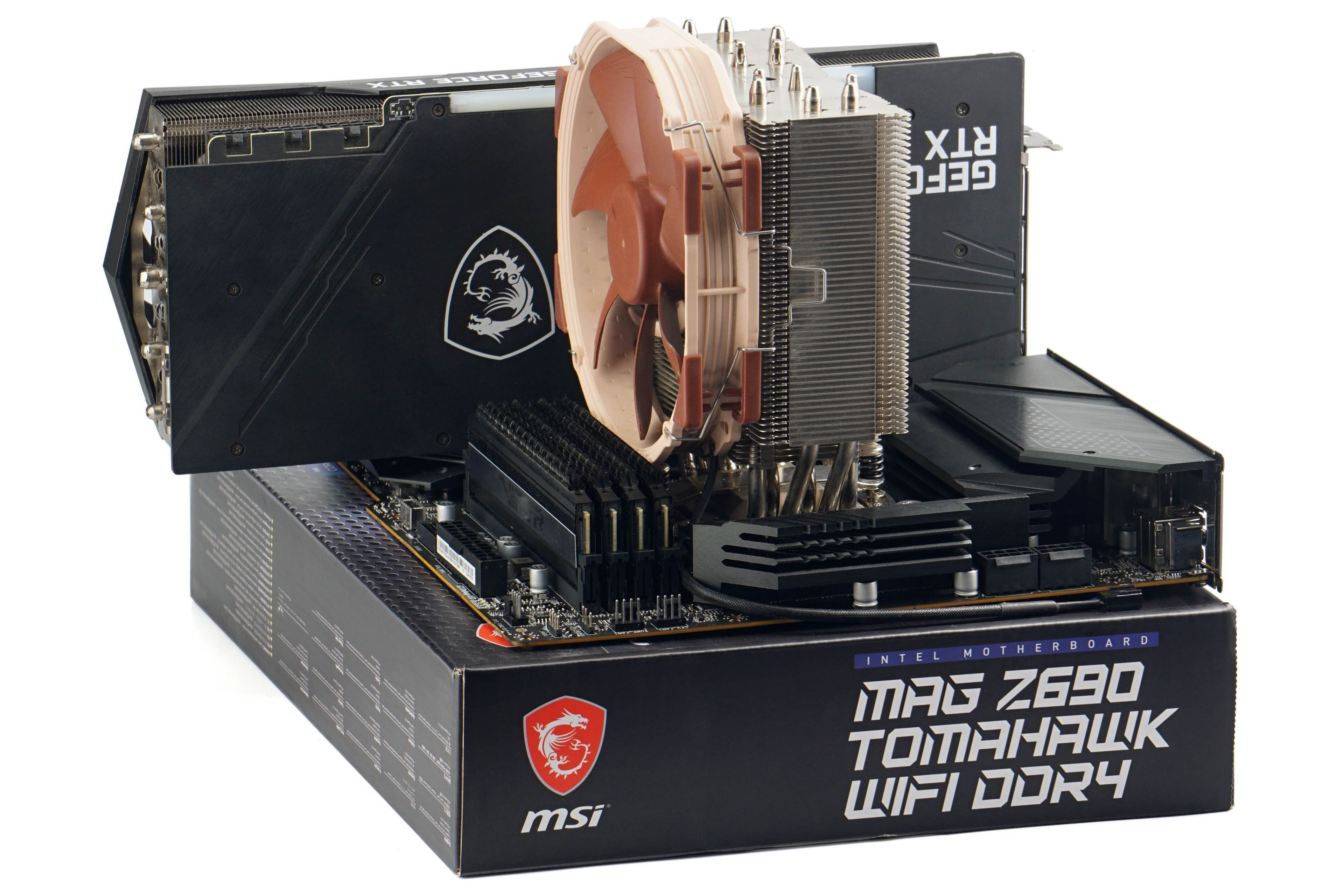
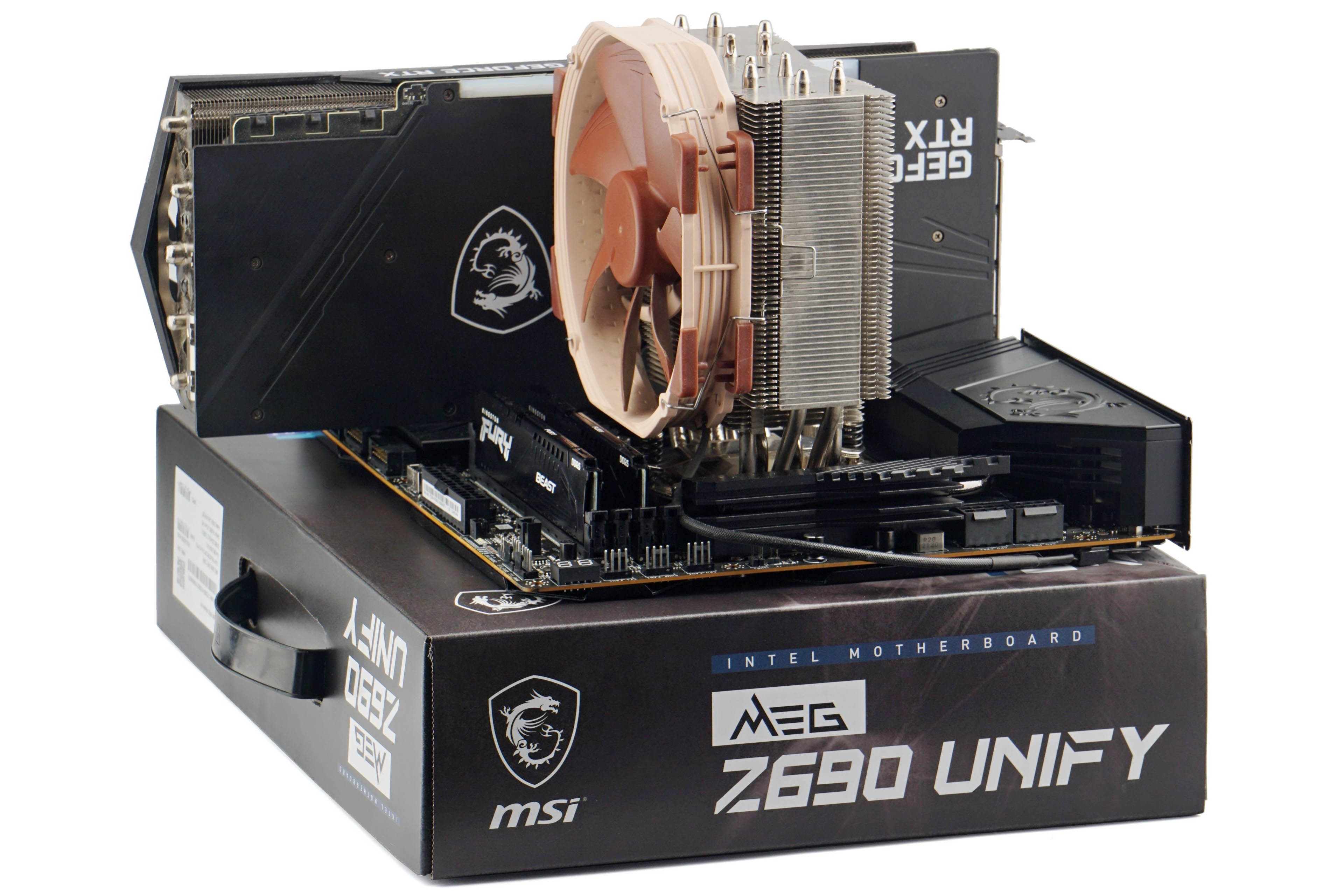
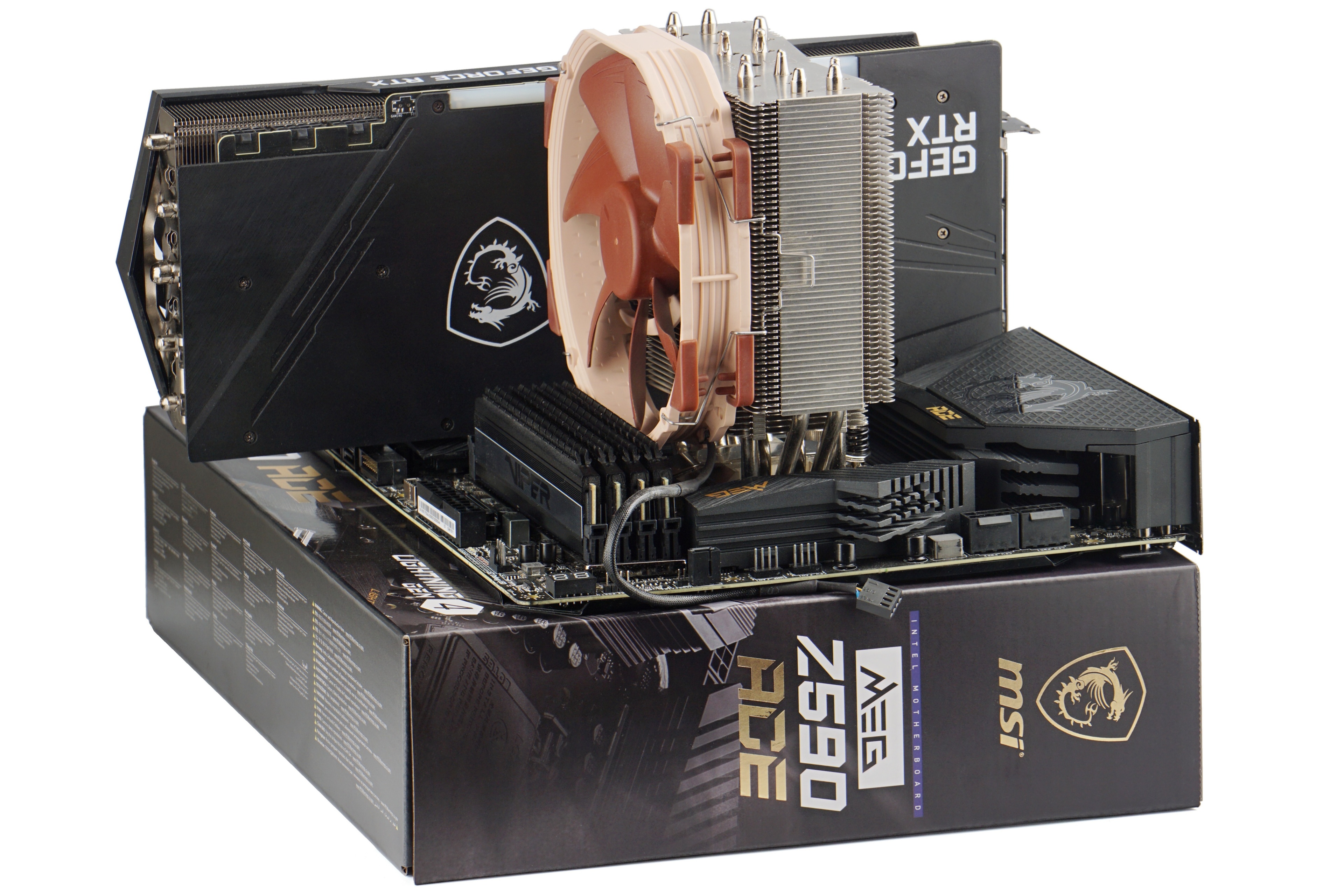
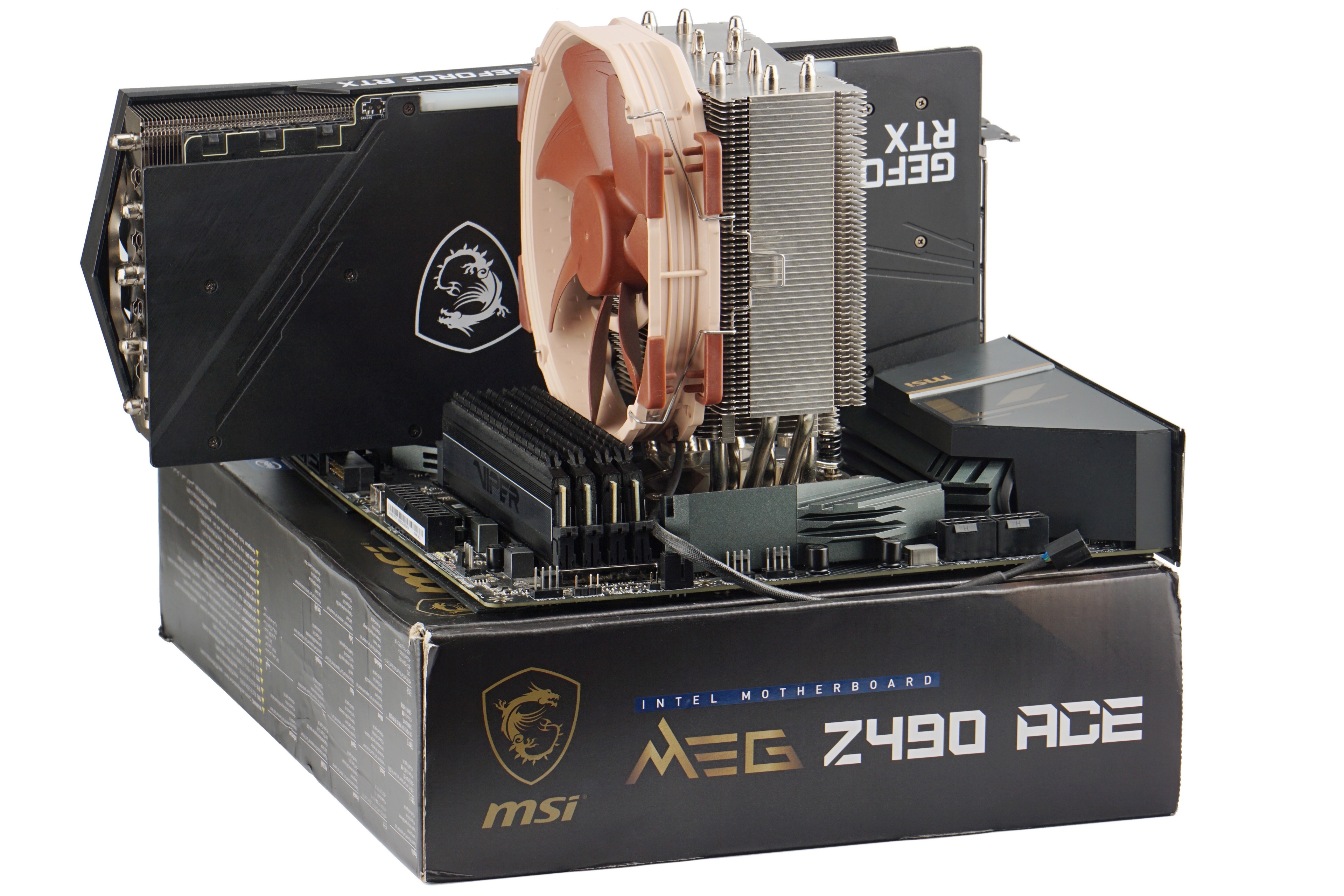
On platforms supporting DDR5 memory, we use two different sets of modules. For more powerful processors with “X” (AMD) or “K” (Intel) in the name, the faster G.Skill Trident Z5 Neo (2×16 GB, 6000 MHz/CL30) memory. In the case of cheaper processors (without X or K at the end of the name), the slower Kingston Fury Beast (2×16 GB, 5200 MHz/CL40) modules. But this is more or less just symbolism, the bandwidth is very high for both kits, it is not a bottleneck, and the difference in processor performance is very small, practically negligible, across the differently fast memory kits.



How come Intel 12100F that even has no iGPU is better in value than 14700K in the first graph? (4K H.264, MultiCam Live Playback [avg. fps]) It’s a complete nonsense, you should review your results before posting
Why are you operating with an iGPU that has nothing to do with those results ever? Do you know what “Live Playback” is in Adobe Premiere Pro? Do you know which processor is being loaded to what extent by which task? In the Reddit post you claim that our results show that the Core i3-12100F is the “best” processor for Multicam, which is not true – look for example at the 4K Prores 422 results, where the CPU performance is the bottleneck (where the Ci3-12100F is on the tail).
Why not think about it and come up with a reasonable explanation of why it comes out the way it does in a given test? You don’t have to worry about us neglecting something or writing it wrong in the graphs. Sometimes it happens, but not in this case.