


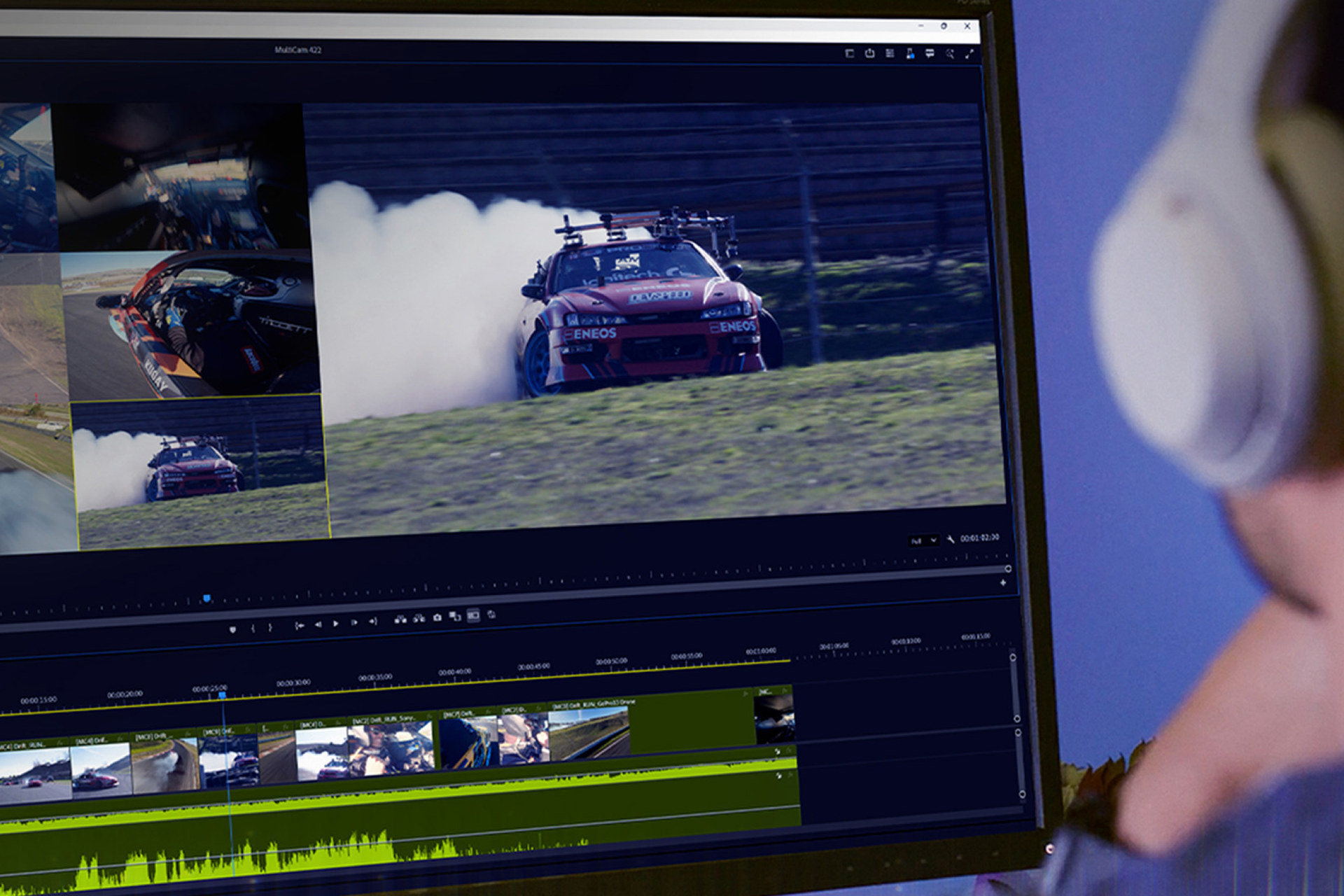
NVIDIA GeForce are no longer just gaming hardware; video content production and editing is another area where their powerful GPUs stand out thanks to CUDA technology and leading AI capabilities. With NVIDIA Studio drivers, you get excellent support across a wide range of professional software. GeForce RTX 50 series cards are, among other things, an ideal tool for advanced work in DaVinci Resolve Studio.
DaVinci Resolve is video and film content editing, post-processing, and finishing software with extensive capabilities from Blackmagic Design—it’s usage ranges from color grading and balancing camera footage, through filtering and adding visual effects, to audio work and encoding into output formats or files for further processing.
Among its strengths is multiplatform support—alongside Windows (with a native version for x86 processors and now also for Arm), it also supports macOS and Linux—as well as the availability of a fairly capable free version (DaVinci Resolve) alongside the paid variant (DaVinci Resolve Studio), which is required for certain advanced features.
In recent years, however, DaVinci Resolve has also been gaining an increasing number of features that leverage GPU acceleration. That is why a GeForce RTX 50 series graphics card with NVIDIA Studio drivers can provide an ideal tool for working in DaVinci Resolve—whether you are a professional in the video industry or an advanced hobbyist creator.
Lightning-fast video decoding
In virtually every workflow in DaVinci Resolve, you can take advantage of the GPU’s multimedia engine for video decoding—NVDEC—built directly into the GPU (GeForce RTX 50 series features the sixth generation of the NVDEC engine), provided your source material is in one of the supported formats (such as MPEG2, H.264, HEVC, VP9, AV1). With NVDEC, these formats are decoded at high speed regardless of high resolution—both 4K and 8K are supported. This allows you to work with them directly without needing to create lower-quality proxy files for editing and navigating longer footage. Playback and browsing scenes remain highly responsive even when working with multiple video streams (for example, different camera angles) simultaneously.
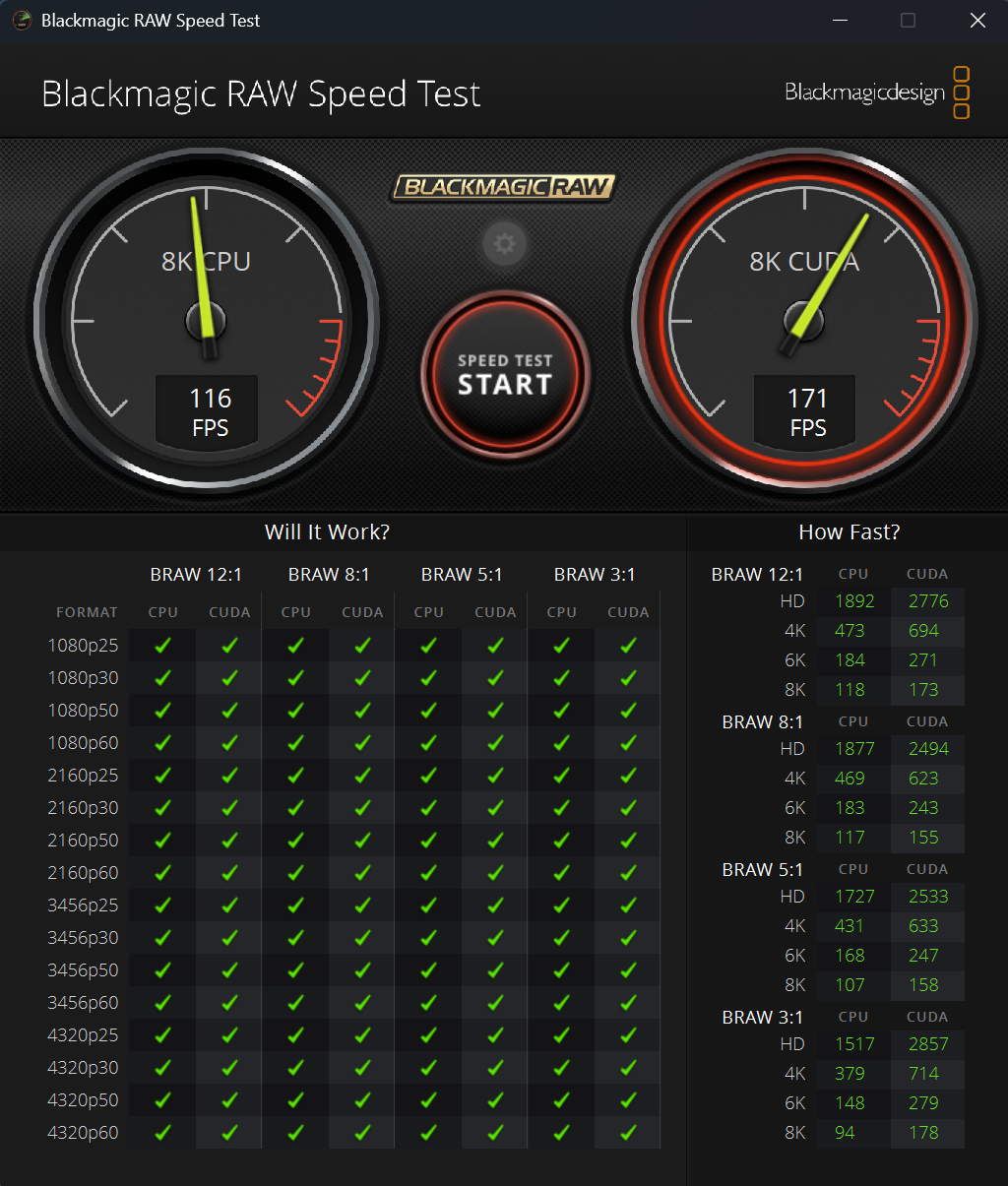
NVDEC decoders can also handle 4:2:2 chroma subsampling for H.264 and HEVC formats, and they also decode video with 10-bit and 12-bit color depth. This means they can directly process high-quality professional inputs that use these advanced color formats.
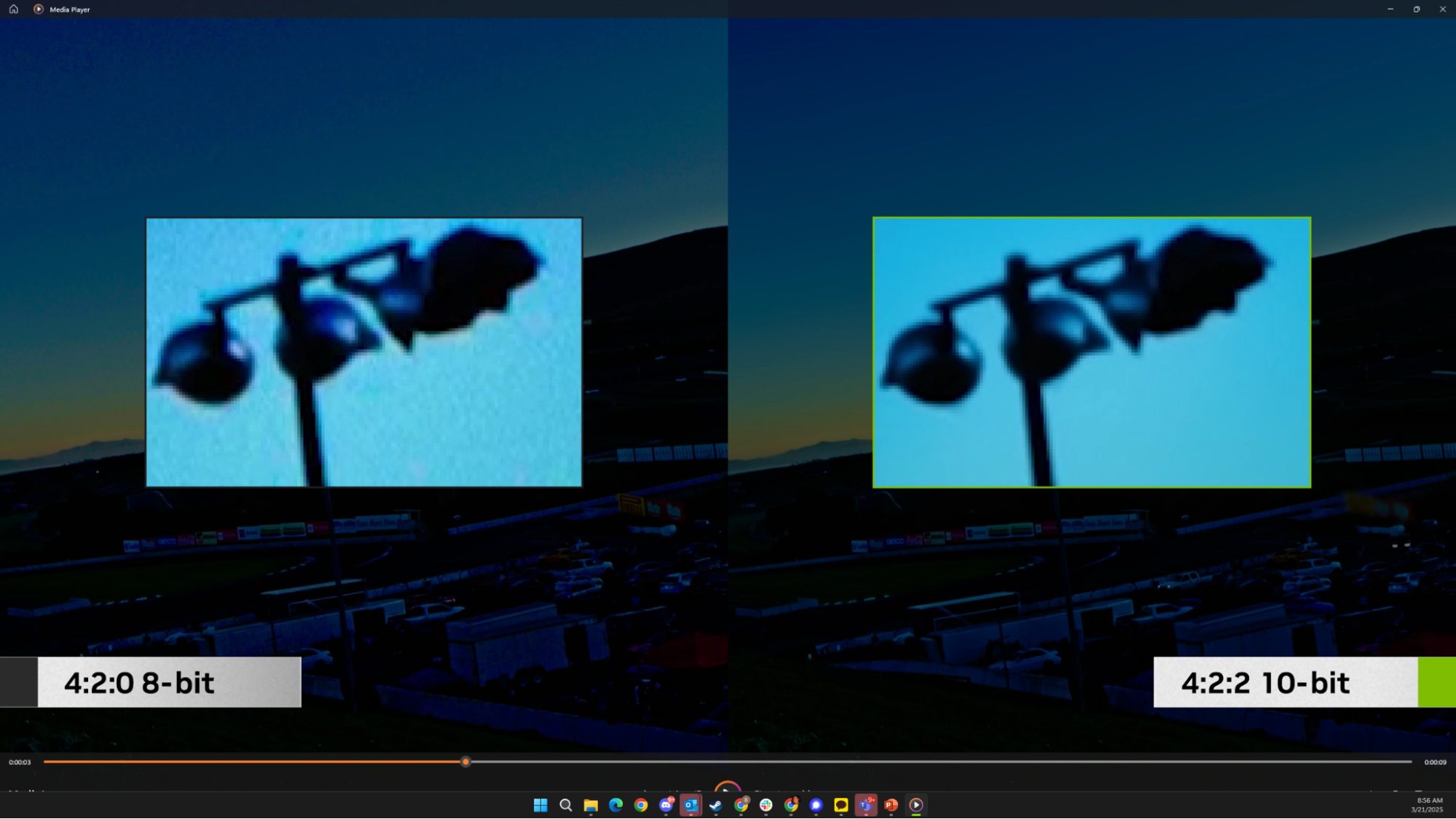
Even higher video decompression performance can be achieved by opting for higher-end GeForce models. Mobile and desktop GeForce RTX 5080 and RTX 5090 models include not just a single decoder but a pair of NVDEC engines that can operate in parallel when working with multiple video files. Each engine can independently process a stream at full performance.
High-performance final video export via GPU, in studio quality
GeForce RTX 50 series GPUs feature powerful ninth-generation NVENC video encoders. These can be used in DaVinci Resolve for encoding, delivering significantly higher performance compared to CPU-based compression. You can take advantage not only of H.264 and HEVC compression but also the advanced AV1 format—the latest widely adopted standard.
Higher-end GeForce RTX 50 series models also include multiple NVENC encoders in addition to multiple NVDEC decoders. These engines can be used simultaneously during video compression, working on the same file to increase encoding speed by roughly twofold—or even threefold in the case of the GeForce RTX 5090—compared to using a single engine.
You can also produce output with high-quality 4:2:2 chroma subsampling for further processing. NVENC encoders in GeForce RTX 50 series GPUs directly support encoding into these higher-quality formats.
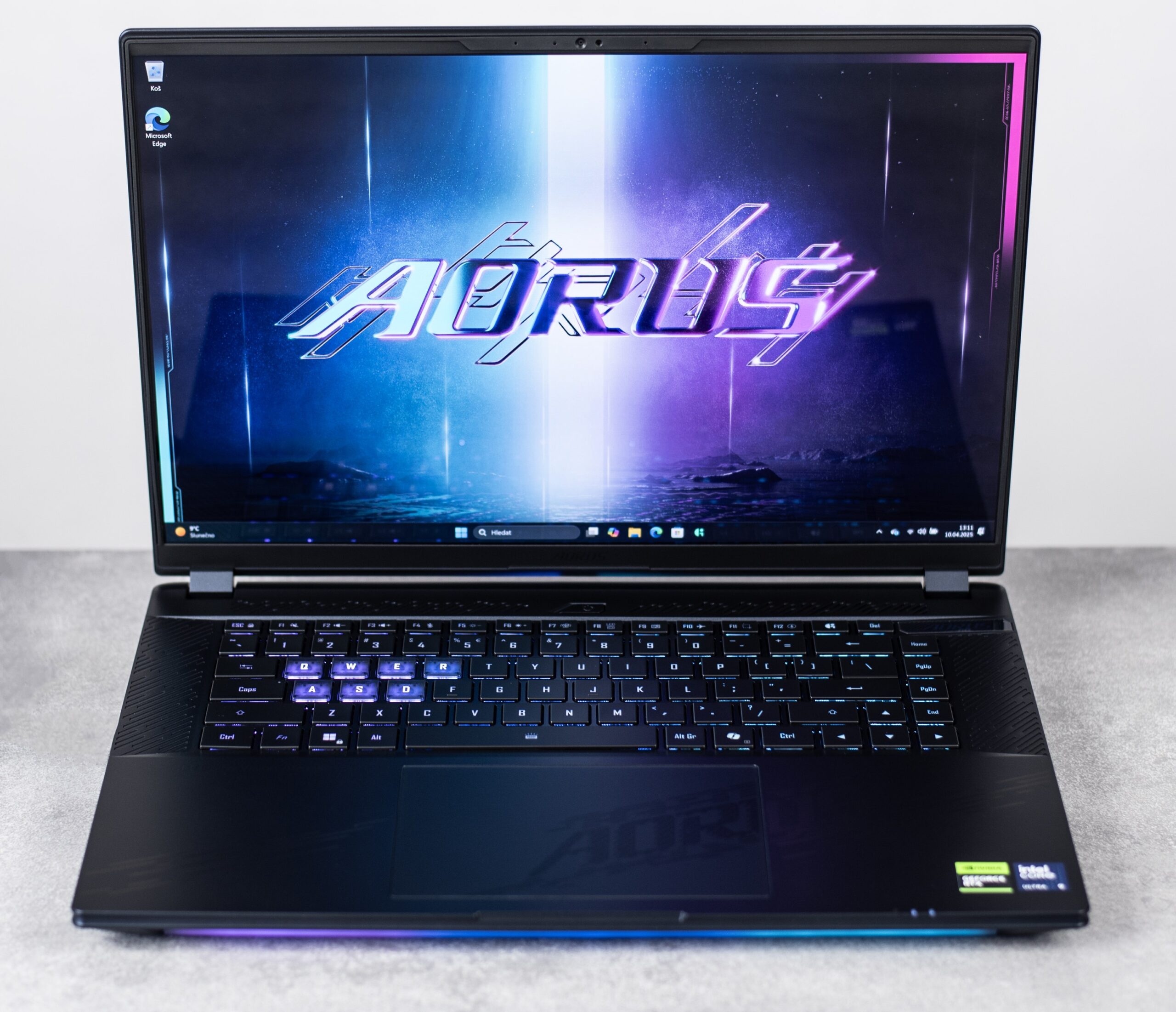
We tested NVENC-accelerated encoding performance using a GeForce RTX 5080 graphics card with 16 GB of memory for laptops, measuring the time needed for the workload to finish both when running on battery and on AC power. The tests involves exporting 4K (3840 × 2160) video from H.264 again to H.264 format using DaVinci Resolve Studio 20’s native encoder (which uses the Intel Core Ultra 9 275HX CPU) and the NVIDIA encoder which is GPU accelerated.

We used a Gigabyte Aorus Master 16 BYH notebook with an Intel Core Ultra 9 275HX processor (used for software encoding), along with 32 GB of RAM. The test was conducted on Windows 11 with NVIDIA Studio driver version 595.79.
Performance for high-quality processing and cutting-edge visual effects
When working with video, it’s not only decoding and encoding that are computationally demanding, but also the transformations and effects applied to the footage. This is another area where a powerful GPU proves invaluable. DaVinci Resolve provides GPU acceleration for filters from the Resolve FX library as well as for color grading computations via NVIDIA CUDA.
DaVinci Resolve Studio can leverage the power of GeForce RTX 50 series GPUs for high-quality noise and artifact reduction using the UltraNR Noise Reduction filter. This filter uses AI accelerated on tensor cores and is trained to remove noise while preserving maximum detail and minimizing image blur.
Artificial intelligence and tensor cores are also used by the Magic Mask tool, which allows you to select objects and automatically mask or apply effects to them in video—even while in motion, as the AI tracks and recognizes them.
GPU-accelerated AI on GeForce RTX 50 series also enables the use of AI Speed Warp—a filter that recalculates frame rates and interpolates frames to transform ordinary footage into high-quality slow-motion sequences.
Automatic detection of shots featuring specific people in your library
DaVinci Resolve Studio also offers AI-powered facial recognition, enabling you to automatically scan large volumes of video sequences, identify specific individuals, and catalog their appearances using tags.
This makes it much easier to navigate large collections of footage and clips when assembling more complex projects. You won’t miss interesting shots or spend hours searching for scenes you know are somewhere in your recorded material.
RTX Video: AI-based Super Resolution and HDR from standard footage
NVIDIA has developed RTX Video technologies for web and local video playback, leveraging the high performance of NVIDIA GPU tensor cores to enhance video quality using artificial intelligence. These technologies can also be applied to video editing in DaVinci Resolve.
DaVinci Resolve integrates RTX Video Super Resolution, allowing you to upscale lower-resolution video to 4K using AI upscaling similar to DLSS technology known from gaming.

At the same time, you can use RTX Video HDR to convert standard SDR footage into high dynamic range (HDR) video, delivering richer colors and more realistic, impactful rendering of light and shadow.
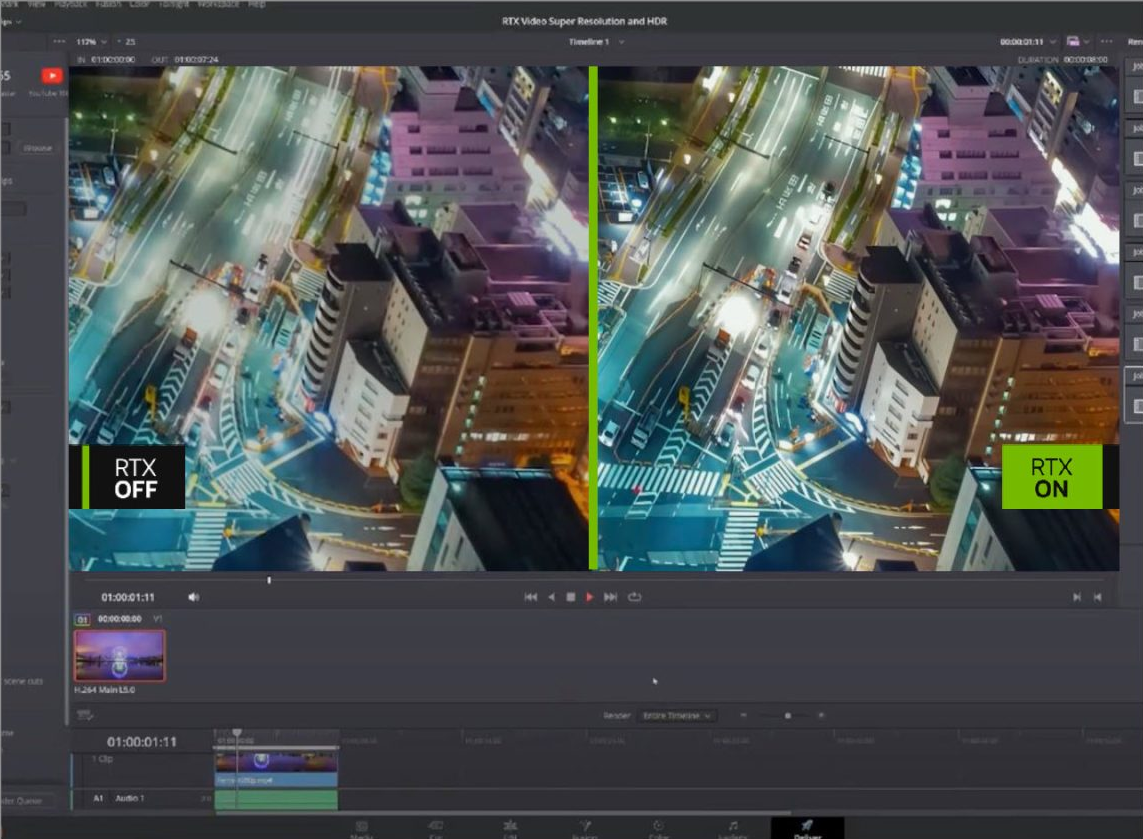
RTX Video HDR uses AI to effectively estimate how to expand the color gamut of a given shot and its objects, and how to restore higher brightness and contrast information lost when the video was originally recorded in SDR format.
Elevate your capabilities and performance
The combination of performance for demanding computational workloads with the new capabilities unlocked by advanced AI makes GeForce RTX 50 series graphics cards a tool you won’t want to do without. Not only will they save you time, but they will also enable you to create things that were previously out of reach.
If you are considering an upgrade or want to take advantage of these benefits in your creative workflow, take a look at the overview of PCs available on Alza.cz:
PCs featuring Nvidia Studio at Alza
English translation and edit by Jozef Dudáš



If someone wants to test how well their system is prepared for DaVinci and isn’t fully oriented at the user level yet, there’s also PugetBench available. Hopefully it’s fully functional now… years ago, when the neural (AI) engine was being introduced more broadly, it was still more of a beta—something that wasn’t really usable yet. 🙂