


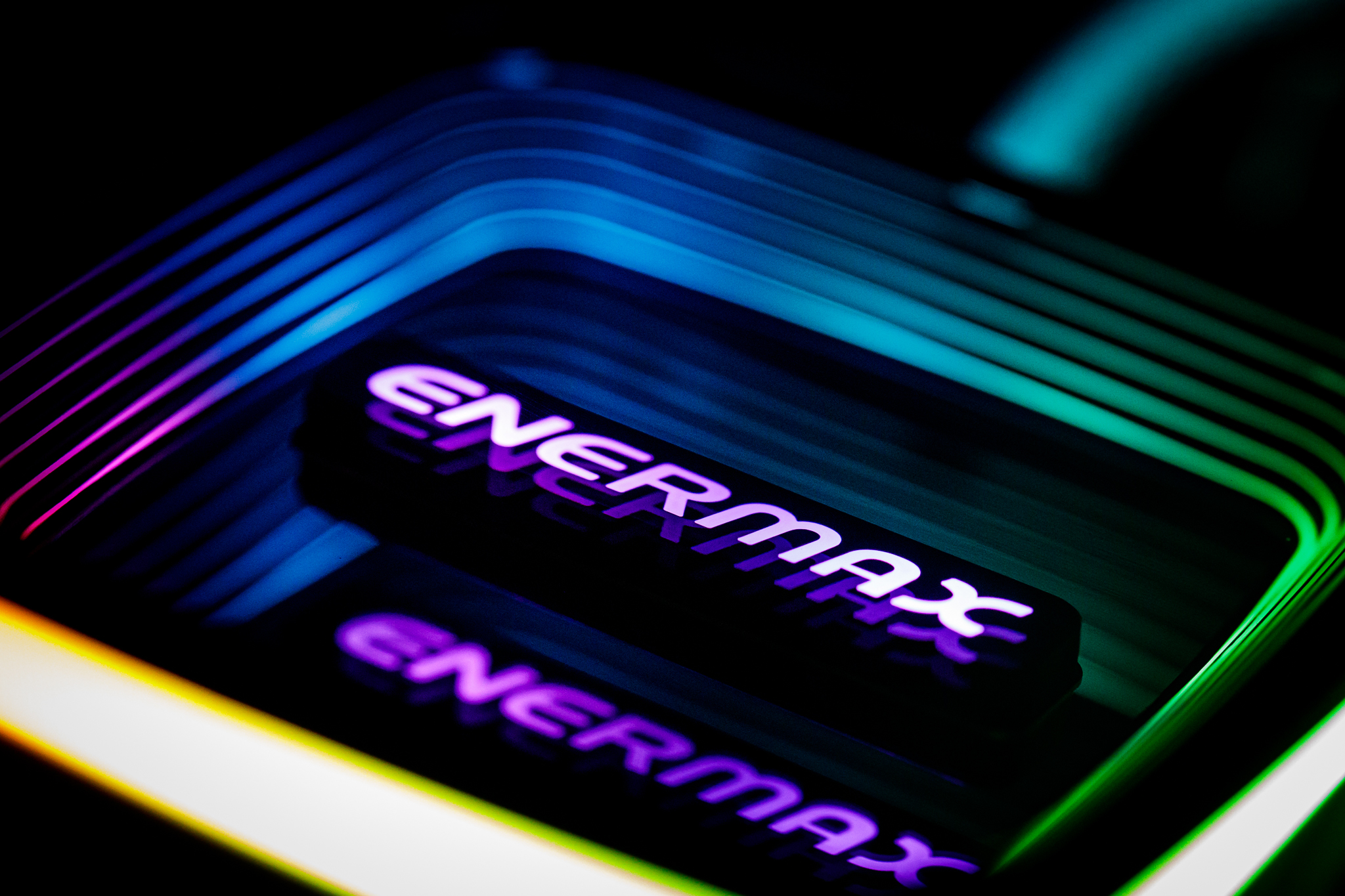
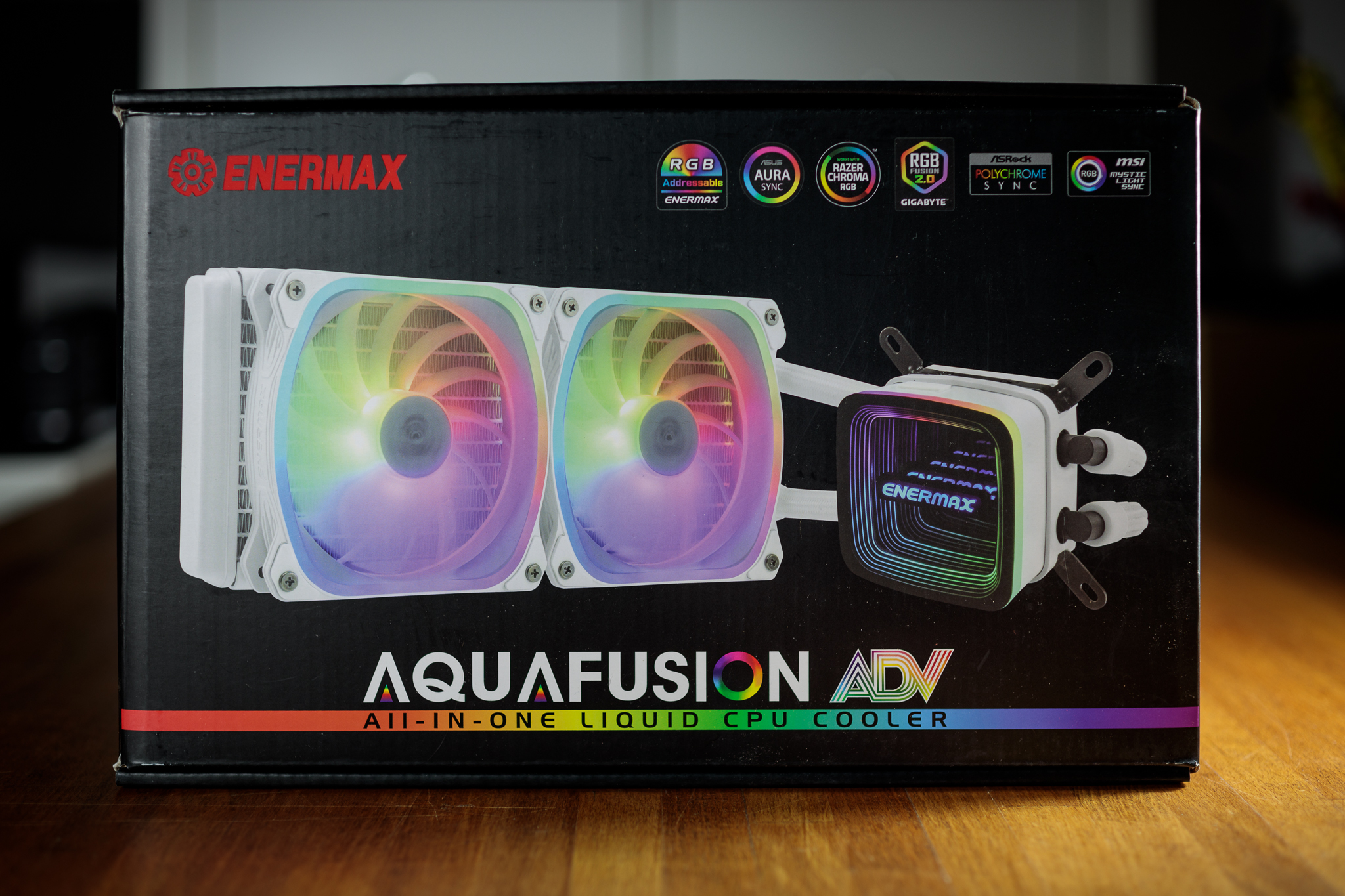
The Aquafusion ADV 240 is the first AIO cooler from Enermax that I have the pleasure to test. The subject of today’s review is also the interesting white design variant, which in combination with the RGB backlighting of the fans and the infinity mirror effect on the cooler block looks really premium. The price of this cooler comes out to an affordable 105 EUR, which could provide a solid price-performance ratio if it performs well in tests.
Key features
While this cooler also comes in black, today we’re looking at the white variant, which is a nice change for me personally after all the black AIO coolers lately. Considering the simple contours of the cooling block with the pump, the extra white colour enhances the overall impression of a premium product.
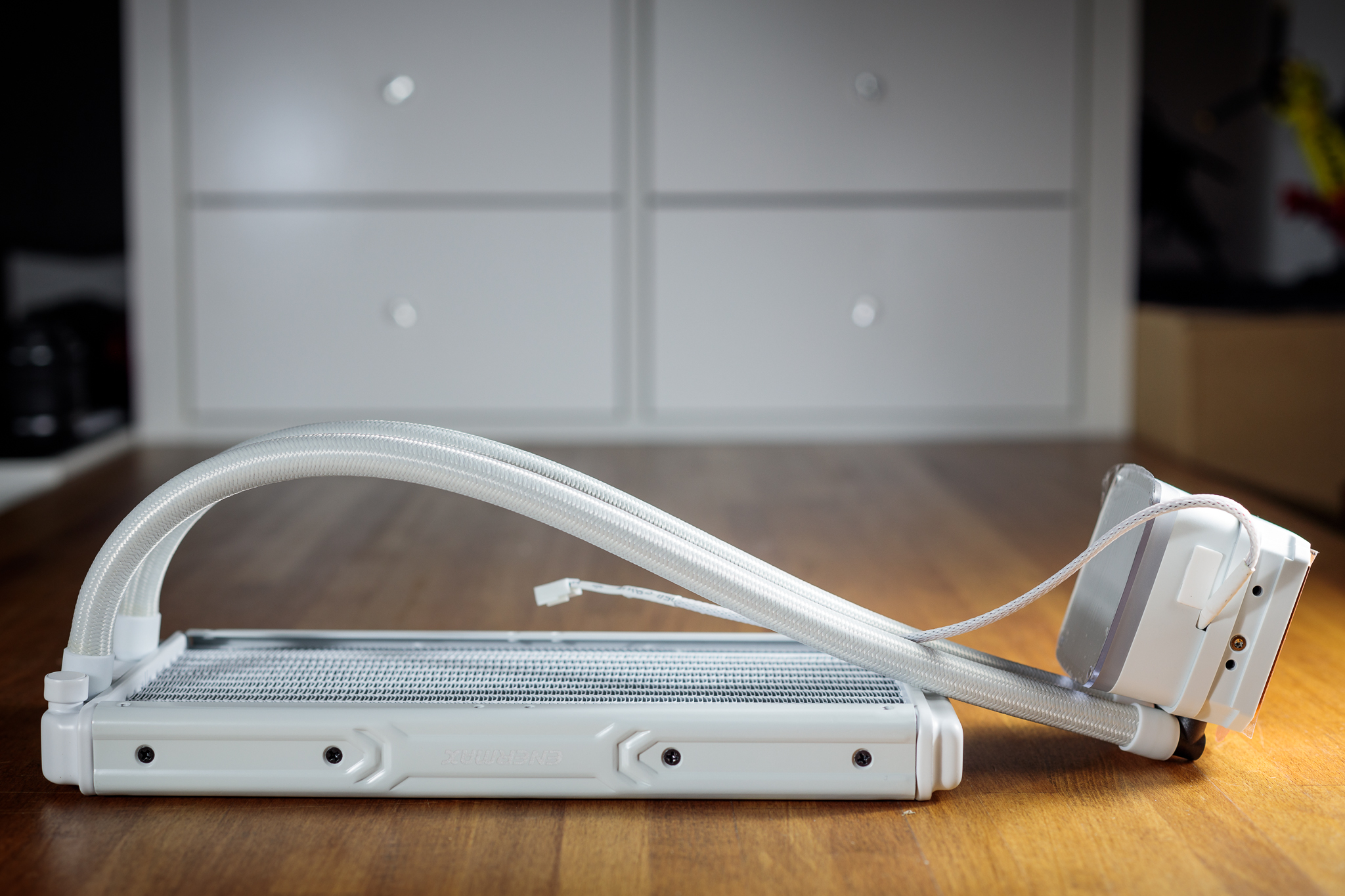
The structure of the Aquafusion ADV 240 holds no big surprises. The base of the cooler is a block that houses a pump with a ceramic bearing. I could go on and on about the dual-chamber design of the cooling block or the liquid shunt to reduce flow resistance, but it seems superfluous to me, because in the end it’s all about cooling effectiveness and low noise.
Moreover, the pump does not even have PWM regulation, fortunately it can be easily regulated by voltage. The top surface of the cooling block has an infinity mirror effect with the manufacturer’s logo in the middle and an RGB stripe around the perimeter, and will form the visual centerpiece of the entire build if you use a case with a TG side panel. The contact area of the cooler is copper and large enough to cover all current CPU types (except AMD Threadripper platform) with a margin.
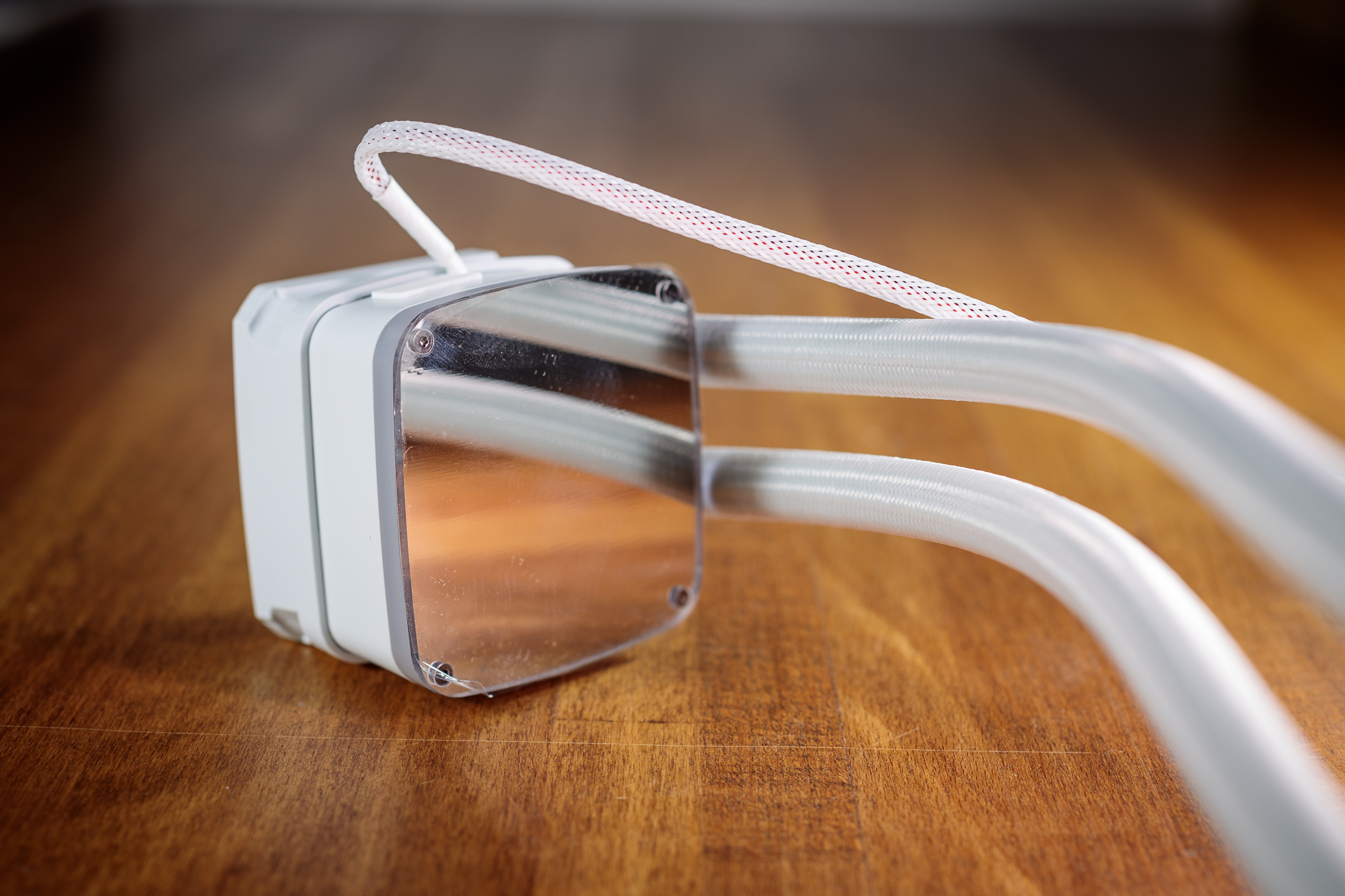
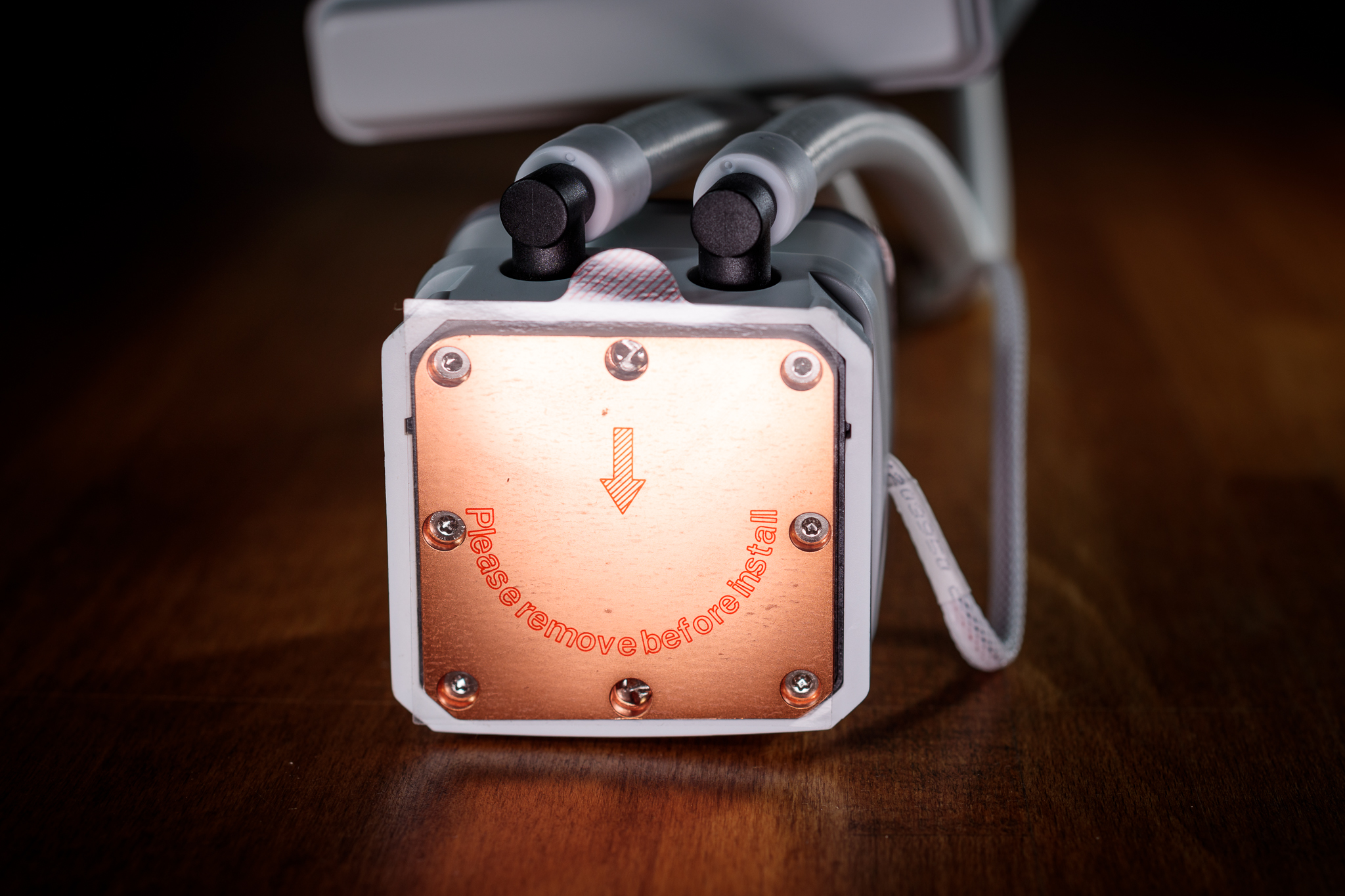
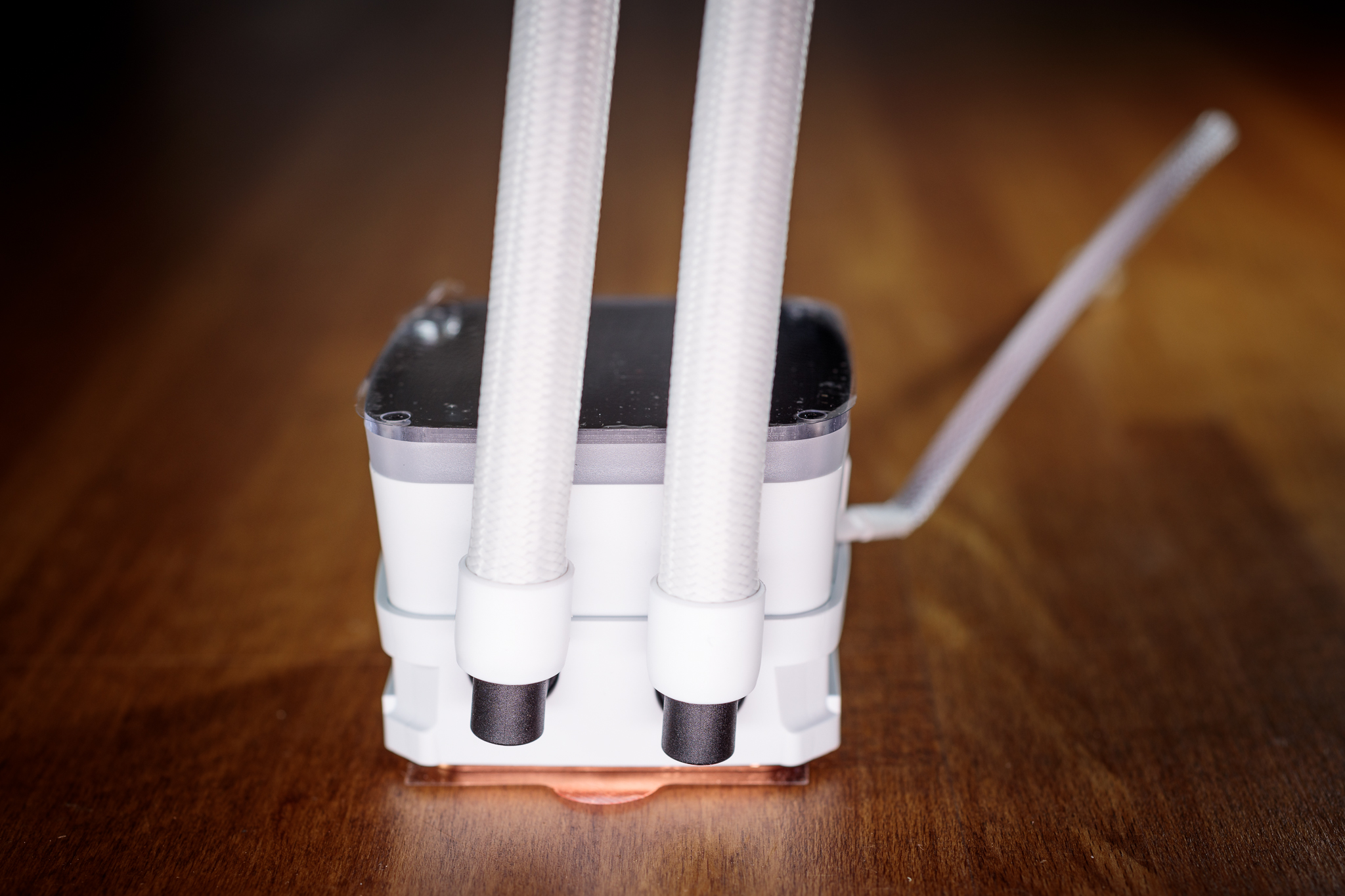
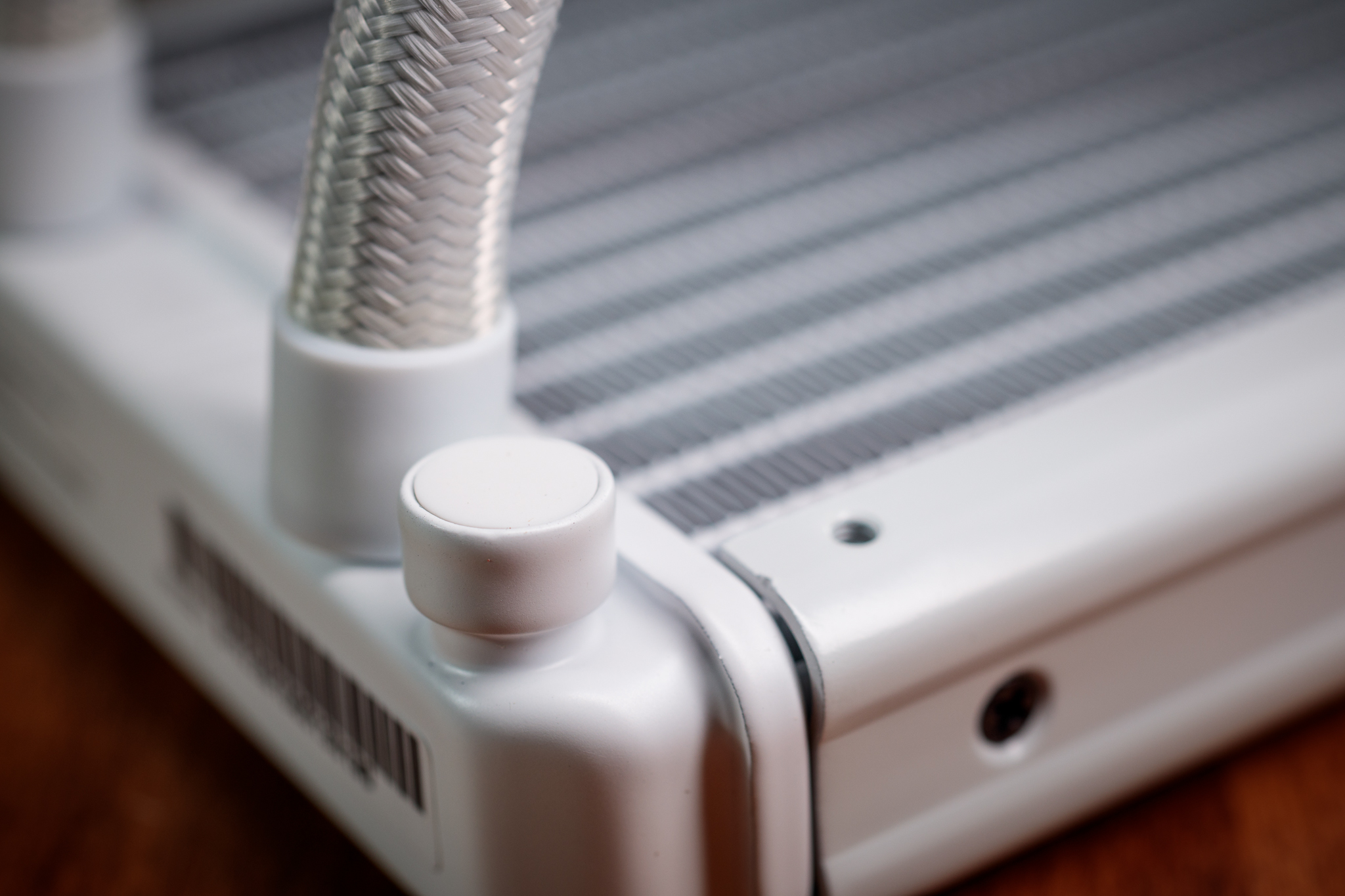
The cooling fluid then flows from the block to the radiator and back via a pair of 400 millimetre long tubes, which are braided with nylon for protection and finished with swivel fittings in the block for easier handling, as is customary with these coolers. You’ll also find a protrusion on the radiator next to the end of one of the tubes that looks like a service port, but this cooler is maintenance free and sealed. It is therefore highly likely that this is just a fill port that is subsequently closed during manufacture.
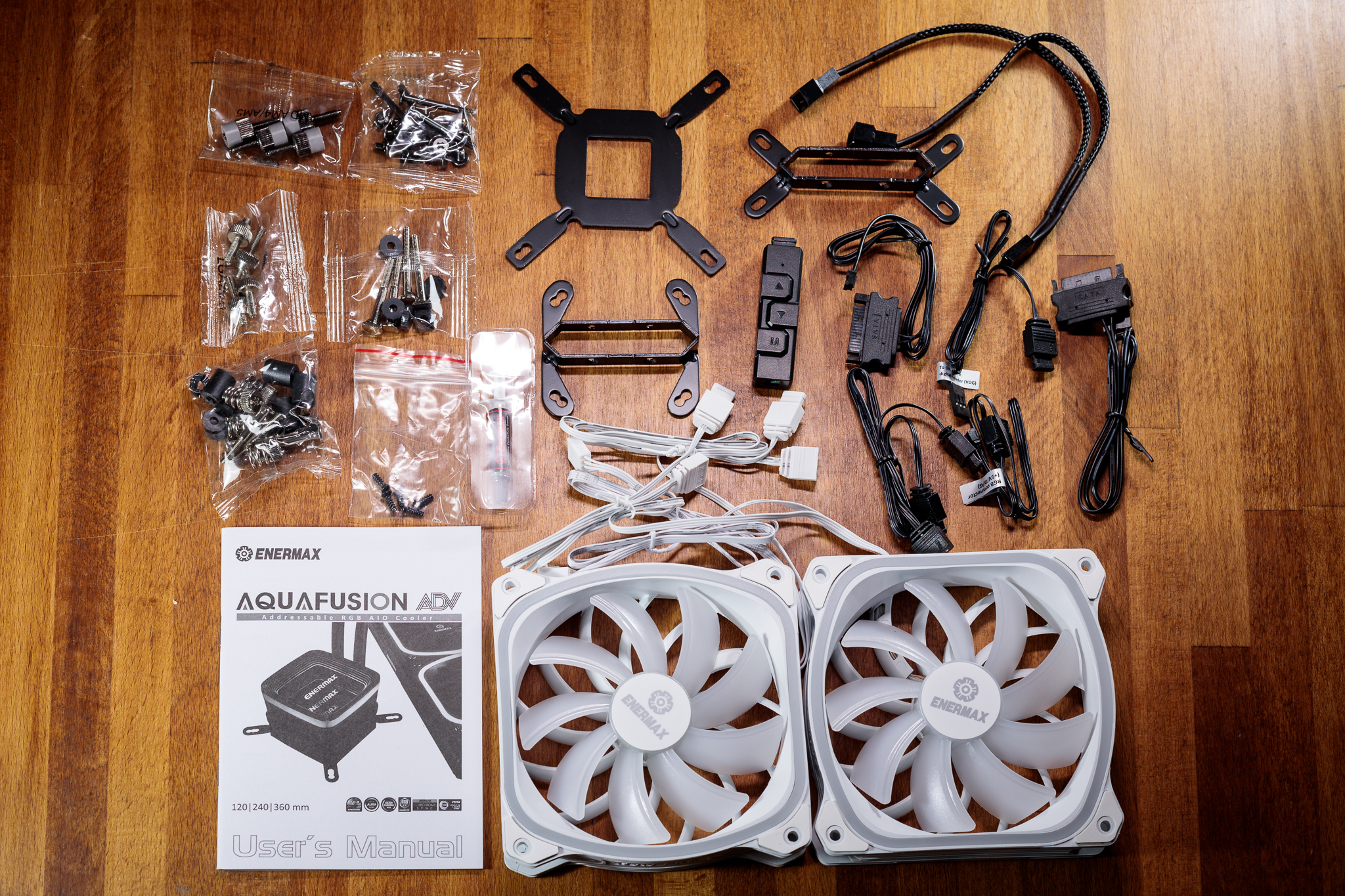
The cooler’s accessories are not lacking anything essential, on the contrary, you will find a lot of useful little things – the manufacturer has really thought of everything. Apart from mounting frames for supported CPU models, you will find a variety of cables for connecting the RGB backlight of the cooler to motherboards of all manufacturers. If your motherboard does not offer a 5V ARGB connector, you can use the supplied hardware controller.
The user manual could be a bit clearer and the assembly itself could be simpler. For example, the screws for attaching the mounting system arms to the cooling block required quite a bit of force, to the point where I was worried about damaging or shearing off the screw head. Due to the slightly more complicated mounting, I strongly recommend performing the installation outside of a computer case with the motherboard lying on the desk.
Pump, radiator and fan parameters
The Aquafusion ADV 240 does not stand out from other AIO coolers in terms of radiator size, pump block or tubing length. The radiator used is aluminium as usual and its total depth with fans does not exceed 55 millimetres to ensure maximum compatibility with computer cases. The cooler is compatible with all modern CPU sockets except AMD Threadripper platform. The price tag is also acceptably low, so if the Aquafusion ADV 240 passes the tests, we are looking at another AIO cooler with an interesting price/performance ratio.
| Cooler | Enermax Aquafusion ADV 240 | Endorfy Navis F280 | |
| Supported sockets | Intel 115x, 1200, 1700, 20xx; AMD AM4, AM5 | ||
| Radiator dimensions (H × W × T) | 274 × 120 × 27 mm | 275 × 120 × 29 mm | |
| Block dimensions (H × W × T) | 68.5 × 69.5 × 54.5 mm | 76.5 × 76.5 × 48.5 mm | |
| Hose length | 400 mm | 390 mm | |
| Pump speed | 3100 rpm | 2600 rpm | |
| Radiator material | aluminium | ||
| Max RAM height | no restrictions | ||
| Warranty | 2 years | 3 years | |
| Approx. retail price | € 105 | € 109 |
Enermax supplies the Aquafusion ADV 240 with interesting fans with a downsized motor (and thus reduced dead space behind the fan) and the so-called Vortex Frame to improve the aerodynamic profile. The static pressure and airflow values are very impressive indeed on paper. However, I’m afraid this will come at the cost of high noise levels. Moreover, my colleague Ľubo Samák will soon comment on all this in his fan tests. As a nice bonus, the RGB fan cables have the option of serial connection. Just a pity that the PWM cables are not made the same way.
| Fan | Enermax SquA ADV | Endorfy Fluctus 140 PWM | |
| Bearing | N/A | FDB | |
| Max. speed | 2000 rpm | 1800 rpm | |
| Max static pressure | 3.6 mm H2O | N/A | |
| Max. airflow | 135.6 m3/h | N/A |


