


A simple, yet “effective” case. That’s one way you could title an article analyzing the BeQuiet! Pure Base 501 Airflow (BG074). The test model features solid metal panels on both sides – non-transparent – each lined with sound-dampening material. Foam. In short, you’re dealing with a design rooted in the old school, something increasingly rare these days. Despite that, the purchase price of this case remains relatively low, close to the ground.
BeQuiet! Pure Base 501 Airflow with installed components
BeQuiet! doesn’t officially list the supported height for tower coolers, but our measurements (from CPU to side panel) indicate that structures up to 170 mm tall will fit comfortably, with some room to spare. This makes the vast majority of coolers compatible with the Pure Base 501 Airflow.
For liquid cooling, only front-mounted setups will accommodate larger radiators – up to 360 mm. Although BeQuiet! claims 240 mm radiators can fit at the top, the space between the mounting bracket and motherboard is only around 30 mm – not enough. Realistically, the top is better suited for system fans only (without a radiator). You can install either two 140 mm or two 120 mm fans.
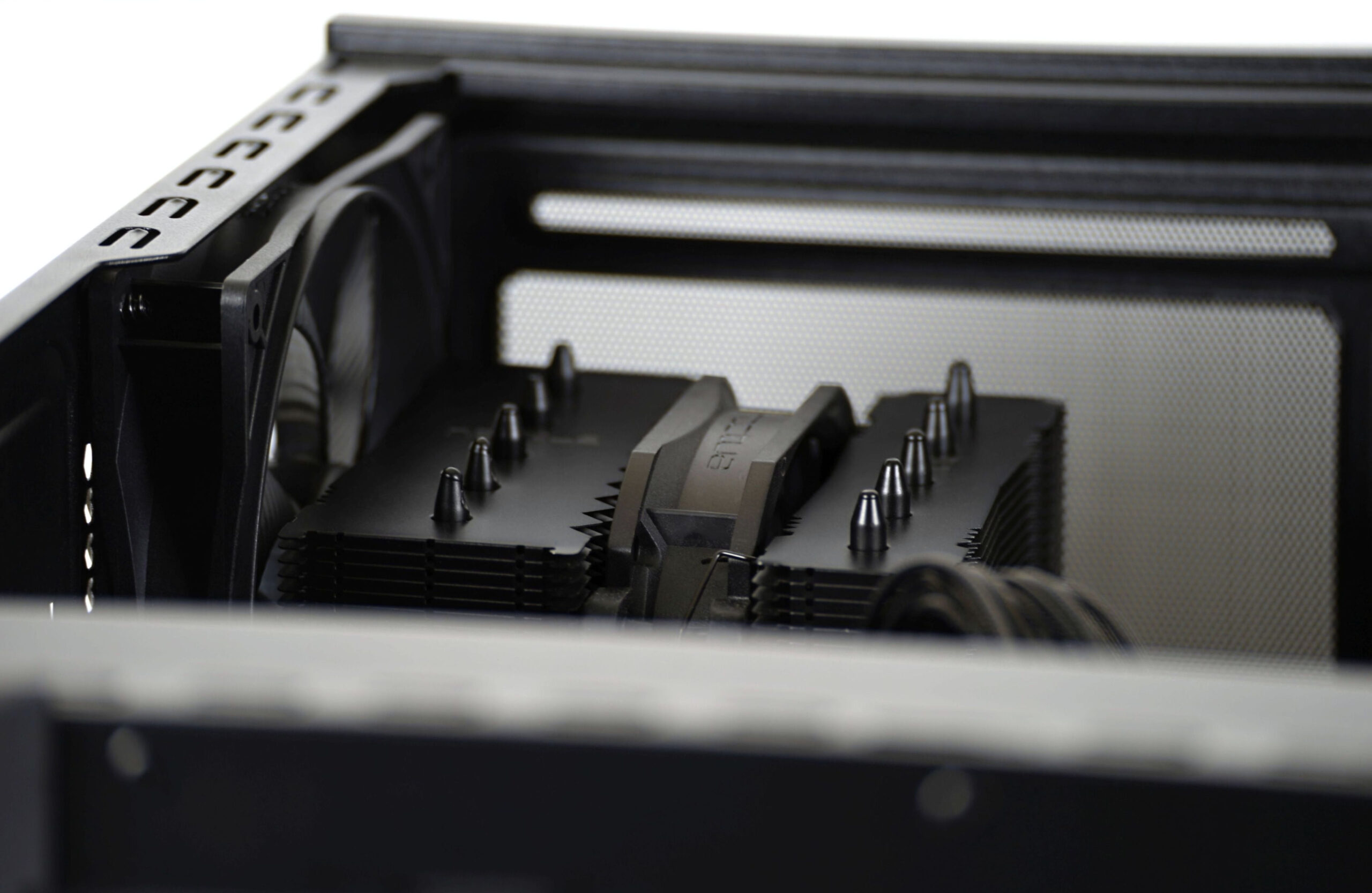
The case is shipped without any pre-installed top fans, so these are optional and need to be purchased separately if desired. In total, there are six fan positions: three at the front (one pre-installed), one at the rear (pre-installed), and two on top (optional). That completes the maximum of six system fans the BeQuiet! Pure Base 501 Airflow can support.
It’s also worth noting that the case supports graphics cards up to 368 mm long. This is measured from the PCIe bracket to the front fan mount. This includes a small buffer, but we recommend not exceeding this length. The system fans mount on the opposite side of the front bracket, so the stated GPU clearance already factors them in. GeForce RTX 5090? Yes, this GPU can be a part of a build inside the Pure Base 501 Airflow.
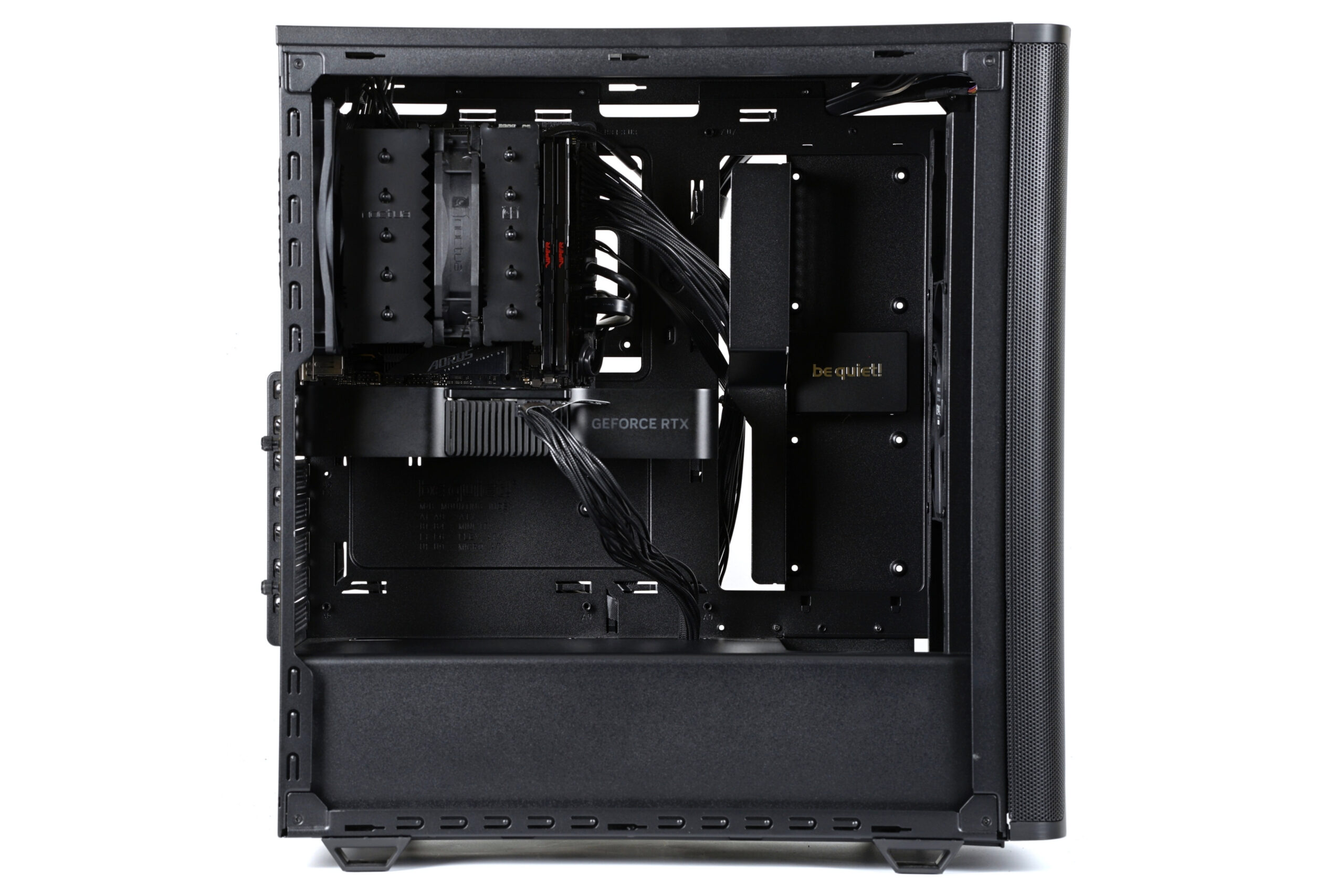
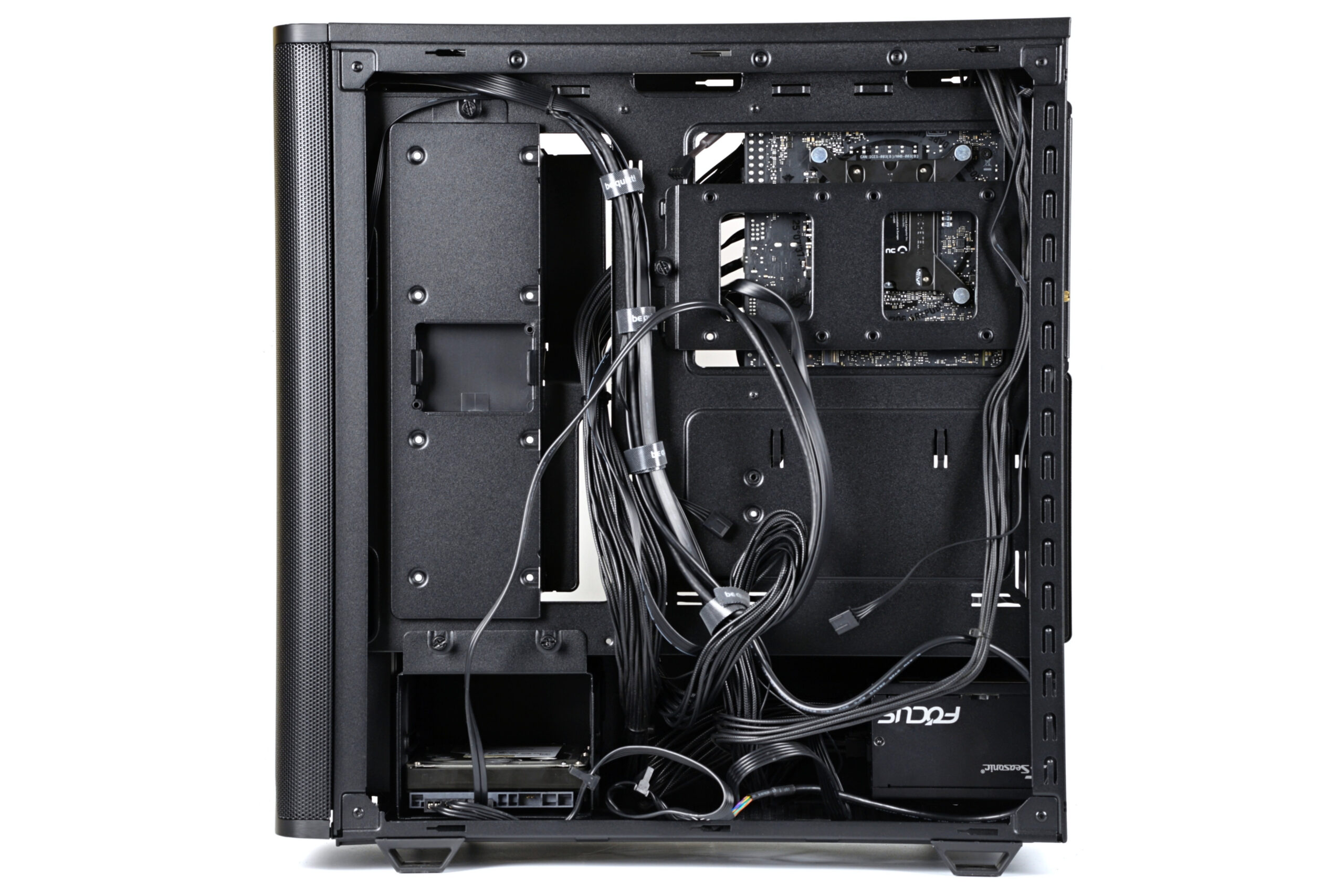
Now, regarding PSU cable routing – you could definitely manage a cleaner, more elegant arrangement, but what’s important here is the space available for cable management. Between the motherboard tray (or other metal structures) and the side panel foam, there’s roughly 24–29 mm of clearance. That’s adequate, though thicker cable bundles might press against the side panel and create a bulge.
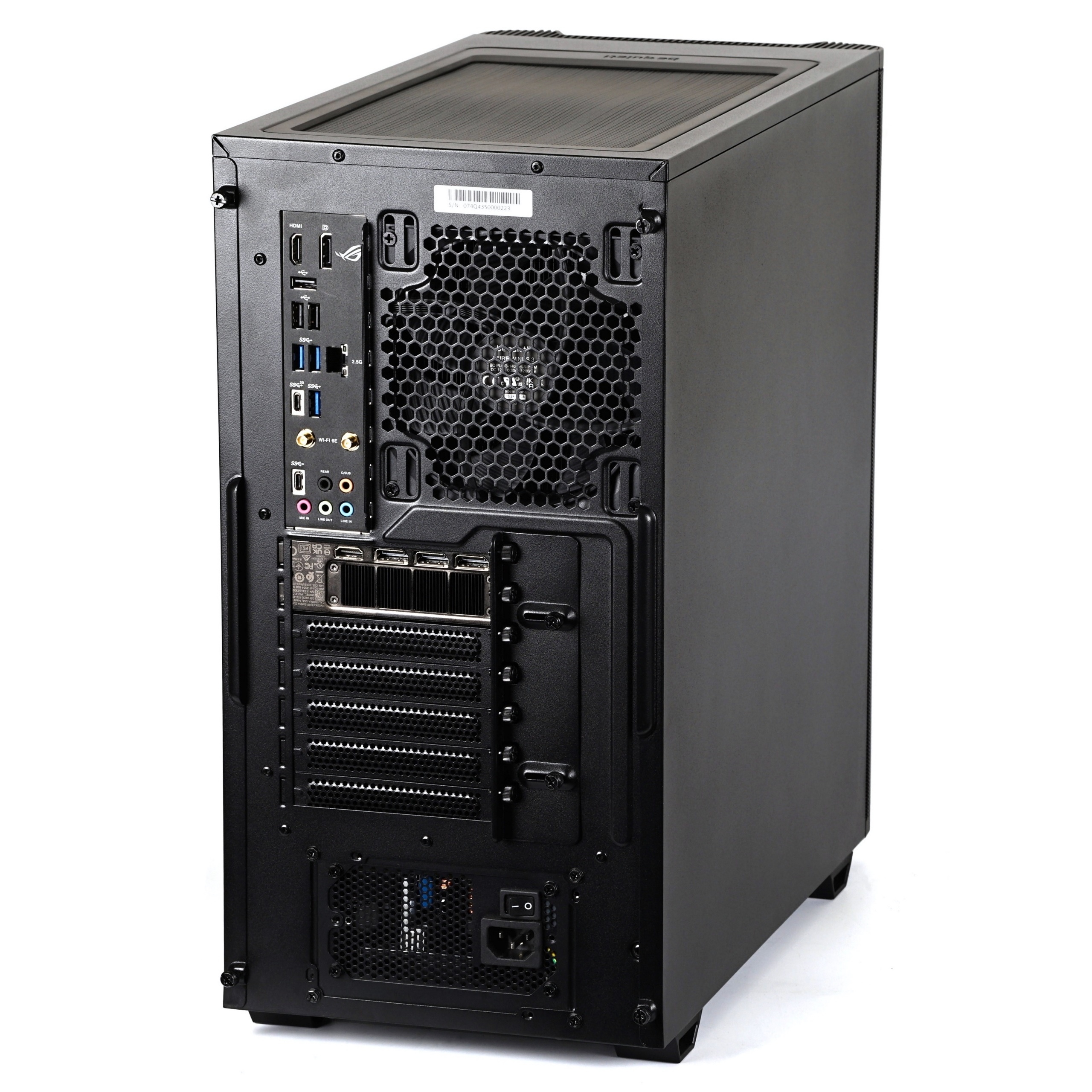
Once both side panels are reattached, you’re looking at a finished build, ready to power on – though don’t forget the crucial step of setting optimal fan curves. This is typically done in the BIOS. Most motherboard manufacturers offer advanced fan control interfaces which allow you to do detailed configuration. Fan speeds, as you know from our testing, can respond to various temperature sensors that the motherboard can read.
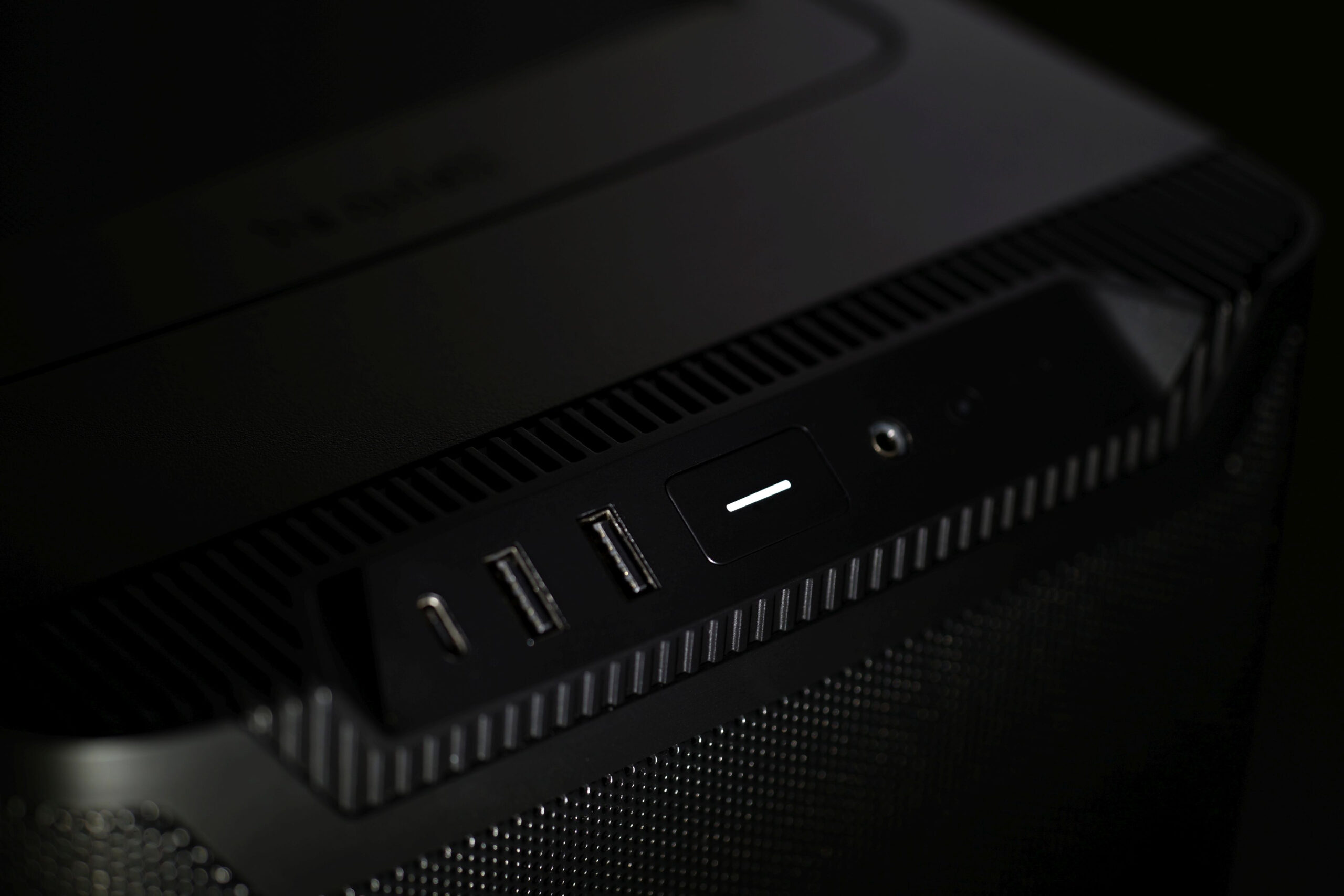
And finally, an LED indicator on the front power button lets you know when the PC or motherboard is powered on.




Hello. I red this review and I want to buy this case, but I’m worried that the Pure Wing 3 fan is approved but not top-notch.
So, which fan is good upgrade?
Reasonable options in my country are Momentum 14, Arctic P14 Pro, P14 Max or NF-A14x25 G2.
the CPU and the GPU of my PC will be 265k with air cooler and 5070 Ti.
What exactly are you expecting from a fan? The Pure Wings 3 is aerodynamically excellent, and personally, I would not replace these fans. Of course, the FD Momentum 14 and Noctua NF-A14x25 G2 are more advanced in terms of technical sophistication—but primarily in other areas, not necessarily in aerodynamic design. You can swap out the original PW3 fans, but you likely won’t see much of a gain in cooling efficiency. That said, you might end up happier with the acoustic profile. I can’t say for sure—that’s something very individual. 🙂
Thank you for your reply.
I would like to make my PC more quiet, but surely as you say, that’s individual thing…
I will try listening to the noise of some fans and I will install fans of which I prefer.
Analyzing sound based on analog recordings is highly debatable. Distortions already occur at the level of speakers. That’s exactly why we don’t include audio recordings in our tests and instead provide spectrograms, which everyone can read the same way. In other words, they show the noise levels at specific frequencies. Naturally, they’re more complex to read and interpret, but once you know how to work with them, they are much more accurate than subjective listening. 🙂
… but, maybe he meant listening live … and not from recordings on the internet 🙂
… and the recording, although distorted, still gives some idea of the pitch of the dominant tone 😛
I have this case. I installed the included fans + 1 third all as top and rear exhaust and reduced the rpm by about 40% via a Noctua NA-FC1 (to not reduce the pressure from the intake fans too much). For the front I installed 3 120mm Shadow Wings 2, also limited a little via Noctua ULN adapter cables. So even at full blast the PC remains quite quiet and is otherwise near silent.
Thanks for sharing your user experience. Yes, having the system fans run at lower airflow rates is often sufficient—it won’t limit the cooling. You’ve got your setup figured out well. It’s quiet, and that was the goal. 🙂