



It is possible to illuminate the impeller even when black blades are used. This is demonstrated by the F7 X120 fans, where CPS PCCooler achieves illumination in a different way than usual. The result is impressive – not only in terms of ARGB LED aesthetics, but also regarding cooling efficiency. Also elegant is the daisy-chaining of multiple fans side-by-side (or stacked vertically) using a single cable connection.
Right off the bat, it’s important to note that the tested fan – the CPS PCCooler F7 X120 – is not yet available for retail sale, as it has not been officially released. That will change, and a suggested retail price will be established. At this point, we only have an estimated price of around 40 USD per fan. Pricing in euros or other currencies will, of course, depend on country-specific taxes and fees where the CPS PCCooler F7 X120 will be sold.
This is a 120-millimeter fan with ARGB LED. However, the lighting is implemented in a somewhat untraditional manner. It relies on a system of two light guides – one encircling the fan hub and the other lining the inner wall of the stator tunnel. The light (LEDs) is directed towards the center of the impeller, specifically onto its blades, as seen in the photo below.

Even though the blades are black and not made from highly light-conductive materials, they reflect light. It can be said that the entire impeller is illuminated, creating something of a “diffused” effect. When viewed from the front, the light is scattered and highlights the blades; unlike fans with milky light guides, you can still discern that the fan has a certain number of blades even at higher speeds. This avoids the appearance of a single homogeneous surface and offers an alternative to more conventional designs. The lighting is subdued across most of the surface and doesn’t distract too much. Naturally, some users might not appreciate this, as it results in relatively lower brightness, as confirmed by measurement data. So the fan won’t significantly illuminate the interior of a case, even if several are used – but some might actually prefer the F7 X120 for that very reason. The manufacturer refers to the lighting effect as a “halo.”
The curvature of the blades is clearly in line with modern aerodynamic design, which our tests confirm to be effective. The fan has seven blades, medium-sized in surface area. The blades are made from PBT (and glass fiber), a relatively soft material, yet they feel – and indeed are – robust and solid. This is due to a combination of thicker material and structural shaping.
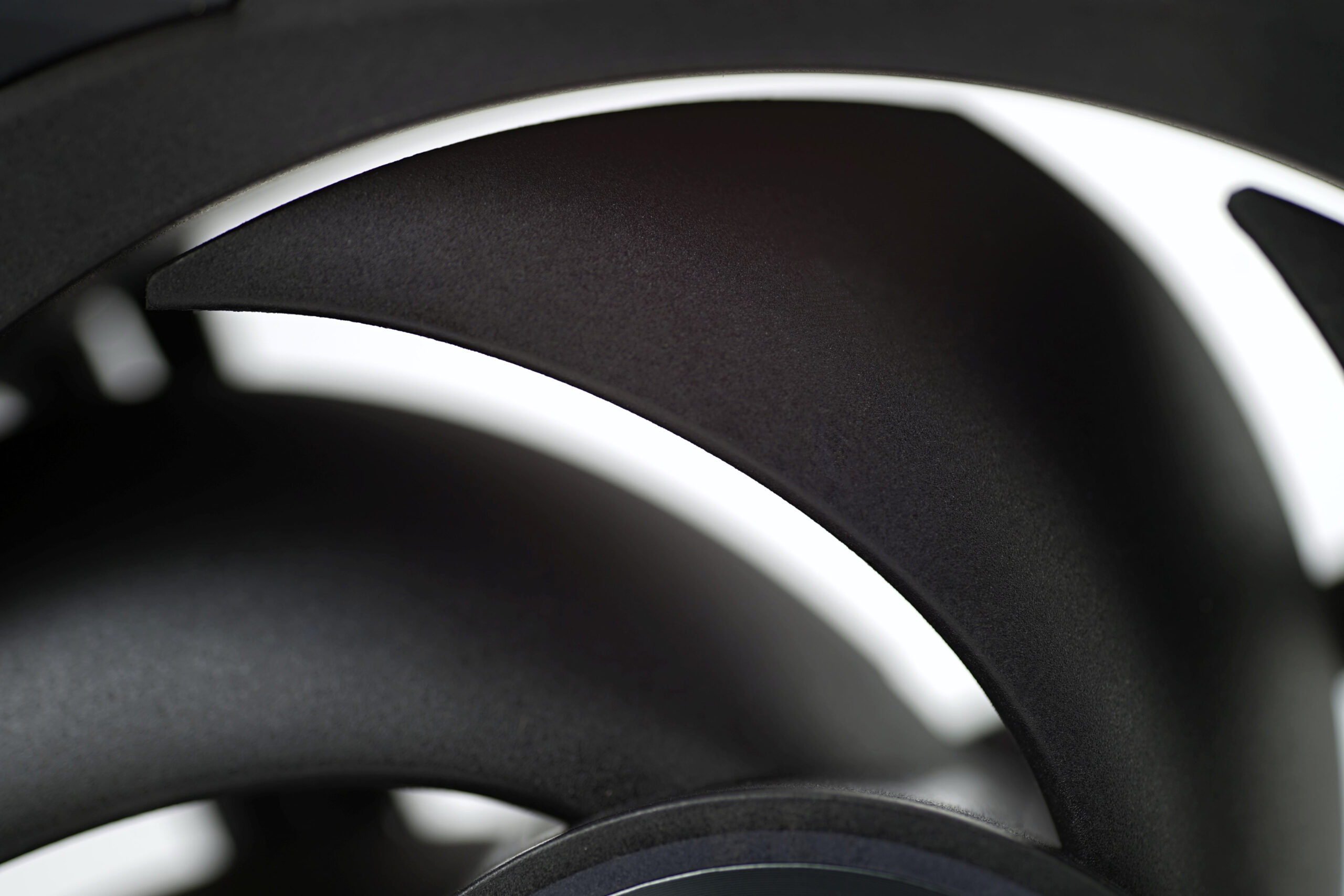
The spacing between the blades is relatively tight, which indicates that the fan is designed for high static pressure (and a lower-than-usual airflow drop when faced with resistance). Consequently, the dead space between blades is quite small. The impeller hub, with a diameter of about 50 mm, can be classified as “medium.” Yes, there are smaller hubs that occupy less of the total cross-section, but those usually come with thinner shafts, smaller bearings, and motors, all of which influence fan longevity – and vibration levels in new units, for instance.
Rubber pads help reduce vibrations transferred to the fan frame. These are included as accessories and need to be installed on the front of the fan or frame (at least in the triple-pack version we tested). There are two types: one is adhesive-backed, while the other uses pegs that insert into holes on the frame. This second type has no mounting screw holes and forms a solid surface. With these pads, visual appeal is clearly a consideration, minimizing disruptive elements when the fan is viewed from the front.


It’s also worth noting that the four front-side mounting holes are larger and won’t hold self-tapping screws. In other words, the fan isn’t intended for front mounting in cases (where at least a bracket plate typically sits between fan and screw head). However, it can be mounted in exhaust positions, where the screw holes are narrower and suitable for self-tapping screws.
From the rear side of the blades, near the impeller hub, you can clearly see small notches or irregularities along the blade trailing edges. These elements may suppress unwanted tonal peaks that would otherwise be present. Who knows – this is just our assumption, as we haven’t tested a version without these features. But the effect on acoustic properties is plausible similarly to some fans with more aggressive cutouts in these areas (or fans without any cutouts at all).

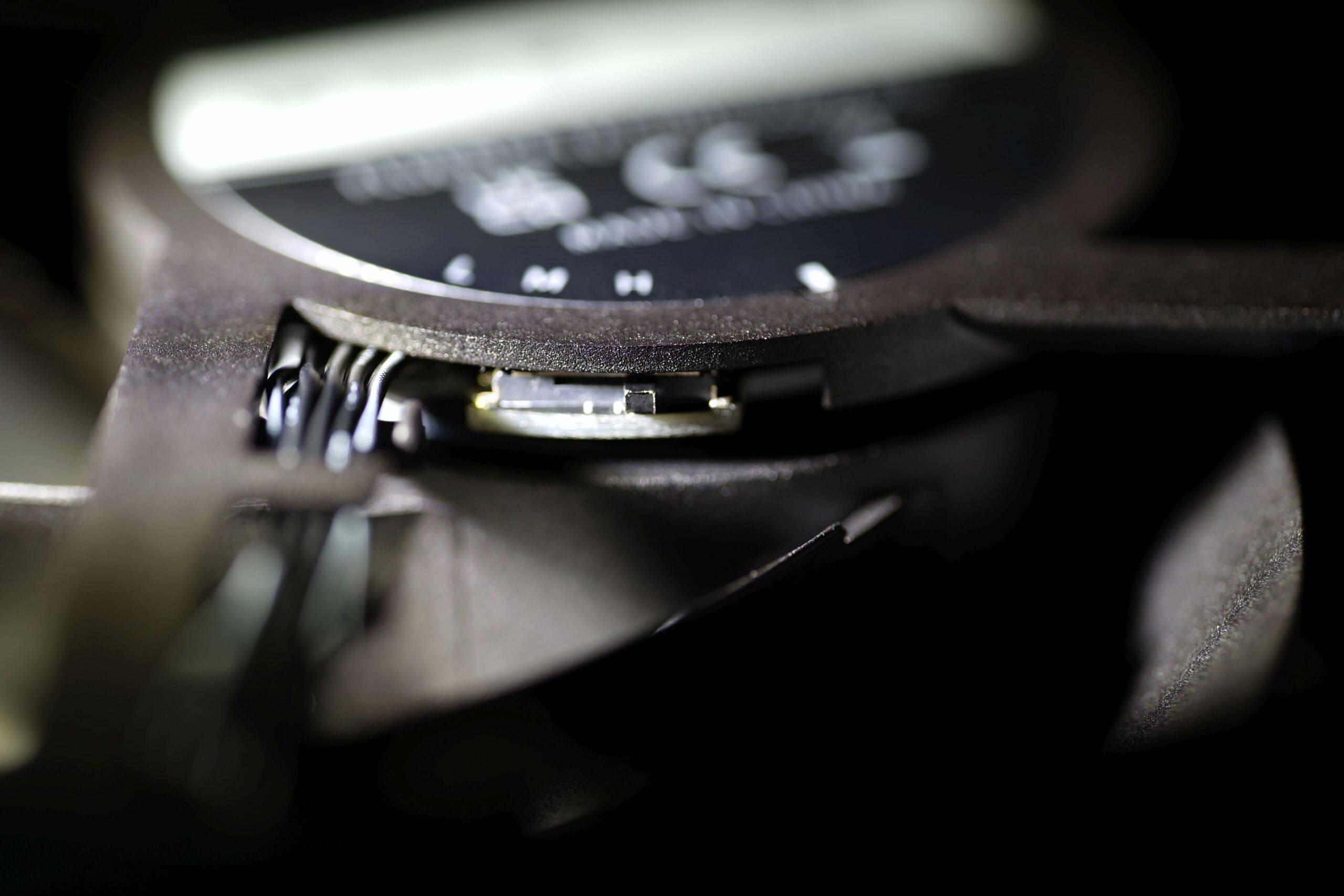
A three-stage speed switch allows you to set a lower RPM threshold the fan won’t drop below. This is useful in systems with poorly optimized speed curves on the motherboard level. When set to “L” (low), the fan stays below 1500 RPM and is never truly loud – an ideal setting for cases where extreme airflow isn’t expected, since noise increases beyond a certain point without meaningful gains in cooling performance.
For users prioritizing maximum cooling at the expense of noise, the switch can remain in the factory-set “H” (high) position, reaching speeds of up to 3000 RPM. There’s also a middle-ground option with speeds up to 2200 RPM. No matter which position you choose, the minimum speed remains unchanged – around 607 RPM.
The F7 X120 also features a modern method of connecting to the motherboard or hub. For example, the triple-pack includes a hub that appears to be the same 8-channel model familiar from tests of the DT360 ARGB Display liquid cooler.
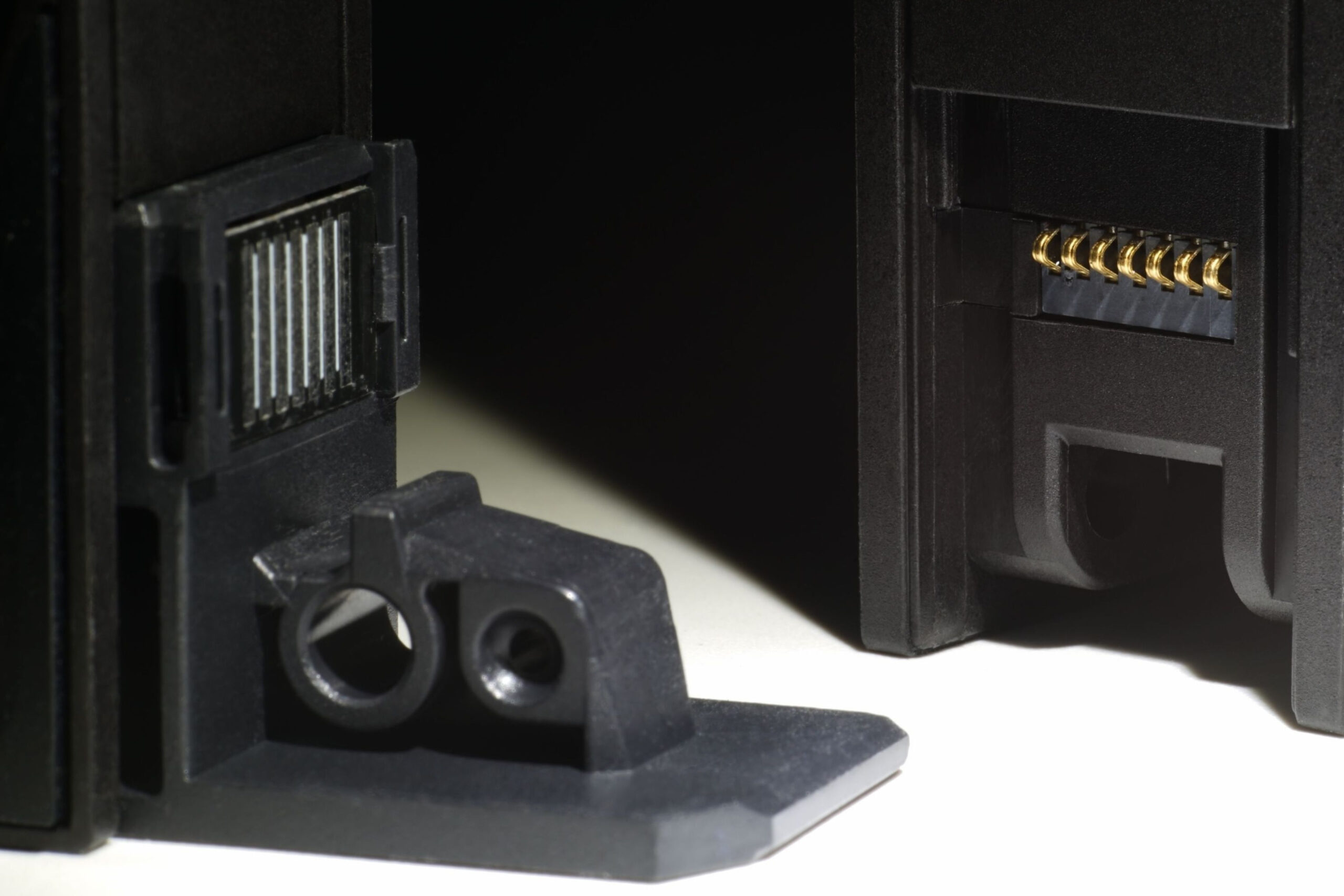
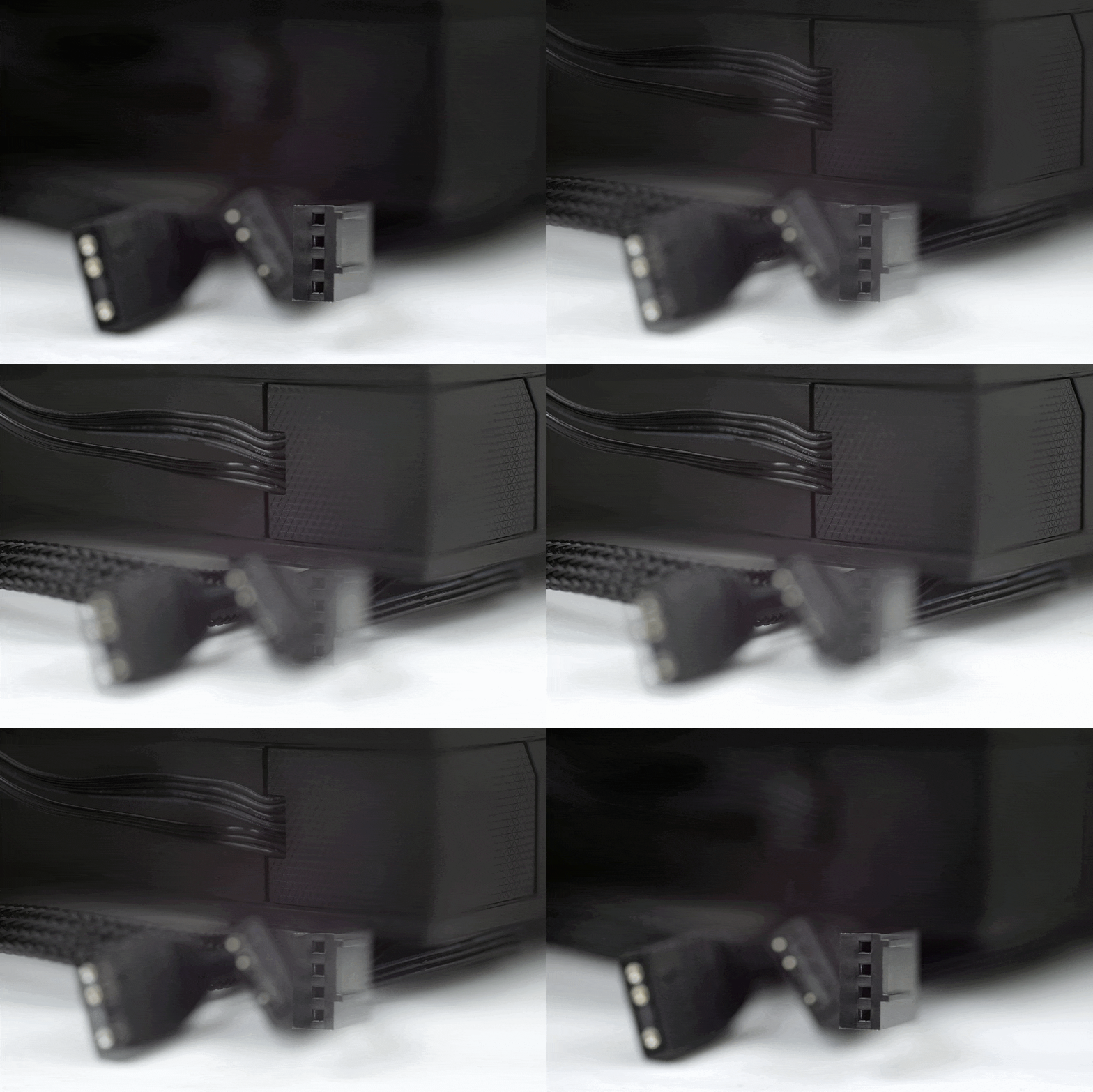
Back to the main point – the fan’s connection method. It uses a modular cable that attaches to one corner of the fan. There are two connectors per fan, one in each adjacent corner, allowing you to daisy-chain multiple fans using included joiners. That way, only one cable needs to run to the hub, carrying the same PWM signal. This aligns with elegant cable management and reduces the number of wires needed to connect the fans.
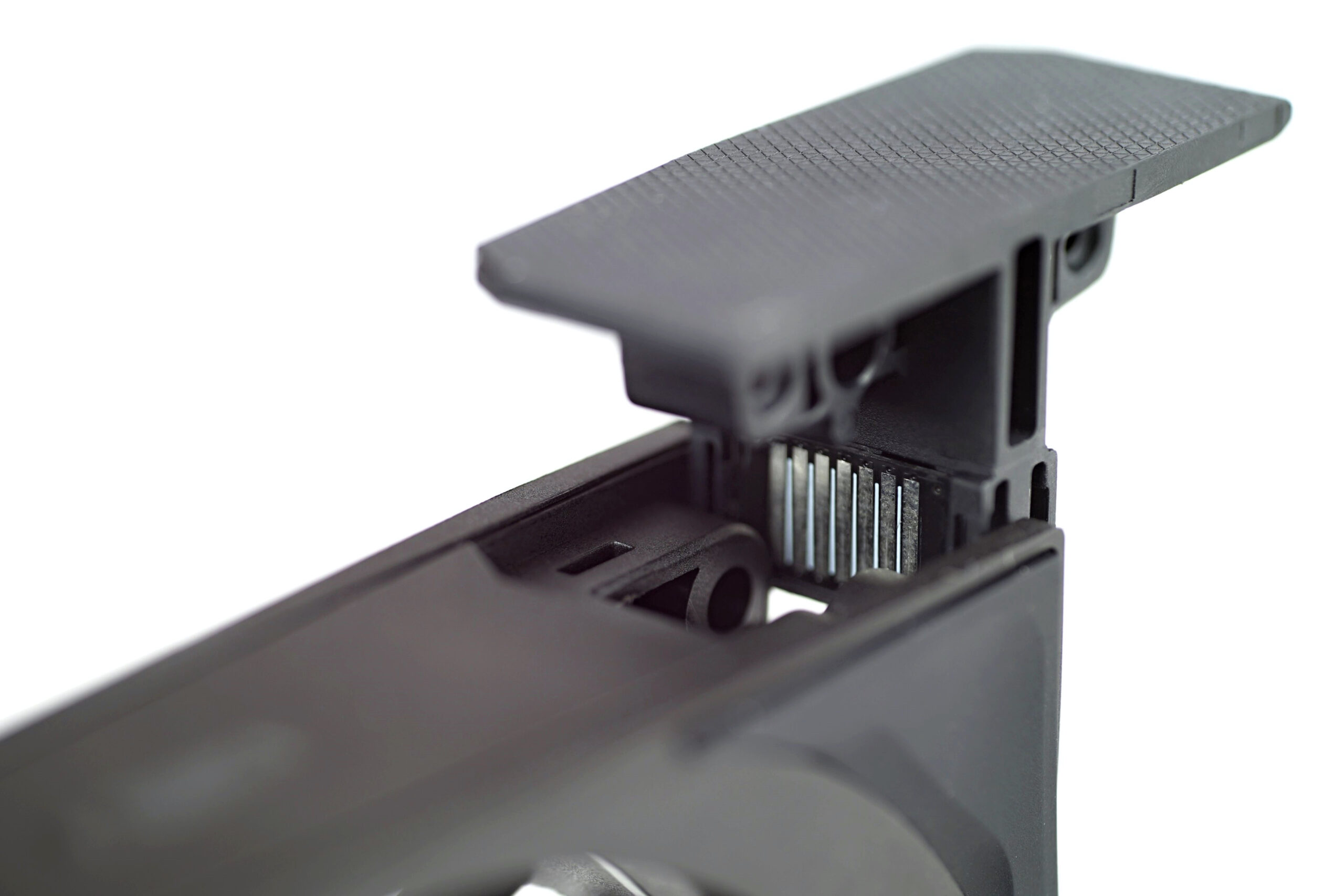

In fans with integrated connectors in the frame, the impeller area is often smaller – but that’s not the case with the F7 X120. While the frame is a bit thicker (to accommodate the connectors and wiring), the impeller diameter still exceeds 110 mm, which is respectable for a 120 mm fan. Naturally, a smaller impeller means lower airflow at the same noise level when compared with fans of similar geometry.
Connecting the fans with joiners is very simple – it’s a mechanical task that goes smoothly. The rails in both the joiners and the fans are precise and easy to insert. We have no complaints here; the CPS PCCooler engineers did a great job – everything is neatly executed.
Among the key features that can be seen as a competitive advantage are the three-phase motor torque and dual ball bearings. Both are uncommon in ARGB LED fans.
One last important note: Even though the fans have multiple proprietary connectors, there’s still a standard 4-pin for the motor (PWM regulation) and a 3-pin for ARGB LEDs. This makes it easy to connect the fan(s) to any motherboard. Both fan speed and lighting control are possible through your motherboard’s BIOS or software environment.
Please note: The article continues in the following chapters.




We’re gonna be seeing more of this style of ARGB solution with these aluminum fans in the pipe, or mixed with LCP.
To be honest, Phanteks should have gone this way for the D30 series, they’d have performed closer to the original T30.