


The rise of AI models for content generation has been meteoric. Practical scenarios for using AI in everyday work are emerging alongside sample applications. Highlights include online services or Photoshop’s AI tools for advanced photo editing. However, not everyone wants to pay a subscription fee. We’ll explore what the open-source graphics editor Krita lets users achieve with free local AI models and how to run them on a gaming graphics card.
Krita can be downloaded directly from the Krita.org project website. There is a version for Windows platform (installer and portable zip), macOS, 64b Linux and on Google Play for Android. The AI Diffusion add-on supports Windows, Linux and macOS. Let’s go through the installation procedure with the portable Windows variant.

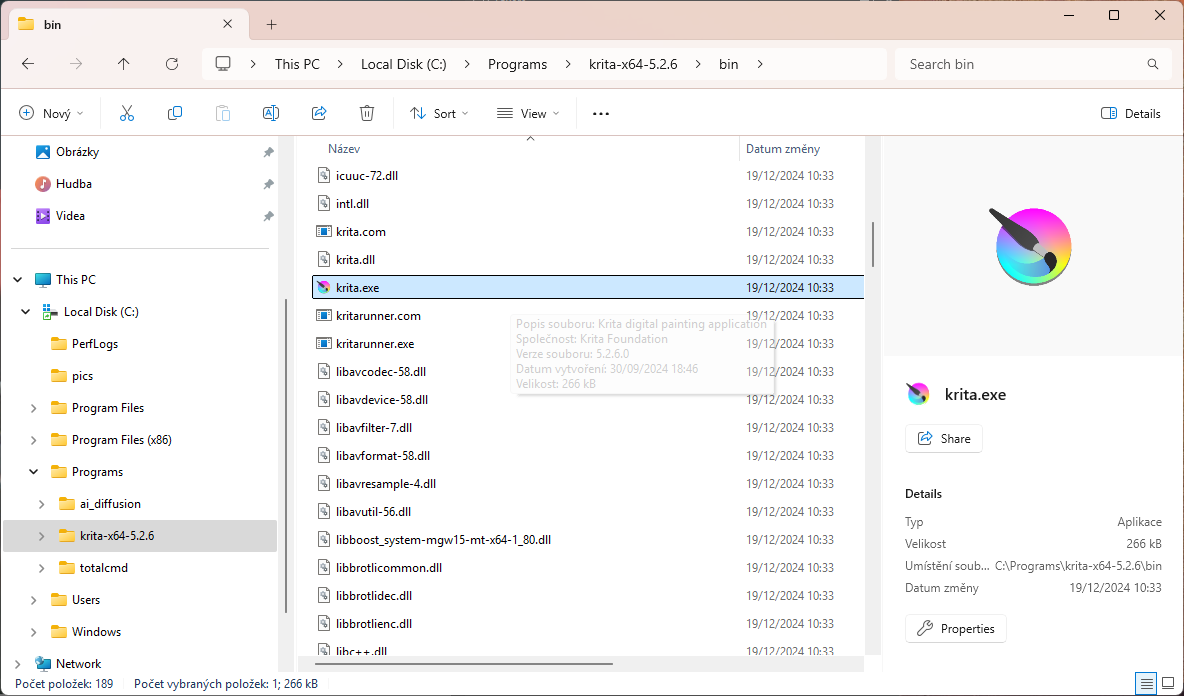
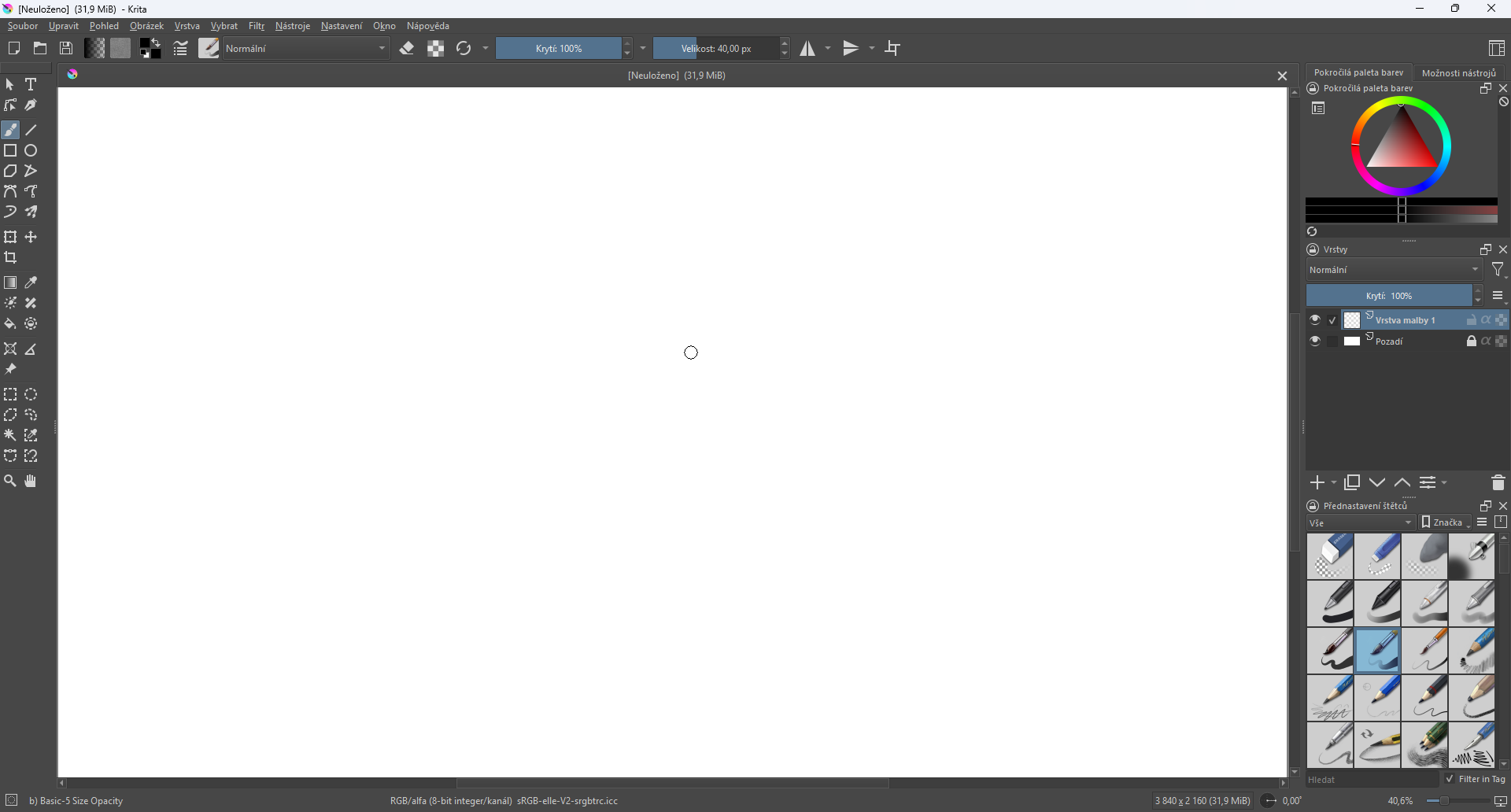
Unzip the Krita zip file into, for example, C:\programs\. You can then run it via the Krita shortcut from the program folder, or open krita.exe directly from the bin subdirectory.
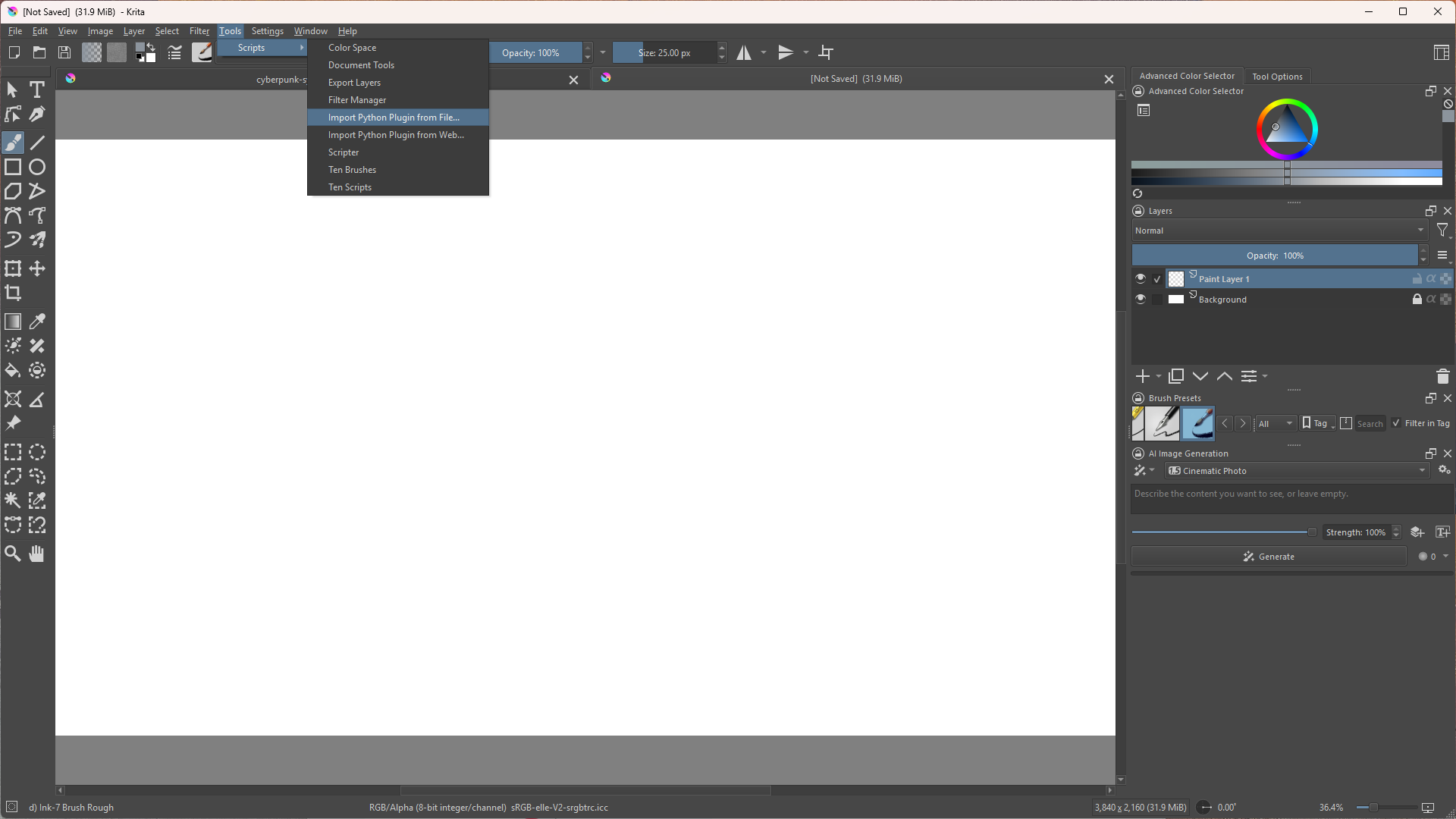
Next, download the Krita AI Diffusion plugin.It is available for download on github. You can install the downloaded zip file with the plugin directly from Krita. In the menu, select Tools>Scripts>Import Python plugin from file…, find the corresponding downloaded zip file with the plugin and confirm that Krita should activate it.

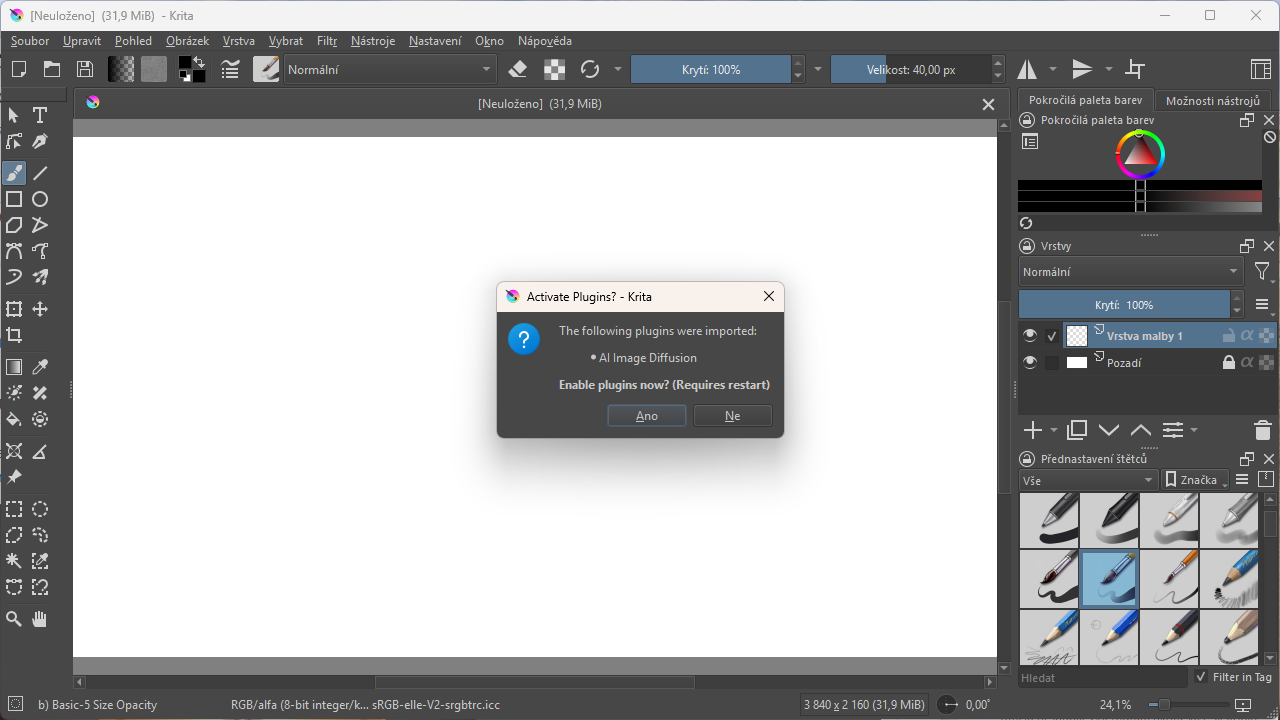
After the installation, Krita needs to be restarted. Then turn on the AI Image Generator dock to control the plugin (you must have a document open, otherwise the menu is inaccessible). It will open in the sidebar. After installation, the dock is showing a yellow warning that it failed to connect to the servers because the plugin is not configured. Let’s get started.


