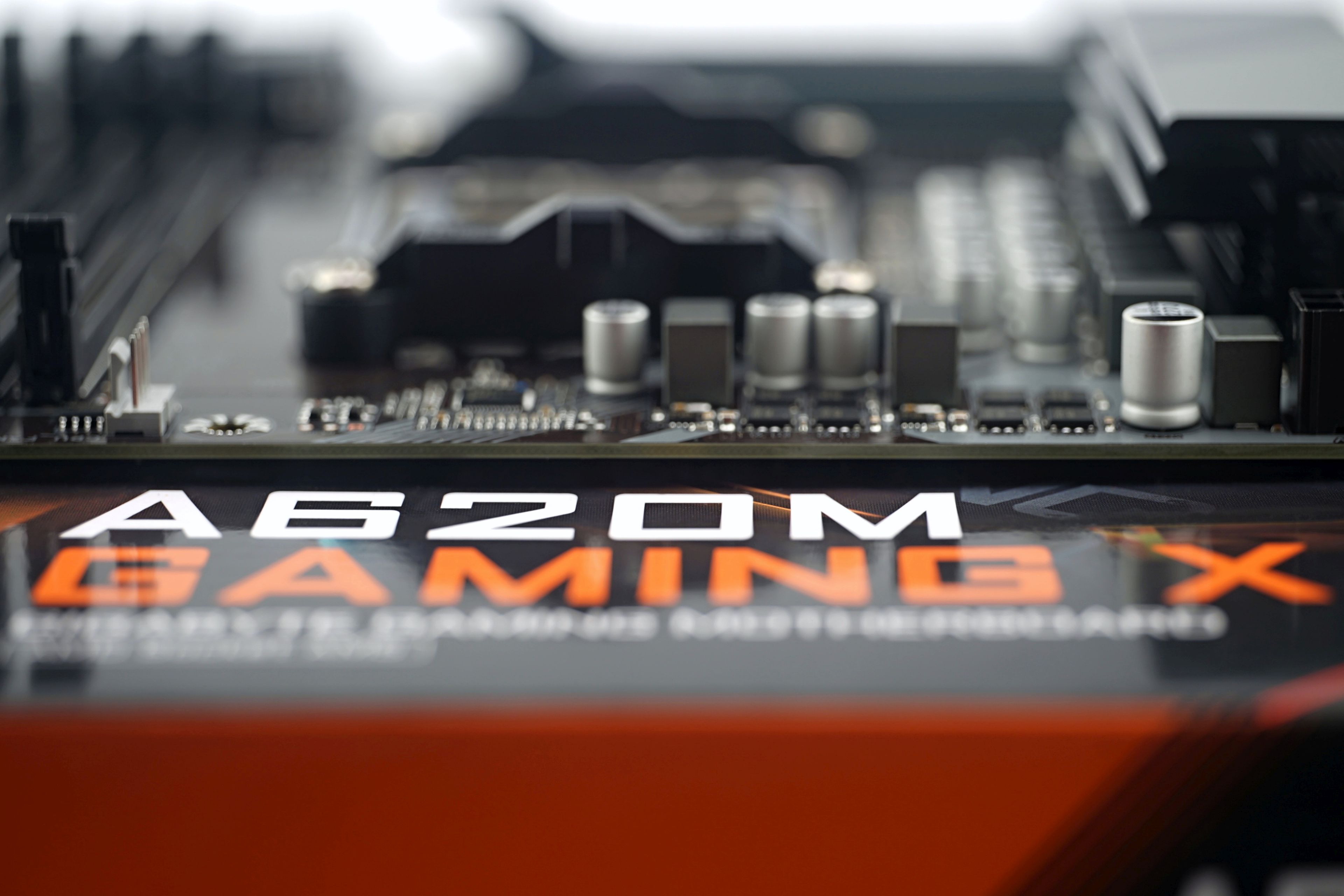
Some people paint disasters around cheap motherboards (literally, flames in the graphics editor and such… natural disasters sell), yet often you have nothing to worry about and nothing burns up anywhere. Such A620M Gaming X can handle even the most powerful processors for AMD AM5 socket with ease. It doesn’t make much sense to pair it up like this, as the features are tailored to the undemanding user, but it is an option.
The AMD AM5 platform has gradually transformed from the “even the cheapest motherboard is more expensive than the cheapest processor” stage to the “a motherboard can be eight times cheaper than the most expensive processor” stage and… it will work on those boards with A620 chipsets. Of course, under certain circumstances and with many compromises that will always be more or less untenable for those interested in high-end Ryzen 9s. A620 motherboards are suited to builds where the downward push is on the price of each component.
The availability and selection of A620 motherboards have improved significantly in recent times, and in this test I’ll take a detailed look at one of Gigabyte’s models – the A620M Gaming X.
| Parameters | Gigabyte A620M Gaming X | |
| Socket | AMD AM5 | |
| Chipset | AMD A620 | |
| Format | MicroATX (244 × 244 mm) | |
| CPU power delivery | 11-phase | |
| Supported memory (and max. frequency) | DDR5 (6400 MHz) | |
| Slots PCIe ×16 (+ PCIe ×1) | 1× (+ 1×) | |
| Centre of socket to first PCIe ×16 slot | 80 mm | |
| Centre of socket to first DIMM slot | 56 mm | |
| Storage connectors | 4× SATA III, 2× M.2 (42–80 mm), PCIe 4.0 ×4 | |
| PWM connectors for fans or AIO pump | 3× | |
| Internal USB ports | 1× 3.2 gen. 1 type C, 2× 3.2 gen. 1 type A, 2× 2.0 type A | |
| Other internal connectors | 1× TPM, 1× ARGB LED, 1× RGB LED, 1× Clear CMOS jumper | |
| POST display | no (but has debug LED) | |
| Buttons | Q-Flash Plus | |
| External USB ports | 1× 3.2 gen. 2 type A, 1× 3.2 gen. 1 type C, 2× 3.2 gen. 2 type A, 2× 2.0 type A | |
| Video outputs | 1× HDMI 2.1, 1× DisplayPort 1.4 | |
| Network | 1× RJ-45 (1 GbE) – Realtek RTL8168/8111 | |
| Audio | Realtek ALC897 (7.1) | |
| Other external connectors | – | |
| Suggested retail price | 122 EUR |
Gigabyte A620M Gaming X
In terms of Gigabyte’s A620 motherboards, the A620M Gaming X is among the models with a weaker VRM without a heatsink (A620M H, A620M S2H), which only have two DIMM slots, and the variant with WiFi (A620M Gaming X AX). Thus, a sort of middle way which is also suitable for more powerful processors with a price at the lower limit.
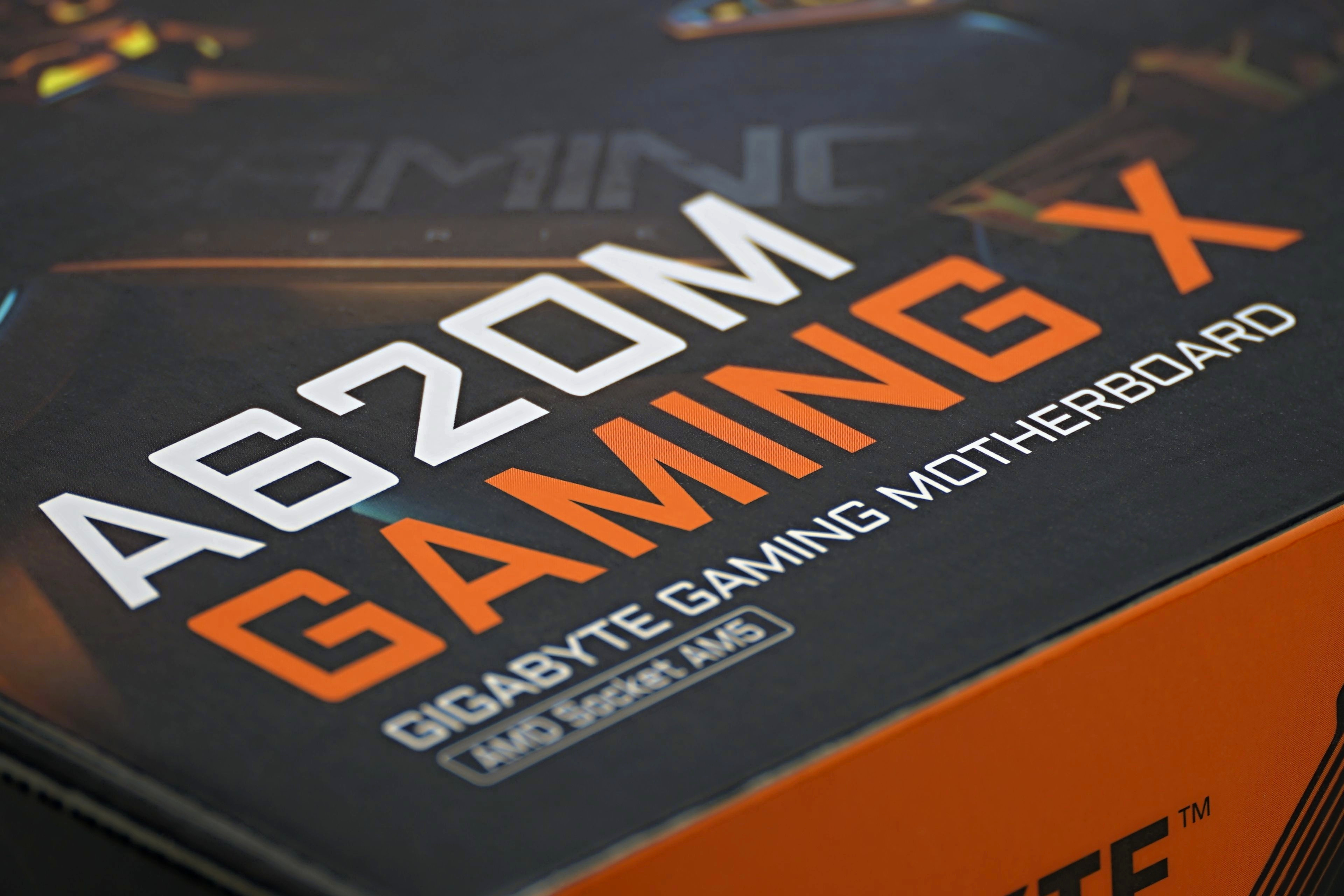
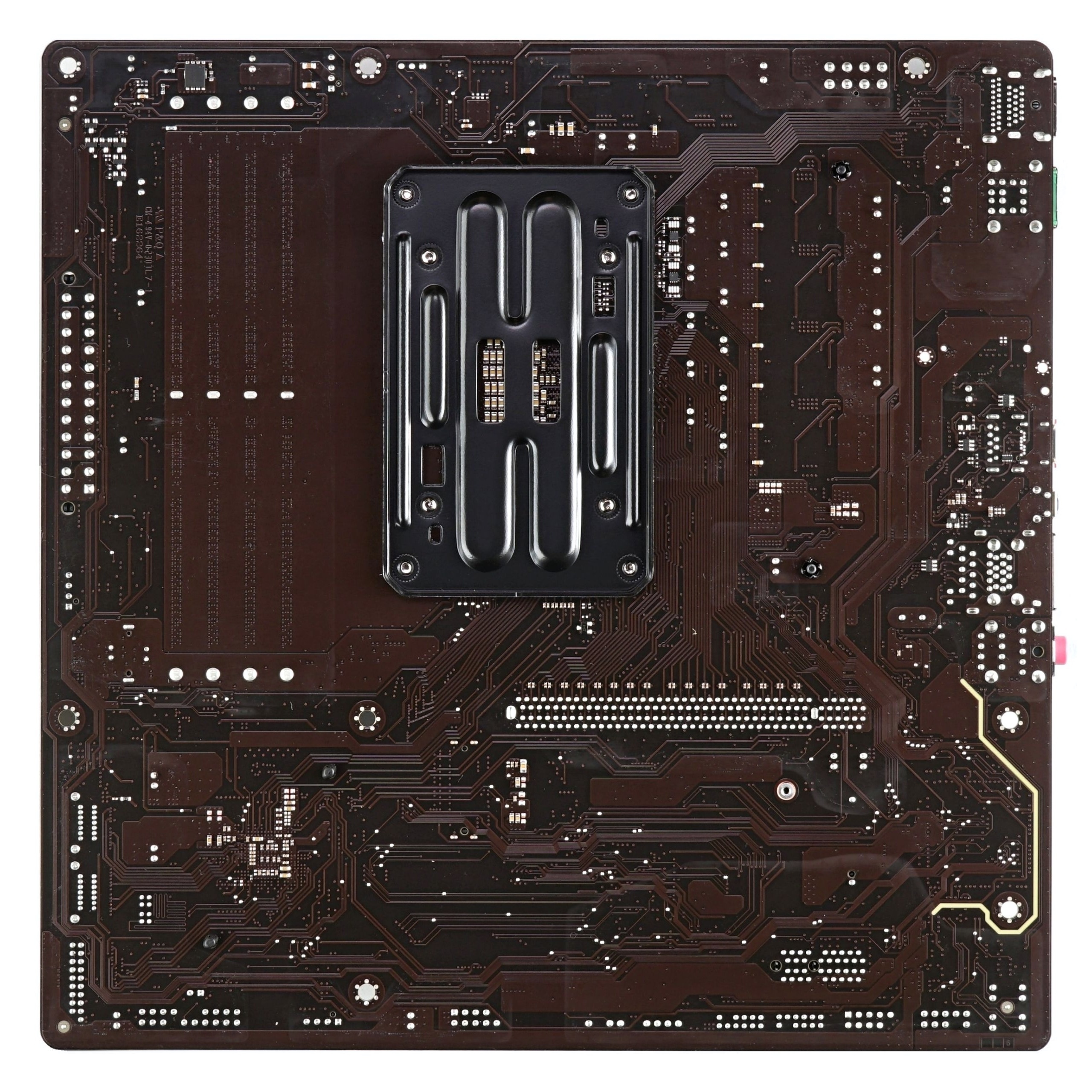
Like all of Gigabyte’s A620 models (with the exception of one, the A620I AX), the A620M Gaming X’s format is MicroATX with a square PCB – 244 × 244mm. It has been shortened in height, which also results in rather modest internal connectivity.

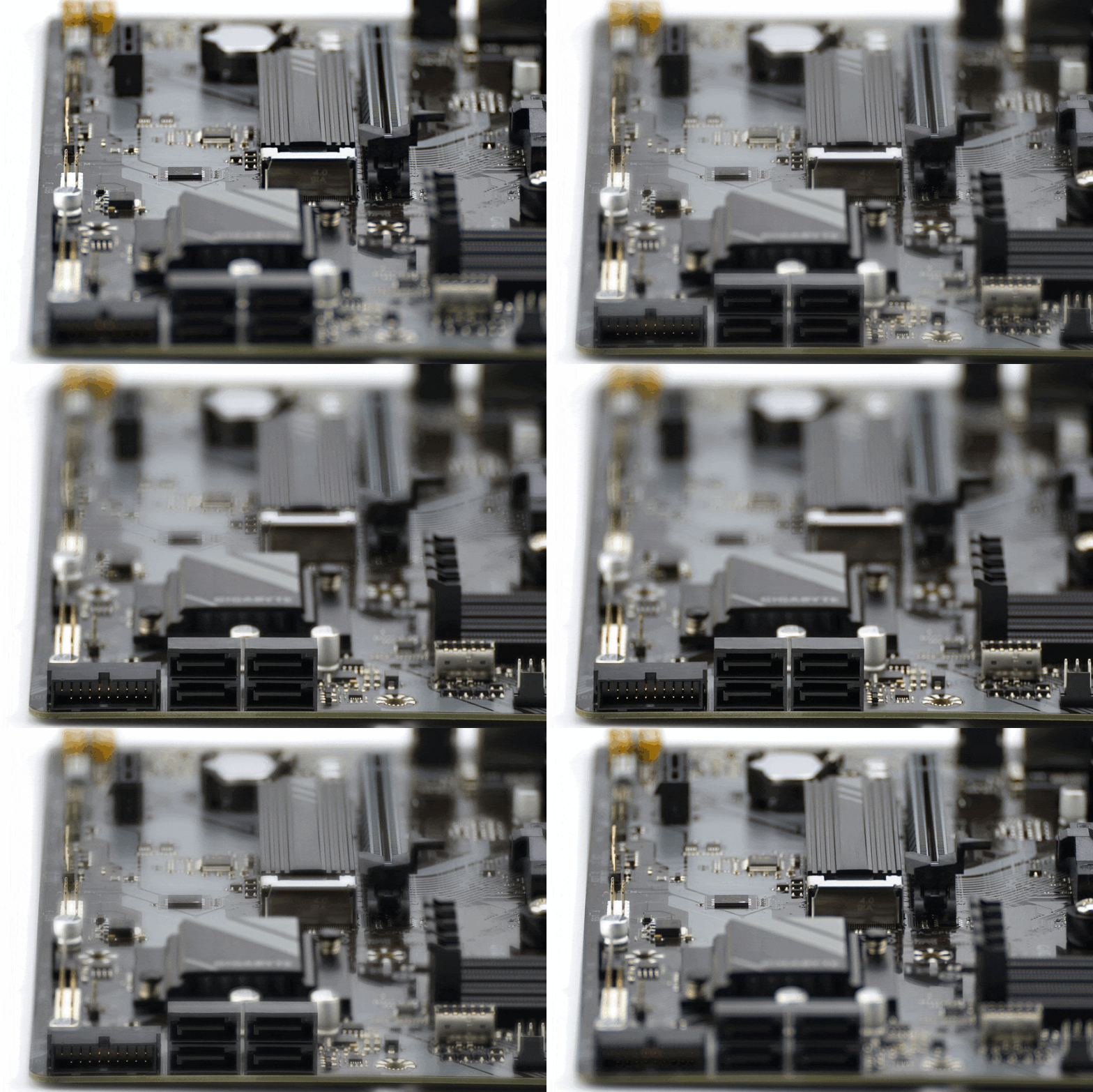
There are only two PCI Express slots (×16 4.0 and ×1 3.0) in addition to a single M.2 slot for SSDs (that’s one less than the TUF Gaming A620M-Plus has.) It exclusively supports PCIe (up to 4.0), SATA models in M.2 format are incompatible. For more storage you will have to reach for SATA ports. There are four of these, which is usually enough for common low-budget builds.
The board has no RGB elements of its own, but you can connect external peripherals with lighting. There are two headers for this, a 5-volt 3-pin ARGB for current devices and a 12-volt 4-pin RGB for older fans, LED strips, etc.
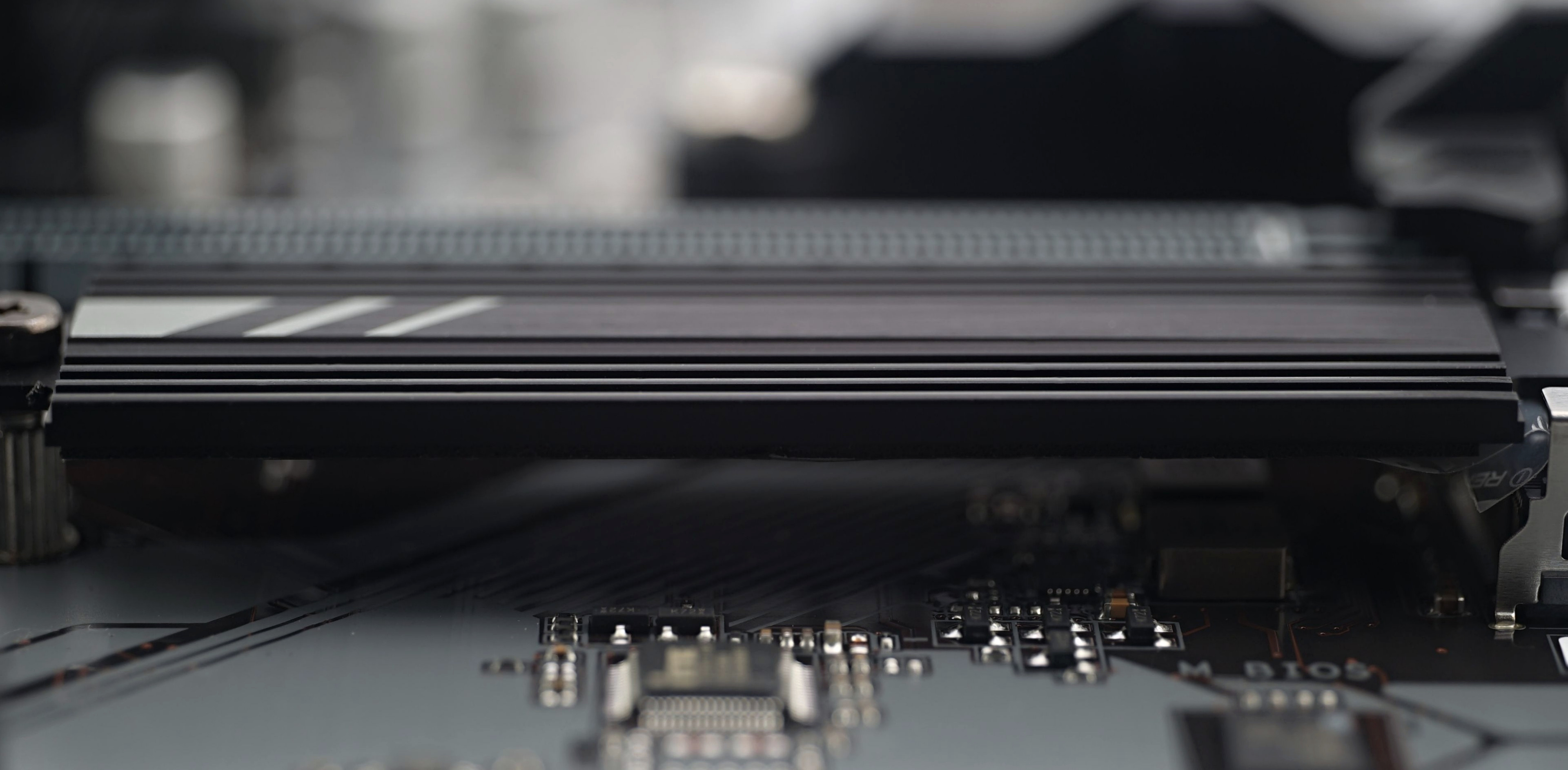
An SSD cooler is a rarity in this price range, but Gigabyte has one. And even with a more articulated surface and small fins. The weight is lower (15g), but for some situations it’s still better than nothing.
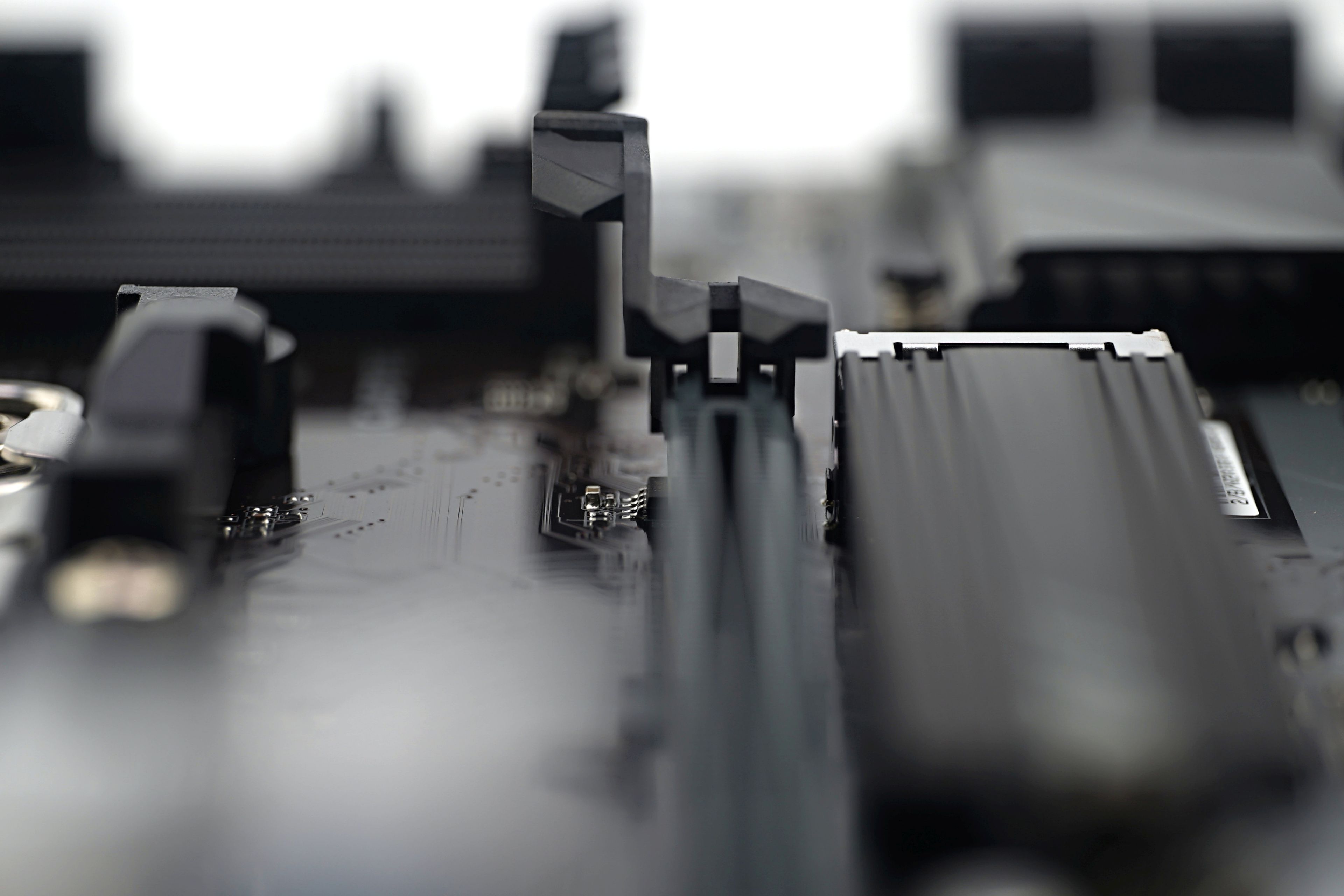
Also above and beyond the basics is an extended PCIe slot latch with a sort of tab that is closer at hand. Removing the graphics card is thus quite convenient even from underneath a wide tower-shaped CPU cooler. Especially with the shorter distance between the CPU socket and the PCIe slot, which is common on mATX boards. There is little room to maneuver, and such aids are welcome and definitely better than the precarious job of working with something long, self-made that a standard latch could be reached (and with a bit of bad luck, damaged) with.
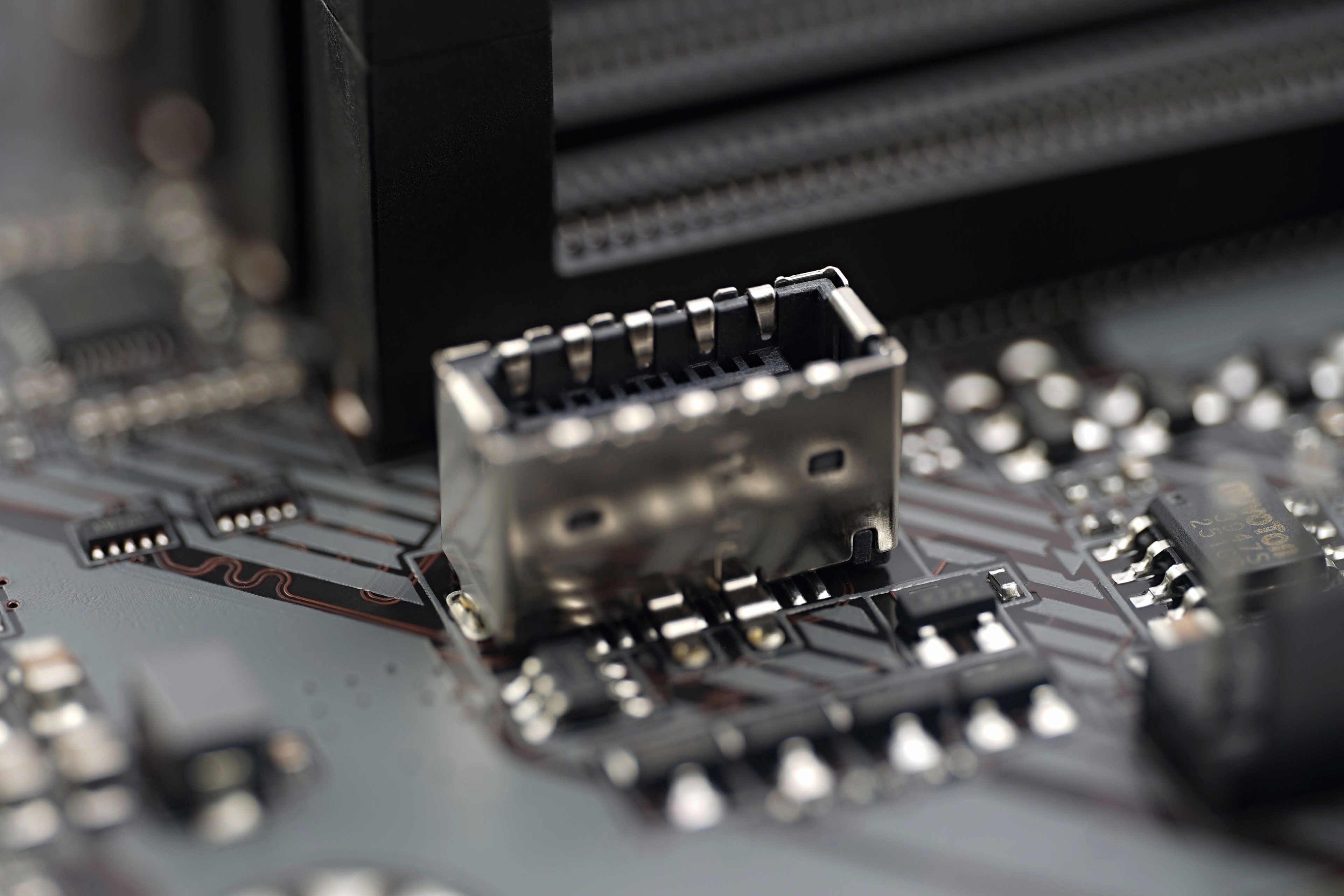
On a slightly different note, an internal USB-C connector is also included for connecting the front panel of the case. Unlike most more expensive boards, however, you should expect support for a relatively slower, 5-gigabit interface.
The VRM heatsink has already been mentioned here, this board is not short of it and its shape combining multiple horizontal and vertical fins to achieve the highest cooling effectiveness possible is also worth praising. The latter is crucial for powerful processors and determines whether or not the board can keep the high power constant.

While Vcore’s eight phases are designed for current loads that far exceed even the needs of the Ryzen 9 7950X, more demanding cooling conditions must be met. The headroom is smaller here and 200 W without a heatsink is already hitting the temperature ceiling. You may eventually hit it in builds with weaker system cooling or in environments with higher ambient air temperature, or in a combination of both of those “unfavourable” circumstances.
However, you don’t have to worry about damaging the motherboard, there is intermittent power supply if needed (when critical temperatures are reached). This means that the VRM will automatically reduce the power supply intensity (to some 27 W) and in order not to crash the system, the CPU multiplier is dropped to 5. Sure, it’s annoying, the drop in performance is dramatic, but everything is safe. If you want to run this board stably with a powerful CPU under high load, it is possible. But it won’t work in completely passive cases or with undersized system cooling. That is the key in this case.
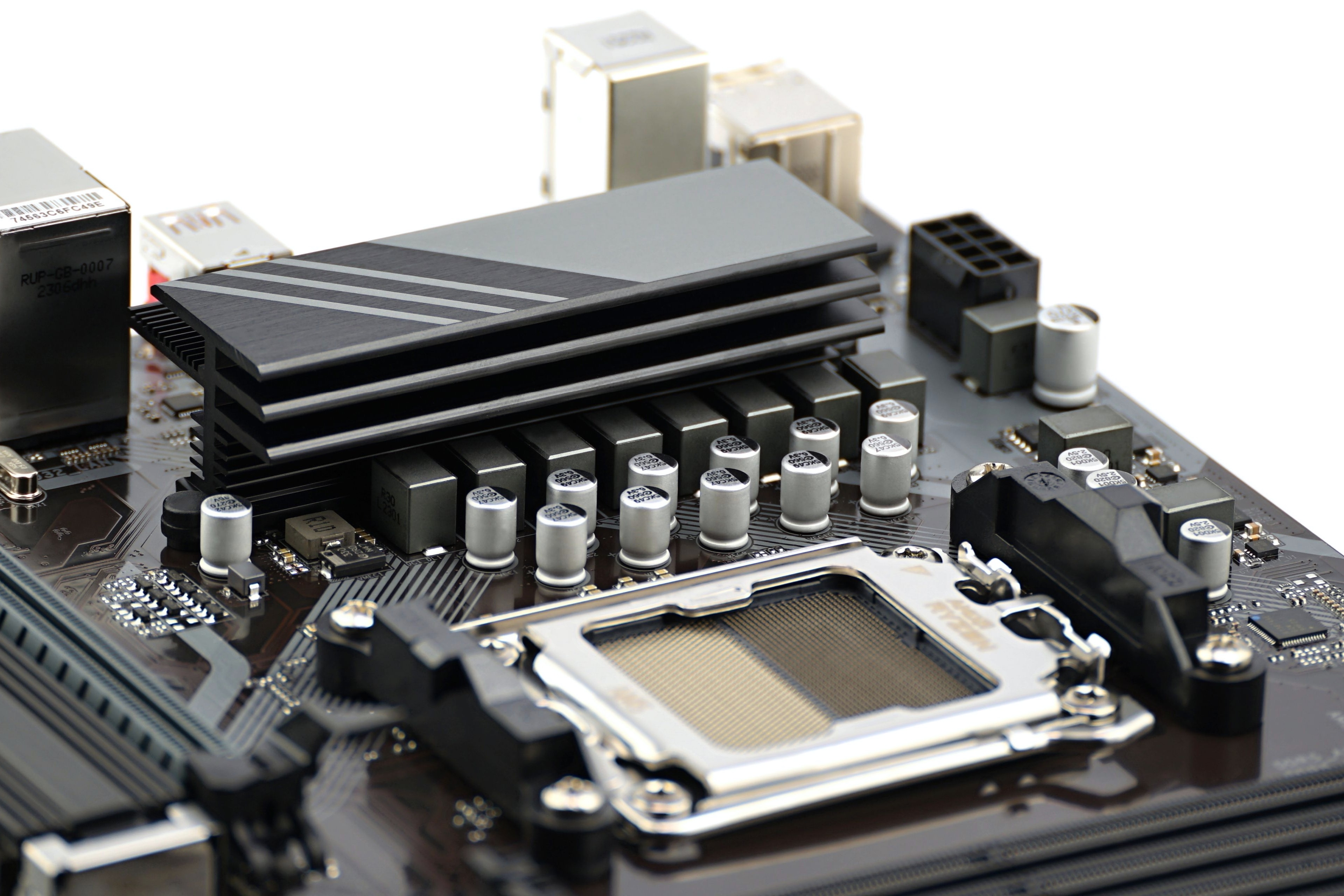
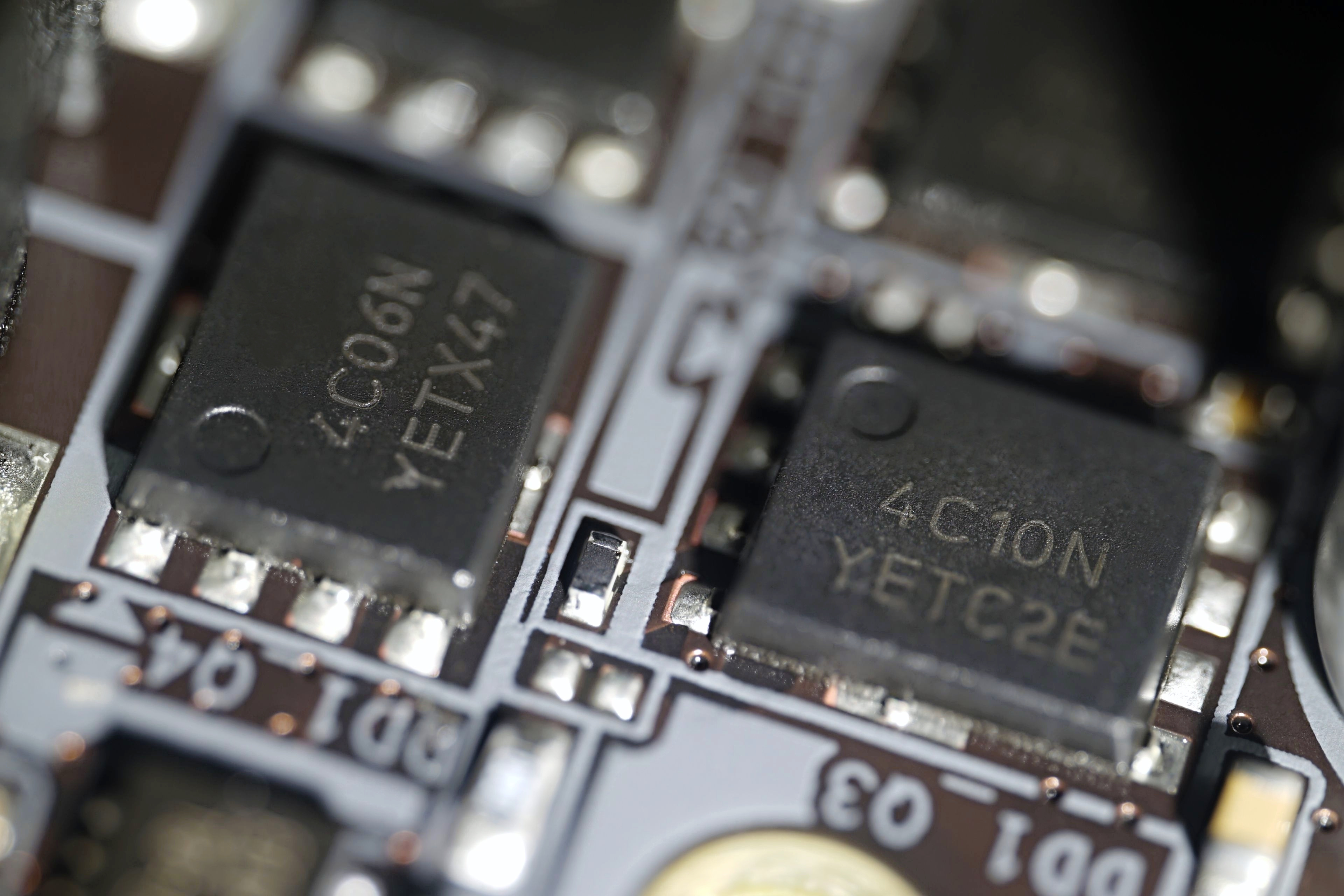
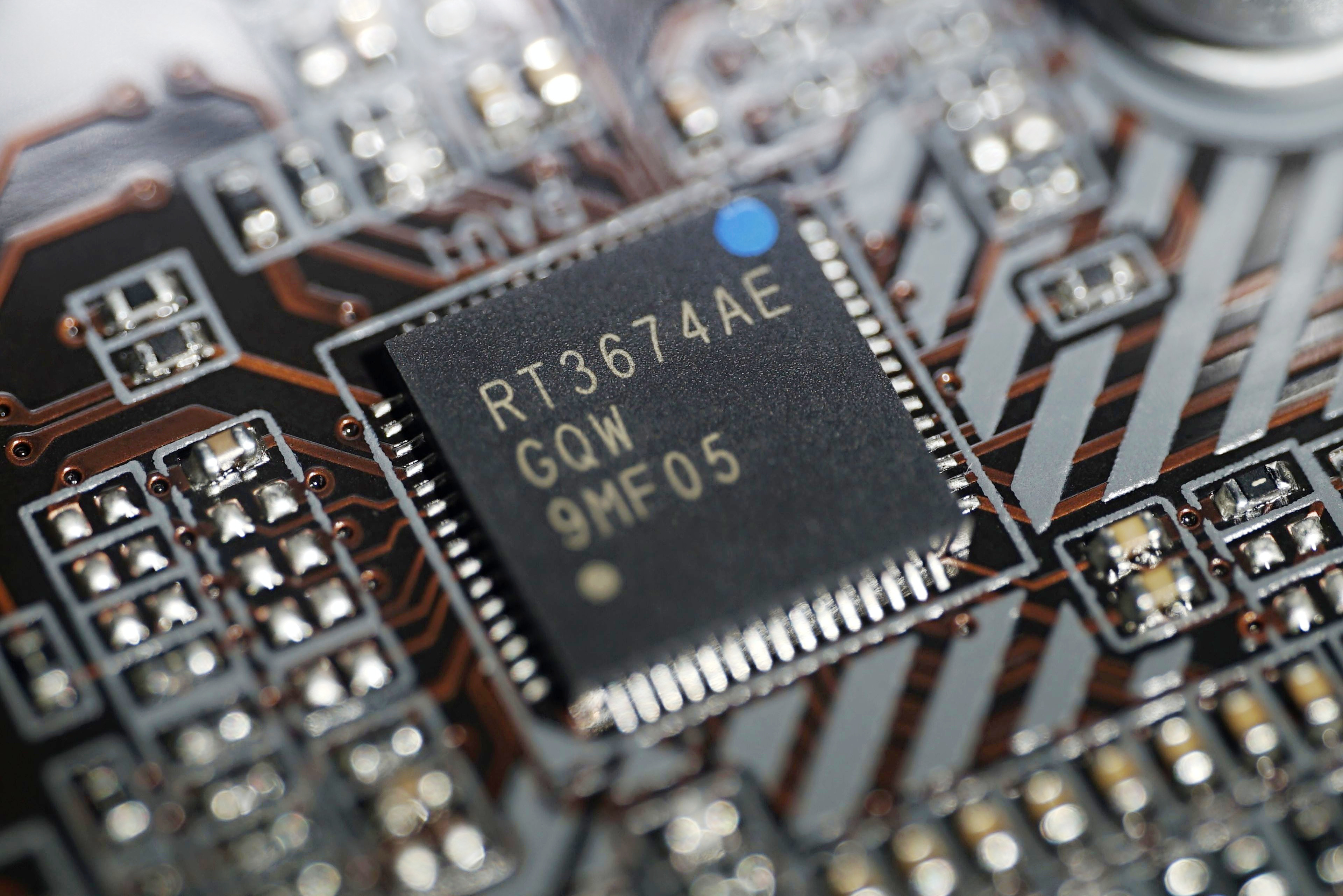
The voltage regulators used are cheaper, indicative of the price class of the board, where one phase operates with two OnSemi voltage regulators. These are the 30-volt 4C06N (69 A) and 4C10N (46 A) models, which are used for both Vcore and Vsoc. Their PWM controller is the Richtek RT3674AE.

The external I/O panel includes both DisplayPort (1.4) and HDMI (2.1) connectors, and a total of six USB ports. Of these, two are slower, 2.0 standard, for connecting peripherals and one fast, 10-gigabit (3.2 gen. 2). And it’s not USB-C (that’s “only” 5 Gb), but USB-A.
The Ethernet connection (via a Realtek RTL8168/8111 adapter) is 1-gigabit, slower than on more expensive boards, for which 2.5 GbE is the unwritten standard, and the audio equipment is poorer (three 3.5 mm jacks and Realtek ALC897), but this is typical for this price category.

The large hole roughly in the middle, between the USB ports, is for the WiFi/BT module and the SMA antenna. But you can’t optionally add any of that. The PCB is missing the corresponding M.2 slot, which is only on the AX variant of the board. In this case, only solder contacts are prepared for it.