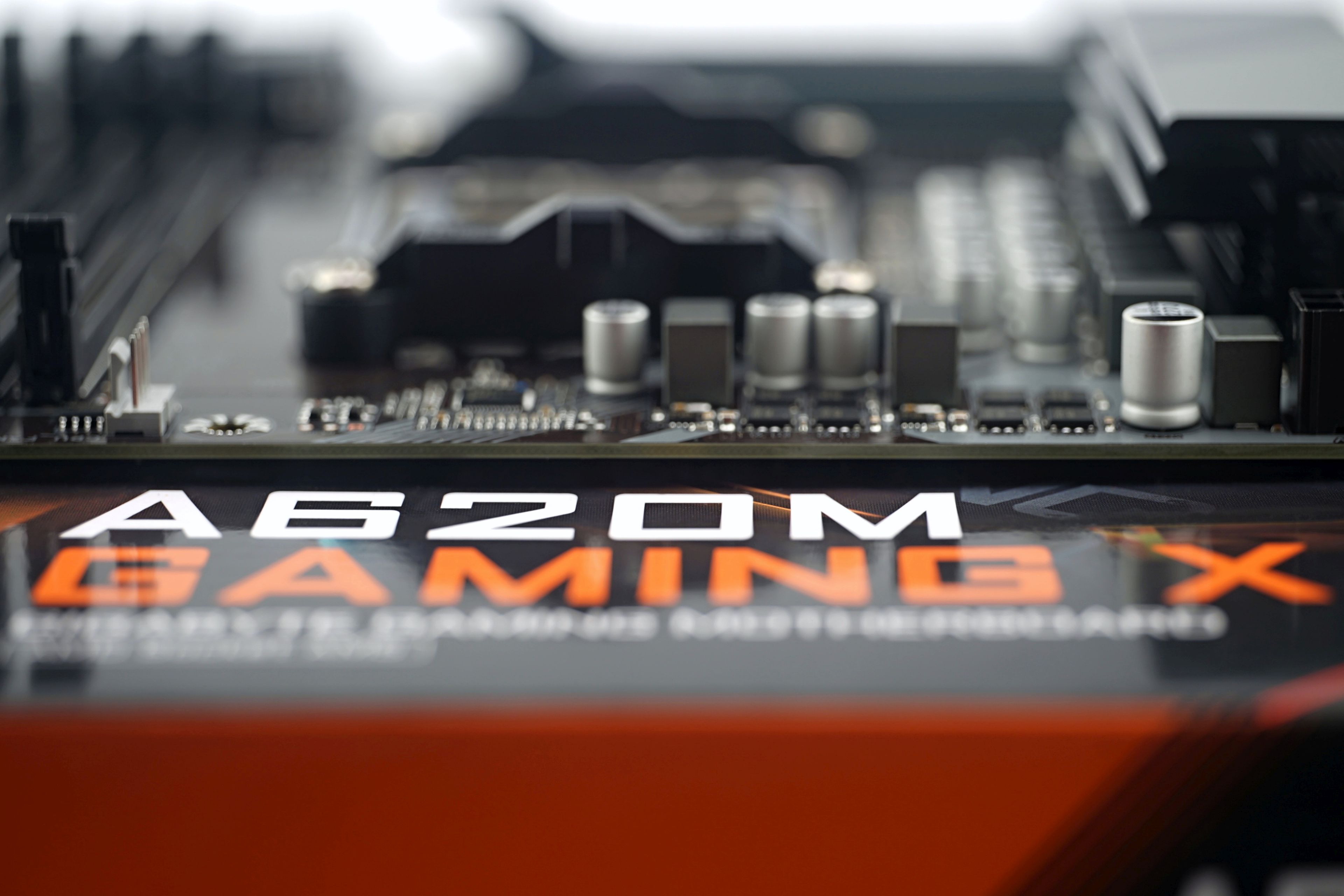
Some people paint disasters around cheap motherboards (literally, flames in the graphics editor and such… natural disasters sell), yet often you have nothing to worry about and nothing burns up anywhere. Such A620M Gaming X can handle even the most powerful processors for AMD AM5 socket with ease. It doesn’t make much sense to pair it up like this, as the features are tailored to the undemanding user, but it is an option.
What it looks like in the BIOS
The range of settings is poorer than on more expensive boards with B650(E) and X670(E) chipsets, but it doesn’t show on the “Easy Mode” splash screen yet. That’s also because the latter only ever contains basic things like a button to activate a memory profile (AMD EXPO), an overview of connected components, monitoring of temperatures and clock speeds, or shortcuts to specific settings (fans, for example).

The advanced mode can be accessed by pressing the F2 key and here you can already see some cuts compared to more expensive boards.


The memory settings, or changing them, is still quite detailed. At the same time as enabling AMD Expo, the Uncore frequency is set to 3000 MHz, for which an extra high memory bandwidth with low latencies is achieved. For other boards, the Uncore frequency in the default settings is often half that (1500 MHz, sticking to AMD’s recommendations) and therefore they usually perform worse when it comes to tests that are dependent on memory bandwidth.


We don’t interfere too much with the specific settings of motherboards to leave them a kind of “identity” and not to change the intentions of the manufacturer, who sets everything with respect to how it should be “right”. The LLC is set to “Auto” in the factory settings as well, but you can adjust it it as part of the tweaking process.

One of the things we do turn off though is the Resizable BAR. This is for backwards compatibility with the results of older boards where you had to turn the ReBAR on manually. Here, you have to manually turn it off if necessary (for example, because it doesn’t increase performance somewhere, but instead decreases it).

A620 chipset boards don’t support PBO (Precision Boost Overdrive) and to set power limits you have to wade through the “Settings” tab until you finally get to AMD CBS and SMU Common Options.


In these places it is possible to enable “Eco Mode” to reduce the TDP, with the CPU power draw, or its PPT, traditionally being 1.35 times higher. It’s notable that within the default settings, “Eco Mode” is disabled even with the Ryzen 9 7950X. Thus, Gigabyte is also trusting this motherboard at a TDP of 170W/PPT of 230W.
This may not be the case with other, even cheaper boards. Depending on the installed processor, the power limit settings are usually also changed, which may have a fixed ceiling that cannot be exceeded for safety or to prevent unstable performance, such as with the Biostar B660GTA.

The fan management interface – Smart Fan (6) – is as we know it on Gigabyte boards, perfect and really detailed.

There are only two headers (CPU_fan and two SYS_fans), but in all cases the curves can be set in a wide range with respect to the control according to one of the four temperature sensors. Somewhat unconventionally, but understandably, among them is the part of the VRM (Vsoc) without a heatsink, which of course needs to be properly controlled. And also depending on its temperature, the speed of the fan, for example the ceiling fan, which extracts heated air from these places, can be determined.


The correct detection of the fan depending on the type of its native control is also worth praising. If you leave the fan control mode on “auto”, the board correctly evaluates that there is a PWM fan connected to it. Obvious? Not entirely. Although it may no longer be relevant (and resolved by the newer BIOS), we wrote about incorrect fan detection last year back in connection with the Gigabyte Z790 Aorus Elite AX. The complication is that unless the board recognizes that it is a PWM fan, it uses DC regulation to control it, which is often associated with higher minimum speeds than can be achieved by pulse.