



I’ve recently tested the popular Arctic Freezer 34 air cooler, which eventually won an editorial award. Now I would like to give a liquid all-in-one cooler from the same manufacturer a hard time on a hot processor. We will see if Arctic can design an AIO cooler as well as it did with an air cooler. Liquid Freezer II 240 should offer a very interesting price to performance ratio without unnecessary decoration.
Key features of the cooler
At first glance, the Liquid Freezer II 240 cooler will fascinate you by the use of a 38 millimeter-thick radiator with a relatively low density of fins, the sides of which are decorated with a discreet manufacturer’s logo. The usual radiator thickness for AIO coolers is between 25 and 30 millimeters.

The length of the hoses is a comfortable value of 450 millimeters, so it should not be a problem to use this cooler in the front position in larger cases. Used P12 PWM PST fans or other components of this cooler do not have any RGB backlight. The whole cooler, on the other hand, is painted in matt black, only the braiding of the hoses and small elements on the block also offer some shades of gray or silver. Nowadays, when almost everything is equipped with RGB LEDs, this is a pleasant change. The entire design of the cooler is simply purely functional. Arctic thus makes it clear that this cooler is primarily about performance, not disco colors. If you still want to additionally equip this cooler with RGB LEDs, you only need to replace the fans.

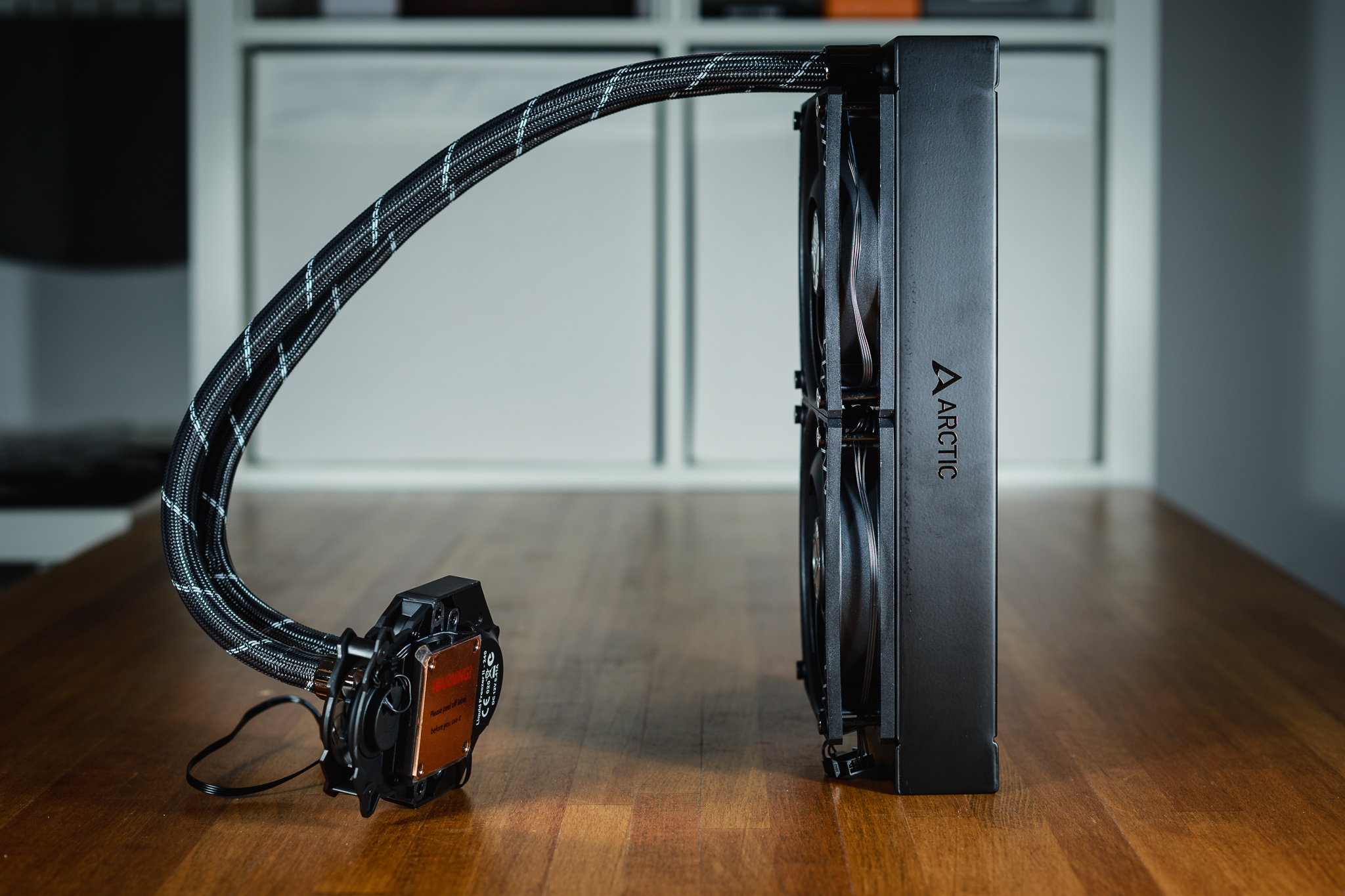
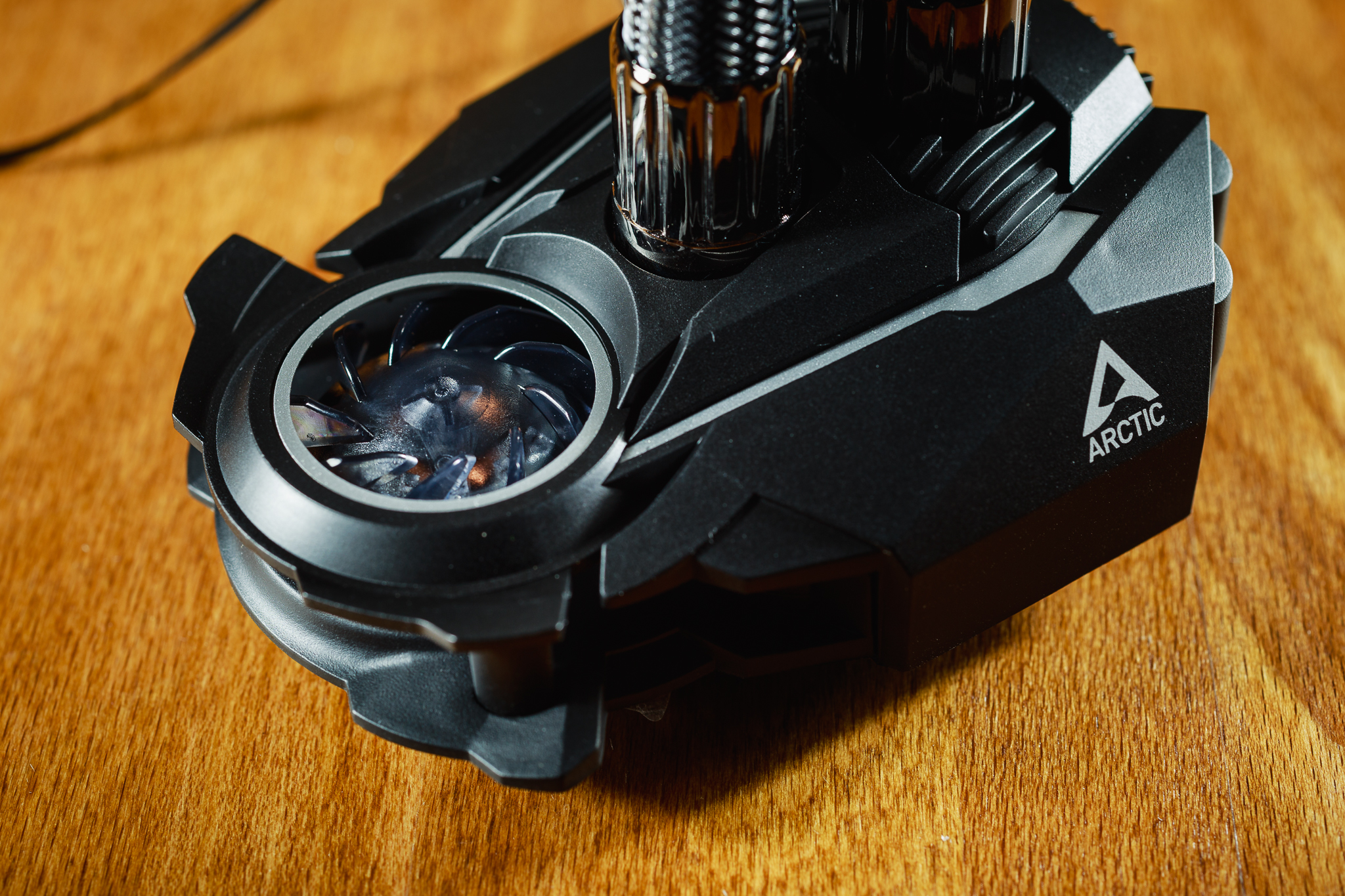
I don’t know why, but the block with the pump reminds me most of all of a futuristic sports car. However, rating of the appearance is always quite subjective. What one likes, the other may not. So you have to consider for yourself whether you like the look of the block on this cooler or not. The hoses are attached to the block by means of compression fittings and enter the block from the top. Unfortunately, the connection is fixed, you will not find any angled swivel fittings here. This should be taken into account if you do not have too much space in the case above the processor, because the hoses are not very flexible. The pump block is also equipped with a small 40 mm fan, which should be used for cooling the VRM heatsink on the motherboard. Some airflow is always better than no airflow, and this fan is basically inaudible.
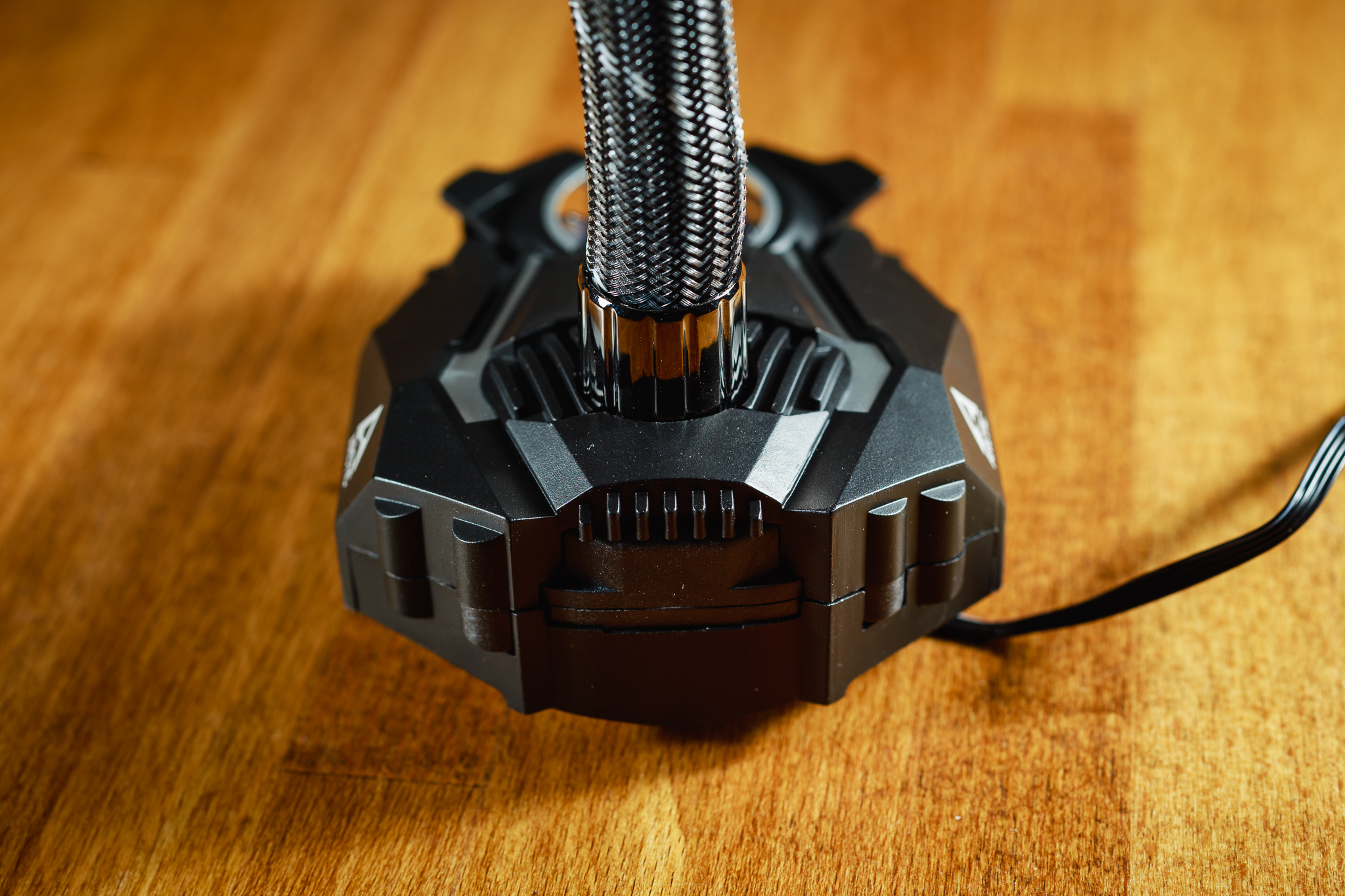
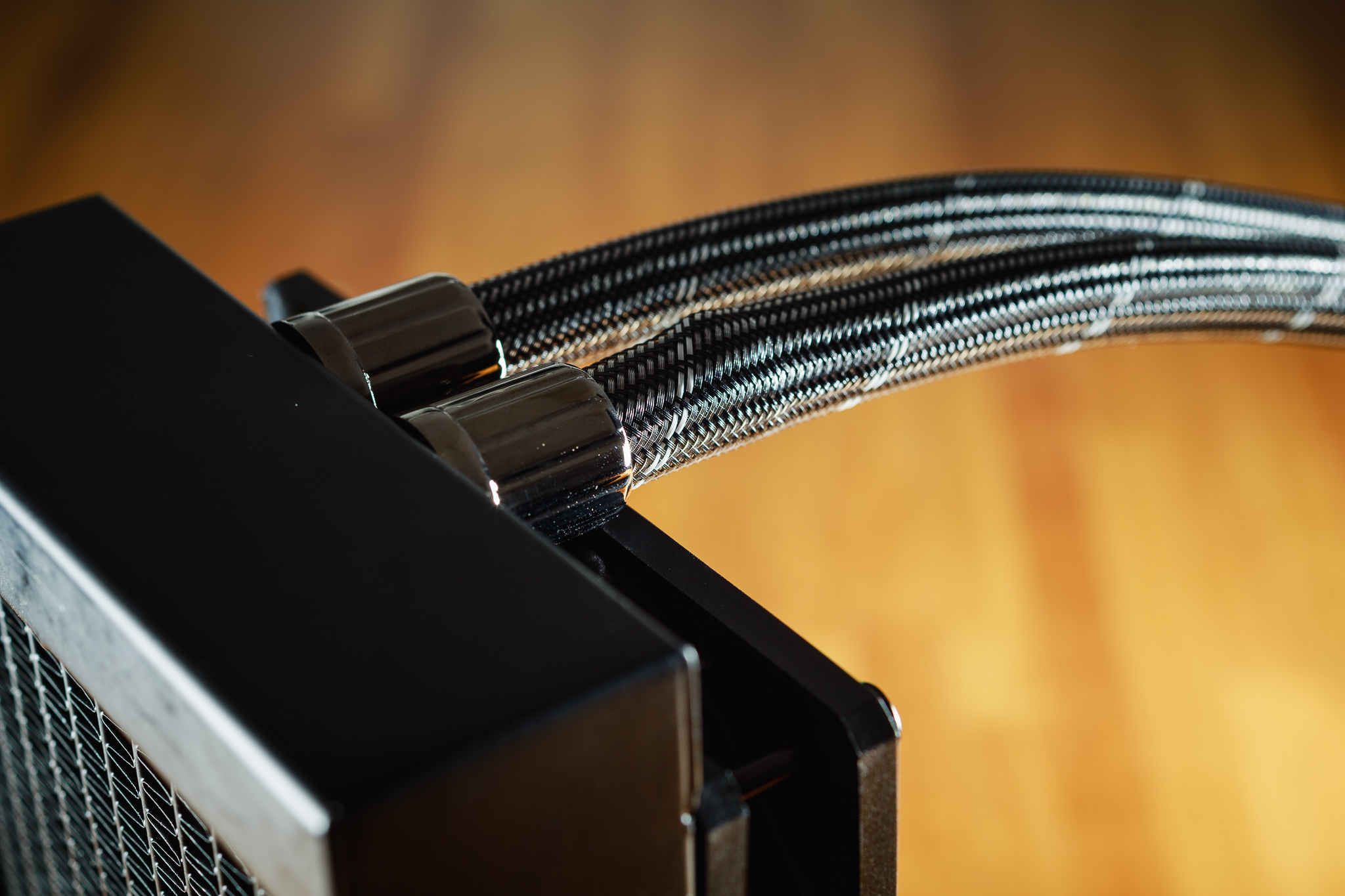
The hoses are run out of the radiator quite untraditionally – in the middle. However, this should not mean any complications with running them inside the rig. In the photo below you can notice the surface irregularities under the braid of the hose. It is a cable from the fans, which is run to the pump in the cooler block. This cable is also the only one you need to plug into the motherboard during installation. Both fans on the radiator, the pump and the small VRM fan are connected in series, so a single connector on the motherboard is enough for the entire cooler. Speed control of the pump and fans is solved using PWM.
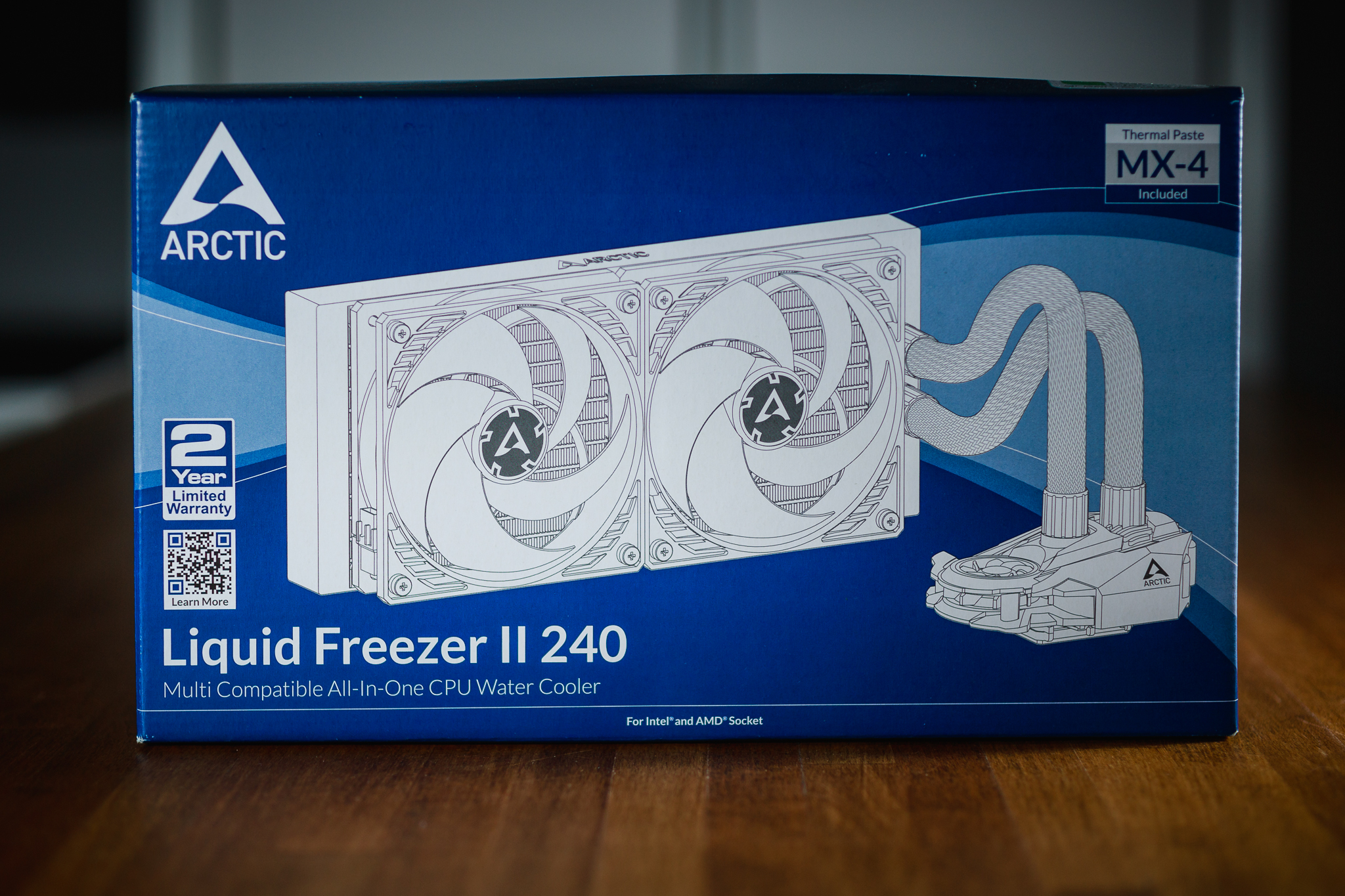
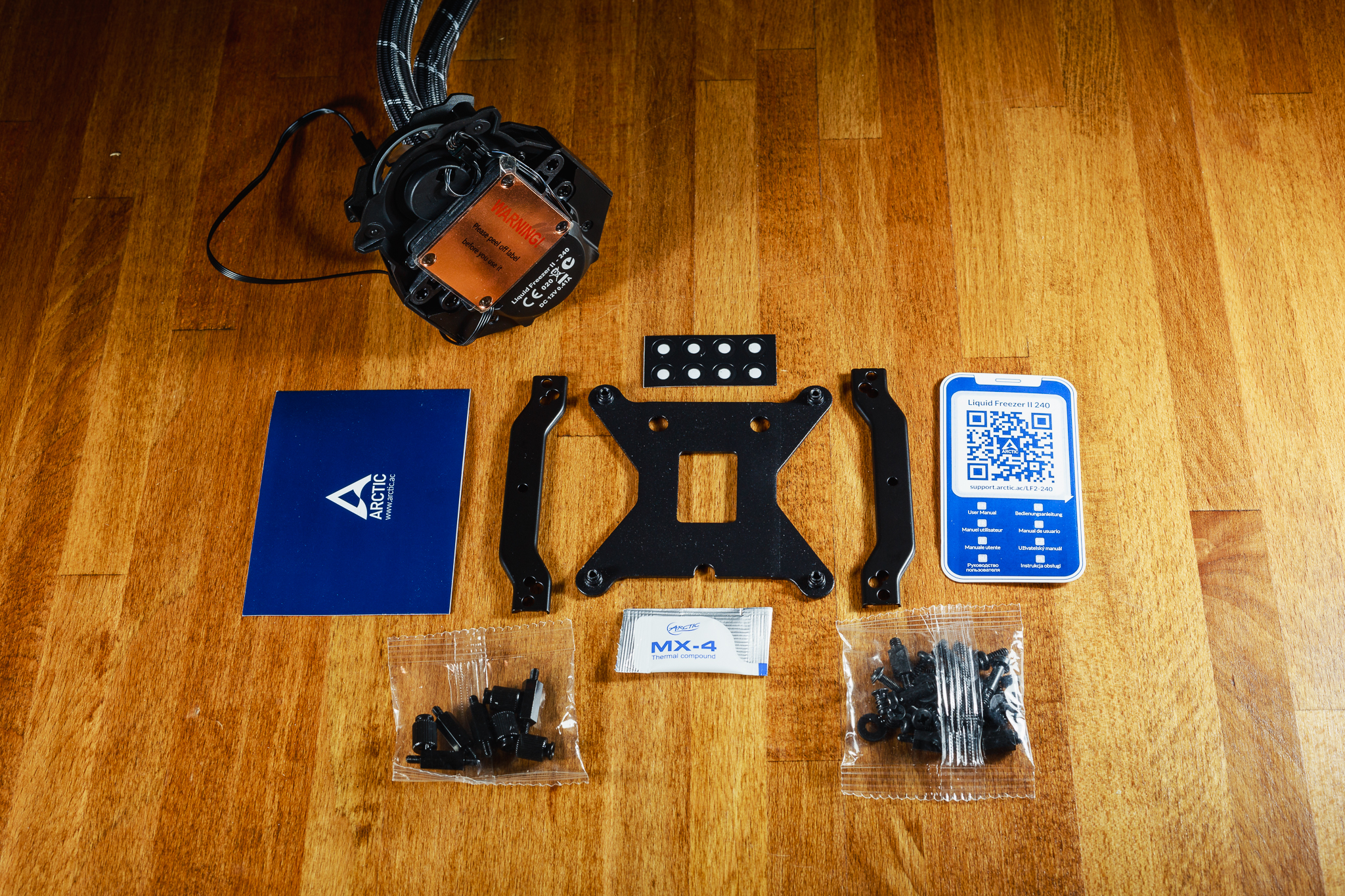
The contents of the cooler package are not surprising and nothing fundamental is missing. Here you will find everything you need to install the cooler on all current processor sockets except AMD TR4. In addition to the installation kits, you will also find a small package of MX-4 thermal paste, as well as a label with a QR code. Scanning it will direct you to a web page with installation instructions. In addition, the installation of this cooler could not be easier, the whole cooler is assembled from the factory, including fans, so just install the cooling block on the processor, connect a single cable to the fan/pump connector on the motherboard and, of course, attach the radiator to the case. Mounting the cooler on the motherboard is also quite simple and you should have no difficulty with it, whether you use this cooler on any supported socket.
Cooler and fan specs
The block with the pump may seem bulky at first glance, but the appearance is deceptive. Once installed on the processor, there is no interference with the memory DIMM slots or the VRM heatsinks of the power design on the motherboard. The orientation of the small fan in the cooling block is optimal to choose according to the position of the VRM heatsink on the motherboard. The width of the used radiator does not exceed the dimensions of a standard 120 mm fan and its length does not exceed 280 mm. It should therefore easily fit into most modern ATX cases without the slightest difficulty.
| Cooler | Arctic Liquid Freezer II 240 | |
| Noctua U12A | ||
| Supported sockets | Podporované patice | Intel 115x, 1200, 20xx; AMD AM4 |
| Radiator dimensions (V × Š × H) | Rozměry radiátoru (V x Š x H) | 277 × 120 × 38 mm |
| Block dimensions (V × Š × H) | Rozměry bloku (V x Š x H) | 98 × 78 × 53 mm |
| Hose length | Délka hadic | 450 mm |
| Pump speed | Otáčky pumpy | 800–2000 RPM |
| Fan speed VRM | 1000–3000 RPM | |
| Radiator material | Materiál radiátoru | aluminium |
| Maximum RAM height | Maximální výška RAM | no limit |
| MSRP | Maximální výška RAM | 80 € |
P12 fans from Arctic are very popular for their low price, solid static pressure values and low noise. RPM control takes place via PWM and offers a fairly wide range. So I expect proper results from this cooler in stress tests. I hope I won’t be disappointed.
| Fan | Arctic P12 PWM PST | |
| Arctic P12 PWM PST | ||
| Bearing | Ložisko | Fluid Dynamic Bearing |
| Speed range | Výška (bez ventilátoru) | 200–1800 RPM |
| Maximum airflow | Maximální průtok vzduchu | 95.7 m3/hr |
| Static pressure | Maximální statický tlak | 2.20 mm H2O |
| Noise level | Hlučnost | 23.5 dBA |



