


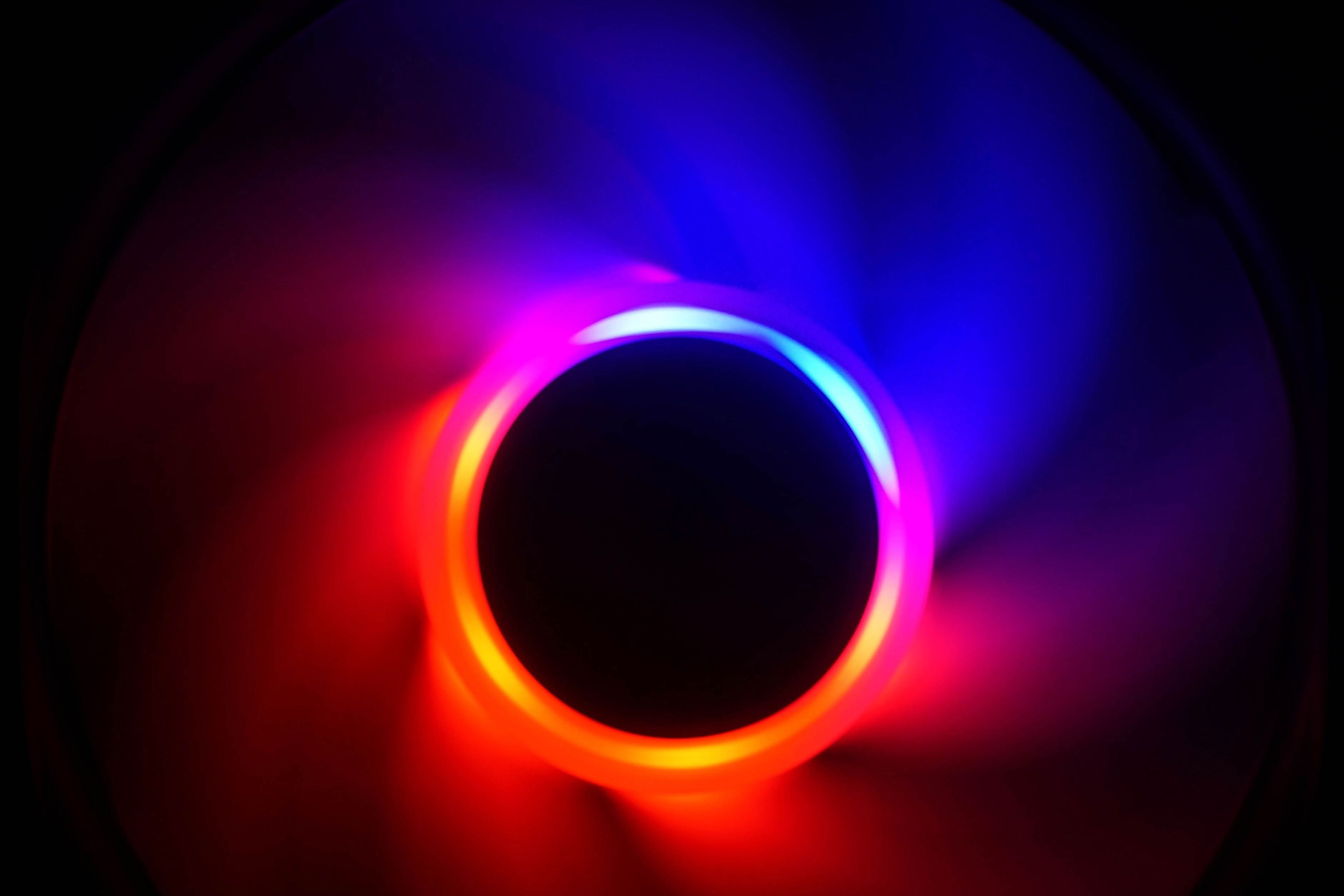
It could have been a very good, affordable fan with lighting. Moreover, the SickleFlow 120 ARB rotor design is efficient, at an excellent level, but all the good features are killed by one thing – an extremely noisy motor. It’s so noisy that a return trip from the factory output control would be appropriate. And it’s not just your everyday whir that you hear only from centimeters away. No one will ever miss this sound.
The SickleFlow 120 ARGB is claimed by the manufacturer to be a “universal” design. This means that the fan is, in Cooler Master’s words, suitable for both system cooling (i.e. as a fan providing air circulation in the case) and for the fins of CPU coolers.
| Brand and model of fan | Paper specicifations * | Price [EUR] | ||||||||
| Format (and thickness) in mm | Connecting | Speed [rpm] | Airflow [m3/h] | Static pressure [mm H2O] | Noise level [dBA] | Bearings | MTBF [h] | |||
| Motor | RGB LED | |||||||||
| Cooler Master SickleFlow 120 ARGB | 120 (25) | 4-pin (PWM) | 3-pin (5 V) | 680–1800 | 105.34 | 2.50 | 8.0–27.0 | rifle | 160 000 | 15 |
| Alphacool SL-15 PWM | 120 (15) | 4-pin (PWM) | N/A | 600–1800 | 71.40 | 1.20 | 32.0 | ball | 50 000 | 11 |
| Arctic BioniX F120 | 120 (25) | 4-pin (PWM) | N/A | 200–1800 | 117.00 | 2.10 | 20.0 | fluid | N/A | 10 |
| SilverStone SST-AP123 | 120 (25) | 3-pin (DC) | N/A | 1500 | 96.84 | 1.46 | 23.8 | fluid | 50 000 | 25 |
| Noctua NF-P12 redux-1700 PWM | 120 (25) | 4-pin (PWM) | N/A | 400–1700 | 120.20 | 2.83 | 25.1 | SSO | 150 000 | 13 |
| SilentiumPC Fluctus 120 PWM | 120 (25) | 4-pin (PWM) | N/A | 300–1800 | N/A | N/A | N/A | fluid | 100 000 | 12 |
| MSI MEG Silent Gale P12 | 120 (25) | 4-pin (PWM) | N/A | 0–2000 | 95.48 | 2.21 | 22.7 | hydrodynamic | 50 000 | 31 |
| Asus ROG Strix XF120 | 120 (25) | 4-pin (PWM) | N/A | 1800 | 106.19 | 3.07 | 22.5 | „MagLev“ | 400 000 | 23 |
| Akasa Vegas X7 | 120 (25) | 4-pin (PWM) | 4-pin (12 V) | 1200 | 71.19 | N/A | 23.2 | fluid | 40 000 | 11 |
| Reeven Coldwing 12 | 120 (25) | 4-pin (PWM) | N/A | 300–1500 | 37.54–112.64 | 0.17–1.65 | 6.5–30.4 | sleeve | 30 000 | 12 |
| Reeven Kiran | 120 (25) | 4-pin (PWM) | shared | 400–1500 | 110.10 | 2.95 | 33.6 | fluid | 120 000 | 17 |
| SilentiumPC Sigma Pro 120 PWM | 120 (25) | 4-pin (PWM) | N/A | 500–1600 | 79.00 | N/A | 15.0 | hydraulic | 50 000 | 7 |
| SilentiumPC Sigma Pro Corona RGB 120 | 120 (25) | 4-pin (PWM) | 4-pin (12 V) | 1500 | 56.58 | N/A | N/A | hydraulic | 50 000 | 12 |
| SilverStone SST-AP121 | 120 (25) | 3-pin (DC) | N/A | 1500 | 60.08 | 1.71 | 22.4 | fluid | 50 000 | 18 |
| SilverStone SST-FQ121 | 120 (25) | 7-pin (PWM) | N/A | 1000–1800 | 114.68 | 0.54–1.82 | 16.4–24.0 | PCF (fluid) | 150 000 | 20 |
| Xigmatek XLF-F1256 | 120 (25) | 3-pin (DC) | N/A | 1500 | 103.64 | N/A | 20.0 | „long-life“ | 50 000 | 16 |
* When reading performance values, a certain amount of tolerance must always be taken into account. For maximum speeds, ±10 % is usually quoted, minimum speeds can vary considerably more from piece to piece, sometimes manufacturers will overlap by as much as ±50 %. This must then also be adequately taken into account for air flow, static pressure and noise levels. If only one value is given in a table entry, this means that it always refers to the situation at maximum speed, which is achieved at 12 V or 100 % PWM intensity. The manufacturer does not disclose the lower limit of the performance specifications in its materials in that case. The price in the last column is always approximate.
Compared to the older Cooler Master MF120R and SickleFlow X fans, the latest SickleFlow 120 ARGB promises higher efficiency. The redesigned blades and frame are meant to provide more flow and pressure at lower noise levels. In addition to a more aerodynamic blade shape, the reduction of unwanted turbulence at the frame level is said to contribute to lower noise levels. For example, the intake edge is significantly rounded and the air that passes through it generates less noise.
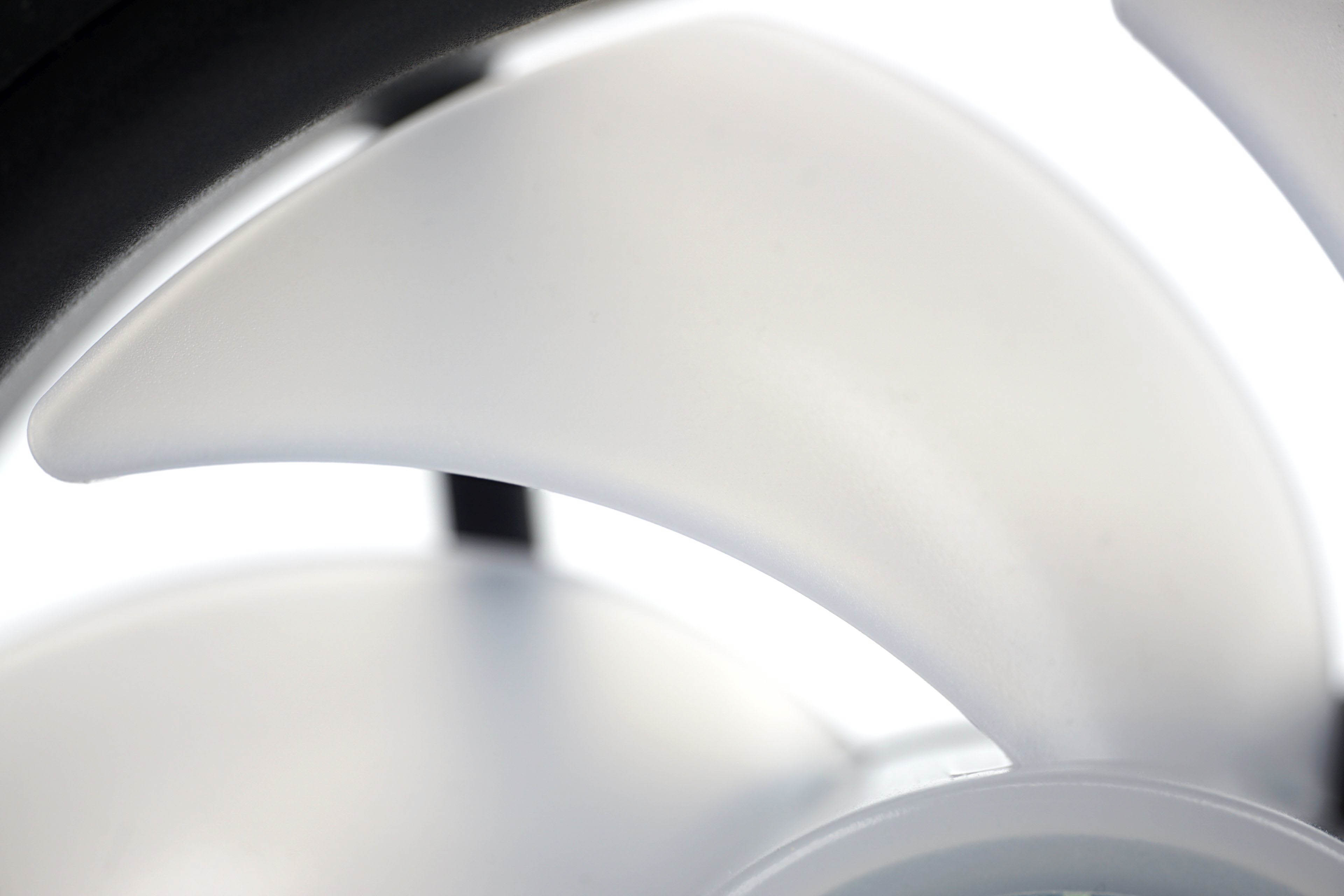
The SickleFlow 120 ARGB also features a very long mean time between failures. In other words, the lifetime is supposed to be really high. And not so much because of the quality of the bearings, but because of the proper sealing of the housing. Ambient dust does not come into contact with the lubricant and it does not harden as a result. Not as much as, say, conventional fans. The SickleFlow 120 ARGB does not officially have any rating of protection against the ingress of dust particles, but this may also be in order not to overcharge for the fan unnecessarily (by certification, which costs something). In a gaming and home PC environment, this doesn’t make much sense.
So one thing for higher durability is that the dust should mix significantly less with the lubricant (and thus it doesn’t harden as quickly), the other is that the oil itself has less room to flow out. Given these safeguards, the MTBF of up to 160,000 hours is a bit of a mismatch with the short, only two-year warranty. The bearings themselves (built on the base of sleeve ones) are not that amazing, but once the dirt is filtered out, they certainly have longevity potential. Fans don’t go bad because perhaps the bearings have worn out, but because friction has increased due to a change in lubricant properties (or loss).
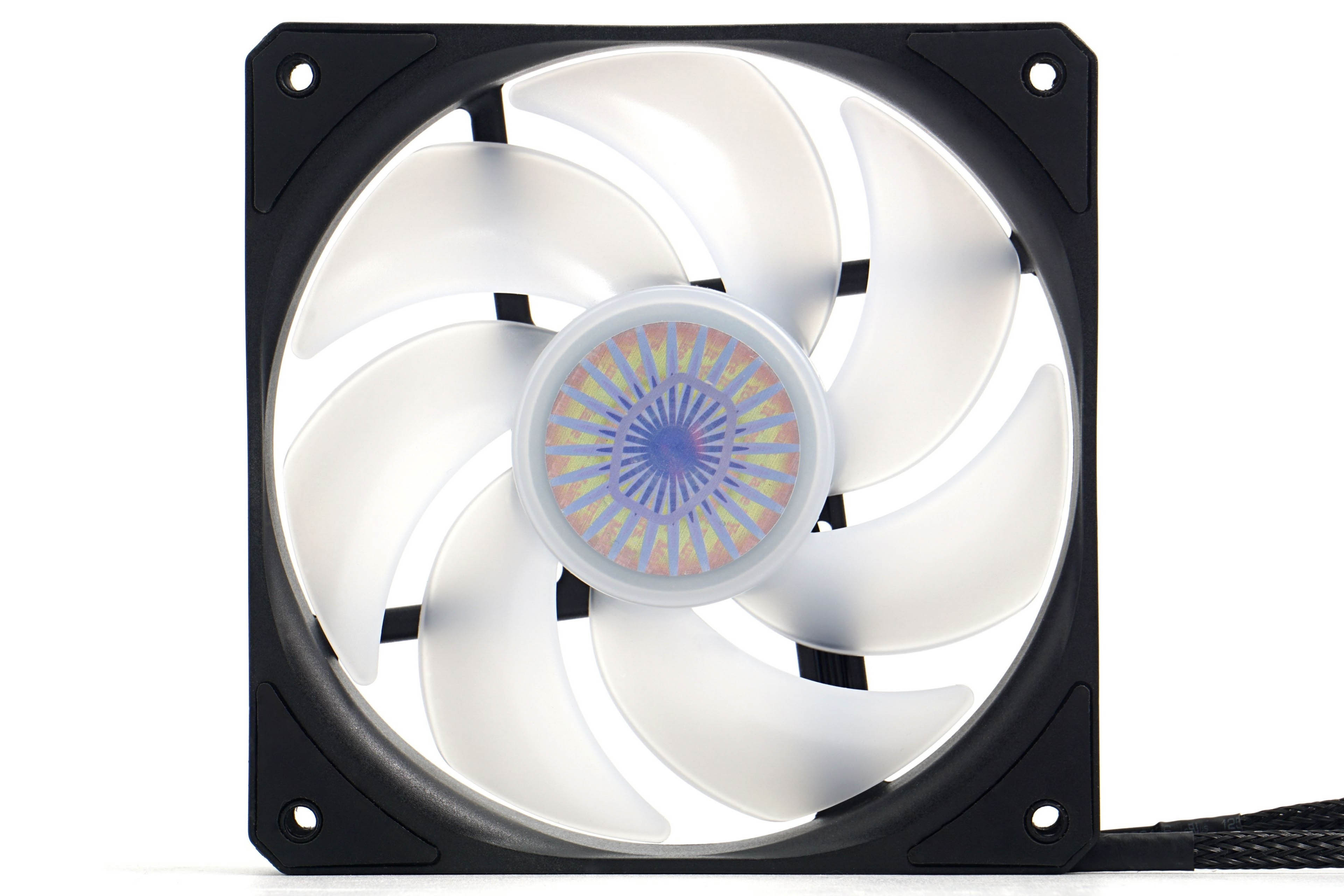

Rotor makes a good impression. The blades are characterized by a large surface area and similar curvature as you know from the 7-blade Gentlee Typhoon fans. The surface finish of the blades is smooth, the blades are solid, but Cooler Master doesn’t mention what material they are made of. Overall, however, the fan gives off a sturdy impression. Its weight (152 g) is above average for the proportions of the format (120/25 mm).

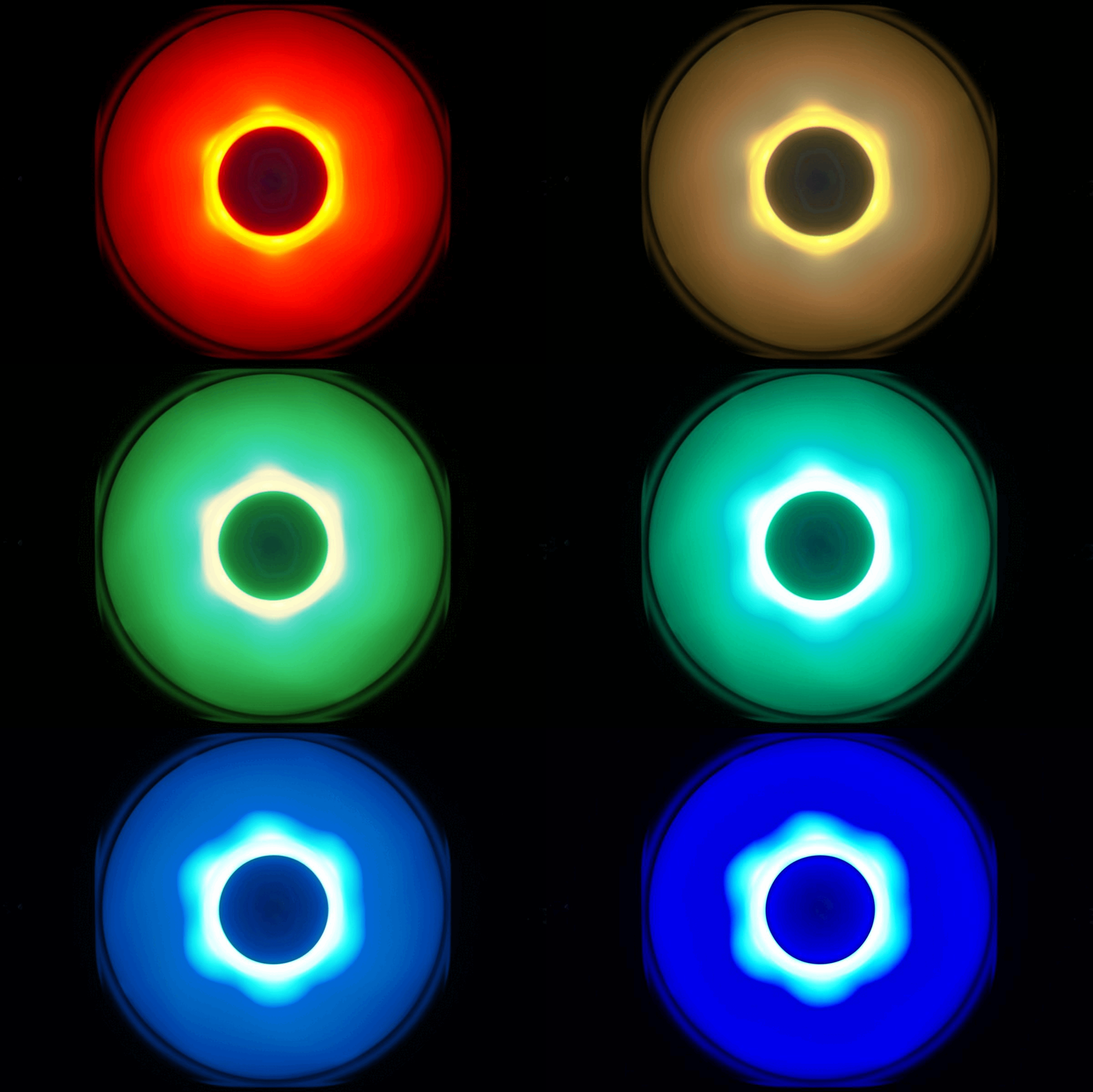
The plastic has a milky texture so that it can conduct light from the LED. There are six of these placed on the roots of the blades or around the motor. The connection is digital (ARGB) and uses a standard 3-pin connector at 5 V.
The fan has connectors, one for RGB lighting, the other for the motor. The cables are solid, braided, and this is how the SickleFlow 120 ARGB fans seem to give the impression of a higher price than what they are sold for. In addition to individual sales, there are also triples available with an ARGB controller. The latter is included in the price, or a set of three fans with the driver comes out 3-4 euros cheaper per piece than if you were to buy the fans individually one by one.




Thank you so much for this! I thought that I might have just gotten a bad batch with my CM AIO cooler. Although, in my case, it’s not rattling but an uneven hum that keeps going up and down.
And thanks to your other reviews, I ordered some Noctua NF-A12x25 today. That’ll hopefully solve that. All of my other fans are Noctua too and while not all the new and best, they at least produce steady noise.
Using Noctua NF-A12x25 fans will definitely solve the issue you’re describing. The sound of the tested Cooler Master fans can be perceived differently by everyone. It’s certainly not clean in terms of aerodynamics. There’s absolutely nothing wrong with your ears. 🙂
Yeah, I’m very happy with the A12x25s! Skimming the Noctua website also reminded me that based on their description, what I heard may have been that “beat frequency”. They of course took care of that with the RPM offset in their 2x package.
Using different motors to achieve different RPMs under the same PWM signal is indeed a clever trick to reduce noise while maintaining strong airflow and cooling performance. 🙂