


To write that we have something mapped out to the last detail is perhaps too bold, but after proper preparation, few pieces of hardware are as easy to evaluate as fans. Of course, this had to be preceded by long preparations, developing a methodology, but you already know the story. What you don’t know yet is the first fruit, or rather the results of Akasa, SilentiumPC, SilverStone, Xigmatek or more exotic Reeven fans.
Measuring the intensity (and power draw) of lighting
Modern fans often include lighting. This is no longer a “cooling” parameter, but for some users the presence of (A)RGB LEDs is important. Therefore, we also measure how intense this lighting is in our tests. These tests are the only ones that take place externally, outside the wind tunnel.
We record the luminosity of the fans in a chamber with reflective walls. This internal arrangement is important to increase the resolution for us to measure anything at all with lower luminosity fans. But also so that the readings do not blend together and it is obvious which fan is emitting more light and which one less.
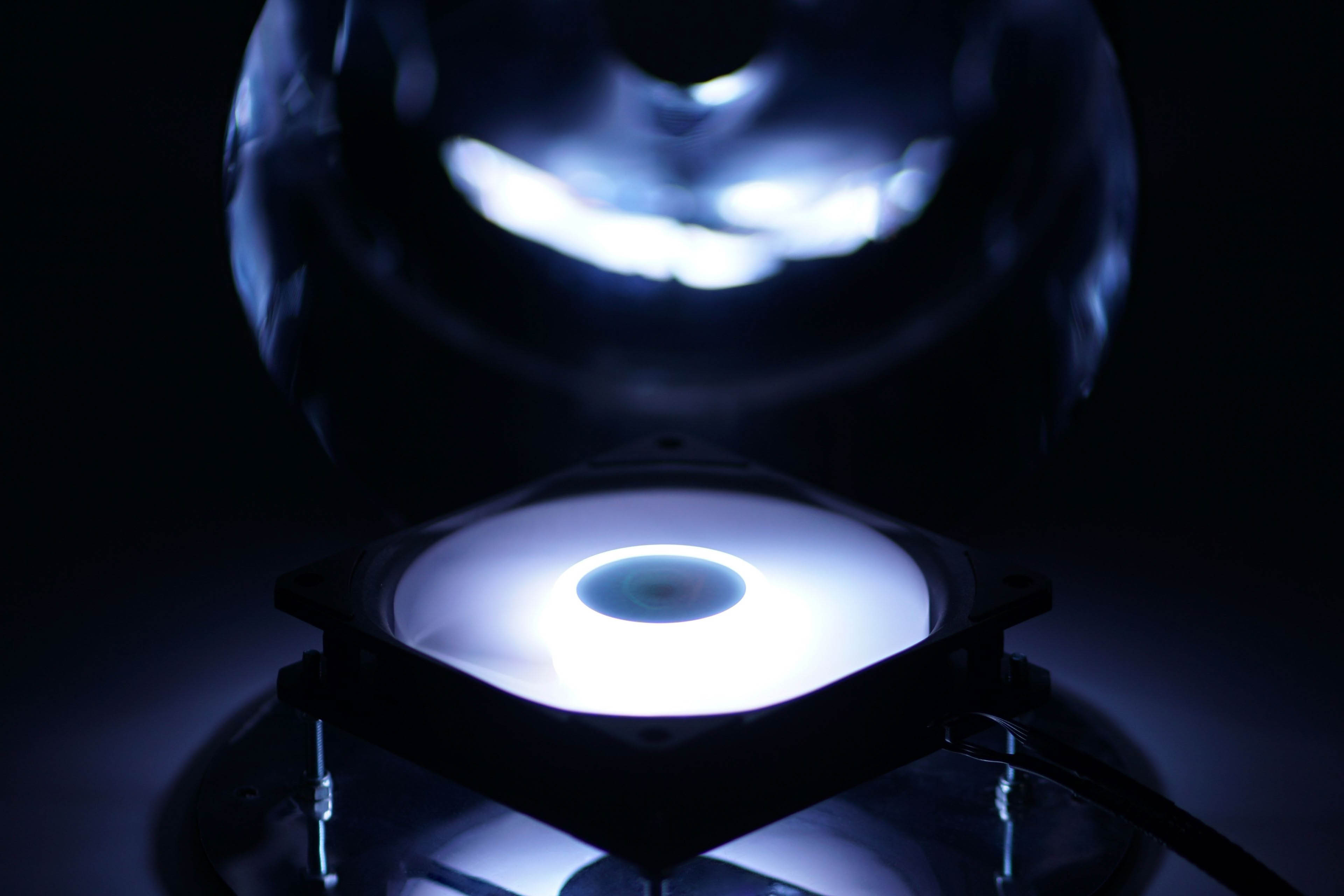
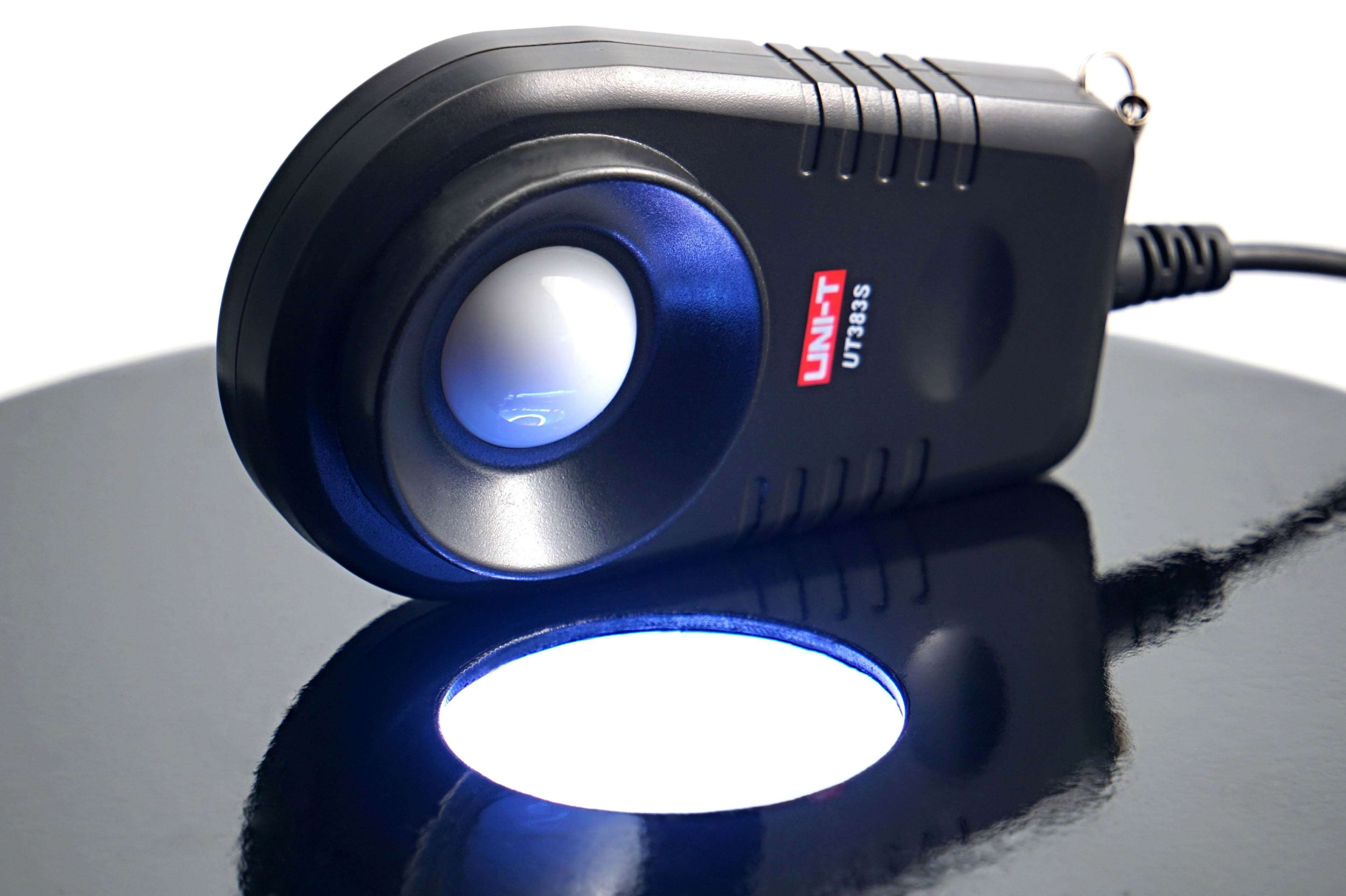
The illumination intensity is measured in the horizontal position of the fan, above which is the lux meter sensor (UNI-T UT383S). This is centered on the illumination intensity sensing chamber.
The illumination is controlled via an IR controller and the hue is set to RGB level 255, 255, 255 (white). We record the brightness at maximum and minimum intensity. According to this, you can easily see if the brightness is high enough, but conversely also if the lower level is low enough for you.
In addition to the brightness intensity, we also measure the power draw that it requires. This is again through the shunt, which is between the Gophert CPS-3205 power supply and the (A)RGB LED driver. After this we get a reading of the lighting power draw. In the graphs we show it separately, but also in sum with the motor power draw as the total maximum fan power.




Thank you so much for this! I thought that I might have just gotten a bad batch with my CM AIO cooler. Although, in my case, it’s not rattling but an uneven hum that keeps going up and down.
And thanks to your other reviews, I ordered some Noctua NF-A12x25 today. That’ll hopefully solve that. All of my other fans are Noctua too and while not all the new and best, they at least produce steady noise.
Using Noctua NF-A12x25 fans will definitely solve the issue you’re describing. The sound of the tested Cooler Master fans can be perceived differently by everyone. It’s certainly not clean in terms of aerodynamics. There’s absolutely nothing wrong with your ears. 🙂
Yeah, I’m very happy with the A12x25s! Skimming the Noctua website also reminded me that based on their description, what I heard may have been that “beat frequency”. They of course took care of that with the RPM offset in their 2x package.
Using different motors to achieve different RPMs under the same PWM signal is indeed a clever trick to reduce noise while maintaining strong airflow and cooling performance. 🙂