


Significantly smaller than any case we’ve tested so far. The question is how this smaller size will affect cooling efficiency. Motherboard compatibility is narrower—the largest that fits is Mini-ITX, but the CPU cooler can still be tall, the graphics card long, and the PSU can even be full-size ATX. Yes, even that has a place in the DeepCool CH160. Even a case this small has enough space for large components.
DeepCool CH160 with installed components
The first thing we added to the case were fans—specifically FT12 models, which we already tested in detail separately. One was mounted at the front (intake) and another at the rear (exhaust). Supported fan size is 120 mm only. There are four positions: one front, one rear, and two at the top.
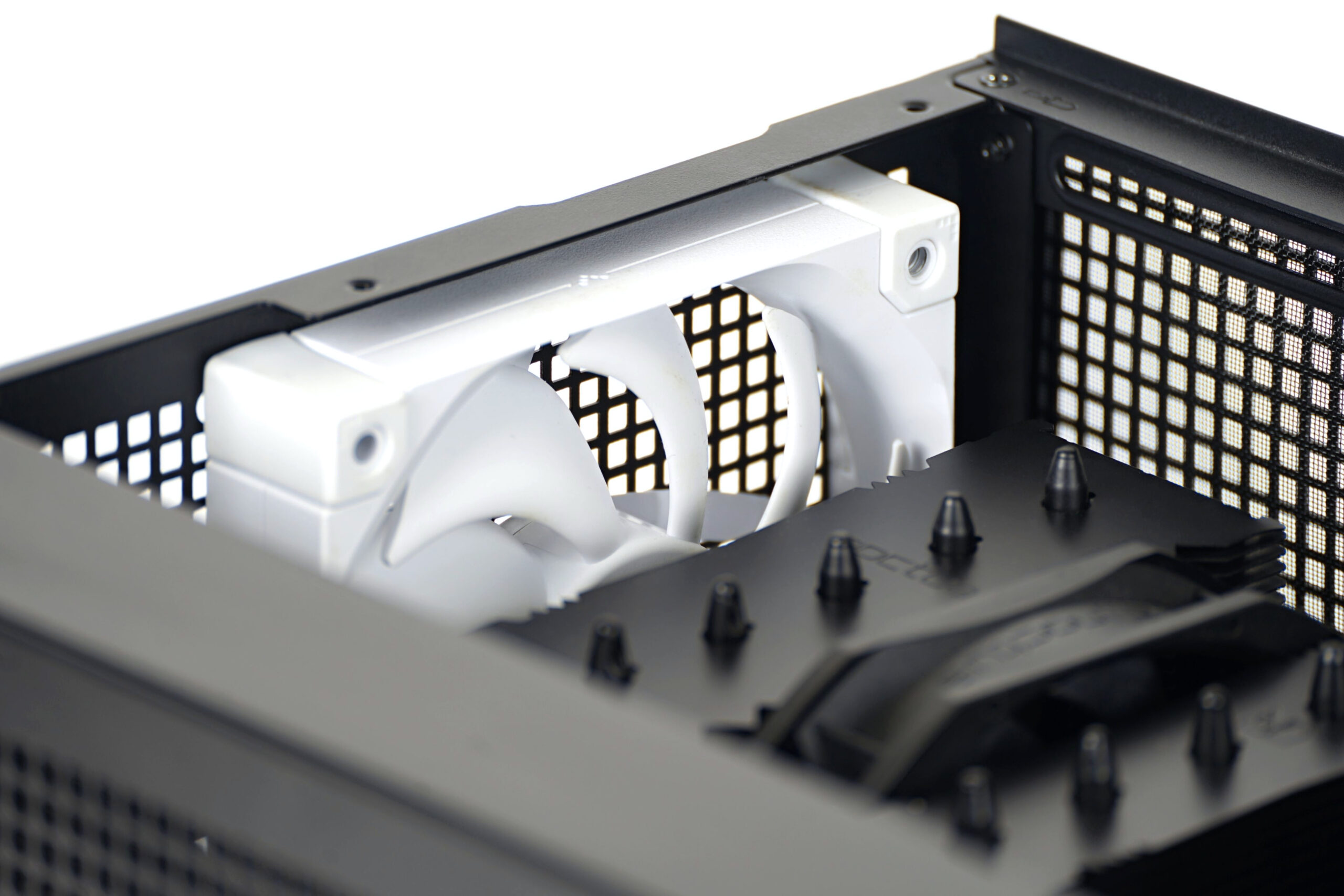
The CPU cooler can only be tower-style (the CH160 does not support radiator mounting) and up to 172 mm tall—officially. In our case there was still some clearance toward the side panel when using a Noctua NH-D12L, which is shorter.
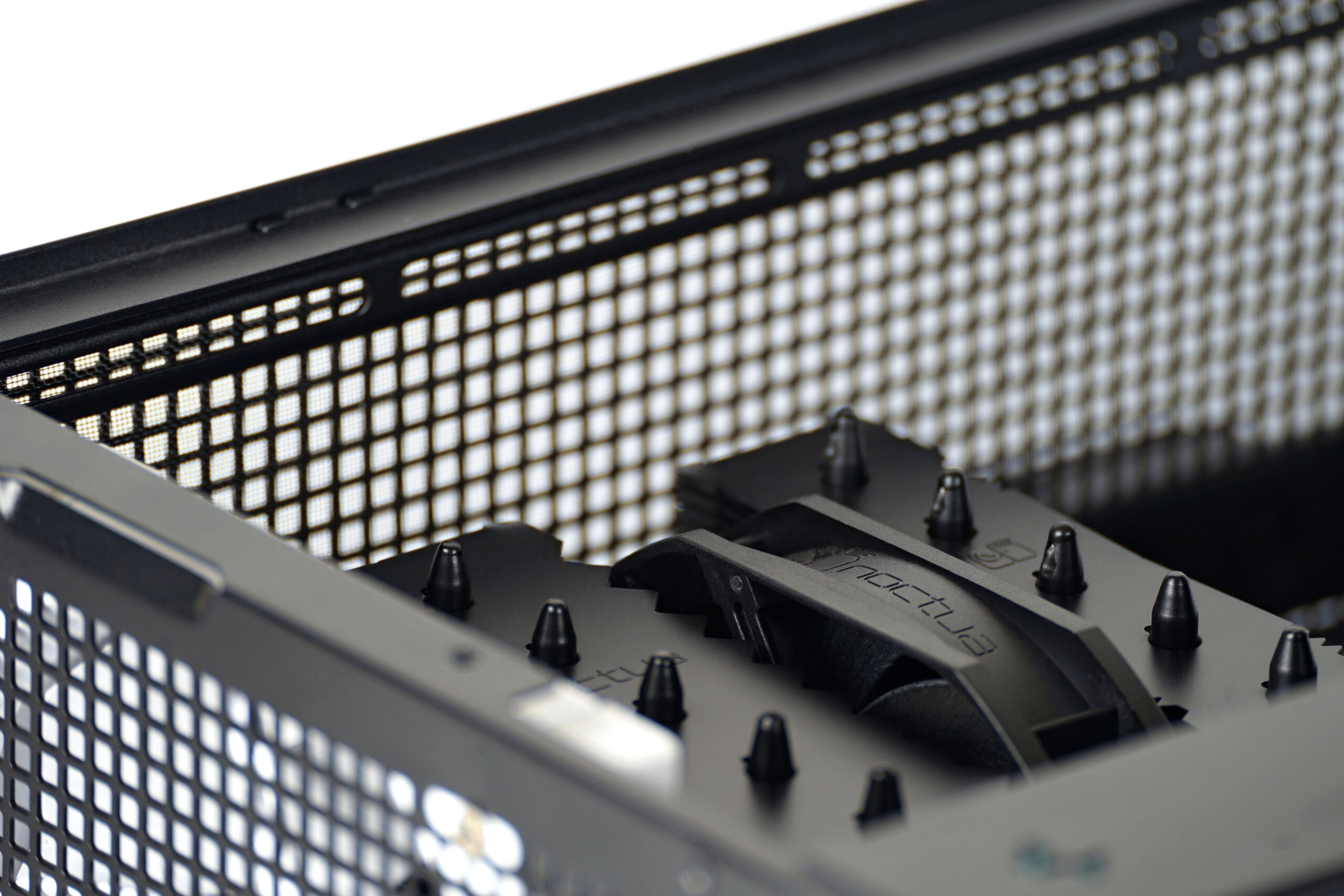
The cooling scheme in our tests was fairly standard, with fans moving air from front to back. If you were to use the front position for something else, like a 3.5-inch HDD (which is possible), then you’d have to make do with only the rear and two top fan positions.
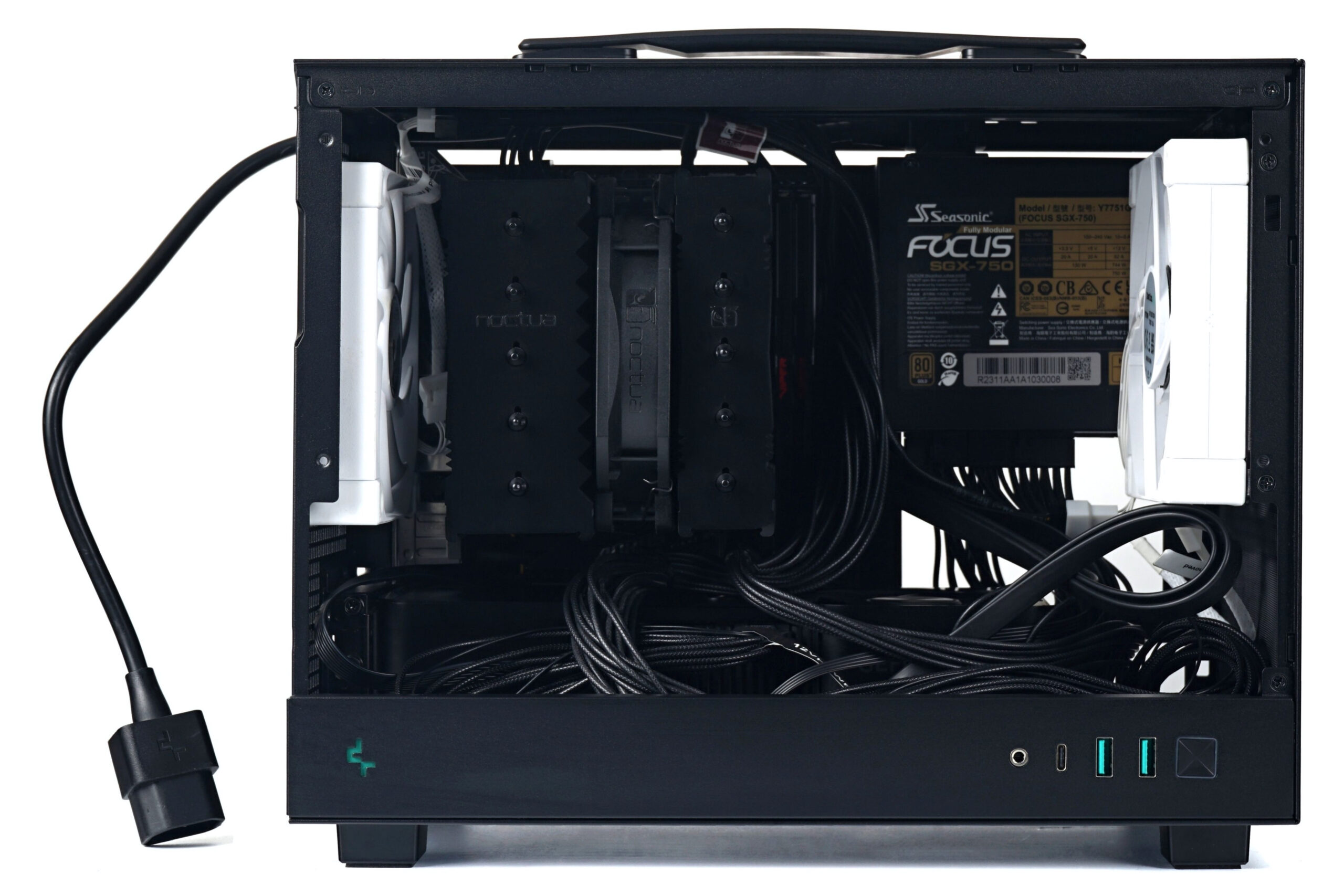
If you were wondering about the cutout on the right side of the case, it’s also useful for the PSU. Its fan can pull in air through this opening. And there are more cutouts—for example, behind the motherboard. This one is large enough to give access to the M.2 slot, so you can remove an SSD without uninstalling the board. And of course, it’s also handy for accessing the CPU cooler more quickly. Again, you can remove or install it without taking the motherboard out of the case.
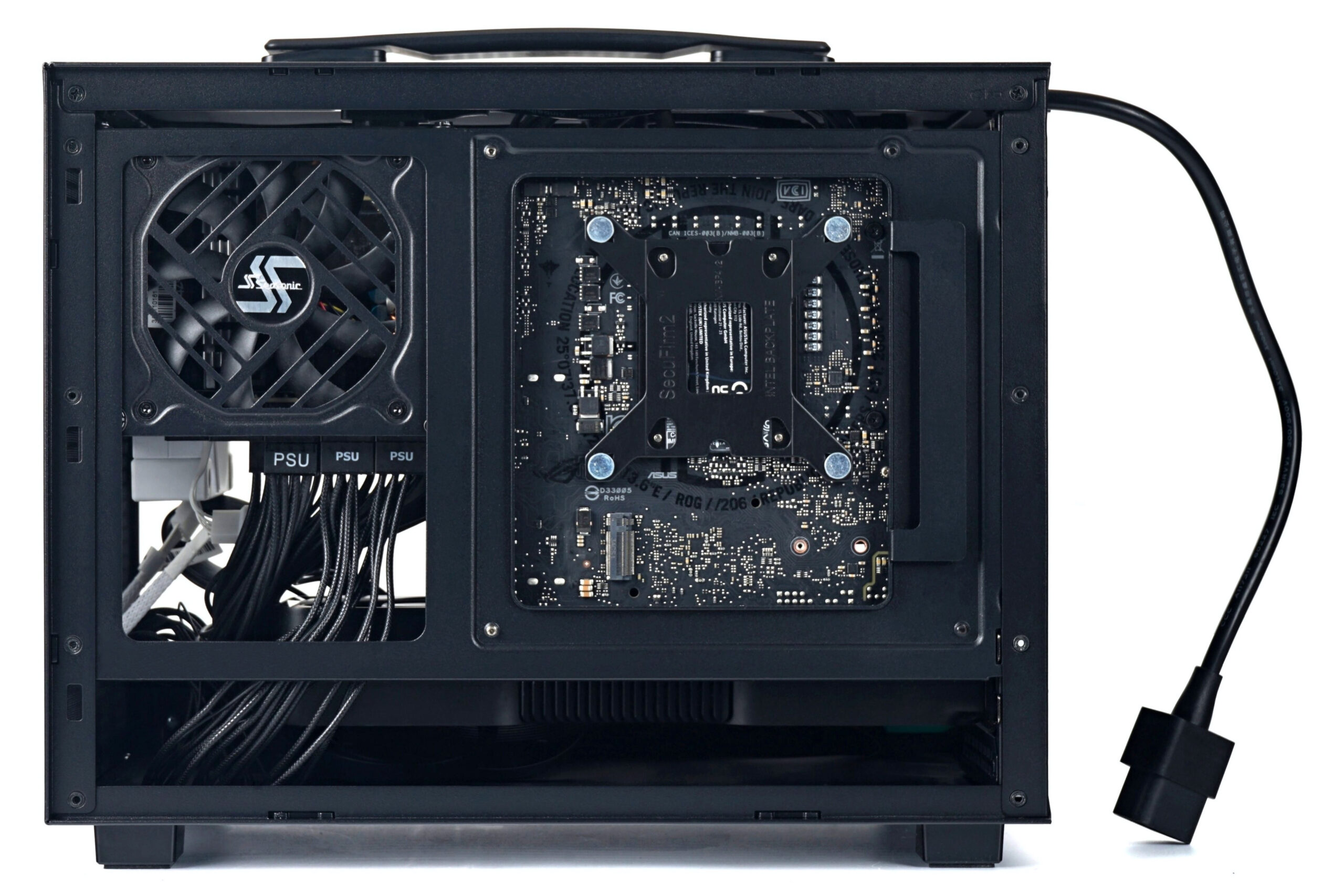
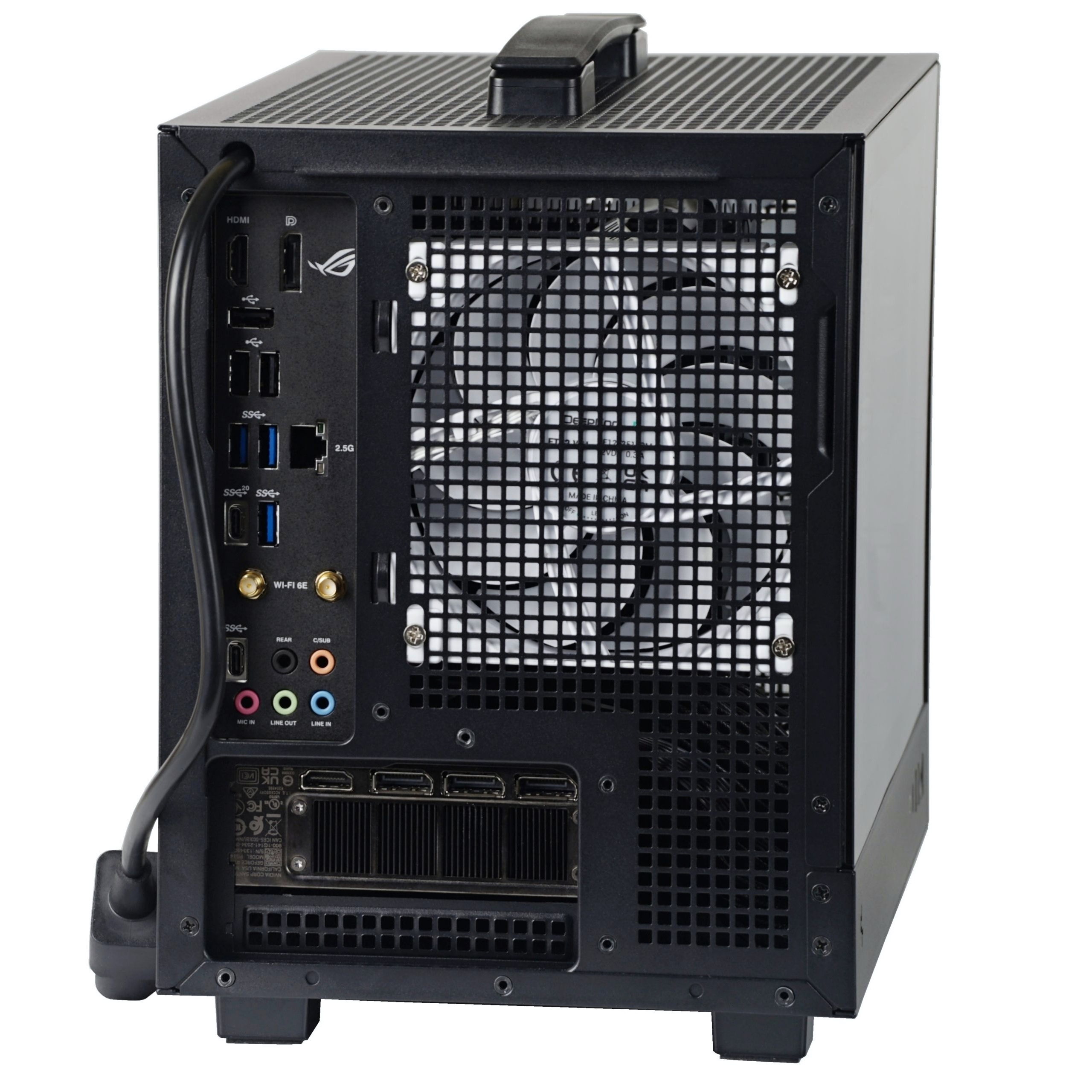
Looking at the rear, the power cable stands out. It’s routed internally from the PSU to the back of the case, where it passes through its own hole. Some might find this design a bit clumsy, but it works just fine. There are always multiple ways to secure the cable to the case, and you might even come up with your own solution with the CH160. There’s definitely room for creativity here.
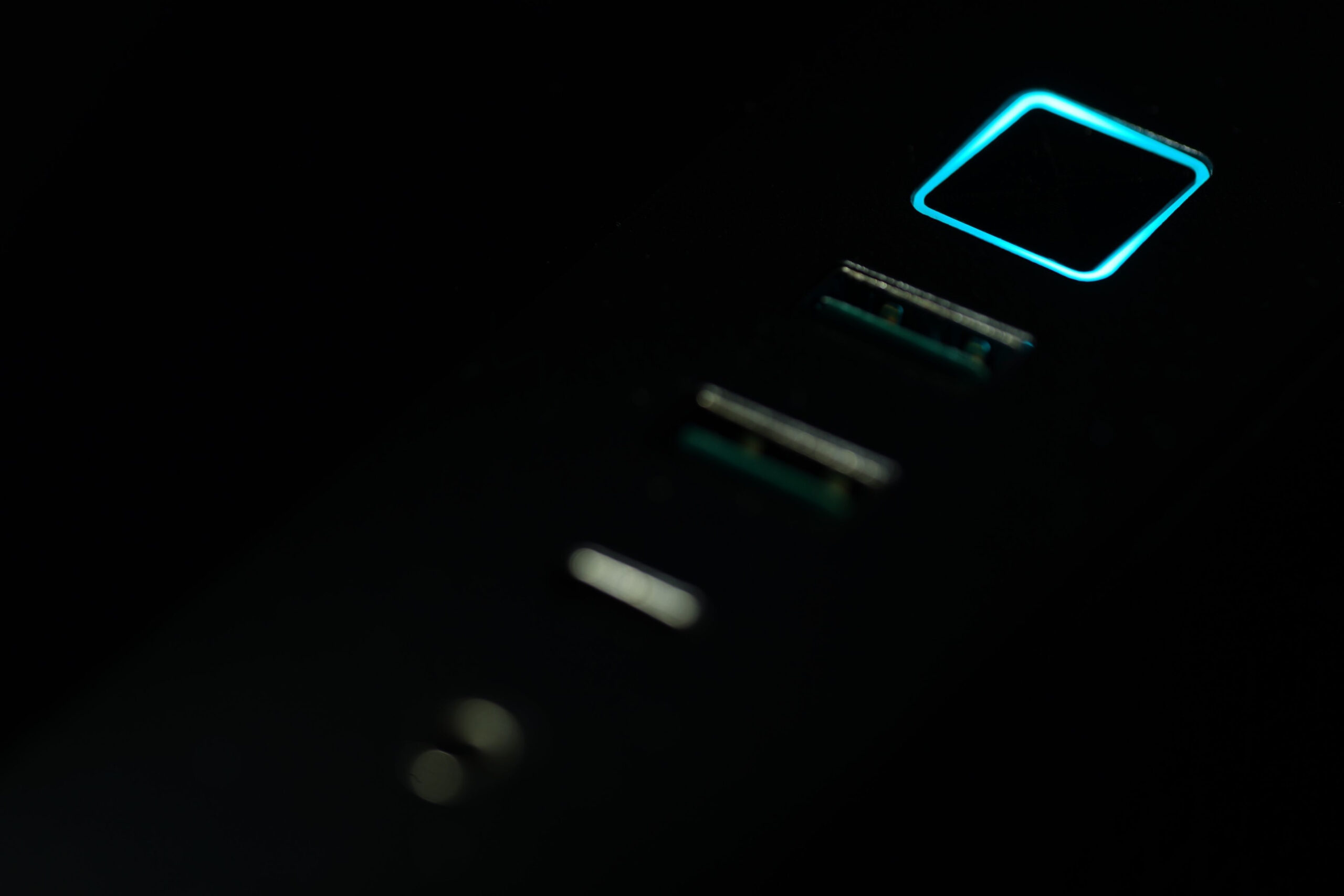
The indicator LED surrounds the power button, which is located on the side of the case. Yes, in the turquoise color that characterizes DeepCool.

It’s great that they offer a mesh side panel variant.
That really is a nice variant. 🙂
I don’t know to what extent the perforated side panel can help cooling, but it probably depends on the situation. With a top-flow CPU cooler there will likely be some benefit, and possibly even without it (for the graphics card, for example). But who knows… with side perforations, case pressure certainly drops to some extent, and with it also the airflow from the system fans. It would probably need to be tested, and hopefully we’ll get to it sometime. It won’t be with the DeepCool CH160 cases, but maybe with some others that also have multiple side panel variants. We’ll see…
… next up in our case testing, we’ll be looking at how the CH260 performs passively, or rather what kind of drop in cooling performance can occur compared to a configuration with added fans. 🙂
I am looking forward! I think the mesh panel can be useful in a transport use case, as indicated by the handle on top. Anyway, it’s great to have a choice.
I agree. The Mesh variant definitely makes sense for logistical reasons as well—a metal side panel won’t shatter under harder impacts. 🙂
–“…we’ll be looking at how the CH260 performs passively, or rather what kind of drop in cooling performance can occur compared to a configuration with added fans.”
👍