


Significantly smaller than any case we’ve tested so far. The question is how this smaller size will affect cooling efficiency. Motherboard compatibility is narrower—the largest that fits is Mini-ITX, but the CPU cooler can still be tall, the graphics card long, and the PSU can even be full-size ATX. Yes, even that has a place in the DeepCool CH160. Even a case this small has enough space for large components.
Testing methodology
What effect does system cooling have on the heating of the entire PC build? That’s the first thing we examine in our case tests. This is measured at different noise levels—starting from one that’s on the threshold of audibility (“31 dBA” mode), through low-noise operation (“36 dBA”), up to higher-noise (“42 dBA”) and maximum-performance modes. At these higher settings, noise levels rise, but for some users it can make sense in exchange for achieving the highest cooling performance possible. In older tests we included more noise modes, but three of them (“33 dBA”, “39 dBA” and “45 dBA”) were dropped to save time and effort for other things (can you tell which ones?). The informational value in this regard shouldn’t really change much.
Not every case comes equipped with fans suited for each of these modes. Some lack slow-spinning, low-noise fans; others don’t support high-speed models, which makes it impossible to test them under high-performance conditions.

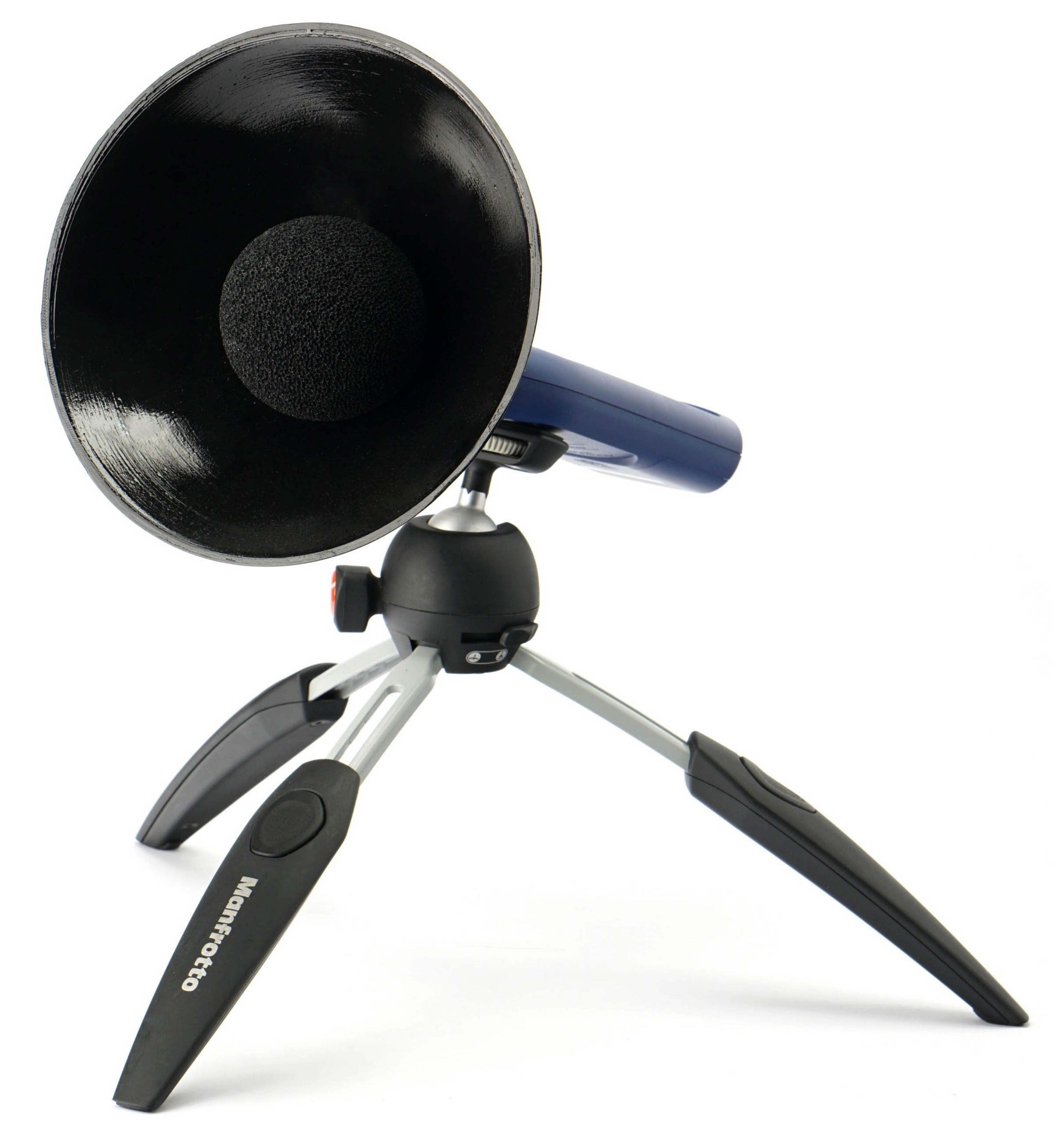
We measure noise diagonally from the left side of the case, with the sound level meter (Reed R8080) or microphone (miniDSP UMIK-1) positioned 30 cm away from the left corner of the case. Relative to the front side panel, the angle is 45 degrees, and from above it is 30 degrees. To increase resolution, we use a parabolic collar. After tuning the case to the relevant mode, the acoustic profile is also analyzed in the TrueRTA application with a resolution of 1/24 octave. This allows us to pinpoint “weak spots” that degrade the sound profile of the case with unwanted tonal peaks.

The noise recording always includes only the sound of the system fans. Noise from the CPU cooler and graphics card cooler is filtered out—or more precisely, these components are inactive during testing and have no practical influence on the measurements. For CPU coolers, we use the Noctua NH-L9i-17xx chromax.black and the NH-D12L chromax.black. The specific model is chosen depending on what fits in the case and can be considered the more appropriate option.

In many SFF cases, the smaller model (Noctua NH-L9i-17xx chromax.black) is usually used, but whenever possible we aim to test with the NH-D12L chromax.black. This is also to build up the largest possible database of results that remain comparable across cases. Of course, there are always multiple cooler options, and many cases are optimized more for AIO liquid coolers. This often matches their stock fan configurations, where there are more intakes than exhausts. The case design essentially expects an AIO to be installed, with its fans doubling as system exhaust. But due to the high variability of liquid coolers, we don’t use them in testing and stick with the traditional coolers mentioned above. Thermal paste is always Thermal Hero Quantum, which we replace under the CPU and GPU coolers over time to avoid changes in its properties that could skew results. For the same reason, all coolers are kept meticulously clean—regularly dusted.

If a case has more intake than exhaust fans, then besides the default configuration we also test an adjusted setup that simulates balanced airflow or positive pressure, depending on the situation. This is always clarified in the case graphs, in numeric form. The first number indicates the intake fans, the second the exhaust. For example, “1+2” means the case has one intake fan compared to two exhaust fans.
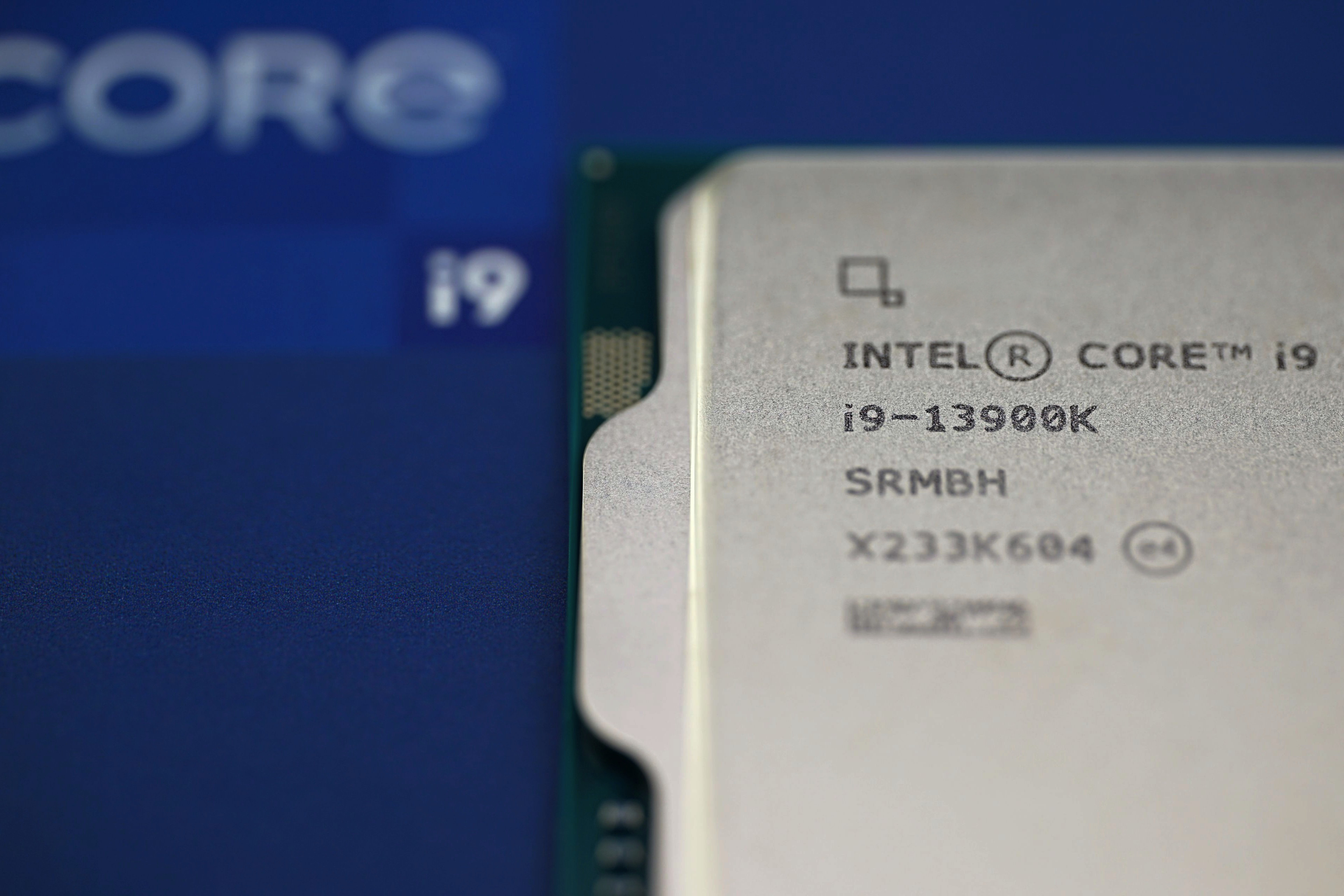
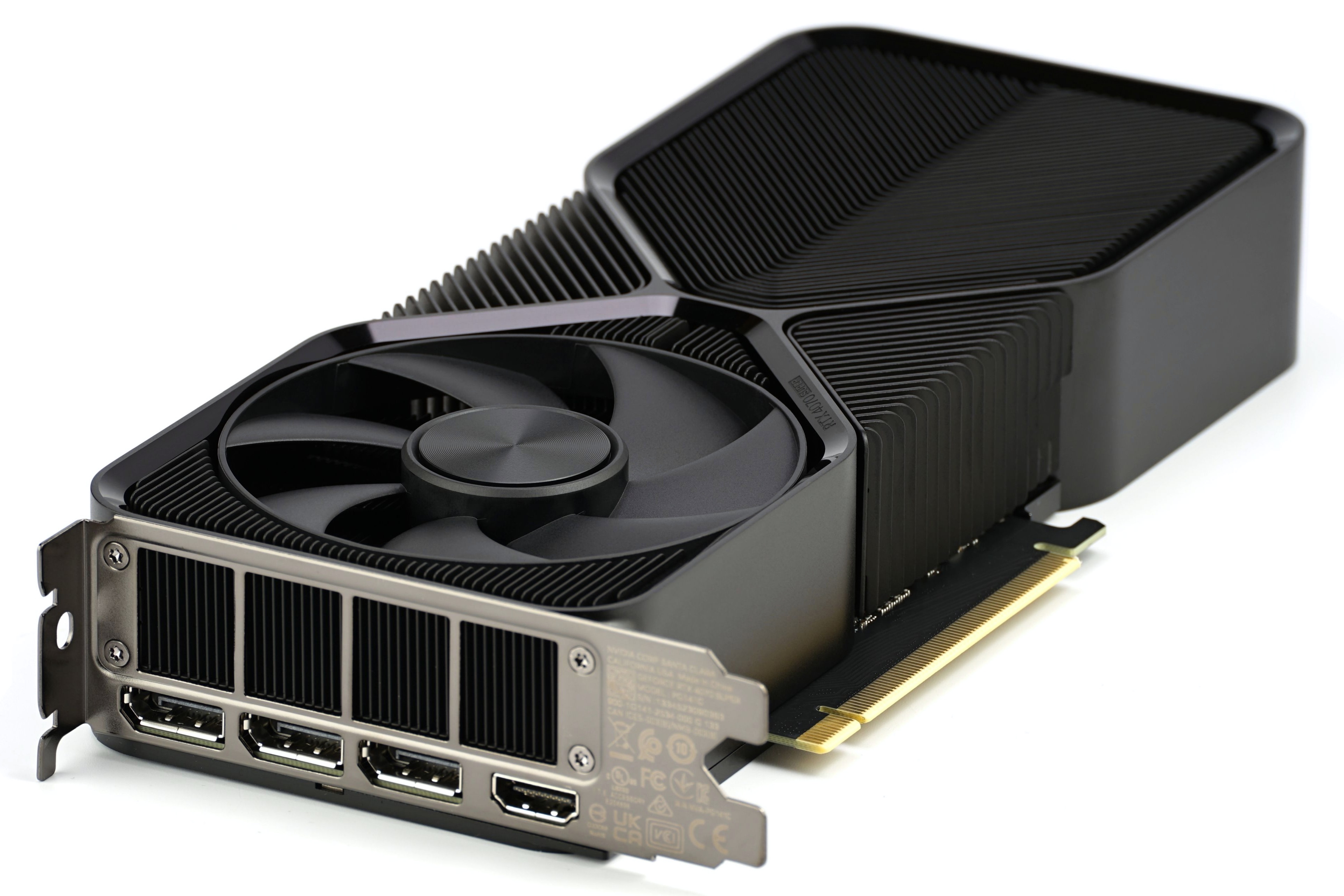
The main heat-generating components are the Intel Core i9-13900K (with E-cores disabled) and the Nvidia GeForce RTX 4070 Super FE graphics card, with fans locked at 12 V. CPU coolers also run fixed speeds at 12 V. Fans with PWM support are controlled via a Noctua NA-FC1 regulator, while 3-pin models (linear voltage control only) are managed by a Gophert CPS-3205 lab power supply.
The CPU power is set to remain constant under all conditions, with enough margin to sustain this even in cases with weaker cooling. For setups with the NH-L9i-17xx chromax.black, this is around 75 W, while with the NH-D12L chromax.black it’s roughly 150 W. If cooling is insufficient and consumption drops below the target level, the test in that mode is considered failed and its results are omitted from the graphs (the corresponding bar is left without values).
Performance stability is checked on the EPS connector of the PSU. For consistency across all cases, we use a Seasonic Focus SGX-750 (with direct 12VHPWR cable), in SFX format—even for cases that can house ATX PSUs. Similarly, the motherboard is always a Mini-ITX board—the Asus ROG Strix B760-I Gaming WiFi (BIOS v1663)—so it fits even the smallest cases. Memory is DDR5 Patriot Viper Venom (2× 16 GB, 6000 MHz/CL36), and the SSD is a Gigabyte Aorus Gen5 10000 (2 TB) with a finned heatsink, which helps its cooling scale well with case airflow.


For SSD load, we use CrystalDiskMark (looping maximum-performance sequential read/write). For the CPU, Cinebench R23 is used, and the GPU is stressed in the Shadow of the Tomb Raider menu. If a case allows vertical GPU mounting and includes a PCIe ×16 riser cable, then we also test with the graphics card mounted vertically. All tests are run independently, one after the other, for 600 seconds each. Between runs, there are 10-minute cooldown periods to bring component temperatures back to baseline.
From internal sensors monitored via HWiNFO (v8.10-5520), we record the following for the graphs: average of CPU P-core maximums, VRM (Vcore and Thermistor), chipset, SSD, GPU, and GPU memory temperatures.
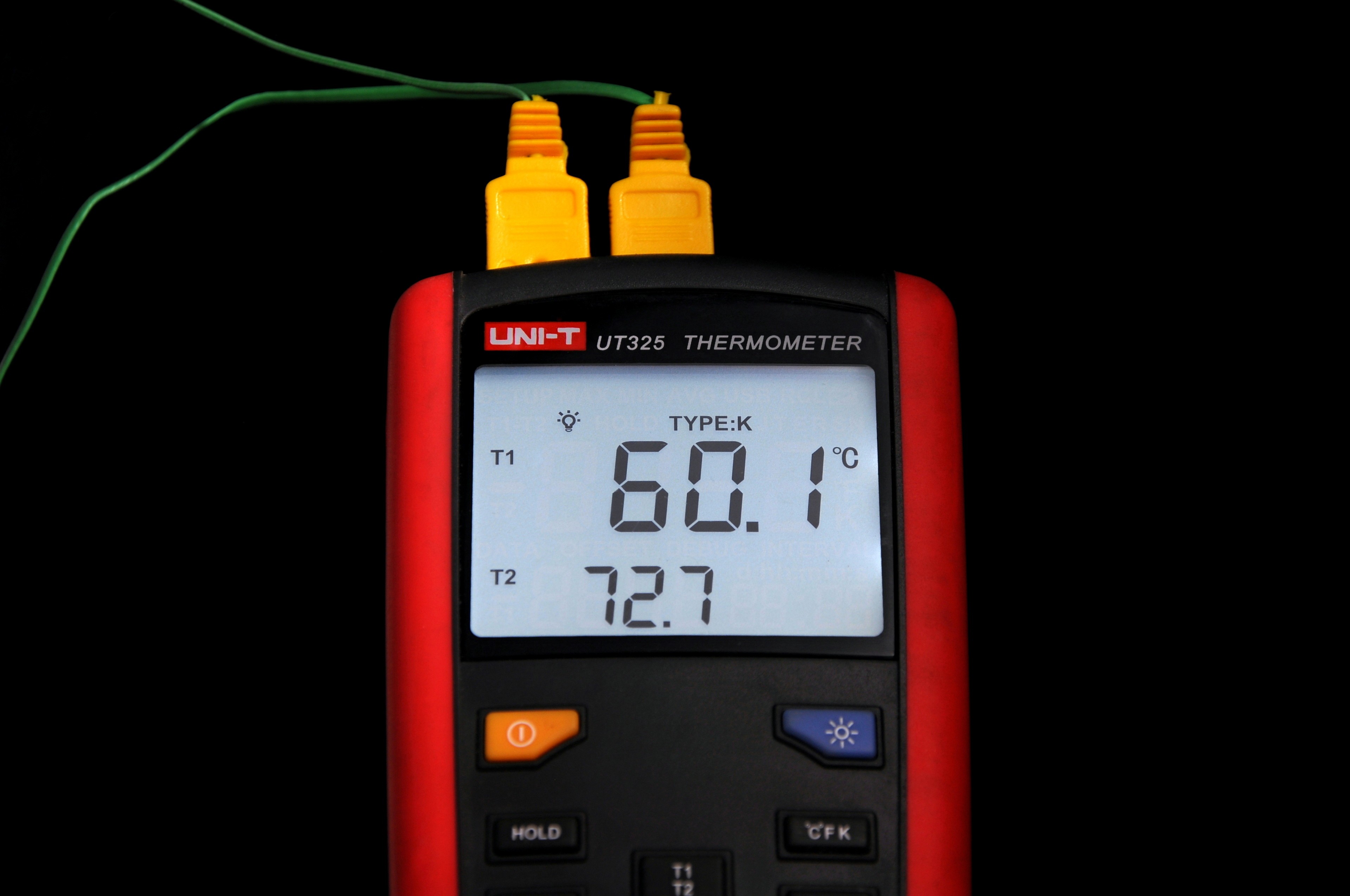
The intake air temperature is controlled and kept within 21.0–21.1 °C, measured with a calibrated UNI-T UT325 thermometer. Its second probe is placed at the exhaust to log (and plot) outlet air temperatures.
From the standard benchmarks not related to cooling or acoustics, we also measure maximum sequential read and write speeds via USB ports (connected to the Asus ROG Strix B760-I Gaming WiFi motherboard) on each case’s front I/O panel. Testing is performed in CrystalDiskMark using an external WD Black P50 SSD. The resulting transfer speed in MB/s is calculated as the arithmetic mean of three passes. Ports faster than 10 Gbps are limited by the test motherboard’s USB 3.2 Gen 2 support.
Extra tests of vibration…
While tuning fan noise levels, we also monitor case vibration using a 3-axis vibrometer—only on outer surfaces where the probe can reach while the case is fully assembled. Test points include front and rear panels (often fan-mounted) and areas around sliding dust filters, where rattling or resonance can occur.

The vibrometer provides readings in mm/s per axis, but we simplify this to a single 3D vector magnitude. Note that subtle fan vibrations—like those measured in dedicated fan reviews—are below the threshold of our chassis testing equipment. For that reason, we only summarize vibration data in qualitative terms at the end of each graph section. It’s a rough guide, but helpful for identifying potentially egregious issues.
… and HDD noise suppression

For cases with internal 3.5″ drive bays, we assess how well the chassis dampens HDD noise—specifically using a WD Gold HDD (WD4004FRYZ). This includes both idle spindle hum and active random-access seeks (512B blocks), which are typically louder. During this test, the HDD is the only active noise source.


It’s great that they offer a mesh side panel variant.
That really is a nice variant. 🙂
I don’t know to what extent the perforated side panel can help cooling, but it probably depends on the situation. With a top-flow CPU cooler there will likely be some benefit, and possibly even without it (for the graphics card, for example). But who knows… with side perforations, case pressure certainly drops to some extent, and with it also the airflow from the system fans. It would probably need to be tested, and hopefully we’ll get to it sometime. It won’t be with the DeepCool CH160 cases, but maybe with some others that also have multiple side panel variants. We’ll see…
… next up in our case testing, we’ll be looking at how the CH260 performs passively, or rather what kind of drop in cooling performance can occur compared to a configuration with added fans. 🙂
I am looking forward! I think the mesh panel can be useful in a transport use case, as indicated by the handle on top. Anyway, it’s great to have a choice.
I agree. The Mesh variant definitely makes sense for logistical reasons as well—a metal side panel won’t shatter under harder impacts. 🙂
–“…we’ll be looking at how the CH260 performs passively, or rather what kind of drop in cooling performance can occur compared to a configuration with added fans.”
👍