


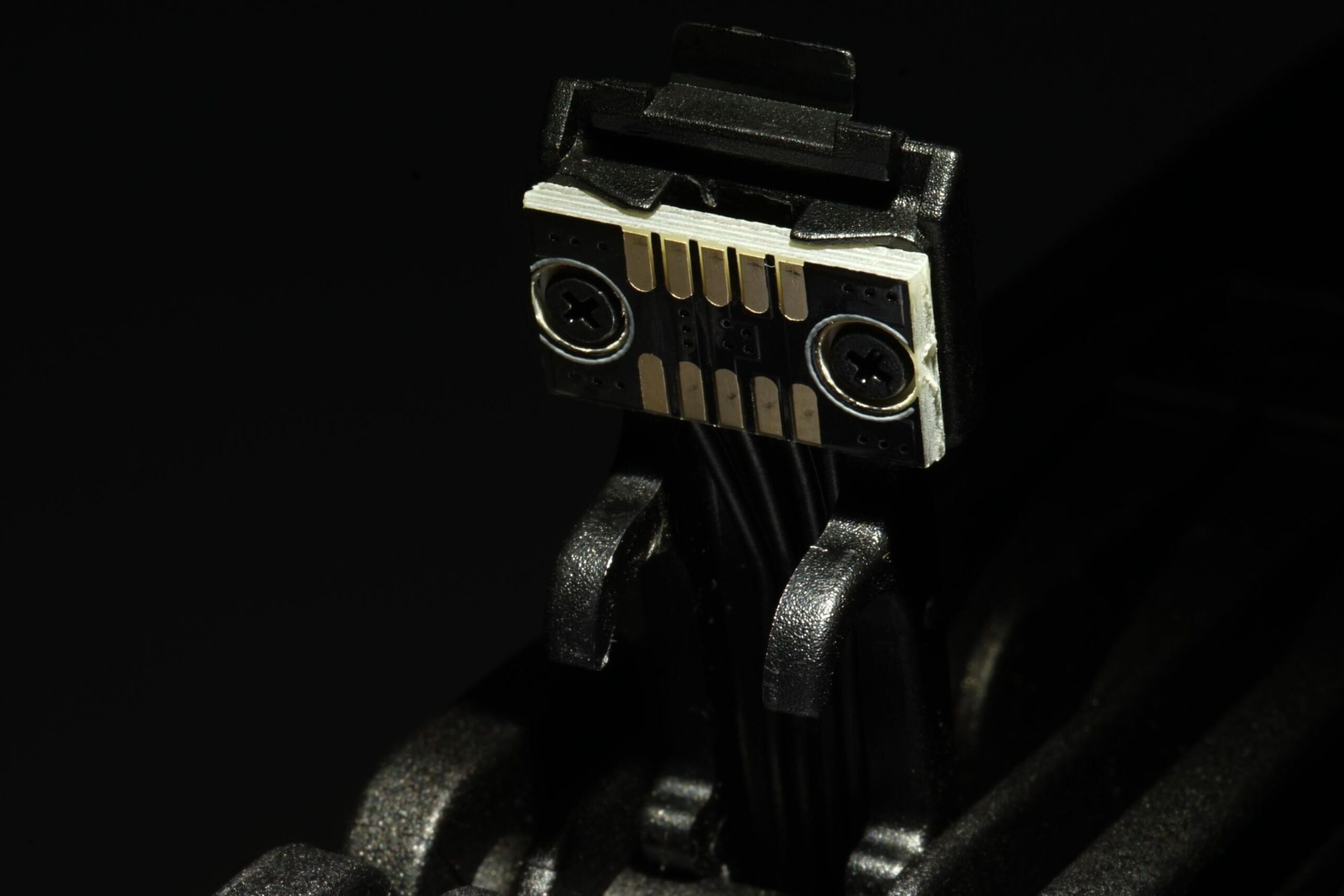
Easier installation? Yes, that’s why it’s done. Daisy-chaining fans using contacts in their frames is great, but it often also comes with pitfalls that reduce “cooling efficiency”. Manufacturers deal with this in different ways. One does it technically one way, another differently. In any case, they know that a frame that is too thick means less space for the blades. And that does not improve airflow per unit of noise.
Connecting multiple fans via connectors in their frames brings the obvious advantage of easier installation, for example on radiators (or also within a system cooling setup if multiple fans are directly touching each other rather than just one).
Only one cable is needed to connect them to the motherboard, typically routed from the outermost fan. This also reduces the amount of cabling, and if the fans connected in this way (to a single header) do not have a combined current draw greater than what the motherboard header is designed for, then everything is fine—great. We covered this topic, by the way, in a separate article.
Many headers have a current rating of up to one amp in their specifications, and high-speed fans can exceed it (although only during startup, when the motor’s power draw for spinning up the impeller is temporarily higher). Especially when there are more of them and the current adds up.

But let’s assume that everything is compliant and the “right” fans are connected to the “right” connector (say, one rated for 3 A—such connectors do exist…) so that there is no risk of damage and everything works as it should. The advantages of mounting fans via their frames are therefore clear: they offer greater user-friendliness, and you also work with less cabling, which ultimately allows for a cleaner appearance, since instead of a bundle of cables, there is usually just one cable. You then connect this to the motherboard or, alternatively, to a fan hub.
Naturally, the PWM signal is also shared in such a (shared) configuration, so all the fans are regulated as one. However, when operating on a liquid cooler radiator or as part of a system cooling setup, the fans are going to be set to the same speed anyway, even when there are multiple fans. From the perspective of psychoacoustic optimization (when greater dissonance between geometrically identical fans means lower tonal peaks and, in plain terms, lower “noise”), this is a common use case in practice.
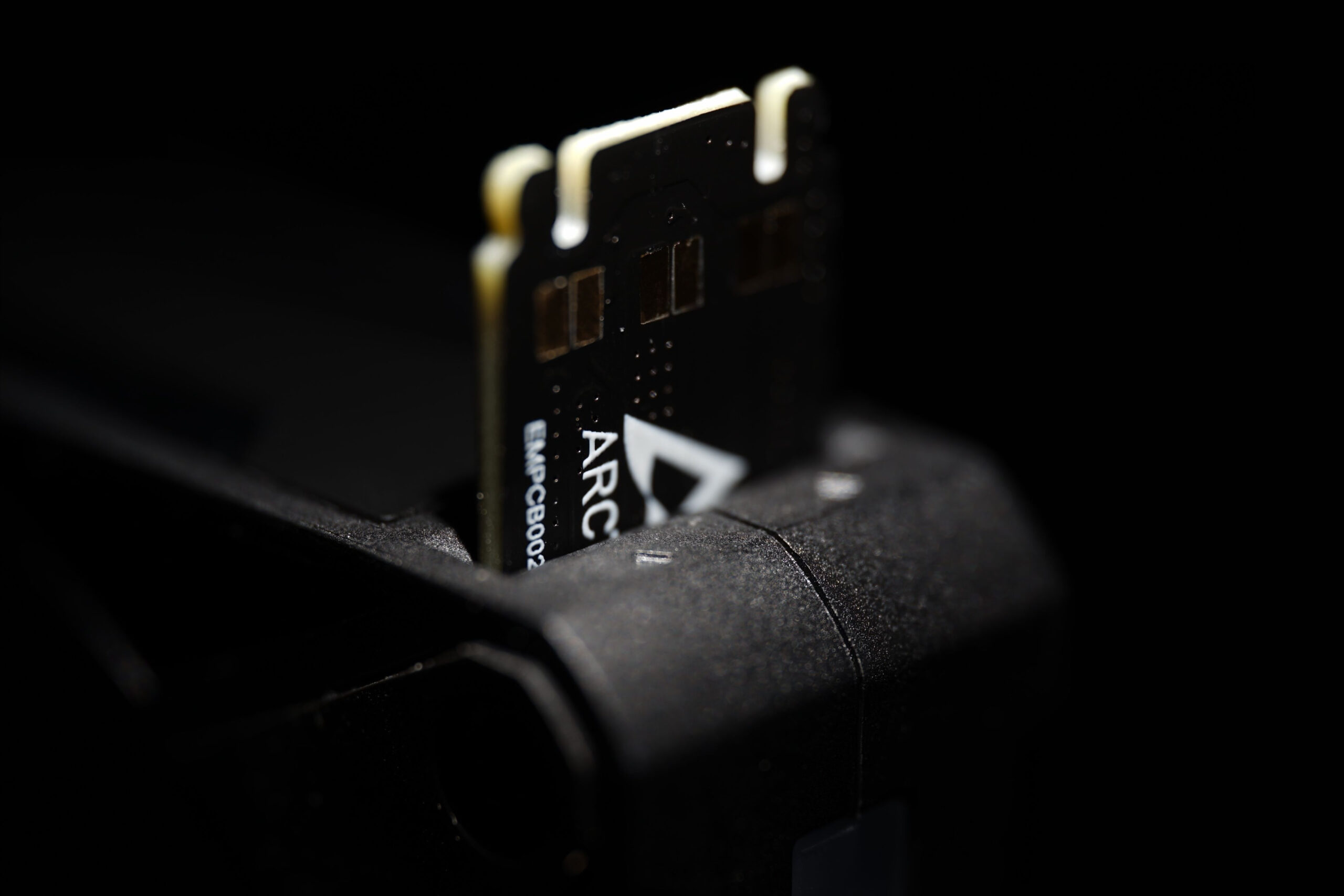
And now to the aerodynamic disadvantages, or rather, to what each fan handles somewhat differently. Connectors in the frame also mean that some of the available space has to be used for integrating them, sometimes including magnetic mounting. This is great and also improves various mechanical properties, but it is also associated with the need for a thicker frame. And the thicker it is, the smaller the blades are within the same overall format. That is, assuming the hub area remains unchanged. Shorter blades with an otherwise very similar aerodynamic design need a higher speed to achieve the same airflow, making the fan noisier. From the perspective of cooling efficiency or airflow per unit of noise, a thicker frame is often an obstacle to achieving top-tier results compared with a thin frame.
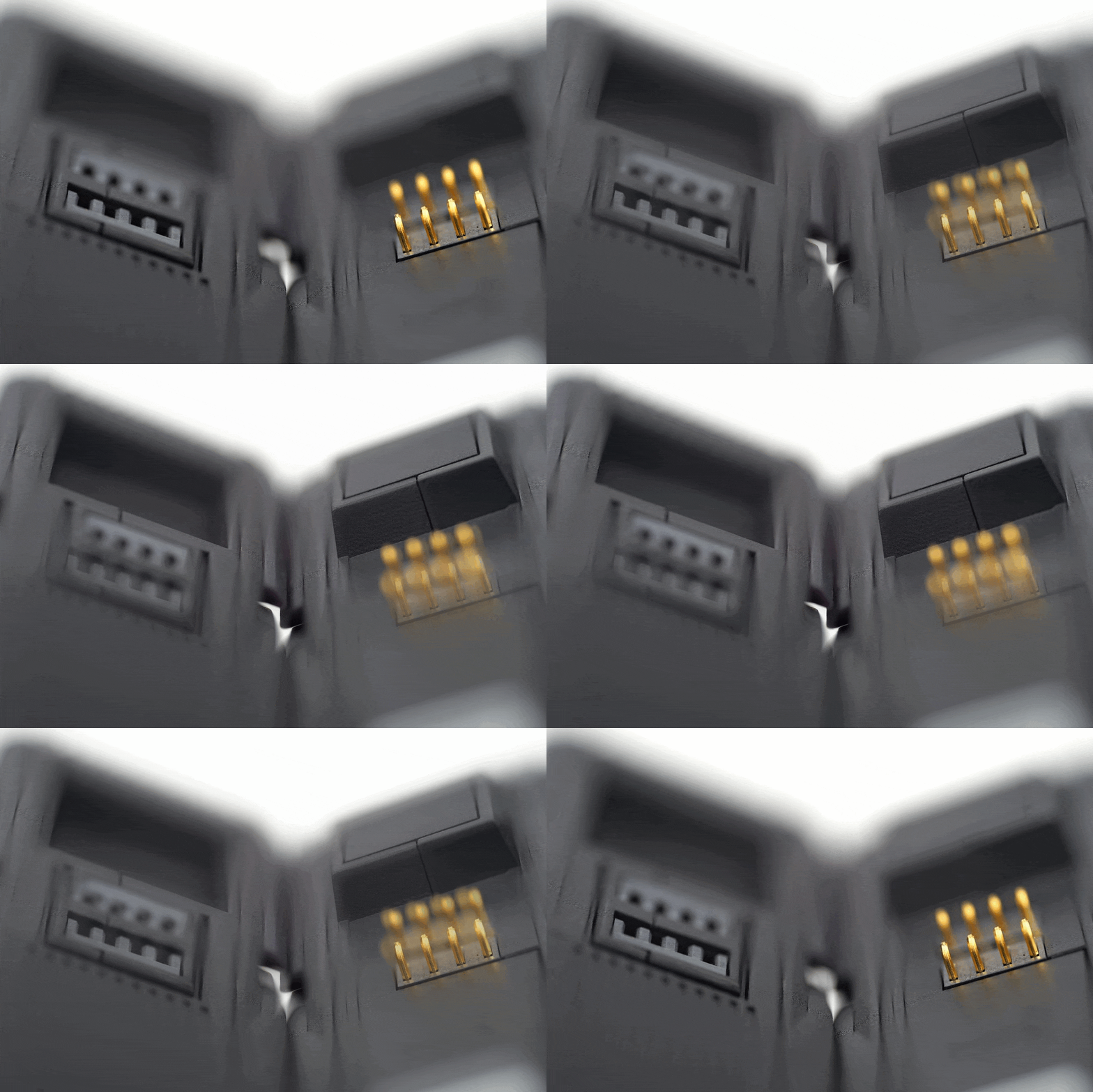
We deliberately do not provide any examples in this article that would hint at which factors lead to what results, but you know them from the standard tests. Longer blades, of course, also require more robust stabilization (whether through the use of a stiffer material or an impeller ring), but that is a different story.
The aim of this analysis, or article—we can call it various things—is to point out that connectors in fan frames make fan installation more convenient, but they also affect what makes a fan a fan—the amount of airflow (or cooling performance) per unit of noise.
English translation and edit by Jozef Dudáš




But many of you are probably waiting for this, right?
… well, I believe we will have the analysis completed on Wednesday. 🙂
I get the point your making and I agree with your bottom line (i.e. a thicker frame leading to shorter blades is negative – all other variables staying the same). However, I would question whether fans that offer frame daisy-chaining indeed need a relevant portion of their frame for the frame-integrated daisy-chain mechanism. The necessary wiring does not need a lot of space. And the linking mechanism should be placed in the corners of the frame, because that’s where there is enough room anyway.
Judging only from pictures of the Arctic P14 Pro A-RGB and the Arctic BioniX P14 A-RGB, both seem to allocate the same width to the frame (however, I might be wrong on this, ’cause I have no measurements).
However, if we compare the Seasonic Max Flow 120 (without frame daisy-chaining) and the Seasonic Mag Flow 120 (with frame daisy-chaining), then your oberservation is 100% correct (in terms of the daisy chain mechanism leading to a thicker frame and therby to shorter blades). But I would argue that Seasonic could have circumvented this issue by choosing a different design/mechanism.