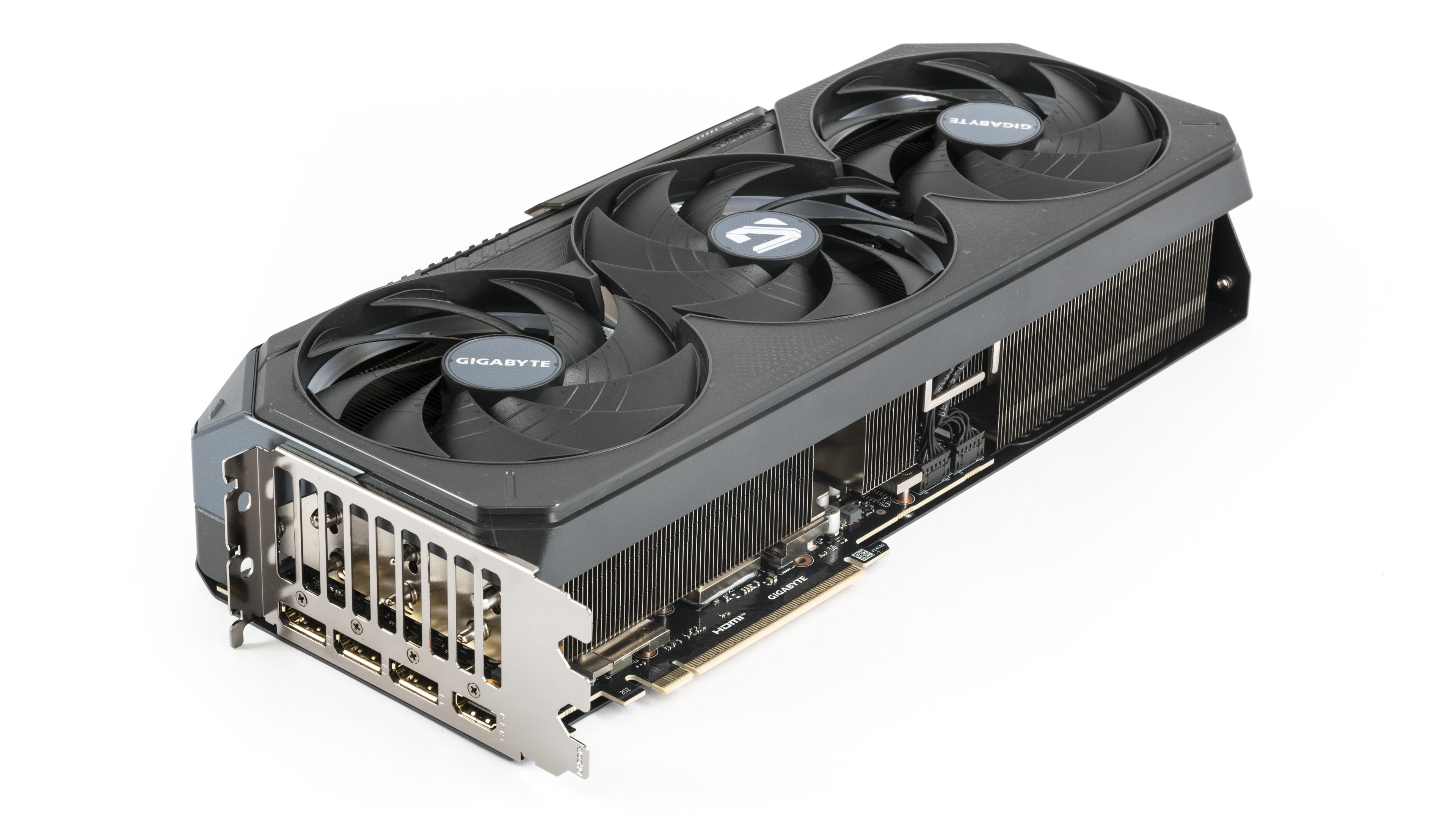
At first glance, the Gigabyte GeForce RTX 5080 Gaming OC doesn’t impress with a flashy design or a vibrant light show. It’s not among the cheapest models, but it’s far from the most expensive. In a standard position, the lighting is rather subtle, the backlit fans stand out more in a vertical setup. The real advantage, though, is the oversized cooler and well-tuned fan control, allowing this card to surpass even more expensive competitors in terms of operating characteristics.
The tall heatsink, which is cooled from above by three large fans, deserves praise. The shroud itself is made of plastic, featuring a black and dark metallic gray glossy finish with translucent elements. The heatsink fins are arranged transversely, meaning a significant portion of the heated air is expelled through the open side. Despite weighing almost two kilograms, the card isn’t particularly robust, so handling it with extra care is advisable.


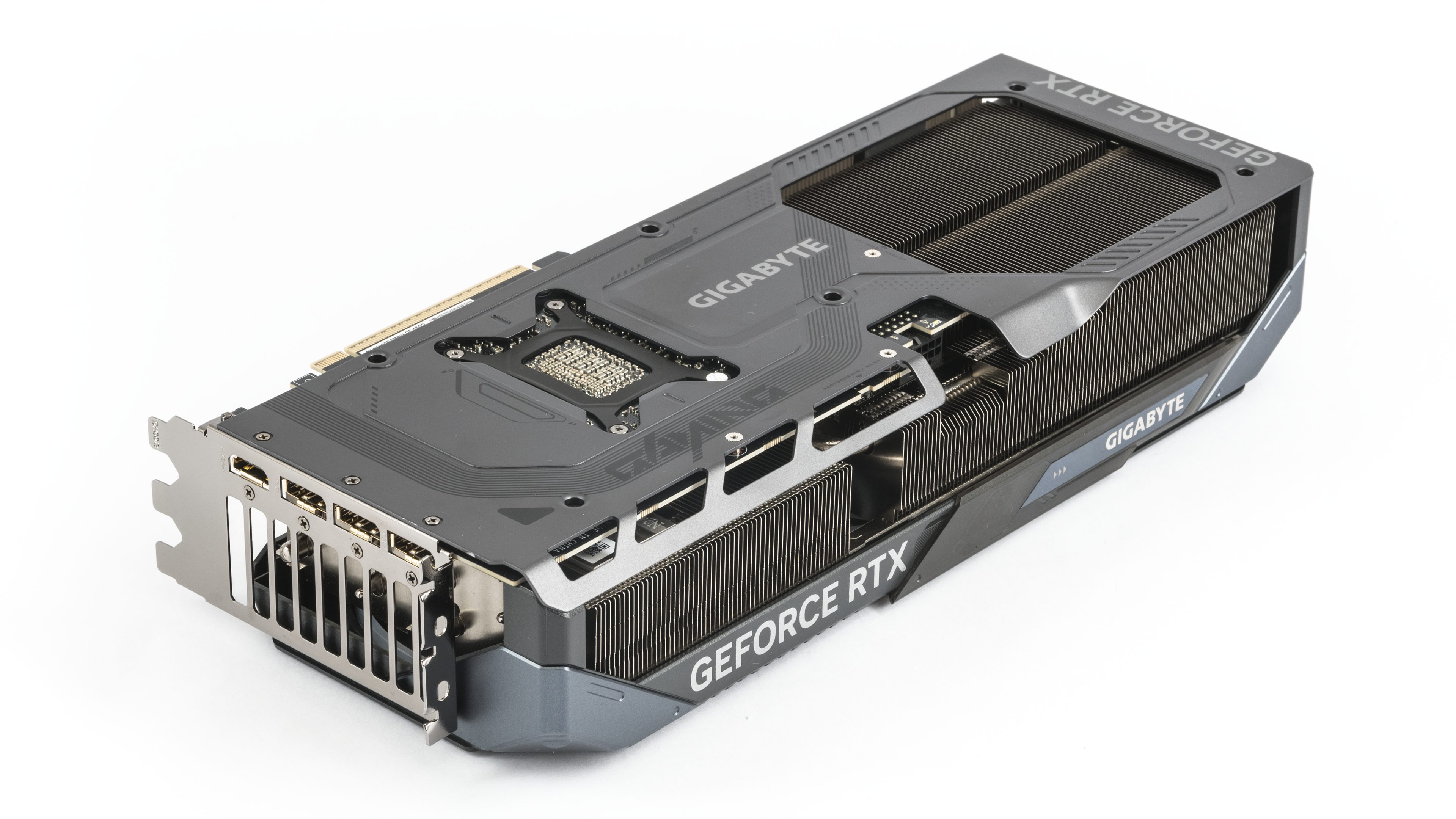
On the back of the PCB, there’s a metal backplate, which is relatively thin. Towards the outer edge, in the front section of the backplate, there’s perforation, allowing the hot air to escape more effectively upwards. Again, caution is advised here, as the thin metal can be bent quite easily.

The fans have an impeller diameter of 10.5 cm. Below them is a transparent strip, lighted by RGB LEDs.
A large portion of the heatsink is freely ventilated, with open fins not only beneath the rear fan but extending partially under the middle fan as well.

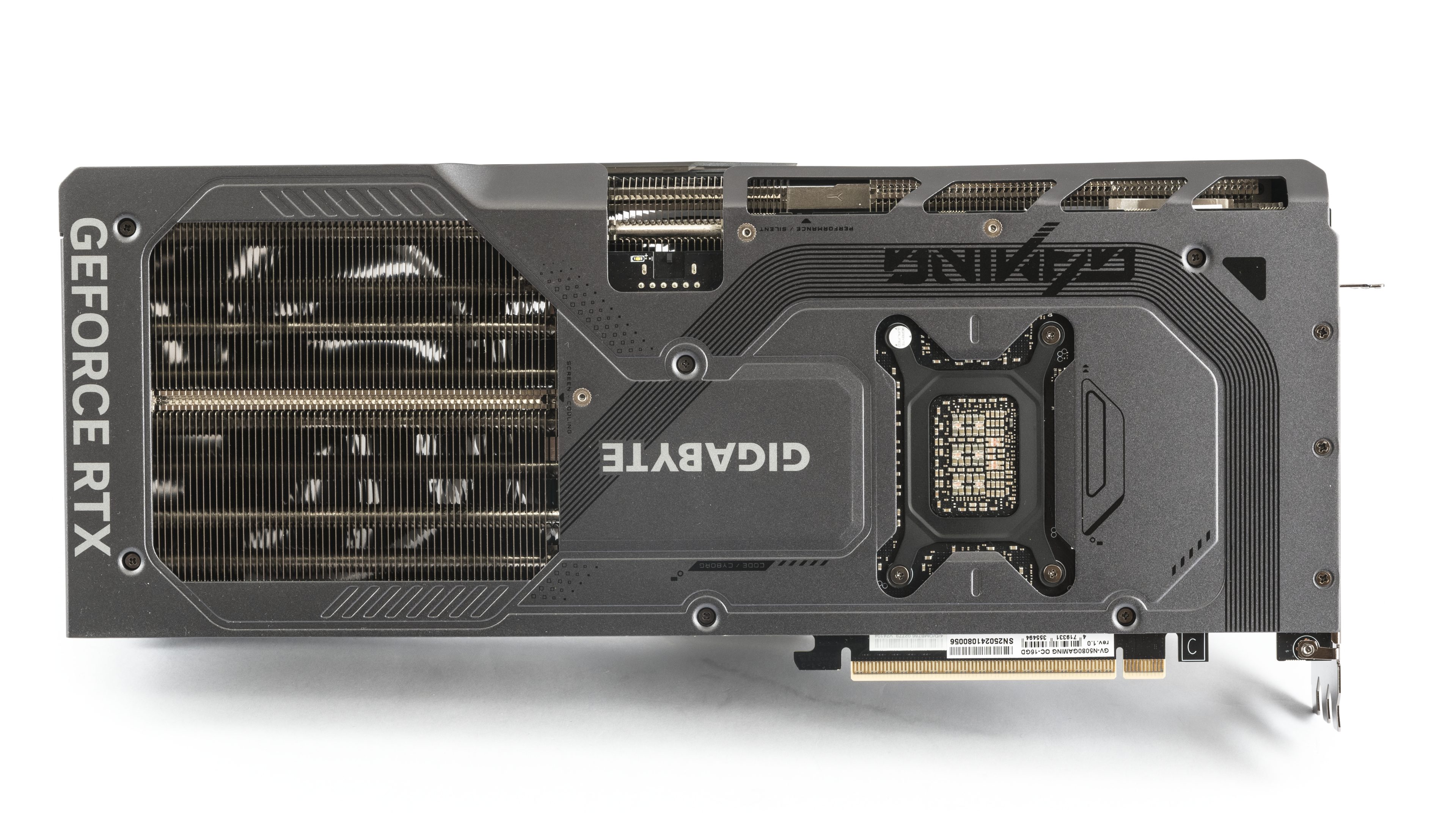
The heatsink takes up pretty much all the space under the shroud of the massive cooler.
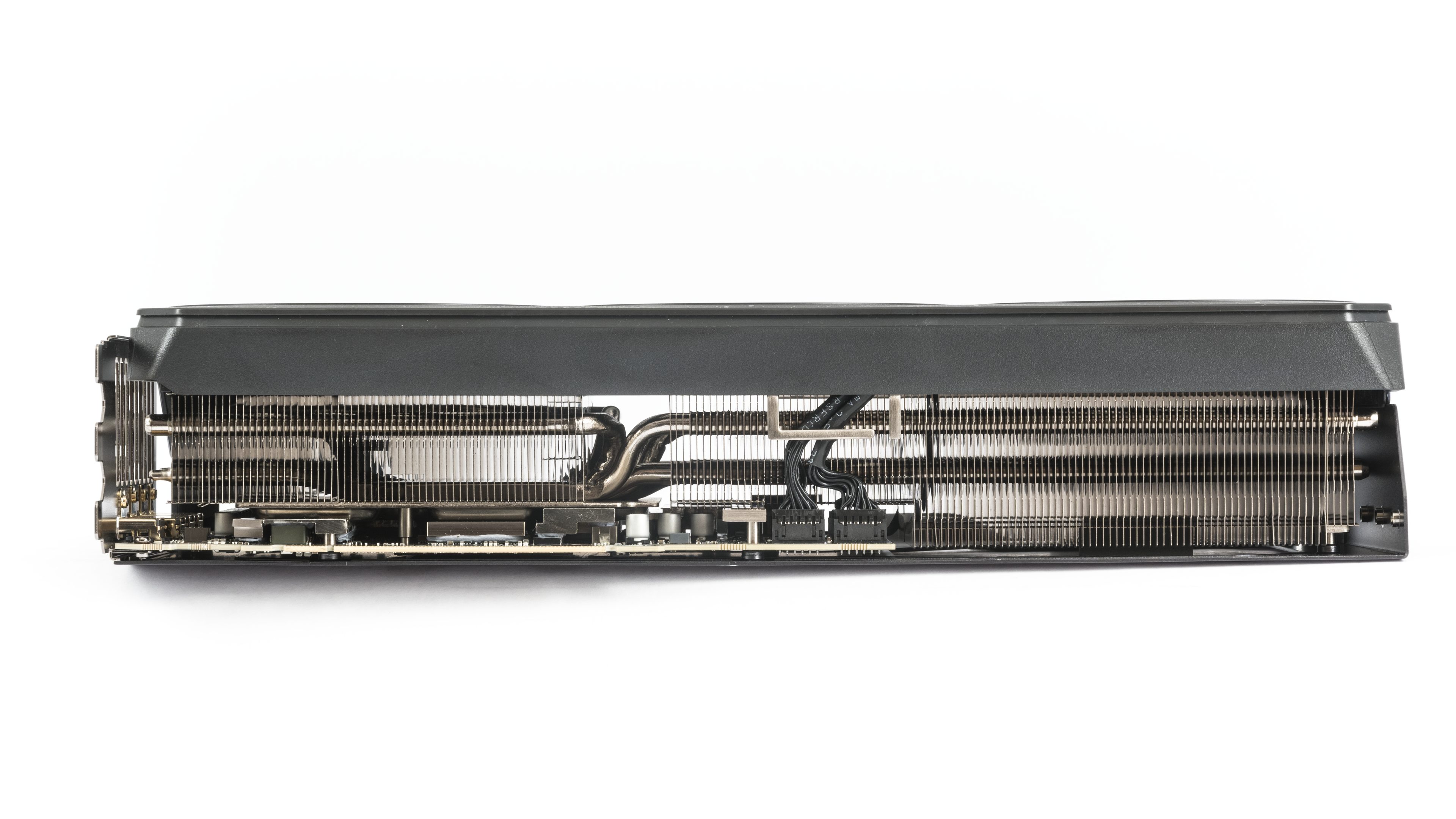

If you like to tinker around, there’s a sliding cover on the side of the card. Its deeper purpose eludes me – you can move it over the window illuminated by addressable RGB LEDs, revealing the glowing Gigabyte logo. Alternatively, you can slide it forward to display part of the GeForce logo, with a glowing strip at the back.
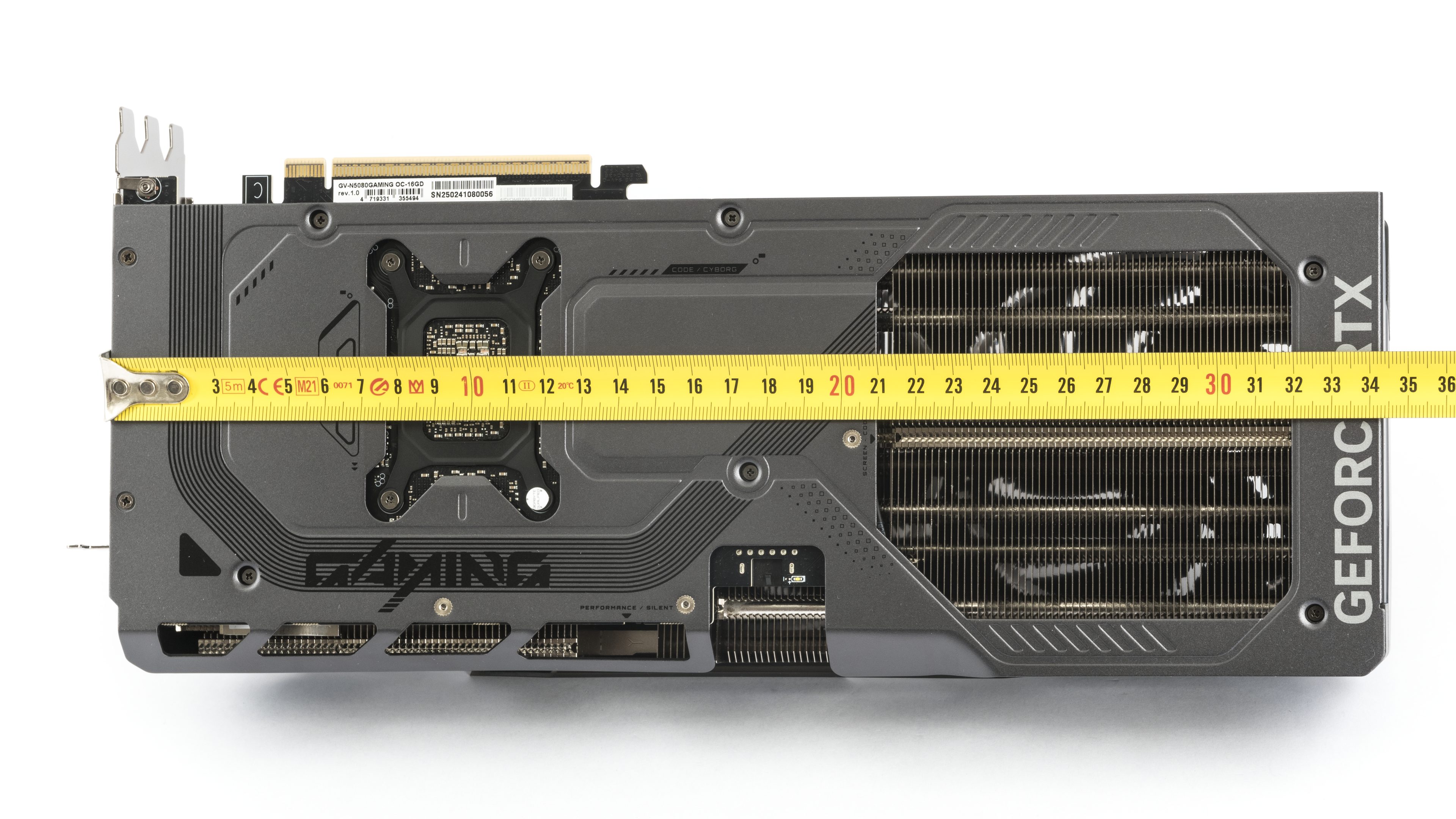
The card’s length exceeds 34 cm by a few millimeters. This could be a problem for some cases, as many have been getting smaller in recent years. It exceeds the edge of the bracket by about 3.5 cm, which is typical for cards with similarly large fans. In terms of height, it measures 7 cm – about three and a half slots.
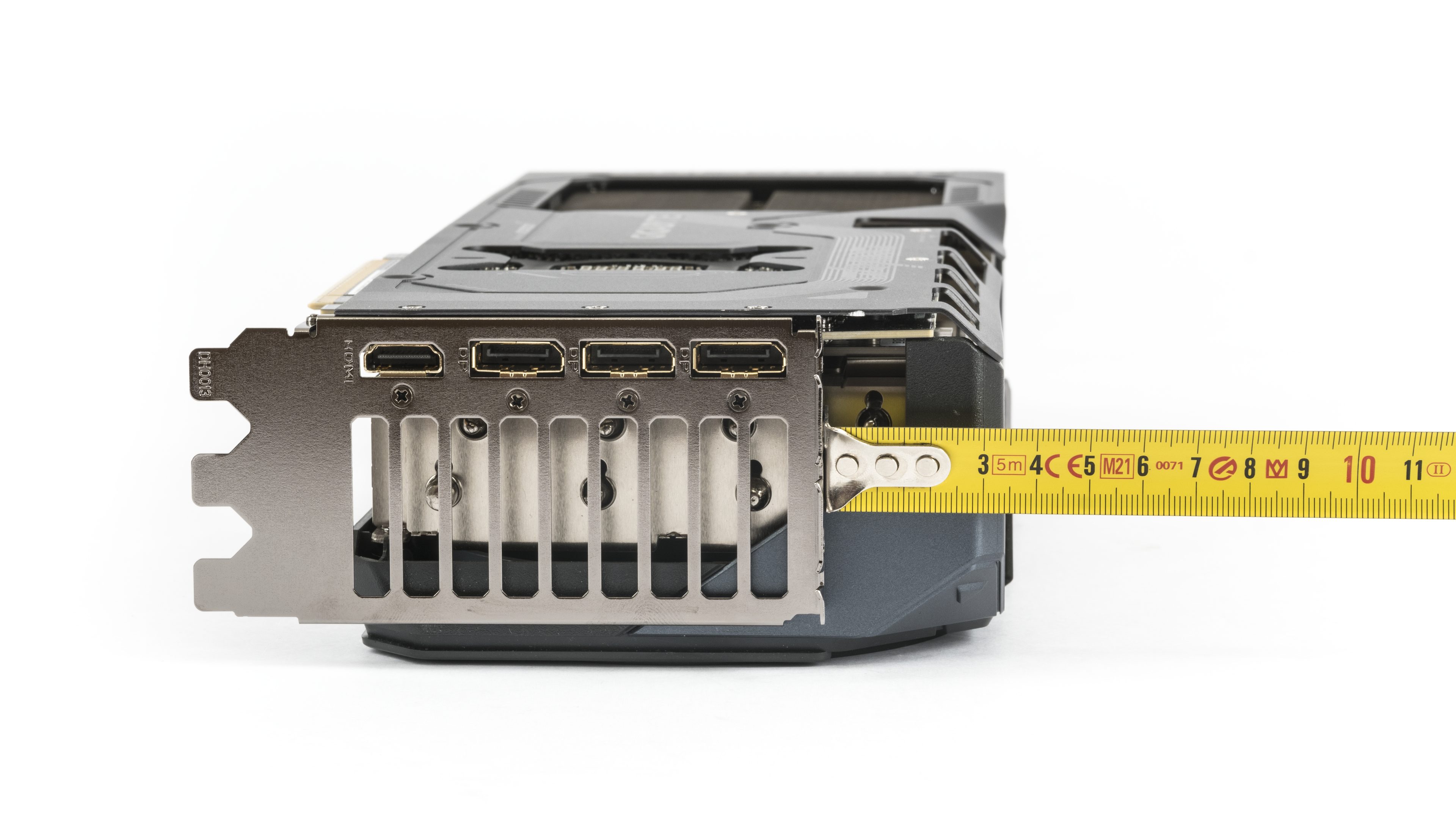
The bracket features a standard combination of outputs – three DisplayPorts and one HDMI port. In the previous generation, Nvidia was lagging behind AMD in supporting the latest DisplayPort standards, but with the RTX 50 series, the situation is corrected, as the DisplayPorts now support the DP 2.1b standard with UHBR20. At the rear of the shroud, there are also three screws for mounting the card to the case, and I would definitely recommend using them with this card.


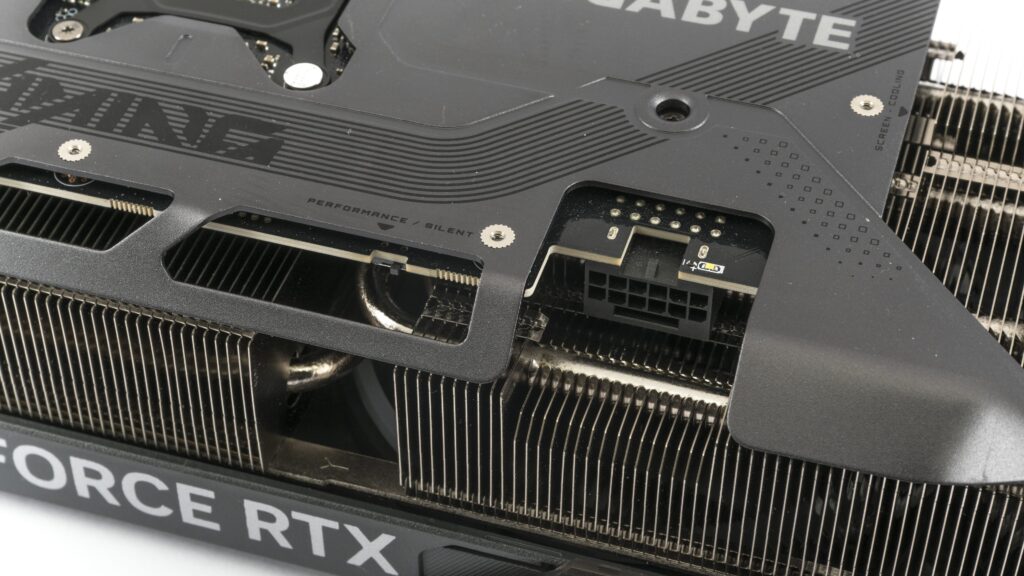
The auxiliary power connector uses the well-known 16-pin 12V-2×6. Above it, there is a diagnostic LED indicating the power status. To the left of it, there’s a BIOS switch, which by default should be set to the performance mode.
The power connector is slightly recessed into the housing, so the auxiliary power cable should fit without issues, at least in cases that have space for a larger 140mm system fan on the rear panel.
⠀