We tested the first Z790 motherboard primarily designed for use with the 14th generation Intel Core (Raptor Lake) processors. The chipset’s features haven’t changed, but there’s a lot of new, noteworthy stuff around it. That includes upgraded network connectivity headed by WiFi 7 and, finally, 5-gigabit Ethernet. And in the year that it’s been at it, Gigabyte has worked on a lot of details too. Some were more successful, others less so.
As an exception, Intel Lake processors did not come accompanied by motherboards with a new chipset, but new models came out with the old one. The Intel Z790 chipset is the most feature-rich option even now (as it was in the Raptor Lake generation). However, there are differences, some of them quite significant. Not at the level of the chipset, but outside it, within the “external” part. In this article, we’ll look at how and what was reflected in the Gigabyte Z790 Aorus Pro X motherboard.
| Parameters | Gigabyte Z790 Aorus Pro X | |
| Socket | Intel LGA 1700 | |
| Chipset | Intel Z790 | |
| Format | ATX (305 × 244 mm) | |
| CPU power delivery | 21-phase | |
| Supported memory (and max. frequency) | DDR5 (8266 MHz) | |
| Slots PCIe ×16 (+ PCIe ×1) | 3× (+ 0×) | |
| Centre of socket to first PCIe ×16 slot | 90 mm | |
| Centre of socket to first DIMM slot | 56 mm | |
| Storage connectors | 4× SATA III, 1× PCIe 5.0 ×4 (80–110 mm), 2× M.2 PCIe 4.0 ×4 (80–110 mm) + 1× PCIe 4.0 ×4 (80 mm) + 1× PCIe 4.0 ×4/SATA (80 mm) | |
| PWM connectors for fans or AIO pump | 8× | |
| Internal USB ports | 1× 3.2 gen. 2×2 type C, 2× 3.2 gen. 1 type A, 4× 2.0 type A | |
| Other internal connectors | 1× TPM, 3× ARGB LED (5 V), 1× RGB LED (12 V), 1× jumper Clear CMOS | |
| POST display | no (but has debug LED) | |
| Buttons | reset, Q-Flash, Clear CMOS | |
| External USB ports | 1× 3.2 gen. 2×2 typ C, 1× 3.2 gen. 2 typ C, 2× 3.2 gen. 2 typ A, 4× 3.2 gen. 1 typ A, 2× 2.0 typ A | |
| Video outputs | 1× HDMI 2.1, 1× DisplayPort 1.2 | |
| Network | 1× RJ-45 (5 GbE) – Realtek RTL8126, WiFi 7 MediaTek MT7927 (802.11 a/b/g/n/ac/ax/be), Bluetooth 5.3 | |
| Audio | Realtek ALC1220(-VB) (7.1) | |
| Other external connectors | – | |
| Manufacturer's suggested retail price | 407 EUR |
Gigabyte Aorus Z790 Aorus Pro X
Although this motherboard was released simultaneously with Intel Raptor Lake Refresh processors, older Raptor Lake and Alder Lake processor generations are also supported. That is, all with support for the LGA 1700 platform.

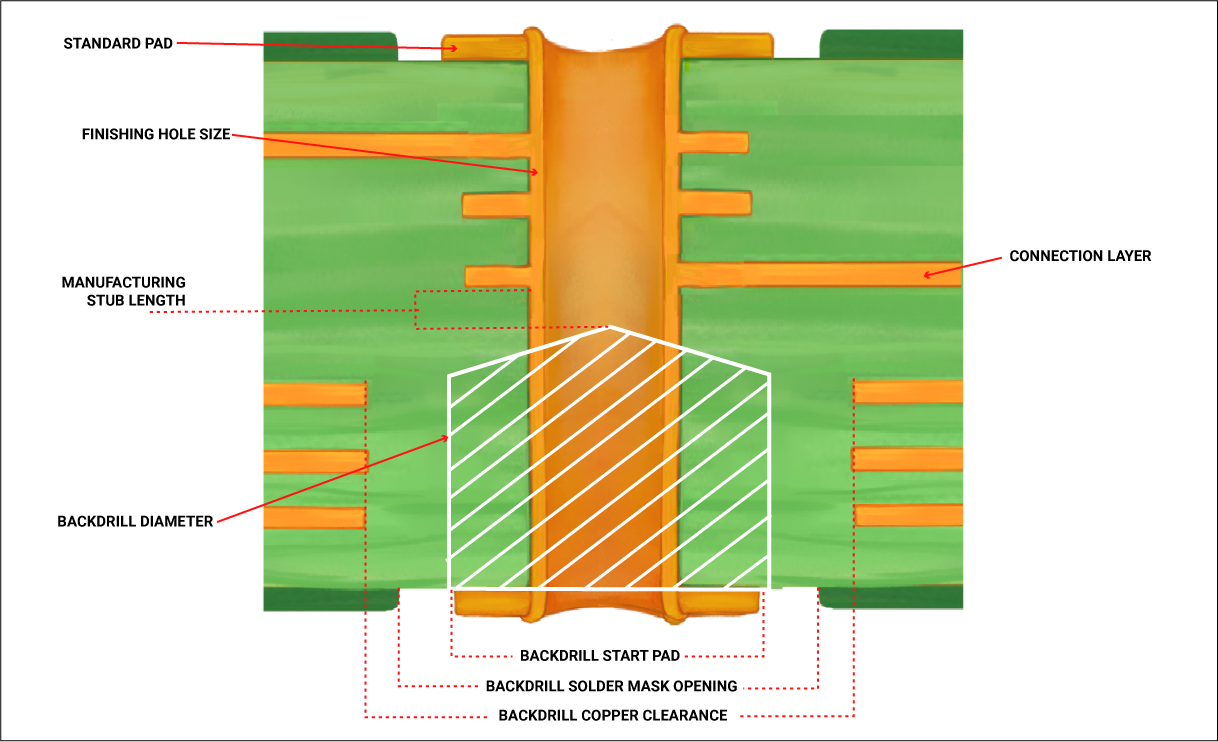
The PCB format is ATX (305 × 244 mm) and its design is specific with a white finish. The contrast maps (spots), which occur on dark surfaces due to temperature reactions around the CPU socket, VRM, etc., are not visible on the PCB. With the PCB design, or component mounting, it is worth mentioning the “back drilling” technology. Its benefit is supposed to be in using less tin for soldering DIMM slots to improve the data signal. The latter deteriorates due to excess tin, and it is the quality characteristics in this regard that are ultimately how far you can stretch the bandwidth of the fastest memory. On Gigabyte’s site there is also a nice illustration of the PCB profile with the depth of immersion of the contacts.
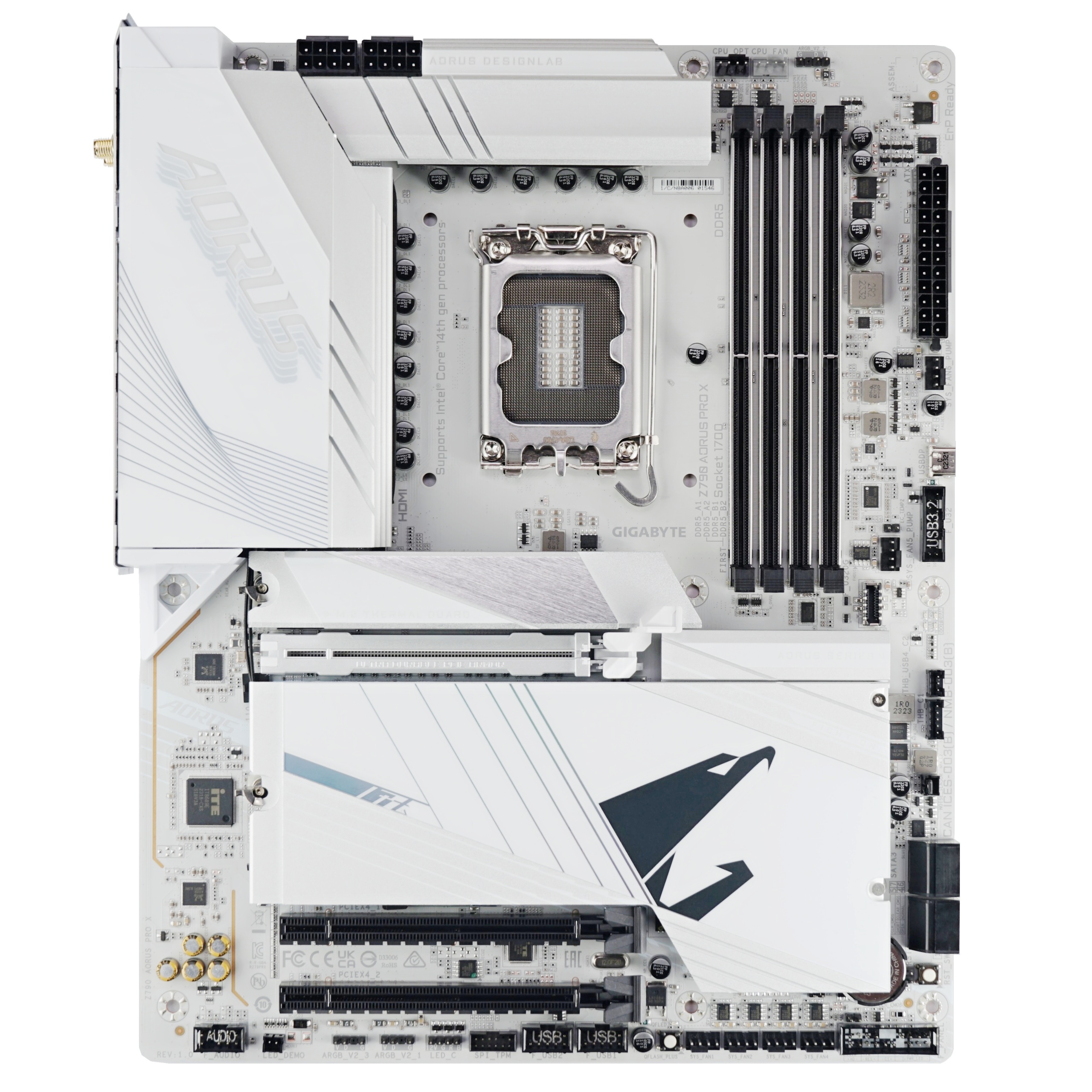

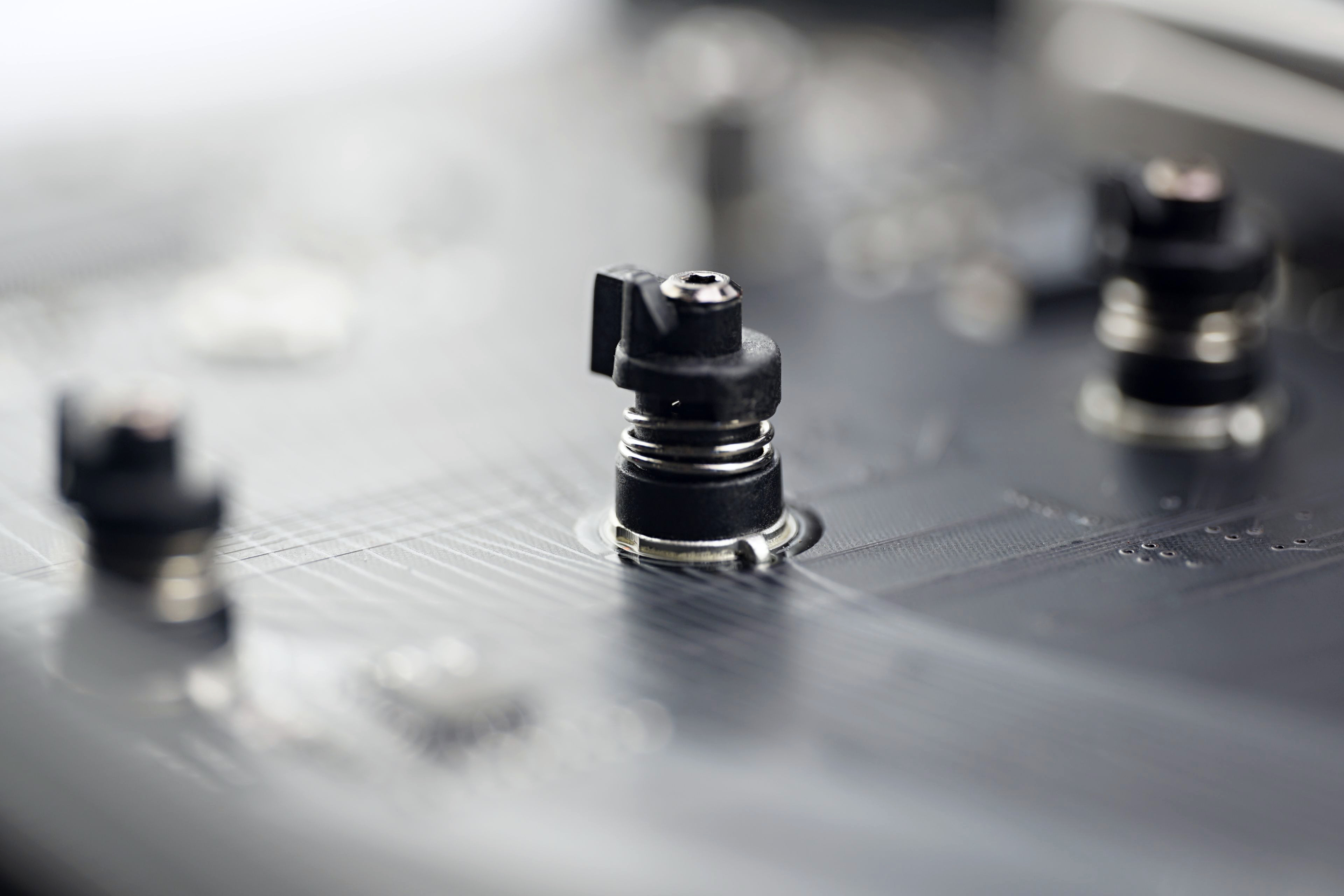
On the back of the PCB there is one more new feature, namely a backplate of the first PCI Express ×16 slot. Thanks to it, the load capacity of the slot should be up to 56 kilograms. Of course, heavy graphics cards are also lightened by side brackets, but such additional robustness can be useful, for example, during transportation, where various shocks occur, with which the load that the slot has to withstand is multiplied.
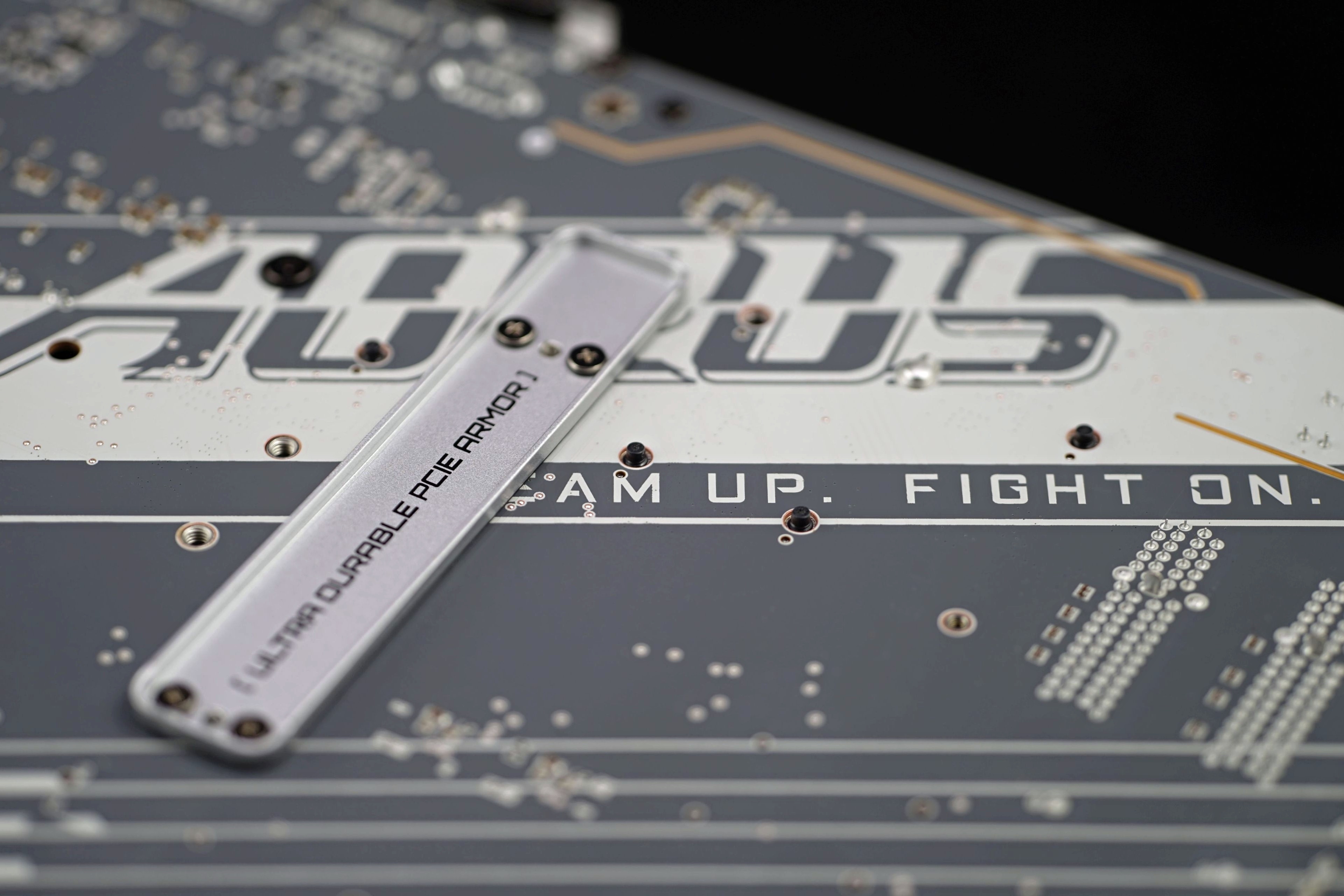
On SSD coolers: since last time, Gigabyte has resolved the looser cooler mount on the first M.2 slot (with PCIe 5.0 support, by the way), which greatly improves contact and heat transfer. Combined with the greater surface area and weight, top-notch results are achieved.

It’s worse for the cooler below, which is shared for four M.2 slots. Its mounting is in turn a bit faster, because it only slides in from the right side (into the grooves of the vertical brackets) and you just click it in from the right with the EZ-Latch Click mechanism. It’s a very comfortable installation, but with weaker pressure in the back of the SSD, as you can see in the thermal pad imprint. This means that the contact with the SSD and therefore the heat transfer is weaker and the temperatures are higher.
For such a large cooler weighing approximately 190 grams, the cooling performance is inadequately low. In the rightmost position, closest to the chipset, the contact is still quite decent, but in the second to fourth M.2 slot, expect worse cooling of the SSD memory. To what extent, it is, of course, individual, each SSD is different. It also depends on the height of the memory itself and how it sinks into the cooler’s thermal pads. We test with Samsung 980 Pro SSDs with memory whose packages are 1.6 mm tall.

The VRM cooler is really robust, weighing in at 463 grams. The two heatsinks are connected by a single heatpipe to ensure more even heat distribution. The aluminum heatsink design is quite nicely articulated (finned), both longitudinally and transversally. Thus, the cooling performance is likely to be above average. When combined with the increased demands of the Raptor Lake Refresh processors, this will come in handy. Especially with models like the Core i7-14700K and Core i7-14900K. Their power draw without power limits is really high and this motherboard will not be a bottleneck.
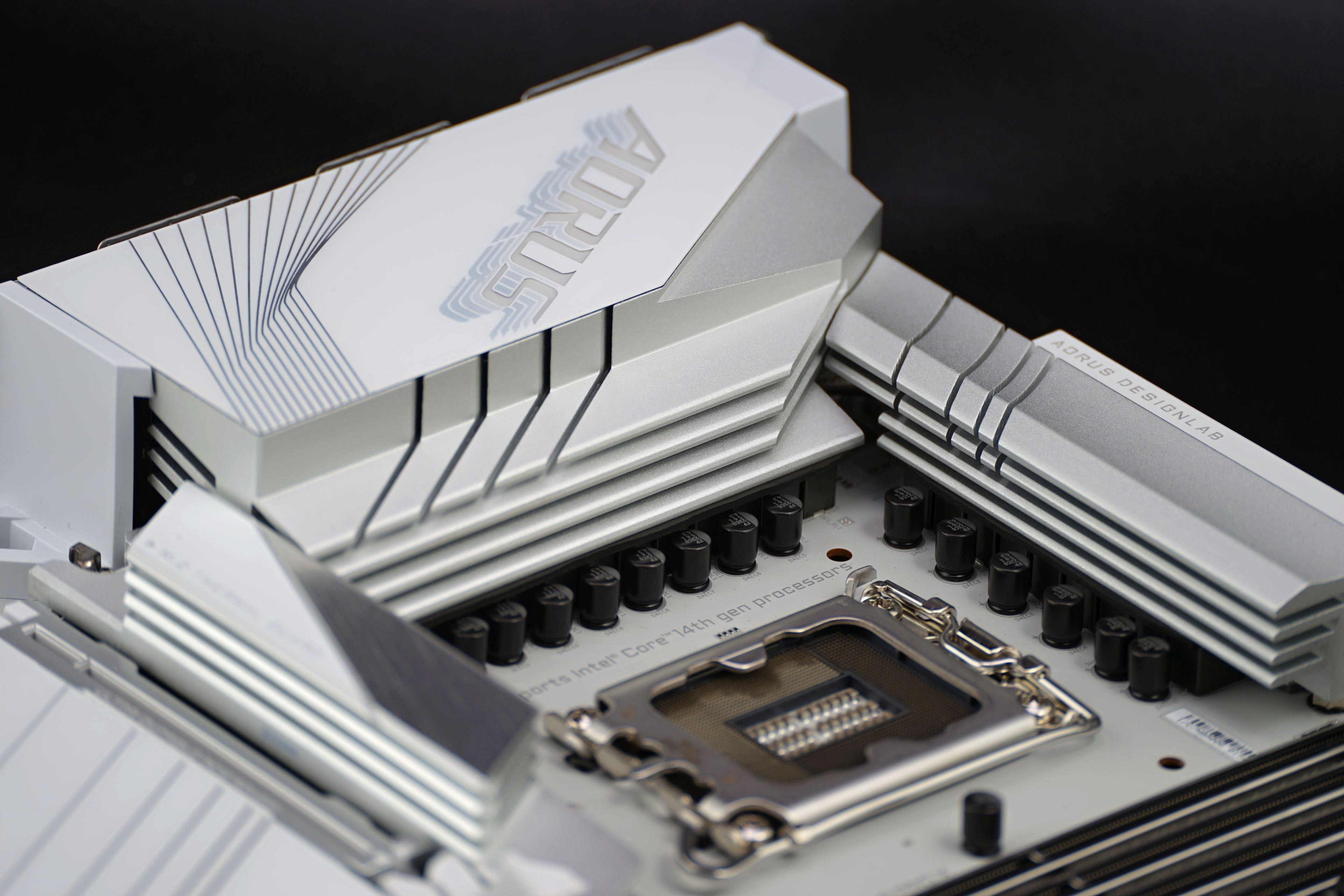
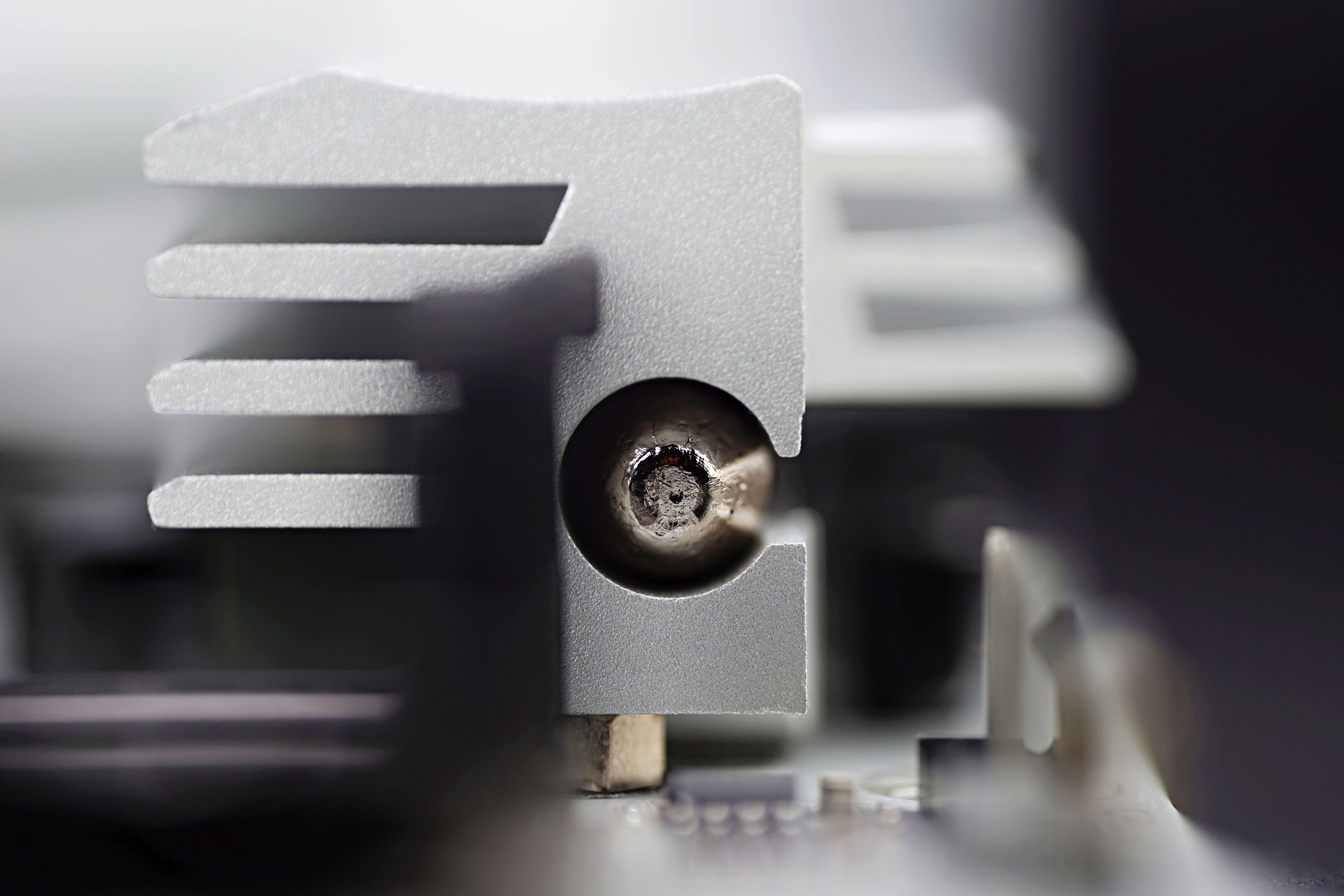
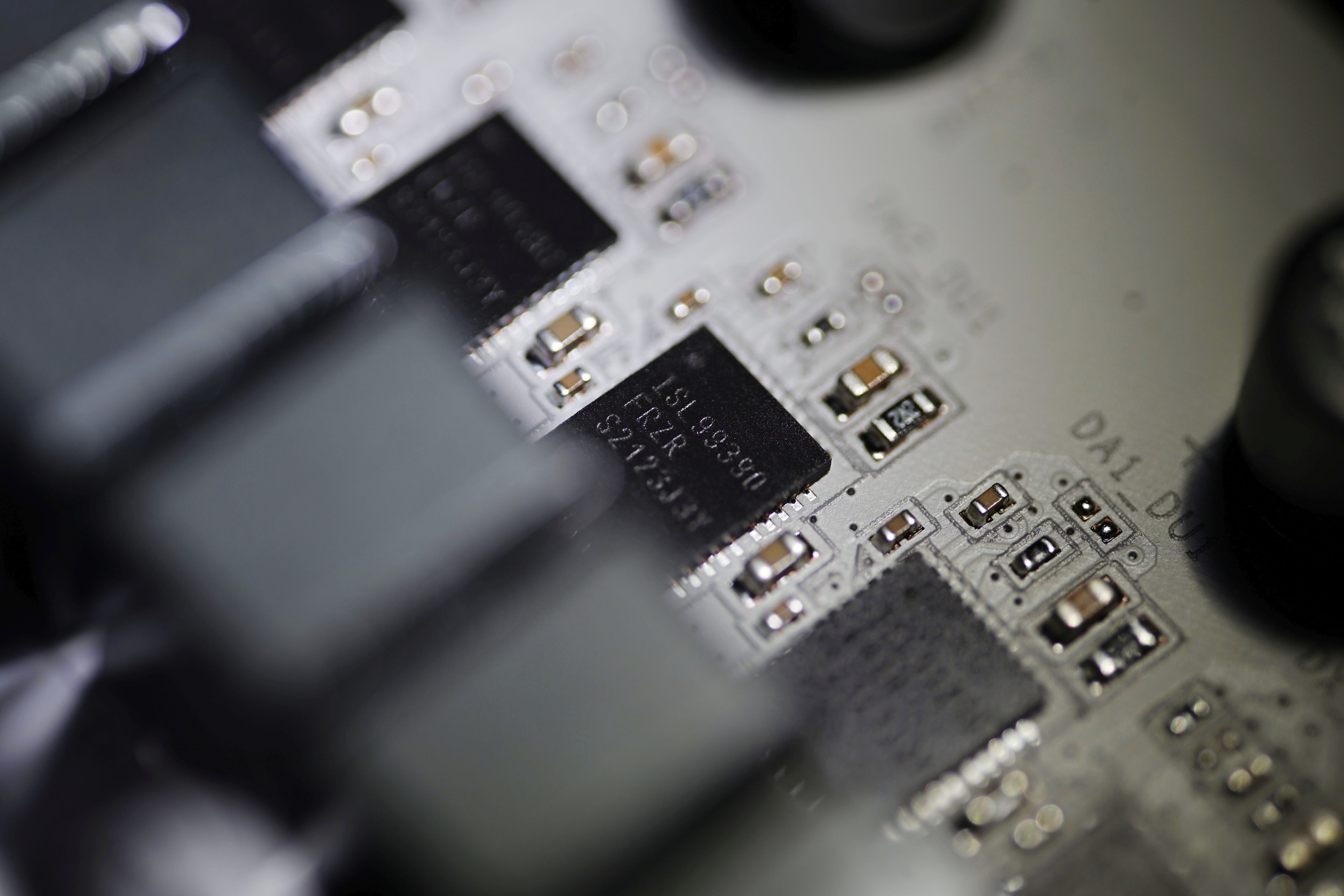
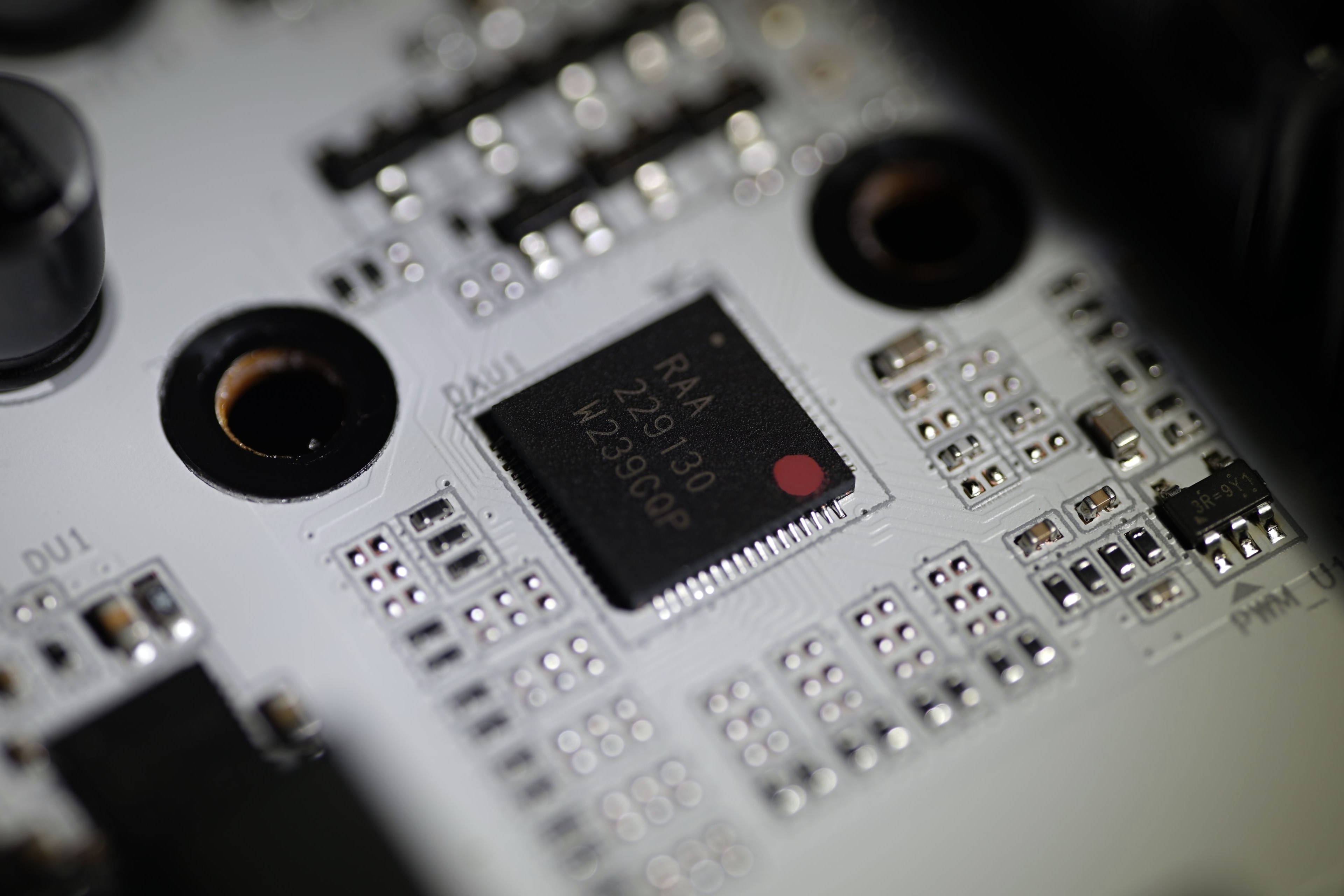
The power delivery to the processor (and IGPU) has as many as 21 phases. With the exception of one (with the Renesas ILS99360, up to 60 A), all are 90-amp ones with Renesas ILS99390 voltage regulators. The VRM controller is the Renesas 229130 integrated circuit. In other words, the Gigabyte Z790 Aorus Pro X won’t melt down even with CPU power draw well above 300W, but you’ll typically run into a lack of cooling performance from the CPU cooler, or the thermal interface (TIM) of the CPUs itself.
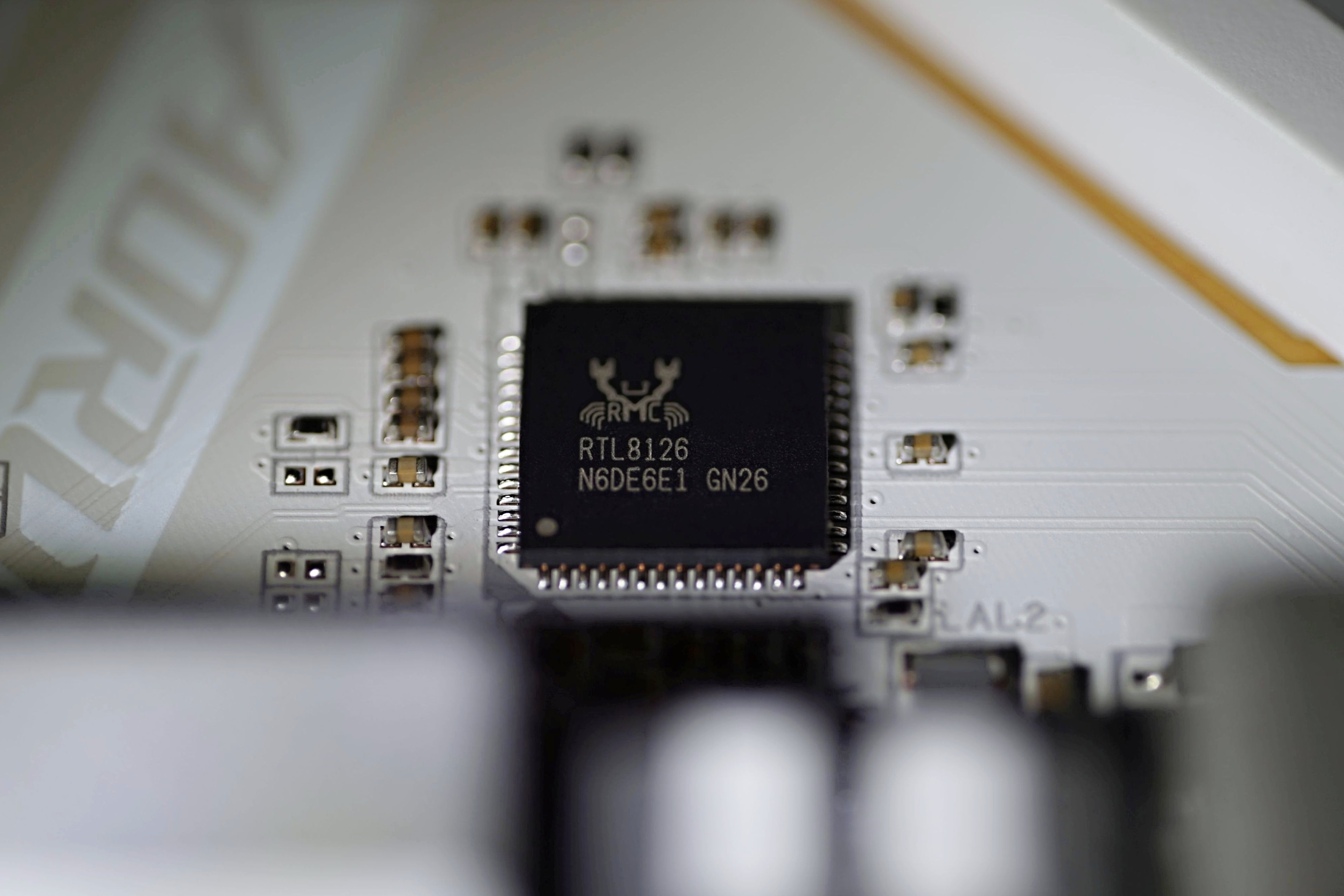
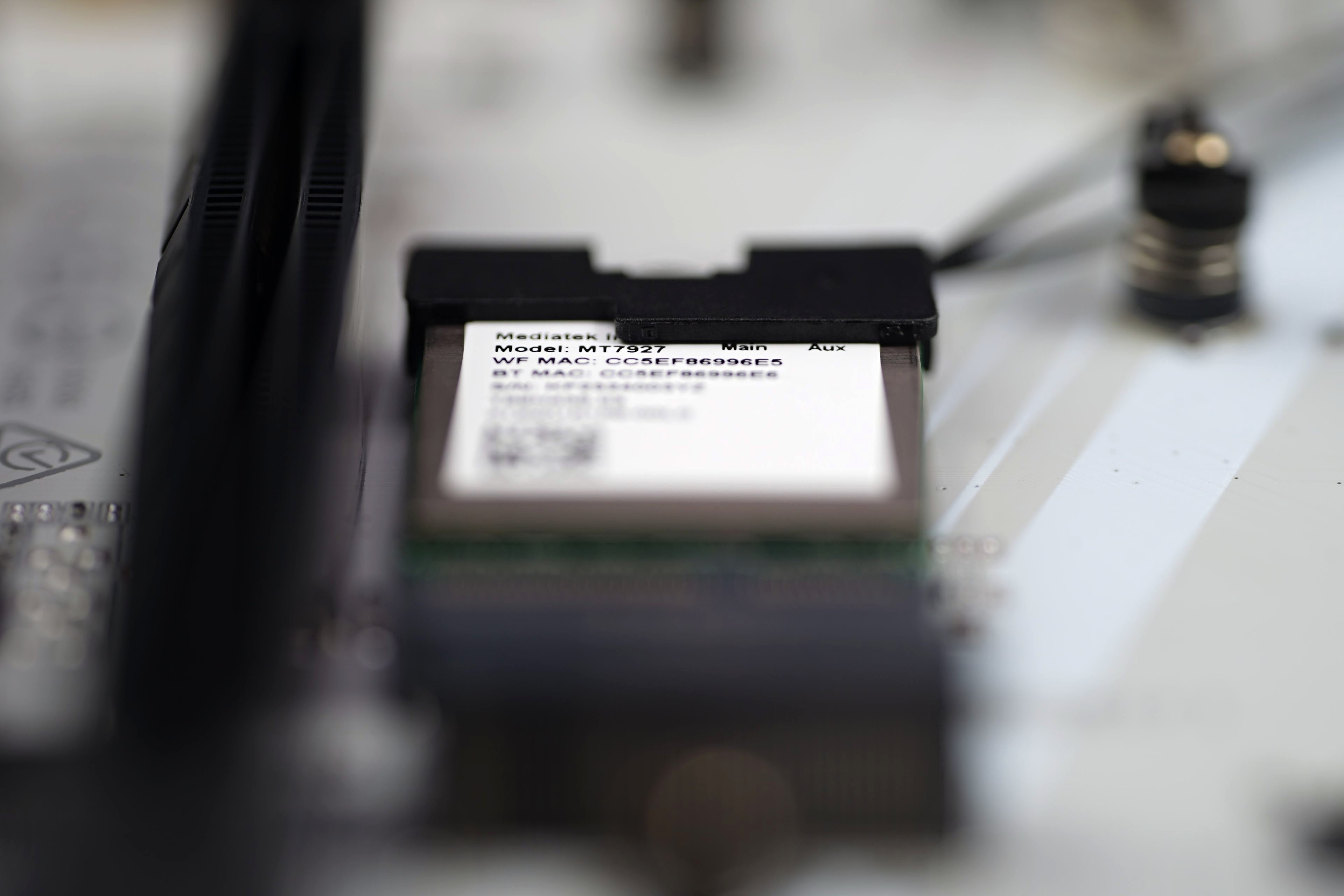
As mentioned in the introduction, the big improvement over the previous generation (of older boards) is the mass deployment of more advanced network connectivity. Ethernet is built on a 5-gigabit Realtek RTL8126 chip, which allows for about double the bandwidth of what was on the Z790 boards from last year. And there’s also WiFi 7, the MediaTek MT7927 chipset (you’ll run into Qualcomm QCNCM865 in the 1.2 revision) is on a card in M.2 format. It’s connected to the Z790’s south bridge via a PCIe lane. The location of this module is between the PCI Express ×16 slots, so there are quite long wires leading to the SMA antennas. A more convenient position would be in their closer proximity in the typically vertical M.2 slot between the external I/O connectors on the rear panel. Why Gigabyte opted for this placement we don’t know. It’s not even that the wireless module would depend on the CNVio interface (it doesn’t use that) and would need to be closer to the chipset for optimal results. Long wires could theoretically be more susceptible to interference, but whether this would somehow manifest itself in practice…
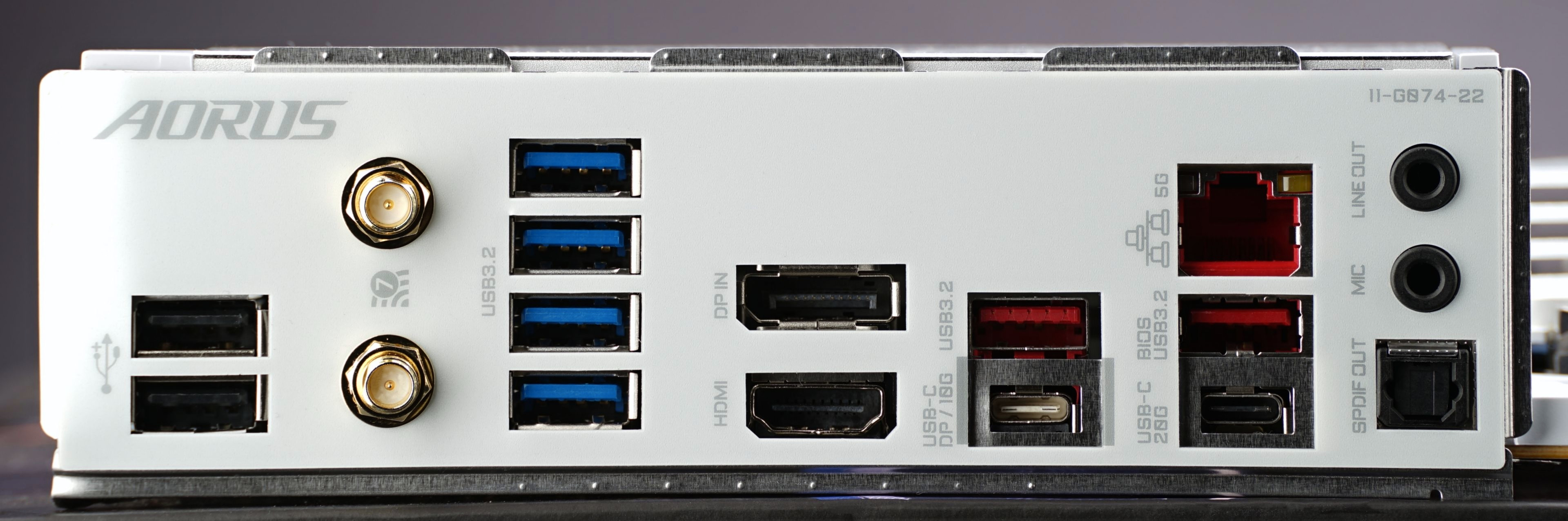
The rear I/O panel is packed with USB ports, as many as ten of them. Of these, eight are standard 3.2. Four in gen. 1 (5-gigabit), three in gen. 2 (with 10 Gb/s) and there’s one 20-gigabit (3.2 gen. 2×2), type C. One USB-C connector is then also in between the 10-gigabit ones. Gigabyte also traditionally retains the older USB 2.0, and although it’s slow, you don’t usually need the higher bandwidth for a keyboard and mouse, that is unless the keyboard has a USB hub, but that usually has a separate connector that can be plugged into a faster port.
There are two video outputs, with their own HDMI and DisplayPort connectors. Then there’s the three-port audio output, with two 3.5mm jacks and one S/PDIF optical output. The fewer jacks than other motherboard manufacturers have can also be explained by the fact that multi-channel speakers, for which more analogue connectors are needed, are used by very few people nowadays. But yes, there will always be someone for whom such a configuration (of jacks) will be inconvenient. For completeness, it should be noted that the sound chip is the Realtek ALC1220(-VB).
Lighting is only on the cover of the external I/O ports. In the same price class, Gigabyte used to take a more aggressive approach to ARGB LEDs, which is also a thing that some may welcome, some may not.
Please note: The article continues with following chapters.