


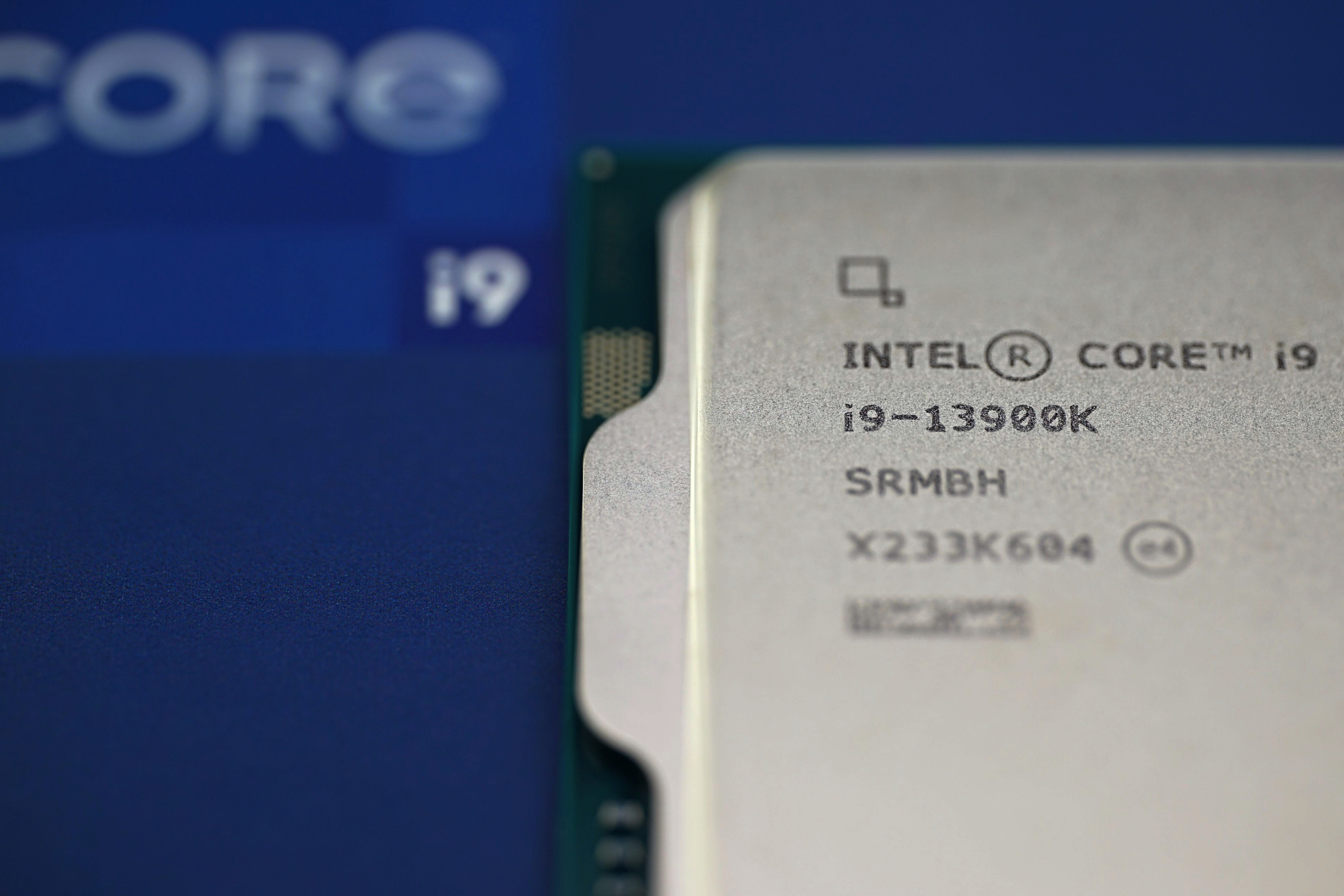
It seemed like the huge issue of unstable and crashing Intel Raptor Lake CPUs (Core 13th and 14th desktop generation) was over – and Intel would certainly like it to be – when last month BIOSes with microcode fixes started coming out. But it’s not. The company has now issued a new statement saying that even those fixes are not yet enough, and owners will need one more update to prevent these processors from slowly failing.
On Wednesday, Intel released an update on its community site (where it has been posting information on the whole thing since the beginning, though it could be argued the issue deserved more visibility given the impact) on the Raptor Lake processor instability and degradation issue. This follows up on July’s information in which Intel confirmed that the instability is a hardware problem caused by silicon degradation which was silently accumulating due to the high voltages that processors are subjected to during normal use. We’ve discussed this in previous articles.
At the time, Intel was still saying that analysis of the issue was ongoing to rule out other possible factors and to confirm that the problem was indeed fully identified (and fixed). This week, the company added more information and confirmed that it has completed its investigation and has now officially confirmed that the high voltage issue is indeed the root cause. By this they mean that the possibility that there are other factors behind the instability that have not yet been addressed should have already been ruled out. So that is good news.
Four causes of the degradation
However, this report also reveals that new scenarios have been discovered that lead to the processors being subjected to the excessive voltage that is the root cause of the issues. You could say that the there is just one poison involved, but it gets delivered into the processor through multiple pathways. Intel now states that too high a voltage delivered to a processor can arise from a total of four causes. The first three factors have already been addressed in various ways:
1) Increasing processor power consumption above the recommended values (basically, the well known issue of Intel platform ignoring the recommended TDP and PL2 limits). This means Intel really continues to see this as part of the problem, and it means that the company is still saying that boards should have power limits set according to the “Intel Default Settings” profiles in the default state, and not remove or relax limits leading out of the box to improve performance. This means that the Raptor Lake processors will definitely continue to have reduced performance compared to how they looked in launch reviews when released in 2022 and 2023.
Read more: Unstable Intel CPUs: performance drop with new BIOSes will be smaller
2) The second factor is that the processors ignored the condition that the maximum boost clock speed available with the so-called Thermal Velocity Boost feature should only be used at temperatures up to 70 °C. This is officially how it is supposed to be, but in reviews we mostly saw that this condition was ignored in order to achieve higher performance and better benchmark scores. However, Thermal Velocity Boost also increased the voltage and combined with the higher temperature, the risk of chip damage increased.
This summer, Intel disclosed that this was indeed an issue. Although this violation of specifications had been well known for some two years, Intel now referred to the matter as a “bug found in the microcode”. It is quite possible that this was simply another case of a deliberate attempt to increase performance by effectively overclocking the CPUs out of the box (just as in the case of the power limits not being respected by any of the motherboard vendor, probably with tacit approval of Intel), but without having to officially own up to it.
Read more: Unstable Intel processors have TVB bug, but still no solution
Anyway, this “bug” has been fixed as well, with the 0x125 microcode. It only affects Core i9 models, which may experience a slight degradation in maximum performance in single-threaded applications (as Thermal Velocity Boost will not be activated as often as before now when it is working correctly).
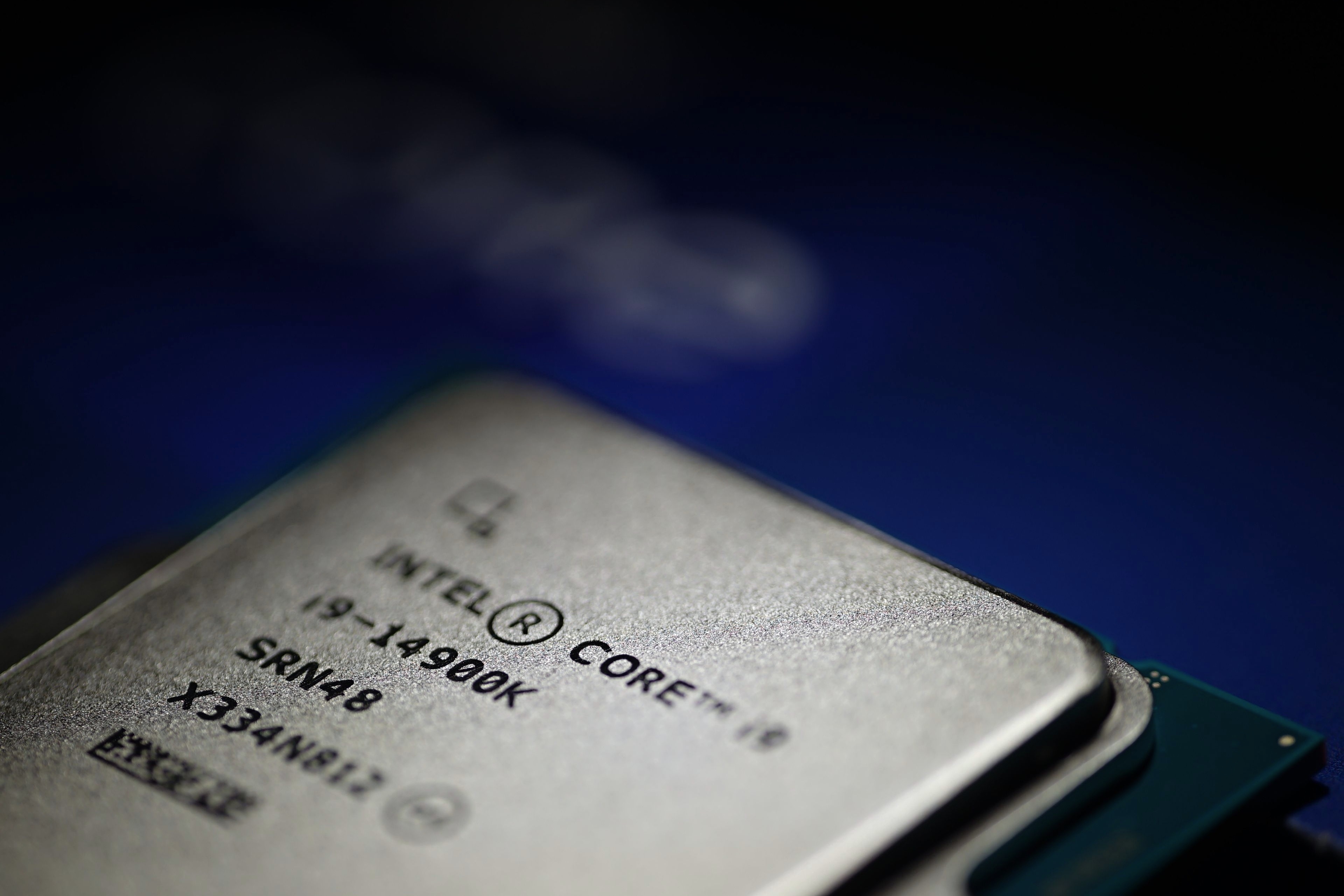
3) The third cause of excessively high voltages, still considered to be the main cause in the sense that it probably has the largest share of responsibility, is the voltage management in the processors themselves. The algorithm carelessly allowed the processor to request dangerously high voltages in an attempt to compensate for sudden drops in voltage (Vdroop) during fast load changes. However, it turned out that instead of just compensating for the voltage difference, high voltage spikes were actually forming and gradually damaging the processor until it stopped functioning correctly.
Intel refers to this degradation euphemistically as the “Vmin shift”, meaning that it gradually increases the voltage the processor needs to function correctly. But this means nothing more than physical deterioration of the CPU, what is happening is simply that the CPU suddenly behaves like it is overclocked and requires higher voltage (or underclocking) for stability, even though it is not overclocked. As the condition progressively worsens, the added voltage would have to be higher and higher, the CPU power consumption gets worse, and sooner or later the CPU could essentially become too defective for use.
- Read more: Confirmed: Raptor Lake CPUs are degrading, Intel preparing fix
- Read more: More on Raptor Lake CPU degradation: are chips being destroyed off-load?
Intel’s solution was for the voltage control to limit the processor’s voltage requests to a maximum of 1.55V to prevent the occurrence of the dangerous voltage spikes. But it’s hard to say now whether they will be eliminated entirely, or just enough to limit degradation significantly. The fix came in the 0x129 microcode update and it is strongly recommended that you apply it by flashing the latest BIOS into your motherboard.

Another cause leading to dangerous voltage discovered, there will be another update
4) However, Intel has now added a separate fourth problem, which probably means that to eliminate the dangerous voltage spikes, engineers needed to make another change in voltage management. It’s not clear exactly what the problem is, Intel says the problem is “microcode and BIOS requesting [from the voltage regulators] elevated core voltages“.
This formulation probably means that the algorithms taking care of voltage control (and selection) were not precise enough or did not react quickly enough to fluctuations and had to be changed in various ways – it may not be a fix for a single particular “bug”. According to Intel, the changes should mainly concern the behavior of the processor during low loads and idle periods. So this definitely confirms that the processors were not only damaged by long heavy loads at high temperatures and power consumption, but those dangerous voltage fluctuations may have been mostly caused by fast transitions between idle and boost (which is what happens during office work, internet browsing and similar light usage), as we concluded in previous articles. Thus, it is not true that you don’t have to worry if you don’t use the processor for heavy compute and gaming, but “just for ordinary things”.
But whatever the details of this error in voltage control, it will again be addressed with a microcode update. This time the update will be labeled 0x12B. This fix also incorporates the previous fixes 0x125 and 0x129 (this is a hexadecimal number, 12B is more than 129). So look for microcode version 0x12B or higher when you want to verify that your computer is already patched.

This microcode patch will be distributed as part of an update to the motherboard’s UEFI (BIOS), so you need to get it into the processor this way. The microcode in the CPU itself cannot be permanently replaced, the way it works is that the board updates it when the PC boots up. This means you have to make sure to always install Raptor Lake processors in boards with patched BIOSes, otherwise their self-damaging will proceed again.
Intel is now working with motherboard manufacturers to release BIOSes that include this fix, but we don’t know exactly when they should be available– the company says it could take a few weeks. If you have a 13th- or 14th-generation Core processor, check back over the next, say, two months to see if the motherboard manufacturer has released a BIOS update, and always install those as soon as possible. The fact that the microcode update version 0x12B is included in the update will probably mentioned in the information on the BIOS update changes. You will also need a BIOS update with the fix if you have a branded PC from HP, Acer, Asus, Dell, Lenovo and so on that uses the affected processors, in which case the PC manufacturer has to provide the update.
The fix may slow down the processor slightly
Intel admits that the fix will have some negative impact on performance. The company says that according to its internal measurements, the performance drop will typically be small, within the normal variation in testing. But that doesn’t mean CPUs won’t be consistently slower. If there was no performance impact, Intel would have chosen a different formulation (that “no significant performance impact is expected”). So, in this case, there probably is some visible impact in the benchmarks.
The changes in voltage management probably likely require the processor to be ramping up clock in a slower manner when entering the maximum turbo boost state, which is dependent on sufficient voltage – the clock speed change will probably be less aggressive now, it could for example take a few miliseconds more to get from idle clocks to the maximum boost. The performance impacts are unlikely to apply to long-term, regular CPU loads (on the higher-end i7 and i9 models), but may affect short tasks or tasks where the load is intermittent and constantly changing. Anyway, think of this performance impact as a necessary evil, there’s no point in rejecting to apply the updates because of this performance degradation.
Next-gen Arrow Lake is supposed to be trouble-free
Intel also reiterated that the issue only affects 13th and 14th generation Core desktop processors (Raptor Lake, Raptor Lake Refresh), but not laptop models. And according to the company, it also won’t affect the new generation of Core Ultra 200 (Arrow Lake) processors on the LGA 1851 platform, which will be released next month.
Source: Intel
English translation and edit by Jozef Dudáš
⠀


