





A major drawback of the exceptionally powerful GeForce RTX 5090 is the high power demands of its large GB202 chip. Even when equipped with a premium air cooler, the card still requires robust system cooling to handle its nearly 600W heat output. However, AiO liquid cooling models can offer even better thermal performance, thanks to their larger radiators with three 120mm fans, which expel hot air directly outside the case.
Test build
Reviewers usually test the performance, thermals, and noise of graphics cards on open-air test benches. In such a setup, the system has virtually unlimited access to cool ambient air from the surroundings, and the warm air from the graphics card is quickly expelled into the open air. Inside a case, however, the air volume is much smaller. Once components are installed, it becomes necessary to find a balance, tuning the cooling system so that system fans aren’t too noisy, while still ensuring sufficient airflow through the case. Powerful CPUs and GPUs produce a lot of heat, raising the temperature inside the case, and component temperatures are usually higher than under ideal open-bench conditions. This is why results for clocks, temperatures, and noise in such test setups tend to look better than what you’ll see with the same components inside a PC case.
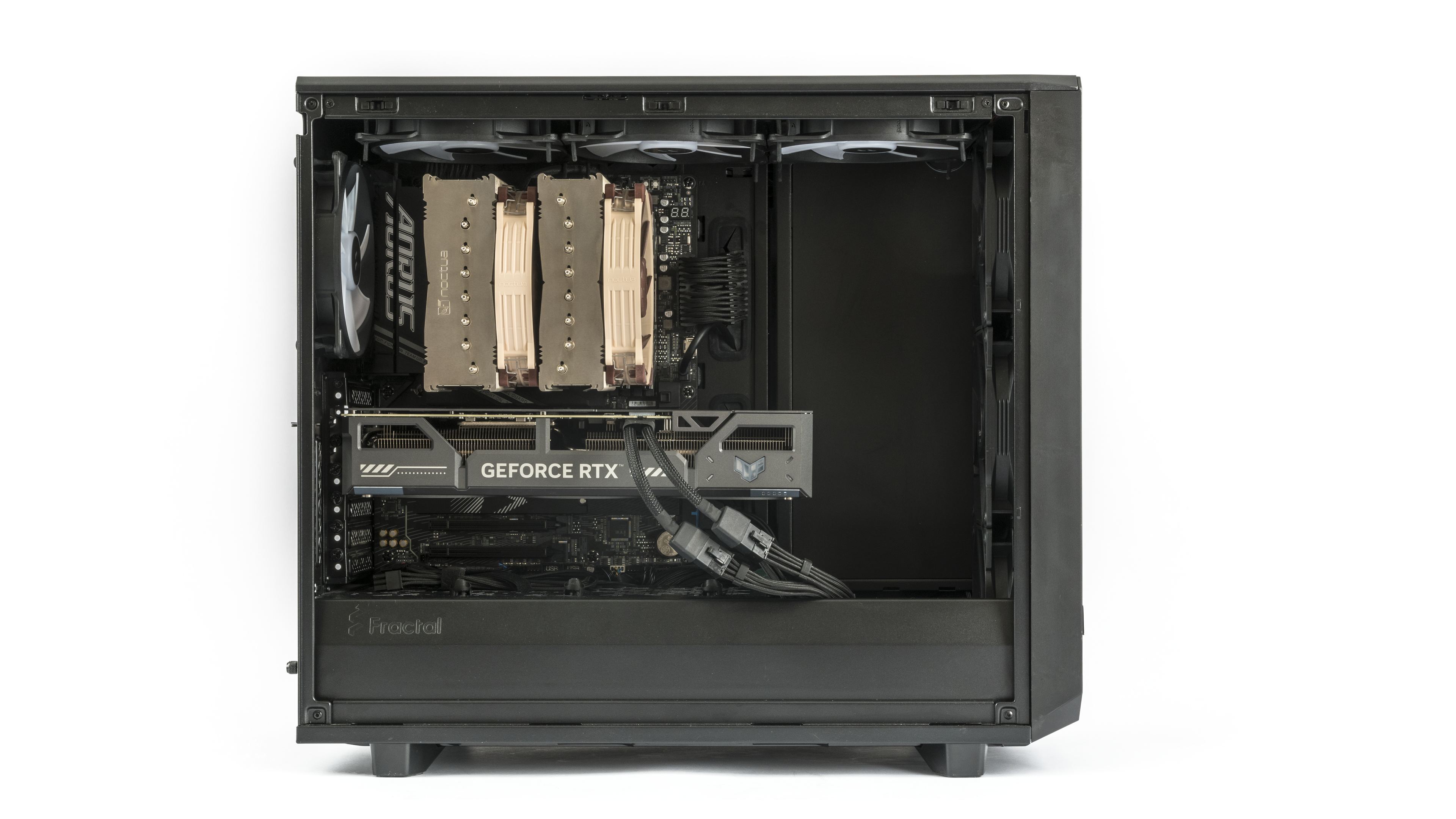
That’s why graphics cards are tested inside a PC case. For this purpose I chose the Fractal Design Meshify 2, featuring one of the most common case layouts and cooling designs. Unlike expensive, oversized cases, its size and price make it suitable for lower- and mid-range GPUs, while still being able to fit and cool even large, power-hungry, high-end graphics cards. In this setup, using a case with all fan mounts populated lets us compare cards under identical conditions.
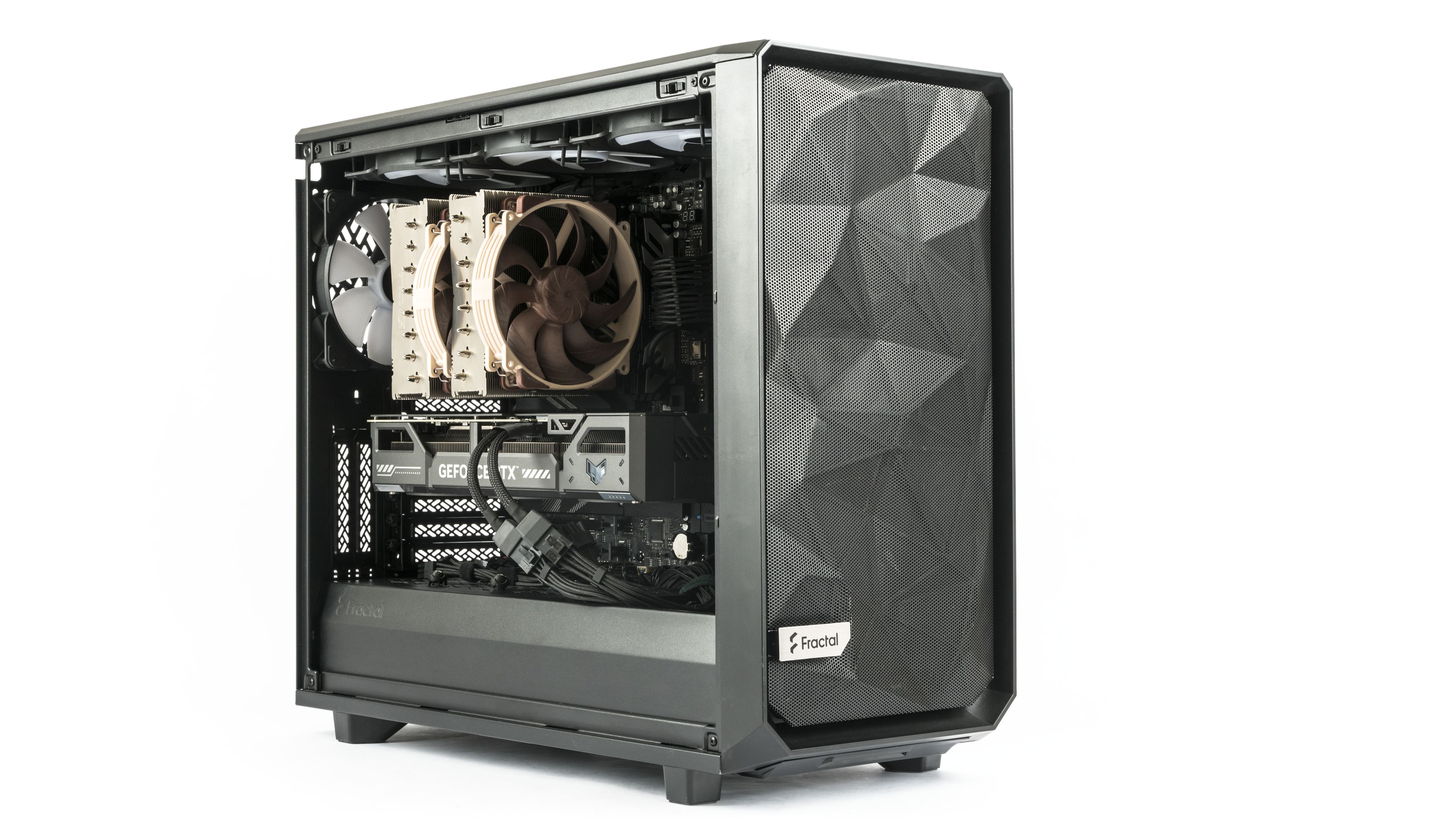
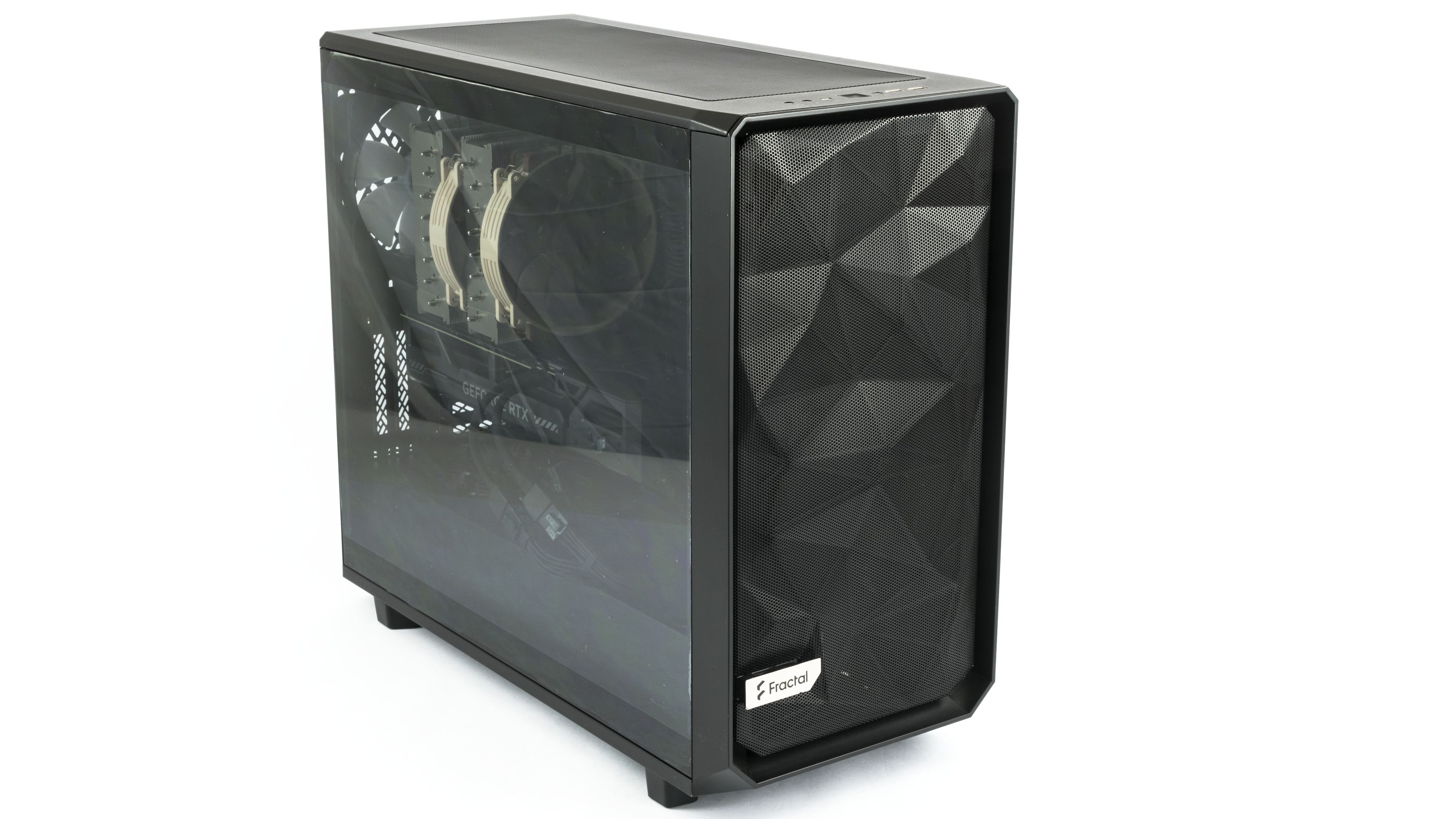
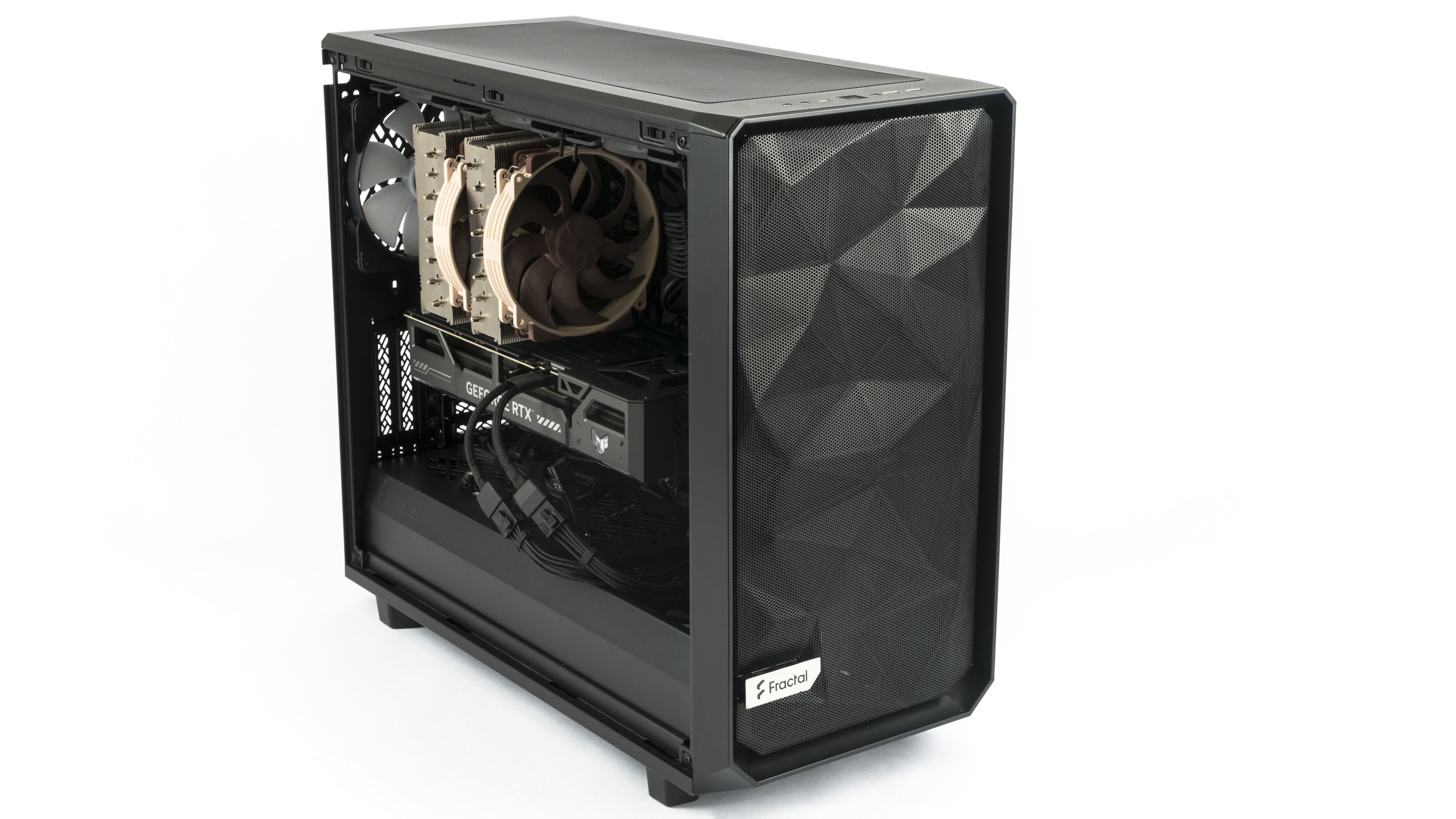
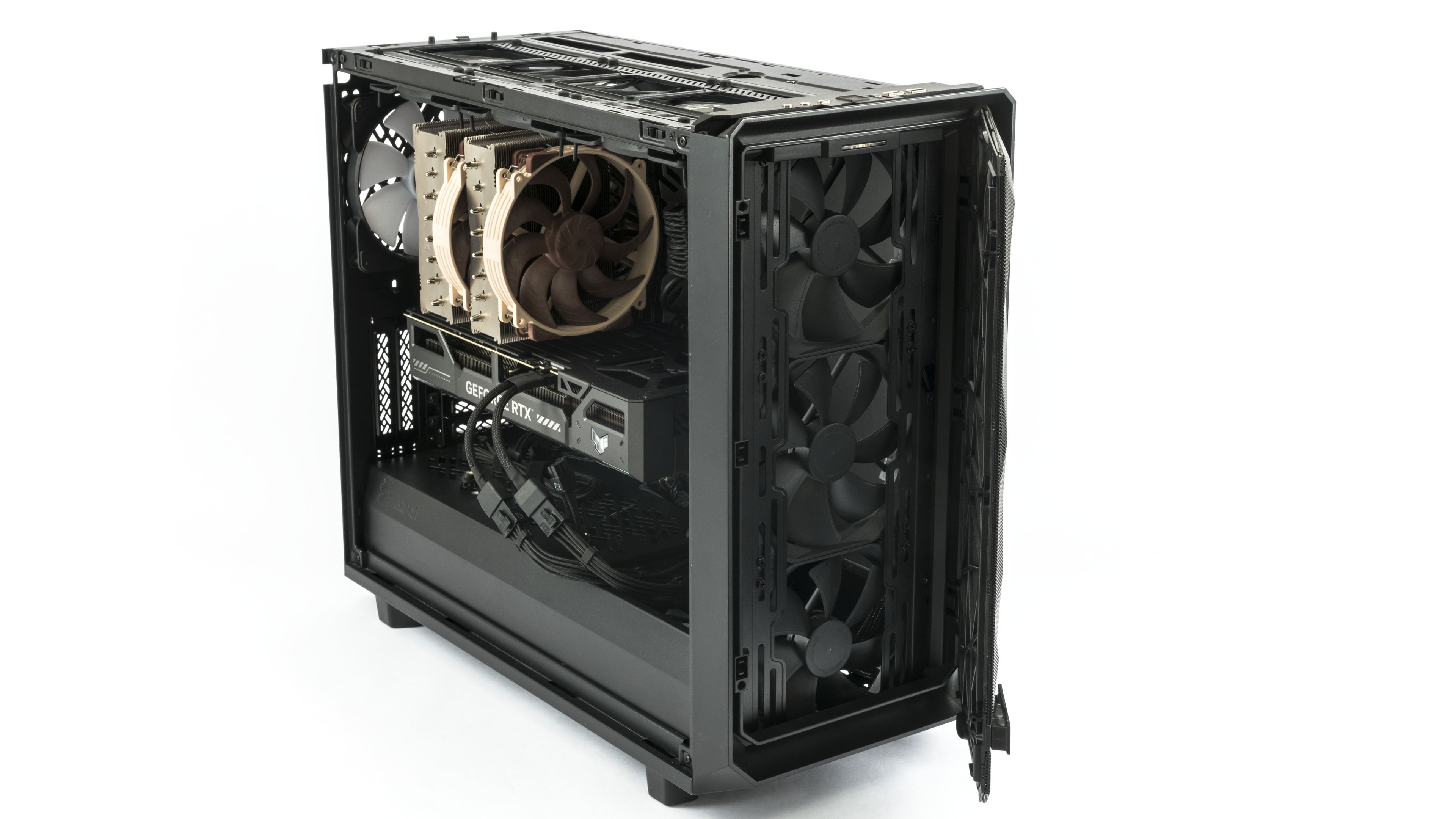
All system fans are set to around 780 rpm. Although this setup is not whisper-quiet, it can keep even high-power GPUs sufficiently cool. The front panel houses three 140 mm intake fans, and an additional fan at the bottom draws air into the case and directs it to the rear section of the graphics card.

Hot air is exhausted by three Fractal Design Aspect 14 RGB PWM fans in the top panel, plus a matching rear fan.

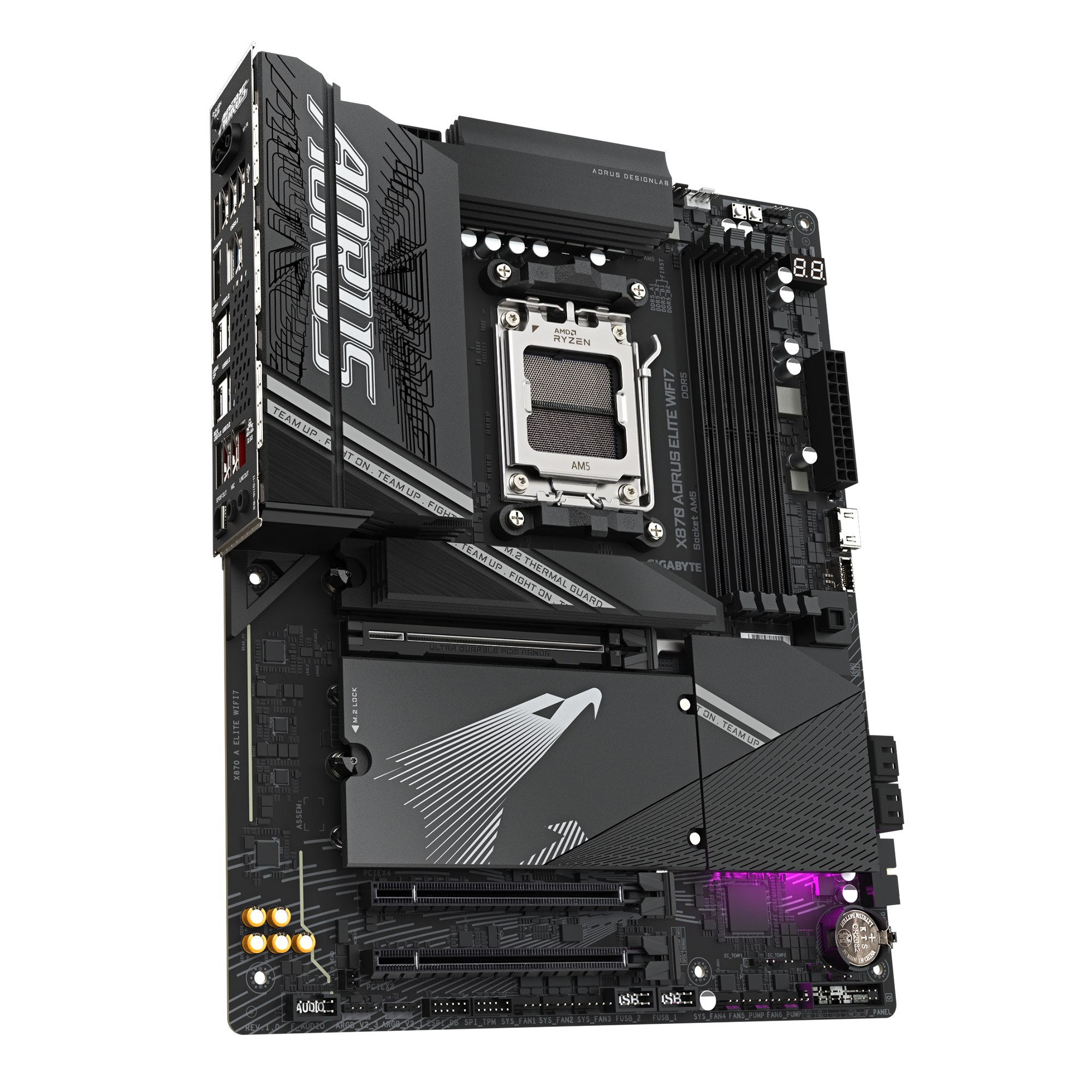
Motherboard: Aorus X870 Elite WiFi7
The motherboard used for testing is the Aorus X870 Elite WiFi7. Engineered for the latest AMD Ryzen processors, the Gigabyte X870 Aorus Elite WiFi7 provides a robust 16+2+2 power design. It offers four M.2 slots, including three PCIe 5.0, and features next-generation connectivity with Wi-Fi 7 and 2.5GbE LAN. Its builder-friendly design, with features like EZ-Latch, simplifies the installation process.
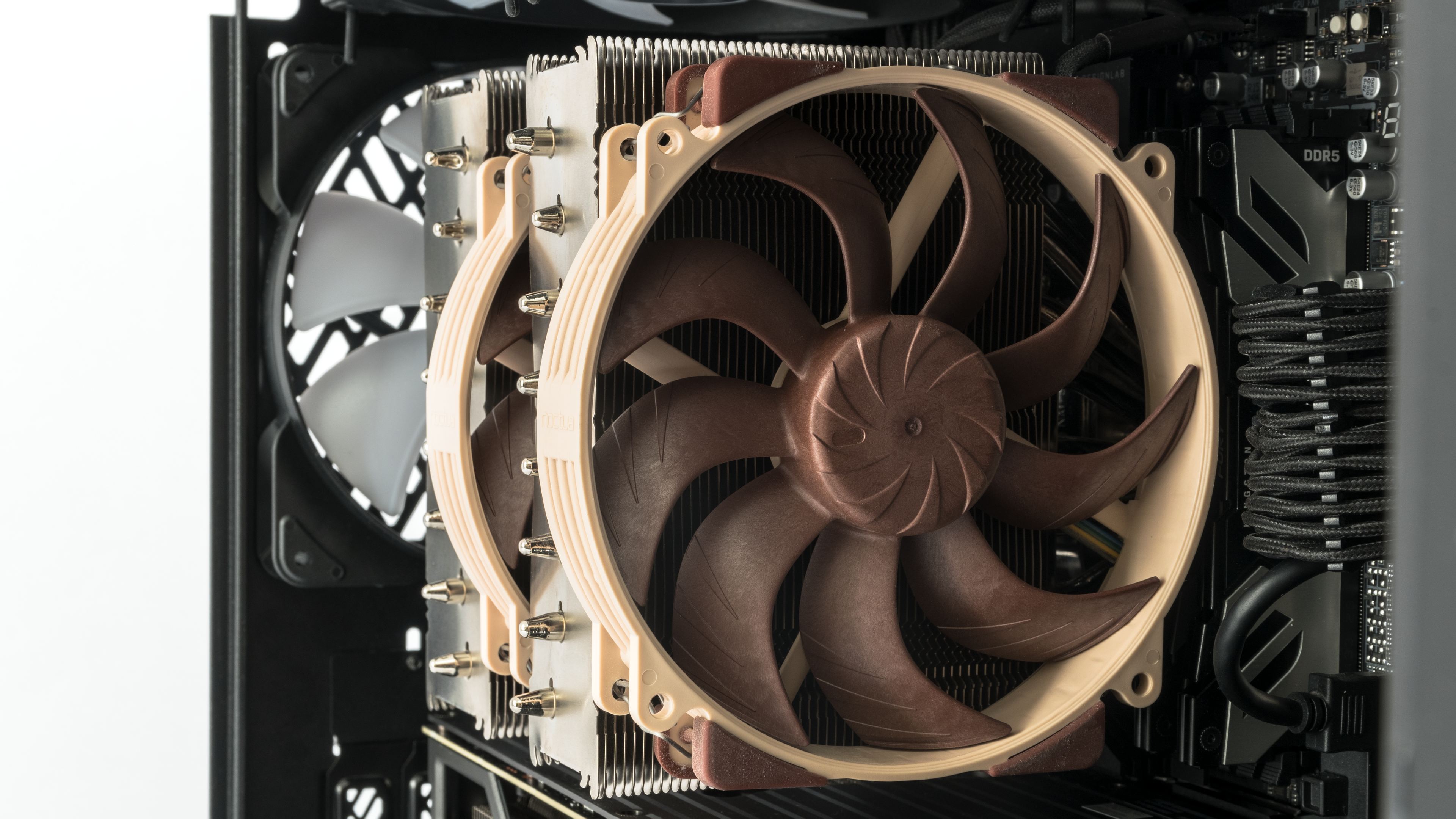
CPU Cooler: Noctua NH-D15 G2 LBC
These days, powerful gaming rigs often rely on all-in-one liquid coolers. I opted instead for a top-of-the-line air cooler, the Noctua NH-D15 G2 LBC in an offset mounting configuration, for two main reasons. First, it offers greater reliability and more predictable long-term cooling performance compared to liquid coolers. Second, it has a smaller impact on case airflow than an AIO.
When CPU load increases, speeding up the radiator fans on an AIO cooler can significantly change the airflow inside the case. With an air cooler, higher CPU fan speeds have much less impact on case airflow. The system fans are set to a fixed speed to maintain constant airflow, making it more suitable for comparing graphics cards under similar conditions.

Processor: AMD Ryzen 7 9800X3D
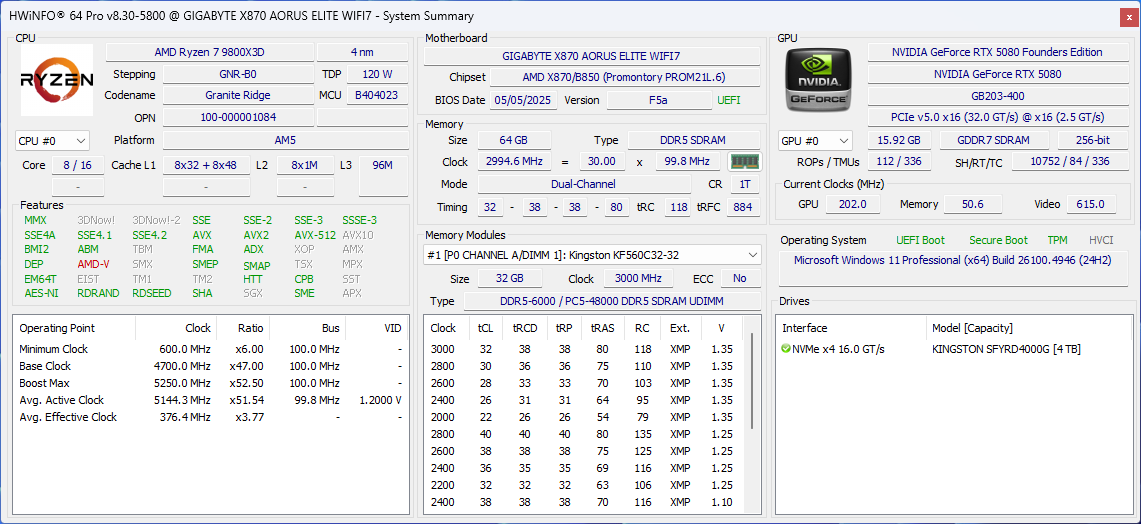
Our graphics card tests run on an AMD Ryzen 7 9800X3D processor. It provides sufficient cores for virtually all current titles, maintains high clock speeds, and delivers strong single-core performance. While it may not lead the charts in every benchmark, it consistently ranks among the best overall. It has a single CCD fitted with 3D V-Cache, which all cores can access directly. Unlike higher-end models, it does not suffer from latency when switching between chiplets. In games, it can make more efficient use of its thermal envelope (TDP). Thanks to this combination of factors, it can deliver the highest performance in most games.

The AMD Ryzen 7 9800X3D processor runs at the motherboard’s default settings. Below is a snapshot of the hardware configuration and current setup. The current system setup may vary slightly due to BIOS, driver, and software updates.
The SVM Enable option in the advanced processor settings is disabled to improve gaming performance, which also turns off the “Core Isolation” feature in Windows Security.
The processor’s integrated Radeon graphics adapter and the onboard SATA controller are also manually disabled.
Memory: Kingston Fury DDR5-6000
The processor is paired with 64 GB of DDR5-6000 memory via two 32GB modules from Kingston. The memory is Kingston Fury DDR5-6000, product number KF560C32RSK2-64.
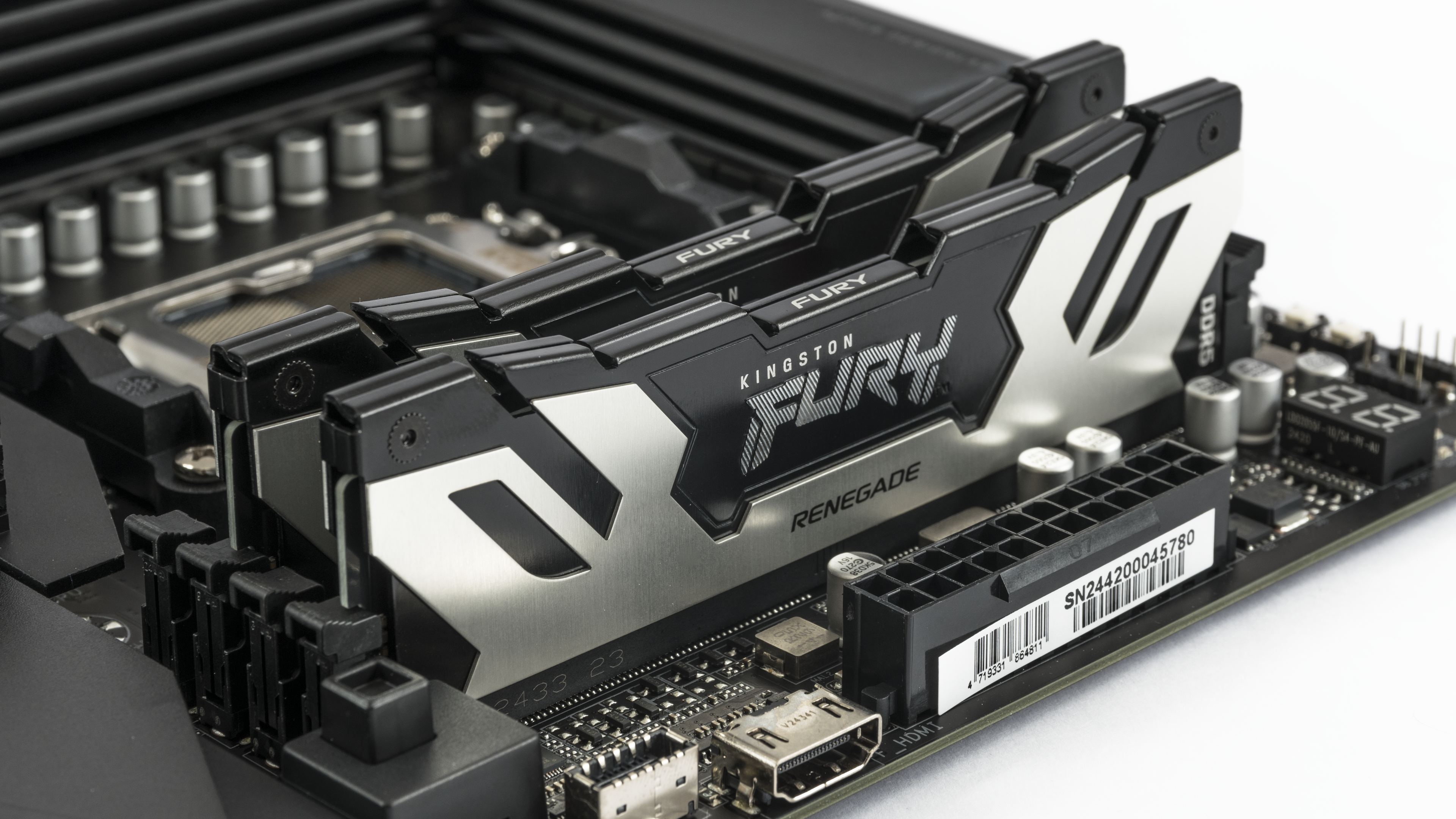

They support the following profiles:
- Default (JEDEC): DDR5-4800 CL40-39-39 @1.1V
- XMP Profile #1: DDR5-6000 CL32-38-38 @1.35V
- XMP Profile #2: DDR5-5600 CL40-40-40 @1.25V
- XMP Profile #3: DDR5-4800 CL38-38-38 @1.1V
In our build, it’s running on the highest EXPO profile with parameters DDR5-6000 32-38-38-38 at 1.350V. In the BIOS, XMP/EXPO High Bandwidth Support is enabled, Infinity Fabric Frequency and Dividers are manually set to 2000 MHz, and the UCLK DIV1 MODE divider is set to UCLK=MEMCLK.
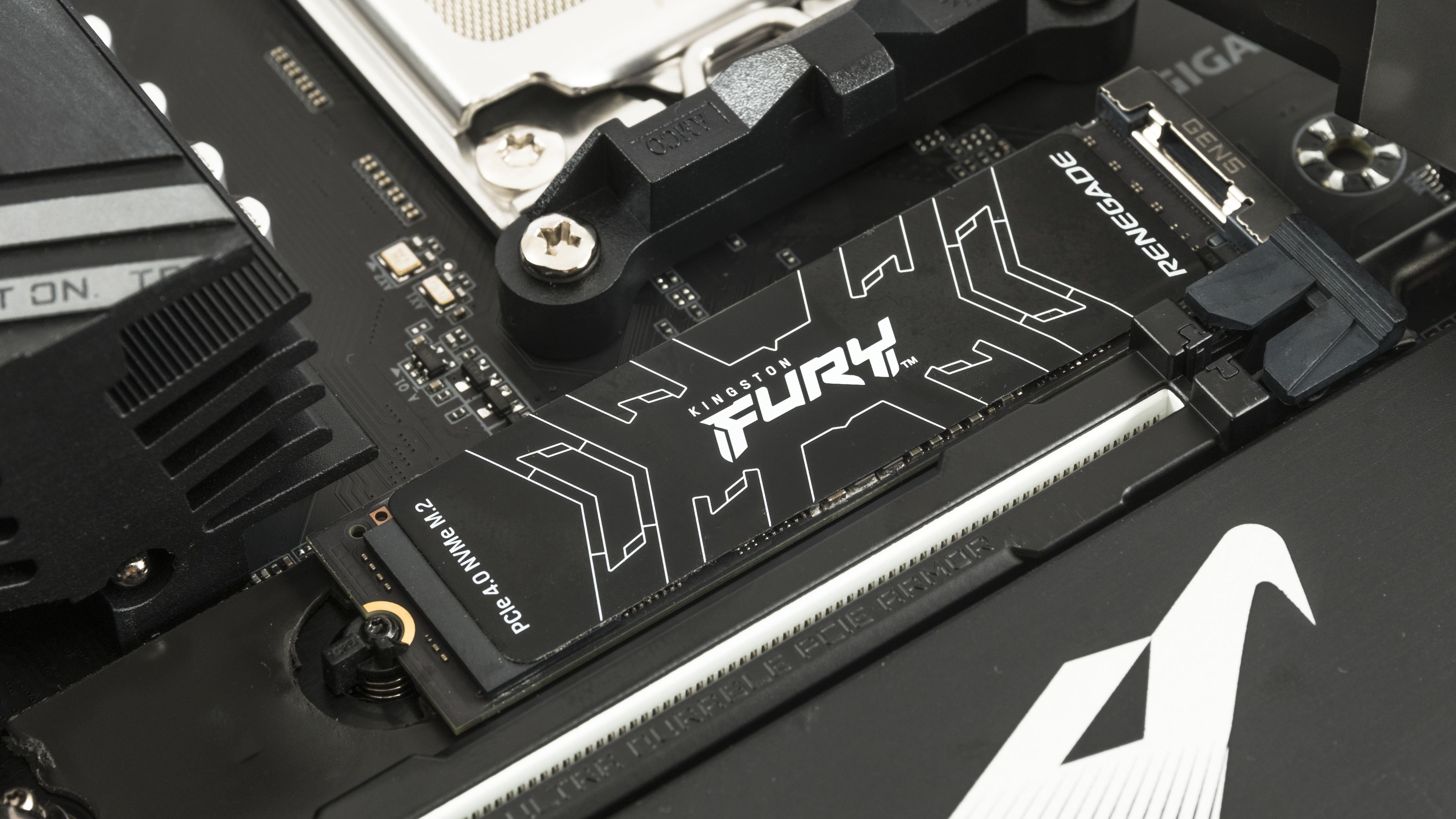
Storage: SSD Kingston Fury Renegade PCIe 4.0 NVMe M.2
System and game data are stored on a fast Kingston Fury Renegade PCIe 4.0 NVMe M.2 SSD with 4TB capacity. It offers sequential read speeds of up to 7,300 MB/s and write speeds of up to 7,000 MB/s. The drive comes in two versions: one with a heatsink and one with a thin heat spreader. We’re using the thin-spreader version, cooled by the large M.2 heatsink included with the motherboard.
PSU: be quiet! Dark Power Pro 13
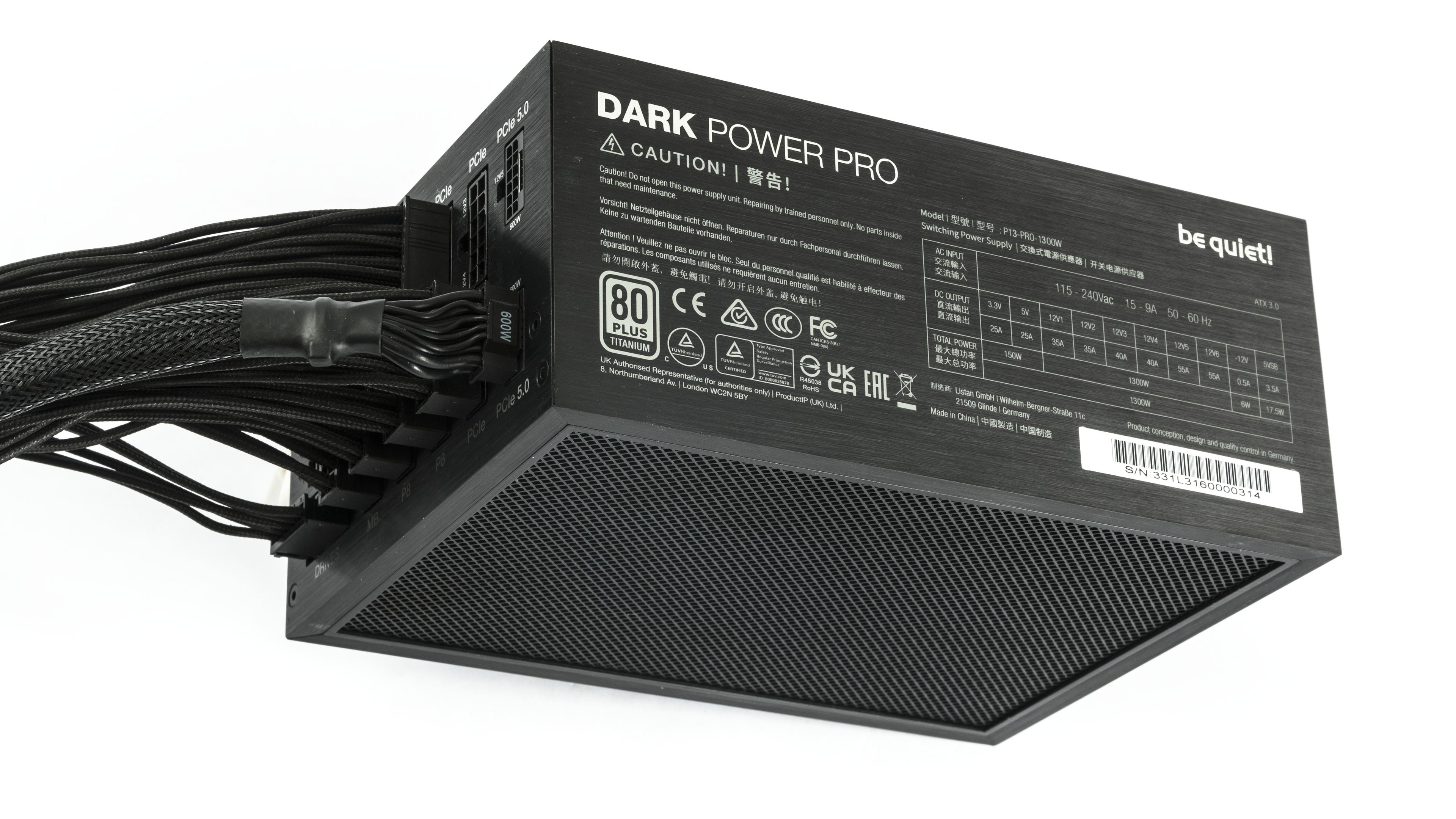
The entire system is powered by a top-tier 1300W PSU—the be quiet! Dark Power Pro 13. Be quiet! Dark Power Pro 13 1300 W is a fully modular ATX 3.0 power supply with 80 PLUS Titanium certification and up to 94.4 % efficiency. It supports PCIe 5.1 (2× 12VHPWR, 6× PCIe 6+2-pin) and features six 12V rails with an option to switch to single-rail mode. Cooling is provided by a 135 mm Silent Wings fan, and the manufacturer offers a 10-year warranty.
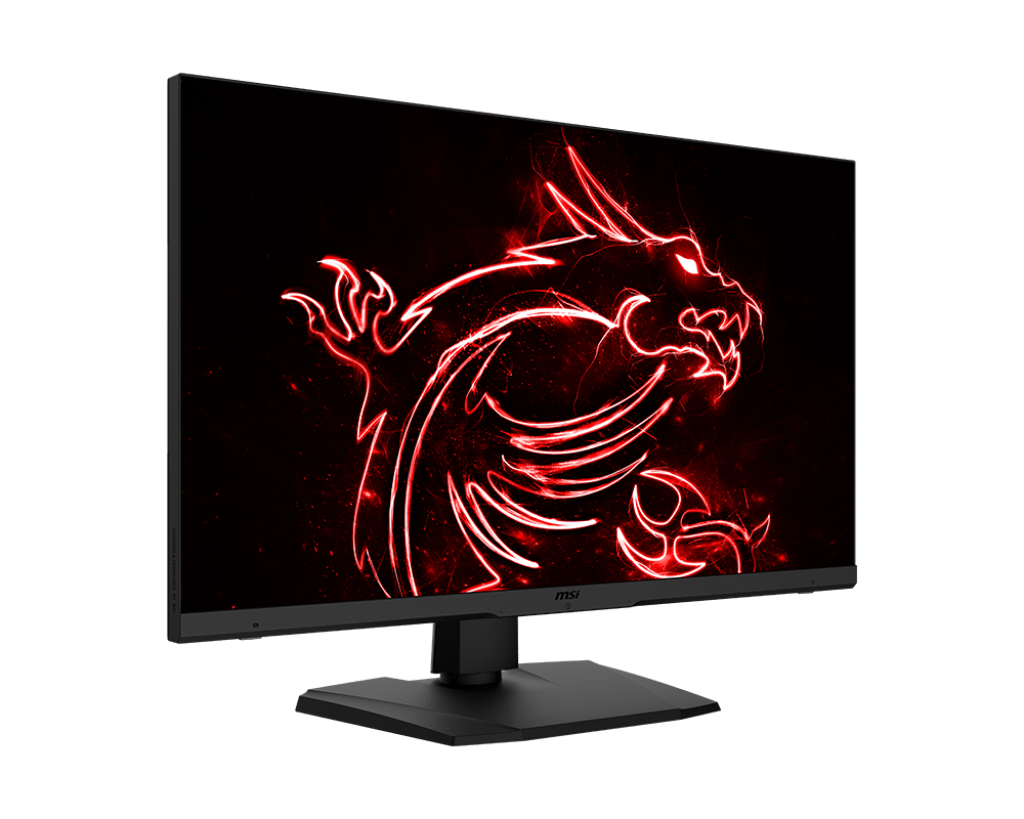
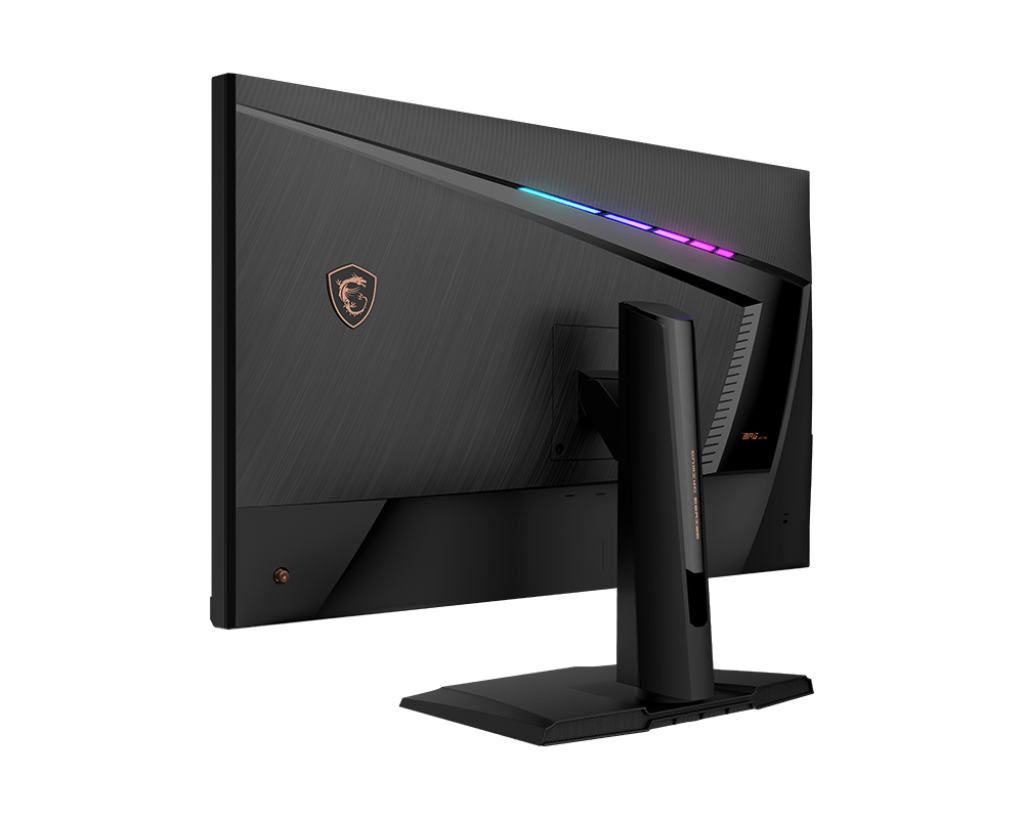
Monitor: MSI Optix MPG321UR-QD
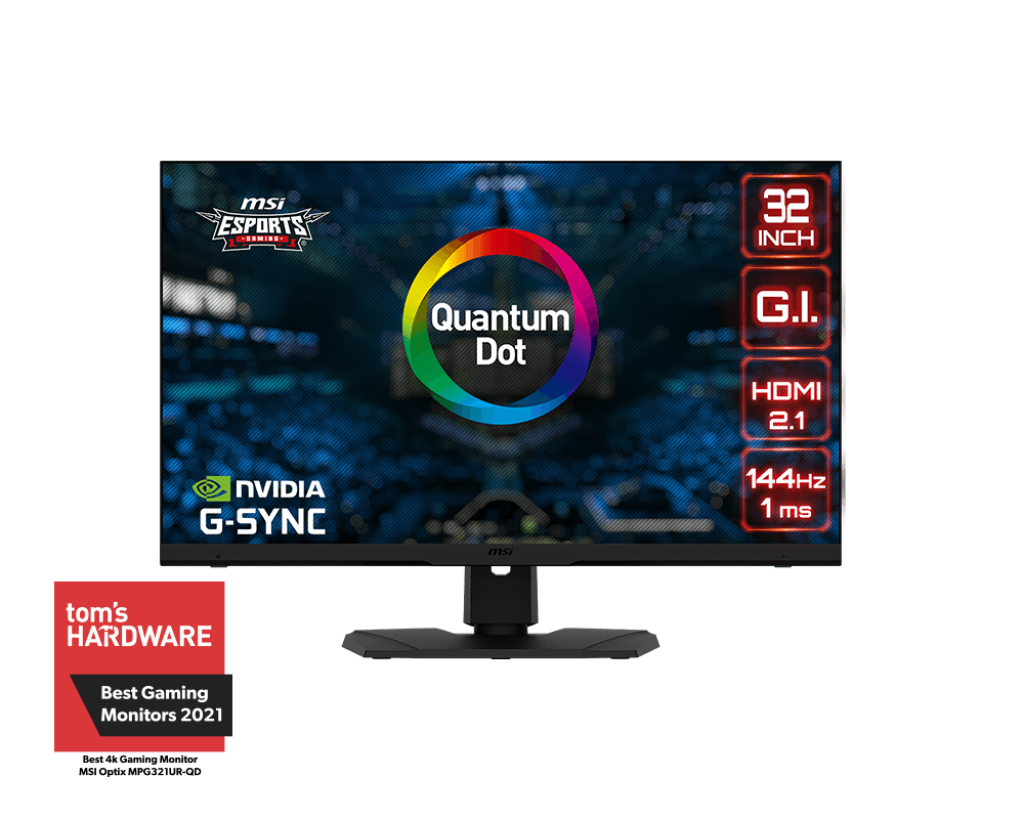
Our gaming performance tests are carried out using the MSI Optix MPG321UR-QD — a 32-inch 4K UHD gaming monitor with an IPS panel, 144 Hz refresh rate, and 1 ms response time. It uses Quantum Dot technology to deliver a wide color gamut (97 % DCI-P3, 99 % Adobe RGB). The monitor supports HDR600, offers HDMI 2.1 and DisplayPort 1.4 with DSC, includes USB-C connectivity, and comes with an integrated KVM switch for convenient control of multiple devices.
Monitor: Gigabyte AORUS FO27Q3
For specialized input lag tests, we are using a top-tier gaming monitor, the AORUS FO27Q3 from Gigabyte. It features a Samsung Display QD-OLED panel at 2560 × 1440 with a 360 Hz refresh rate and 0.03 ms GtG response and is certified with VESA ClearMR 13000 and VESA DisplayHDR True Black 400. For gamers, the major advantage over LCD monitors is that OLED can redraw pixels with significantly faster response times.
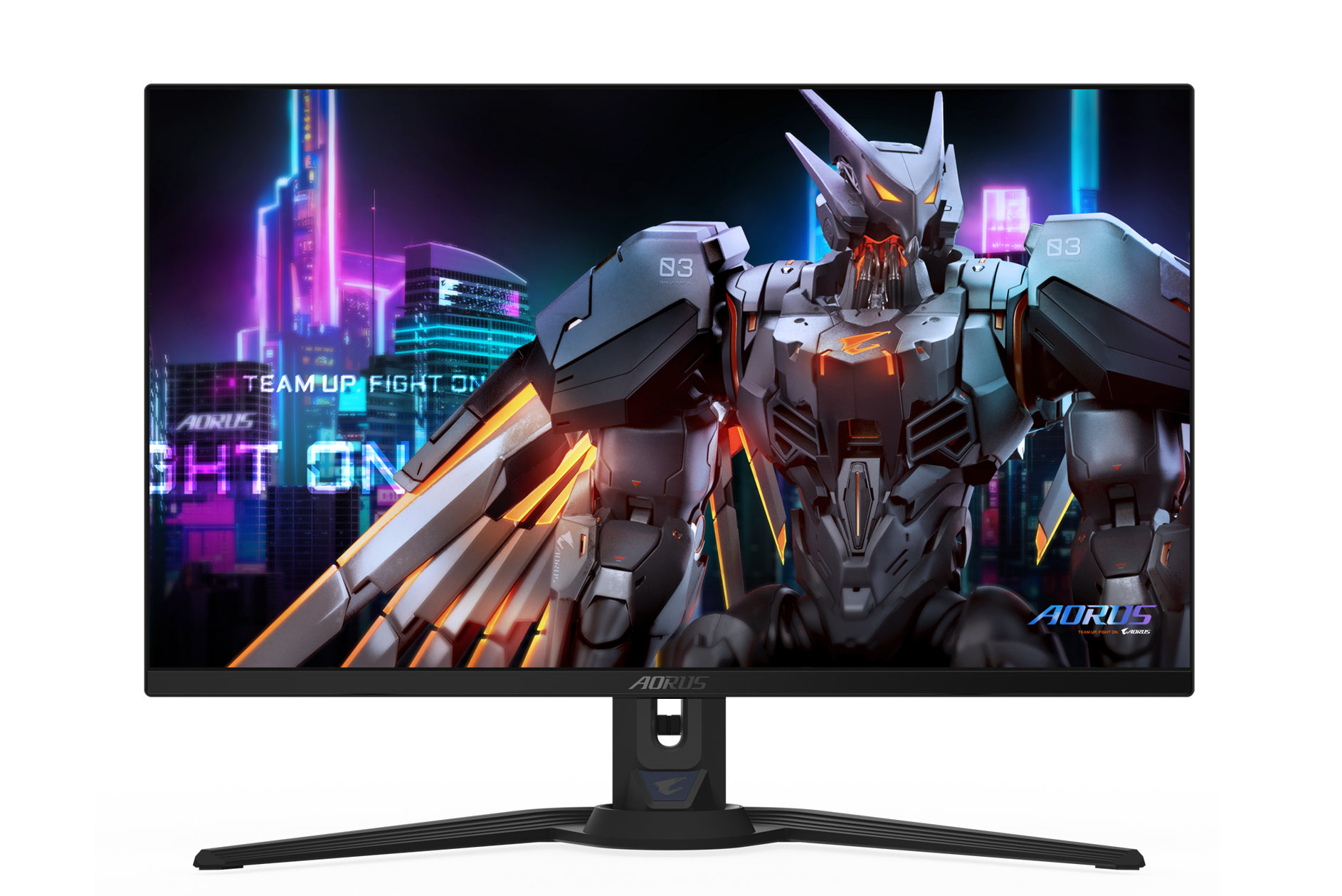
The basic monitor specifications are summarized below. For a detailed description and demonstrations of supported technologies, visit the monitor’s product page.
- Panel: 27″ QD-OLED, resolution 2560×1440 @ 360 Hz, 10-bit
- Adaptive v-sync: FreeSync Premium Pro, VRR
- Image parameters: viewing angles 178°, brightness 250 cd/m² (Typ, SDR APL 100%); 1000 nits (Typ, HDR APL 3%), 99% DCI-P3 coverage, GtG response 0.03 ms, factory calibration with △E< 2
- Certifications: VESA DisplayHDR True Black 400, motion clarity ClearMR 13000
- Connectors: 2× HDMI 2.1, 1× DisplayPort 1.4, 1× USB Type-C (DP Alt Mode; Upstream port; Power Delivery up to 18 W), 2× USB 3.2 (downstream), 1× USB 3.2 (upstream), 3.5 mm headphone out; 3.5 mm mic in
- Audio: 2× 5 W speakers
- Supported technologies: Tactical Switch, OSD Sidekick, Black Equalizer 2.0, Dashboard, Crosshair, Timer, Counter, Night Vision, Eagle Eye, PiP/PbP, Auto-Update, KVM, 6 axis Color Control, Apply Picture Mode, HDMI-CEC, RGB Fusion 2.0, pivot 0–90°, VESA Wall Mount 100×100 mm
⠀

