


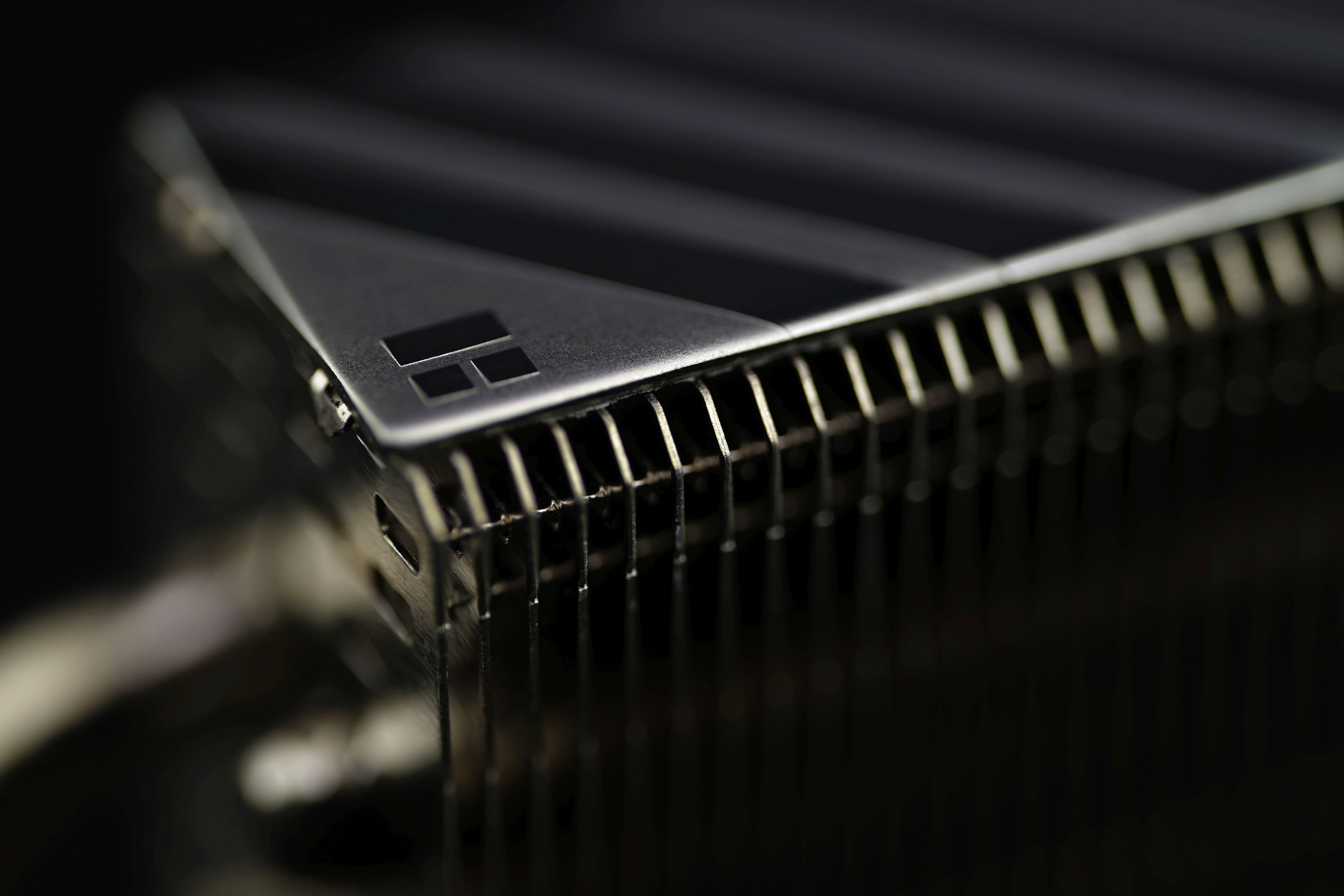
One of the most powerful SSD coolers reminds a bit of the era of massively finned heatsinks that used to be on motherboards. Thermalright is well known for producing small coolers with a large number of fins. Such a concept in the form of the HR-10 2280 cooler should score points on SSDs as well. And it does so even in comparison with almost 60 competing solutions.
Conclusion
The Thermalright HR-10 2280 is one of the top performers. Overall, in our tests, it lags behind the Axagon CLR-M2XL slightly (it cools the SSD controller the same in tests using our methodology, but the memory is worse), but there is one important thing to note. Passive cooler tests are very difficult to evaluate objectively. The airflow intensity of the tested environment significantly affects the ranking. We test a certain level of it, but at others the ranking may change.
Because of the large fin surface area, but at the same time with very small gaps, the Thermalright HR-10 2280 is positioned to excel the most (and beat everything else) in systems with higher airflow, as opposed to other coolers. For example, it can be great in server systems (in 1U height), where operating noise is not so important.

The Thermalright HR-10 2280 is also attractive for high-performance workstations where you might already care about being as quiet as possible (and that’s why you’re interested in a passive SSD cooler). But in this discipline, it will already be about on the level of the aforementioned Axagon CLR-M2XL, and the details will decide which choice makes more sense. Namely, to which of the two coolers you will be able to get cheaper. The average retail price is similar for both. But the Thermalright cooler is significantly cheaper in some places (it’s even on sale for 7.99 USD on Amazon.com at the time of writing), and in many cases, better availability in stores can make the difference.
If it isn’t in your favourite one at the moment and you are interested in this cooler, you can actually compete for one. Just e-mail us to info@hwcooling.net, a message with the subject “I could use Thermalright HR-10 2280“, in which body, include details on what SSD and in what system (model of case used, configuration and speeds of system fans) it would be operating. We will send this SSD cooler to the first person who submits their configuration details. New, unused one. If you see a small text box below this with an encrypted identifier of the winner, it means that someone beat you to it and Thermalright HR-10 2280 already has its new owner.
English translation and edit by Jozef Dudáš
| Thermalright HR-10 2280 |
| + Extreme cooling performance |
| + Really efficient design. Considering the weight, very high TDP |
| + Particularly suitable for higher airflow systems |
| + Attractive price/performance ratio |
| + Robust design. Thanks to the backplate, the SSD never flexes |
| - Worse compatibility due to the extra thickness |
| Approximate retail price: 14 EUR |

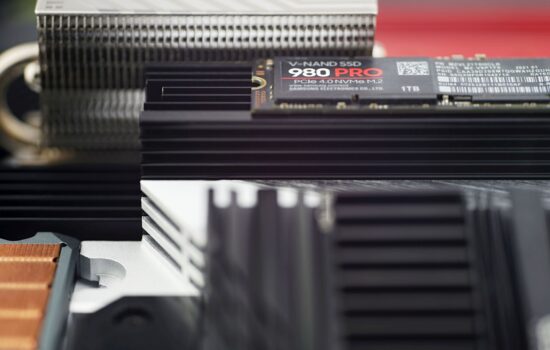


I think it’s a design with missed opportunities.
The fins seem too dense for optimal passive operation and are oriented the wrong way to utilize the typical front-to-back airflow (though they have small cutouts to help with that). The solid top plate also limits its performance in horizontal applications. It’s good mainly due to raw size, but the space can be used more efficiently.
On another topic (methodology), something I wonder is how much mounting pressure affects the results. If it significantly affects it, is it possible to ensure identical mounting pressure across different heatsinks?
Being able to test different airflow conditions would also be great. I think just by adding a passive test (same system but all fans are off) is good enough to get a good idea on how the heatsink performs in most situations, as this test will give insight on what happens when airflow is limited and vertical. For example, I have seen designs where orientation significantly impacts performance (Jeyi Godfin/Goldfin) and designs that are barely affected (Jeyi iGlacier8/Axagon M2XL) based on reviews by BuildOrBuy.
As for the mounting pressure, its influence probably varies. It will be different when there is a weaker pressure, but with contact over the whole surface (a good representative of such a situation is for example the very cheap Axagon CLR-M2Lx coolers, where the SSD is connected to the heatsink with rubber bands) than when there is different pressure in different places of the SSD. Or somewhere there is not even contact. This is also the case with the latest mechanism of a large shared cooler for four SSDs on the Gigabyte Z790 Aorus Pro X motherboard. We have also addressed this in our review and from the detail of the imprints in the thermal pads it can be seen that from the controller to the memory the contact is getting worse, and this is of course also negatively reflected in the results. You can’t really control it, it’s a matter of the mounting system, i.e. a feature of the cooler/motherboard that also contributes to the final cooling performance. It can be influenced by various ways of mounting the motherboard to the case, where it would be an effort to deform the PCB in places of insufficient contact in some way. But this, as you surely acknowledge, is not standard practice and good contact must be ensured in a situation where the PCB of the installed motherboard is flat, i.e. in its natural state.
We considered tests with different airflows, but in the end they had to be abandoned. It would have been more time consuming than we can handle. The methodology for SSD cooler tests was primarily conceived with the motherboard tests in mind so that it could not take too much time. But I definitely agree that really proper tests of passive coolers would deserve several levels of system cooling airflow settings at which they would be tested. But it’s about the fact that there is an upper limit to the amount of time we can allocate for various tests, and to dwell too much on SSD cooler tests would mean that the space for fan tests would be even smaller. And you can see how it is with fans already. Two tests in the last quarter is really weak and from my side the deprivation (of working on fan tests) is getting huge and I’m not happy with this situation at all.