So which ones? Vibrations of more than a hundred PC fans collected in one place, in both 120 mm and 140 mm formats—the ones most widely used among PC builders. Some models vibrate more, others less, or not at all. The scenarios vary, as is natural. The task is to make sense of it all based on exact measurements. These are compiled into clear graphs. Yes, you’ve seen them before.
There are multiple reasons why fans vibrate. They were described in this article; now we focus on the results captured in the graphs. For maximum clarity, we selected only two operating modes in which vibrations are usually the highest. This doesn’t always have to be the case, but the higher the speed, the higher the vibrations tend to be.

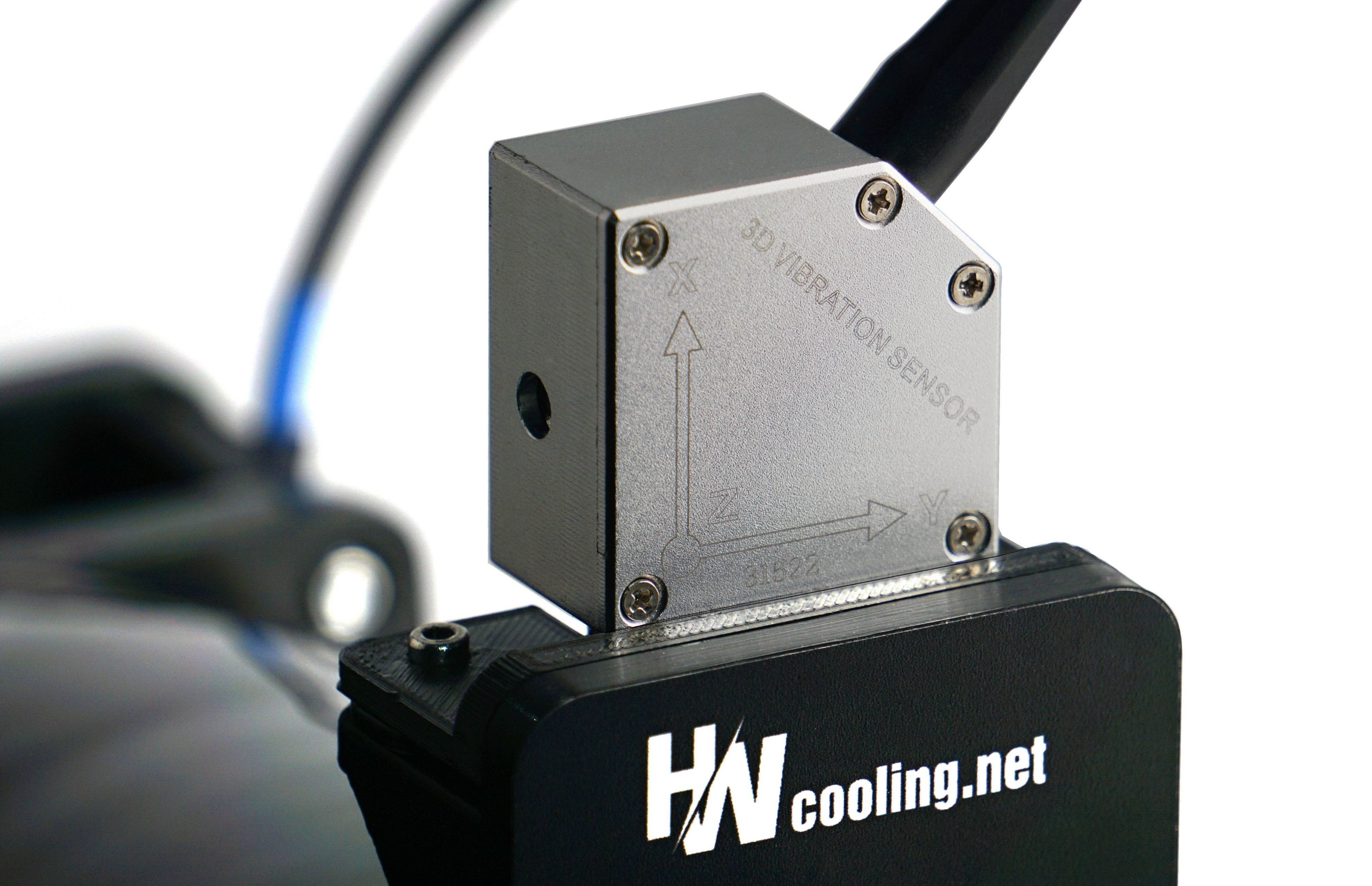
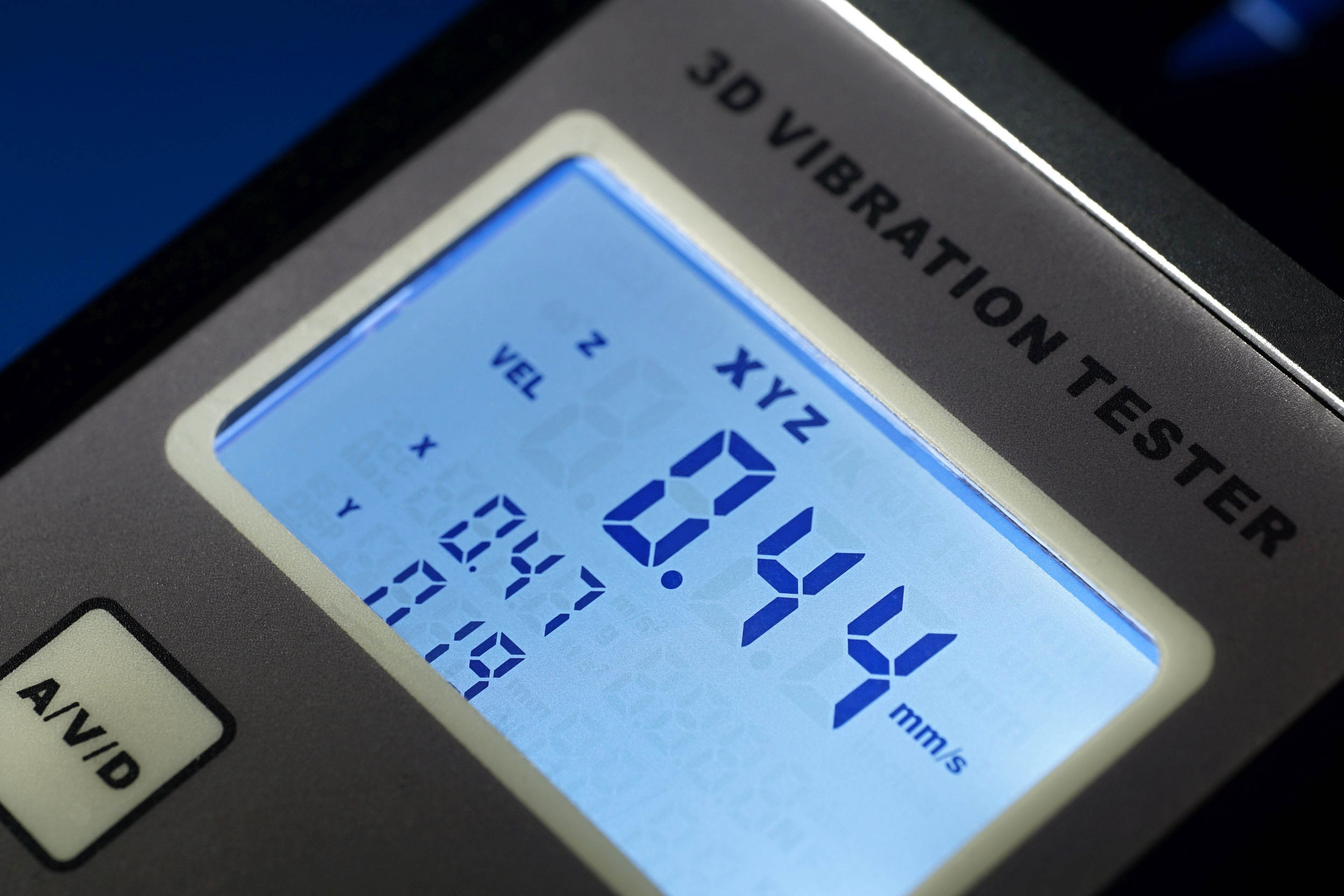
For completeness, we naturally also have “slower” and quieter modes available, where fan vibrations tend to be lower (these are included in the 120 mm tests as well as the 140 mm fan tests). Besides the 3D vector, there are also vibrations measured along individual axes: here is the X‑axis, and in the next two chapters the Y‑axis and Z‑axis. Some results are missing simply because our testing methodology could not detect anything. The method we use to measure vibrations is described on the standard fan‑testing page.
So which fans vibrate the least? Usually the more expensive ones—and among the cheaper ones, for example (A)RGB models, those with a more rigid impeller. That is, fans where the impeller is not the light‑diffusing element; instead, illumination is handled by a ring around the impeller integrated into the frame. This is not a strict rule, and as you can see from the relative values in the graphs, the reality varies. The lower the values, the better—theoretically.
English translation and edit by Jozef Dudáš