Analysis: Which PC fans vibrate the least?

So which ones? Vibrations of more than a hundred PC fans collected in one place, in both 120 mm and 140 mm formats—the ones most widely used among PC builders. Some models vibrate more, others less, or not at all. The scenarios vary, as is natural. The task is to make sense of it all based on exact measurements. These are compiled into clear graphs. Yes, you’ve seen them before.

There are multiple reasons why fans vibrate. They were described in this article; now we focus on the results captured in the graphs. For maximum clarity, we selected only two operating modes in which vibrations are usually the highest. This doesn’t always have to be the case, but the higher the speed, the higher the vibrations tend to be.

Delicate fan‑mounting mechanism. Profile detail

For completeness, we naturally also have “slower” and quieter modes available, where fan vibrations tend to be lower (these are included in the 120 mm tests as well as the 140 mm fan tests). Besides the 3D vector, there are also vibrations measured along individual axes: here is the X‑axis, and in the next two chapters the Y‑axis and Z‑axis. Some results are missing simply because our testing methodology could not detect anything. The method we use to measure vibrations is described on the standard fan‑testing page.


So which fans vibrate the least? Usually the more expensive ones—and among the cheaper ones, for example (A)RGB models, those with a more rigid impeller. That is, fans where the impeller is not the light‑diffusing element; instead, illumination is handled by a ring around the impeller integrated into the frame. This is not a strict rule, and as you can see from the relative values in the graphs, the reality varies. The lower the values, the better—theoretically.

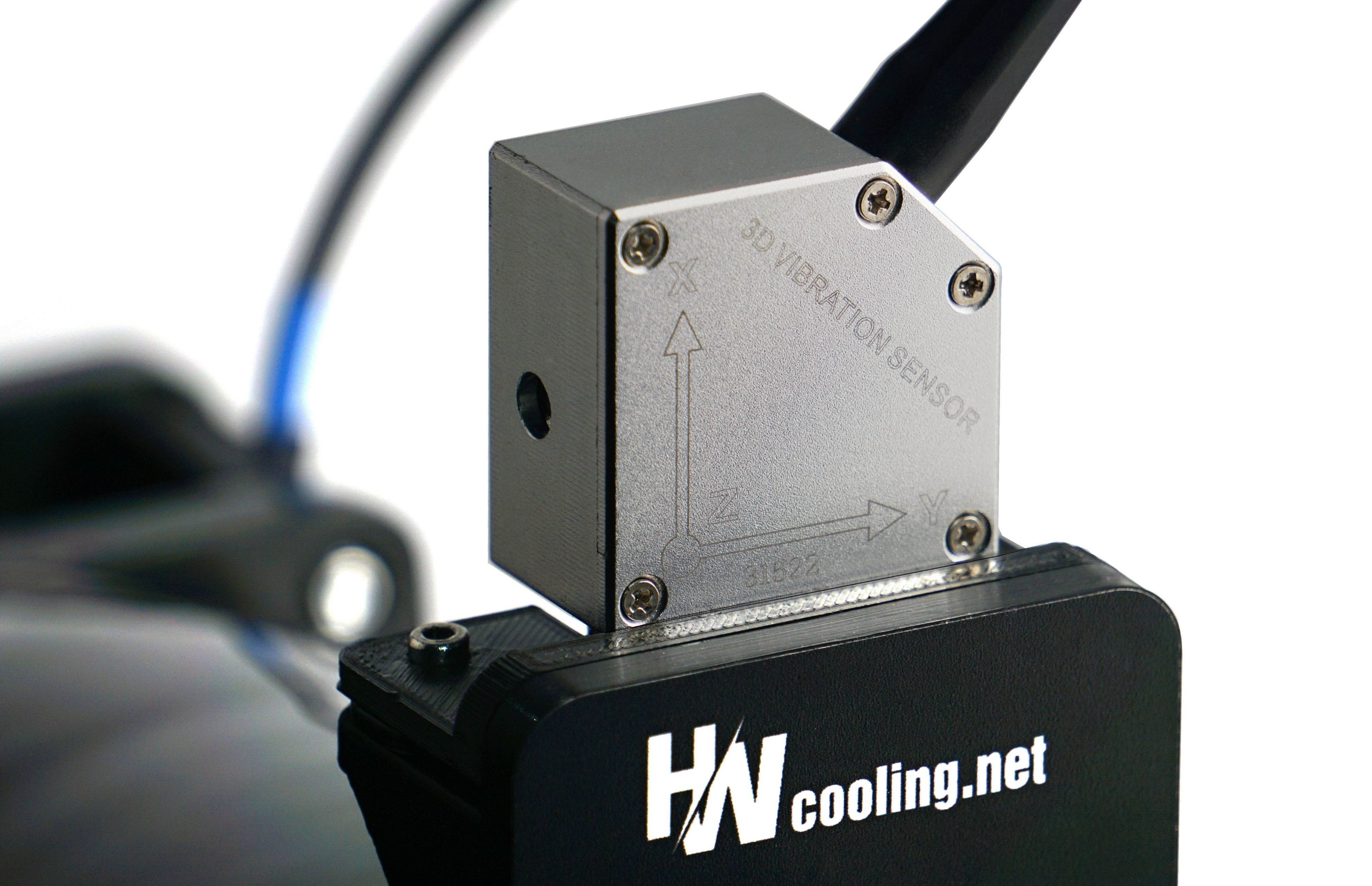
The Landtek VM‑6380 three‑axis vibrometer. This is what we use to measure fan vibrations.

We measure the vibrations that reach the frame—that is, vibrations transmitted into the mounting bracket to which both the fan and the vibrometer sensor are attached.

English translation and edit by Jozef Dudáš


Contents

ID-Cooling AM-120-K: Bet on an Elegant Geometry

It has exactly the elements that make an inexpensive fan aerodynamically efficient and acoustically unobtrusive. Or rather, not too obtrusive—at least at lower, non‑high speeds. At higher speeds, every fan is “noisy,” but making a low‑cost fan that can still be described as pleasant to the ear is already something of a feat. We can, however, state that ID‑Cooling has achieved this with the AM‑120‑K model. Read more “ID-Cooling AM-120-K: Bet on an Elegant Geometry” »

BioniX (P) now with seven blades, smarter daisy-chaining

Arctic’s new BioniX fans, which adopt a seven-blade geometry, just like the “base” P1x A-RGB models, are nearing release. Based on the results of the older BioniX “P” fans, it can be assumed that aerodynamic efficiency will be higher this time. Alongside the fans, Arctic is also preparing a fan hub to which they can be connected. The method of daisy-chaining one fan to the next is innovative as well. Read more “BioniX (P) now with seven blades, smarter daisy-chaining” »

Interview with Endorfy: A way to improve PC cooling exists

We interviewed Endorfy—or more precisely, the manager of R&D of the brand formerly known as SilentiumPC. The discussion covers fans, CPU coolers, and the hardware responsible for keeping PC temperatures under control. Find out how the future of cooling is taking shape and hear the perspective of the person behind these products in our in-depth interview. Yes, even these kinds of products can be shaped by what customers actually want. Read more “Interview with Endorfy: A way to improve PC cooling exists” »

Leave a Reply

Your email address will not be published. Required fields are marked *
