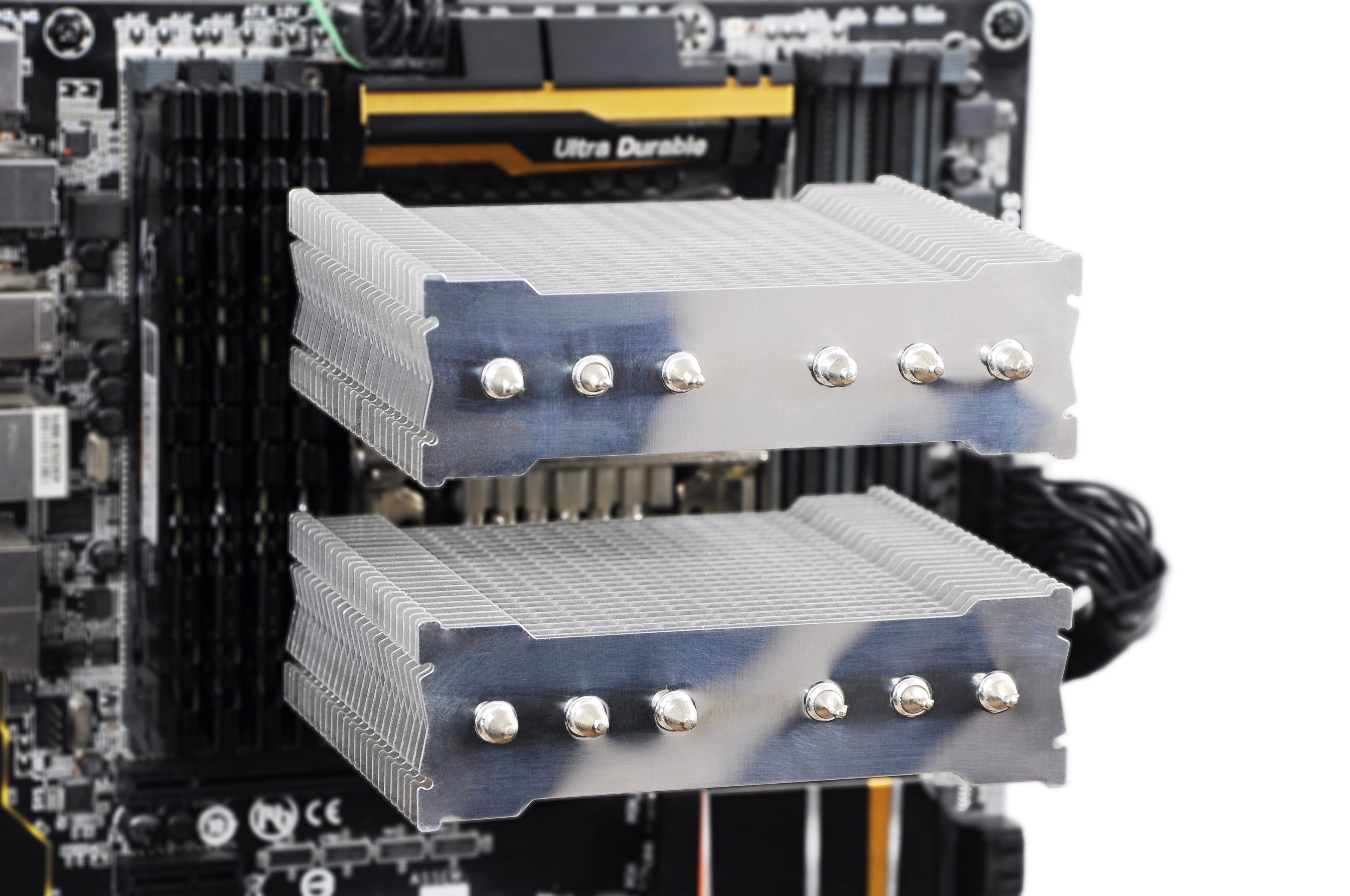
What are the best settings for Fuma? This is a question that belongs to our complementary review where we traditionally test heatsinks with reference fans. This time in two configurations, with one and with two fans. We went from really noisy settings to completely silent mode. The temperature behaviour is captured minute by minute. Let’s take a look at how this twin-tower handles passive cooling compared to top-notch coolers.
Bonus tests of coolers are a regular extension of standard reviews. In addition to cooling efficiency around the socket, they include testing and comparison of heatsinks using the same fans, as well as fully passive operation without any active cooling. And also other various tests that might be interesting for a particular cooler.
How we were testing
During the tests, we also measured CPU MOSFETs heating at 33 and 39 dBA. We put the sensor right into the heatsink. These tests always begin with the same starting temperature (35 °C). Although Gigabyte is known for an excellent cooling of its power supply and manages to maintain very attractive temperatures, it is still easy to determine which of the coolers more or less keeps doing a good job cooling the critical components.
The fans were aligned in such a way that they do not exceed over the top rib because it would be pointless there. It is more important to swirl the air in the lower parts. This was still measured with the default fans.

In the next phase of the tests, the original fans were replaced by the reference fans to create the performance comparison of the heatsinks with the same fans. These results might come in handy when you want to replace the default fans. Usually because they are too fast or too slow (and inefficient), or they produce disturbing sounds, or for whatever reason based on personal preferences.
Optimal candidates for such tests are the “industrial” Noctua NF-F12 iPPC fans. Thanks to their wide range, we could test with a very high flow and at a very low noise level. We increased the flow of the system fans (4× 1200 rpm) only in 24 V mode (2000 rpm without any problems). For a better comparison, we also included the tests with standard 4× 550 rpm. After reducing the voltage to 15 V, the fans were relatively quiet (1290 rpm) and at 9 volts they were running at 765 rpm only, which could be especially challenging for large two-tower heatsinks and larger liquid coolers. We replaced the reference fans with the number corresponding to the original set. Usually one or two. For a better orientation, it is marked in the charts (1/2 ×).
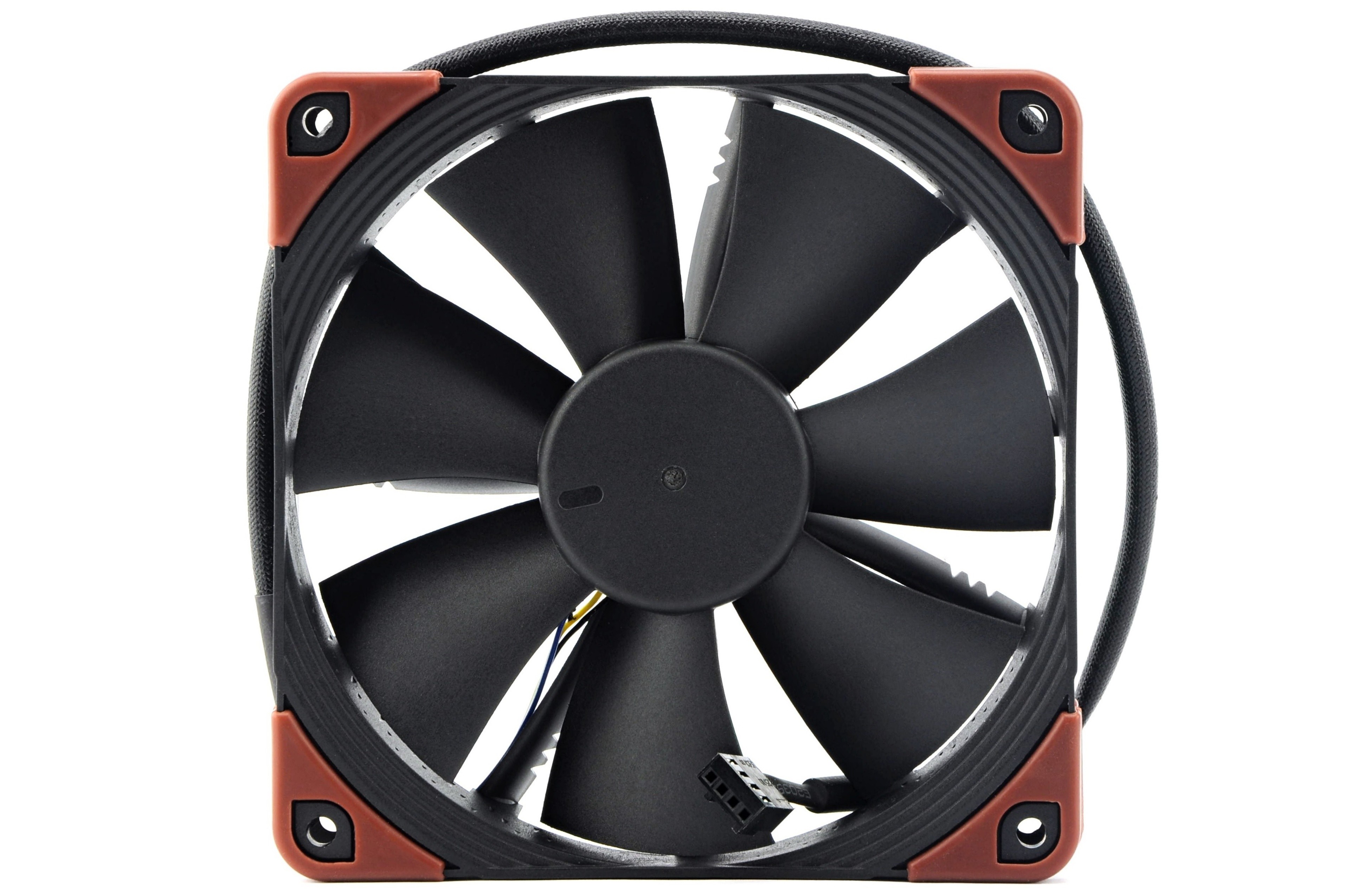
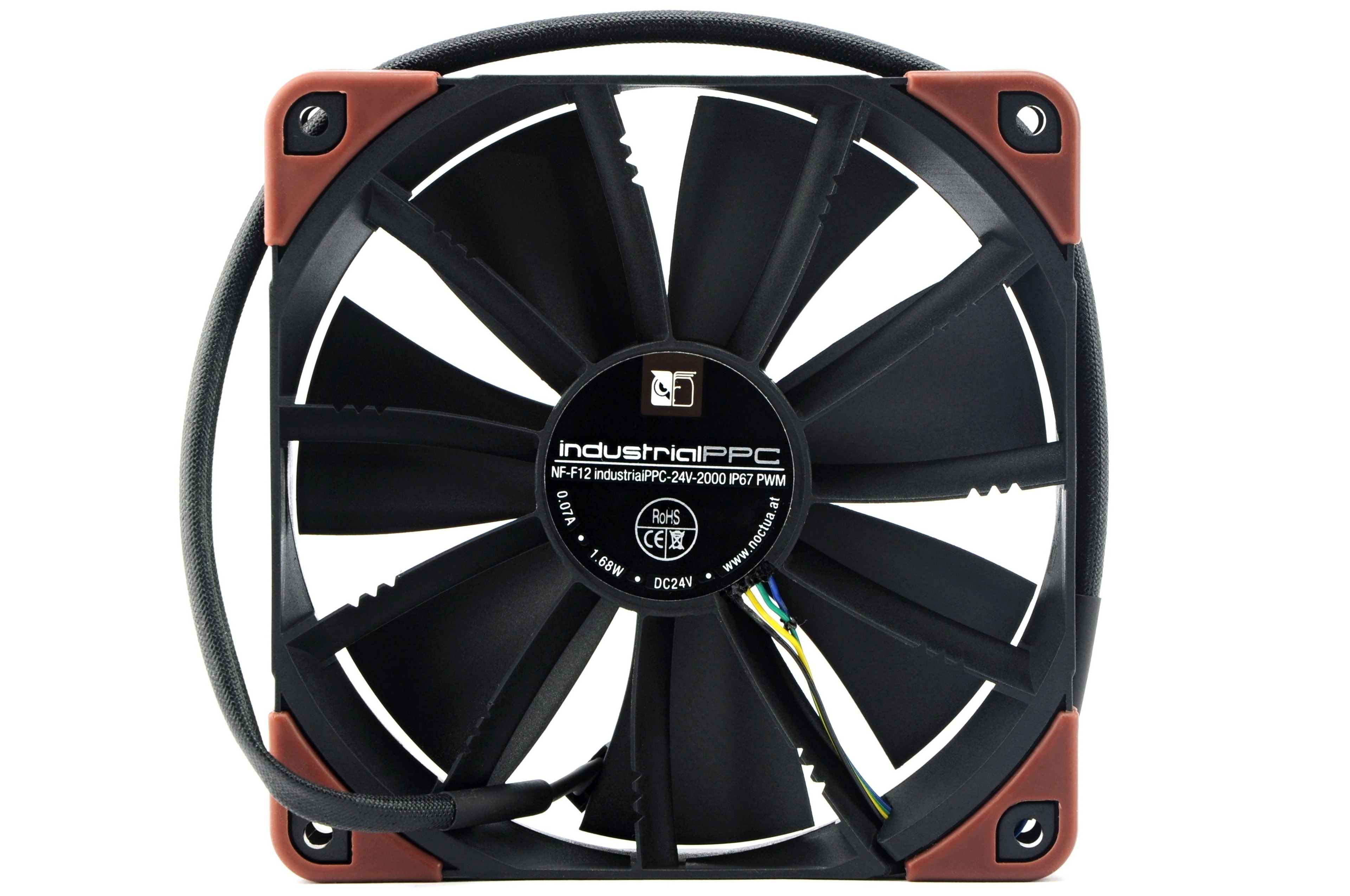
Finally, the coolers competed with each other without a fan. The processor we used was Core i7-5930K (TDP 140 W) with Vcore 0.9 V, which had 25 W lower power consumption than with default settings. These tests took longer than those before, 900 seconds. Most coolers cannot handle this. After 95 ºC, tests were interrupted and considered unsuccessful. Therefore, temperatures in idle are also interesting. We used traditional configuration of system cooling and airflow.