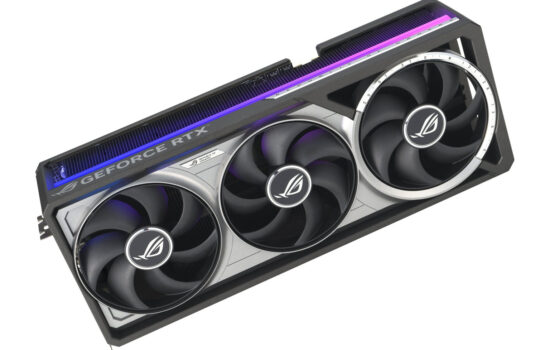
GeForce RTX 5070 Gaming OC 12G represents a mid-range model from Gigabyte’s RTX 5070 lineup. Thanks to its large, efficient cooler and dual BIOS with a silent mode, fan speeds hover around 1500 RPM under load, keeping the cooler quieter than most current cards. It also features prominent ARGB LED lighting and a sturdy metal anti-sag brace included in the accessories.
The GeForce RTX 5070 Gaming OC features a mid-sized cooler. A trio of fans blows air onto a transversely finned heatsink housed in a black plastic shroud, accented by gray corner details.

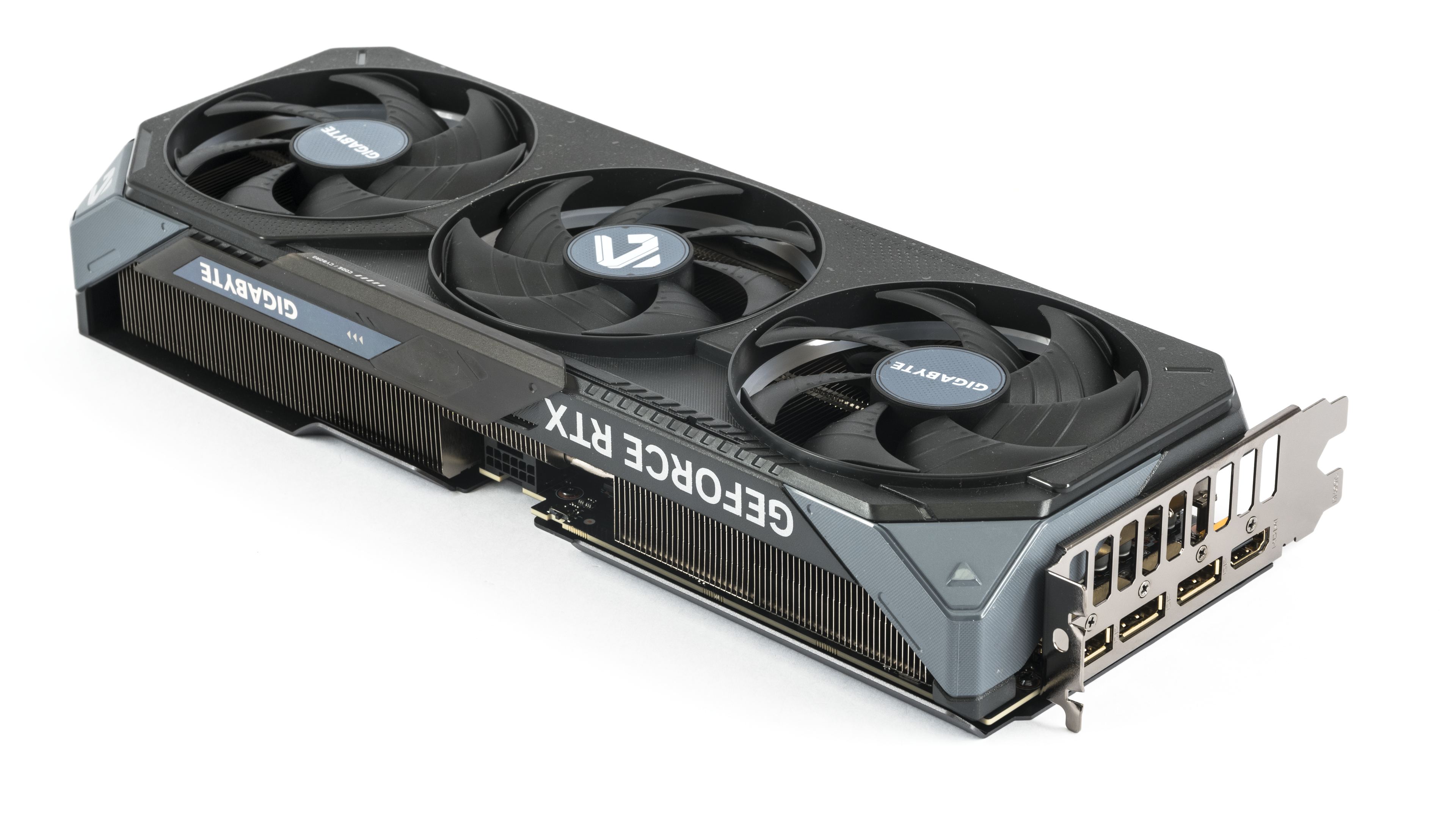


The backplate is metal and reinforced with bent edges. Notably, Gigabyte has left the rear exhaust opening free of decorative grills or logos, ensuring that airflow through the heatsink remains unobstructed.


The PCB itself occupies only about half the card’s length. The open fin structure extends into the space under the middle fan.


Translucent rings beneath the fan impellers dominate the lighting design.

ARGB LEDs also illuminate a side strip at the card’s rear, which can be covered with a Gigabyte-logoed cap.


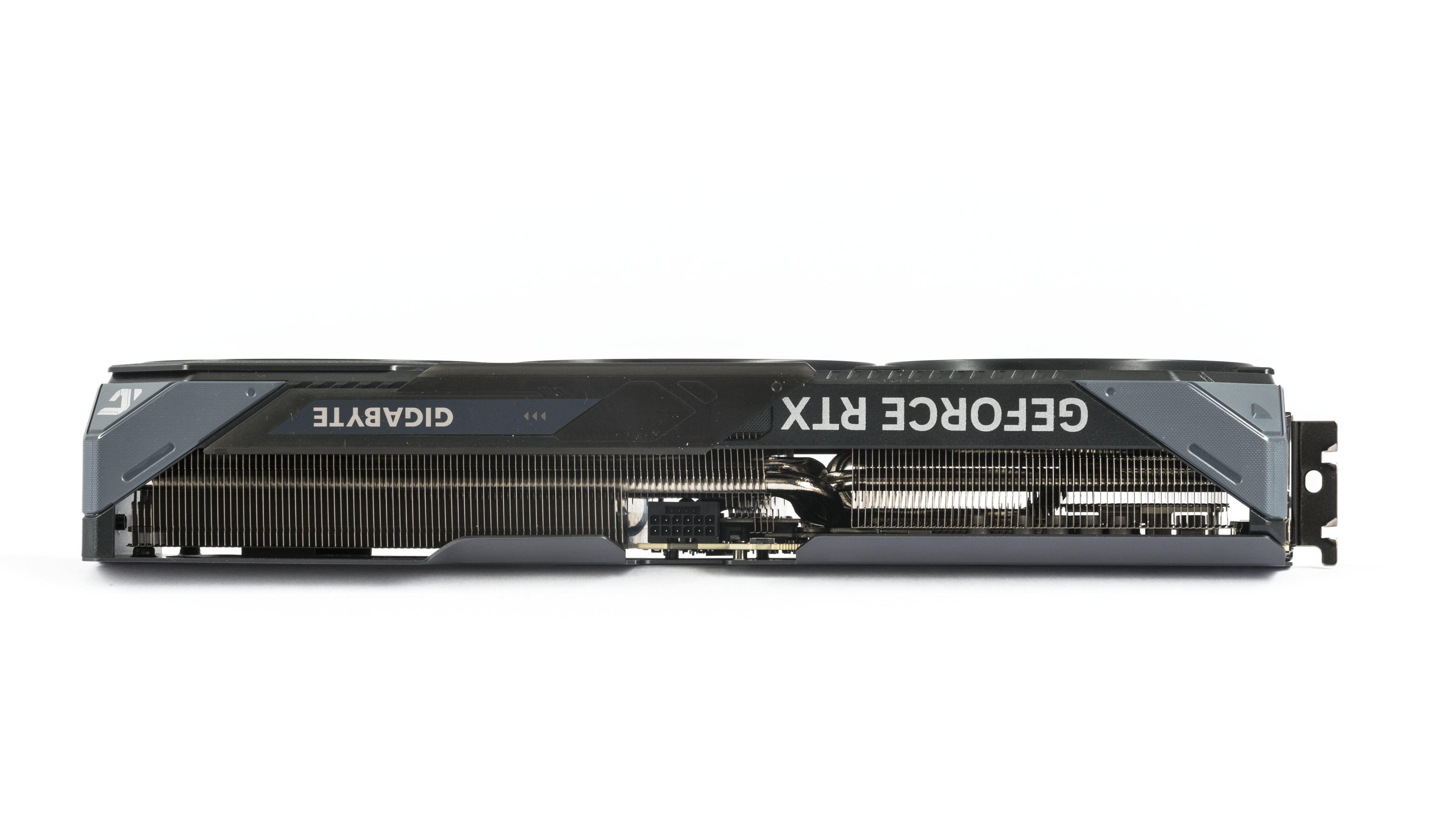
The cooler features a large coldplate that draws heat away from the GPU, memory, and power delivery components.

From the side, it’s clear that the transverse fin array occupies most of the space beneath the shroud.



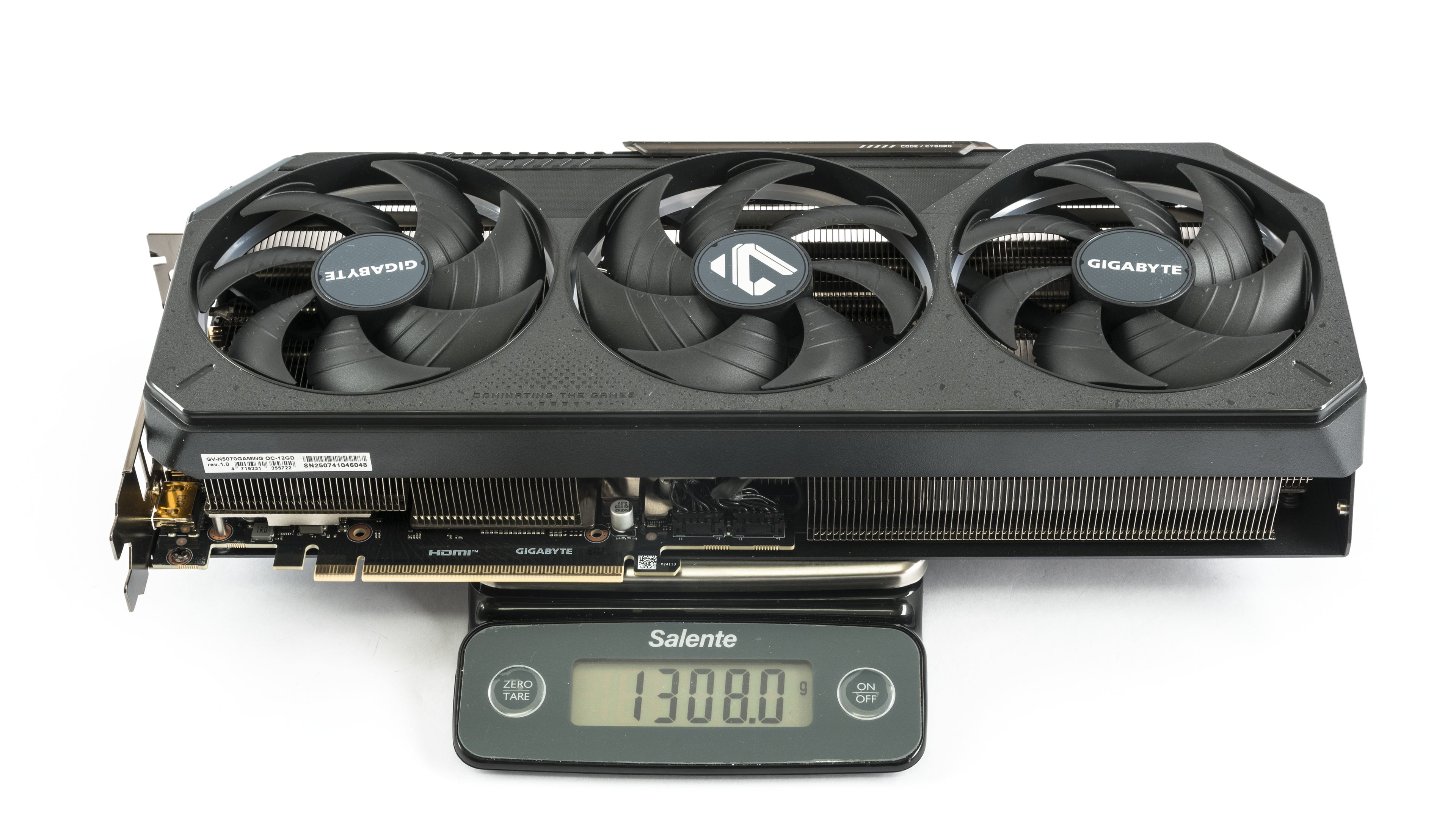
The fan dimensions fall in the middle of the current graphics card range – each impeller has a 94 mm diameter and an 11 mm height. They are relatively thin but have a large diameter, making them quieter at the same RPM compared to thicker models.


The card weighs 1308 g, making it relatively light among current models.
The RTX 5070 Gaming OC is on the longer side, with its 33 cm cooler length dictated by the fan size.

It is about 2.5 cm wider than the bracket and occupies three slots in height. Typically, it’s recommended to leave a fourth slot free to ensure good airflow. However, Gaming OC performs better with limited clearance thanks to its pass-through heatsink design.


The bracket features the usual configuration – three DisplayPort 2.1b outputs with UHBR20 and one HDMI 2.1b connector.

For additional power, the card uses a single 12V-2×6 connector, oriented with the latch facing up. The included adapter works with two standard 8-pin connectors. Above the power connector is a diagnostic LED indicating eventual power issues. The BIOS switch is located just to the left of the power connector.


We’ve covered the design, let’s move on to how it performs.
⠀