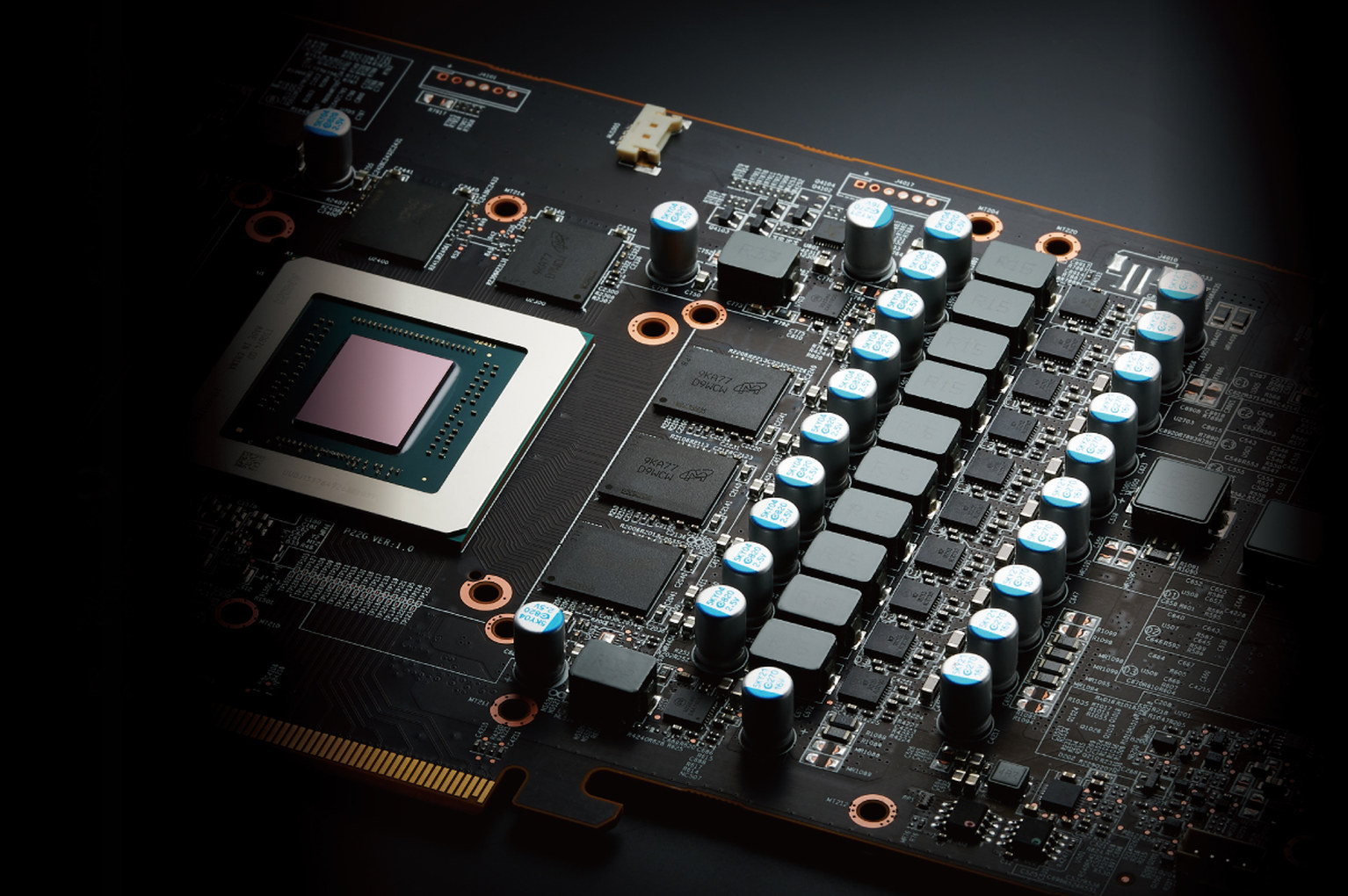
Not long ago, HWiNFO gained the ability to monitor GPU hotspot temperatures—local hotspots with significantly higher temps than the average having been reported by Nvidia chips. This has been followed by another improvement in graphics card temperature monitoring. You will now be able to look at the temperatures of all memory chips on the card, which can reveal cooling problems in much the same way as the GPU hotspot temperature.
It looks like we owe this improvement to the same people who discovered the ability to read GPU hotspot temperatures on GeForce RTX 5000 graphics cards. Nvidia did not expose this information, and it was assumed that the sensor either did not exist or did not work correctly until Brazilian card repair technicians discovered that Nvidia’s internal software normally displays this data—it is simply hidden in non-public APIs.
The Brazilians in question subsequently discovered that temperature data could also be read from all GDDR6 or GDDR6X memory chips on GeForce RTX 5000 and older graphics cards, whereas until now monitoring programs could generally only show a single memory temperature, without making it clear which chip it came from or whether the temperatures of the other chips were significantly different. Somewhat later, they also managed to make individual temperature reading work on cards using GDDR7 memory. As with reading GPU hotspot temperature information, the procedure for obtaining these temperatures had to be implemented through reverse engineering and experimentation, which also involved, among others, Slovak HWiNFO developer Martin Malík. Nvidia does not document these functions in any way.
The ability to inspect and potentially monitor and log the temperatures of individual memory chips on your graphics card should now make its way into various hardware monitoring and analysis applications (or plugins for them—that may be the case with MSI Afterburne for example, which cannot receive direct support due to official sponsorship by MSI and the functionality must be implemented as an independent plugin).
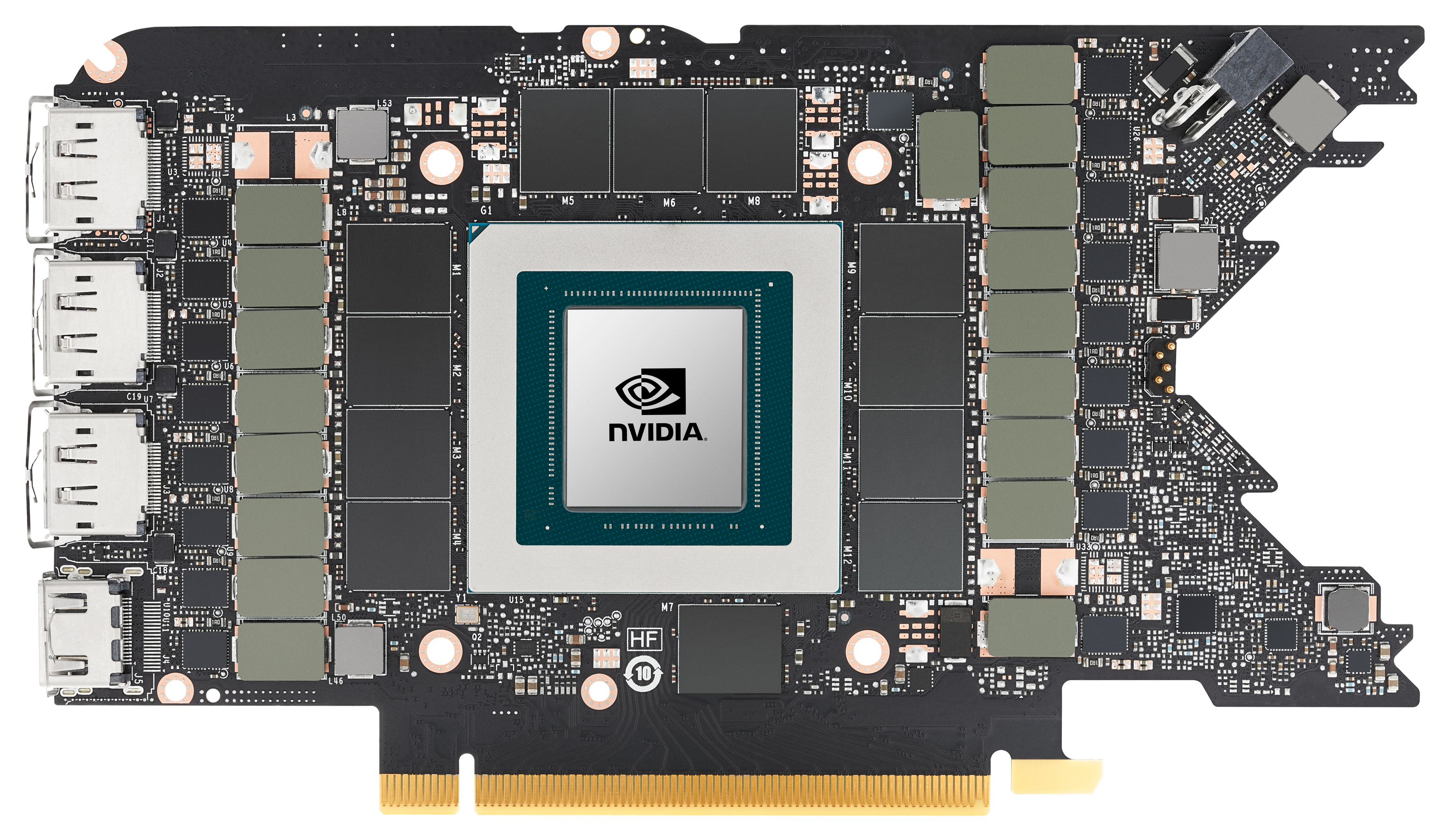
This function is useful because it gives you an overview of both the worst and best temperatures and lets you determine whether a particular chip is overheating. This may indicate that the card has cooling problems affecting chips in parts of the PCB exposed to the greatest thermal stress (these are sometimes the chips located between the GPU and the PCI Express slot). Alternatively, it can help you discover that your graphics card suffers from a defective application of thermal paste or thermal pads on some of the chips—something a user might have no idea about without disassembling the card.
Coming Soon to HWiNFO
And this capability will not be limited to users of Nvidia graphics cards. Martin Malík has now announced that, alongside support for monitoring the temperatures of GDDR6X and GDDR7 memory chips on Nvidia graphics cards, HWiNFO is also adding similar monitoring of the temperatures of individual memory chips on Radeon graphics cards.
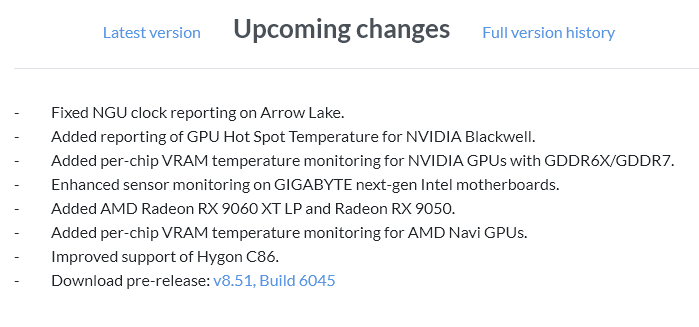
Specifically, this is supposed to cover GPUs designated „AMD Navi“, which is the internal designation shared by all chips based on the RDNA, RDNA 2, RDNA 3, and RDNA 4 architectures (for example, Radeon RX 9000 series cards use the Navi 48 and Navi 44 dies). We will see whether support will cover absolutely all cards from the Radeon RX 5700/5600/5500 series onward.
Update: The above-mentioned features, as well as support for reading chip temperatures on Radeon cards, have already been released in HWiNFO v8.51-6045 Beta, and the program’s author has confirmed that individual GDDR6 chip temperatures should work on all GPUs with the RDNA 1 architecture and newer, meaning the Radeon RX 5000, 6000, 7000, and 9000 series.
The feature is currently listed among the changes planned for a future release and could perhaps be released at the same time as support for reading individual memory temperatures on GeForce cards and support for monitoring GPU hotspot temperatures on GeForce RTX 5000 graphics cards. It is likely that support for monitoring this telemetry will once again also appear in other similar programs alongside HWiNFO, such as HWMonitor, AIDA64, and others.
Sources: VideoCardz (1, 2, 3), HWiNFO
English translation and edit by Jozef Dudáš
⠀