


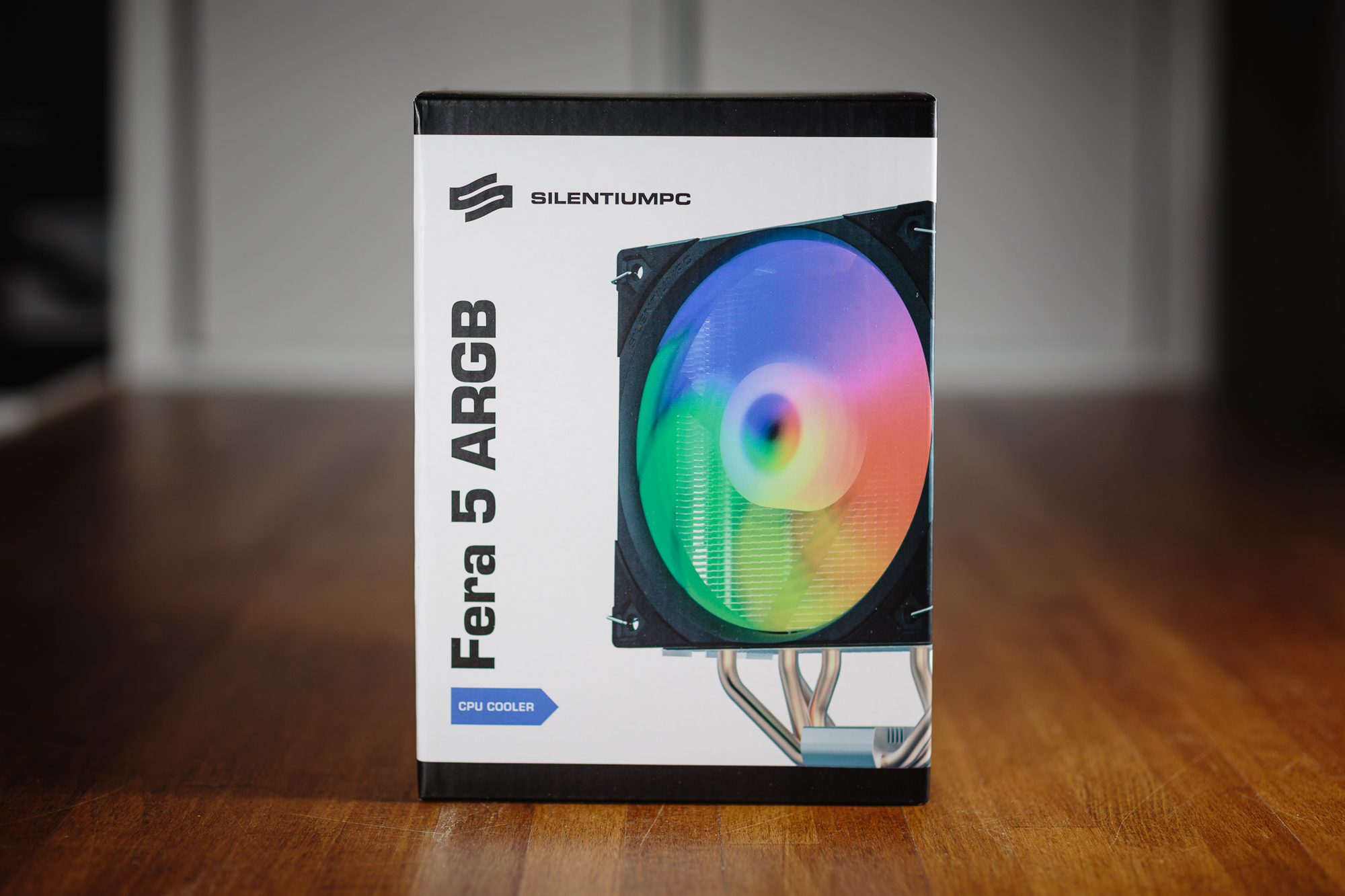
After a long hiatus, which was caused by a crash of the test setup, I am back again with CPU cooler reviews. Today I will focus on the ARGB version of the Fera 5 cooler from SPC. The Fera 5 cooler performed well beyond expectations in the tests and offered an interesting price to performance ratio. However, the ARGB version is equipped with a slightly different fan, so the cooler needs to be tortured again on a hot CPU and have its noise level measured.
Key cooler specs
If you read my review of the SilentiumPC Fera 5, you can skip straight to the results. In fact, the only differences between the original and the backlit version are really the presence of the ARGB LED under the top cover of the cooler and the use of the ARGB version of the fan. Other parameters and features of the cooler have remained the same.
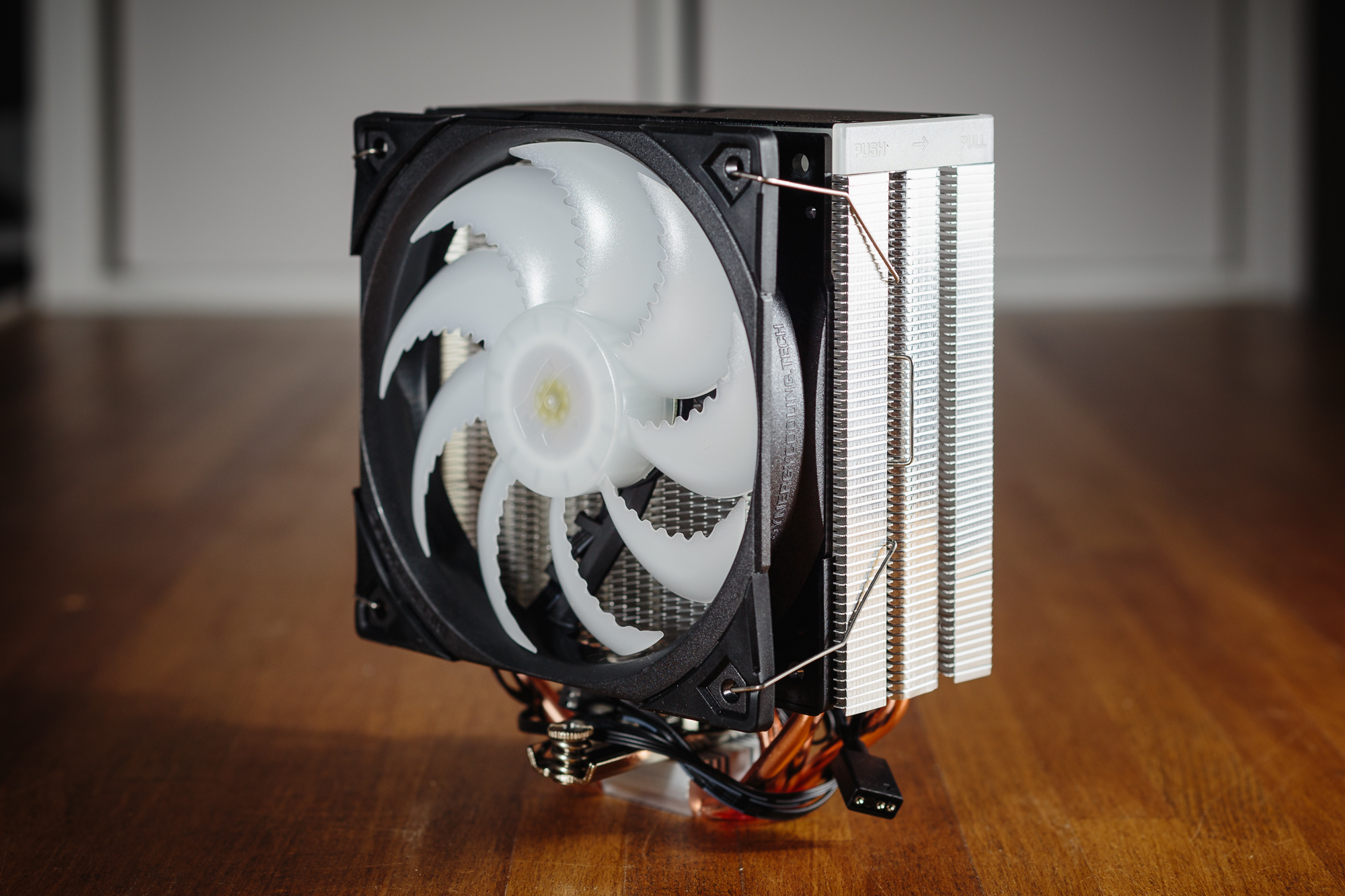
The base of this heatsink is a dense bundle of aluminium fins that have a saw blade-like profile along the long edges to improve the cooler’s acoustic profile and provide more efficient airflow. The bundle of fins is connected by four copper heatpipes, which are concentrated at the centre of the heatsink base with no gaps between the tubes. This design provides optimal heat transfer from the center of the processor’s heat sink (IHS) to the heatsink itself. The shape of the cooler may appear symmetrical when viewed from the side, but appearances are deceiving. For optimal efficiency, the orientation of the fans on the heatsink should follow the arrows on the sides of the top cover.
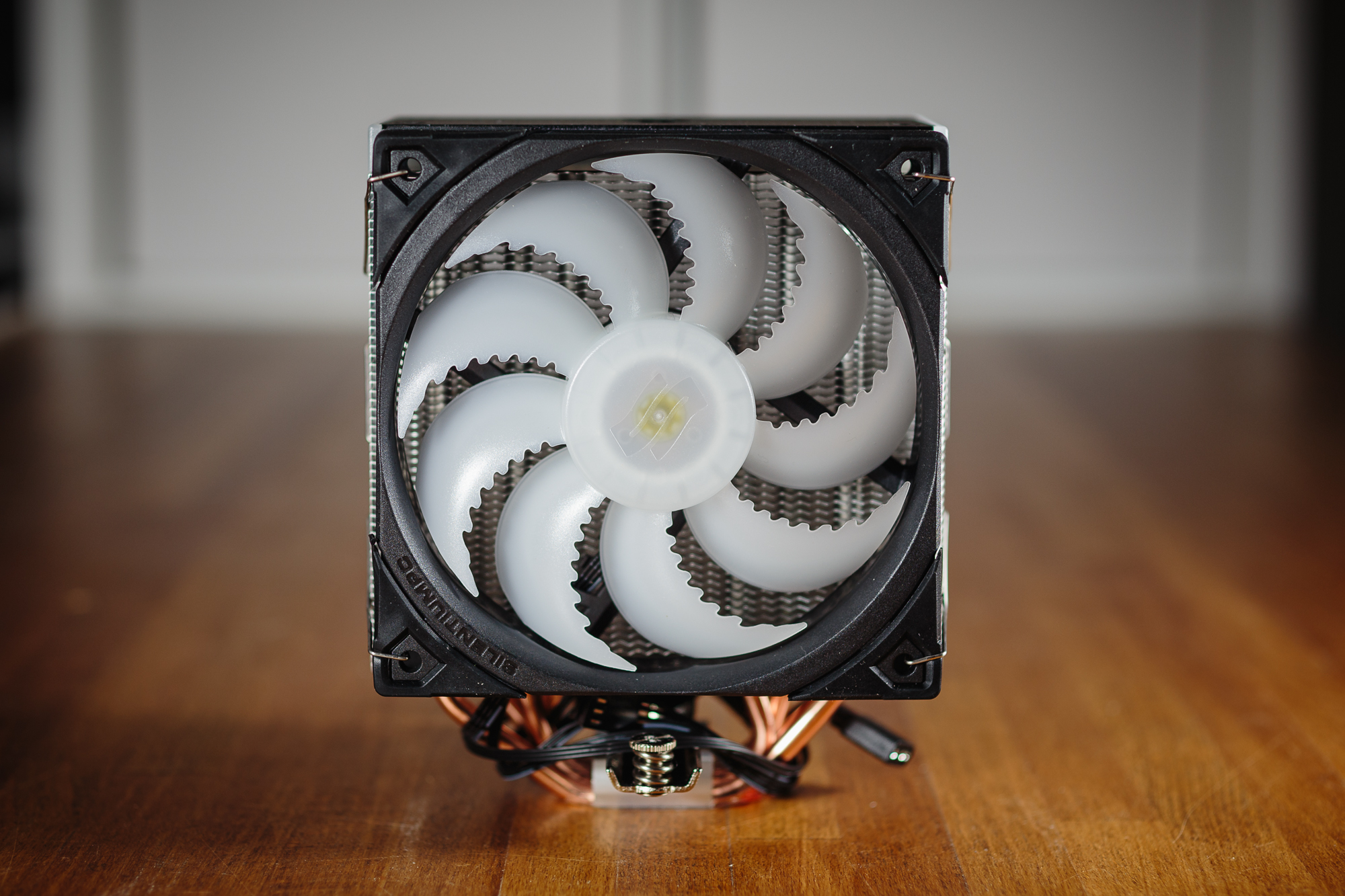
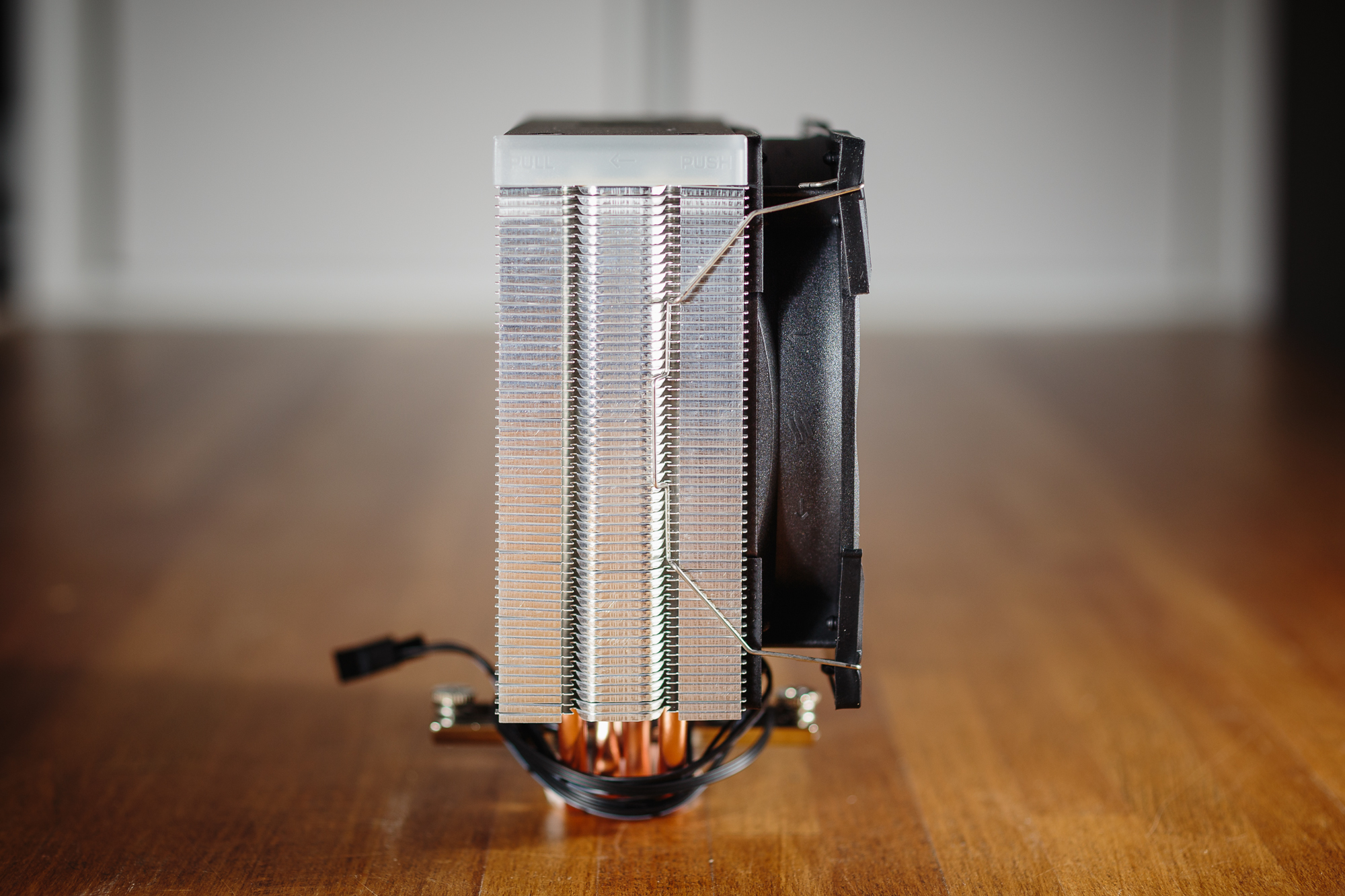
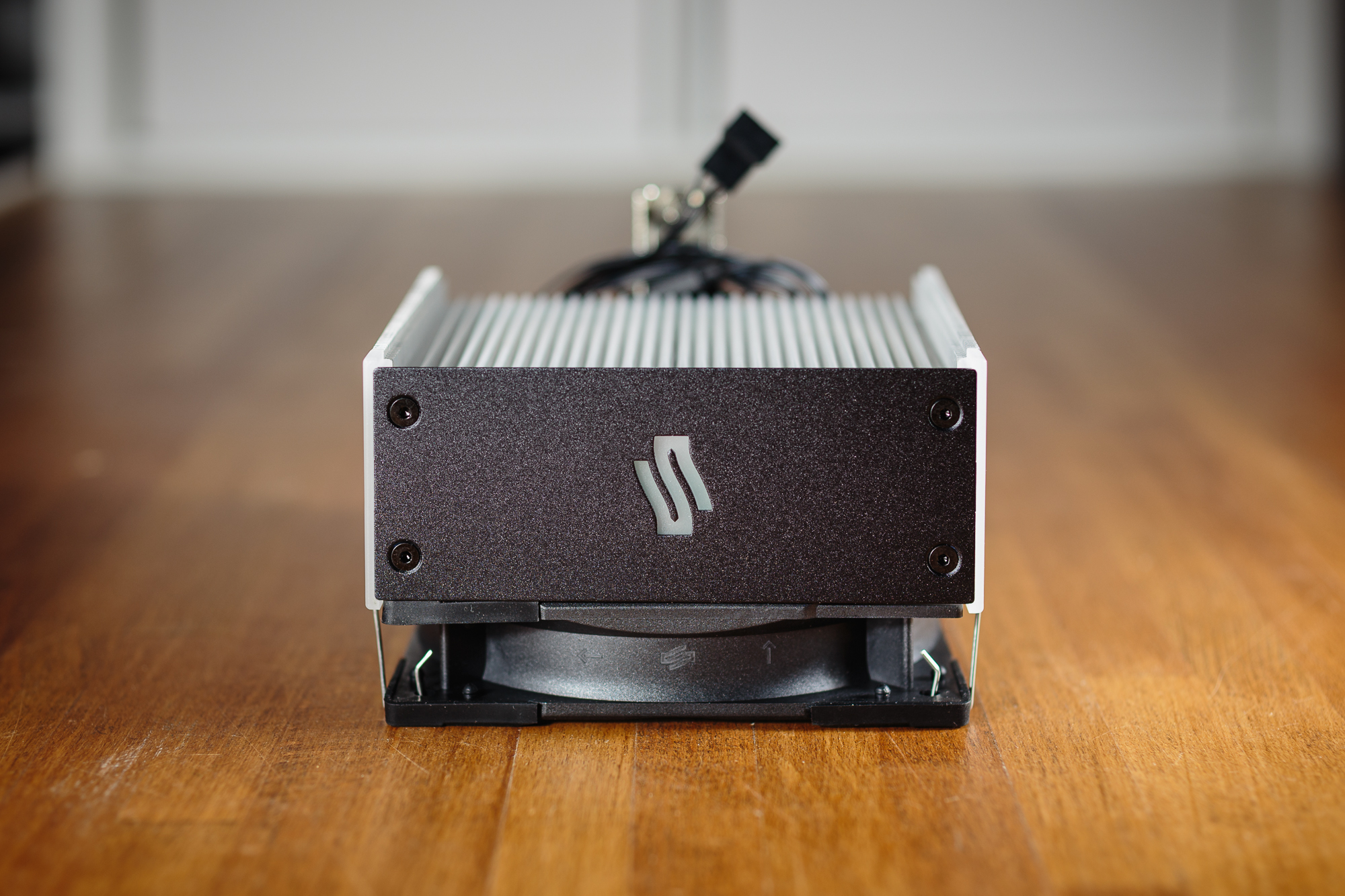
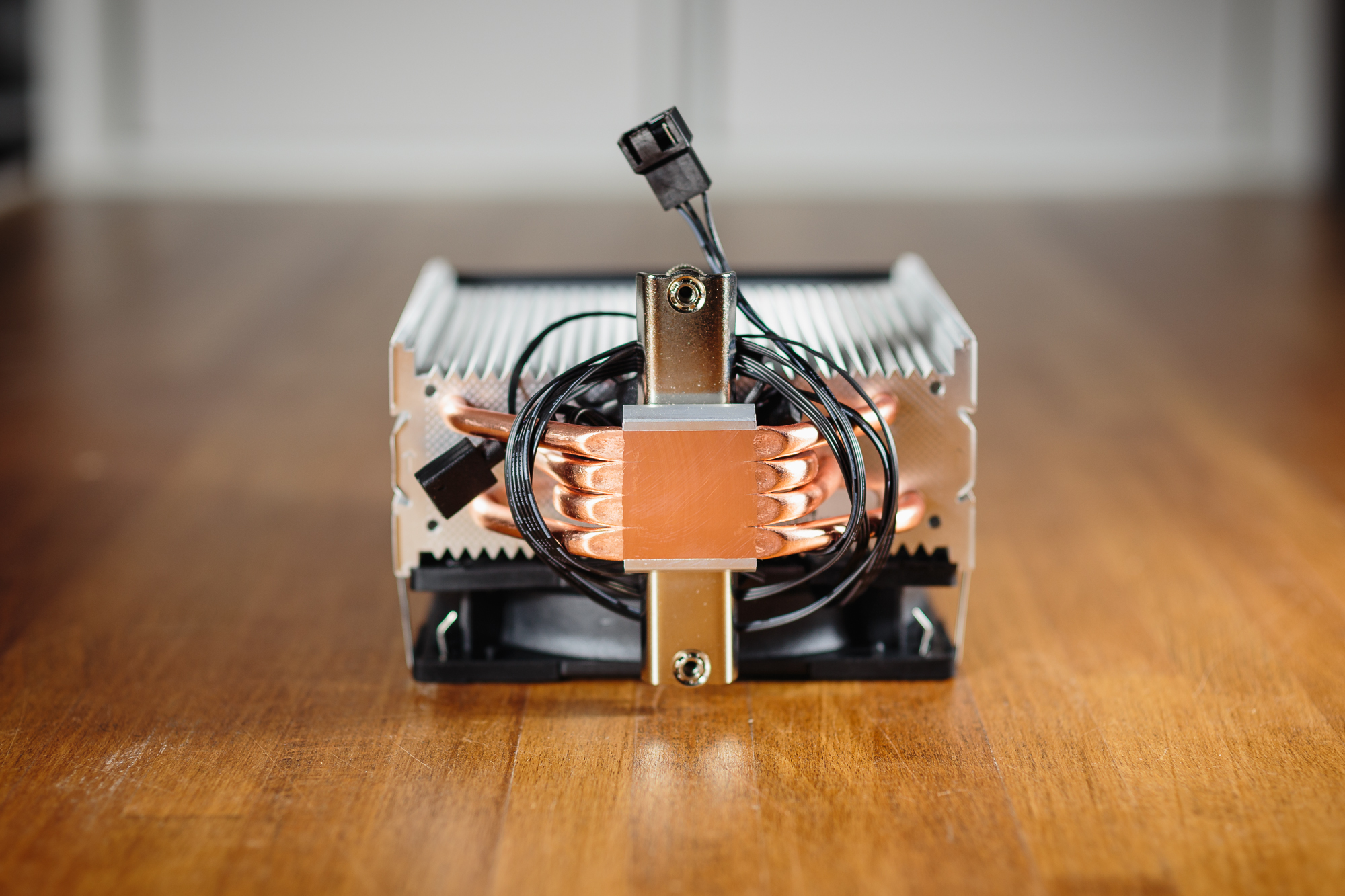
The biggest change with the ARGB version is the fan, which is labeled Fluctus 120 ARGB PWM and is of course LED backlit. This backlighting is of course also taken into account regarding the material of the blades, which are now milky white. However, the shape and number of blades has remained the same, so the static pressure and flow parameters should hypothetically remain at a very similar level. The passive mode is also retained if the PWM signal drops below 10%. However, with a backlit fan, this is somewhat distracting in my opinion. So I recommend leaving the fan running all the time. The cables for connecting the fan to the motherboard offer the possibility of connecting another fan in series, which saves you the trouble of forking or operating with a low number of connectors on the motherboard. The cables for the ARGB backlight are also designed in the same way, and can also be wired in series, so you only need a single connector on the motherboard.
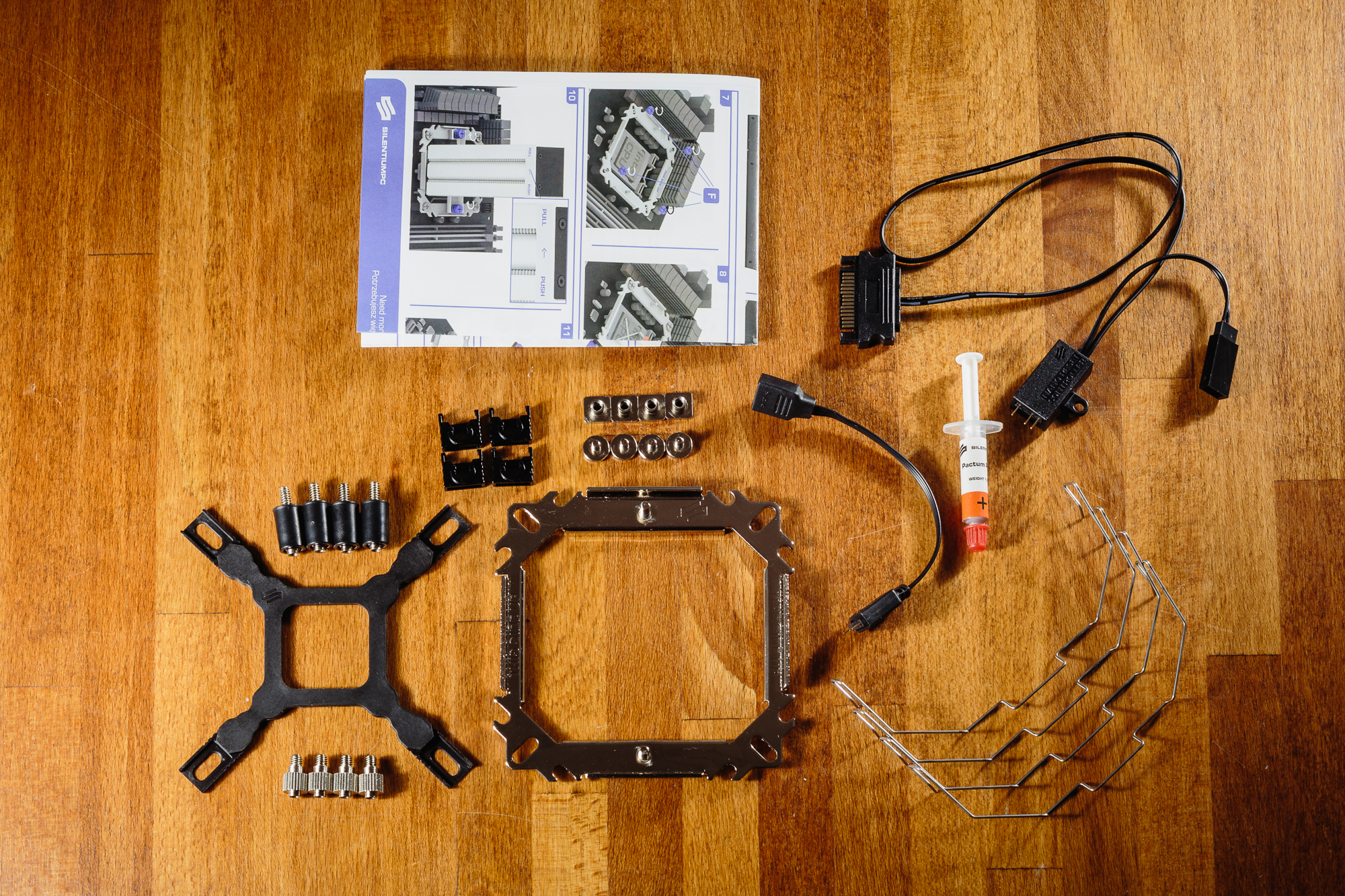
The contents of the package are also almost identical to the original version. The mounting system is simple and straightforward, so installing the cooler is a matter of a few moments without any hidden tricks. In the package you will also find a small tube of Pactum PT-3 thermal paste, the included tube is enough for approximately three applications. Of course, the package also includes a clear user manual with installation instructions and four metal clips for attaching the fans. Compared to the original version, a Nano-Reset ARGB controller has been added. So if your motherboard doesn’t have an ARGB connector, you can use it to control the ARGB backlight.
Cooler and fan parameters
As mentioned previously, the only major difference between the Fera 5 and Fera 5 ARGB is the fan. Not surprisingly, almost all physical parameters are identical for both of these coolers. The Fera 5 ARGB just picked up a few extra grams to its weight. Most likely, of course, due to the ARGB LED with cables. Last but not least, I would also like to point out the native support for the LGA 1700 socket. Because there aren’t too many coolers on the market yet that offer this. So if you are now looking to build a PC with an Alder Lake CPU, your choice of potential coolers is severely limited.
Unfortunately, what has changed for the worse is the price of the ARGB version. Unfortunately, the price-to-performance ratio of the Fera 5 ARGB cooler will not be nearly as attractive as the original version.
| Cooler | Cooler | SPC Fera 5 ARGB | SPC Fera 5 | SPC Fera 3 |
| Cooler | Cooler | |||
| Supported sockets | Supported sockets | Intel 115x, 1200, 1700, 20xx; AMD AM4 | Intel 115x, 1200, 1700, 20xx; AMD AM4 | Intel 115x, 1200, 1700, 20xx; AMD AM4 |
| Height | Height | 155 mm | 155 mm | 155 mm |
| Width | Width | 127 mm | 127 mm | 123 mm |
| Depth with fan | Depth with fan | 77 mm | 77 mm | 78 mm |
| Weight | Weight | 600 g | 562 g | 610 g |
| Maximum RAM height | Maximum RAM height | no limit | no limit | no limit |
| MSRP | MSRP | € 49 | € 29 | € 26 |
The Fluctus 120 ARGB PWM fan used does not differ from the version without RGB LED. However, the blade material is of course different to make the backlighting stand out. We’ll see if this doesn’t have too much of a negative impact on efficiency and noise.
| Fan | Fan | Fluctus 120 ARGB PWM | Fluctus 120 PWM | Sigma Pro 120 PWM |
| Fan | Fan | Fluctus 120 ARGB PWM | Fluctus 120 PWM | Sigma Pro 120 PWM |
| Bearing | Bearing | FDB | FDB | hydraulic |
| Speed range | Speed range | 300–1800 rpm | 300–1800 rpm | 500–1600 rpm |
| MTBF | MTBF | 100 000 hours | 100 000 hours | 50 000 hours |


