


The new Meshify 3 (XL) brings a lot of innovation, and from our specialized perspective, the spotlight must go on the new fans the case uses. These are built on an entirely new, efficient aerodynamic design. Naturally, we’ll also take a close look at just how effective the system cooling in the new Meshify (3) XL case really is. The foundation for impressive results is solid. More than solid!
…and internal details of the Fractal Design Meshify 3 XL
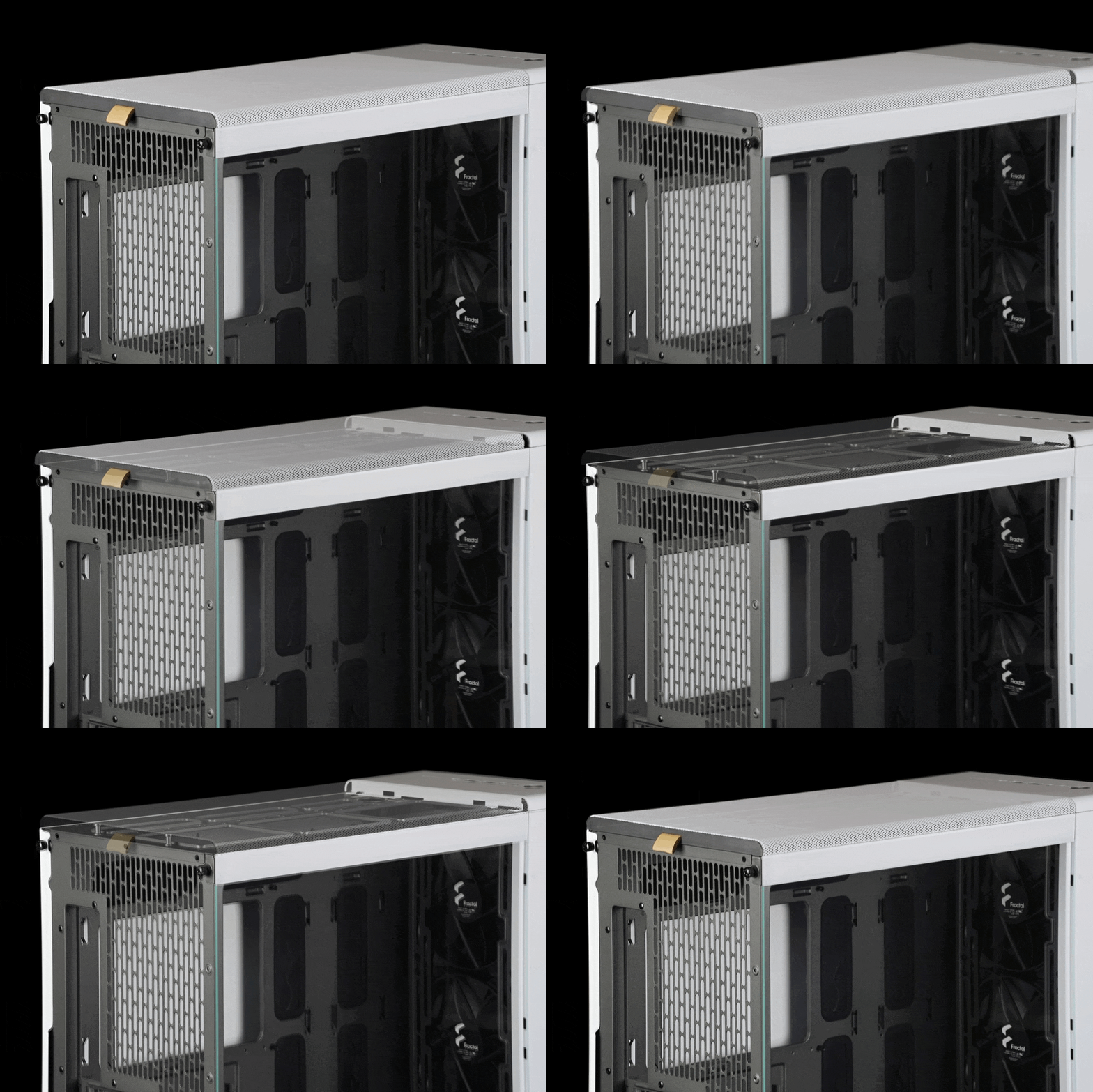
Removing the top panel begins by pulling a fabric loop at the rear. This mechanism is the same as used in the North XL case, with the difference being that in the Meshify 3 XL, the loop is made of fabric (whereas it was faux leather on the North XL). Pulling it releases the panel from the opposite side, where it’s held in by recessed pins.

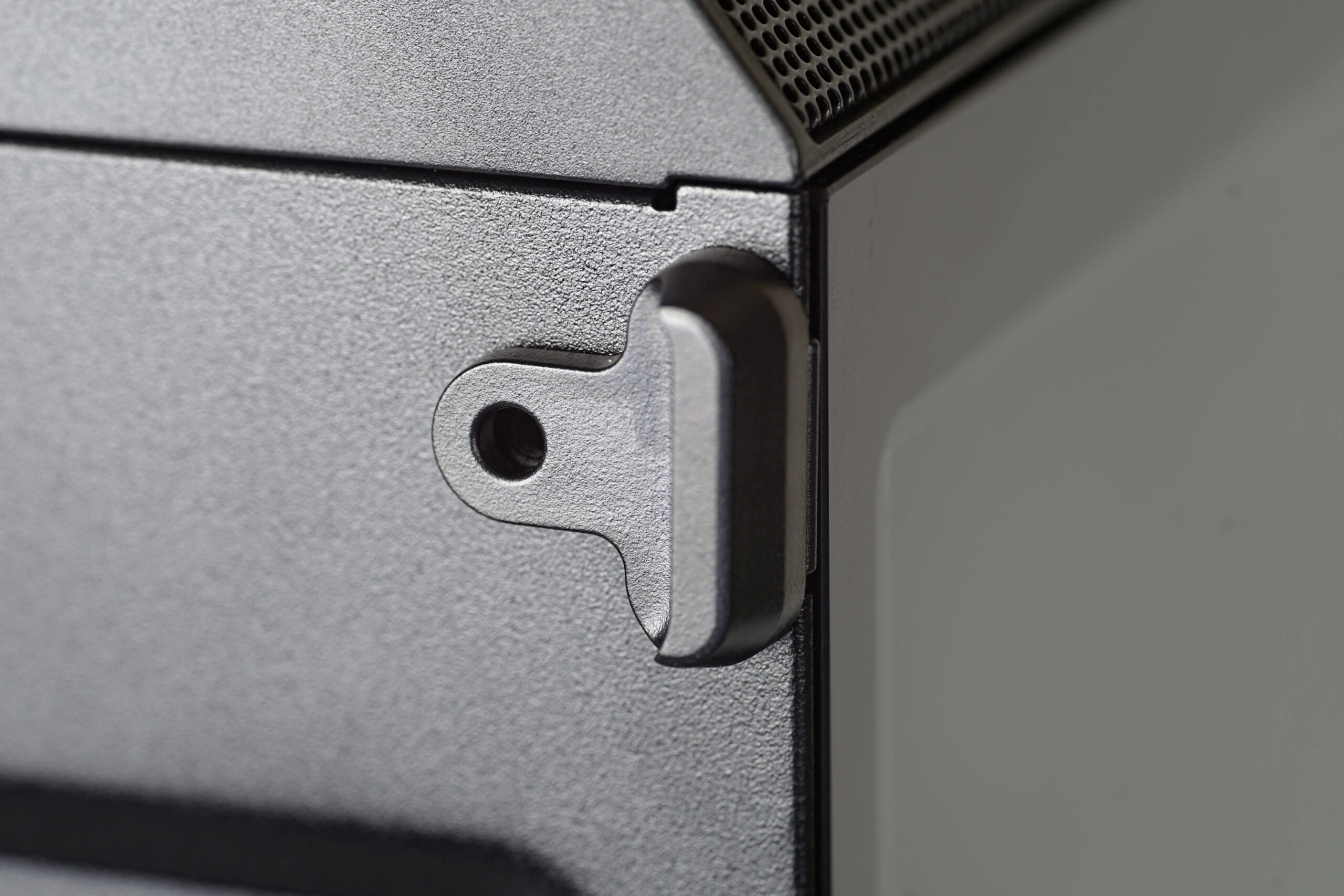
Fractal Design also used pins on the side panels, which can be removed without any tools. By pulling them toward you, both the right and left panels (the left one with tempered glass) pop out. From below, they can then be lifted out of their railings. The process begins by pulling on a small recessed handle, found on both sides – left and right – depending on which panel you want to remove.
Once removed, the side panel reveals a spacious interior. The case supports motherboards up to E-ATX (330 mm), as well as smaller ATX, Micro ATX, and Mini-ITX formats. However, the cable shroud layout only considers ATX-sized motherboards. This marks a major design shift from Fractal Design, primarily aimed at improved aesthetics (by hiding cables or keeping most of them out of sight). Unlike its predecessor, the Meshify 2, the new model eliminates rubber grommets designed to protect the mesh wrap and insulation of cables. Instead, Meshify 3 relies on relatively smooth cable pass-throughs, which should be sufficient. And they might be – typical cable routing avoids excessive friction that could otherwise cause damage in critical spots.
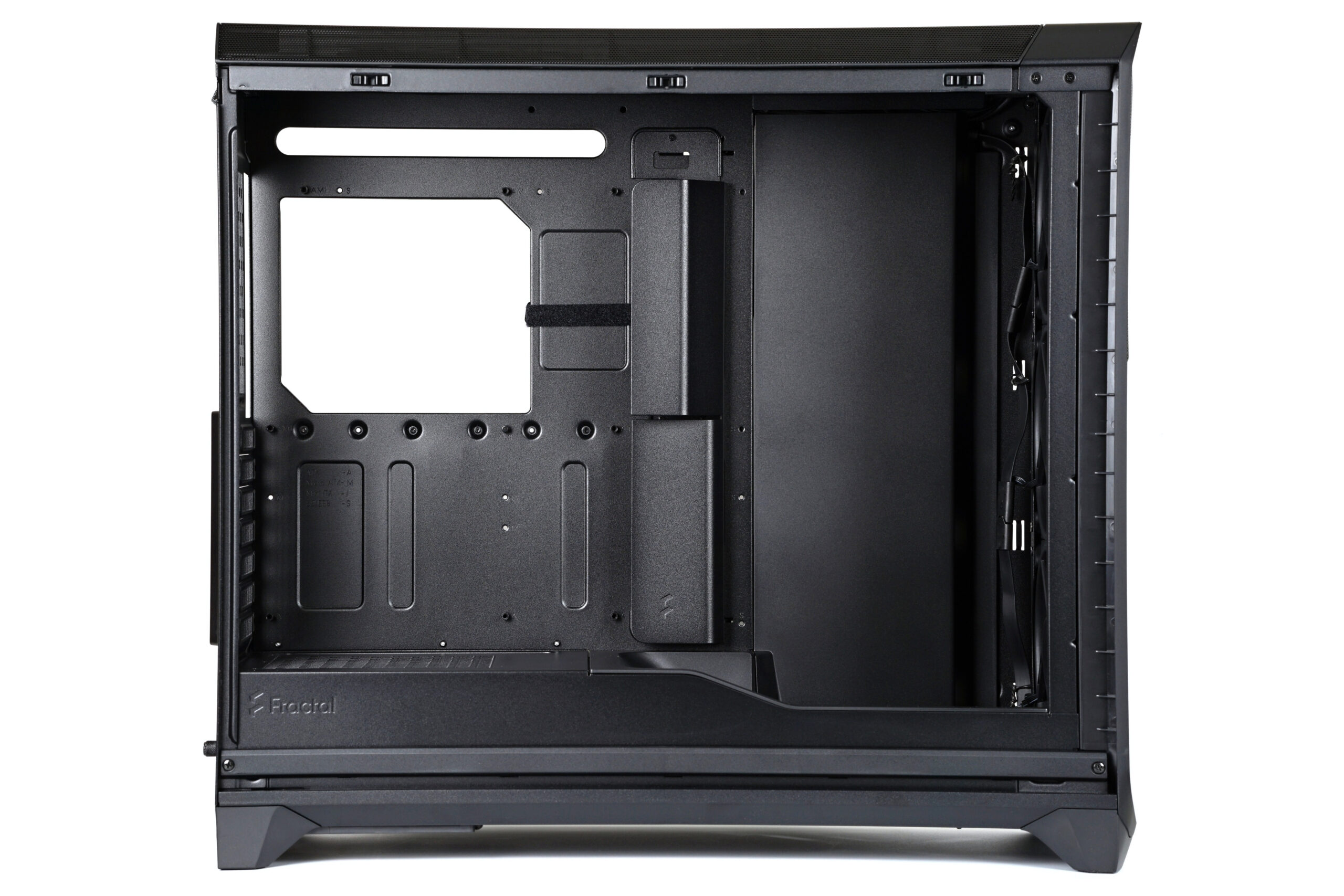
At the front, a new tunnel also deserves attention. It’s designed to guide airflow more efficiently toward the GPU cooler. Positioned behind the front fans, it’s angled and shaped like a ramp.

The rear section, where the power supply unit (up to 230 mm long ATX models) resides, is perforated on top. This allows for an unconventional PSU orientation with the fan facing upward, although the opposite direction is usually more logical.
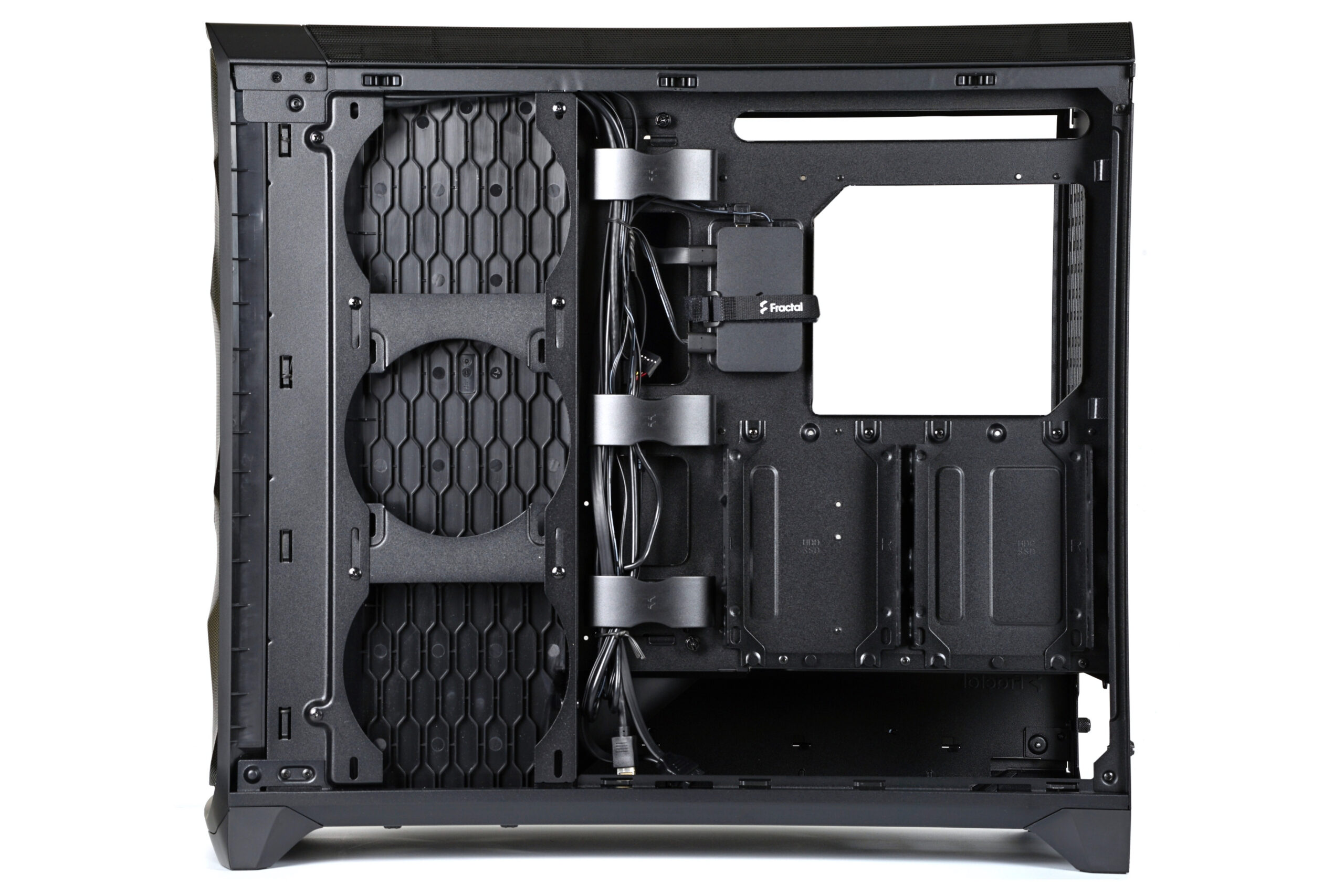
The rear side of the case features some innovations. There’s a cable organizer with plastic covers instead of Velcro straps, a fan hub managing ARGB lighting for the whole case, and slots for mounting optional 140 mm fans from the rear.

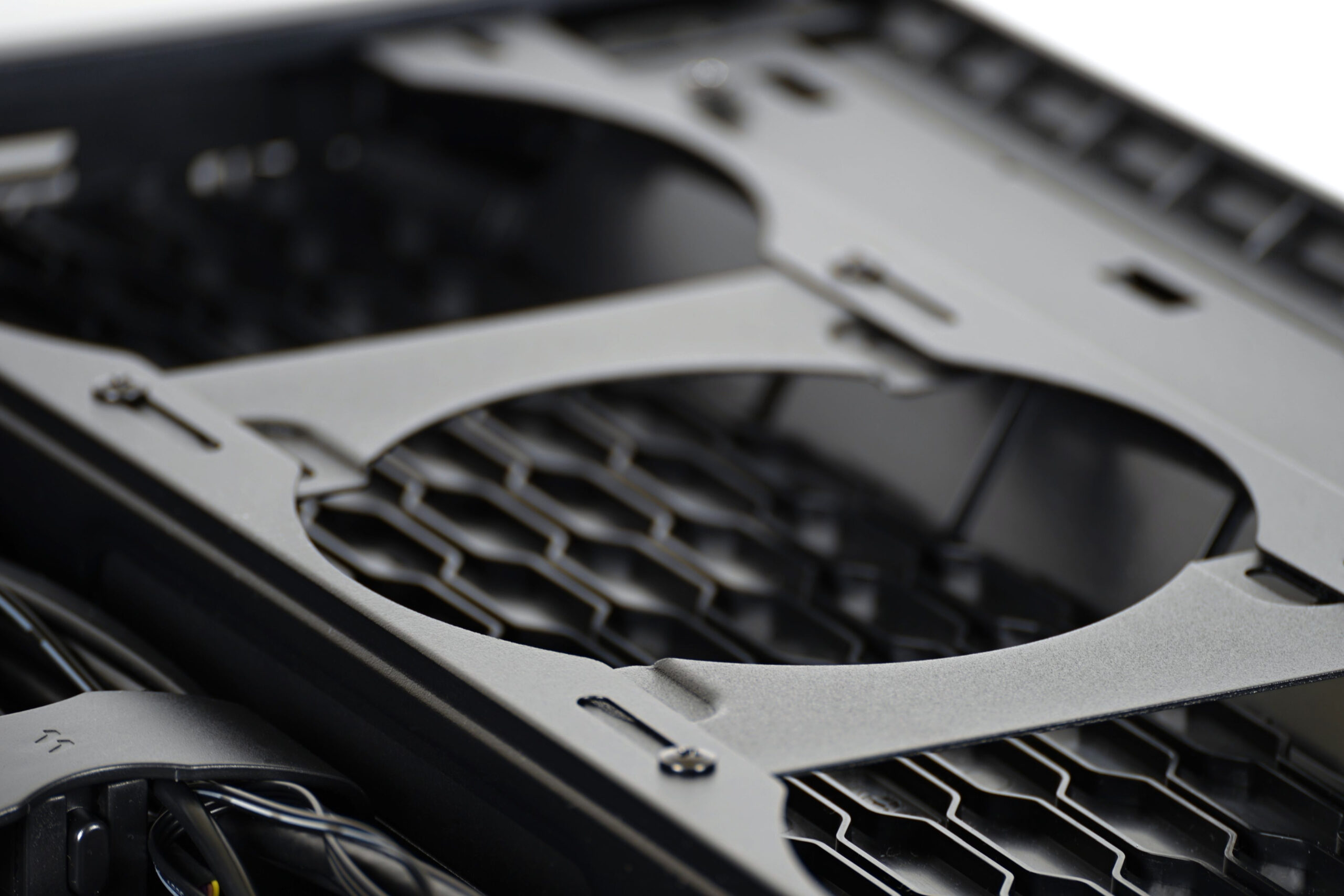
The included fans, by the way, are brand new. More precisely, they use a new aerodynamic design with highly curved leading edges on the blades. Once they’re released for individual sale, we’ll cover them in standard standalone fan reviews. For now, they’ll be evaluated only as part of this case review. The three bundled fans (at the front) are 140 mm models with ARGB LED light guides built into their frames. The thicker frame leaves less room for the rotor itself – but that’s a topic for our upcoming fan reviews.
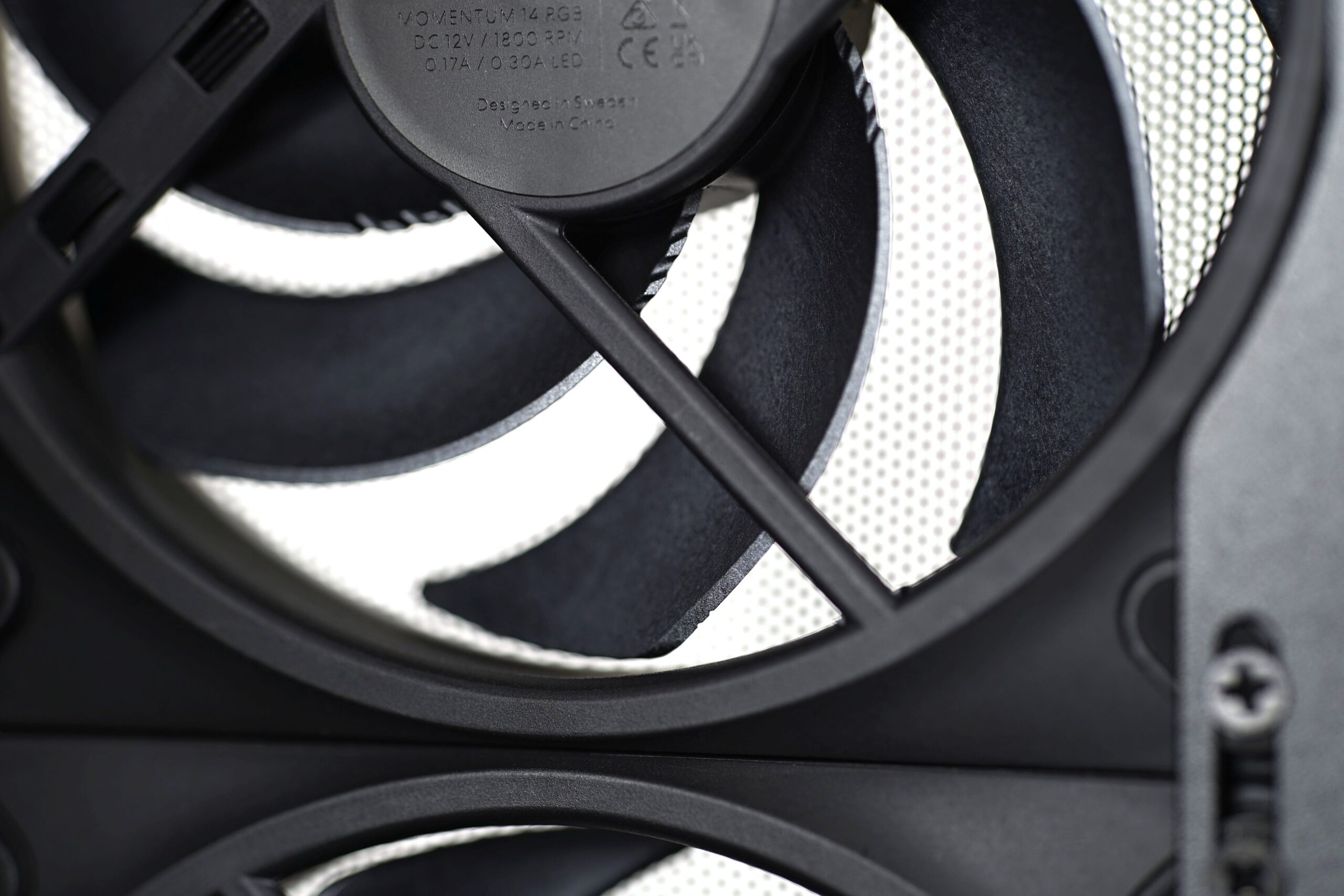
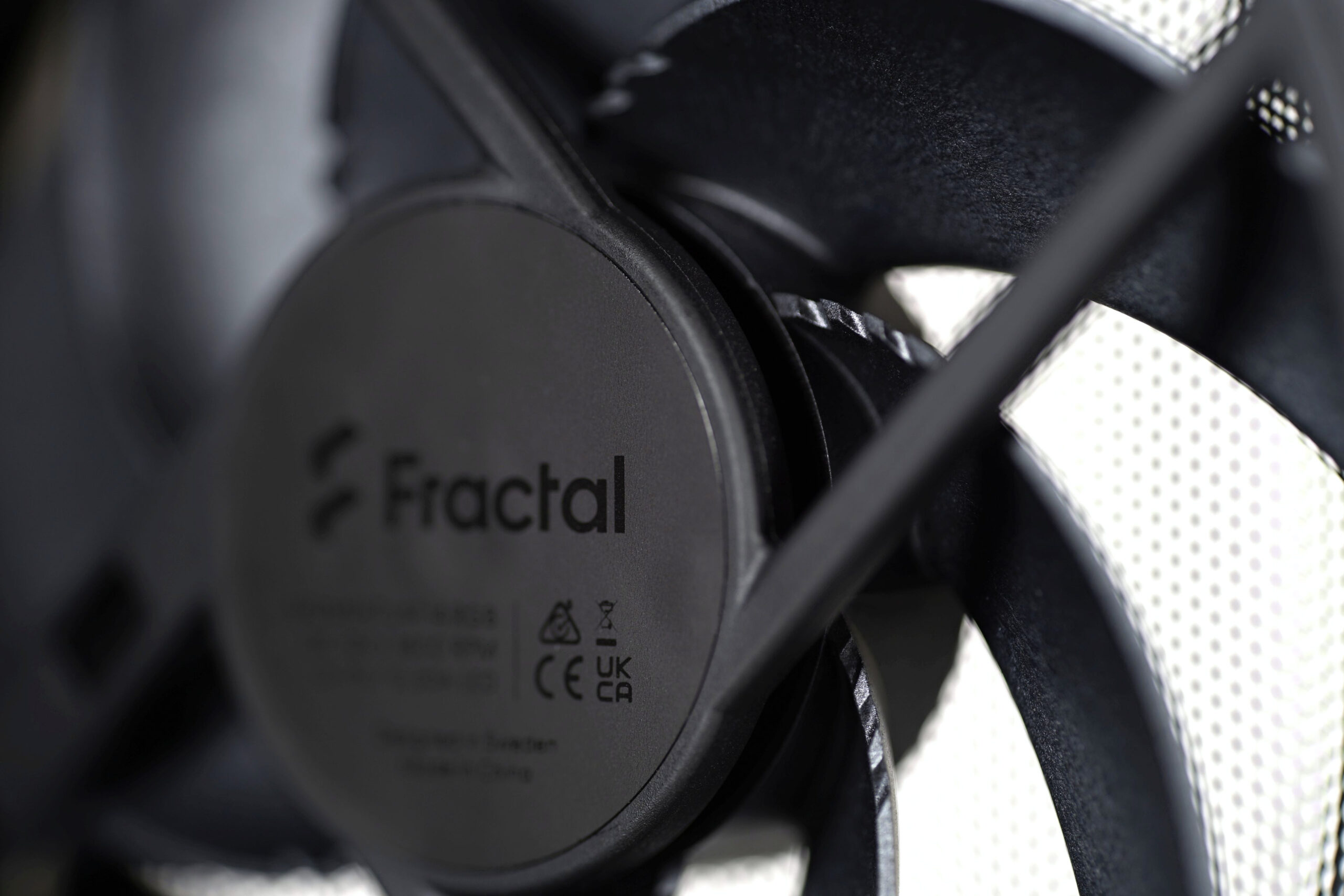
For now, note that these Momentum 14 RGB fans run up to 1800 RPM and support PWM for speed control.
The intake fans face no obstructions – mounting brackets are contoured to match the impeller diameter. The only obstruction in front is the mesh grille.



-A german website tested the Meshify 3 and Meshify 3 Xl cases together .
There are two big differences : +6°C on the Gpu and +4°C on the Ram !
Look at the two cases from the side , the small meshify 3 ramp blow air into the motherboard .
The meshify 3 Xl ramp misses the motherboard by a few centimeters .
You may find good picture of the ramp on “tech pow er up” test and the temperatures test results on “comp uter base” .
Respectfully yours.
Yes, good observation—thanks for sharing these insights. The temperature difference is, of course, determined by the type of components used. For example, with passive CPU/GPU coolers, at the same heat output, you can expect a greater influence from system cooling compared to active coolers. It depends on many factors. The number of combinations that can occur is extremely large. In certain situations, the difference in cooling between Meshify 3 and Meshify 3 XL cases may not show at all; it’s very situational. And it’s not just about the performance or power consumption of the system inside the case… 🙂
This is interesting, and a great catch! I have a 3XL and I’m goofing around on air before committing to building a custom loop into my XL case. I am keeping the ramp air guide installed and I will pay attention to this as one still uses air cooling for the motherboard usually (for me SSD, RAM, or mobo water blocks are too over the top).
My take on the Meshify 3XL – it’s a great case design but has flaws (like any case). Great manual/documentation. The cable cover plate is wearing on my nerves, as I usually forget to reinstall it until after the rest of my parts are installed…the floor air guide doesn’t come out once you have side stuff installed. Front I/O cable routing can be a hard, the front I/O cables are rather fat and awkward (I have the non-RGB version and front fans work better routed thru bottom area). Also, Fractal tends to be over conservative with their radiator guidance. You can fit wider rads up top if you put them below fans (fans between rad and case top). I haven’t tried yet but I will see if my svelte Corsair 420mm x30mm radiator will fit up front as well (it’s smaller than the ‘max’ radiator dimensions that fractal lists in their excellent manual but they also only say 360mm rads up front).
Thank you for the insightful comment. Yes, the points you mention (for example, about the cable cover) can indeed be annoying for some, but it’s impossible for a single case design to please everyone in every way. What one user values and really wants, another might find inconvenient. The Momentum fans, at least, are excellent—people will likely appreciate them. Their minimum/start-up speeds (~350 RPM) are pleasantly low. 🙂