


The new Meshify 3 (XL) brings a lot of innovation, and from our specialized perspective, the spotlight must go on the new fans the case uses. These are built on an entirely new, efficient aerodynamic design. Naturally, we’ll also take a close look at just how effective the system cooling in the new Meshify (3) XL case really is. The foundation for impressive results is solid. More than solid!
Fractal Design Meshify 3 XL with installed components
The Meshify 3 XL offers broad component compatibility. Of course, it better – with a case this size… Tower coolers can reach up to 182 mm in height, and large liquid cooling radiators can be installed up to 420 mm (top), 360 mm (front) and 360 mm (side).
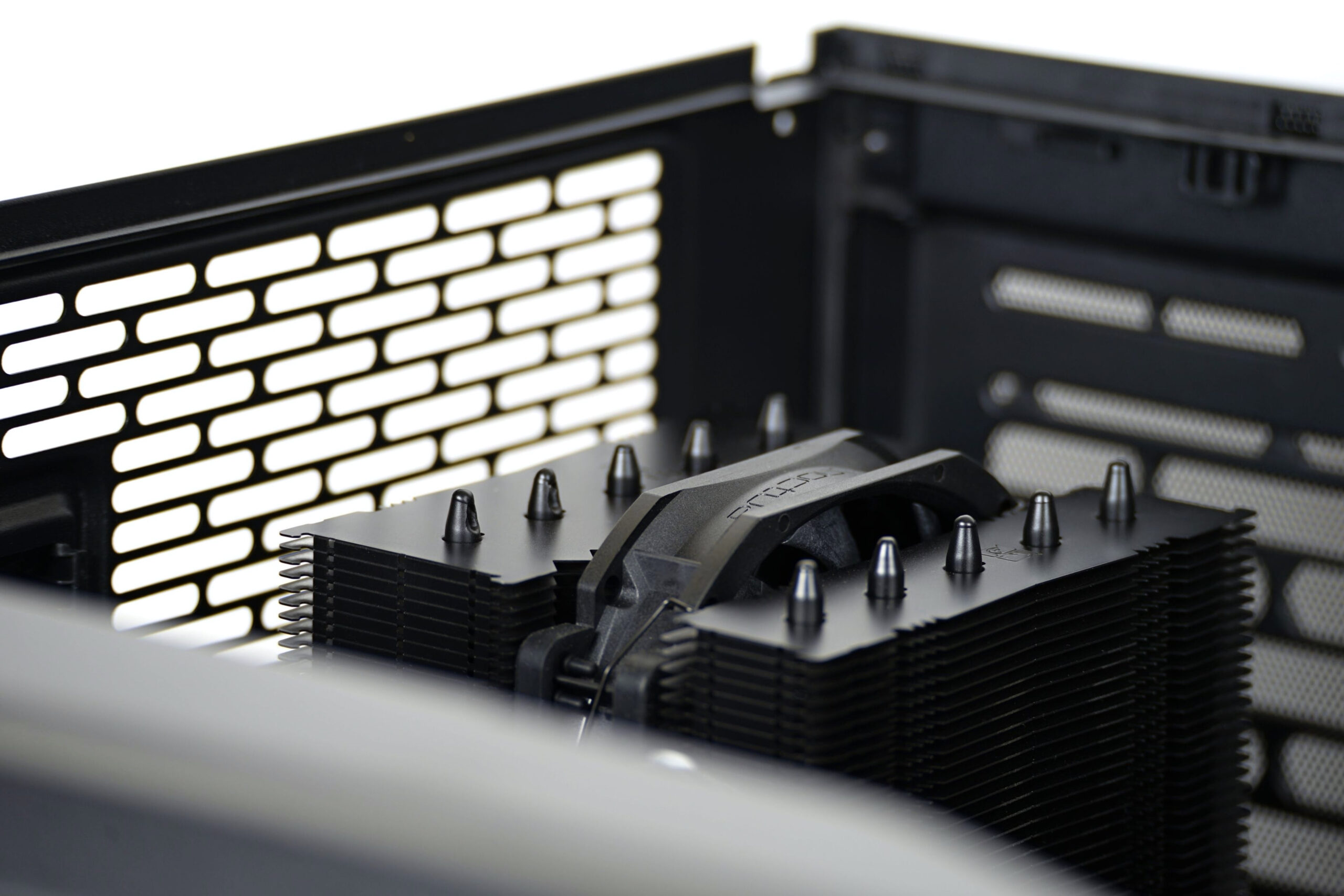
There’s room for GPUs up to 512 mm in length, which is mostly theoretical, since even the latest models (including the GeForce RTX 5090) are significantly shorter. They may be taller, but even that won’t be a problem for the Meshify 3 XL. We use a relatively compact graphics card for testing (GeForce RTX 4070 Super) and a Mini-ITX motherboard, mainly to allow comparisons with smaller cases.
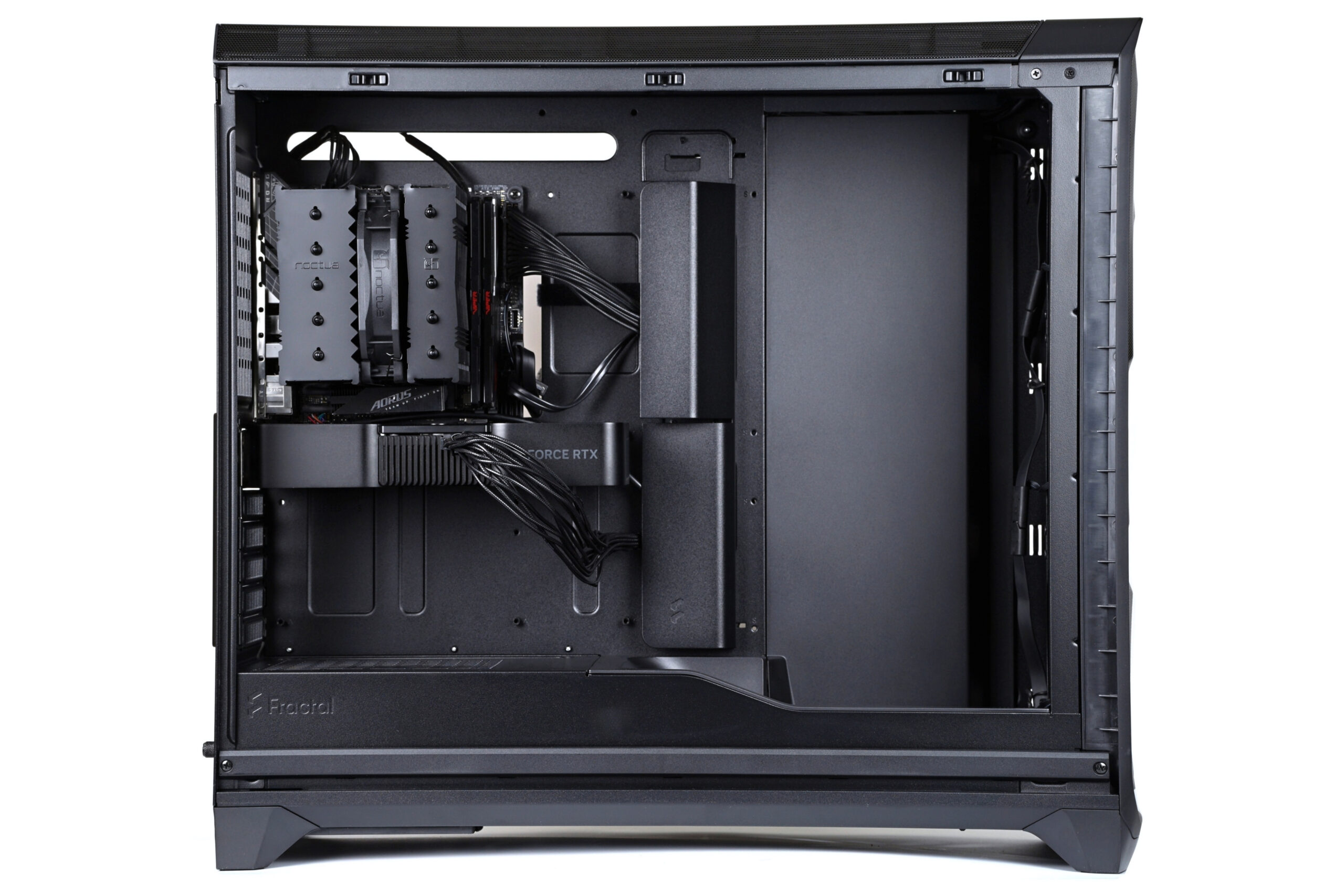
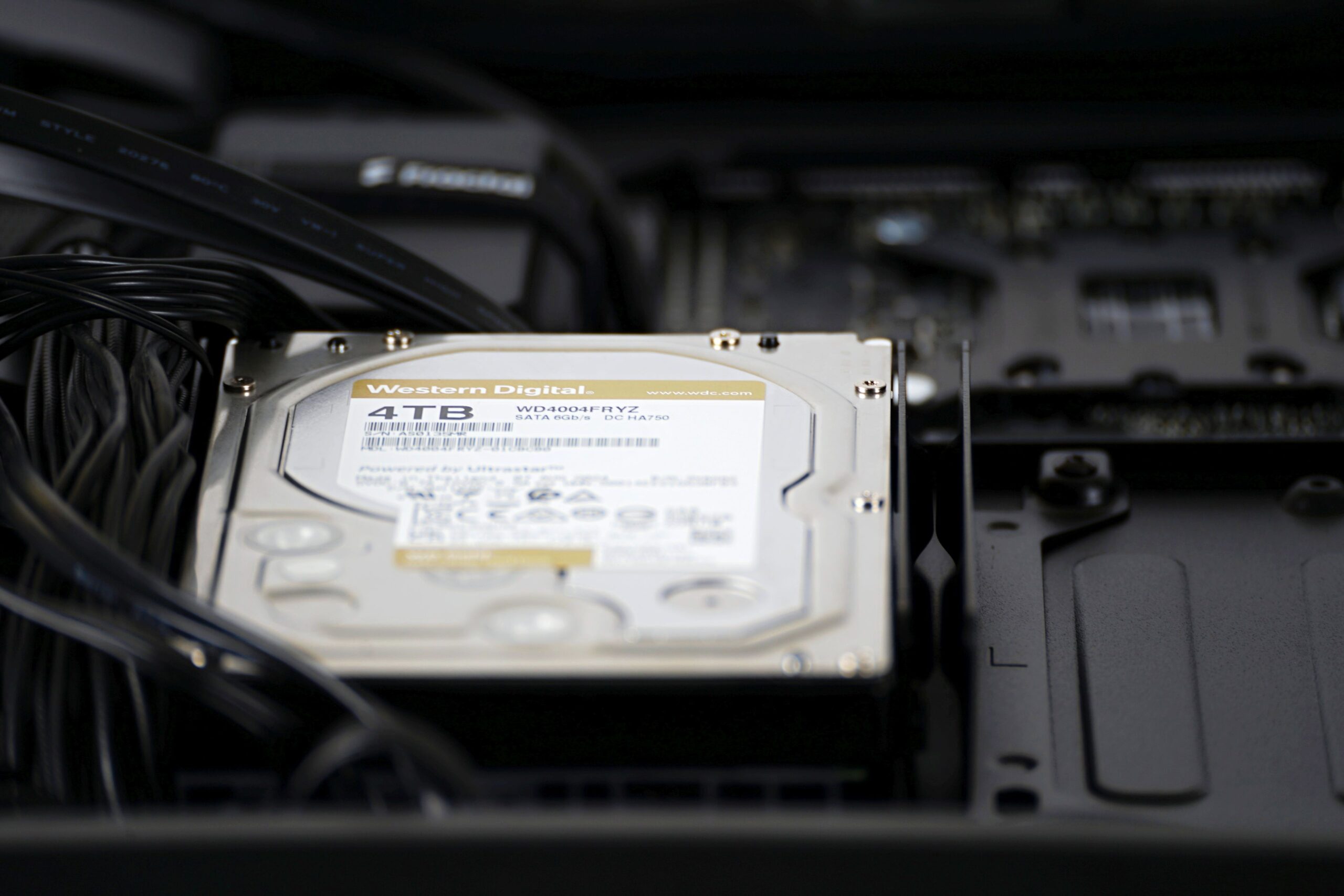
Storage drives install at the rear. Brackets behind the motherboard tray support both 3.5″ and 2.5″ formats (up to four SSDs, for example).
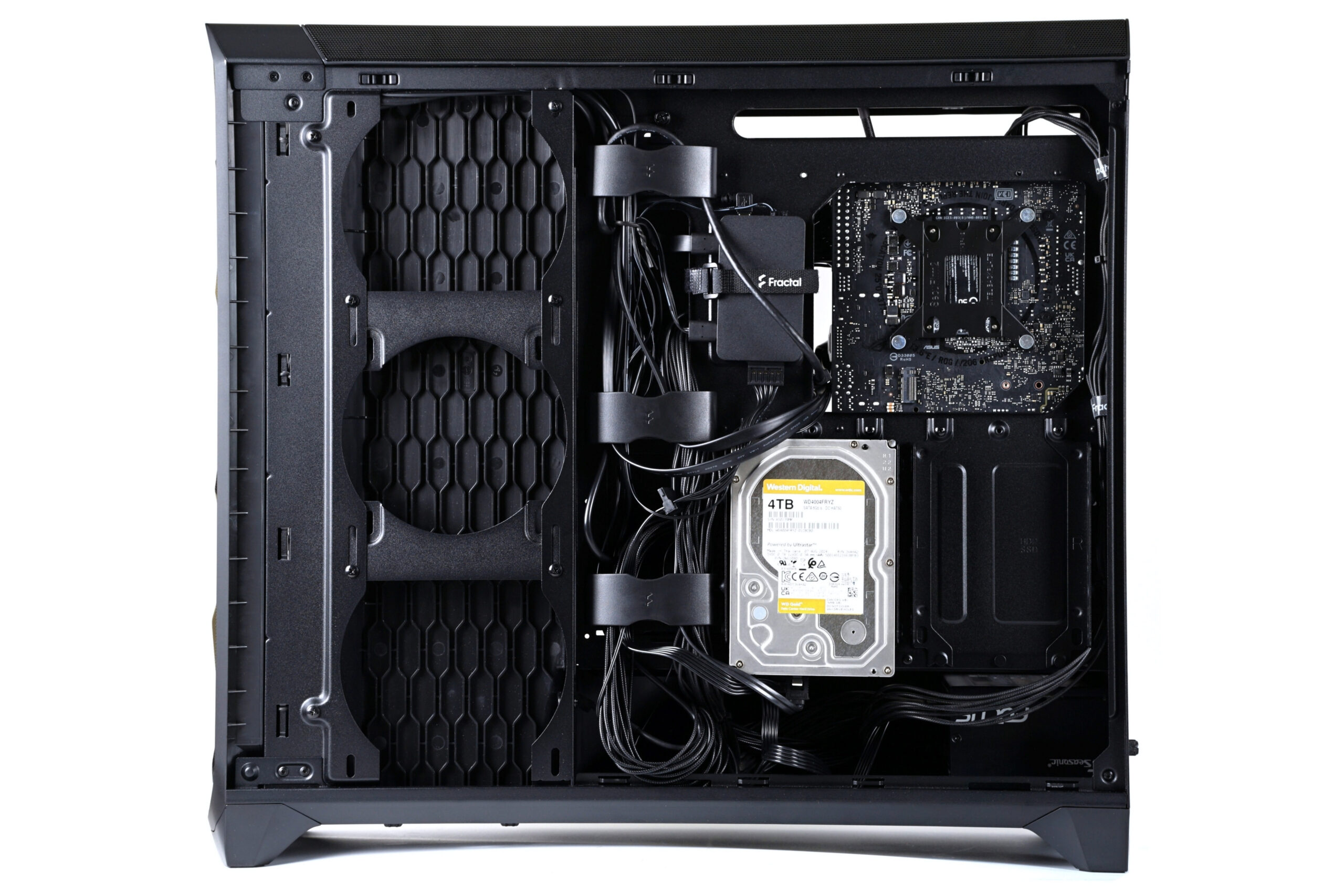
The choice of configuration is up to the user – we test the case with an HDD. Drives mount via rubber grommets to minimize vibration transfer.
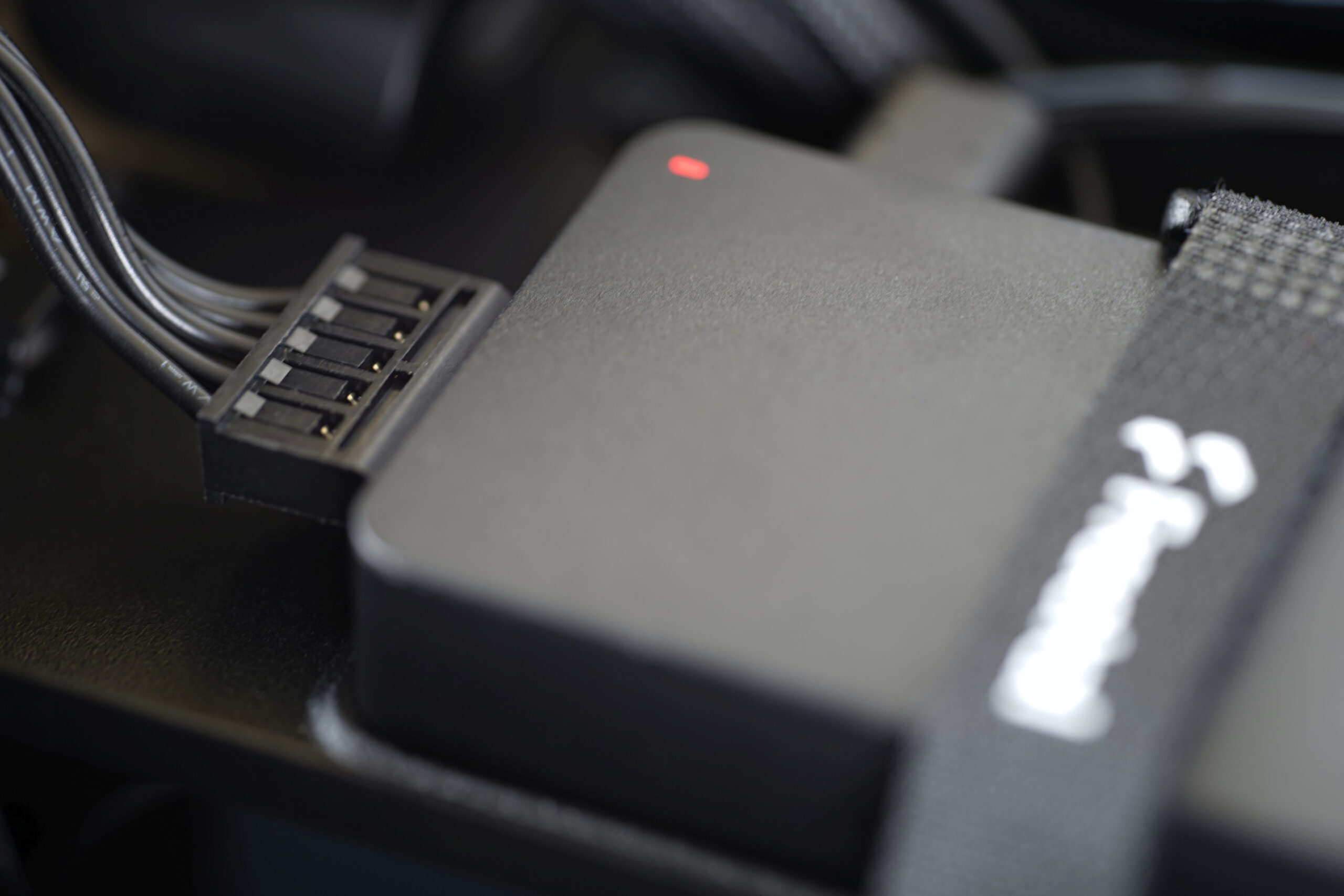
At the rear, there is also a hub without which the ARGB LED lighting would not function. It is powered via a SATA connector. The Adjust hub, as Fractal Design calls this device, connects to fans using USB-C connectors, providing both power to the fan motors and illumination for the ARGB LEDs. For users who wish to connect traditional 4-pin PWM or 3-pin ARGB devices to the hub, an adapter (USB-C to standard fan connectors) is included in the accessory package. A 4-pin cable from the hub delivers the PWM signal, ensuring that fans run at the appropriate speed. By “appropriate,” we mean the intensity you set yourself.
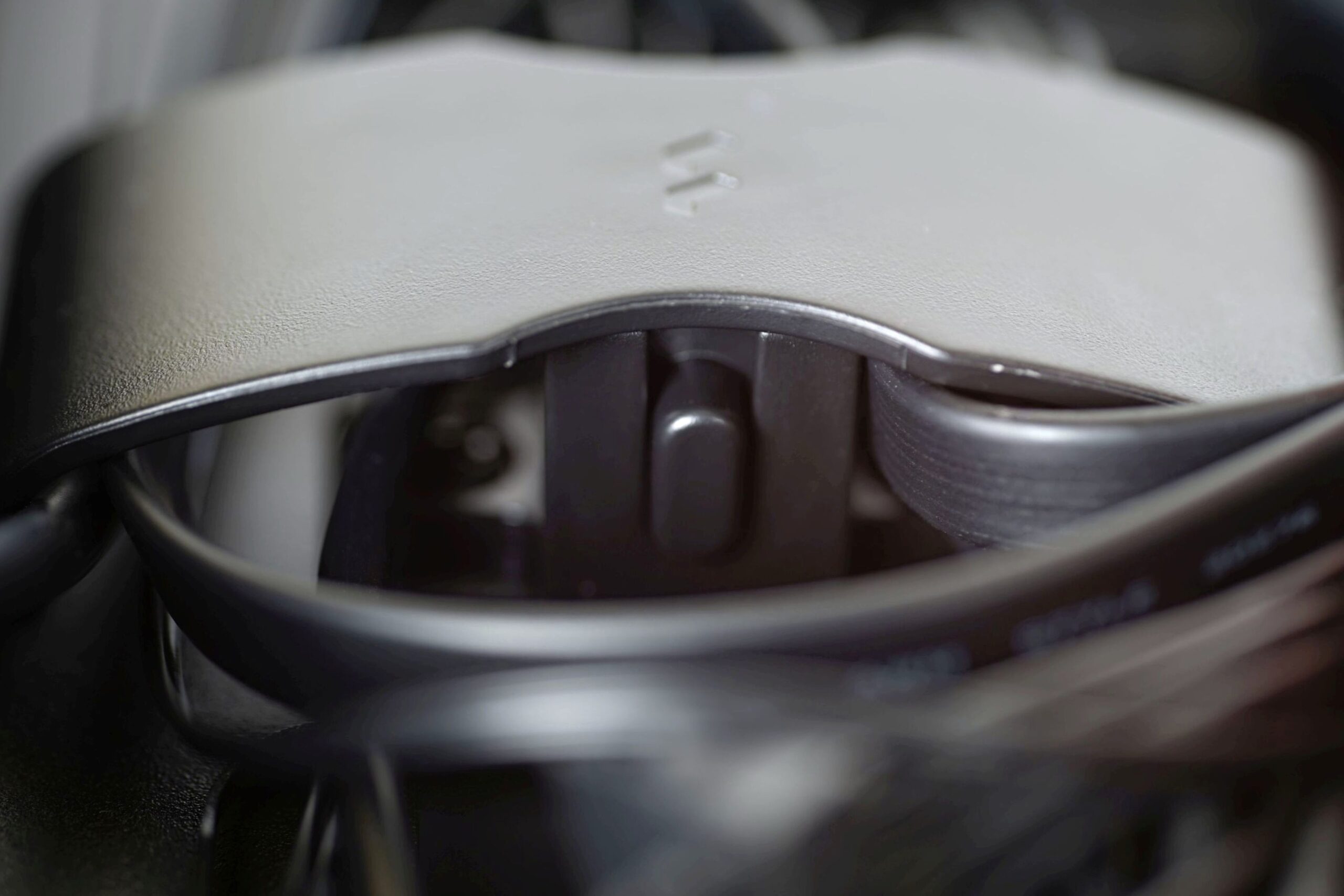
And then there’s one more thing worth focusing on: the cable covers, whose height can be adjusted according to the thickness of the cable bundles. This is done via a button in the middle of the covers, which allows you to shift the shielding forwards or backwards depending on the cable configuration.
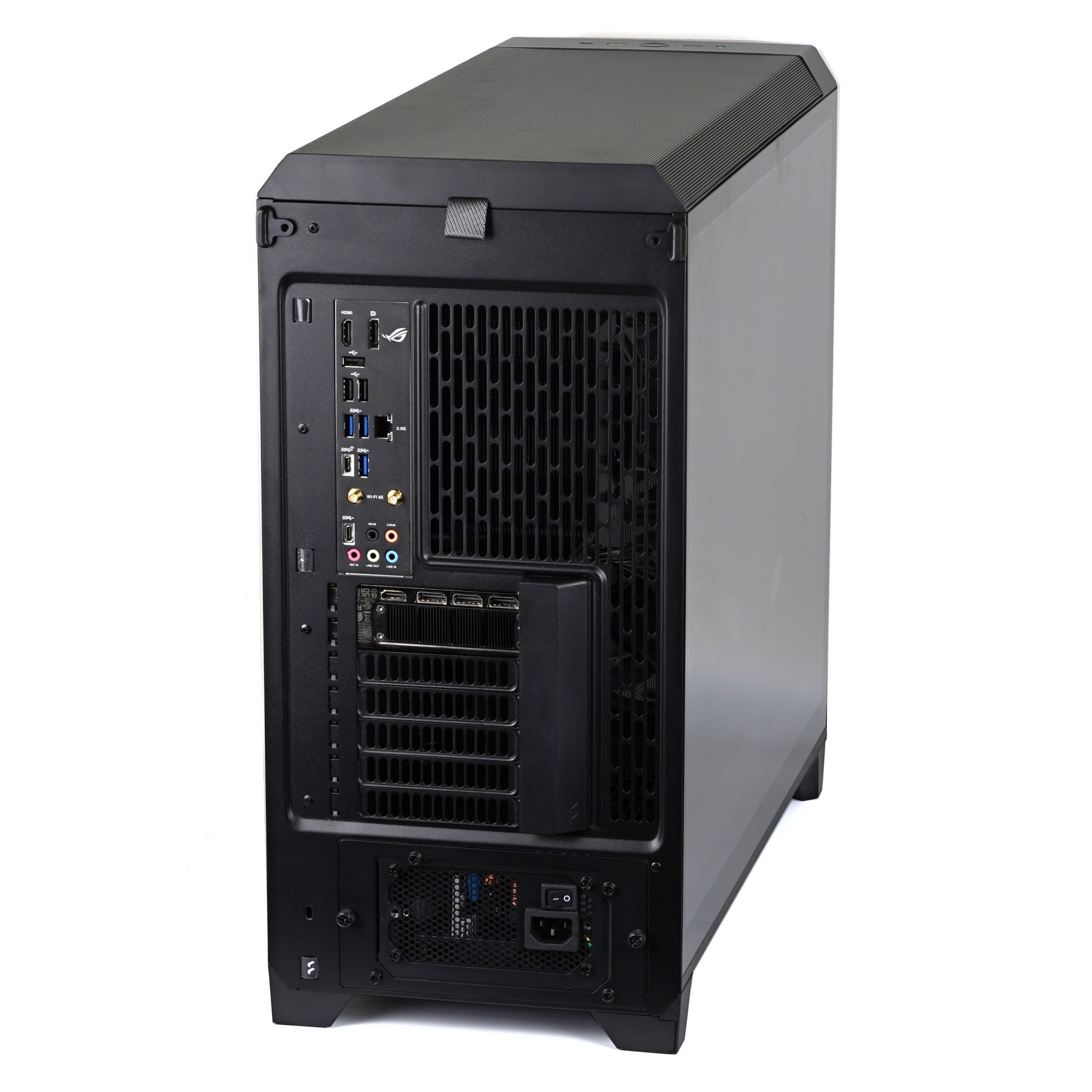
Once everything’s plugged in, all that remains is to reattach the side panels – and enjoy the results.
Incidentally, not only the fans are lit up. There’s also an illuminated strip running the depth of the Meshify 3 XL case. The photo below shows what it looks like in action.



-A german website tested the Meshify 3 and Meshify 3 Xl cases together .
There are two big differences : +6°C on the Gpu and +4°C on the Ram !
Look at the two cases from the side , the small meshify 3 ramp blow air into the motherboard .
The meshify 3 Xl ramp misses the motherboard by a few centimeters .
You may find good picture of the ramp on “tech pow er up” test and the temperatures test results on “comp uter base” .
Respectfully yours.
Yes, good observation—thanks for sharing these insights. The temperature difference is, of course, determined by the type of components used. For example, with passive CPU/GPU coolers, at the same heat output, you can expect a greater influence from system cooling compared to active coolers. It depends on many factors. The number of combinations that can occur is extremely large. In certain situations, the difference in cooling between Meshify 3 and Meshify 3 XL cases may not show at all; it’s very situational. And it’s not just about the performance or power consumption of the system inside the case… 🙂
This is interesting, and a great catch! I have a 3XL and I’m goofing around on air before committing to building a custom loop into my XL case. I am keeping the ramp air guide installed and I will pay attention to this as one still uses air cooling for the motherboard usually (for me SSD, RAM, or mobo water blocks are too over the top).
My take on the Meshify 3XL – it’s a great case design but has flaws (like any case). Great manual/documentation. The cable cover plate is wearing on my nerves, as I usually forget to reinstall it until after the rest of my parts are installed…the floor air guide doesn’t come out once you have side stuff installed. Front I/O cable routing can be a hard, the front I/O cables are rather fat and awkward (I have the non-RGB version and front fans work better routed thru bottom area). Also, Fractal tends to be over conservative with their radiator guidance. You can fit wider rads up top if you put them below fans (fans between rad and case top). I haven’t tried yet but I will see if my svelte Corsair 420mm x30mm radiator will fit up front as well (it’s smaller than the ‘max’ radiator dimensions that fractal lists in their excellent manual but they also only say 360mm rads up front).
Thank you for the insightful comment. Yes, the points you mention (for example, about the cable cover) can indeed be annoying for some, but it’s impossible for a single case design to please everyone in every way. What one user values and really wants, another might find inconvenient. The Momentum fans, at least, are excellent—people will likely appreciate them. Their minimum/start-up speeds (~350 RPM) are pleasantly low. 🙂