




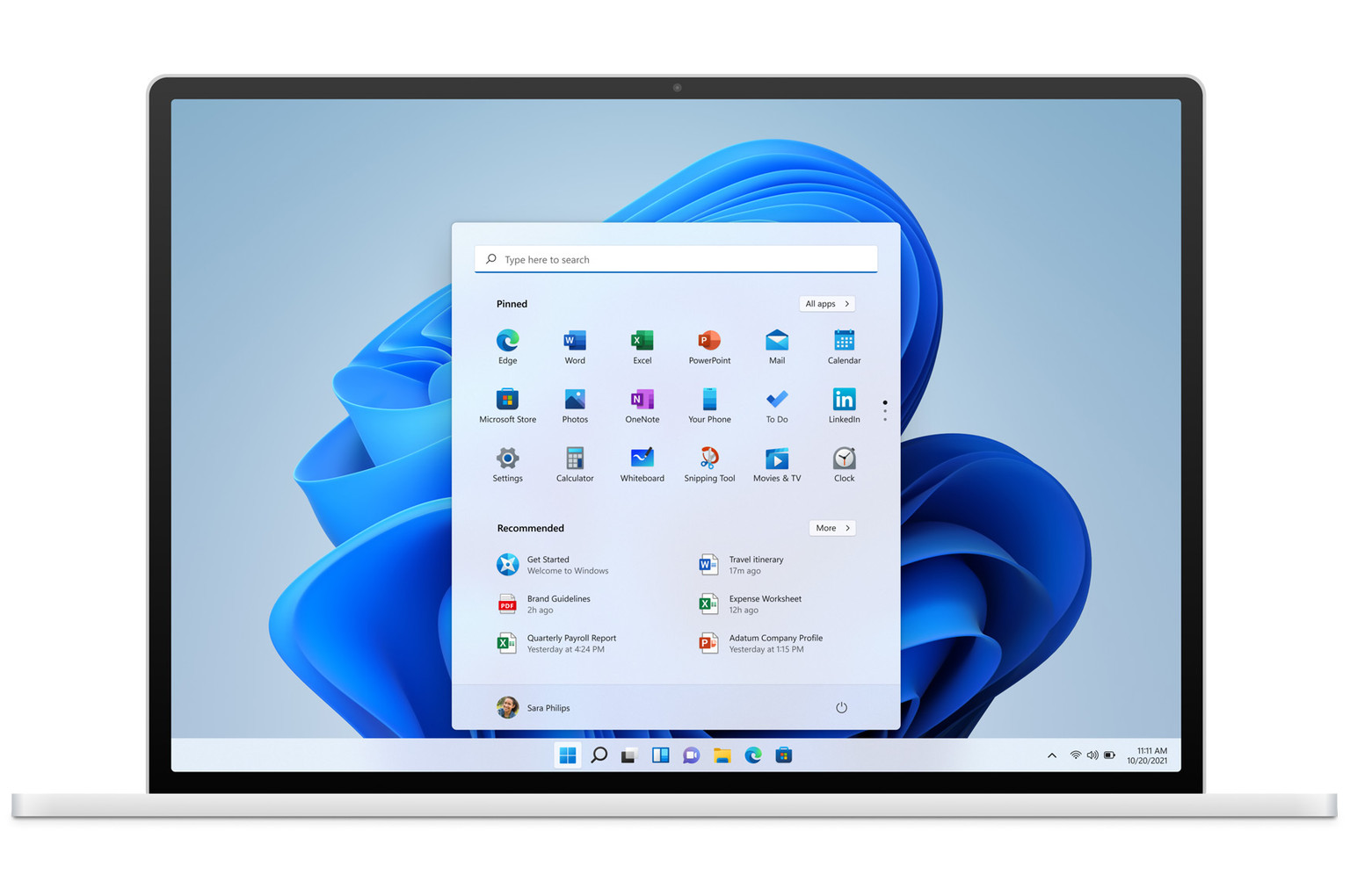
Microsoft’s new 26H2 Windows 11 update brings a number of new features, like improved search and a long-requested Start menu customization and ability to have a vertical taskbar. But his version also brings progress to another criticized area: It improves the performance and responsiveness of the system and works better on computers with a small amount of RAM (of which there will be more and more thanks to the AI craze).
You may remember that at the end of last year, Microsoft promised to focus on improving Windows 11 performance, or perhaps more accurately on reducing its hardware demands, along with optimizations for better gaming performance. Last Thursday, Microsoft confirmed that at least some of the various fixes and optimizations that these efforts led to are already present, and hopefully effective, in the current version of the system—build 26300.9550, which you should have installed if you have recently updated to Windows 26H2.
According to Microsoft, these changes significantly improved the responsiveness of the operating system—that is, the speed with which it reacts to clicks or other user commands, opens menus or applications, and so on. According to Microsoft, the snappiness and response speed of the operating system improved by up to 20% between Windows 11 build 26200.7628 from January of this year and the current 26300.9550.
This is said to have been measured across a range of tasks, including bringing up the Start menu, the search tool, working with the Settings app, but also with the screenshot tool and File Explorer. Included are measurements of speed when working with Microsoft Office 365 and the Edge browser, which not everyone uses, but also as opening various context menus (the ones that appear when you press the right mouse button) and other functions across the entire operating system.
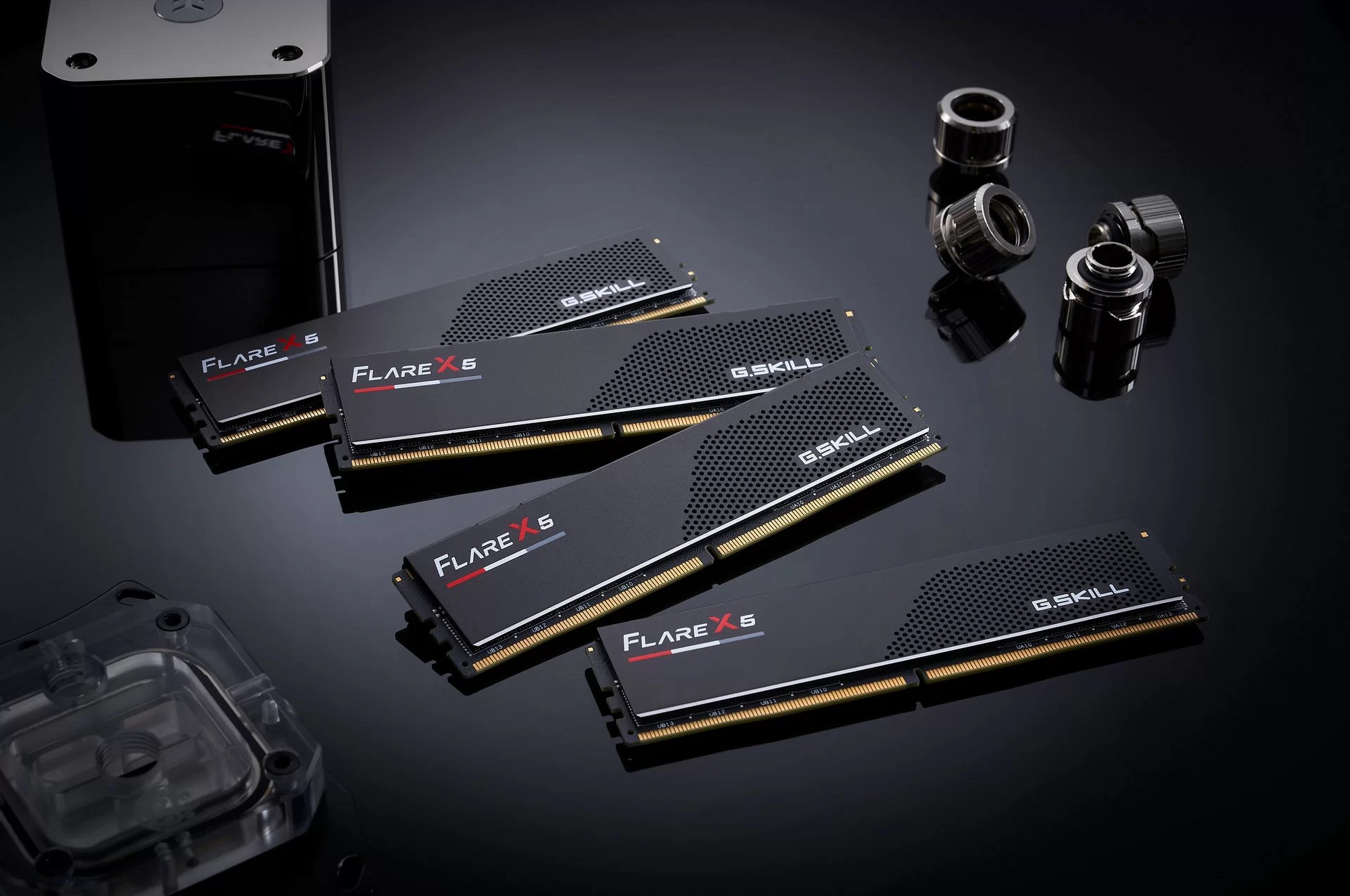
Computers with 8 GB of RAM Should Run Better
According to Microsoft, these improvements stem, among other things, from the reworked allocation and management of system memory that Microsoft has now built into Windows 11. The memory management is meant to better control which data should remain in RAM or the file cache in RAM and which should be moved to the page file (in the case of modified or working data) or left only on the SSD (in the case of libraries, executables, and other data whose copy is already in permanent storage).
Microsoft mentions that this improved management can keep 2 GB more data in the cache in RAM, but no details are provided on whether this figure applies to a particular computer configuration or what exactly it refers to. More caching of data in RAM sounds more like the kind of optimizations that can improve responsiveness, but only if you have a surplus of RAM. According to Microsoft, however, all of these changes are also supposed to help on computers with a small 8 GB of system memory, too. Until recently, that was an outdated capacity configuration that did not work particularly well and was fit more the times around year 2016 rather than current decade’s software environment, but due to the price crisis and the shortage of DRAM on the market (caused by the AI boom), 8GB RAM has sadly returned and is the standard in cheaper PCs and laptops.
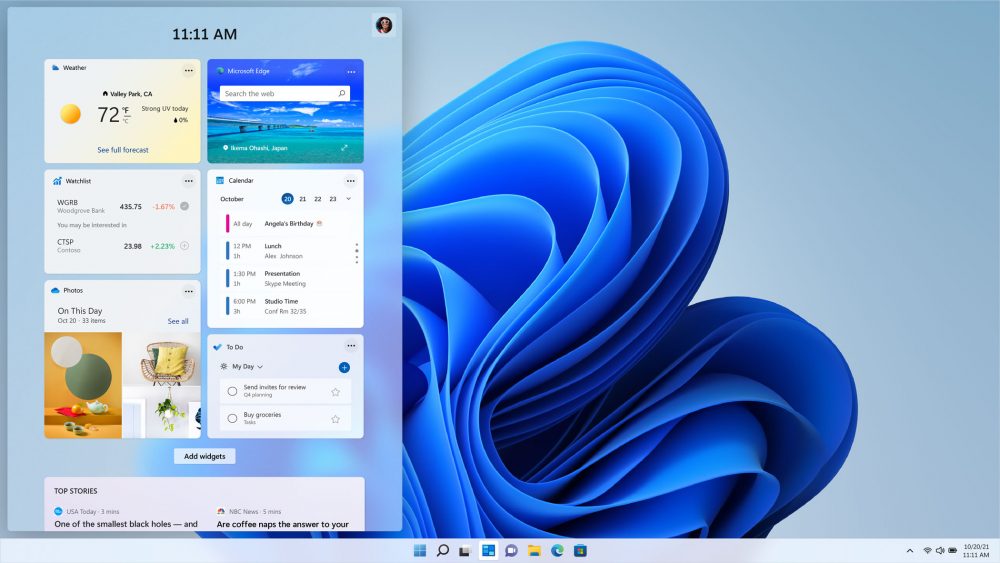
However, these 8 GB computers will benefit especially from other optimizations that directly reduce the amount of memory in use. Microsoft is reportedly making such optimizations on a broader scale, and it should hopefully already be noticeable if, after starting the system, you open Task Manager, look at the values of free and used RAM, and compare them with a computer running an older version of Windows 11 (we did not test this oursleves, though). Unfortunately, Microsoft gives only one example of these as an illustration: The so-called widgets, which you can open from the system taskbar, are said to consume 200 MB less RAM because they are loaded only when you use them now, and while the tab remain closed, this RAM is freed. Let us hope there are more such changes.
The exact figures for the amount of memory saved (and also the exact speedup percentage cited before) may nevertheless vary depending on the parameters of the computer on which you are running your Windows 11.
In addition to the performance improvements, Windows 11 26H2 introduces various new features, which Microsoft describes in their recent blog post. These reportedly include improved support for working with Android phones from within Windows, or faster pairing with Bluetooth headphones, for example, as well as other things.
Source: Microsoft
English translation and edit by Jozef Dudáš


