


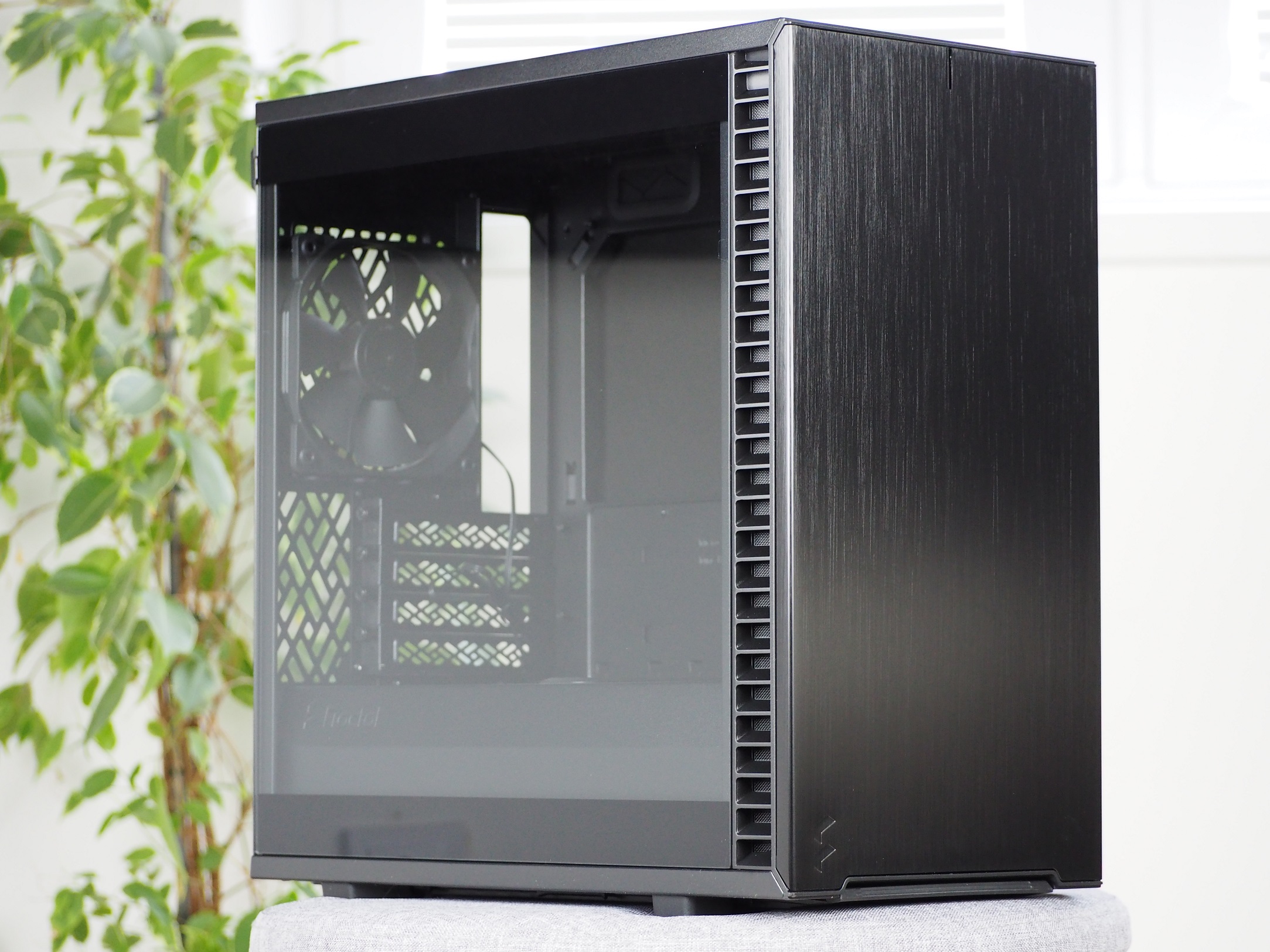
Fractal Design has apparently decided to roll out all of their cases in smaller designs as well. The latest in compact designs is the Define 7 Mini, which fits a Micro ATX motherboard. Even though the dimensions have shrunk, they haven’t cut corners in other ways and this new case maintains a high quality standard. The kind of quality we are used to with Define series cases.
Basic parameters
| Parameters | Fractal Design |
| Define 7 Mini | |
| Supported motherboard formats | Mini-ITX, mATX |
| Supported PSU format | ATX |
| CPU cooler | up to 167 mm |
| Graphics cards | up to 331 mm |
| Fan | 7× 120 mm (1× preinstalled)/4× 140 mm (1× preinstalled) |
| Supported liquid radiators | 1× up to 280 mm + 1× up to 240 mm + 2× up to 120mm |
| 2,5" positions | 2 + 2 shared (totally 6) |
| 3,5" positions | 2 shared |
| 5,25" positions | 0 |
| Dimensions [H/D/W] (and volume) | 406 × 399 × 205 mm (33 l) |
| Weight | 6,84 kg |
| Materials | aluminium + steel + plastic + tempered glass |
| Connectivity | 2× USB 3.2 gen. 1 + 2× USB 2.0 + 1× USB 3.2 gen. 1 type C + 2× 3,5 mm jack |
| MSRP | 130 EUR |
Elegant exterior
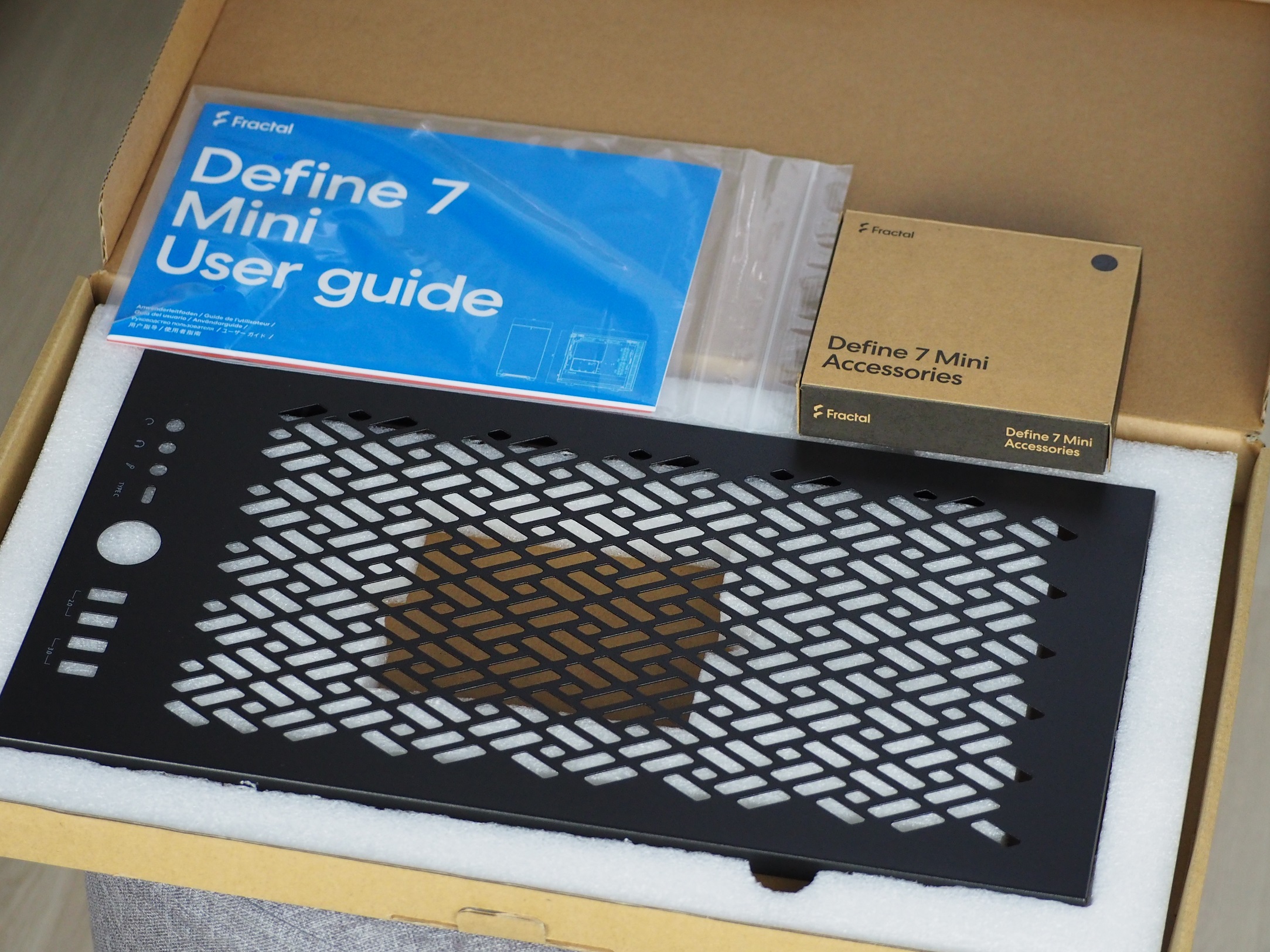
In the cardboard box you will find accessories in the form of screws, single-use cable ties, a tempered glass cleaning cloth as well as a perforated top panel of the cabinet. This is a signal that you will be able to customize the cabinet, as is also the case with the larger case versions.
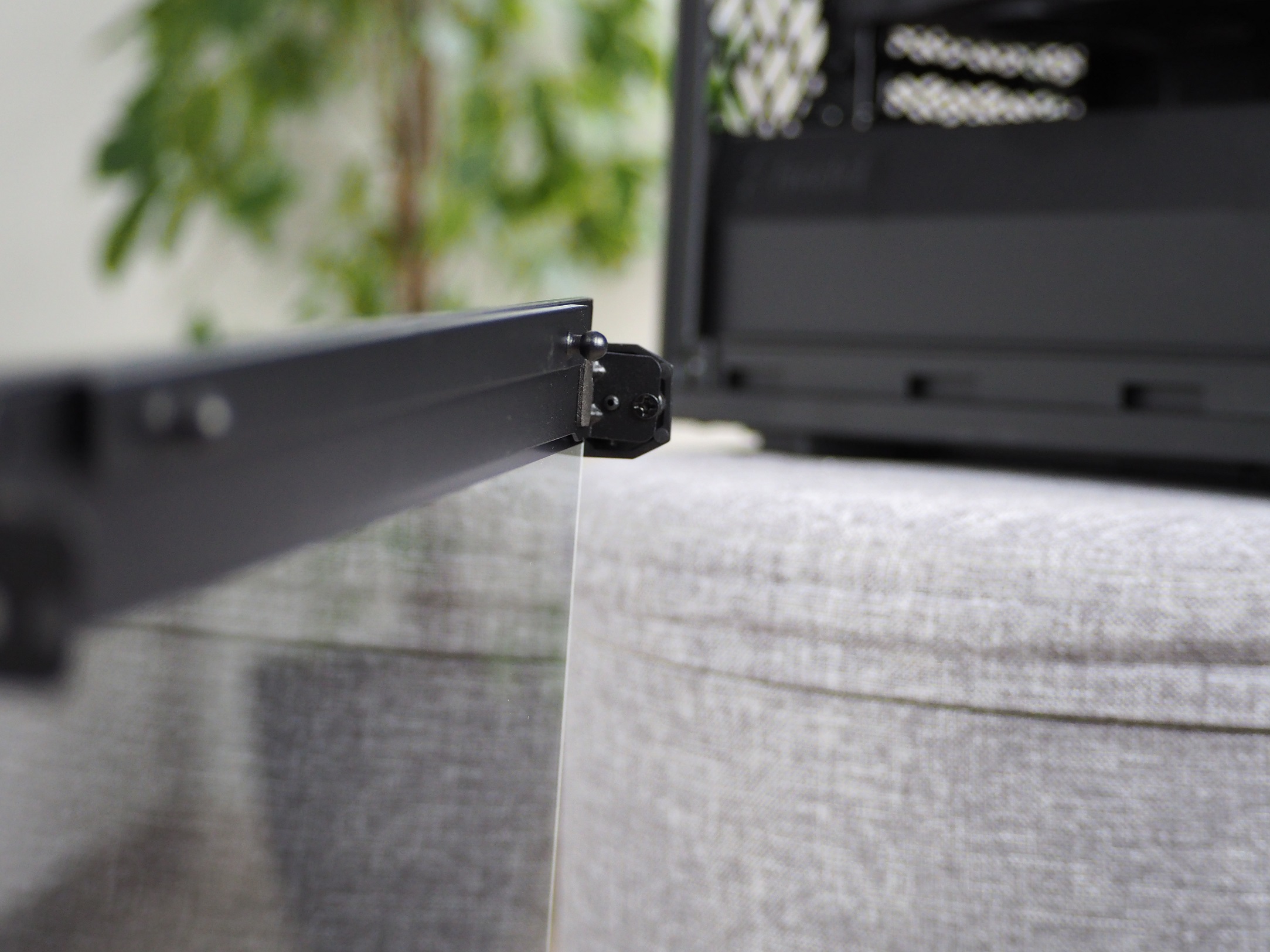
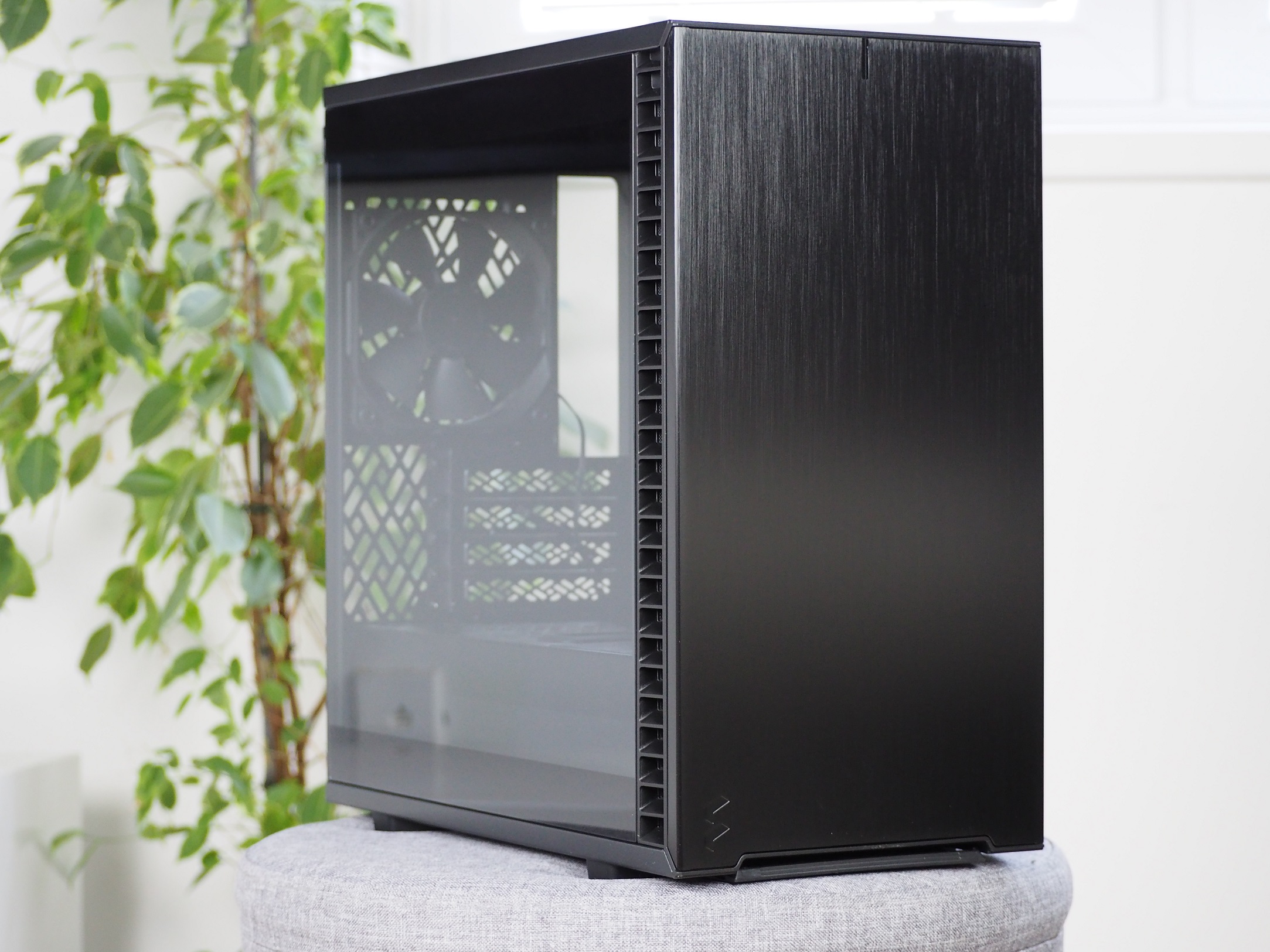
At first glance, the case is robust, even though it is small and compact. The tempered glass is 2.9 mm thick, just like the more expensive Meshify 2. You will appreciate the retained latching mechanism on both side panels. This is really useful for quick manipulation inside the case. Simply pull at the back and the side panel is in your hands. I even feel like it holds tighter than other Fractal Design cases that have passed through our hands.

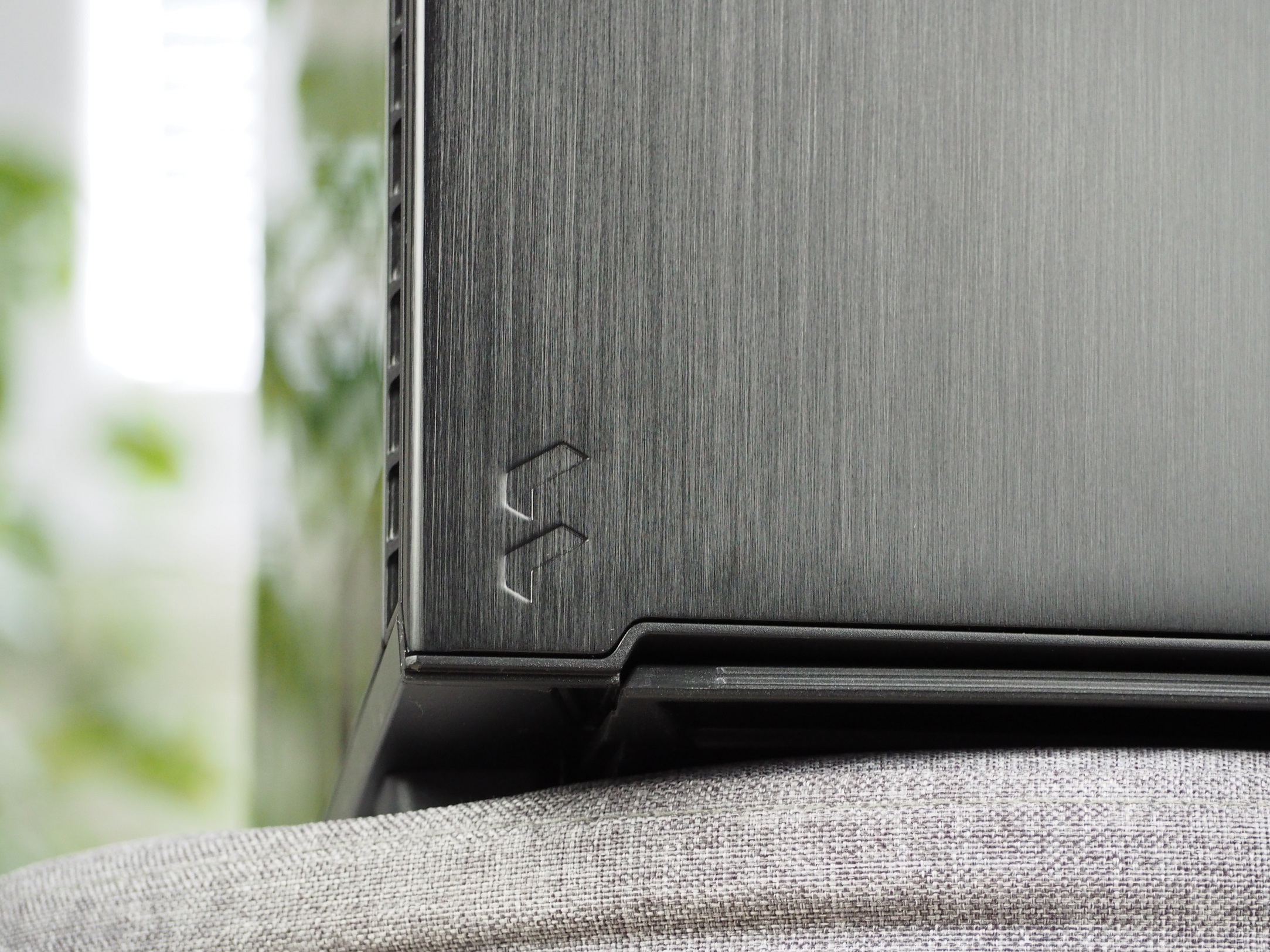
The front panel is brushed aluminium, giving the Define 7 series its typical premium look. It can be easily snapped out of the structure for easier fan handling and cleaning. Air intake is through the sides of the panel. The dust protection here is a little weaker though. There are removable grilles on the sides that are easy to clean but the perforation of the grilles is on the larger side. The center of the panel is filled with foam, which should dampen the noise coming out of the cabinet. The same foam is also placed on the right side panel.
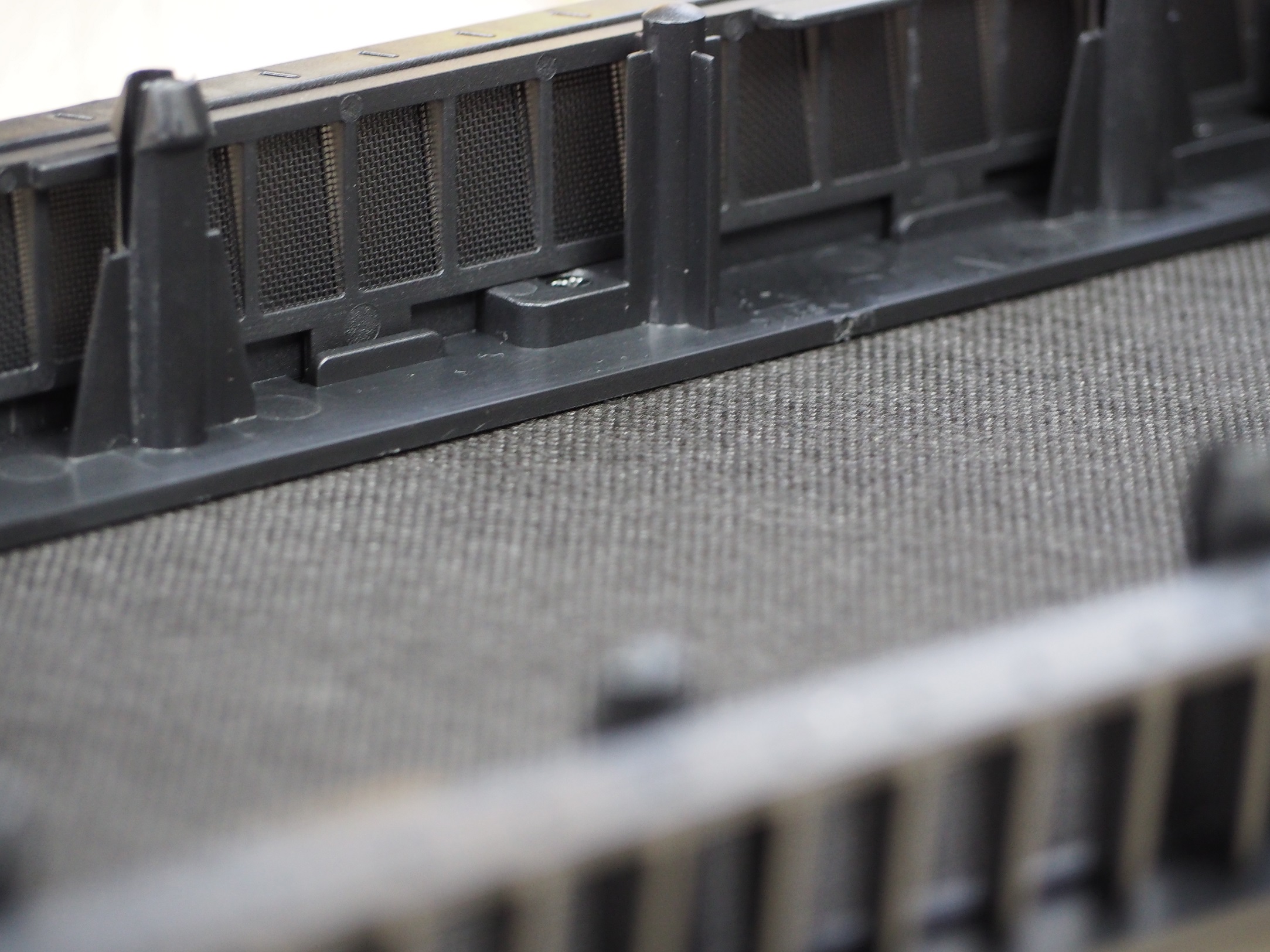
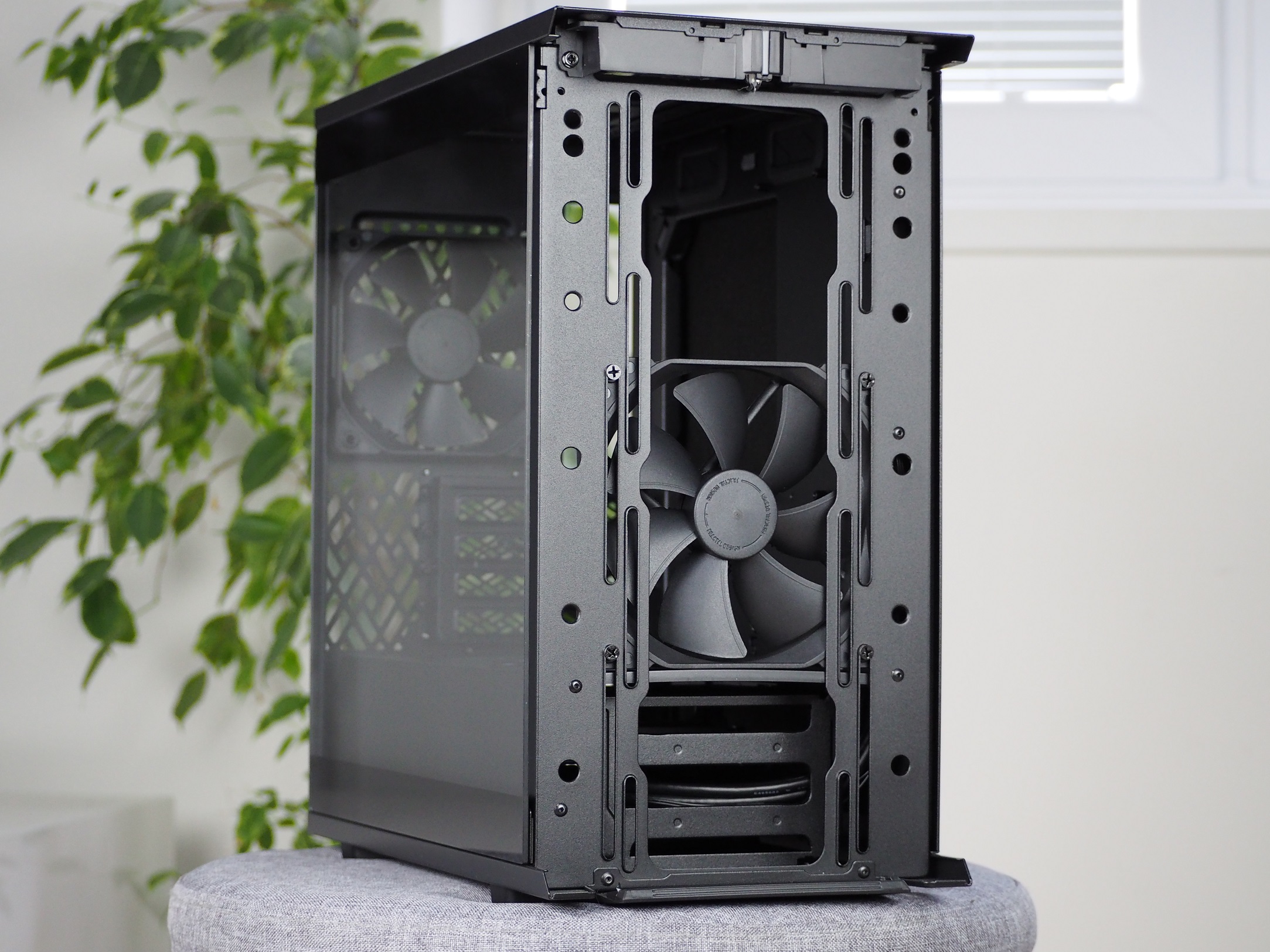
Behind the panel you have one 140 mm fan from the Dynamic X2 GP-14 series for the intake. This is the 3-pin version (i.e. with DC control only). If you’d like to add another 140 mm, you have room for one more or they can be replaced with three 120 mm fans. Alternatively, the case can accommodate a water cooling radiator up to 280 mm in size with a maximum width of 146 mm on the intake.
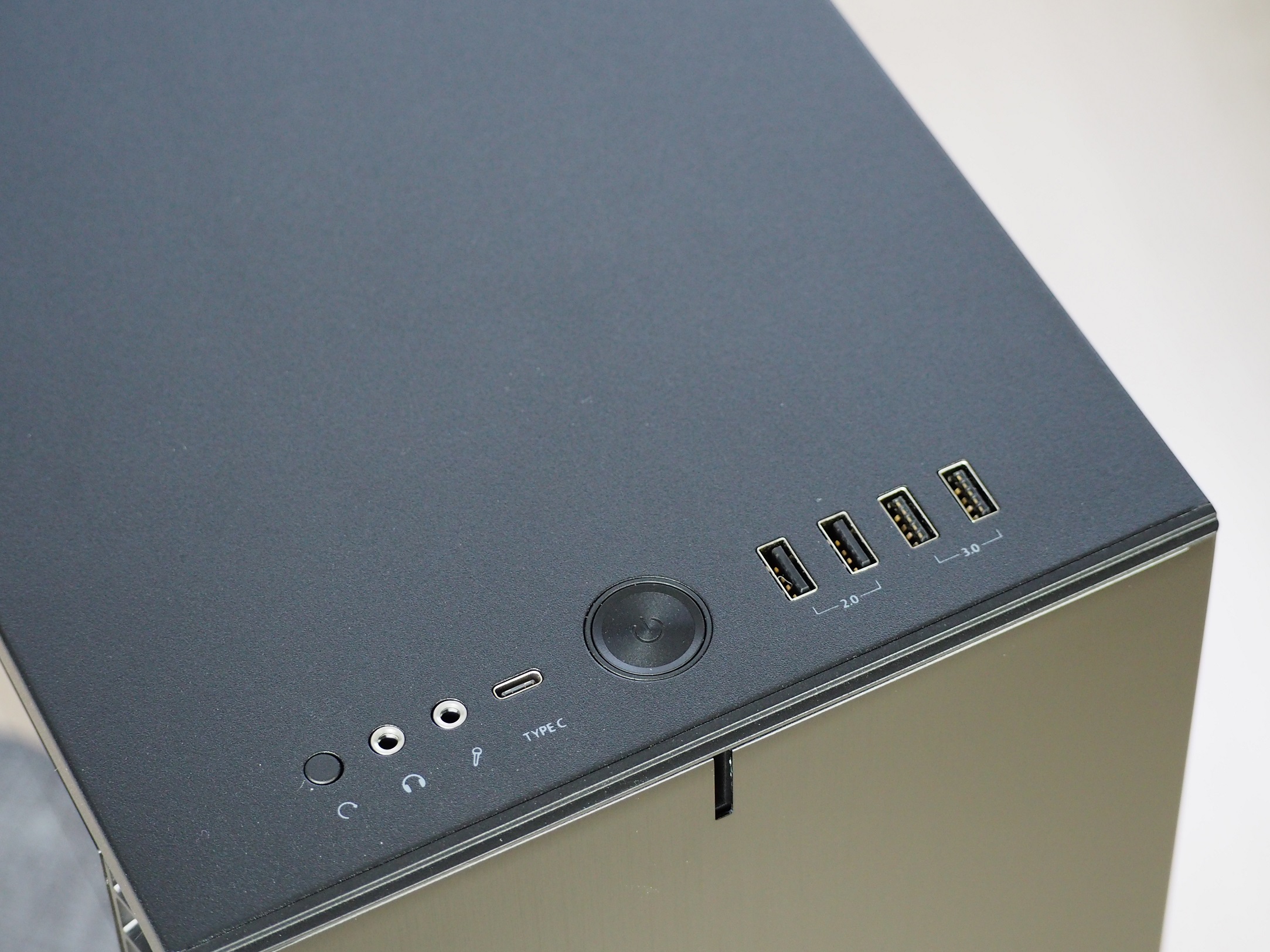
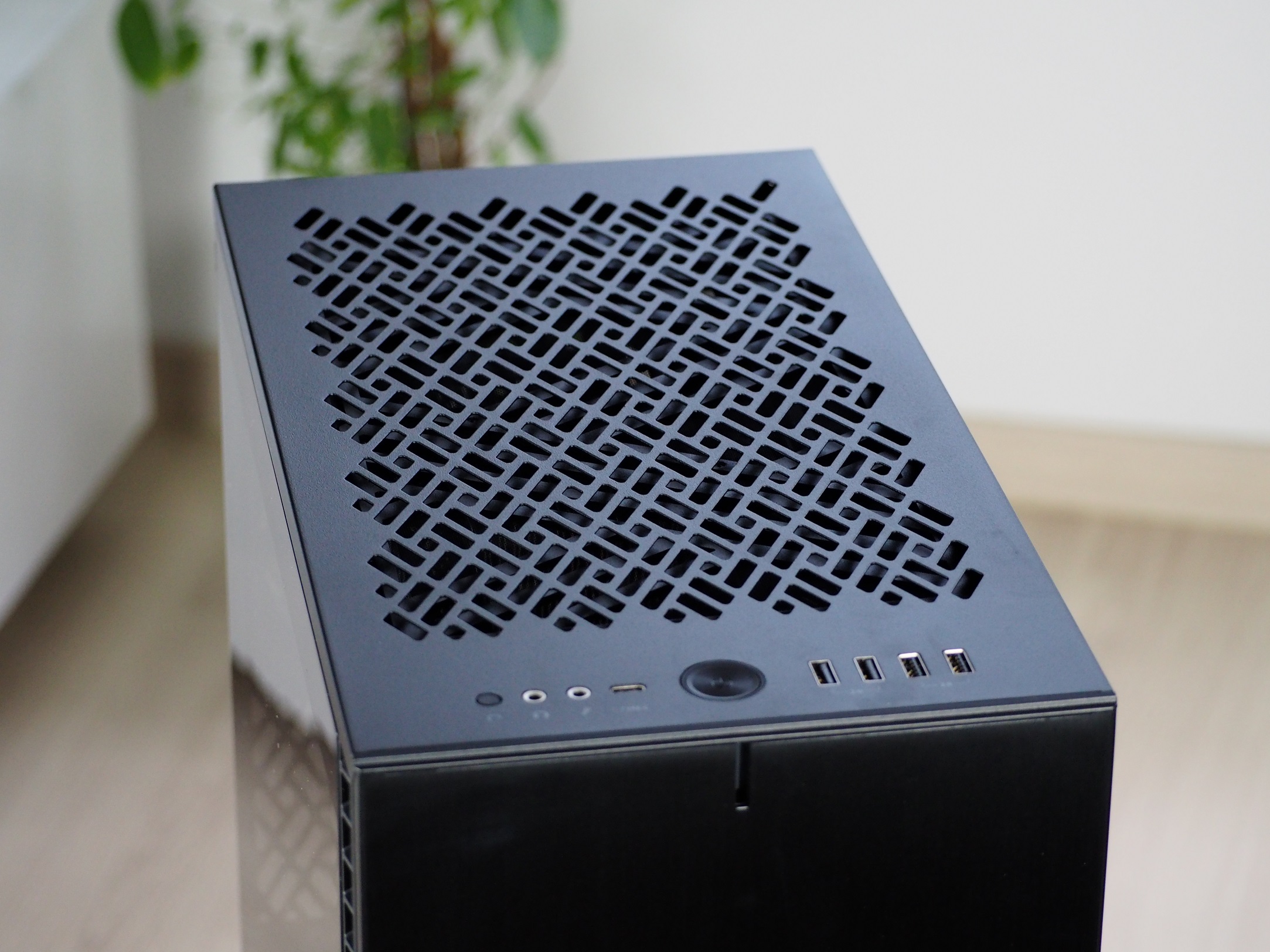
The trend with the latest cases (Meshify 2 Lite and Pop Air) from FD has been that you have to buy the USB Type-C port separately. Fortunately, the Define 7 Mini has avoided this, so you get up to five USB ports, one of which is Type-C. That’s already a decent amount of connectors. Another part of the front I/O panel is the large round on/off button. The responsiveness of the button is great. There are two 3.5mm jacks for headphones and a microphone. I often got the reboot button confused with the adjacent jack, as it is harder to palpate without sight.
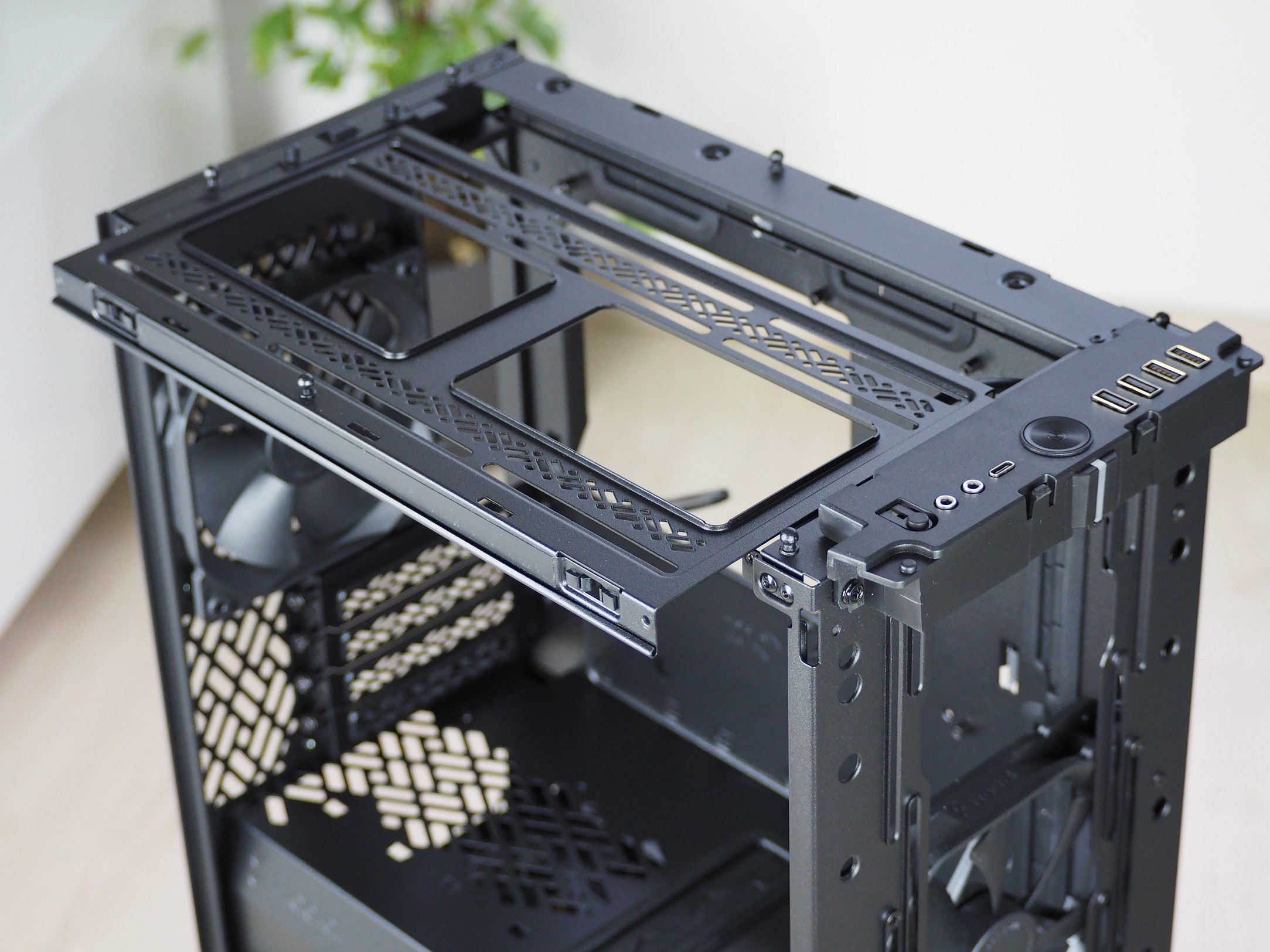
The top panel can be swapped out for a perforated version from the accessories if you prefer. The only caveat is that you have to remove the front panel to swap out the top one. This will subsequently make cleaning the filter under the ceiling more difficult. The latter is also just slid onto the structure. What I have to praise is that the entire replacement process is tool-less.
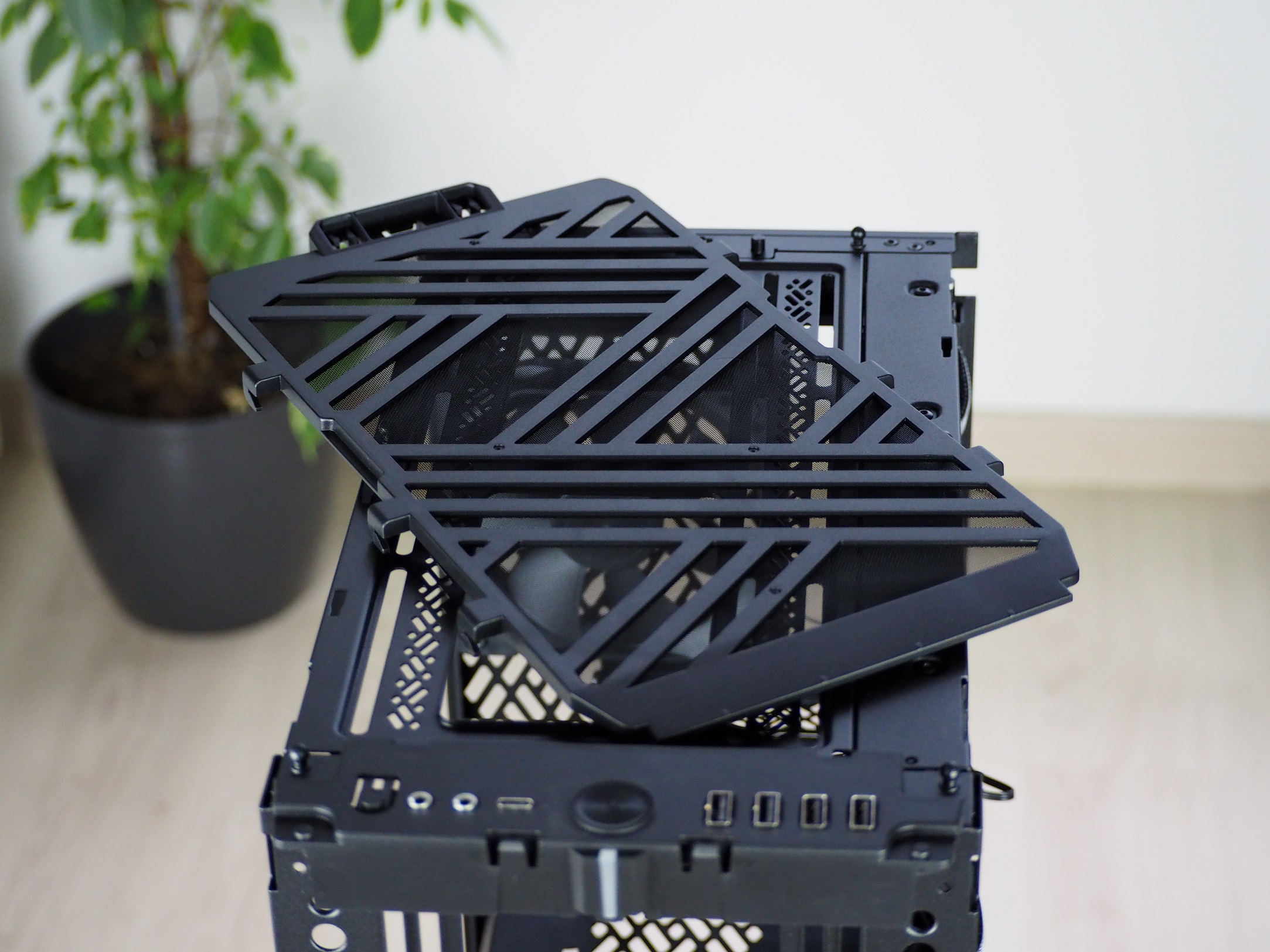
Even though the ceiling has to be unscrewed, I don’t see it as a bad thing. It has to be firmly anchored to the structure so that it does not transmit vibrations when it is possible to place two 120/140 mm fans or even a water cooling radiator up to 240 mm on it. When installing, I definitely recommend putting the ceiling down even if you don’t plan to put anything on it. This will open up the space inside the case and also give you more freedom to handle the hardware.
With the smaller case, the back also comes with fewer covers for PCI Express expansion cards, specifically four. Everything else on the back has remained the same. A slot for the motherboard I/O panel, next to it the 120 mm fan exhaust, and a hole at the bottom with a frame for mounting the PSU.

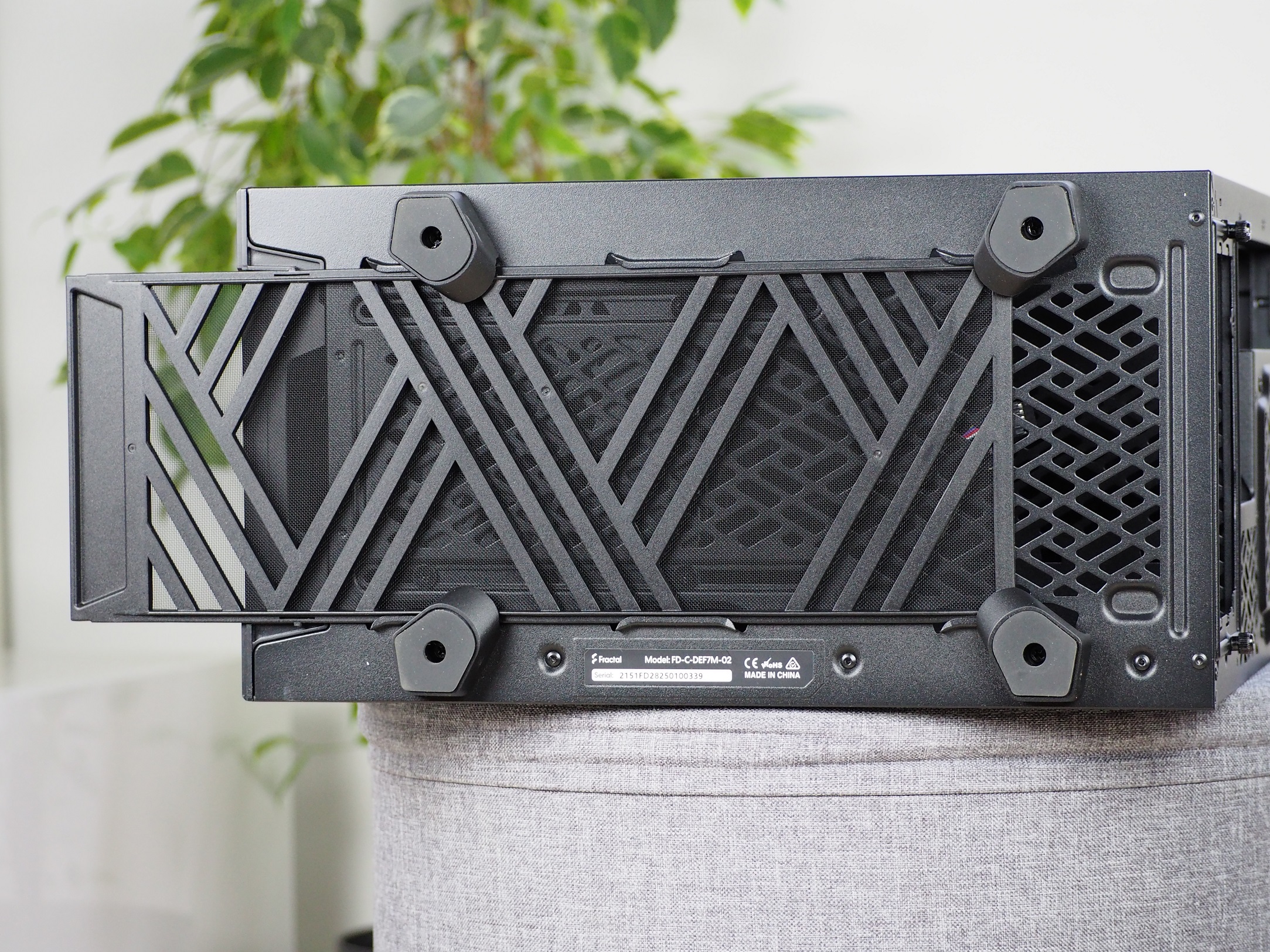
Four feet with non-slip pads on the underside of the case hold it in place. I’m probably most surprised that there is no fine dust filter to protect the inside of the case and the power supply itself from dust either. The dust grille is held firmly in the grooves, even being quite difficult to remove even though it has a handle. I always had to lift the case up for a better grip.




Thank you for this helpful review. Would you recommend that I add two more fans to this case, an additional 140mm at the front and another 140mm at the top?
What is the purpose of increasing the number of fans? Do you consider the current cooling performance to be poor (is it not enough to increase the speed?) or do you want to achieve quieter operation by adding more fans? With four fans you will achieve the same air flow naturally at a lower noise level than with only two fans, if you now have two fans running at higher speeds. Although the Dynamic X2 GP-14 has only DC control, its curve as well is actually usually adjustable in motherboard BIOSes.