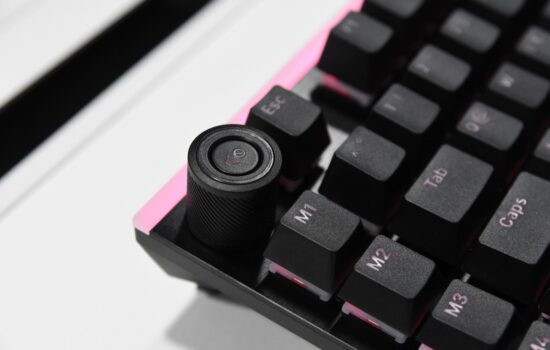
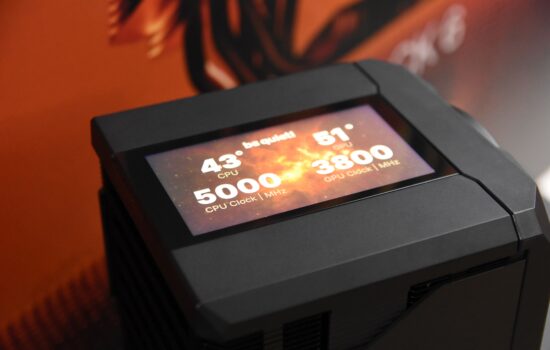
BeQuiet!, which I probably don’t need to introduce here, launched the top-of-the-line Dark Rock Elite cooler early this year. Along with it, the Dark Rock Pro 5 was also released, but it has remained somewhat hidden in the shadow of its elite sibling, which I would like to correct today. I firmly believe that the fifth gen of the Dark Rock Pro will successfully build on the previous versions, which have always been renowned for their uncompromising cooling performance and quiet operation.
Testing methodology
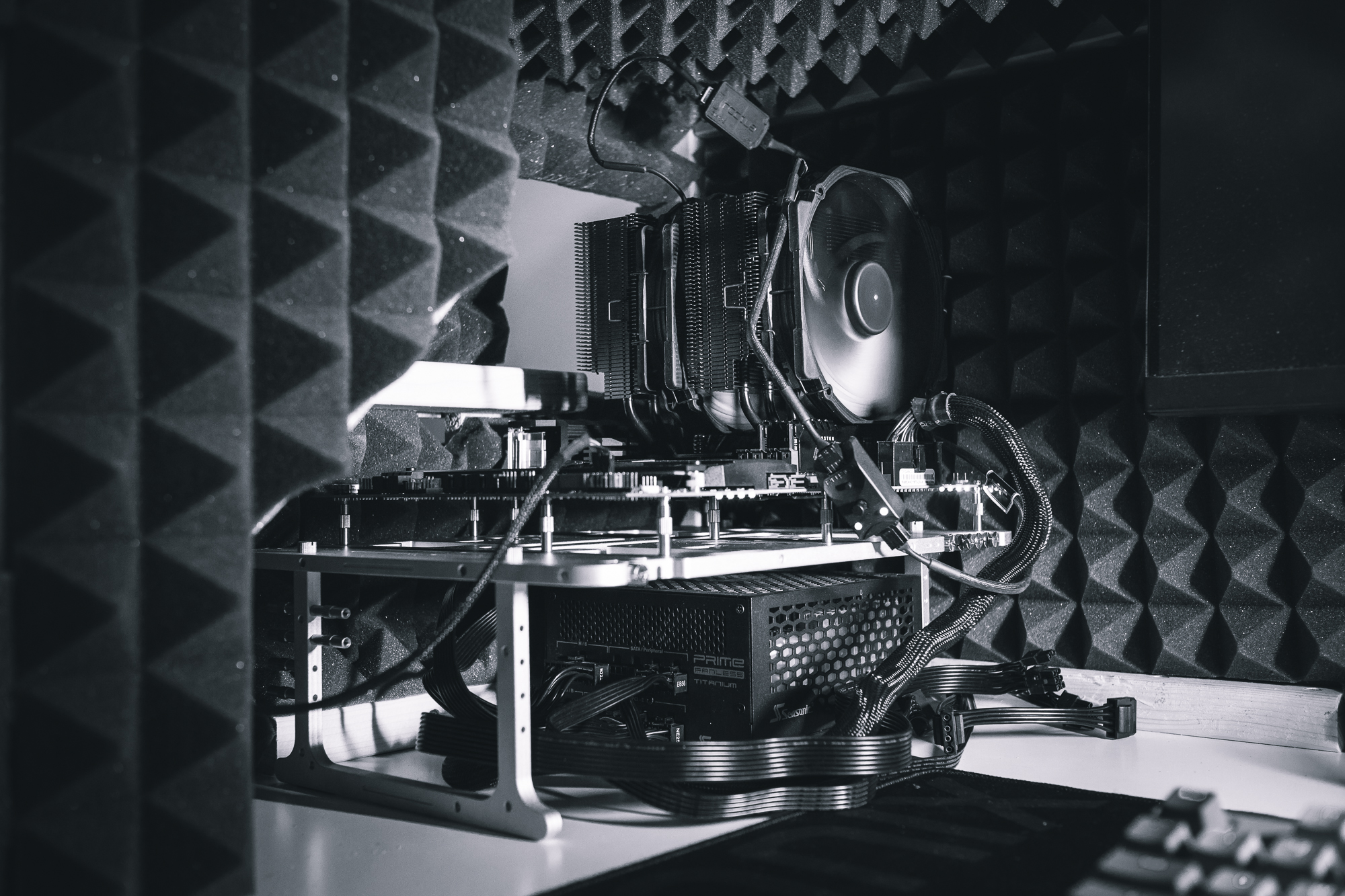
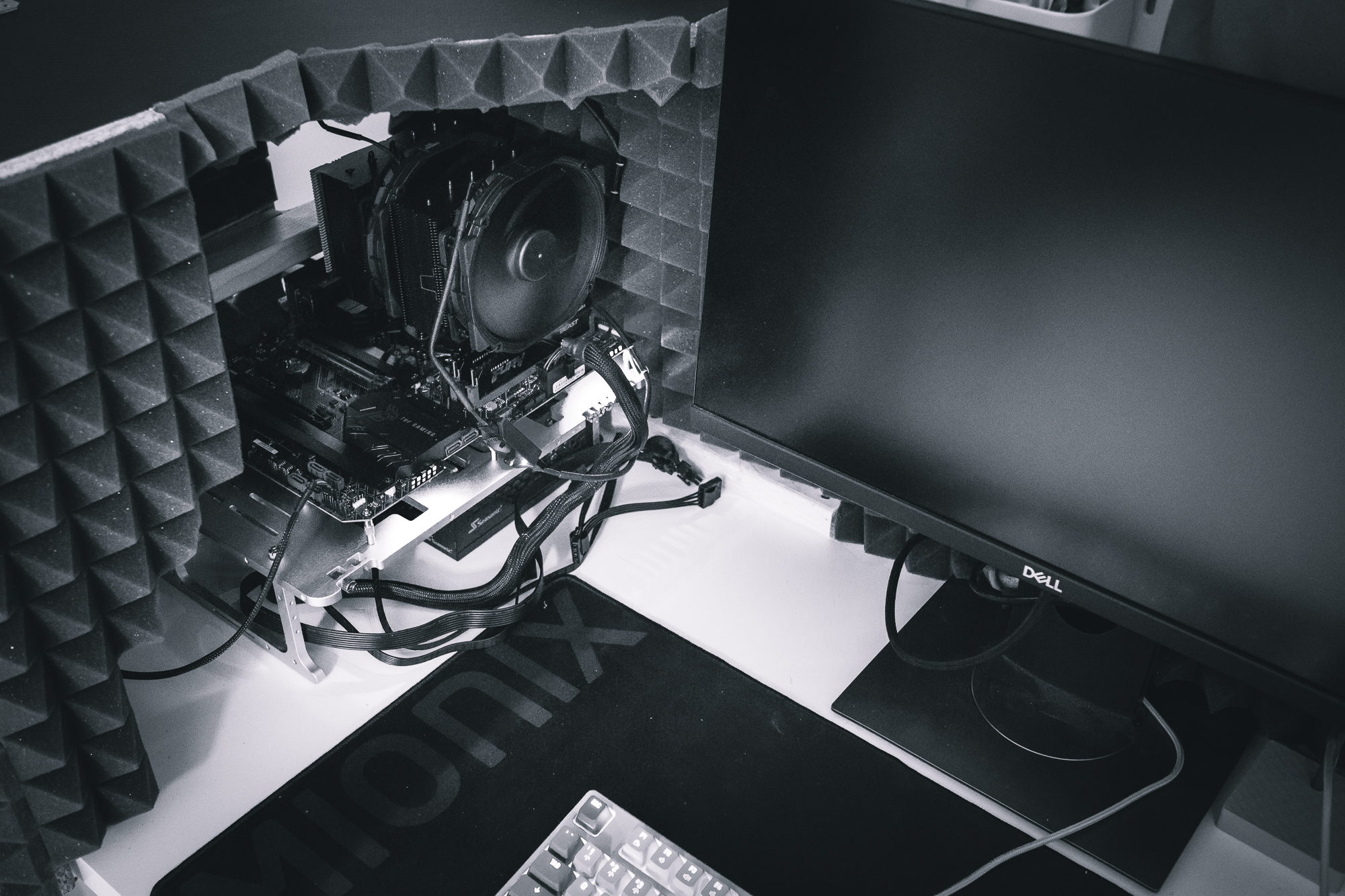
As a test processor and heat generator I use the Intel Core i7-11700K on the Asus TUF Gaming Z590-Plus WIFI motherboard. I always use the thermal paste that comes in the package because it is also part of the equation for the efficiency of the cooler. So each cooler is tested as supplied by the manufacturer. The entire build is mounted on a Streacom BC1 frame with no fans to provide airflow. Acoustic shielding (acoustic foam on OSB boards) is installed around the test rig to eliminate ambient noise. The Voltcraft SL-100 calibrated noise meter is placed perpendicular to the cooler in a fixed position relative to the motherboard at a distance of approximately 35 cm from the processor socket.
Stress tests are performed using Prime95 with a duration of 30–35 minutes. Coolers are tested at four standardized noise levels (39, 42, 45 and 48 dBA) and at maximum speed. I did not measure the data for the 45 and 48 dBA noise levels initially, they were only incorporated into the methodology later. Because of this, results for these noise levels are only available for some (usually newer) coolers. The tests are run in two sets corresponding to the thermal output of the processor.
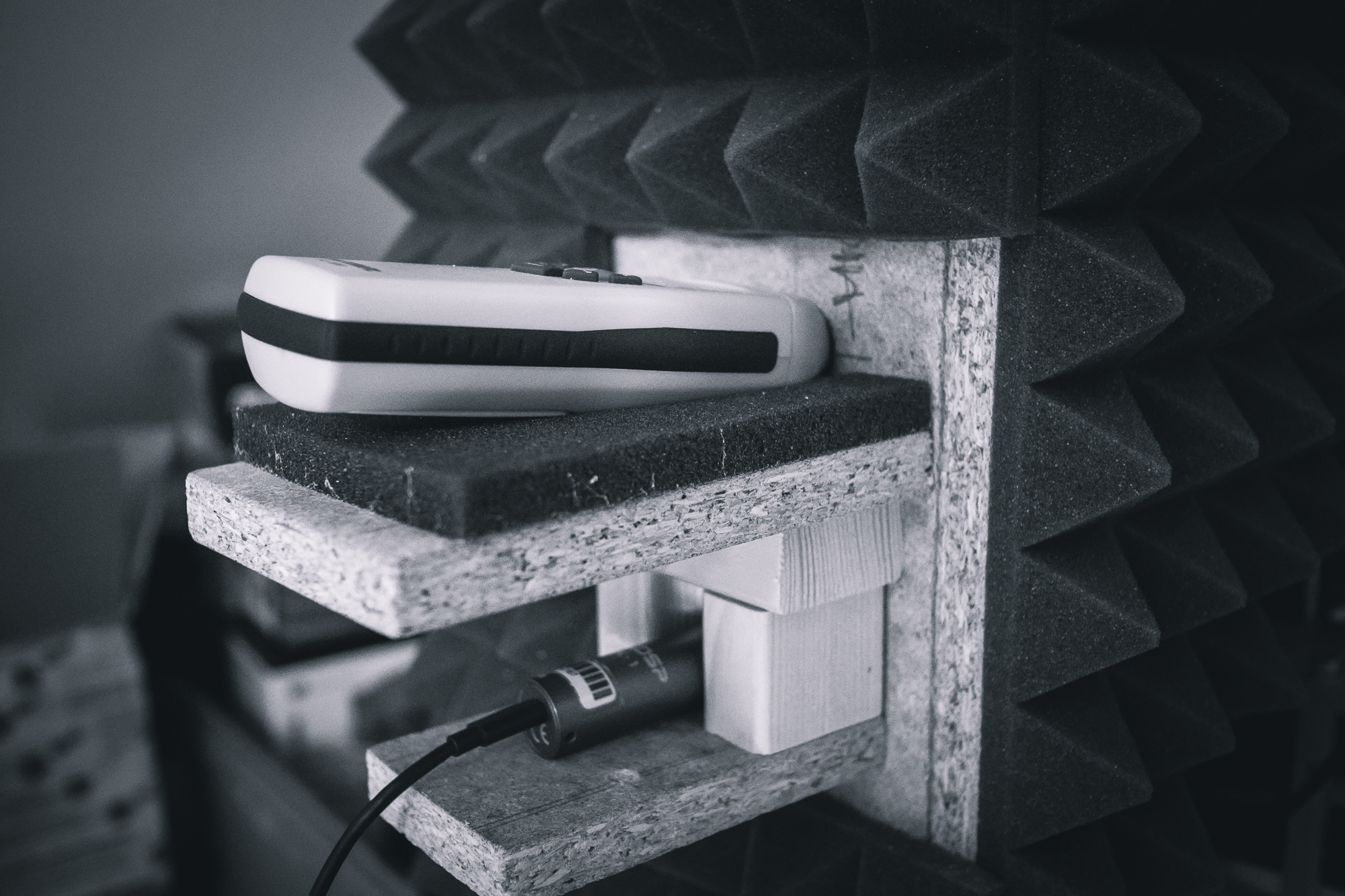
The first set of tests is at 125 W, the forced PL1 limit of the processor. The second set is then at a power draw of about 210 W (4500 MHz at 1.285 V). However, this level represents a very high heat concentration given the overall small die area. Thus, not all coolers can be expected to pass this set of tests at all noise levels.

The highest temperature reached is always recorded after the test. All data regarding temperatures and thermal output of the processor are obtained from HWiNFO64. The measured values are then adjusted against the temperature in the room as the resulting Delta T. The test success limit is set to 75 °C. Any higher value means a risk of processor temperature above 95–100 °C and a risk of thermal throttling. Therefore, if the cooler does not pass the load with a Delta T value below 75 °C, such a test is marked as a failure.