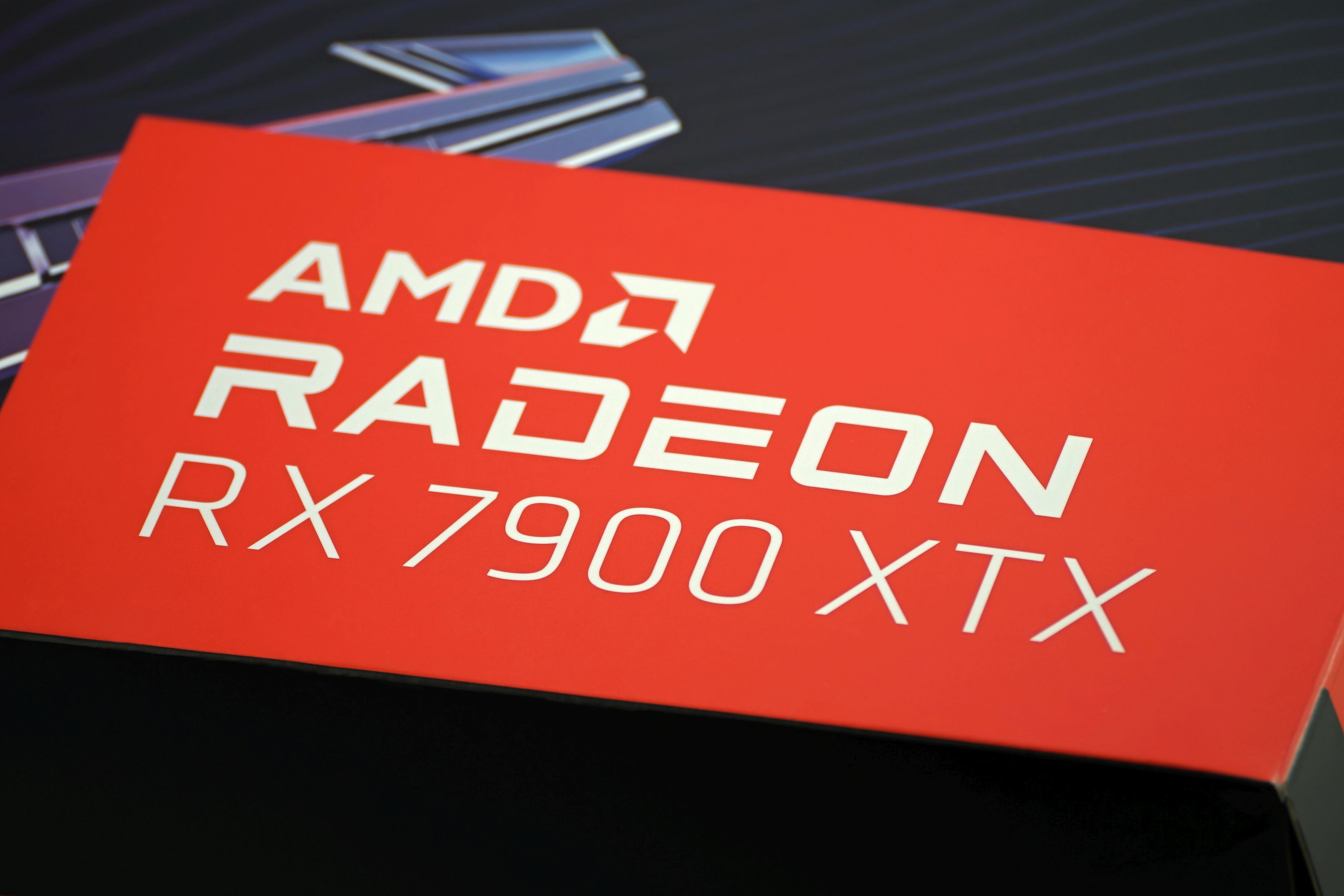
The most powerful Radeon (RX 7900 XTX) is both slower and less efficient compared to the GeForce RTX 4090, but it’s also roughly 700 EUR cheaper. And that’s what gives it an unprecedented price/performance ratio for a high-end graphics card. The latter is more attractive even than the lower-end RX 7900 XT, and that’s also the case with Gigabyte’s top-of-the-range Aorus Elite, which, oddly enough, only comes at a minimal premium.
The Radeon RX 7900 XTX is built on the full version of the Navi 31 GPU with six MCD chipsets and represents the pinnacle of the current generation of RDNA 3 gaming graphics cards. The memory size (24 GB) and bus width (384 bits) are the same as the GeForce RTX 4090, but the bandwidth is slightly lower on the RX 7900 XTX. This is because it doesn’t use GDDR6X memory (like the RTX 4090), but “only” GDDR6. Price-wise, RX 7900 XT graphics cards compete more with GeForce RTX 4080, which they beat in some ways, in others they lose. We’ll break everything down in detail so that you have a clear idea of what is a more acceptable choice for you in what situation.
Gigabyte Aorus RX 7900 XTX Elite 24G in detail
This is the most feature-packed of the three RX 7900 XTX variants Gigabyte has on offer. This is coupled with the highest GPU clock speeds (officially up to 2680 MHz) and the largest dimensions. There are certainly slimmer RX 7900 XTXs on the market.
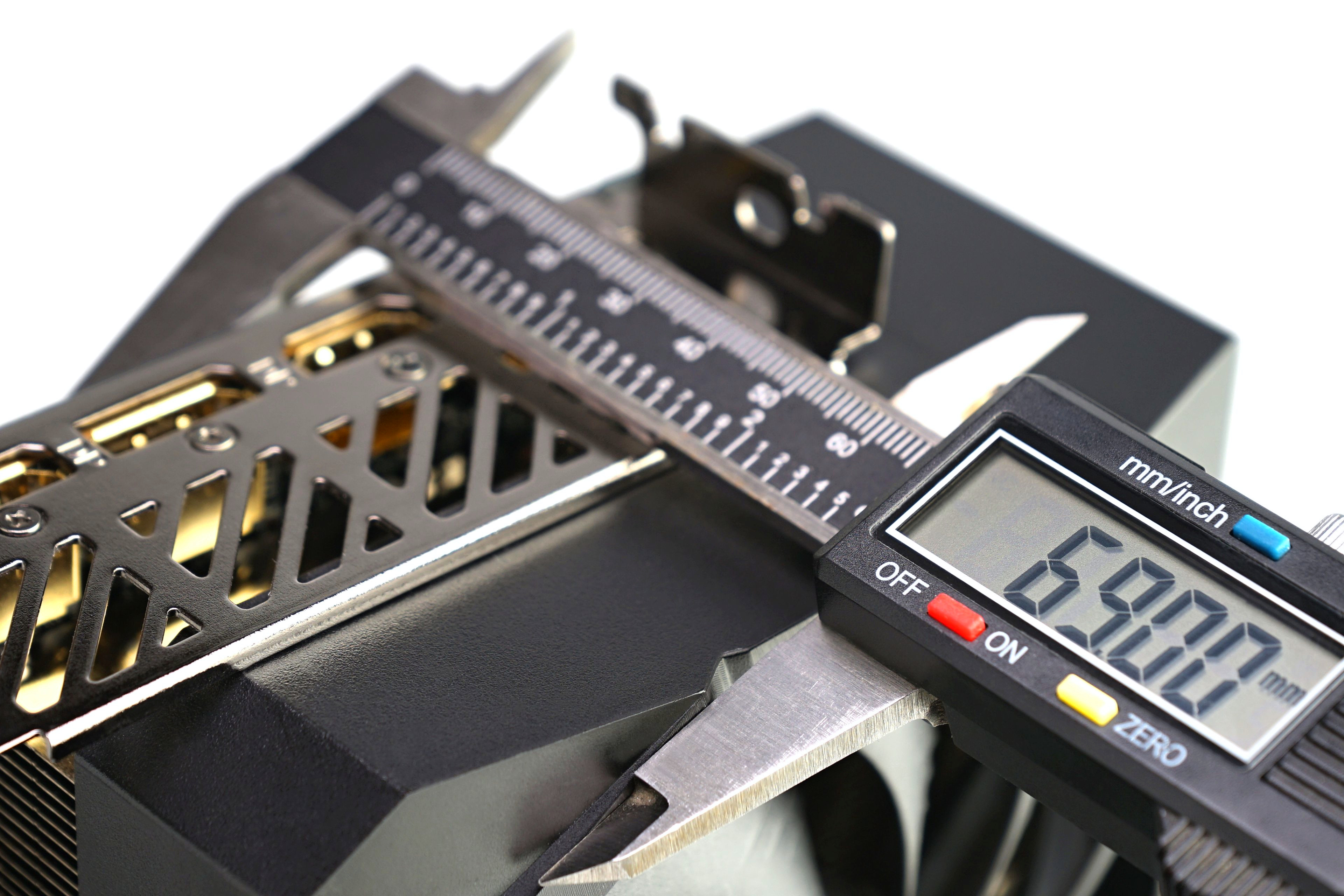
Larger dimensions, on the other hand, mean a very robust cooler. Three fans are common, but with 69 mm of thickness the Aorus Elite 24G design already stands out. Still, Gigabyte was making virtually 4-slot graphics cards before they became the unwritten standard for the RTX 4090. Think of the Aorus RTX 3080 Xtreme 10G, for example. Gigabyte also adapts the layout of its motherboards to such thick graphics cards, where under the first PCI Express slot there are M.2 slots for installing SSDs, and the second PCIe slot is at a sufficient distance to allow it to be used even next to the largest graphics cards.
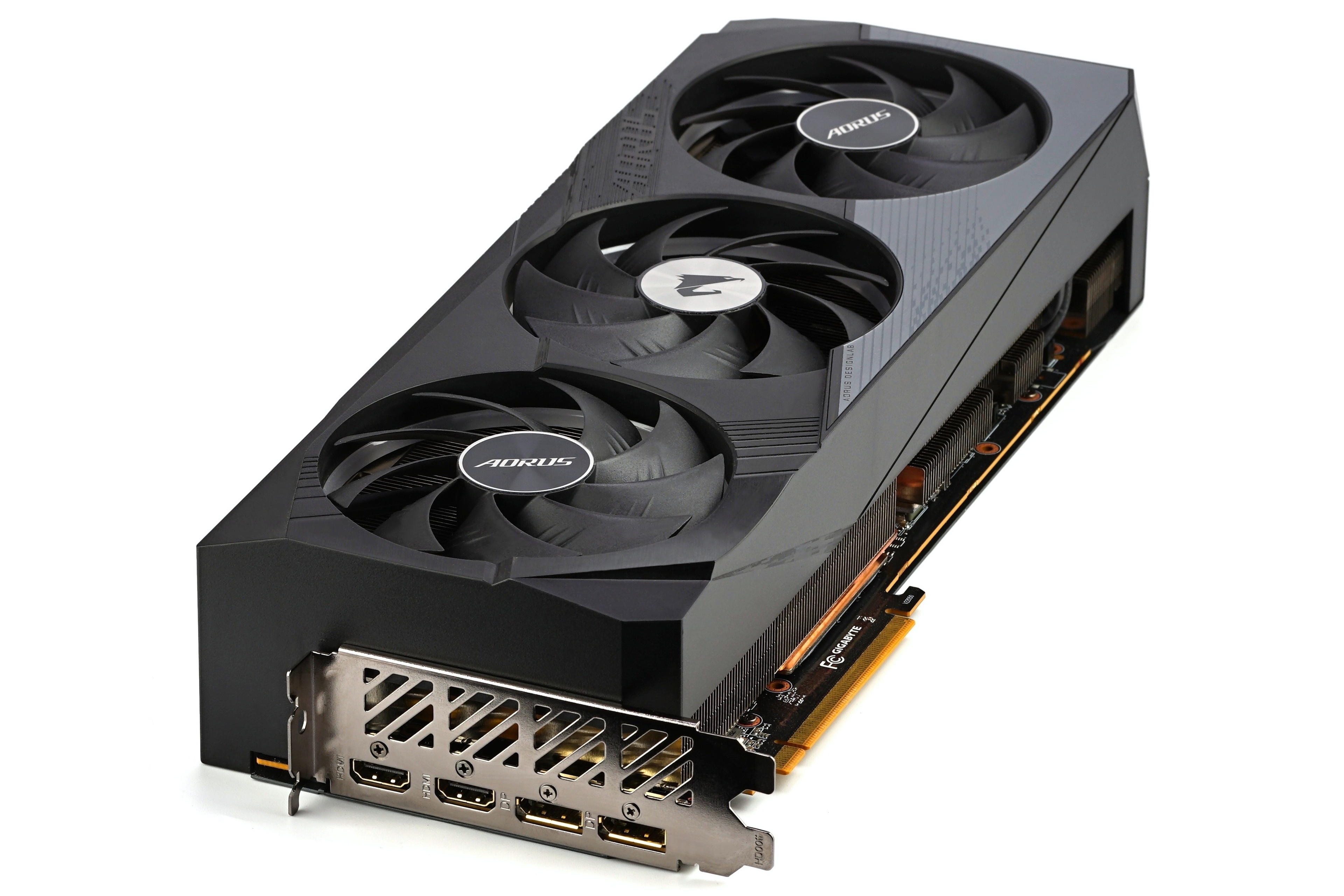
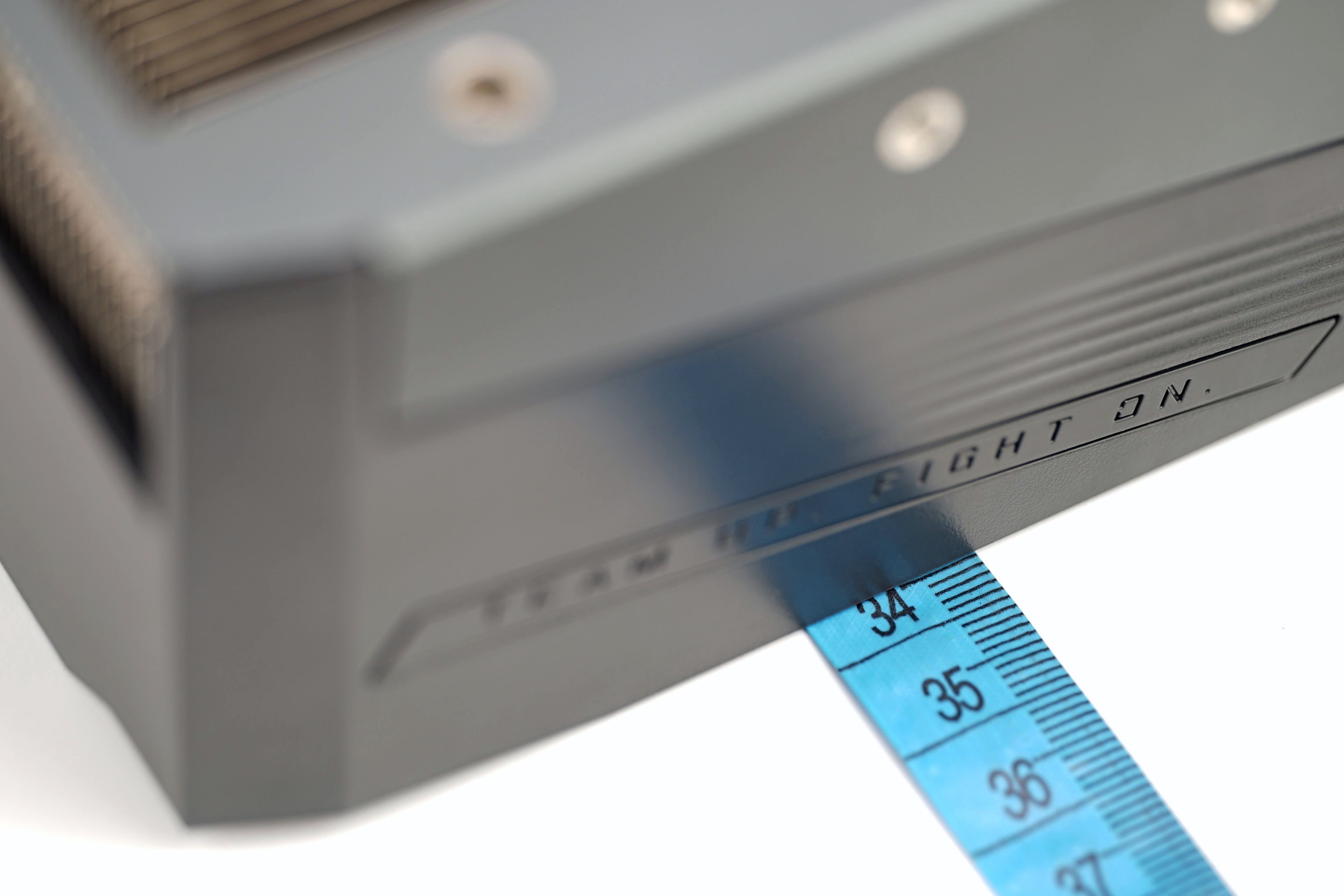
This Radeon also stretches up to RTX 4090 in terms of length. At 335mm, it’s already a good idea to make sure the graphics card will be compatible with your case. This may even be doubly true in some cases due to the extra width of 137 mm. The cooler extends up to 30 mm beyond the PCIe slot’s latch.
Gigabyte makes good use of the larger width by using larger fans in the 100mm format, among other things. The blades traditionally have more curved leading edges, but still maintain above-average stiffness. But despite the greater width and thickness, this design could do with stiffening the tips of the blades with the often-used circular frame, which suppresses vibration. In fact, sound spectrograms show more pronounced peaks at lower frequencies (around 210 Hz), which means that the fan acoustic response is on the rumblier side. Not downright boomy, which would sting your ears, but there’s definitely room for improvement in that regard. However, Gigabyte avoided the rim, probably also because of the possible clash with the ARGB LED lighting around the rotor, which would have been overshadowed by this element.

The weight of the graphics card (1911g) is close to two kilos and it’s a really hefty piece of hardware. A backplate is used to stiffen the structure, while also protecting the PCB. This is quite long on Radeons, leaving only a relatively small area in the back for the “cooling window”.
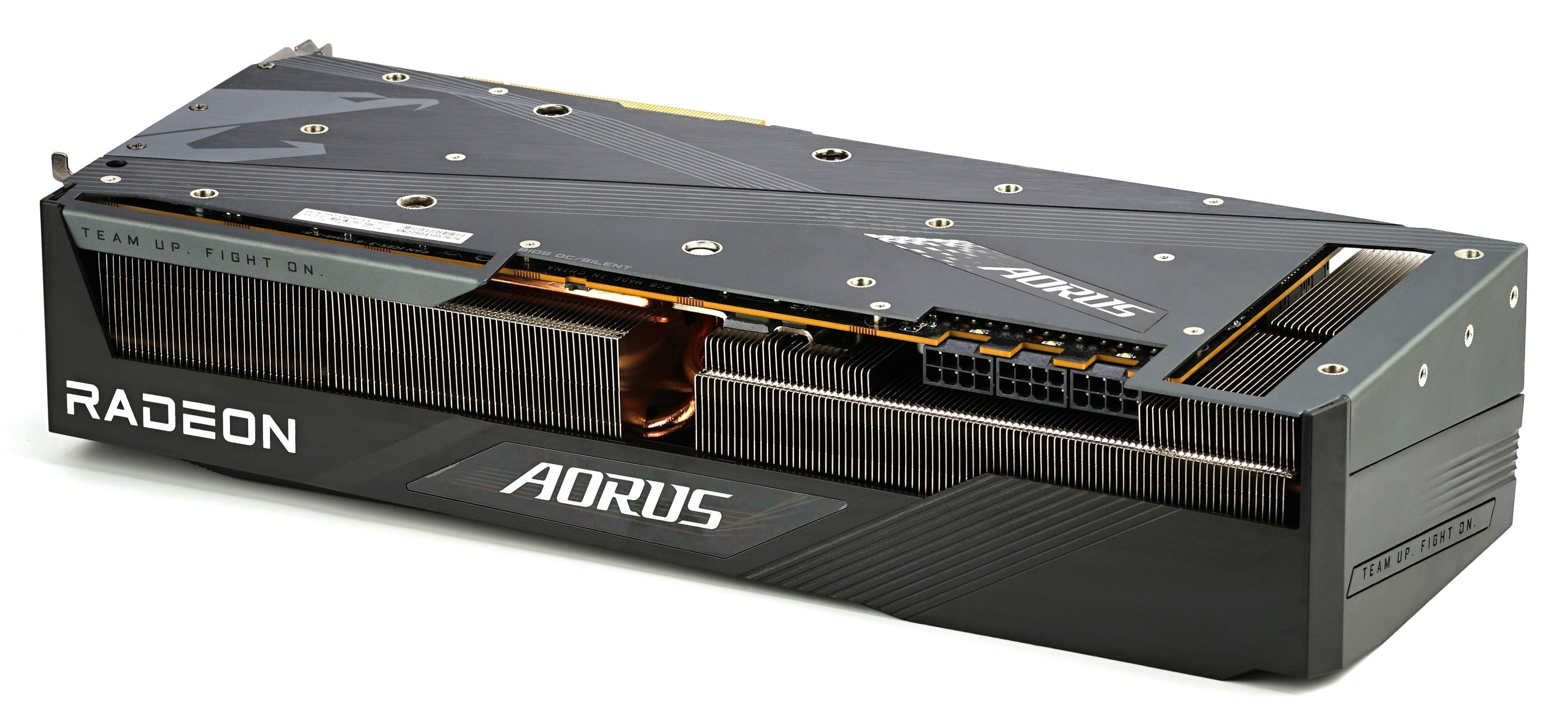
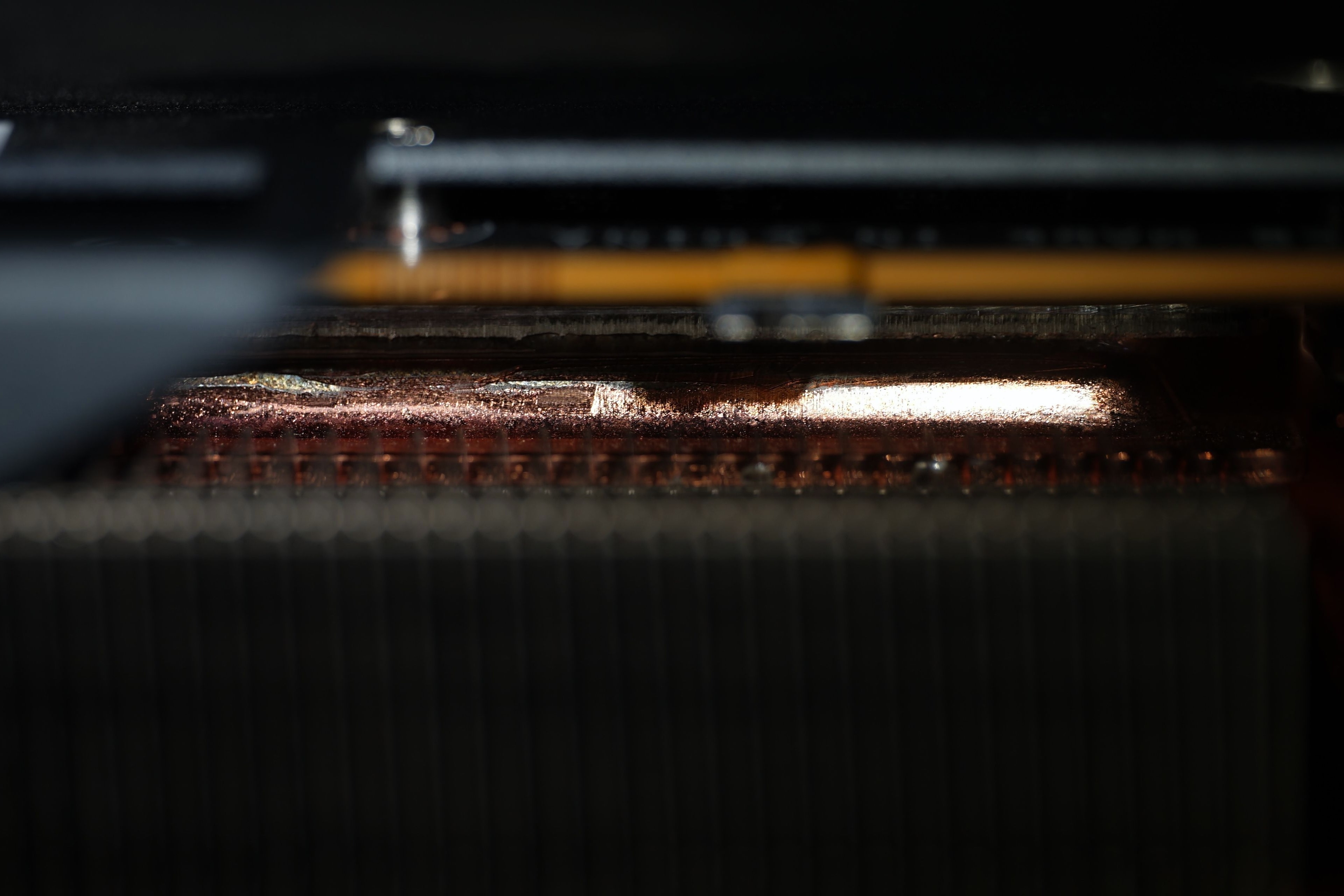
The cooler is characterized by the use of a vapor chamber, which, unlike full blocks, contains condensate that provides a more even distribution of heat through the base. This should then result in more efficient cooling. We’ll cover this issue (and how the Vapor Chamber behaves and that it may not always be all rosy) later in a thematic test.
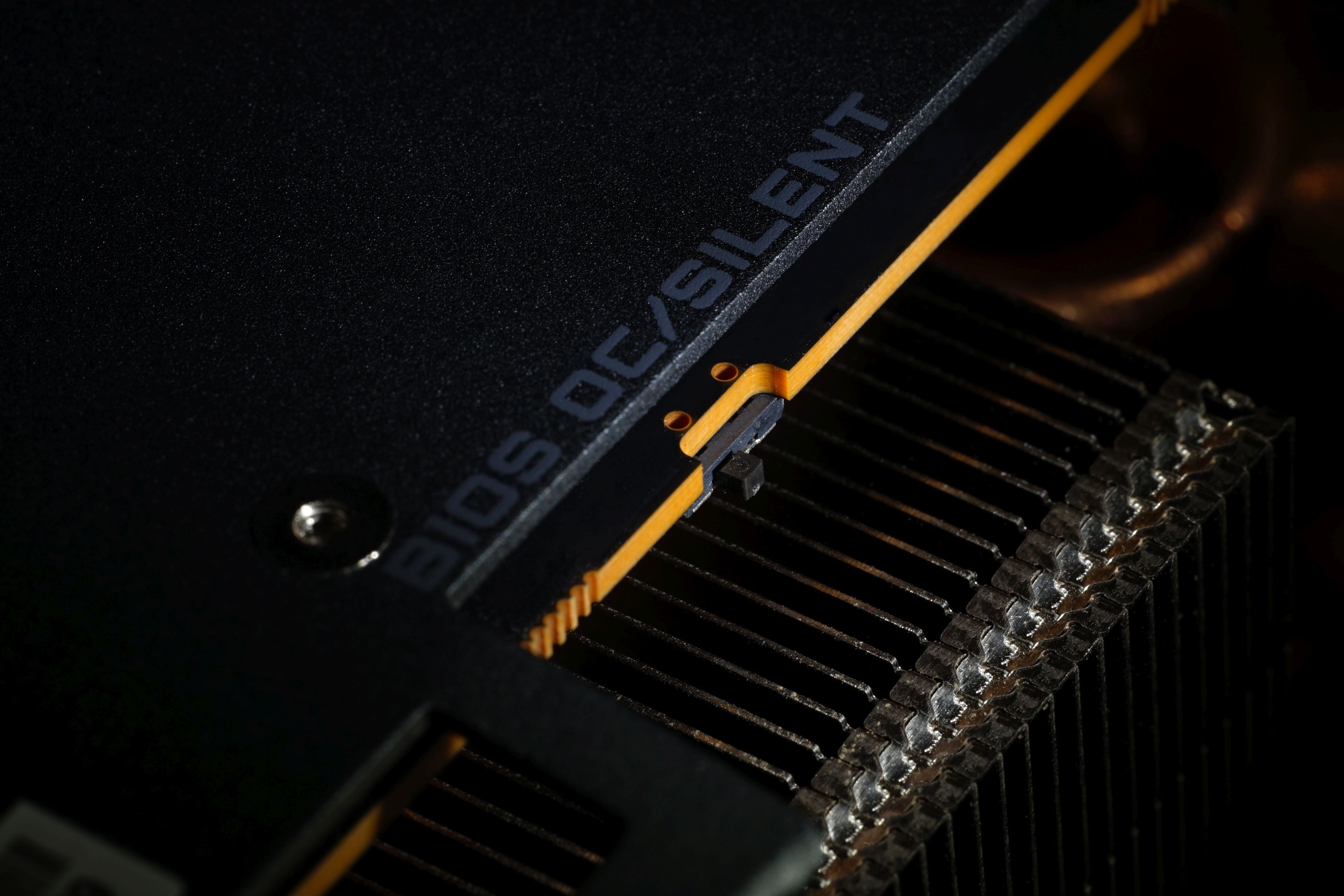
On the side, in an easily accessible location, a two-position BIOS switch is located on the card. In both cases (“OC” and “Silent”) the GPU clock speeds are set to the same (2679 MHz in boost) and the difference is in the fan control. These are about 400 rpm slower in Silent mode under high sustained load (with about 1600 rpm), and the measured noise compared to our results (with OC profile) in the charts is 4–5 dBA lower depending on the load, with the GPU temperatures rising by about 4 °C. These are also linked to slightly lower achieved (GPU) clock speeds, but this is in the order of single MHz units, so the main thing you will notice by changing the BIOS from the default (OC) to Silent will be mainly lower noise.
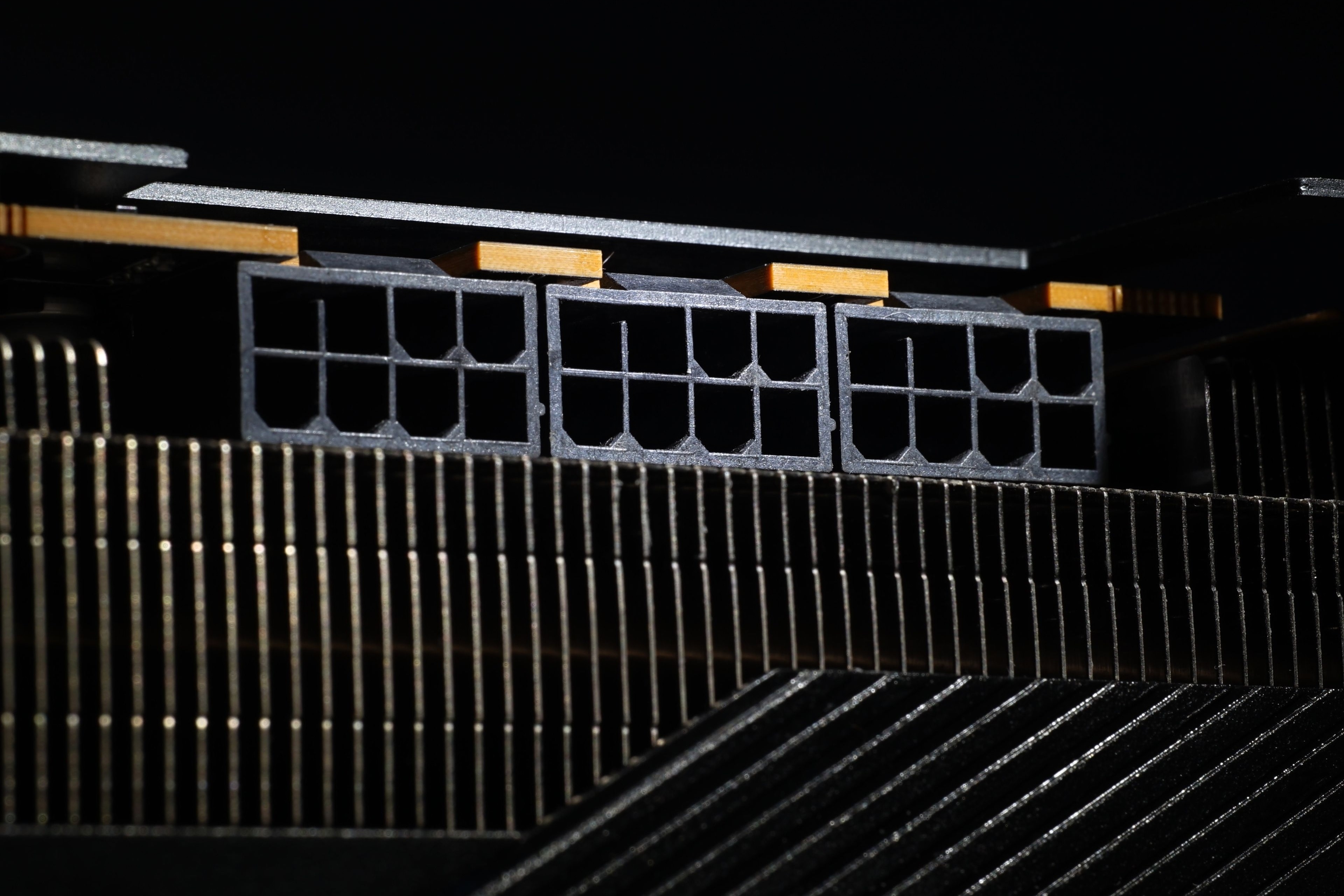
The external power supply is provided by three 6+2-pins, which are recessed deeper into the body, behind the cover. This means that the attached connector does not increase the space requirements too much, just by the thickness of the dangling cable bundle.
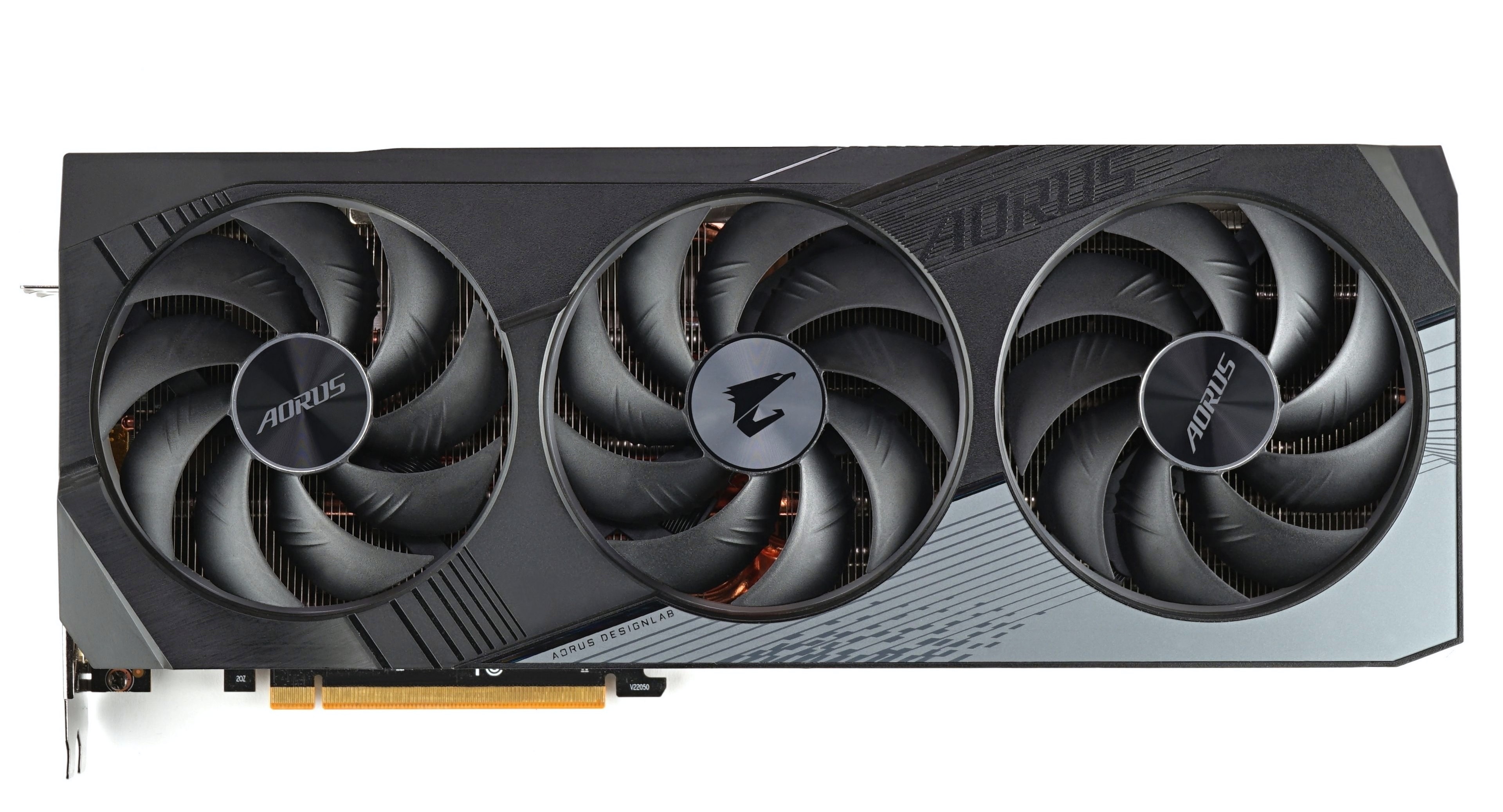
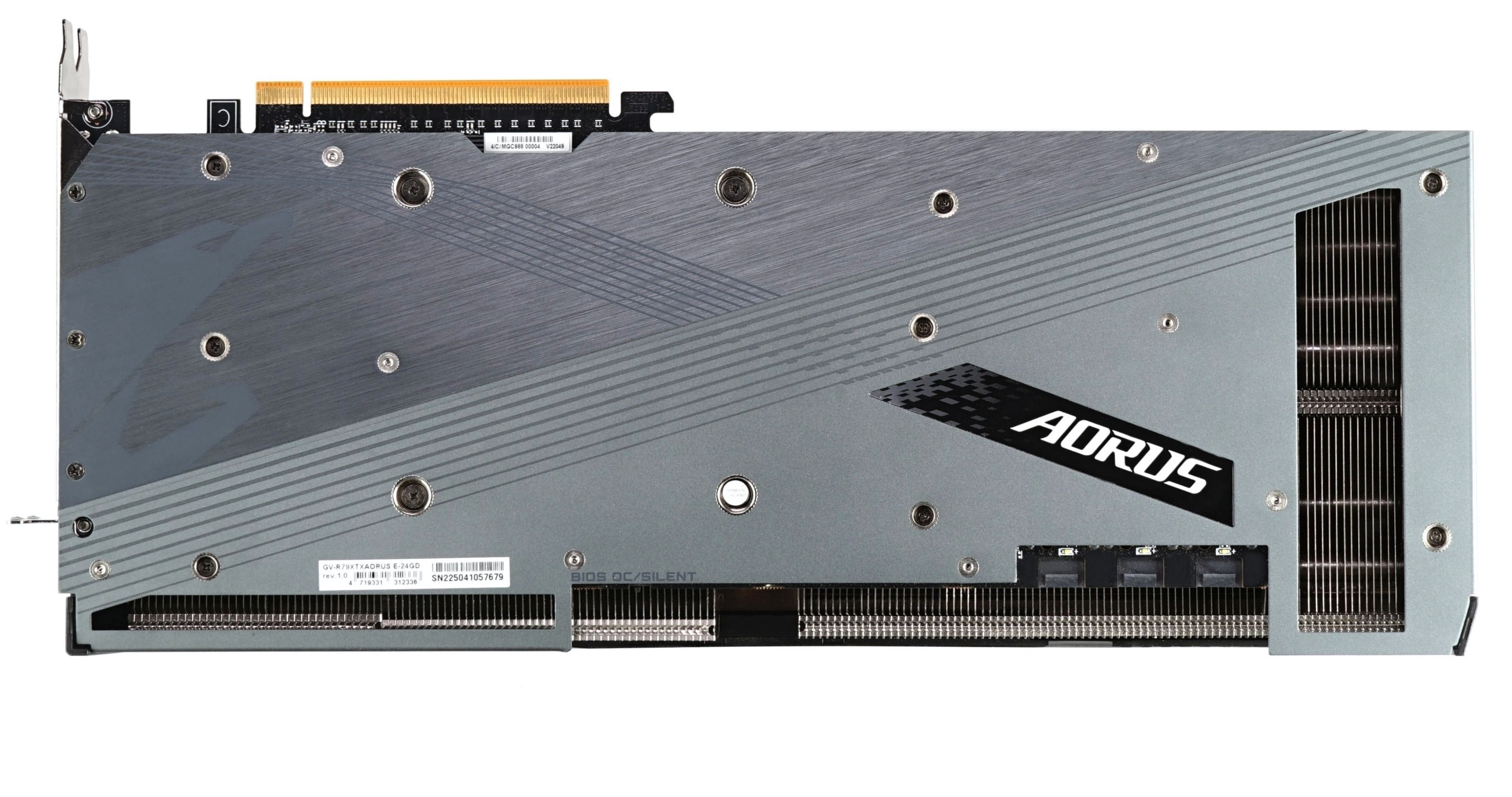
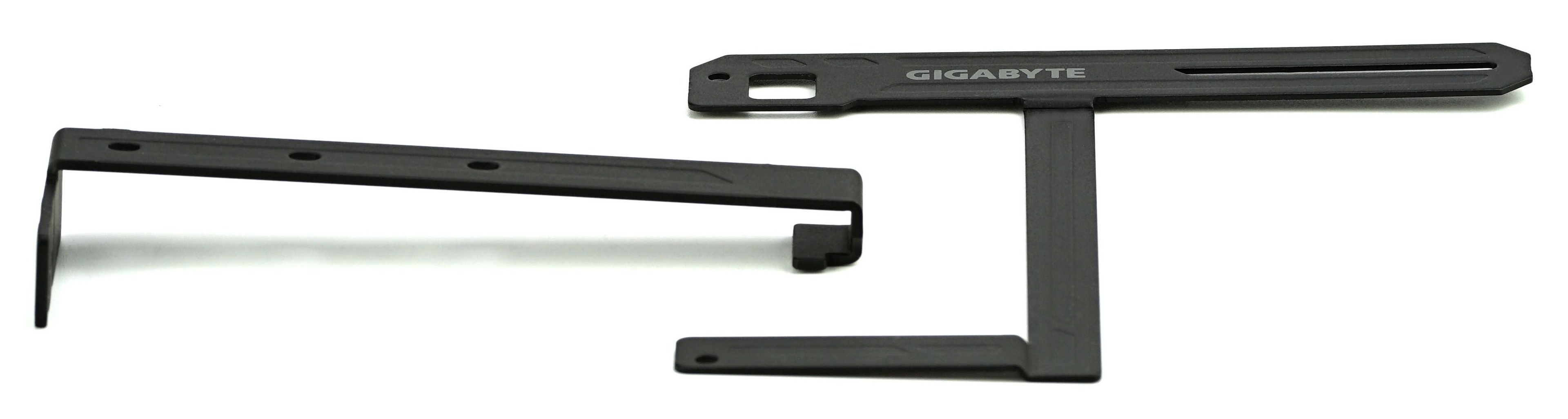
Due to the fact that it is a heavy card, as we have already written, the accessories include a bracket that lightens the load on the PCIe slot while keeping the card level across its entire length, which can also be considered as an aesthetic feature.
The nice visuals of the RX 7900 XTX Elite 24G are played up by the two backlit Aorus logos (side and back, on the backplate) and the fans. The light around them is mainly visible when the graphics card is mounted vertically, but from certain angles it shines through the fins of the cooler even horizontally. Colours, effects and brightness can be adjusted from RGB Fusion (2.0), which can also be installed in the Gigabyte Control Center.
Note: The article continues in the following chapters.